Fall Guys
## Fall Guys: Game Introduction ### Genre **Battle Royale Party Game** with elements of platforming, obstacle courses, and light-hearted competition. ### Developer & Publisher - **Developer:** Mediatonic (a subsidiary of Epic Games) - **Publisher:** Epic Games (as of 2022; previously Devolver Digi...
Download & Installation
Fall Guys: Download & Installation Guide
This guide covers everything you need to know to download and install Fall Guys on all supported platforms: PC (via Steam or Epic Games Store), PlayStation 4/5, Xbox One/Series X|S, and Nintendo Switch. Mobile versions do not exist.
1. Official & Legitimate Download Sources
- PC (Windows) – Epic Games Store (current primary storefront): [Epic Games Store](https://store.epicgames.com/en-US/p/fall-guys)
- PC (Windows) – Steam (purchased before June 2022 still work, no longer sold new): [Steam](https://store.steampowered.com/app/1097150/Fall_Guys/)
- PlayStation 4/5: PlayStation Store (search "Fall Guys")
- Xbox One/Series X|S: Microsoft Store (search "Fall Guys")
- Nintendo Switch: Nintendo eShop (search "Fall Guys")
- OS: Windows 10 64-bit
- Processor: Intel Core i3-6300 / AMD FX-4350
- Memory: 8 GB RAM
- Graphics: NVIDIA GeForce GTX 660 / AMD Radeon HD 7850 (2GB VRAM)
- DirectX: Version 11
- Network: Broadband internet connection
- Storage: 8 GB available space (HDD)
- OS: Windows 10 64-bit or newer
- Processor: Intel Core i5-6600K / AMD Ryzen 5 1600
- Memory: 16 GB RAM
- Graphics: NVIDIA GeForce GTX 1060 / AMD Radeon RX 580 (6GB VRAM)
- DirectX: Version 11
- Network: Broadband internet connection
- Storage: 8 GB available space (SSD)
> ⚠️ Always download from official stores. Avoid third-party key resellers or torrents – they may contain malware or revoked keys.
2. System Requirements (PC)
#### Minimum Requirements (for playable performance at 720p/30fps)
#### Recommended Requirements (for 1080p/60fps)
>
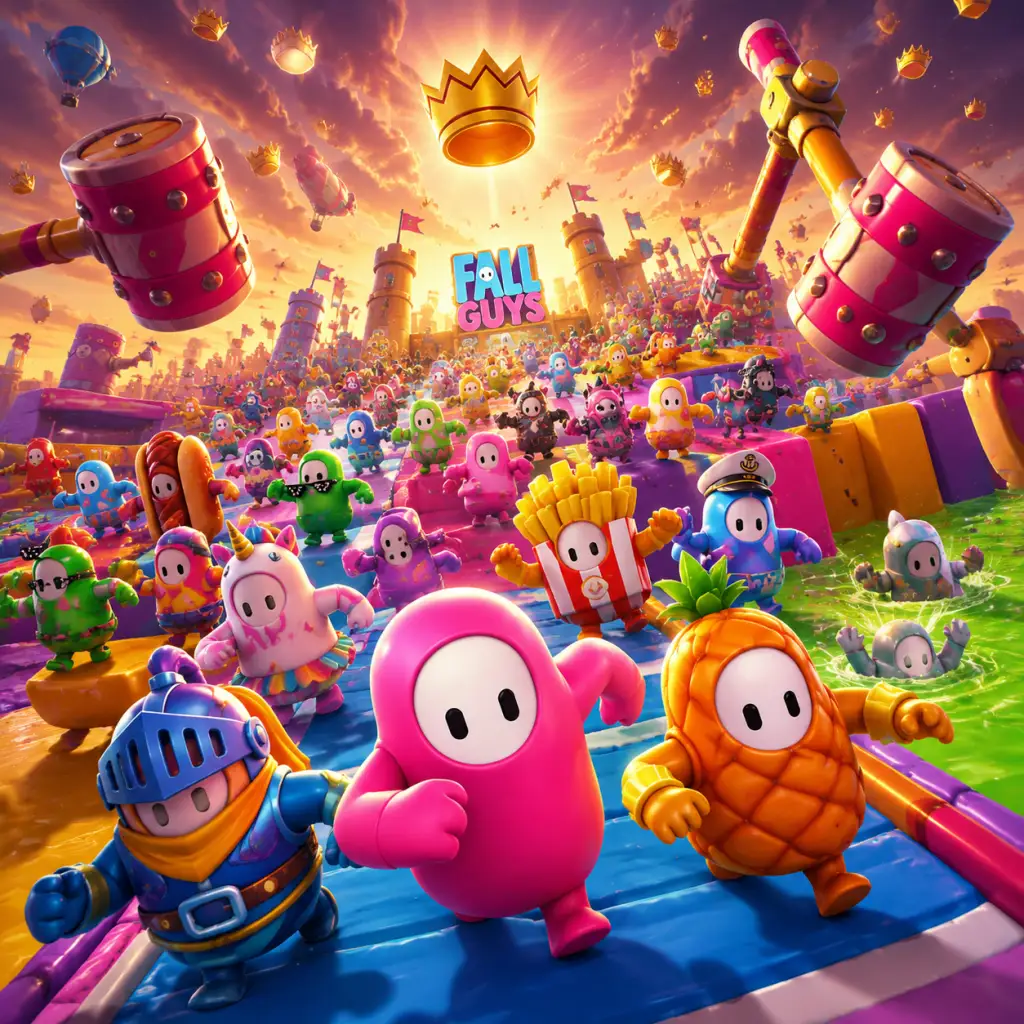
Game Introduction
Fall Guys: Game Introduction
Genre
Battle Royale Party Game with elements of platforming, obstacle courses, and light-hearted competition.
Developer & Publisher
- Developer: Mediatonic (a subsidiary of Epic Games)
- Publisher: Epic Games (as of 2022; previously Devolver Digital)
Release Timeline & Platforms
Fall Guys launched on August 4, 2020, initially for PC (Steam) and PlayStation 4. It quickly became a cultural phenomenon. Key milestones:
| Date | Event |
|---|---|
| Aug 2020 | Initial release on PC (Steam) & PS4 |
| Nov 2020 | Season 2: Medieval theme |
| Jun 2022 | Game goes free-to-play; leaves Steam, arrives on Epic Games Store, Xbox One, **Xbox Series X\\ |
| Ongoing | Regular seasonal updates with new rounds, cosmetics, and collaborations |
- PC: Epic Games Store (mandatory)
- PlayStation 4 & PlayStation 5
- Xbox One, Xbox Series X|S
- Nintendo Switch
- Chaos & Fun: Every round is a hilarious scramble with physics-based movement and unpredictable moments.
- Accessibility: Simple controls (move, jump, dive, grab) make it easy for anyone to jump in.
- Competitive but Lighthearted: No complex strategies or deep skill curves—just pure, joyful competition.
- Seasonal Variety: Regular content updates keep the game fresh with new rounds, themes, and cosmetics.
- Social Experience: Great for groups, with emote spamming, squad modes, and party play.
- Casual gamers of all ages (E for Everyone rating).
- Younger players looking for colorful, non-violent fun.
- Party game enthusiasts who enjoy local or online multiplayer.
- Streamers and content creators—the chaotic nature makes for great entertainment.
- Completionists seeking the “Infallible” trophy (win 5 shows in a row).
Note: The Steam version is no longer available for new downloads as of June 2022, but existing owners can still play and receive updates.
Story Overview
Fall Guys does not have a traditional narrative or story. There is no campaign, no lore, and no character arcs. The premise is simple: a group of cute, wobbling jellybean-like characters compete in absurd game shows inspired by shows like Wipeout and Takeshi’s Castle. The only “story” is the chaotic journey from start to finish, where the ultimate goal is to be the last bean standing and claim the crown.
Setting
The game takes place in a bright, colorful, whimsical arena called Fall Guys Stadium. Each round is a self-contained obstacle course or mini-game. Environments range from candy-coated slime pits to medieval castles, futuristic factories, jungle ruins, and more. The aesthetic is charmingly low-poly with pastel colors, giving a toy-like feel. The stadium itself is presented as a game show with announcers and audience applause, reinforcing the playful TV contest vibe.
Main Characters
There are no named main characters. Instead, players control customizable jellybean-like avatars (officially called Fall Guys). These can be dressed in hundreds of cosmetic costumes—from hotdogs and unicorns to licensed crossover skins like Sonic, Godzilla, Assassin’s Creed, Among Us characters, and many more. The characters are deliberately generic to let players express personality through skins.
Core Appeal
Target Audience
Game Modes
#### Main Modes (always available)
| Mode | Description |
|---|---|
| Solo Show | Classic 60-player battle royale, last one standing wins a crown. |
| Squads Show | Teams of 2–4 players compete; points are totaled across the squad. |
| Duos Show | Similar to Squads but for 2-player teams. |
- Jump Showdown – A single elimination round variant.
- Sweet Thieves – Asymmetrical tag game (like hide-and-seek).
- Fall Ball Cup – Soccer-like team minigame tournaments.
- Celebration Shows – Themed events (e.g., Halloween spooky rounds, holiday specials).
- Creative Mode (introduced in July 2023) – Allows players to design and publish their own rounds using a building tool; community-made rounds appear in custom shows and occasionally in official playlists.
- Online: Required for all gameplay. Connection via Epic Games account (mandatory for PC, cross-play enabled across all platforms). You can play alone or with friends via party invites.
- Offline: None. There is no single-player or offline mode. You must have an internet connection to play.
- Local Multiplayer: Not supported natively (only online parties). However, on Nintendo Switch, multiple players can use separate consoles online.
- Battle Pass – Each season offers a premium track (costs Show-Bucks) with exclusive cosmetics.
- Show-Bucks – The premium currency, earned via Battle Pass or purchased with real money, used to buy skins, emotes, etc.
- Crowns – Earned by winning shows; used for special Crown Rank cosmetics.
- Cosmetic Shop – Rotating items, many from collaborations (e.g., Fortnite, Disney, anime).
Online & Offline Support
DLC / Expansion Overview
Fall Guys embraced the free-to-play model starting June 2022. There are no paid expansions or DLC packs. Monetization is through:
There is also the Fall Guys Collector’s Edition released in 2020 (physical/digital) which included bonus costumes but no gameplay changes.
What Makes Fall Guys Unique?
1. Physics-Driven Platforming: Unlike traditional battle royale games, movement is intentionally clumsy and unpredictable, creating slapstick comedy.
2. No Violence: No guns, no elimination—players are “expelled” by falling into slime or failing obstacles, keeping the game family-friendly.
3. Massive Cross-Play: Seamless cross-play across all current-gen and last-gen consoles plus PC, with full cosmetic syncing via Epic account.
4. Creative Mode: Players can design their own obstacle courses and share them, extending replayability infinitely.
5. Cultural Impact: Fall Guys became a viral sensation on release, inspiring memes, merch, and collaborations with major franchises.
In summary, Fall Guys is a joyful, chaotic party battle royale where cute beans tumble through ridiculous obstacle courses. It’s free, accessible, and constantly evolving—perfect for quick laughs or a serious climb to crown glory.
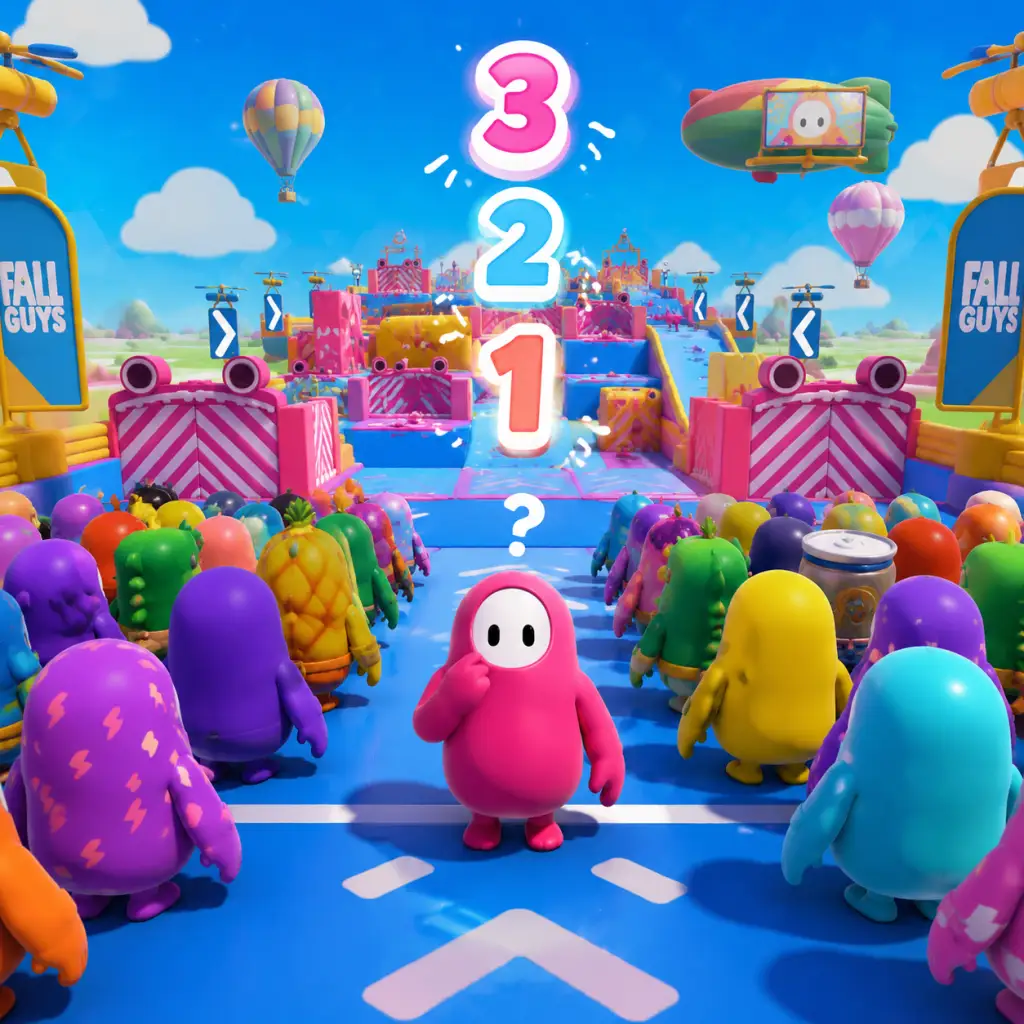
Getting Started
Getting Started
First Hour Walkthrough
Welcome to Fall Guys! Your first hour is all about learning the chaotic obstacle courses and having fun. Here’s what to expect:
1. Launch and Login: After downloading (see [Download & Installation]), start the game. You’ll be prompted to link an Epic Games account (free) – do it so you can save progress across platforms. Skip the tutorial pop-up if you want to jump straight in, but you can revisit the Tutorial from the main menu later.
2. Main Menu Tour: You’ll see:
- Play – queue for shows (game modes).
- Show Selector – choose solo, duos, squads, or special events.
- Customize – change your bean’s look.
- Battle Pass (Fame Pass) – earn rewards by playing.
- Shop – spend Kudos and Show-Bucks.
3. First Show: Select Solo Show. You’ll enter a lobby with 60 players. Wait for the countdown, then compete in a series of rounds (survival, race, team, or final). Don’t worry about winning – just finish rounds to earn Fame (XP) and Kudos (free currency).
4. Post-Match: After elimination, return to lobby. Spend Kudos in the Shop for a simple pattern or colour. Queue again. By the end of the hour you’ll have a handful of cosmetic items and understand basic physics.
Character Creation
Fall Guys has no deep character creation. You control a jelly-bean-like character. Customization is purely cosmetic and includes:
- Colours – body colour (e.g., standard yellow, unlocked colours).
- Patterns – stripes, dots, etc.
- Upper/Lower Costumes – full outfits or hats/shoes.
- Faceplates – eyes, mouth expressions.
- Celebrations – victory animations.
All cosmetics are unlocked via the Fame Pass, Shop, events, or in-game rewards. You start with a default look. Customize anytime from the Customize menu.
Controls on All Platforms
Default controls. Customization available in settings.
| Action | PC (K+M) | PlayStation | Xbox | Nintendo Switch |
|---|---|---|---|---|
| Move | WASD | Left Stick | Left Stick | Left Stick |
| Jump | Space | X (PlayStation) | A (Xbox) | B |
| Dive (slam/dash) | Left Ctrl | Circle (O) | B | A |
| Grab | E | R1 | RB | R |
| Look around | Mouse cursor | Right Stick (camera rotate) | Right Stick | Right Stick |
| Pause/Menu | Escape | Options | Menu | + |
| Emote | 1/2/3/4 (quick) | D-Pad Up/Down/Left/Right | D-Pad | D-Pad |
- Dive (Ctrl on PC) is crucial for speed and dodging obstacles. Tap it while running to slide, or press in air to dive forward.
- Grab is used to hold onto ledges (press grab while jumping at a wall), carry objects in team games, or grab opponents (but grabbing randomly often causes you to fall).
- On PC, you can rebind controls in Settings > Controls.
- Top-left: Round name and time remaining (if any).
- Top-right: Player count (e.g., 27/60 remaining).
- Bottom-left: Your bean’s status (no health bar – just elimination if you fall out of bounds).
- Bottom-center: Emote wheel (if you press the button).
- Mini-map: None – rely on visual cues.
- Post-round: Qualifiers shown at bottom (e.g., “Qualified!” or “Eliminated”).
- Fame Level (top-centre) shows progression through the Battle Pass.
- Kudos and Show-Bucks displayed at top-right.
- Daily/Weekly Challenges – accessible from main menu, offer bonus Fame.
- Go to Settings > Audio/Video and adjust settings for performance (e.g., disable motion blur, set graphics to Low on potato PCs).
- Check Controls to confirm your preferred layout.
- Play the Tutorial if you want to practice jumping, diving, grabbing without pressure.
- Complete Daily Challenges – they give extra Fame and are usually easy (e.g., “Qualify from a race round”, “Play 3 shows”).
- Grabbing other players in races – it usually slows you down and makes you fall. Save grabs for survival rounds (e.g., grab onto a ledge) or team games.
- Diving off ledges – diving during a jump can overshoot platforms. Use dive only when you need extra distance or to slide under obstacles.
- Ignoring the timer – in survival rounds, some obstacles become faster. Stay alert.
- Spending Show-Bucks (premium currency) early – they are rare. Use only for special limited-time cosmetics.
- Rage quitting – you still get some Fame for being eliminated, and quitting forfeits that.
- Kudos (free yellow coins): Use exclusively for Shop items that are cheap and you like. Save at least 1,000 Kudos for when a rare pattern or emote appears in the daily rotation.
- Fame (XP): Automatically earned and levelled up. Claim all rewards as you level the Free Fame Pass (no need to buy premium unless you want extra).
- Show-Bucks (blue premium currency): Earned only via paid passes or very rare events. Hoard them until you see a costume bundle you absolutely want.
- Crowns (shiny currency): Rewarded for wins and special events. Used to buy Crown-exclusive cosmetics. Don’t worry about winning for now; crowns come naturally as you improve.
- [ ] Download and install Fall Guys (see [Download & Installation]).
- [ ] Link Epic Games account if prompted.
- [ ] Adjust graphics and controls settings to your liking.
- [ ] Play the Tutorial once (optional but recommended).
- [ ] Complete 3 Solo Shows (even if eliminated early).
- [ ] Earn enough Fame to unlock the first Free Fame Pass reward.
- [ ] Spend your first 100 Kudos on a colour or pattern from the Shop.
- [ ] Customize your bean with your new item.
- [ ] Finish one Daily Challenge (check the challenge tab).
- [ ] Try one Duos Show to experience team play.
- [ ] Save any Show-Bucks earned; do not spend them yet.
UI Overview
During a round, the HUD shows:
In menus:
Essential Early Objectives
1. Complete your first round – just stay alive until the end of a survival/race round. Don’t quit early.
2. Earn 100 Fame – you’ll level up the Free Fame Pass quickly. Unlock a basic cosmetic.
3. Finish a full show – reach at least round 2 or 3. You’ll get a chunk of Kudos.
4. Customize your bean – change colour or pattern in the Customize menu.
5. Play a Team Round – these appear occasionally; focus on the objective (e.g., ball pushing, hoop scoring).
6. Try a different show – after 3-5 games, queue for Duos or Squads to learn team play.
What to Do First and What to Avoid
Do First:
Avoid:
Early Resource Priorities
Common Beginner Mistakes
1. Running straight into obstacles – stop, observe, then move. E.g., on the spinning beams, wait for the gap.
2. Not jumping before the finish line – some platforms end with a jump; time it right.
3. Spamming grab – grabbing in mid-air cancels momentum and can cause you to miss ledges.
4. Ignoring camera angle – you can’t see behind you. Use right stick (controller) or mouse to look around.
5. Not using dive effectively – practice diving to slides on sloped surfaces to gain speed.
6. Teamwork failure – in team rounds, don’t wander off; stick with teammates.
7. Forgetting to celebrate – after qualifying, you can emote. Not a mistake but adds fun!
Day-One Checklist
That’s it! You’ve survived your first day in Fall Guys. The key is to have fun, learn from each fall, and soon you’ll be grabbing victory crowns.
Core Gameplay
Core Gameplay Guide for Fall Guys
Fall Guys is a chaotic multiplayer party game where 60 players compete in rounds of obstacle courses and mini-games until one winner remains. This guide breaks down the core gameplay loop, systems, and progression across four player tiers: Early Game, Mid Game, Late Game, and Endgame.
Main Gameplay Loop
- Queue into a show (Solo, Squads, Duos, or special limited-time modes)
- Compete in rounds – each round eliminates a portion of players until a final round determines the winner.
- Earn rewards – experience (Fame), Kudos, Crowns, and Show Bucks based on performance.
- Unlock cosmetics – costumes, patterns, colours, faceplates, and emotes.
- Repeat to climb the Fame Pass, complete challenges, and improve your Crown Rank.
- Grabbing – Press the grab button to hold onto other beans, obstacles, or items. Used to push rivals into hazards, pull them back, or help teammates.
- Diving – A forward lunge that can clear gaps, dodge obstacles, or knock over opponents.
- Jumping – Basic platforming, can be combined with diving for extra distance.
- Crown Shards – In certain shows, you can snatch crowns from others or steal them during final rounds.
- Item interactions – In special rounds (e.g., Pegwin Pursuit), you can grab and carry objects, and other players can steal them by grabbing you.
- Fame Pass – A seasonal battle pass with 100+ tiers. Earn Fame points from finishing shows and completing challenges to unlock rewards.
- Crown Rank – A permanent long‑term progression track. Earn Crowns (first place in Solo/Duos/Squads) or Crown Shards to increase your rank and unlock exclusive cosmetics.
- Kudos – Free currency earned from playing, challenges, and duplicate rewards. Used to buy common items in the regular shop.
- Show Bucks – Premium currency from the Fame Pass or real‑money purchase. Used for premium Fame Pass, featured items, and bundles.
- Daily: "Qualify from 3 rounds" – reward 100 Kudos.
- Weekly: "Win 1 Show" – reward 500 Kudos and 500 Fame.
- Marathon Challenges – Season‑long tasks like "Reach 500 cumulative eliminations" for a special costume.
- Fame Pass Challenges – specific to each tier (e.g., "Score 3 goals in Fall Ball").
- Kudos – Soft currency. Earned at a steady rate per show completion (especially with higher placement). Used for common items and recolours.
- Crowns – Hard currency. Earned by winning a show (1 Crown for Solo/Duos/Squads). Also from Crown Shards (collect 10 shards = 1 Crown). Crowns unlock Crown Rank rewards and some premium items.
- Show Bucks – Premium currency. Bought with real money or earned via the free track of the Fame Pass (usually 100–300 per season). Used for the premium Fame Pass and exclusive cosmetics.
- Unlocking new costumes, patterns, colours, and emotes via the Fame Pass, Crown Rank, shop, or events.
- Equipping items to create a unique look. No gameplay effect.
- Crown Rank 50+ – The ultimate flex cosmetics (e.g., Golden Wolf, Golden Dragon).
- Infinite Fame – After Fame Pass completion, excess Fame converts to Kudos.
- Hardcore Shows – Limited-time modes with increased difficulty (e.g., Xtreme Shows where one mistake eliminates you).
- Competitive Squads – Playing with a coordinated team to win Showdown Tournaments (special weekend events).
- Custom Lobbies – Hosting private games with friends using custom rules.
- Goal: Learn basic controls and common rounds.
- What you do: Queue into Solo Show. Focus on jumping, diving, grabbing. Expect early elimination (most players qualify, but you’ll likely be eliminated round 1–2).
- Progression: Earn small amounts of Kudos and Fame. Complete easy daily challenges. Unlock the first 10–15 tiers of the Fame Pass. Crown Rank begins at 1. You’ll get free cosmetics from the Fame Pass and daily shop.
- Economy: You have maybe 500 Kudos. Avoid spending Show Bucks yet. You’ll receive a few free Crowns from completing early Crown Rank milestones.
- Example: You play your first game on Dizzy Heights. You jump onto spinning platforms, grab the wall to avoid falling, and dive across the finish line. You finish 30th, earn 50 Fame and 20 Kudos. You then complete the daily challenge “Qualify from 1 round” for 100 Kudos.
- Goal: Consistently qualify through rounds 1 and 2, reach finals occasionally.
- What you do: You recognize 80% of rounds and know basic shortcuts (e.g., skipping sections in Gate Crash, using the slime ramp in Slime Climb). You start grabbing opponents at key moments to hinder them. You play Squads and Duos to learn team dynamics.
- Progression: Fame Pass level 20–40. Crown Rank ~5–10. You unlock a few premium cosmetics from the Fame Pass and start saving Crowns for Crown Rank items.
- Economy: You have 2000–5000 Kudos. You might buy a common pattern or colour. Show Bucks are saved or used to buy the premium Fame Pass if you’re invested.
- Example: You reach the final round in a Solo Show — Hex-A-Gone. You know to dive through layers aggressively to cut off opponents. You finish 2nd, earning 1 Crown Shard (now 7/10) and 200 Fame. You complete the weekly “Survive 10 rounds” for 500 Kudos.
- Goal: Win shows regularly (at least 10% win rate) and master advanced techniques.
- What you do: You use advanced movement like jump‑dive cancels, perfect timing for grab challenges, and route optimization. You play Duos and Squads with a consistent team. You complete marathon challenges to earn exclusive items.
- Progression: Fame Pass completed (or near completion). Crown Rank ~15–25. You likely have the premium Fame Pass and are earning Show Bucks. You have several full costumes.
- Economy: Several thousand Kudos, 20–50 Crowns, maybe 500 Show Bucks. You buy high‑end items from the daily shop (costumes that cost Crowns).
- Example: You win a Solo Show on Fall Mountain. You grab the crown perfectly at the end after bumping other beans off the ledge. You earn 1 Crown, 1000 Fame. Your Crown Rank reaches 20, unlocking the Golden Ninja pattern.
- Goal: Reach high Crown Rank, win consistently, and compete in hardcore shows.
- What you do: You play Xtreme Shows and Sweet Thieves (limited‑time). You host custom lobbies for practice. You complete every seasonal challenge. You aim for Crown Rank 50+ to get the Golden Knight or Golden Dragon.
- Progression: Fame Pass is irrelevant once completed (excess Fame = Kudos). Crown Rank is the only remaining progression. You have nearly all cosmetics you want. You may buy Show Bucks only for special collaborations.
- Economy: Thousands of Kudos and Crowns. You buy duplicate items just for Kudos conversion. Show Bucks are used sparingly.
- Example: You win 5 Solo Shows in a row, each giving 1 Crown. You unlock Crown Rank 45, getting the Golden Witch outfit. You participate in a weekend tournament and place top 10, earning a special nameplate.
Combat/Interaction Systems
Fall Guys has no direct combat. Instead, players interact through:
Progression
Progression is cosmetic-only. There is no power growth or skill tree.
Exploration
Fall Guys has no open world. Exploration means learning the layouts of over 60 different rounds (obstacle courses, survival maps, team games, finals). Knowledge of optimal routes, shortcuts, and obstacle timings is crucial. Players can practice in the Custom Show mode with friends or alone to memorize level geometry.
Quests/Missions
Daily and weekly challenges provide bonus Fame and Kudos. Examples:
Economy
Character/Build Growth
There is no stat growth. Your character's appearance is purely cosmetic. Growth comes from:
Endgame Structure
Endgame is reached after you have a high Crown Rank (e.g., Golden Knight or higher) and have completed the Fame Pass. Focus shifts to:
Progression Tiers
Early Game (Hours 0–5)
Mid Game (Hours 5–20)
Late Game (Hours 20–50)
Endgame (Hours 50+)
Game Tips
Game Tips for Fall Guys
This guide provides a comprehensive collection of tips to improve your performance in Fall Guys, from beginner basics to advanced strategies. Tips are grouped into logical categories that match the game’s mechanics.
---
Beginner Tips
These tips will help you survive your first few episodes and avoid common pitfalls.
1. Master the basic controls first. Spend a few rounds just learning how to jump, dive, and grab. Your default controls (on PC: W, A, S, D for movement, Space to jump, Ctrl to dive, Shift to grab) are key. Practice diving across gaps and grabbing ledges.
2. Avoid the crowd in the first 5 seconds. At the start of a round, everyone rushes forward. Hang back slightly to avoid being bumped into obstacles or falling off. Let the chaos settle, then find a safe path.
3. Always hold forward while running. In Fall Guys, your bean automatically runs forward on slanted surfaces. On conveyor belts or rotating platforms, pressing forward helps maintain grip and speed.
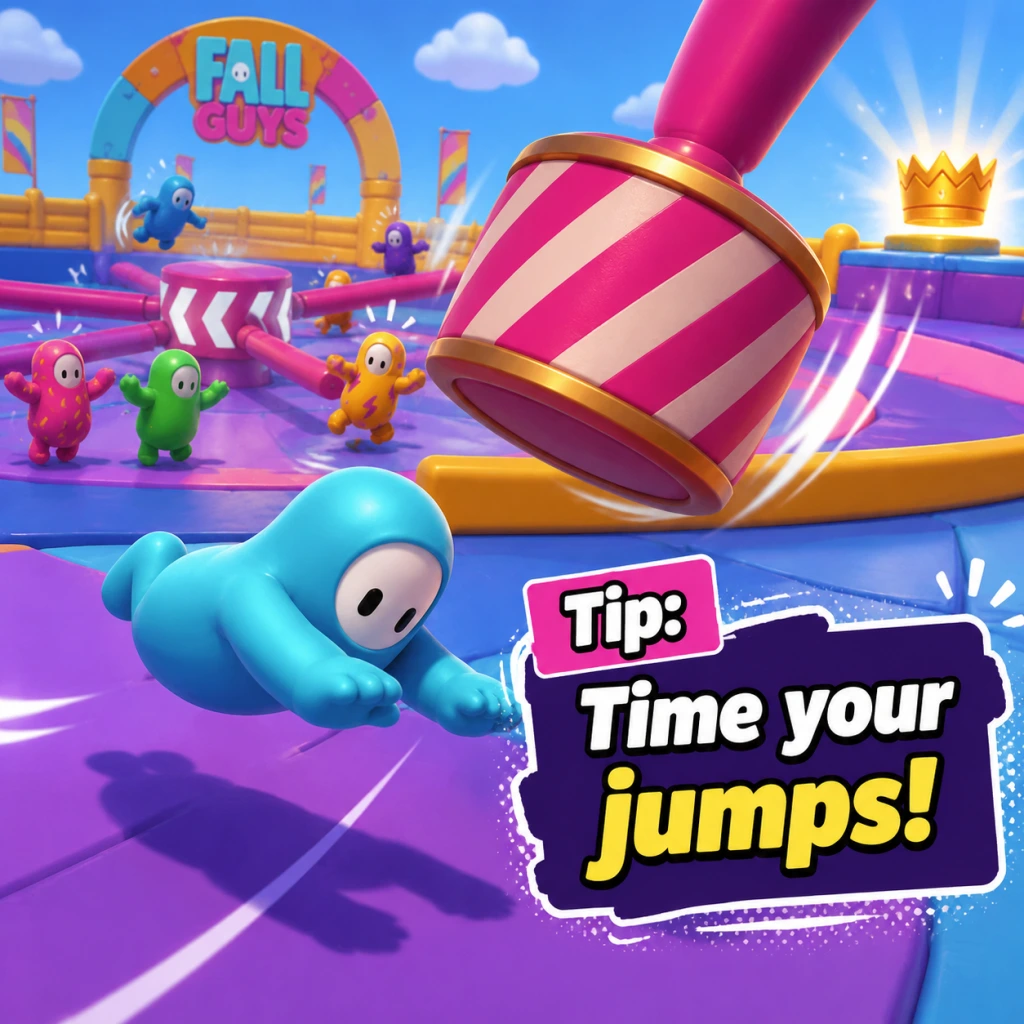
4. Learn the timing of swinging objects. Many obstacles (hammers, pendulums, rotating arms) have a predictable rhythm. Watch for a moment to pass safely. For example, on "Door Dash," wait for the first doors to spawn before rushing.
5. Use the dive wisely. Diving can extend your jump distance, help you clear gaps, and quickly change direction. But diving also makes you slide on landing, which can lead to losing control. Use it only when necessary.
6. Grab strategically, not constantly. Grabbing can push other players off ledges or slow them down in survival rounds (like "Tail Tag"). However, grabbing too early can waste stamina or get you disqualified in rounds where grabbing is prohibited (e.g., "Hit Parade" sometimes). Read the round rules.
7. Stay alive is the only priority in early rounds. Don’t try to be first; just qualify. Avoid risky shortcuts that have a high chance of falling. Consistency beats speed in the early game.
8. Collect Kudos and Crowns. Play daily challenges and the season pass. Even if you lose early, you get small rewards. Save Crowns for premium outfits or the season pass’s crown track.
9. Adjust your camera. If you feel disoriented, hold the camera button (default: middle mouse button or right stick) to pan around. This is crucial in rounds like "Big Shots" to see approaching balls.
10. Watch your surroundings. Fall Guys is 60-player chaos; you can get killed by other players’ mistakes. Always check for incoming beans when jumping over gaps.
---
Movement & Controls (Intermediate)
1. Strafing and dodging. Use A/D (left/right) while jumping to change direction mid-air. This helps avoid obstacles like rotating beams or other players’ grabs.
2. Dive jump technique. Jump, then immediately dive forward to cover more horizontal distance. Use this to cross wide gaps in rounds like "Slime Climb" or "The Slimescraper."
3. Wall jumping (advanced). If you dive into a wall at an angle, you can bounce off and sometimes reach higher ledges. Practice on walls with small ledges, such as in "Fruit Chute."
4. Momentum preservation. On downward slopes, tapping jump lightly can keep your speed. On upward slopes, dive to maintain forward progress.
5. Grabbing to stop sliding. When you land on an icy surface (e.g., "Freezy Peak"), immediately grab the ground to prevent slipping off. Release grab when you want to move.
6. Controlled descent on slides. On long slides (like "Slime Climb"), you can tilt forward or backward to adjust slide speed. Tilt forward to go faster, backward to slow down slightly.
7. Precious use of the big jump. Some rounds have a "big jump" mechanic from trampolines or launchers. Time your dive after being launched to reach specific platforms. In "Stompin' Ground," use the launch pads to avoid the big feet.
8. Jump on moving platforms. When a platform is moving left/right, jump slightly early so you land on it as it comes under you. For rotating platforms (e.g., "See-Saw"), jump onto the end that is rising.
9. Diving to avoid grabs. If another player is about to grab you, dive away at the last second. You are immune to grabs during a dive (but not during landing recovery).
10. Turning in mid-air. After diving, you can still wiggle left/right slightly. Use this to correct landing position on narrow beams.
---
Map Knowledge & Round Strategies (Exploration equivalent)
Each round has unique optimal routes. Below are tips for common round types.
#### Race Rounds
- Door Dash: Stay to the sides to avoid the central crush. Doors that are slightly ajar with a crack are fake; fully closed or visibly moving doors are real. Try to flank quickly past the first two rows.
- Hit Parade: Stay on the green conveyor belts. When the big ball comes, jump over it. At the end, dive over the final gap to reach the finish faster.
- Fruit Chute: Grab the edges of the chute to avoid being swept by fruit. Move to the middle after the first fruit wave; the final stretch has a hidden shortcut: dive off the left side onto a lower ledge that leads directly to the goal.
- Slime Climb: Always jump over the yellow rotating beams. On the last vertical section, use the left wall to bounce up faster (wall jump). Avoid the central column where slime rises.
- Treasure Trove: Open chests from behind or the sides to avoid being hit by the lid. Prioritize gold chests (3 keys) for maximum score.
- Stompin' Ground: Constantly move around the outer ring, not the center. Watch the shadow of the big feet. Dive out of the way if a foot is about to stomp you.
- Block Party: Stand near the back to see obstacles coming. Jump over low beams, dive under high beams. If you get pushed to the edge, grab the front of a block to cling on.
- Roll Off: Stay on the outer edge of the cylinder; the central area is chaotic. Adjust your position opposite the arrow direction (if cylinder rotates clockwise, move right to stay on top). Dive onto ledges if you fall.
- Thin Ice: Don’t break ice immediately; let others break it. When ice cracks, jump to a neighboring tile. If you are about to fall, grab the edge of the nearest solid tile.
- Egg Scramble: One player defends your nest while others steal. Do not all go for the same nest. Use speed to grab eggs from opponents’ nests and dive back to yours.
- Fall Ball: Play as a defender if your team is ahead; otherwise, push the ball aggressively. Score by hitting the ball with a dive or jump to alter its trajectory.
- Hoopsie Daisy: Don’t jump for every hoop; wait for a low one. Grabbing another player can help you reach a high hoop (if you’re short) but also risks fallback.
- Tail Tag: Always keep an eye on your tail. Use quick turns and dives to evade. When chasing, predict the target’s path and cut them off rather than following directly.
- Fall Mountain: At the start, climb the first hill using the left side – it’s less crowded. Grab the crown from the side, not directly below, to avoid falling. Use dive catches.
- Royal Fumble: Stay near the center to avoid being cornered. If you have the tail, run in unpredictable patterns; if chasing, coordinate with other players (briefly) or wait for the carrier to make a mistake.
- Hex-a-Gone: Stay on multi-tile hexagons to maximize space. When a tile disappears, jump to the nearest tile that has more area. Cut off others by breaking tiles in their path.
- Jump Showdown: Prioritize survival over grabbing. On the last few platforms, stay calm and jump over the rotating arms. Grabbing can knock you both off. Use the corner of the platform to avoid being pushed.
- Stay calm. Fall Guys is random and chaotic; even the best players lose often. Focus on having fun and improving one round at a time.
- Watch replays of your losses. Identify where you made a decision that led to elimination. Was it a risky shortcut? Did you misjudge a gap?
- Play with friends in parties. Communication helps in team rounds, and it’s more enjoyable.
- Update your game regularly to get new maps and fixes. Epic Games Store automatically updates; Steam does too if enabled.
#### Survival Rounds
#### Team Rounds
#### Final Rounds
---
Economy & Customization (Crowns, Kudos, Cosmetics)
1. Spend Kudos on Dailies and Season Pass items. Kudos are easier to earn than Crowns. Use them to buy the season pass (if you want) or for common cosmetics. Save Crowns for limited-time items.
2. Crowns are mostly for rare outfits and emotes. You get Crowns by winning episodes, completing crown challenges, or from the season pass. Only buy cosmetics you really want because Crowns are scarce.
3. Season Pass levels give free items. Even if you don’t purchase the premium pass, you get some Kudos, Crowns, and outfits. Play regularly to unlock them.
4. Daily and weekly challenges reward Crowns. Complete them consistently. Focus on challenge-specific rounds (e.g., “win 3 races” means you should prioritize race rounds).
5. Participate in special events. Limited-time events (like “The Big Yeetus” or “Sonic crossover”) offer exclusive items usually for free. Check the in-game news.
6. Shard duplications. When you unlock a duplicate cosmetic from a Crown reward, you get Kudos. This is a consolation, but it means you can eventually get all items.
7. Time-limited shop items rotate every few days. If you see something you want, buy it immediately; it may not return for months.
8. Use the “Pattern” and “Colour” items to customize your bean cheaply. You can mix and match for free with base colors and common patterns.
---
Advanced Optimizations
1. Snapping and ledge grabbing. If you fall off a ledge, hold the grab button while facing the ledge to auto-snap your bean’s hand to the edge. This works even if you are slightly misaligned.
2. Frame-perfect jumps. In rounds like “Hex-a-Gone,” you can jump at the exact moment a tile disappears to trigger a small bounce, allowing you to reach a tile that would normally be too far.
3. Coyote time. Fall Guys gives you a few frames after you step off a platform to still jump. Use this to edge-walk quickly and jump later than expected.
4. Grabbing to slow down. If you are falling too fast, grab an object (like a beam) to reduce your fall speed and land safely.
5. Crowning technique. On Fall Mountain, approach the crown from above (jump from the final platform) and grab it mid-air. This is more reliable than climbing from below.
6. Team round coordination. In random teams, communicate with emotes. A “Thanks!” emote after a save or “Wave” before a team attack can help synchronize moves.
7. Study the minimap. Some rounds have a minimap (e.g., “Treasure Trove”) that shows chest locations. Learn to read it quickly to plan your path.
8. Exploit physics for speed. On seesaws, run toward the upward side to catch the momentum. On conveyor belts, run in the direction opposite the belt to go much faster.
9. Use dive cancels. If you dive and immediately grab, you can cancel some of the landing slide. This helps on narrow beams.
10. Predict the server lag. In survival rounds, the game has slight desync between players. If you see a bean standing still, they might actually be moving. Always assume they will lunge or grab.
---
Final General Advice
---
Note: Fall Guys is free-to-play as of mid-2022. All tips above apply to the latest version (Season 12+). Game mechanics may change, so adapt accordingly.
Game Settings
Game Settings Guide for Fall Guys
This guide covers all configurable settings in Fall Guys, including graphics, audio, controls, accessibility, language, network, and gameplay options. It provides optimal recommendations for different hardware levels and highlights settings that are easy to misconfigure.
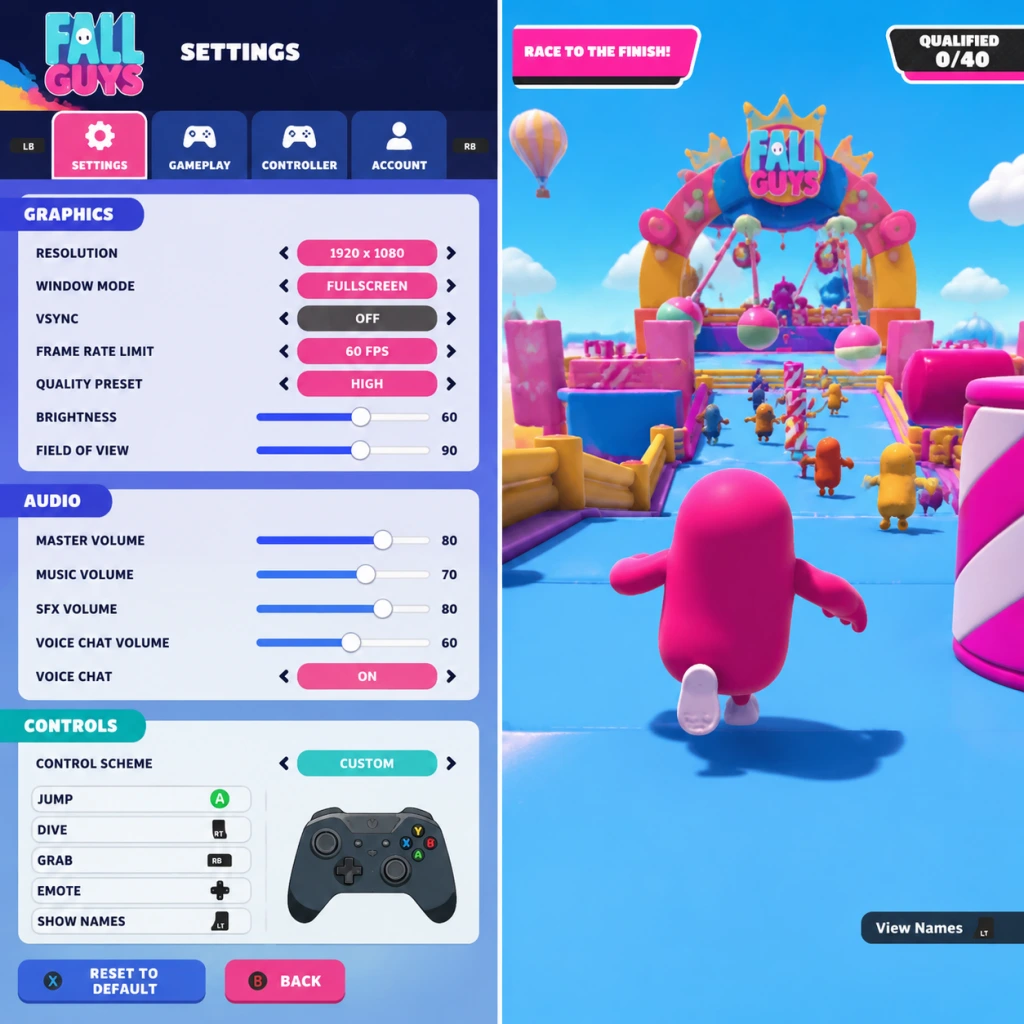
Overview of the Settings Menu
Fall Guys settings are accessible from the main menu via the gear icon (Settings). The menu is organized into tabs: Graphics, Audio, Controls, Accessibility, Language, Network, and Gameplay. Most settings change in real-time; some require a restart (e.g., resolution, fullscreen mode).
Platform-Specific Settings Locations
- PC (Steam / Epic Games Store): Full settings menu available. Graphics settings are exclusive to PC.
- PlayStation 4/5: Limited graphics options (brightness, HDR). Main settings relate to controls, audio, and accessibility.
- Xbox One / Series X|S: Similar to PlayStation – no in-game graphics tweaks beyond brightness/HDR.
- Nintendo Switch: Minimal settings: audio, controls, accessibility, language. No graphics/network options.
---
Graphics Settings (PC Only)
These settings affect visual quality and performance. Fall Guys is not graphically demanding, but optimising framerate is crucial for smooth platforming.
| Setting | Description | Low-End (60 FPS target) | Mid-Range (60-144 FPS) | High-End (144+ FPS) | Notes |
|---|---|---|---|---|---|
| Display Mode | Fullscreen, Windowed, Borderless Windowed | Fullscreen | Fullscreen or Borderless | Borderless (for alt-tabbing) | Fullscreen gives best performance. Windowed modes may add input lag. |
| Resolution | Native resolution of your monitor | 1280x720 or 1600x900 | 1920x1080 | 2560x1440 or 3840x2160 | Keep at 100% scaling. Downscaling outside 100% blurs image. |
| VSync | Synchronises frame rate with monitor refresh | Off | Off (use G-Sync/FreeSync if available) | Off | Easily misconfigured: VSync on adds noticeable input lag. Turn off for competitive play. |
| Frame Rate Limit | Caps max FPS | 60 or 90 | 144 | 144+ (unlimited) | Set to your monitor's refresh rate to avoid tearing if VSync off. |
| Quality Preset | Overall quality (Low, Medium, High, Ultra) | Low | Medium | High | Custom overrides parts. Many players forget to switch back to custom after changing presets – double-check advanced settings. |
| Texture Quality | Detail of surfaces | Low | Medium | High | Low helps VRAM; medium is fine for most. |
| Shadow Quality | Detail and distance of shadows | Off or Low | Low | Medium | Shadows have minimal gameplay impact; keep low for performance. |
| Anti-Aliasing | Smooths jagged edges | Off or FXAA | FXAA or TAA | TAA or SMAA | FXAA has low performance cost. TAA may cause slight blur. |
| Post-Processing | Bloom, motion blur, depth of field | Off | Off | Off | Off for clarity and performance. Motion blur can disorient during fast movement. |
| Effects | Particle effects, confetti density | Low | Medium | High | High settings can create visual clutter during final rounds (e.g., Fall Ball). Recommend Medium. |
- Resolution Scaling in Graphics > Advanced (e.g., 50%-150%): Keep at 100% unless you are deliberately downscaling for performance. Below 100% makes the game blurry; above 100% is supersampling (very heavy). Misconfiguring this is a common mistake.
- Performance Tip: For competitive play, set everything to Low except Texture Quality (Medium) and turn VSync OFF. This ensures maximum, stable framerate and minimal input lag.
- Master Volume: Overall game loudness. Check your system volume – don't leave this at 100% if speakers are loud.
- SFX Volume: Sound effects (jumps, obstacles, grabbing). Keep high (80-100%) to hear approaching hazards or teammate actions.
- Music Volume: Background music. Lower or mute if you prefer to focus on SFX.
- Voice Chat Volume: For PC/console voice chat. Set to comfortable level; mute if not used.
- Subtitle Language & Size: PC only for now; toggle subtitles for voice lines (e.g., commentary).
- In team rounds (e.g., Hoopsie Daisy), hearing teammate callouts is valuable. Keep voice chat volume balanced with SFX.
- Music can mask important sounds; many players set Music to 20-30%.
- Movement Sensitivity: Mouse sensitivity for camera control. Default is fine; lower sensitivity reduces overshoot.
- Invert Y-Axis: Toggle for camera pitch. Rarely needed in Fall Guys.
- Key Bindings: Remap jump (Space default), dive (Ctrl), grab (E), emote (T), etc. Misconfiguration: If you reassign jump to an awkward key, you'll miss jumps. Keep default or map to comfortable layout (e.g., jump on mouse side button).
- Controller Vibration: On/Off. Off recommended to avoid distraction and save battery.
- Stick Sensitivity: (Gear) Controls turn speed. Default 80% is balanced. Higher = faster spin, risk of overshooting; Lower = slower, may need faster arm movement.
- Dead Zone: Minimum stick movement before input registers. Default 0.10. If you experience stick drift, increase to 0.15-0.20.
- Button Mapping: (Console/PC) Swap jump (X/A) and dive (Circle/B)? Doesn't change functionality. Pro tip: Map jump to R1/RB for quicker presses?
- Sensitivity too high: Common mistake – players set it to 100% and can't aim their dive. Stick to 70-90%.
- Dead Zone too low: Drift causes accidental inputs (dive off edges). Increase if needed.
- Colorblind Mode: Off, Protanopia, Deuteranopia, Tritanopia. Critical setting – it changes team colors (e.g., yellow vs pink to blue vs orange?) in rounds like Perfect Match (fruit patterns) or Team Tail Tag. Even if not colourblind, some players use it for contrast. Misconfiguration: If you enable a mode, colors shift; if you then see a team color as green, you may confuse teammates. Test in Quick Play to adjust.
- Subtitle Size: Small/Medium/Large. Helps readability.
- Camera Shake: Reduce or disable to avoid discomfort.
- Screen Flash: Reduce or disable (strobe effects).
- Menu Narrator (Console): Toggle for text-to-speech.
- High Contrast UI: (PC only) Increases outline visibility on text and icons.
- Colorblind mode is one of the most misconfigured settings in Fall Guys. Players accidentally enable it and then cannot figure out why team colors look odd. Double-check it's Off unless needed.
- Region: Choose preferred server region (e.g., Europe, North America, Asia, Oceania). Misconfiguration: Leaving on "Automatic" may connect to a far-away server if you travel or VPN. Switch to your closest region for lowest ping. High ping causes rubber-banding and missed grabs.
- Cross-Platform Play: On/Off. On by default – includes all console and PC players. Misconfiguration: Turning it off significantly reduces matchmaking pool, especially on less populated platforms (Switch, Oceania). Keep On unless you have specific reasons (e.g., avoiding PC players with m&kb).
- Region selection is often overlooked. After a long queue, you may get placed in a different region. Manually set to your closest region.
- Crossplay OFF can increase queue times to 5+ minutes on some platforms.
- Quick Chat Messages: Customise 4 messages (PC/Console). Choose useful callouts like "This way!", "Grab them!", "Watch out!".
- Nameplate Icon: Off/Default/Only Crowns. Controls display of your crown rank near name.
- Emote Wheel: Assign emotes to d-pad directions (console) or number keys (PC).
- Auto-Ready: Toggle to automatically ready up after a match. Speeds up play.
- Show Player Names: Always/Team Only/Off. For streaming/privacy, hide names.
- Crown Shine Animation: Toggle the victory fanfare animation. Minimal impact.
- Quick Chat messages are easily set to something non-useful. Consider using "Great!", "Sorry!", "Go!", "Help!" for team rounds.
- Auto-Ready can be annoying if you want to change costume between matches; turn off if you like customising.
- Resolution: 1280x720
- Graphics Preset: Low (then adjust Anti-Aliasing Off, Shadows Off)
- VSync: Off
- Frame Rate Limit: 60
- Effects: Low
- Texture Quality: Low
- Resolution Scaling: 100%
- Resolution: 1920x1080
- Graphics Preset: Medium (then set Shadows Low, Anti-aliasing FXAA, Post-Processing Off)
- VSync: Off (or G-Sync/FreeSync)
- Frame Rate Limit: 144 (if monitor supports)
- Texture Quality: Medium
- Effects: Medium
- Resolution: 2560x1440 or 3840x2160
- Graphics Preset: High (then adjust Anti-aliasing TAA, Shadows Medium)
- VSync: Off
- Frame Rate Limit: 144+ (or unlimited)
- Texture Quality: High
- Effects: Medium (to avoid visual clutter)
- PS4 / Xbox One: Fixed 60 FPS at dynamic 1080p. No in-game graphics options. Adjust only audio, controls, accessibility, and network.
- PS5 / Xbox Series X|S: Typically runs at 60 FPS with dynamic resolution up to 4K. No custom graphics settings.
- Nintendo Switch: 30 FPS target, dynamic resolution 720p (docked 1080p?). Minimal settings. Disable vibration to save battery.
Audio Settings
Available on all platforms. Adjust volumes to hear important game cues.
Special Attention:
Controls Settings
Customise input devices. Available on all platforms with varying depth.
#### Keyboard & Mouse (PC)
#### Controller (PC & Console)
Special Attention:
Accessibility Settings
Important for inclusive play. Available on all platforms with slight differences.
Special Attention:
Language Settings
Simple dropdown to choose game text language. On console, often tied to system language; may require restart. No performance impact. Only note: some cosmetic names may differ between languages (e.g., "Fall Mountain" vs local translation).
Network Settings
Special Attention:
Gameplay Settings
Personalization options that don't affect performance.
Special Attention:
---
Optimal Settings Recommendations by Hardware
#### Low-End PC (e.g., Intel UHD 620, Ryzen 3 2200G, 8GB RAM)
#### Mid-Range PC (e.g., GTX 1060, RX 580, 16GB RAM)
#### High-End PC (e.g., RTX 3070, Ryzen 5 5600X, 16+GB RAM)
#### Consoles
---
Special Attention Points During Setup
1. VSync: Always OFF for competitive play. Enable only if you have severe screen tearing and cannot tolerate it.
2. Resolution Scaling: Keep at 100%. Anything below makes the game blurry; above 100% is redundant on low-end hardware.
3. Colorblind Mode: Double-check it is Off if you don't need it. Many players accidentally turn it on and wonder why team colors look different.
4. Region Selection: Manually set to your closest server to avoid high ping.
5. Controller Dead Zone: If you experience unintentional movement, increase dead zone. Default 0.10 is fine for most controllers.
6. Cross-Platform Play: Keep On to ensure healthy matchmaking. Turn off only if you want to avoid PC players or if you experience long queue times (rare).
7. Audio Balancing: Set Music low (20-30%), SFX high (90-100%) to hear important gameplay cues.
8. Quick Chat: For team rounds, use callouts like \"Go!\", \"Defend\", \"Attack\". Avoid spamming.
---
By configuring these settings carefully, you'll enjoy smoother performance, better awareness, and a more comfortable experience in Fall Guys.
Important Notes
Important Notes for Fall Guys
This section highlights critical warnings, common pitfalls, and essential knowledge to avoid frustration and maximize your enjoyment of Fall Guys. Read this before diving in.
⚠️ Warnings & Pitfalls
- No Permanent Progression: Fall Guys is a purely cosmetic progression game. There is no skill tree, stat boost, or unlockable advantage that makes your character perform better. Everything you earn (outfits, colors, patterns, emotes) is purely visual. Do not grind for gameplay advantage – there is none.
- Crowns are the Premium Currency: Crowns are used to buy the rarest cosmetics from the Crown Shop. They are earned by winning shows (1 Crown per win) or through the Season Pass. Do not waste Crowns on common items – save them for exclusive skins that rotate out.
- Show Bucks are Real Money Currency: Show Bucks (previously Kudos) can be purchased with real money and are used for Season Pass purchases, special bundles, and some items. You cannot earn Show Bucks by playing (except via the free Season Pass track). Treat them like paid currency.
- Season Pass Expires: Each season lasts about 2-3 months. The Season Pass progress resets entirely each season. If you buy the premium pass, you must reach the final tier before the season ends to get full value. Missed tiers are lost forever. Plan your playtime accordingly.
- No Save File Management: Fall Guys uses cloud saves linked to your Epic Games account. There is no local save file you can back up. Your progress, cosmetics, and currency are tied to your account. If you lose access to your Epic account, you lose everything. Enable 2FA (Two-Factor Authentication) on your Epic account.
- Server Disconnects: The game is online-only. If you disconnect mid-round, you will be eliminated. There is no rejoin feature. Ensure a stable internet connection before playing.
- Cross-Platform Progress Shared: Accounts sync across PC (Epic/Steam), PlayStation, Xbox, and Switch. But cosmetics purchased on one platform may not transfer if they are platform-exclusive (e.g., PlayStation Plus exclusives). Check before buying.
###
All Game Items
All Game Items Guide for Fall Guys
This guide covers every major item category in Fall Guys, a chaotic battle royale party game with purely cosmetic items. Unlike traditional RPGs, Fall Guys has no weapons, armor, or consumables that affect gameplay. All items are visual customizations or currencies. Below is a complete breakdown.
---
1. Currencies
Currencies are used to purchase cosmetic items and unlock battle passes. They do not affect performance.
| Currency | Description | How to Obtain | When Useful |
|---|---|---|---|
| Kudos | Soft currency for buying common cosmetics, costumes, patterns, colors, and emotes from the regular in-game shop. | Earned by playing rounds, completing daily/weekly challenges, and leveling up the Fame Pass. | Use to buy basic items without spending premium currency. Accumulate over time. |
| Crowns | Premium currency originally used for rare items. Now primarily a legacy currency. Still used for some exclusive crown shop items and as a rank measure in Crown Rank. | Earned by winning shows (1 crown per win), completing some challenges, and seasonal rewards. | Used to buy crown-exclusive costumes and emotes. Also tracks progress toward Crown Rank (unlocks special items). |
| Show-Bucks | Premium microtransaction currency introduced after the Epic Games acquisition. Used to purchase battle passes, bundles, and exclusive shop items. | Bought with real money ($), earned via the free track of the Fame Pass (a few per season), or as part of bundles. | Required to buy the Fame Pass (premium) and many high-value items. Best saved for the seasonal pass to maximize value. |
| Fame Points (XP) | Experience points used to level up the Fame Pass. Not a spendable currency but essential for unlocking items. | Earned by completing shows, challenges, and daily tasks. | Leveling Fame Pass grants Kudos, Show-Bucks, and exclusive cosmetics. Always try to complete daily challenges for bonus XP. |
2. Cosmetic Items (Appearance & Emotes)
All cosmetics are purely visual. They do not alter gameplay (no hitbox changes, no abilities). Grouped by type.
#### 2.1 Costumes (Outfits)
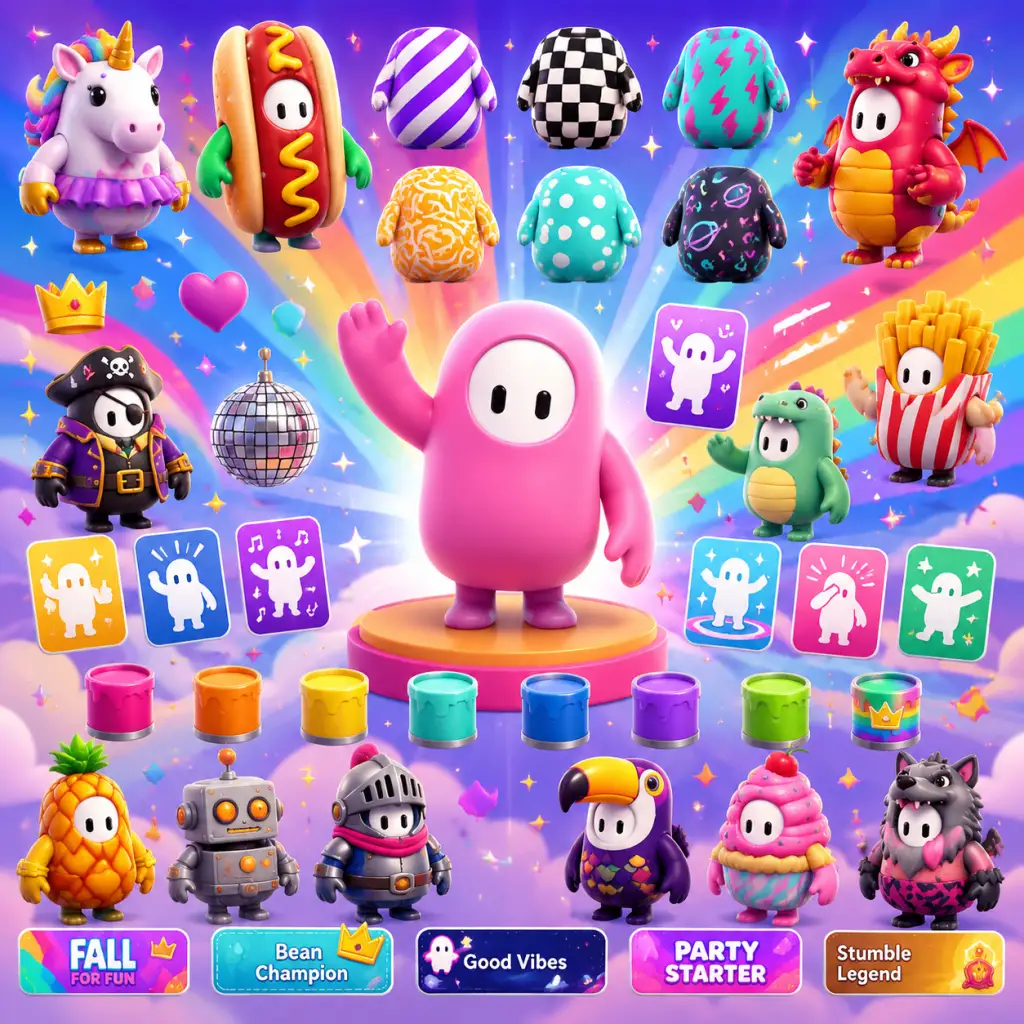
- Full Costumes: Single-piece outfits (e.g., Hot Dog, Pigeon, Ninja) that change the entire bean’s appearance. Some are from shows, events, or the shop.
- Upper & Lower Costumes: Two-piece sets allowing mix-and-match (e.g., a banana hat with a tuxedo top). Many costumes are separated into top and bottom.
- How to Obtain: Shop (Kudos, Show-Bucks, Crowns), Fame Pass tiers, season rewards, special events (e.g., Holiday events, brand collaborations).
- When Useful: Personalization, showing off rare items, completing collections. Some are tied to challenges (e.g., "Wear a full costume of X type").
- Synergies: Combine upper and lower pieces from different sets for unique looks. No gameplay benefit.
- Description: Overlays that cover the bean with textures (e.g., stripes, plaids, camo, polka dots). Applied in the customization menu.
- How to Obtain: Shop (Kudos), Fame Pass, season rewards, daily items.
- When Useful: Adds variety to your bean’s appearance without a full costume. Pairs with colors.
- Description: Solid base colors for your bean (e.g., Red, Blue, Gold, Neon Green). Over 100 available.
- How to Obtain: Shop (Kudos, Crowns), Fame Pass, in-game achievements, season rewards.
- When Useful: Essential for customizing your bean. Combine with patterns and a faceplate for a unique look.
- Description: Set of facial expressions (eyes, mouth) displayed on your bean. Some are animated (winking, angry).
- How to Obtain: Shop (Kudos, Crowns), Fame Pass, events.
- When Useful: Adds personality. Some events require specific faceplates for challenges.
- Description: Taunts or celebrations performed in the pre-round lobby or after a round (e.g., dance, wave, cry). Limited to one emote equipped at a time.
- How to Obtain: Shop (Kudos, Crowns), Fame Pass, battle pass.
- When Useful: Social interaction, celebration, or humorous moments. No gameplay effect.
- Description: Decorative background for your player name shown during rounds (on spawn screen and after winning).
- How to Obtain: Shop (Kudos, Show-Bucks), Fame Pass, season rewards.
- When Useful: Personalization and bragging rights. Some nameplates are animated.
- Description: Words displayed with your name (e.g., "Pro", "Grabber", "Bean"). Can be combined with nameplate.
- How to Obtain: Fame Pass progression, completion of specific challenges, Crown Rank rewards.
- When Useful: Adds flair. Some titles are rare and indicate veteran status.
- Free Track: Available to all players. Contains Kudos, Patterns, Colors, a few costumes (often lower-tier), and sometimes Show-Bucks (small amounts).
- Premium Track: Requires Show-Bucks (around 1000) or real money. Contains exclusive upper/lower costume sets, nameplates, emotes, patterns, colors, and the season’s headline outfit. Also includes bonus Crowns and Kudos.
- How to Obtain: Purchase with Show-Bucks. Complete challenges to earn Fame Points and level up.
- When Useful: Best value for cosmetic collectors. Premium track items are exclusive to that season and may not return (or return much later in the shop).
- Event Costumes: Full outfits based on the collaboration (e.g., Sonic, Godzilla).
- Special Emotes: Unique dances or poses tied to the event.
- Event Patterns/Colors: Limited-time cosmetics.
- How to Obtain: Complete event-specific challenges (e.g., qualify in 3 rounds, grab 5 players). Some are shop purchases during the event period.
- When Useful: Required for achievement completion, limited availability makes them highly desirable for collectors.
- Exclusive Costumes (e.g., Infallible, Golden Hot Dog, Golden Knight)
- Exclusive Nameplates and Nicknames
- Unique Patterns and Colors (often gold variants)
- How to Obtain: Earn Crowns by winning shows. No other way.
- When Useful: Status symbol. Highest tier (5000+ Crowns) items are extremely rare.
- Types: Winning a show, qualifying from certain rounds, getting X number of grabs, wearing specific items, etc.
- Rewards: Some achievements unlock in-game items (e.g., a specific pattern or color) or just platform trophies.
- When Useful: Completionists and for unlocking exclusive cosmetics tied to achievements.
- Crown Shop Items: Old shop that used Crowns for exclusive items; now mostly unavailable except for a few remaining items rotated into regular shop.
- Seasonal Pass Exclusives: Items from seasons 1-6 (before Fame Pass) that are no longer obtainable.
- Collaboration Items: Some collaborations (e.g., Portal, Half-Life) had limited-time items that may never return.
- How to Obtain: Only through trading? No trading system exists. These are permanently unobtainable for new players.
- When Useful: Bragging rights, but not necessary for gameplay.
- No Gameplay Items: All items are cosmetic. There are no power-ups, weapons, or armor that improve performance. Every player has equal abilities.
- Mixing & Matching: Upper and lower costume pieces can be combined freely. Patterns override base colors; faceplates are independent.
- Equipping: Go to the Customization menu from the main lobby. You can save up to 10 outfits (presets) as of current versions.
- Inventory Management: No limit on items. All owned items are visible in the customization menu.
- Shops Rotation: The in-game shop refreshes daily. Some items cycle, others are one-time purchases. Check regularly for desired items.
- Event Challenges: Many limited-time items are earned by completing challenge lists within the event window (usually 2-4 weeks). Prioritize these.
- Fame Pass Strategy: If you buy the premium pass, you can level it by playing regularly. Completing all challenges ensures you get all items before the season ends.
#### 2.2 Patterns
#### 2.3 Colors
#### 2.4 Faceplates
#### 2.5 Emotes
#### 2.6 Nameplates
#### 2.7 Nicknames (Titles)
---
3. Fame Pass Items (Battle Pass)
The Fame Pass is seasonal (currently replaced by the Seasonal Fame system with multiple passes per season). It contains both free and premium tracks.
---
4. Limited-Time & Event Items
Fall Guys frequently runs themed events (e.g., Halloween, Christmas, Sonic the Hedgehog, Among Us, Godzilla). These often include:
---
5. Crown Rank Rewards
Crown Rank is a legacy progression system tied to total lifetime Crowns earned. As you cross thresholds (e.g., 10, 50, 100, 500, 1000 Crowns), you unlock:
---
6. Collectibles (Trophies / Achievements)
Fall Guys has a trophy/achievement list on each platform (PlayStation, Xbox, Steam). These are not in-game items but are part of the game’s collection system.
---
7. Special Items (Legacy / Retired)
---
8. Key Notes & Synergies
---
Summary Table
| Category | Example Items | Obtain Via | Purpose |
|---|---|---|---|
| Currencies | Kudos, Crowns, Show-Bucks | Playing, buying | Purchase other items |
| Costumes | Hot Dog, Ninja, Golden Knight | Shop, Fame Pass, Events | Visual appearance |
| Patterns | Stripes, Camo, Stars | Shop, Fame Pass | Texture overlay |
| Colors | Red, Blue, Gold | Shop, Challenges | Base color |
| Faceplates | Happy, Angry, Anime Eyes | Shop, Events | Expression |
| Emotes | Dance, Wave, T-pose | Shop, Fame Pass | Taunts |
| Nameplates | Animated flames, plain borders | Shop, Fame Pass | Name background |
| Nicknames | Pro, Bean, Fall Guy | Fame Pass, Crown Rank | Title |
| Fame Pass Items | Seasonal costumes, patterns | Leveling pass | Seasonal exclusives |
| Event Items | Sonic costume, Godzilla emote | Event challenges | Limited-time collectibles |
| Crown Rank Rewards | Golden Hot Dog, Infallible | Lifetime Crowns | Status items |
| Trophies/Achievements | Infallible trophy | Specific tasks | Platform achievements |
This guide covers all in-game items in Fall Guys as of the current season. Always check the in-game shop and Fame Pass for the latest additions. Happy falling!
Character Skills
Fall Guys: Character Skills Guide
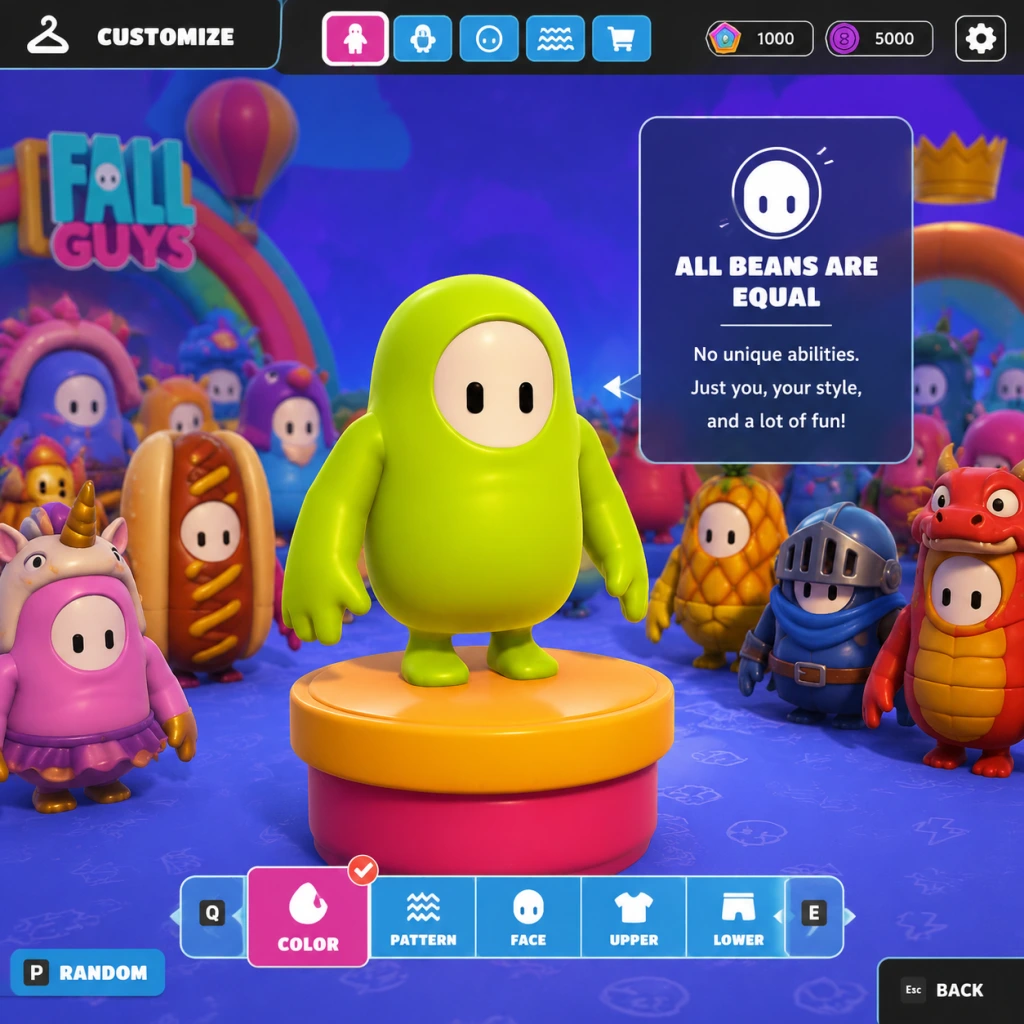
Fall Guys does not feature playable characters with unique skills, abilities, spells, talents, or special moves. All contestants are identical bean-shaped characters with no class system or skill trees. The game focuses entirely on platforming, obstacle avoidance, and mini-game mechanics that are the same for every player.
However, every Fall Guy has access to a set of universal movement and interaction abilities that function as the game's core skills. This guide covers those abilities in detail, along with situational uses and advanced techniques.
---
Universal Skills (Controls)
All skills below are available to every player at all times. They have no cooldowns, mana costs, or upgrades. They are executed via controller or keyboard inputs.
#### 1. Move
- Effect: Left stick / WASD to walk or run in any direction. Speed is constant (no sprint).
- Use: Fundamental for navigating courses and avoiding obstacles.
- Tips: Use gentle taps for precise positioning on narrow platforms.
- Effect: Press A (Xbox) / X (PlayStation) / B (Switch) / Space (PC) to leap. Jump height is fixed.
- Cooldown: None (can jump repeatedly while grounded).
- Use: Essential for crossing gaps, reaching ledges, and avoiding ground-level hazards.
- Advanced: Chain jumps with dive for extra distance (see Dive).
- Effect: Press RT (Xbox) / R2 (PlayStation) / ZR (Switch) / Left Shift (PC) while in the air to propel forward and slightly downward. Can also be used while grounded to slide briefly.
- Cooldown: None, but can only dive once per jump (cannot dive again until landing or grabbing a ledge).
- Use:
- Tips: Dive at the peak of a jump for maximum distance. Time dives to avoid overshooting landings.
- Effect: Hold LT (Xbox) / L2 (PlayStation) / ZL (Switch) / Left Mouse Button (PC) near another player or object to grab them. Hold to maintain grip.
- Cooldown: None.
- Use:
- Tips: Grabbing a stationary player can help you swing around corners. Release quickly to avoid being counter-grabbed.
- Effect: Press Up on D-Pad (or assigned key) to perform your selected emote. Purely cosmetic, no gameplay impact.
- Cooldown: None.
- Use: Celebration, taunting, or communication (e.g., waving "follow me" in team games).
- Effect: No active skill; all appearance items (costumes, patterns, colors, faceplates, nameplates) are cosmetic only. They do not affect hitboxes, physics, or abilities.
- Use: Personal expression.
- Action: Jump then immediately dive at apex.
- Outcome: Maximum horizontal distance. Use for wide gaps or skipping sections.
- Action: Dive into a wall or object immediately after jumping to stop forward momentum.
- Outcome: Precise landing on narrow ledges.
- Action: Grab an opponent or object, jump, and release to fling yourself slightly.
- Outcome: Minor boost in certain situations (e.g., getting over an obstacle by pulling on a teammate).
- Action: Dive toward a platform edge; auto-grab will trigger if close enough.
- Outcome: Climb up faster than normal jump.
#### 2. Jump
#### 3. Dive
- Reach platforms too far for a normal jump.
- Pass through narrow gaps (e.g., spinning bars).
- Slide under low obstacles (ground dive).
#### 4. Grab
- Eliminate opponents by holding them near hazards (e.g., pushing into slime).
- Pull players back during races.
- Grab ledges/climb up edges (auto-grab when falling off a platform).
#### 5. Emote
#### 6. Customize
---
Advanced Techniques (Player-Developed Skills)
These are not official skills but practiced maneuvers that improve performance.
#### A. Jump + Dive (Long Jump)
#### B. Dive Cancel
#### C. Grapple (Grab + Jump)
#### D. Edge Climb
---
Team Roles & Strategies
Since no characters have unique skills, team roles are defined by player behavior in specific mini-games.
| Role | Description | Skills Used | Typical Games |
|---|---|---|---|
| Runner | Focuses on completing obstacles quickly. | Jump, Dive | Race rounds (e.g., Door Dash, Hit Parade) |
| Disruptor | Aggressively grabs opponents to slow them down. | Grab, Dive (for reach) | Survival rounds (e.g., Block Party, Hex-a-Gone) |
| Strategist | Optimizes routes and uses game-specific shortcuts. | Jump, Dive, Edge Climb | Logic-based rounds (e.g., Perfect Match) |
| Hoarder | Protects team objectives (e.g., eggs, balls). | Grab (to carry/pull) | Team games (e.g., Egg Scramble, Fall Ball) |
Recommended Builds (Build Strategy Not Applicable)
There is no skill point system, equipment, or character customization that affects abilities. The only "build" is your personal playstyle. Focus on mastering the four core actions:
1. Jump timing – Essential for all platforms.
2. Dive distance – Critical for shortcuts and avoiding hazards.
3. Grab sensitivity – Use short grabs to trip opponents vs. long holds to drag them.
4. Edge climbing – Learn which platform edges are climbable.
---
When to Use Each Skill
- Jump: Always, but especially when approaching a gap or obstacle.
- Dive: Use when the gap is wider than a normal jump, or to slide under low barriers.
- Grab: Use in survival rounds to push players into hazards, or in team games to control objects. Avoid grabbing in races unless you can gain a positional advantage.
- Emote: Only after crossing finish line or during downtime (never while actively competing – leaves you vulnerable).
---
Summary
Fall Guys deliberately strips away character progression and skill variance. Every player is equal in capability. Success depends on mechanical execution, game knowledge, and situational awareness. This guide covers the entire move set of a Fall Guy – there are no hidden skills, spells, or talents. Master the basics, and you can become the final bean standing.
Characters & Roles
Characters & Roles Guide for Fall Guys
Introduction
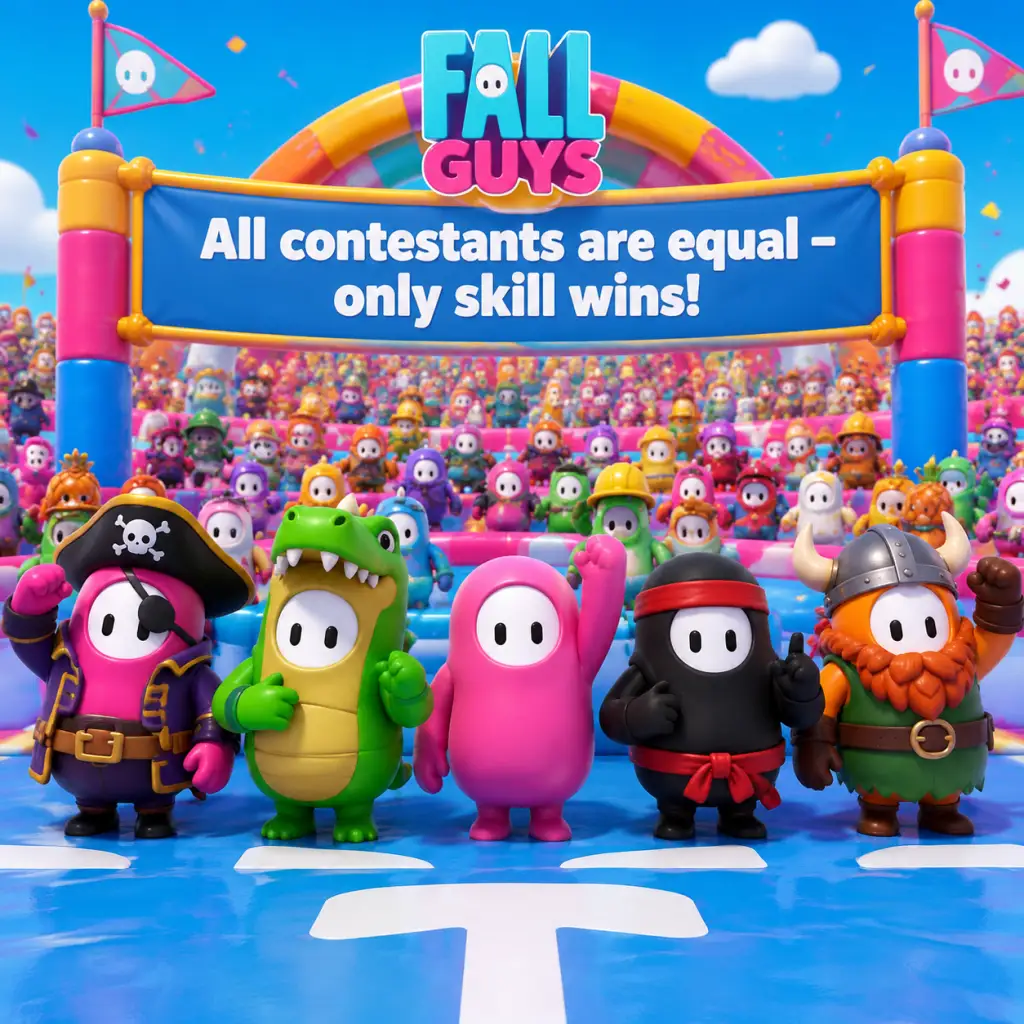
Fall Guys is a battle royale party game where all contestants are identical bean-shaped characters with no statistical or mechanical differences. There are no classes, heroes, or roles that affect gameplay—every bean has the same movement speed, jumping ability, grabbing strength, and physics. However, players can choose from hundreds of cosmetic skins (also called costumes) that alter appearance but never provide any gameplay advantage. This guide covers the cosmetic “characters” available and the informal roles players adopt based on playstyle.
Cosmetic Characters (Skins)
All skins are purely cosmetic. They are obtained through the Season Pass, Show-Bucks (premium currency), Kudos (free currency), DLC packs, or special events. Skins come in several categories:
| Category | Description | Examples |
|---|---|---|
| Standard Bean | The default appearance. No unlock needed. | Default Orange, Default Green, Default Blue |
| Season Pass Skins | Earned by leveling the Season Pass (free or premium track). | Season 1: Wizard, Spooky Jack. Season 2: Gorilla, Alien. |
| Shop Skins | Purchased with Show-Bucks or Kudos from the rotating daily/featured shop. | Hot Dog, Pineapple, Banana, Pigeon. |
| Collaboration Skins | Limited-time skins from brands like Sega, Sony, etc. | Sonic the Hedgehog, Godzilla, Astro Bot, Sackboy, Ratchet & Clank. |
| DLC Packs | Paid bundles (e.g., Steam store packs) that grant exclusive skins. | "The Bite" pack (shark costume), "Glamorous" pack (unicorn horn). |
| Event Rewards | Earned by completing limited-time challenges (e.g., Fame Path). | Crown costume, Time Traveler, Chompers (alligator). |
| Legacy Skins | Skins from earlier seasons no longer obtainable (vaulted). | Season 1 Legendary skins (e.g., Ninja, Gordon Ramsay). |
Roles & Playstyles (Player-Selected)
Since every bean is the same, roles describe how you approach rounds. Choose a role based on your strengths and the round type.
| Role | Description | Strengths | Weaknesses | Best Rounds | Tips |
|---|---|---|---|---|---|
| The Runner | Focuses on speed and obstacle navigation, minimizing interactions. | Fastest clear times; avoids crowds and grabbers. | Vulnerable to environmental chaos (e.g., Big Yeetus, slime). | Race rounds (Door Dash, The Whirlygig), Survival rounds (Block Party). | Take optimal paths, dive through gaps, avoid bottlenecks. |
| The Gremlin | Aggressive grabbing, pushing, and disrupting others. | Can eliminate or slow opponents; good for final rounds with limited space. | Often falls behind due to wasted time; becomes target for retaliation. | Team rounds (e.g., Fall Ball), Elimination rounds (Jump Showdown, Hex-A-Gone). | Grab near edges, use momentum to shove, but don’t overcommit. |
| The Survivor | Prioritizes consistency and safety over speed. | High survival rate; avoids risky jumps; stays in the middle of the pack. | Rarely finishes first; may fail if round requires fast pace. | Survival rounds (Roll Off, Slime Climb), Logic rounds (Perfect Match). | Stick to safe zones, watch for red/blue slime, don’t panic. |
| The Diver | Master of diving (jump+dive) to cover distance or slide under barriers. | Can skip sections; recovers from falls faster. | Poor diving timing leads to overshooting or falling off. | Any round with gaps or low obstacles (Hit Parade, Fruit Chute). | Practice dive timing; use dive to grab distant ledges. |
| The Team Player | Excels in team-based rounds (Fall Ball, Hoopsie Daisy, Jinxed). | Good coordination (if playing with friends); understands objectives. | May be useless in solo rounds if teammates are bad. | Team rounds only. | Communicate via ping; prioritize scoring over eliminating. |
| The Rage Quitter | (Not recommended) Plays aggressively and quits after first loss. | No advice. | Frustration; misses out on rewards. | None. | Just have fun and laugh at the chaos. |
Unlock Conditions (General)
- All skins are cosmetic and unlocked through progression or purchase.
- No character has special unlock requirements beyond the season system.
- New players start with a set of default colors and patterns; all skins from Season 1 onward are obtainable only during their respective seasons or through occasional reruns.
- Cannot earn legacy skins (vaulted items are gone permanently except for specific re-releases).
- Upper Costume (headwear, bodywear)
- Lower Costume (legwear)
- Color (body color)
- Pattern (overlay design)
- Face (eye/mouth expression)
- Celebration (emote after qualifying)
- Nameplate (border display)
- Runner + Gremlin: Runner scores goals, Gremlin blocks opponents.
- Survivor + Team Player: Both stay calm and follow objectives.
- Diver + any role: Diver can retrieve fallen items quickly.
Recommended Equipment / Builds
There is no equipment or gear in Fall Guys. The only customizable elements are:
Recommendation: Choose a combination that is visually clean and not distracting. Avoid overly large hats that may block your view of overhead obstacles. Popular choices: small masks (e.g., sunglasses), no backpack, solid color (e.g., white or black) for contrast.
Team Synergy
Since there are no classes, team synergy is about communication and complementary playstyles. In team rounds, roles become relevant:
Tip: In random teams, adapt to your teammates’ behavior. If they are aggressive, focus on defense. If they are passive, take initiative.
Final Notes
Fall Guys’ charm lies in its equality: every bean has the same chance. The only “character” that matters is your ability to adapt, laugh, and maybe grab that one player who keeps taunting you. Remember: all skins are cosmetic, and roles are self-assigned. There is no meta build, only your skill and luck.
Cheats & Secrets
Cheats & Secrets for Fall Guys
No Traditional Cheats
Fall Guys does not have any cheat codes, console commands, developer unlocks, or secret input sequences that alter gameplay. All cosmetics, currencies, and progression are earned through normal play or purchased via microtransactions. There are no invincibility, level-skip, or unlock-all codes.
Hidden Features & Easter Eggs
Despite the lack of cheats, Fall Guys contains several developer-intended secrets, Easter eggs, and hidden content that reward exploration and dedication.
#### 1. Secret Achievements / Trophies
Several achievements/trophies are hidden (their description is only revealed after unlocking). Notable examples:
- Infallible (Hidden): Win 5 shows in a row. Extremely difficult; no in-game hint given.
- Big Tease (Hidden): Tease another player 10 times in a single round. (Teasing is the "waft" emote or similar.)
- Face Your Fears (Hidden): Complete a round while wearing the "Top Heavy" costume set (or another specific rare costume during certain seasons).
- Golden Witch – Earned by collecting enough crowns during a specific event without publicized requirements.
- Golden Hotdog – Unlocked by completing all weekly challenges in a particular month (the challenge was not explicitly listed).
- Golden Chicken – Reward for participating in the first beta test (no longer obtainable).
- Slime Climb: On one of the rotating platforms near the end, there is a small gap in the wall where you can jump onto a hidden rooftop. From there, you can bypass the last few obstacles and reach the finish line faster. (Beware of slime rising; timing is tight.)
- Door Dash: Behind the last row of doors, there is a tiny alcove that sometimes spawns a glowing crown (cosmetic only). This crown is purely decorative and does not affect scoring.
- Hex-A-Gone: On the earliest layers, one of the hexagonal tiles has a faint crown icon on its surface. Stepping on it does nothing special, but it references the game’s logo as a subtle Easter egg.
- Mediatonic Logo: Clicking on the Mediatonic logo in the bottom-left corner of the main menu screen 10 times will play a short sound effect (a duck quack) as an inside joke from the developers.
- Credits Scroll: If you leave the game idle on the main menu for 5 minutes, a slow scroll of the full development credits appears behind the title. This is a respectful way to acknowledge the team.
- The "Shiba Inu" Emote: Originally a secret reward for liking the official Fall Guys Twitter post during launch. Now it is available for purchase in the shop.
- Hidden Patterns: Some patterns (like "Checkered" or "Polka Dot") were initially locked and only given to players who found a hidden button on the official website during early access. These are now common but were once secrets.
These hidden achievements encourage players to experiment with emotes and rare outfits.
#### 2. Secret Golden Costumes
During Season 1 (and some later seasons), Mediatonic introduced limited-time "Golden" variants of certain outfits that required completing obscure, unannounced objectives. Examples:
These costumes are purely cosmetic and serve as status symbols for veteran players.
#### 3. Hidden Areas on Maps
A few obstacle courses contain secret shortcuts or areas that are not immediately obvious:
#### 4. Main Menu Easter Eggs
#### 5. Emote & Pattern Secrets
#### 6. Community Fables (Unofficial)
Some players claim there are secret commands like typing "crown" in the chat box or pressing specific button combinations on the controller, but none have been verified. Be skeptical of any source claiming to have discovered cheat codes—they are likely pranks or outdated mods (which violate the Terms of Service).
Summary
Fall Guys relies on fairness and skill, not cheats. The hidden content listed above exists for fun and discovery. If you encounter claims of cheat codes or unlock-all generators online, they are scams. Enjoy the game as intended—through messy, joyful, and secret-filled competition.