Limbo
## Introduction **Limbo** is a critically acclaimed puzzle-platformer developed and published by the independent Danish studio **Playdead**. First released in July 2010 on Xbox Live Arcade, the game quickly became a landmark title for its stark, monochromatic art style, atmospheric sound design, an...
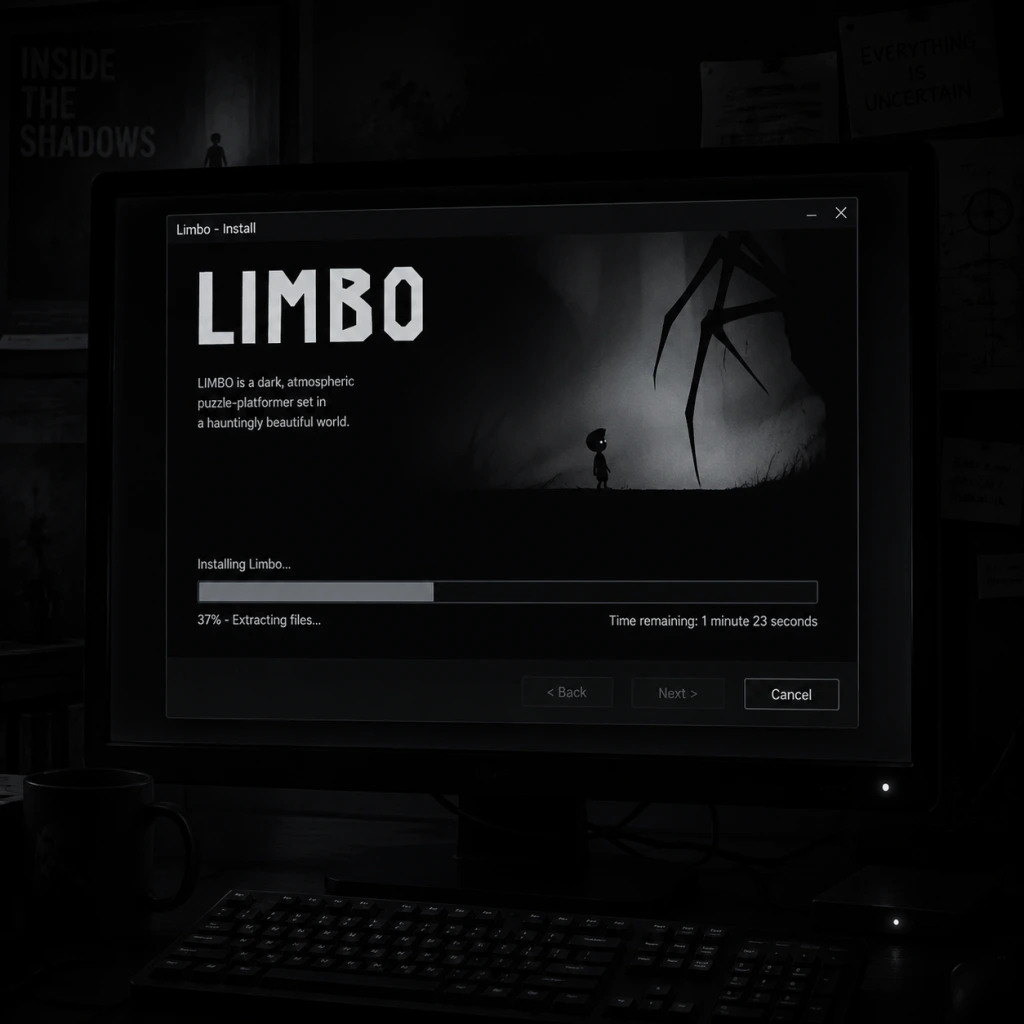
Download & Installation
Introduction
Limbo is a critically acclaimed puzzle-platformer developed by Playdead. This guide covers how to download and install the game on all major platforms, including PC (Steam, Epic Games Store, GOG), PlayStation (PS3, PS4, PS5), Xbox (Xbox 360, Xbox One, Xbox Series X|S), Nintendo Switch, and mobile (iOS, Android). All steps reference official, legitimate sources only.
Platform Availability & Official Stores
| Platform | Official Store(s) | Notes |
|---|---|---|
| PC | Steam, Epic Games Store, GOG, Microsoft Store (Xbox Game Pass) | DRM-free on GOG. |
| PlayStation | PlayStation Store (PS3, PS4, PS5) | PS5 runs via backward compatibility. |
| Xbox | Xbox Store (Xbox 360, Xbox One, Xbox Series X | S) |
| Nintendo Switch | Nintendo eShop | Supports handheld and docked modes. |
| iOS | App Store | Requires iOS 9.0 or later. |
| Android | Google Play Store | Requires Android 4.1 or later. |
System Requirements (PC)
Minimum
- OS: Windows 7 or later
- Processor: 2.0 GHz dual-core
- Memory: 512 MB RAM
- Graphics: DirectX 9.0c compatible with 256 MB VRAM (e.g., NVIDIA GeForce 6600 or ATI Radeon X1300)
- DirectX: Version 9.0c
- Storage: 150 MB available space
- Sound Card: DirectX compatible
- OS: Windows 10
- Processor: 2.4 GHz dual-core
- Memory: 1 GB RAM
- Graphics: DirectX 10 compatible with 512 MB VRAM (e.g., NVIDIA GeForce 8800 or ATI Radeon HD 3850)
- DirectX: Version 10
- Storage: 150 MB available space
- PC (all stores): ~150 MB
- PlayStation (PS3/PS4/PS5): ~200 MB
- Xbox 360: ~150 MB
- Xbox One / Series: ~200 MB
- Nintendo Switch: ~200 MB
- iOS: ~150 MB
- Android: ~100 MB
- Steam: A Steam account.
- Epic Games Store: An Epic Games account.
- GOG: A GOG account.
- Microsoft Store (PC or Xbox): A Microsoft account (Xbox Live for console).
- PlayStation: A PlayStation Network (PSN) account.
- Nintendo Switch: A Nintendo Account.
- iOS: An Apple ID.
- Android: A Google account.
- PC (Steam/Epic/GOG): The game launches directly. You may be prompted to adjust audio volume and toggle fullscreen mode via in-game settings (Options menu). Controller support is automatic if a compatible controller is connected.
- PlayStation/Xbox/Switch: No additional setup required; game starts immediately. Options menu allows language selection and screen brightness adjustment.
- Mobile: On first launch, you may need to grant storage permissions (for saved data). The game runs in portrait orientation only (on phones) or landscape on tablets. Audio settings available in the pause menu.
- Error: “Insufficient disk space” – Ensure at least 300 MB free (more to account for downloads). Clear temporary files if needed.
- Steam: “Missing executable” – Verify game files: right-click Limbo in Library → Properties → Local Files → Verify Integrity of Game Files.
- Epic Games: “Installation failed” – Run the Epic Launcher as administrator. Disable antivirus temporarily, as it may block the installer.
- GOG offline installer: “File corruption” – Re-download the installer. Ensure your download completes fully.
- Game crashes on launch – Update graphics drivers. Run the game in compatibility mode (for older Windows: right-click .exe → Properties → Compatibility → Run as Windows 7).
- No sound – Ensure DirectX version is correct (install from Microsoft). Check audio device settings.
- Download stuck or slow – Pause and resume the download. Restart the console. Check internet connection.
- “Cannot install” error – Free up storage space. Delete old game data. Rebuild database (PS4 Safe Mode).
- Installation stops at 99% – Hard reset the console (hold power button for 10 seconds). Manually cancel and restart the install.
- “Something went wrong” – Clear local saved games: Settings → System → Storage → Clear local saved games (does not delete cloud saves).
- eShop not opening – Check system update. Restart the Switch.
- Download error – Ensure enough free space. Archive unused games if needed.
- Game won’t start – Try redownloading from eShop (re-download option in account settings).
- iOS: “Unable to download” – Check Apple ID payment method. Free up storage. Restart device.
- Android: “Installation blocked” – Enable “Install from unknown sources” only if sideloading (not needed for official Play Store). Ensure Google Play Services are up to date.
- Game crashes on older devices – The game may be too demanding. Close background apps. Reduce screen brightness or switch to airplane mode.
Recommended
Storage Space Per Platform
Account Requirements
Step-by-Step Installation
PC – Steam
1. Download and install the [Steam client](https://store.steampowered.com/about/).
2. Launch Steam and log into your account (or create one).
3. Click the Store tab and search for “Limbo”.
4. Purchase the game (or redeem a key) and add it to your library.
5. Go to your Library, find Limbo, and click Install.
6. Choose a destination folder (default is fine) and click Next then Finish.
7. Wait for the download (~150 MB) and automatic installation.
8. Click Play to launch.
PC – Epic Games Store
1. Install the [Epic Games Launcher](https://www.epicgames.com/store/en-US/download).
2. Log in with your Epic account.
3. Go to the Store page, search “Limbo”.
4. Purchase and Get the game to add to your library.
5. Click Library, find Limbo, and click Install.
6. Choose installation location and confirm.
7. Once installed, click Launch.
PC – GOG
1. Install [GOG Galaxy](https://www.gog.com/galaxy) (optional but recommended) or download offline installers.
2. Log into your GOG account.
3. Purchase Limbo from [GOG](https://www.gog.com/game/limbo).
4. Click Add to Library.
5. In Galaxy, go to Owned games, click Install.
6. Alternatively, download the offline installer `.exe` from your account, run it, and follow the wizard.
PlayStation (PS3/PS4/PS5)
1. Turn on your PlayStation and ensure internet connection.
2. Sign in to your PSN account.
3. Open the PlayStation Store.
4. Search for “Limbo”.
5. Select the game and choose Add to Cart or Download (if already purchased).
6. Complete the purchase if needed.
7. The download will start automatically. You can check progress under Downloads.
8. Once installed, the game appears in your library. Launch from there.
Xbox (Xbox 360 / Xbox One / Xbox Series X|S)
1. Power on your console and sign in to Xbox Live.
2. Open the Microsoft Store (or Xbox Store on Xbox 360).
3. Search for “Limbo”.
4. Select the game and click Get or Buy (if owned, choose Install).
5. Wait for the download and installation to complete.
6. Launch from My games & apps (or Games library on Xbox 360).
Nintendo Switch
1. Connect your Switch to the internet and sign in to your Nintendo Account.
2. Open the Nintendo eShop from the Home Menu.
3. Search for “Limbo”.
4. Select the game and choose Proceed to Purchase (or Download if free).
5. Confirm payment or redeem a download code.
6. The game will download. You can monitor progress on the Home screen.
7. Once finished, the game icon appears; select it to play.
Mobile – iOS (iPhone/iPad)
1. Open the App Store app.
2. Tap the Search tab and type “Limbo – Playdead”.
3. Find the official app by Playdead.
4. Tap Get and authenticate with Face ID, Touch ID, or password.
5. The download begins. Wait for installation.
6. Open the app from your home screen to start playing.
Mobile – Android
1. Open the Google Play Store.
2. Search for “Limbo – Playdead”.
3. Tap the correct result (developer: Playdead).
4. Tap Install and accept permissions.
5. Wait for download (~100 MB) and automatic installation.
6. Tap Open to launch the game.
First Launch Setup
Note: Limbo has no difficulty settings – it’s a linear experience.
Common Installation Errors & Fixes
PC
PlayStation
Xbox
Nintendo Switch
Mobile
Post-Installation Verification
1. Launch the game on each platform to ensure it starts without errors.
2. Check the title screen displays correctly with the Playdead logo.
3. Audio test: Confirm music and sound effects play.
4. Control test: Move the boy left/right, jump, and interact with objects.
5. Save test: On PC, a save file is created in `%USERPROFILE%\Documents\Limbo` (or `~/Library/Application Support/Limbo` on macOS). On consoles, check system storage for save data. On mobile, cloud saves are not supported; local save exists.
6. Version verification: In-game settings menu usually shows the version number. Ensure it matches the latest (current PC version is 1.5 for Steam, etc.).
If the game runs smoothly and saves correctly, the installation is successful. Enjoy Limbo!
Game Introduction
Introduction
Limbo is a critically acclaimed puzzle-platformer developed and published by the independent Danish studio Playdead. First released in July 2010 on Xbox Live Arcade, the game quickly became a landmark title for its stark, monochromatic art style, atmospheric sound design, and emotionally resonant storytelling. Over the years, Limbo has been ported to virtually every major gaming platform, including PC (Steam, Epic Games Store, GOG), PlayStation 3, PlayStation 4, PlayStation 5, Xbox 360, Xbox One, Xbox Series X|S, Nintendo Switch, iOS, Android, and even Linux and Mac. The game is available as a standalone purchase and is often bundled with Playdead’s spiritual successor, Inside.
Genre
Limbo is a puzzle-platformer with strong elements of survival horror and adventure. It emphasizes environmental puzzles, precise timing, and a bleak, oppressive atmosphere over combat or dialogue.
Developer & Publisher
- Developer: Playdead (Denmark)
- Publisher: Playdead (initially self-published on Xbox 360; later distribution handled by Microsoft Game Studios on Xbox platforms, and by Playdead on others)
- Original release: July 21, 2010 (Xbox Live Arcade)
- PC (Steam): August 3, 2011
- PlayStation 3: August 2, 2011 (PlayStation Network)
- iOS: July 3, 2013 (iOS App Store)
- Android: December 18, 2014 (Google Play)
- PlayStation 4: February 5, 2014 (PSN)
- Xbox One: December 5, 2014 (backward compatible)
- Nintendo Switch: June 28, 2018
- PlayStation 5 & Xbox Series X|S: Backward compatible, with performance enhancements on newer consoles
- The Boy (protagonist): A small, unnamed boy with white eyes. He is vulnerable, silent, and entirely dependent on the player to survive. His only goal is to press forward and find his sister.
- The Sister (goal): The boy’s sister is never fully seen, but her silhouette appears briefly at the end. She is the driving motivation for the entire journey.
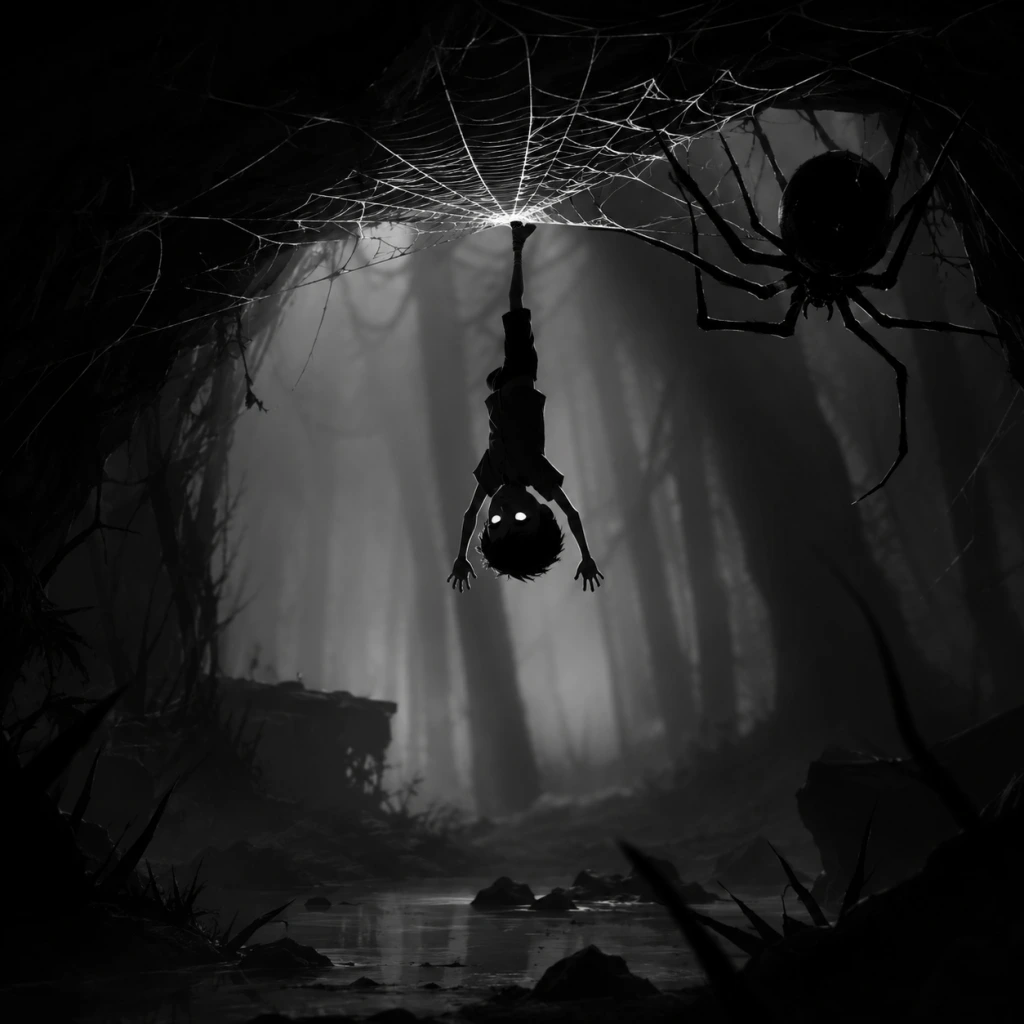
- Enemies and Obstacles: Giant spiders, brain-controlled humans, minecarts, deadly traps, and environmental hazards serve as the primary adversaries. No true “villain” is explicitly identified—only the hostile world itself.
- Fans of indie games and artistic, narrative-driven experiences.
- Players who enjoy puzzle-platformers like Inside, Braid, or Little Nightmares.
- Gamers looking for a shorter but memorable title (playtime ~3–5 hours).
- People who appreciate atmospheric horror without jump scares.
- All ages (ESRB T for Teen due to violence and disturbing imagery).
- Offline: The entire game can be played offline after installation. No internet connection is required for gameplay.
- Online: Achievements/trophies and leaderboards (on some versions) require internet access, but the core game does not. There is no online multiplayer.
Release Timeline
Story Overview
Limbo opens with a young boy waking up in the middle of a dark forest. Without any explanation or dialogue, the player must guide him forward to find his missing sister. The narrative unfolds purely through environmental storytelling and the boy’s silent journey through eerie, often deadly landscapes. The game’s ending is famously ambiguous, leaving players to interpret the meaning of the boy’s quest and the world he traverses.
Setting
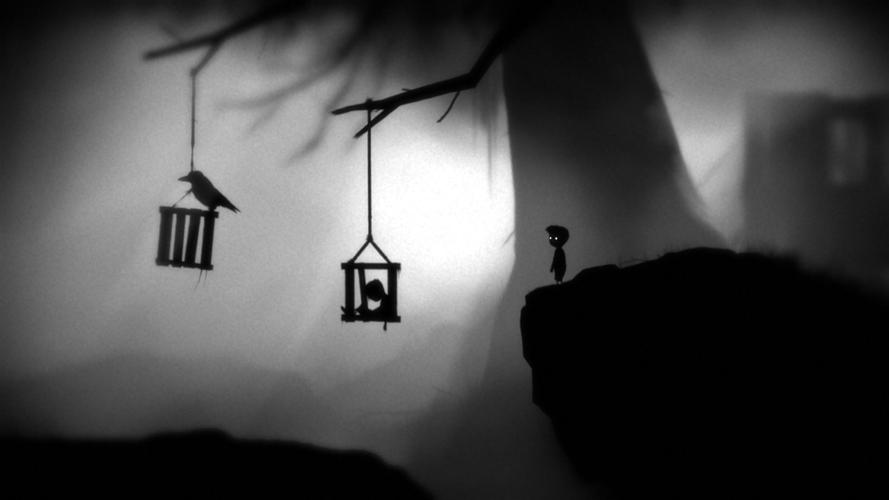
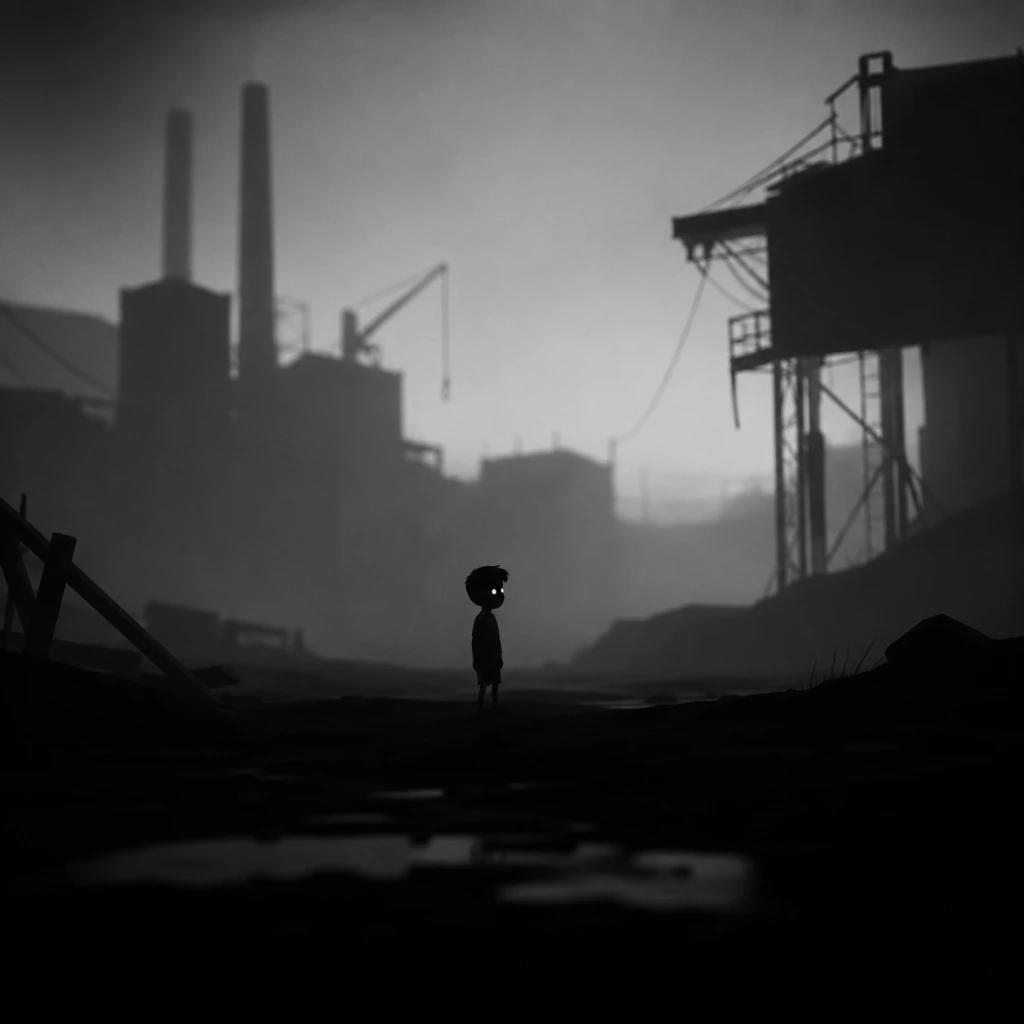
The game is set in a monochrome, silhouette-driven world that evokes the feeling of an old film reel. The environment transitions from dense, spider-infested forests to abandoned factories, deep underground caverns, and surreal gravity-defying structures. The lighting is minimal, creating a constant sense of dread and uncertainty. The world feels both childlike and nightmare-inducing, with industrial hazards, hostile fauna, and humanoid figures that seem to chase or stalk the boy.
Main Characters
Core Appeal
Limbo appeals to players who value atmosphere, minimalist storytelling, and clever puzzle design. The game’s difficulty is moderate but unforgiving: death is common and often graphic, teaching players through trial and error. The sense of isolation and dread, paired with the joy of solving increasingly complex puzzles, creates a deeply immersive experience.
Target Audience
Game Modes
Limbo offers only a single-player campaign. There are no multiplayer, co-op, or competitive modes. The game is linear, with no branching paths or difficulty settings. It includes a “New Game+” functionality on some platforms that carries over certain secrets or achievements, but fundamentally the experience is identical each playthrough.
Online/Offline Support
DLC & Expansions
Limbo has no downloadable content or expansions. The game is a complete, self-contained experience. However, Limbo is frequently sold in bundles with Inside, Playdead’s follow-up title, which shares a similar aesthetic and gameplay philosophy but is a distinct game.
What Makes Limbo Unique?
1. Striking Monochrome Visuals: The game’s use of black, white, and shades of gray—with dynamic lighting and shadow—remains iconic. It creates a timeless, dreamlike atmosphere.
2. Lack of Text or Dialogue: The story is told entirely through visuals, sound, and player actions. This leaves the narrative open to interpretation and enhances immersion.
3. Trial-and-Error Puzzle Design: Many puzzles require the player to die repeatedly to learn the correct sequence or timing, reinforcing the themes of vulnerability and perseverance.
4. Minimalist Soundtrack: Ambient sounds, footsteps, creaking machinery, and subtle musical cues replace a traditional score, heightening tension.
5. Bleak, Yet Beautiful World: The juxtaposition of a child’s innocent quest in a horrific, industrial world creates a haunting emotional resonance.
6. Influence on Indie Gaming: Limbo helped define the modern “indie horror puzzle” genre and inspired countless games that followed.
For further details on downloading and installing Limbo, please refer to the Download & Installation section of this guide.

Getting Started
Getting Started
Welcome to the eerie, monochrome world of Limbo. This guide is designed for brand-new players, taking you through your first hour step-by-step, explaining controls on all platforms, revealing the minimal UI, and helping you avoid the most common beginner pitfalls. Since Limbo has no character creation (you play as an unnamed boy), you can jump straight into the action.
Controls Overview (All Platforms)
Limbo’s controls are simple but responsive. The exact button names for each platform are listed below.
| Action | PC (Keyboard + Mouse) | Xbox (360/One/Series) | PlayStation (3/4/5) | Nintendo Switch |
|---|---|---|---|---|
| Move left / right | A / D or Arrow keys | Left stick / D-pad | Left stick / D-pad | Left stick / D-pad |
| Jump | Spacebar / W / Up arrow | A | Cross | B |
| Interact / Grab / Pull | E / Left mouse click | X | Square | Y |
| Pause / Menu | Esc | Start | Options | + |
UI Overview
Limbo has an extremely minimalist user interface. There is no HUD, health bar, or inventory screen.
- Screen: The entire game environment is black-and-white with grayscale shading. Your character stands out slightly against the dark background.
- Interactable objects: Buttons, levers, doors, and climbable edges are usually highlighted by slight contrast or movement cues (e.g., a rope swaying).
- Death: When you die (and you will), the screen fades to black briefly, then your character respawns at the last safe location – usually just before the hazard.
- Checkpoints: The game auto-saves frequently. You cannot manually save.
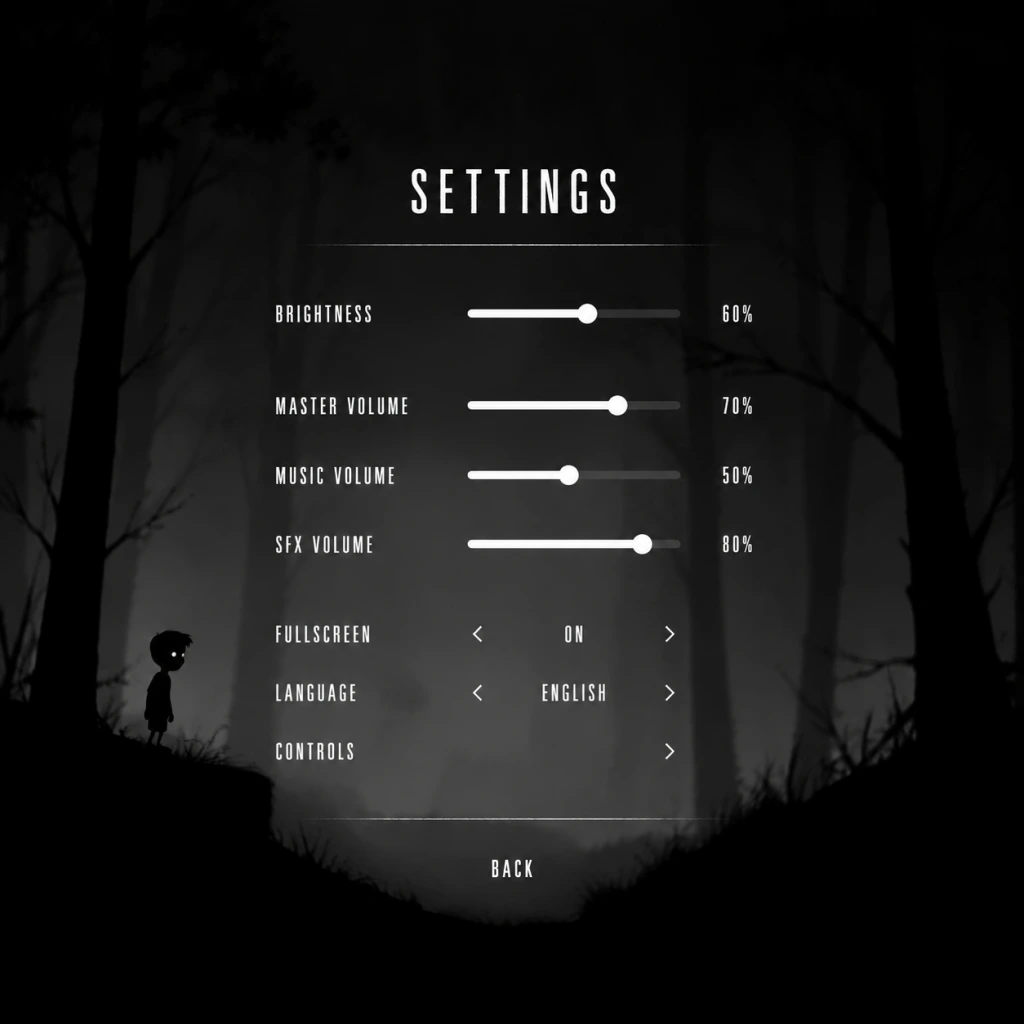
- Press Esc (or Start) immediately to adjust brightness and sound settings. The game is very dark; settings help visibility.
- Experiment with interactions: Try pushing, pulling, and jumping on everything. The game expects you to test your environment.
- Move slowly and observe. Many traps are triggered by rushing. Watch for subtle cues: moving shadows, faint sounds, and flickering lights.
- Save often? You don’t need to save manually – checkpoints are automatic. But note that you cannot go back to a previous area; progress is linear.
- Learning puzzle patterns – Each puzzle has a repeatable sequence. If you die, watch the trap for a moment before trying again.
- Observing the environment – Some solutions require you to notice a certain object (like a rope hanging out of reach) that you must first activate.
- Understanding physics – The crate’s weight matters; heavier objects sink in water, lighter ones float.
- [ ] Install the game – Ensure you have the correct version for your platform (Steam/Epic/GOG on PC, digital/physical on consoles).
- [ ] Adjust display/audio settings – Set brightness to a level where you can see subtle details, but not so high that the atmosphere is lost (recommend: 60–70% brightness). Enable subtitles if you wish (they are rare).
- [ ] Play through the first 5–10 minutes – Get used to movement and jumping. Die a few times deliberately to learn death animations and checkpoint placements.
- [ ] Complete the first major puzzle – The crate-and-branch sequence. You should now understand the basic interaction mechanics.
- [ ] Reach the spider chase – Experience the first intense sequence. Don’t be afraid to fail; the checkpoints are generous.
- [ ] Stop at a natural pause point – After crossing the first big pit with the rope swing is a good place to save and quit (though the game auto-saves).
Essential Early Objectives (First 30 Minutes)
Your main goal is to move right through the forest, solving physics-based puzzles, to eventually reach a mysterious girl. Early objectives are simple:
1. Find a way out of the opening clearing – push a crate, climb onto a branch.
2. Survive the giant spider – it will chase you. You cannot fight it; you must run and use the environment.
3. Cross the pit with hanging ropes – swing and jump at the right moment.
4. Operate the bear trap – bait it, then use it to crush a crate or hold down a switch.
5. Navigate the first environmental puzzles – pull boxes, avoid deadly liquid, and learn to use gravity to your advantage.
First Hour Walkthrough (Spoiler-Free Steps)
1. Start the game – You wake up in a dark forest. Immediately move right (hold D / → / Right stick).
2. First puzzle – A fallen tree blocks the path. Push the movable crate (walk into it) to create a ramp, then jump onto the branch above.
3. Spider encounter – A giant spider will appear. Do not stop moving. It will chase you through several screens. Run right, climb ropes, and jump across gaps. The spider will eventually get stuck in an environment trap (a heavy log) – you can pull a lever to drop it.
4. Deep pit – You’ll reach a large pit with a long drop. Do not fall. Instead, grab a rope hanging from a ledge above. Swing to the opposite side.
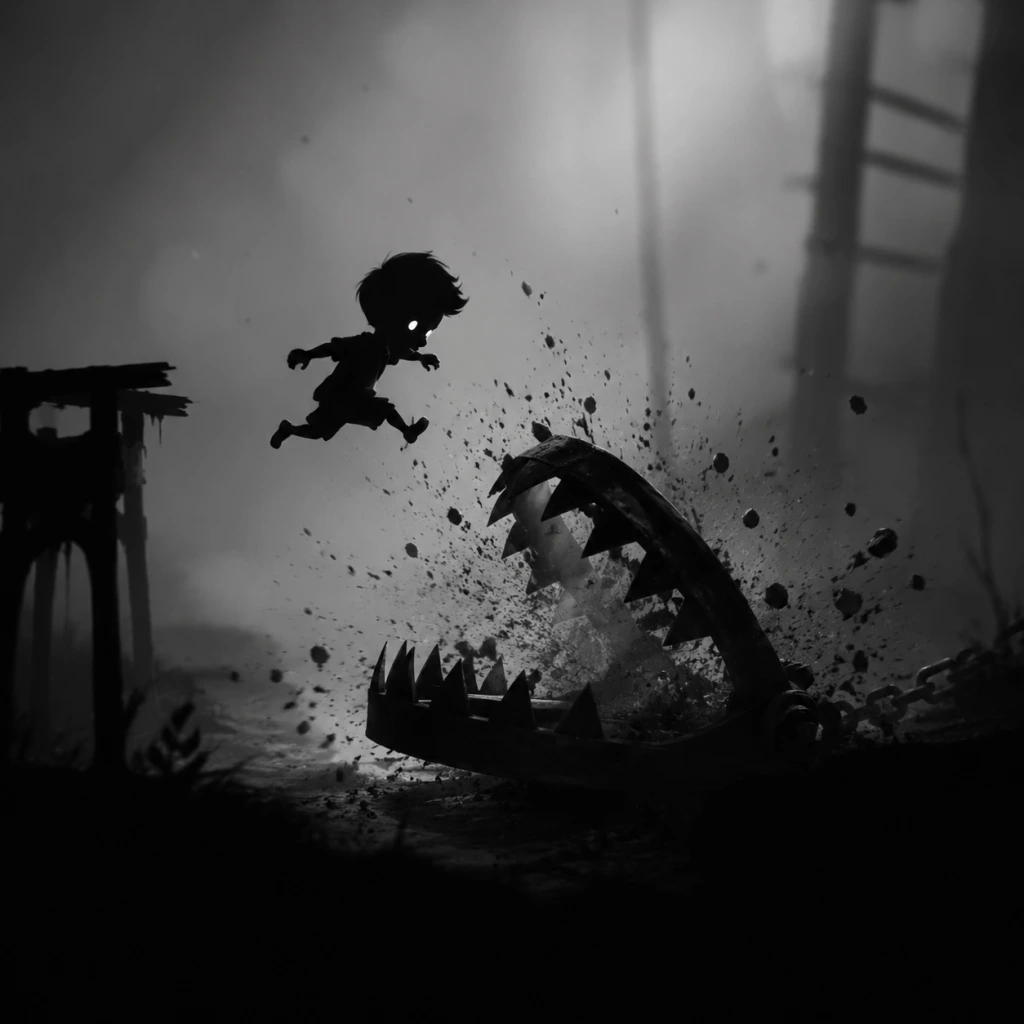
5. Bear trap area – A bear trap sits on the ground. Walk near it to trigger it (it will snap shut). Then push the crate onto the trap’s teeth to hold it open. Use the stuck trap as a platform to climb up.
6. Water puzzle – You’ll encounter a pool of water that conducts electricity when a generator is activated. You must time your movements: activate the generator, then quickly cross the water before the electric current kills you.
7. End of first hour – You will usually reach the area with a series of platforms and a hanging light fixture that swings when you pull a chain. This is a good stopping point.
What to Do First (Priorities)
What to Avoid (Common Beginner Mistakes)
1. Rushing through screens – The spike traps and falling logs can kill you instantly if you don’t wait to see the pattern.
2. Forgetting to push/pull objects – Many puzzles require moving a box or crate to a specific spot. If you can’t proceed, look for something you can manipulate.
3. Jumping without looking – Deep pits and bottomless chasms are hidden by foreground shadows. Always peek over edges before jumping.
4. Ignoring sound cues – A creaking sound means a platform is about to break; a buzzing sound indicates an electric hazard.
5. Trying to fight enemies – The spider is unstoppable; you can only run. Later enemies are also invincible.
Early Resource Priorities
Limbo has no health, mana, or collectible resources. The only “resource” is your patience and attention. Prioritize:
Day-One Checklist
Remember: Limbo is a game of trial and error. Every death teaches you something. Embrace the atmosphere and the slow, methodical problem-solving. Good luck.
Core Gameplay
Core Gameplay
Limbo is a minimalist puzzle-platformer that focuses entirely on environmental interaction, observation, and trial-and-error problem-solving. There is no combat, no dialogue, no inventory, no experience points, no currency, and no skill trees. The core gameplay loop centers on guiding a nameless boy through a monochrome forest, industrial ruins, and surreal environments, with the sole goal of finding his sister.
Main Gameplay Loop
The fundamental loop is:
1. Observe the environment for clues, threats, and interactive objects (e.g., boxes, levers, switches, ropes, moving platforms).
2. Move left or right (the boy moves left to right by default, but can backtrack).
3. Interact with objects by pushing, pulling, climbing, jumping, or triggering them.
4. Solve puzzles that often require logical sequencing, timing, or using physics-based elements (grates, magnetism, water).
5. Avoid death from numerous instant-kill traps: bear traps, spikes, giant spiders, falling objects, drowning, electrocution, saws, crushing mechanisms, etc.
6. Progress to the next screen or area. The game is divided into 23 distinct, titled chapters (though not explicitly labeled in-game, they are separated by load zones).
Combat/Interaction Systems
Absolutely no combat. The boy cannot attack any enemy. Interaction is limited to:
- Push/Pull boxes, crates, platforms, or switches.
- Climb ledges, ladders, ropes, or chain links.
- Jump (hold button for longer jump, but only horizontal; no wall jump).
- Hang from ledges (automatic when moving off edge).
- Swing on ropes using momentum.
- Grapple (late game): The boy can pull himself using a magnetic grapple device on certain metal surfaces.
- Flip switches (activate machinery).
- Hide (temporary, behind objects to avoid line-of-sight of enemies like the spider).
- Speedrunning (unlocking the “No Point in Dying” achievement for completing in under 0 deaths, or simply beating your own best time).
- Collecting all eggs (for the “Full Egg” achievement).
- The game’s atmosphere and minimalist design invite multiple playthroughs.
- Bear traps (first hazard): You must learn that walking into a bear trap from the side triggers it; you can use them as weights to hold down switches or climb on top.
- Box puzzles: Push a crate to climb to a ledge or to safely cross a gap with a pit.
- The Spider: A large spider will hunt you. You cannot kill it. You must outrun it, bait it into getting stuck (e.g., in bear traps, crushing gears), or use environmental traps (like a falling tree) to immobilize it temporarily to pass.
- Cave darkness: You must follow glowing fireflies or moths to see your path. Touching a certain light source causes a giant worm to spawn; you must run and avoid it.
- Water section: You must navigate floating platforms, avoid underwater spikes, and use a box to weigh down a switch to lower the water level. Drowning is common.
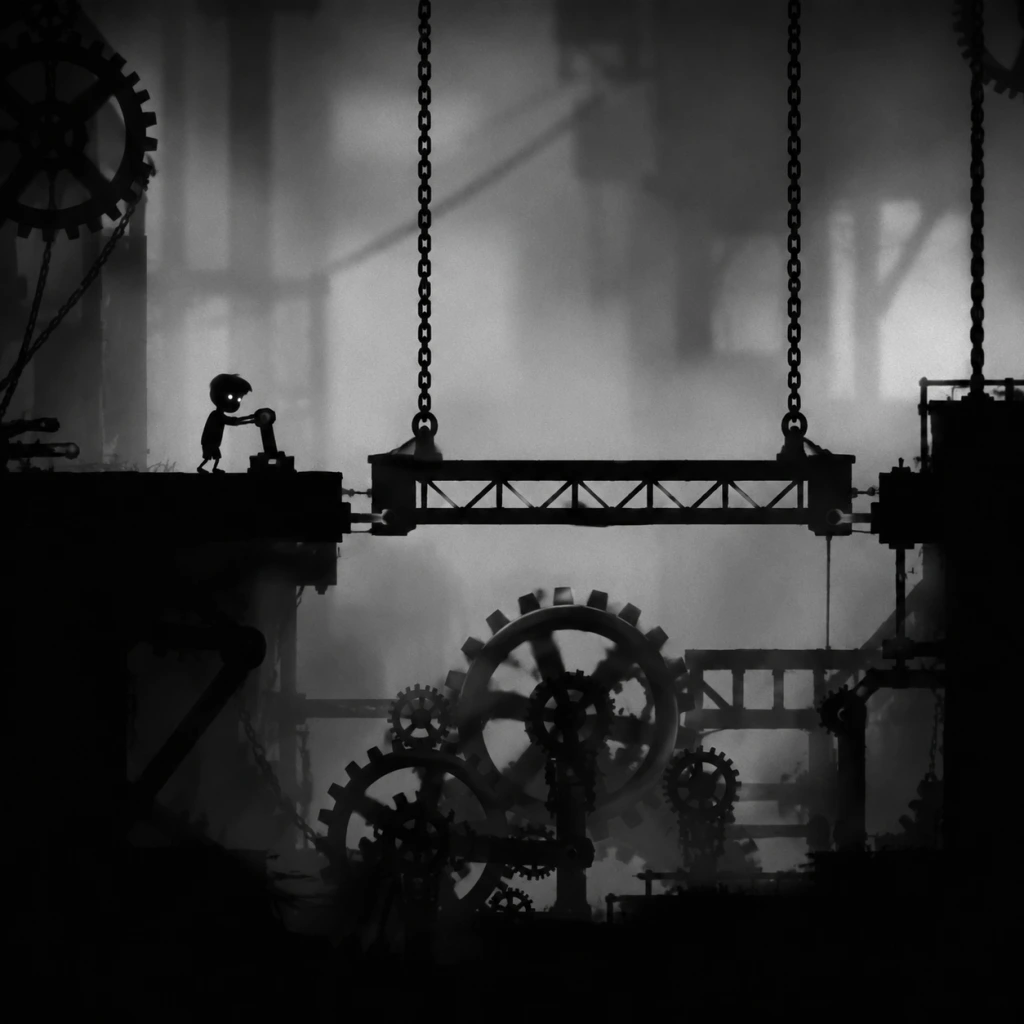
- Gears and crushers: You must climb moving gears; timing jumps precisely. One area requires climbing a series of gear teeth that can crush you.
- Gravity puzzle: Known as the “Gravity Machine,” you must activate a device that reverses gravity. You then walk on ceilings and walls to solve puzzles. This is the only major shift in mechanics.
- Electric traps: Rails with moving electric currents. You must time your jumps to avoid death.
- Contraptions with levers and conveyor belts: You must activate levers at the right time to redirect machinery.
- Final city: You approach a populated area (silhouettes of people in windows). The final puzzles involve using the grapple to navigate large gaps, and avoiding searchlights (instant death if caught).
- Magnetic platform puzzles: Using the grapple to move metal crates and create stairs or bridges.
- Reload the final checkpoint (the screen before the sister) to backtrack and collect all 11 white eggs (if they missed any). Each egg is hidden in a specific earlier level. Finding all rewards an achievement.
- Attempt a deathless run (“No Point in Dying”) which requires finishing with zero deaths. This is extremely challenging because of instant-kill traps.
- Speedrun the game (typical times range from 20-40 minutes). No in-game timer, but external tools can be used.
- Explore the game’s hidden secret: after collecting all eggs, you can interact with the final area in a special way (a hidden room appears?), but it’s minor.
The only "attack" is the ability to “kick” a bear trap to trigger it (by walking into it from the side), which is used as a tool rather than a weapon.
Progression
Progression is strictly linear. The boy moves from left to right (with occasional backtracking within a screen). There are no branching paths, but some areas require solving multi-step puzzles that involve moving objects from one screen to another. Progress is saved automatically at each load zone (when the screen changes or after death). There is no manual saving. Deaths are frequent and immediate; the boy dies with a disturbing animation and respawns at the last checkpoint (usually the start of the current screen).
Exploration
Exploration is limited to the linear path, but each screen encourages thorough examination to find hidden white eggs (there are 11 in total). These are optional collectibles. Finding all eggs unlocks an achievement/trophy. The eggs are often hidden off the main path, requiring backtracking or solving extra puzzles to reach. There are no other secrets or side areas.
Quests/Missions
The only overarching mission is: Find your sister. There is no dialogue, text, or journal. The story is environmental. Each area presents a new obstacle (forest, spider, dark cave, gravity factory, final city). You never receive explicit goals; the game uses visual cues (e.g., a distant silhouette of the sister, a light source) to guide you.
Economy
No economy whatsoever. No items to buy, sell, or collect (except the optional white eggs). No currency. No upgrades. The only resources are the boy’s ability to move and interact, and the items in the environment (which are fixed).
Character/Build Growth
No character growth. The boy has only two states: alive or dead. There are no stats, levels, skills, or equipment. The only "growth" is the player’s increasing familiarity with puzzle logic and trap patterns. The magnetic grapple (acquired in the gravity section) is the only new ability, and it’s a permanent tool, not an upgrade.
Endgame Structure
Endgame occurs after the final puzzle. Once you reach the girl (sister) in the last area, the game ends with a short cinematic. There is no post-game content, no New Game+, no difficulty modes. After credits, you can reload the final save to clean up missed eggs or achievements. The main replayability comes from:
Player Progression Tiers
Early Game (First 20-30 minutes: Forest, Spider, Cave)
The game begins with the boy waking up in a dark forest. You learn basic movement: walking, jumping, and climbing.
Key areas and puzzles:
Typical player death count: 10-30. Many die to the spider, bear traps, or falling.
Example puzzle: After the spider area, you must drop a box onto a button to open a door, then quickly go through before the box is crushed.
Mid Game (First 30 minutes to 1 hour: Water, Gears, Gravity Room)
Puzzles become more complex and require multi-step solutions, often involving timing and physics.
Key areas and puzzles:
New mechanic: The magnetic grapple is acquired here. You can fire a long cable that attaches to metallic surfaces; you can then pull yourself horizontally or swing. This is used for the rest of the game.
Example puzzle: In the gravity room, you must press a button on the ceiling, then gravity flips, and a box falls up. You must then drag the box to a new spot to create a platform to reach a high exit.
Late Game (Final 30 minutes: Factory, Electroshock, Final city)
The atmosphere becomes more industrial and surreal. The puzzles rely heavily on the grapple and precise timing.
Key areas and puzzles:
Example puzzle: You need to pull a crate across a gap using the grapple, but it’s too heavy; you must first climb onto a moving platform, wait for the electric current to be off, then jump to the crate.
Endgame (After completing the game)
No new content post-credits. The game ends. However, the player may:
Note: There is no difficulty setting, no adjustment for accessibility. The game’s trial-and-error nature means death is inevitable. The endgame is truly about mastery and self-imposed challenges.
Game Tips
Game Tips
General Beginner Tips
1. Patience is key. Limbo is a game of trial and error. Each puzzle is designed to be solved by observing the environment, not by speed. Rushing often leads to repeated deaths. Take your time to look at the full screen before moving.
- Why it works: The game rarely penalizes you for waiting, but many traps are triggered by sudden movement. By pausing, you spot hidden triggers like tripwires or pressure plates.
- When to use: Always enter a new area slowly. Stand still for a few seconds to scan for moving objects, hanging ropes, or subtle shadows that indicate a threat.
2. Learn from every death. The game’s frequent deaths are not failures—they are lessons. Each time you die, note what killed you and how you could have avoided it.
- Why it works: Limbo teaches through repetition. After a few deaths, you instinctively know the timing of a bear trap or the speed of a rolling ball.
- When to use: After each death, don’t just restart immediately. Pause for a moment to recall the sequence that led to your demise. The solution often becomes obvious.
3. Use the D-pad or keyboard for precise movements. Analog sticks can cause unintended slides or falls. For pixel‑perfect jumps and careful ledge grabs, use digital input.
- Why it works: The platforming requires exact positioning. Digital input gives you consistent control without the drift of an analog stick.
- When to use: When shimmying across narrow ledges, timing jumps over gaps, or positioning on a moving platform.
Puzzle Solving Strategies
4. Interact with everything. Push crates, pull levers, flip switches, and examine ropes. Even objects that seem purely decorative may move or react.
- Why it works: Limbo’s puzzles are mechanical. Every object in a room is there for a purpose. If you see a crate, it is meant to be moved. If you see a hook, it is meant to be used.
- When to use: At the start of any new room. Before trying complex solutions, try the simplest action: push, pull, or jump on anything movable.
5. Think about cause → effect. Many puzzles require you to trigger something in one location that affects another. Look for chains, wires, or ropes that connect objects.
- Why it works: The game’s physics are consistent. A lever that raises a platform must be connected. A counterweight that opens a door must be balanced.
- When to use: When you see a mechanism but don’t see its effect, consider that it might be linked to something off‑screen. Explore the entire room to find the linked element.
6. Use the environment as a tool. Water conducts electricity, light can attract insects, and empty containers can collect liquid. Treat every element as a potential tool.
- Why it works: The game world is reactive. For example, placing a crate in water floats, which can help you reach high ledges. Using a bug‑attracting light can distract enemies.
- When to use: Whenever you’re stuck, ask yourself: “What unique property does this environment have?” Then try to exploit it.
7. Solve puzzles in reverse. Instead of trying to reach the exit, work backwards from the exit to figure out what you need.
- Why it works: Many puzzles have a clear goal (e.g., open a gate). To open it, you need a key or counterweight. Reverse‑thinking reveals the required steps.
- When to use: When forward progress feels blocked. Identify the gate or door, then trace back what is needed to operate it.
Exploration & Secrets
8. The game has no map, but landmarks repeat. Areas are connected through thematic transitions. If you see a familiar tree or building, you are likely on the right path.
- Why it works: Limbo is linear but can feel maze‑like. Landmarks help you orient yourself and confirm you haven’t missed a side path.
- When to use: After a long section, look for recurring motifs (e.g., a specific type of grass, a broken sign) to verify you are moving forward.
9. Look for hidden eggs. There are secret “golden” items (actually small, glowing spheres) that are not required but contribute to the game’s meaning and achievements.
- Why it works: Collecting all eggs unlocks an achievement/trophy and hints at deeper lore. They are often hidden behind breakable walls or requiring sequence breaks.
- When to use: After mastering the main path, revisit earlier sections. Look for cracks in the background, slightly different colored tiles, or suspicious empty spaces.
10. Side paths may lead to death or shortcuts. Not every branch is safe. Some lead to instant death but also to secret areas. Don’t be afraid to explore dangerous routes.
- Why it works: The game rewards curiosity. A seemingly deadly trap may actually be a shortcut if navigated correctly.
- When to use: After you’ve completed an area, go back and try any path you avoided earlier. Use quick saves (on PC) to test risky moves without losing progress.
Traps & Hazards
11. Watch for environmental clues. Before a trap triggers, the game often gives a visual or audio hint: a slight shimmer in the air, a faint rumbling, a change in the background sound.
- Why it works: Playdead designed the game to be fair. Every trap has a tell. For example, bear traps are set on pressure plates; you can see the plate before stepping on it.
- When to use: When entering any new area, listen for buzzing, grinding, or dripping. These sounds indicate active hazards.
12. Giant spiders are not instantly fatal. If you encounter a spider, it will try to catch you, but you can escape by staying in bright areas or using the environment to block it.
- Why it works: Spiders fear light. Even a small spotlight can deter them temporarily. Use this to plan your movement.
- When to use: When you hear skittering, stay near any light source. If the spider catches you, mash the jump button to break free before it drags you away.
13. Water is both friend and foe. Drowning is an instant death, but water can also break falls, float heavy objects, and conduct electricity.
- Why it works: The game uses water as a puzzle element. Pushing a crate into water creates a floating platform; submerging yourself under a low ceiling can avoid a sawblade.
- When to use: If a passage is filled with water, first check if you can lower the water level or add objects to change flow. Never jump into unknown water without a plan.
Intermediate Techniques
14. Chain jumps for extra height. Jumping off a moving object (like a swinging crate) gives you a higher arc. Time your jump at the apex of the swing.
- Why it works: The game’s physics apply momentum. If you jump while moving upward, you add that velocity to your own jump.
- When to use: When you need to reach a ledge that is slightly higher than your normal jump. Grab a rope or stand on a crate, let it swing, then jump at the highest point.
15. Grab ropes and pull them quickly. Some ropes lower platforms or open doors when pulled. You can jump and grab the rope mid‑air, then pull down while falling.
- Why it works: This saves time and avoids resetting the puzzle. It also allows you to combine actions (e.g., pull a rope and then run under a door before it closes).
- When to use: When a rope is too high to reach from the ground, or when you need to perform two actions in quick succession.
16. Use the environment to block enemies. Creatures like the giant spider or the mind‑control boys (the “leech” creatures) can be trapped behind objects you move.
- Why it works: Many enemies follow a simple patrol path. Placing a crate or box in their way delays them, buying you time to cross.
- When to use: When an enemy patrols a narrow corridor. Push a crate into its path, then run past while it is stuck.
Advanced Optimizations
17. Speedrun techniques save time but require precision. The most notable trick is the “slide jump”: while running, crouch and jump at the exact moment you reach a ledge to slide under low obstacles without losing speed.
- Why it works: This bypasses the need to stop and duck, shaving off seconds per section. It also allows you to skip some small puzzles entirely if you can slide past a trigger.
- When to use: After you have memorized the safe spots. Practice on the early sections where the timing is forgiving. Only attempt in areas with no immediate lethal traps.
18. Sequence breaks are possible through physics exploits. For example, you can use a falling crate to launch yourself over barriers if you stand under it just as it drops.
- Why it works: The game’s physics treat the crate’s collision with your character as a push. If timed correctly, you can gain upward velocity.
- When to use: In puzzles where the intended path is blocked but there is a heavy object above. Note: This can sometimes soft‑lock you if you bypass required triggers, so save beforehand.
19. The “double jump” glitch (PC only). In certain versions, by pressing jump and then quickly tapping the interact key while in the air, you can get a second jump. This is an exploit that can skip entire sections.
- Why it works: A brief frame‑perfect input is misinterpreted by the engine as an additional jump. It is not consistent but can be trained.
- When to use: Only if you are comfortable with game‑breaking glitches. Best used for speedrunning or reaching hidden eggs. It may not work on all ports (e.g., console versions are patched).
20. Restart the level if you miss a hidden egg. Eggs are tied to specific checkpoints. If you pass a checkpoint without collecting an egg, you cannot go back without restarting the entire chapter.
- Why it works: The game’s checkpoint system does not allow backtracking across major transitions. To avoid missing eggs, either consult a guide or vow to explore thoroughly before moving forward.
- When to use: When aiming for 100% completion. After solving a puzzle, do not proceed through the exit until you have checked every corner for an egg. If you miss one, use the chapter select (if available) or start a new game.
Final Wisdom
- There is no wrong way to play. Limbo’s strength is its openness to multiple solutions. Some puzzles can be solved by brute force, others by patience. Use the method that feels most intuitive to you.
- Audio cues are crucial. The game has minimal music but rich ambient sound. A change in volume or a new sound effect often signals an incoming hazard or a solved puzzle.
- Help is everywhere online. If you are stuck on a specific puzzle, many walkthroughs and forums exist. But try to solve it yourself first—the sense of accomplishment is part of the experience.
Game Settings
Game Settings
Limbo is a lightweight, 2D side-scroller with minimal graphical demands. Despite its age, adjusting a few key settings can significantly improve your experience. This section covers every available setting across Graphics, Audio, Controls, Accessibility, Language, and Network (where applicable), with platform-specific notes and optimal configurations for various hardware levels.
Accessing the Settings Menu
On PC (Steam, GOG, Epic Games Store), launch Limbo and from the main menu select Options. On consoles (PlayStation 3, 4, 5; Xbox 360, One, Series X|S; Nintendo Switch), the options are accessed from the pause menu during gameplay or from the main menu. Note that console versions offer fewer tweakable options than the PC version.
Graphics Settings
Only available on PC. Console versions run at a fixed resolution and framerate (typically 1080p/30fps on older consoles, up to 4K/60fps on Xbox Series X|S and PS5 via backward compatibility or native enhancements).
| Setting | Options | Description |
|---|---|---|
| Resolution | List of supported display resolutions (e.g., 1280x720, 1920x1080, 2560x1440, 3840x2160) | Sets the rendering resolution. Higher resolutions provide sharper image at the cost of GPU load. Limbo’s art style looks excellent even at 1080p. |
| Fullscreen | On / Off / Windowed / Borderless | Exclusive fullscreen (On) tends to give best performance. Borderless windowed is useful for multi-monitor setups or quick alt-tabbing. |
| V-Sync | On / Off | Synchronizes frame rate with monitor refresh rate to eliminate screen tearing. Off can reduce input lag but may cause tearing. Limbo is not a fast-twitch game, so V-Sync On is generally safe. |
| Anti-Aliasing | Off / 2x / 4x / 8x / 16x (may be labelled as MSAA) | Smooths jagged edges. Because Limbo uses a heavily stylized 2D art with soft gradients and no hard polygons, anti-aliasing has minimal visual benefit and can degrade performance on very low-end hardware. Recommended: Off or 2x at most. |
| Shadow Quality | Low / Medium / High / Very High | Controls resolution and detail of dynamic shadows. Shadows in Limbo are subtle; High and Very High offer negligible improvements on most hardware. Recommended: Medium for best balance. |
| Texture Quality | Low / Medium / High / Very High | Affects the resolution of 2D textures. Since Limbo’s textures are deliberately low-res and grainy, setting this to High or Very High does not yield dramatic improvement. Recommended: High for crispness on modern displays; Low for very old integrated GPUs. |
| Shader Quality | Low / Medium / High | Affects lighting, post-effects, and water ripples. High adds minor atmospheric bloom and particle effects. Recommended: High unless you experience stutter. |
| Post-Processing | On / Off | Enables bloom, lens flares, and film grain. These are integral to Limbo’s moody aesthetic. Recommended: On – disabling makes the game look flat. |
| Framerate Limit | 30 / 60 / 120 / Unlimited | Caps the maximum FPS. Limbo’s physics are tied to framerate (60fps target). Setting to Unlimited may cause physics glitches or faster movement on high-refresh monitors. Recommended: 60 FPS for stability. |
Low-End (e.g., Intel HD Graphics 3000, AMD Radeon HD 5000 series, laptops from ~2010):
- Resolution: 1280x720
- Fullscreen: On
- V-Sync: Off (if tearing is not an issue) or On (if tearing bothers you)
- Anti-Aliasing: Off
- Shadow Quality: Low
- Texture Quality: Low
- Shader Quality: Low
- Post-Processing: Off (sacrifice visual mood for playable frame rate)
- Framerate Limit: 30 FPS (locked for consistency)
- Resolution: 1920x1080
- Fullscreen: On
- V-Sync: On
- Anti-Aliasing: Off or 2x
- Shadow Quality: Medium
- Texture Quality: High
- Shader Quality: High
- Post-Processing: On
- Framerate Limit: 60 FPS
- Resolution: Native monitor resolution (up to 4K)
- Fullscreen: On or Borderless (your preference)
- V-Sync: On (to avoid tearing; could use Fast Sync or G-Sync if supported)
- Anti-Aliasing: Off (unnecessary; 4K resolution does the job)
- Shadow Quality: Very High
- Texture Quality: Very High
- Shader Quality: High
- Post-Processing: On
- Framerate Limit: 60 FPS (to maintain physics integrity; do not use Unlimited)
Mid-Range (e.g., NVIDIA GTX 900 series, AMD RX 400 series, or any modern integrated GPU like Intel UHD 630):
High-End (any dedicated GPU from the last 5+ years, e.g., RTX 2060, RX 5700, or better):
Audio Settings
Available on all platforms. Limbo’s soundscape is essential to its atmosphere, so proper configuration is key.
| Setting | Options | Description |
|---|---|---|
| Master Volume | 0–100 | Controls overall game volume. |
| SFX Volume | 0–100 | Sound effects: footsteps, mechanisms, ambient creaks. |
| Music Volume | 0–100 | Background music. Limbo’s music is subtle and infrequent – keep this around 70-80 for balance. |
| Voice Volume | 0–100 | On PC, voice lines are extremely rare (mostly ambient grunts). This setting can be confusing – players often expect dialogue, but there is none. Setting to zero will not mute anything important. |
| Sound Mode | Stereo / 5.1 / 7.1 (PC only) | Selects audio output configuration. If you use headphones, choose Stereo. For home theater setups, use your speaker arrangement. Misconfiguration: Setting 5.1 on headphones can cause muffled or missing sounds. |
| Language | See Language section below | Affects menu text and subtitles (if enabled). Audio remains non-verbal. |
Controls Settings
Available on all platforms. Limbo uses minimal inputs, but rebinding can improve comfort.
#### Keyboard & Mouse (PC)
| Action | Default Key | Notes |
|---|---|---|
| Move Left / Move Right | A / D or Left/Right Arrow | You can use arrow keys or WASD. |
| Jump / Interact | Space, Up Arrow, or W | Only one action button: context-sensitive. |
| Pause / Menu | Escape | Also opens options during gameplay. |
| Restart from checkpoint | R | Useful after dying (you will die often). |
| Skip cutscene | Space / Enter | Cutscenes are few and short. |
- Some players prefer jumping with Space and moving with Arrow keys for legacy platformer feel.
- On laptops, avoid using arrow keys if they are small; use WASD.
- Special attention: The Restart key (R) is easy to press accidentally. If you often hit R while trying to jump (e.g., when R is near Space), consider rebinding it to a different key like Backspace or a mouse button.
#### Controllers (PC, Consoles, Switch)
Limbo fully supports Xbox, PlayStation, and Switch controllers on PC (via Steam Input or native XInput). On consoles, the controller is built-in.
| Action | Xbox / PlayStation / Switch |
|---|---|
| Move Left / Right | Left stick or D-pad |
| Jump / Interact | A / Cross / B (Switch layout varies) |
| Pause | Start / Options / + |
| Restart | Select / Touchpad left / - |
Dead zone and sensitivity: Limbo does not offer analog dead zone or stick sensitivity adjustments. The left stick works fine with default settings. If movement feels sluggish, use the D-pad instead for precise digital input.
Accessibility Settings
Limbo has limited built-in accessibility options, but some settings can help.
| Setting | Description |
|---|---|
| Subtitles | On / Off (PC and some console versions). Limbo has no spoken dialogue, but subtitles will display on-screen text for environmental sounds (e.g., “water drips”). Turning on subtitles can help players with hearing impairments catch audio cues. Misconfiguration: Many players leave Subtitles Off, but they can provide useful hints for hidden puzzles. |
| Screen Shake | On / Off (PC only). Reduces camera shake during certain events. Recommended Off for players with motion sensitivity or vestibular disorders. |
| Colorblind Modes | Not available. Limbo’s grayscale palette is intentionally inaccessible for colorblindness; however, contrast is naturally high. |
| Difficulty Adjustments | None. Limbo does not offer difficulty sliders; the challenge is fixed. |
Language Settings
Available on PC and some console versions (typically set via system language or in-game menu).
| Setting | Options | Notes |
|---|---|---|
| Menu Language | English, French, Italian, German, Spanish, Japanese, Korean, Portuguese, Russian, Simplified Chinese, Traditional Chinese, etc. | Changes all in-game text. Limbo has very little text, so this is mostly for the options menu and subtitles. |
| Audio Language | Not applicable – no voiced languages. | All sounds are ambient. |
Network Settings
Limbo is a single-player offline game. It has no multiplayer or online features. Therefore, there are no network settings to configure. The only network-related aspect is on PC for achievements and cloud saves, which are handled automatically through the platform (Steam, GOG Galaxy, Epic).
Tip: If you play on a platform that supports cloud saves (Steam), ensure the cloud sync is enabled in the platform settings to back up your progress.
Gameplay Settings
Limbo has very few gameplay-affecting options beyond controls. The following are available on most versions:
| Setting | Options | Description |
|---|---|---|
| Auto-Run | On / Off (PC only) | When On, the boy will automatically move forward; you only need to jump or interact. This can reduce finger fatigue but may cause unintended falls. Misconfiguration: If you enable Auto-Run and are not prepared, you may walk off cliffs. Recommended Off for precise platforming. |
| Invert Y-Axis | On / Off | Inverts the vertical axis for aiming (not applicable in Limbo, as there is no camera control). This setting is irrelevant and can be ignored. |
Summary of Settings That Are Easy to Misconfigure
1. Framerate Limit (PC): Setting to Unlimited can break physics. Stick to 60 FPS.
2. Sound Mode (PC): Choosing 5.1 on headphones causes poor audio. Always match your output.
3. Auto-Run: Activating this without knowing can lead to constant deaths. Keep it Off.
4. Restart Key (PC default R): Easily pressed accidentally, causing loss of progress. Consider rebinding.
5. Subtitles: Off by default; turning them On can reveal subtle environmental hints.
6. Language Setting: May default to a non-preferred language; check early.
7. V-Sync: Off reduces input lag but may cause tearing that is distracting in dark scenes. On is recommended for most.
Special Attention Points During Setup
- First Launch Resolution: Limbo may default to a low resolution. Immediately go to Options > Graphics to set your native resolution.
- Controller Detection: On PC, if your controller is not recognized, ensure it is connected before launching. Steam users should check Controller Settings in Big Picture mode. On Epic Games Store, you may need to configure controller support via the platform.
- Achievement Compatibility: Some achievements (e.g., “No Point in Dying” – finish without dying) can be broken if you change settings mid-playthrough. It is safe to adjust settings at any time, but resetting does not affect achievements.
- Cloud Save Conflicts: If you switch between devices, ensure cloud save is synced before playing. Mismatched saves may cause loss of progress.
Adjust these settings to your preference before diving into the dark woods. Limbo’s mood and challenge are best experienced with a properly configured game environment.
Important Notes
Important Notes
General Warnings
- Frequent Deaths Are Expected: Limbo is designed around trial-and-error. Your character will die many times—by spikes, drowning, crushing, traps, and puzzles. This is not a failure; it's a core gameplay loop. Do not get frustrated; each death teaches you the puzzle's rules.
- No Save Slots or Manual Saves: The game uses an automatic checkpoint system. Checkpoints are frequent (often every few steps in puzzle areas), but if you close the game mid-level, you resume at the last checkpoint. You cannot go back to earlier areas or re-collect missed items without restarting the entire playthrough.
- No In-Game Hints or Dialogue: There is no narrator, character speech, on-screen text, or tutorial pop-ups. All puzzle logic must be deduced from the environment, physics, and sound cues. Pay close attention to shadows, moving objects, and background details.
- Secret Ending (Requires Collectibles): The only missable content is the secret ending. To unlock it, you must find and activate all 10 hidden glowing orbs (often called eggs) scattered throughout the game. Collecting them unlocks a hidden achievement and a different ending cutscene.
- No Dialogue Choices or Multiple Endings (Besides Secret): Limbo is completely linear. There are no story branches, no karma system, no decisions that affect the narrative. The only variation is the standard ending and the secret ending.
- The Spider (Early Game): The giant spider chases you through a forest area. It's a prolonged, tense sequence requiring precise timing. Run when it pauses, hide under boxes, and use environmental traps (bear traps, water). Patience is key.
- Gravity Shift Room (Mid-Game): A puzzle room where up becomes down. The puzzle demands a clear understanding of momentum and object placement. If you jump at the wrong time, you'll fall off the screen. Observe the pattern before acting.
- Electrical Puzzles (Late Game): Several rooms require manipulating live wires, switches, and boxes to redirect electricity. These can be tricky because touching a charged wire instantly kills you. Use the environment (water, metal boxes) to complete circuits safely.
- The Final Puzzle (End of Game): The last area involves a complex series of levers, platforms, and moving objects that must be coordinated in a strict sequence. There is no checkpoint once you start the final elevator sequence, so failing means replaying a long section from the last checkpoint. Memorize the pattern.
- No Grinding Necessary: Limbo has no experience, currency, upgrades, or leveling. All progress is puzzle-based. Do not attempt to collect points or repeat areas for resources—there are none.
- Achievement Hunting: The only missable achievements are the "Egg" achievements (collecting all 10 orbs) and the speedrun achievement (finish the game in under 60 minutes, if your platform supports it). Getting the speedrun achievement requires multiple playthroughs since you can't skip puzzles. Do not stress about it on first playthrough.
- No Online Multiplayer or Anti-Cheat: Limbo is a single-player game with no online features. There is no anti-cheat system, leaderboard competition, or multiplayer etiquette. Feel free to take your time, use guides, or cheat (if you must) without affecting others.
- Automatic Only: Saves are created at checkpoints automatically. To force a save, let your character stand still for a few seconds. The game saves when you see a small white icon (a rectangle with a line) briefly appear in the corner (varies by platform).
- Quitting the Game: You can quit at any time. When you reload, you start at the last checkpoint. There is no penalty for quitting during a puzzle, but remember that checkpoints are not always immediately before a tough jump—you may have to redo a short sequence.
- Backup Saves (PC): On PC, save files are typically located in:
- Limbo is a linear, unforgiving, but rewarding experience. Do not approach it as a standard action game. Take your time, analyze each screen, and embrace death as a learning tool. The sense of accomplishment comes from solving each silent, deadly puzzle.
Missable Content & Irreversible Choices
- Warning: Eggs are easily missed. They are placed off the main path, often requiring backtracking or solving optional environmental puzzles (e.g., moving a crate that seems unnecessary). If you finish the game without collecting all 10, you cannot reload a checkpoint to go back—you must start a new game or use chapter select (if available on your platform) to recollect them.
- Platform-Specific Chapter Select: On some versions (Steam, later console re-releases), after beating the game you unlock the ability to select individual chapters. This allows you to grab missed eggs without a full replay. Check your platform's features.
Difficulty Spikes & Puzzles to Prepare For
Grinding Traps & Unnecessary Effort
Save Management Advice
- Steam: `%USERPROFILE%\Documents\Limbo` or similar depending on version.
- Epic Games Store: Same or inside game install folder.
- You can manually copy these files to back up your progress, but it's rarely needed because the game is short (3-5 hours). If you want to keep a pre-secret-egg state, copy the save before collecting the last egg.
Things Players Commonly Regret Not Knowing Earlier
1. The Secret Ending Exists: Many players finish the game unaware that a different ending is available by collecting all orbs. If you care about story, look up a guide for orb locations before you start your playthrough or use chapter select afterward.
2. Brightness Settings Matter: The game is deliberately dark and monochrome. If you struggle to see platforms or traps, adjust your screen brightness or in-game brightness setting. Too dark = missed puzzle clues; too bright = loses atmosphere.
3. You Can Skip Cutscenes: On most platforms, you can skip the brief cutscenes (like after death) by pressing the skip button (usually Start/Enter or A/X). This can save a few seconds if you die repeatedly.
4. Jumping on Objects Changes Their Behavior: Boxes crumble with repeated jumping; logs roll. Experiment with jumping on anything that moves; it often reveals puzzle solutions.
5. Drowning is Instant: In water, you drown after a few seconds. There is no indicator except for a change in the character's posture. If you fall into deep water, quickly move toward a platform or ladder.
6. Sound Cues Are Clues: The game uses audio to signal danger (e.g., a low rumble means a heavy object is falling, a buzzing sound means electricity). Wear headphones for the best experience.
7. No Checkpoint Inside a Single Puzzle: If a puzzle has multiple steps, the checkpoint often occurs only after you complete the first major part. If you die midway, you may restart from the puzzle's beginning, not the step you were on.
8. The Game is Short: Expect a first playthrough to take 3–5 hours. If you get stuck for more than 20 minutes on a single puzzle, it's acceptable to look up a hint—many puzzles require non-obvious environmental manipulation.
Final Warning
All Game Items
No Traditional Items
Limbo is a minimalist puzzle-platformer that deliberately lacks any traditional items—no weapons, armor, consumables, materials, currencies, or inventory system. The game’s entire design revolves around environmental interaction and trial-and-error puzzle solving. Instead of picking up or managing items, the player uses objects that are permanently placed in each level as tools to overcome obstacles. The only items that exist are hidden collectibles (called “secrets”) that unlock an alternate ending and an achievement. Below is a comprehensive guide to every interactive element and collectible in the game.
---
Interactive Objects (Puzzle Elements)
These objects are not “collected” but are essential for completing puzzles. Each appears in specific levels and is used by the player character (the boy) via simple context-sensitive actions (e.g., pushing, pulling, moving, climbing, activating).
Boxes
Description: Wooden crates of various sizes. Some are hollow, some are solid. They can be pushed horizontally or pulled vertically.
How to Obtain: Already present in the environment—usually in the puzzle room where they are needed. No acquisition required.
Usefulness: Boxes are the most versatile tool in Limbo. They are used to:
- Climb to higher ledges.
- Block or activate switches.
- Float on water (hollow boxes act as rafts).
- Counterweight platforms (place on one side of a seesaw).
- Shield the boy from falling objects or enemy projectiles.
Synergies/Upgrades: No upgrades exist; boxes are permanent but can be destroyed by crushing or falling hazards.
Ropes
Description: Hanging ropes that the boy can grab, climb up/down, and swing on. Some are fixed, others can be cut with a saw or pulled by a winch.
How to Obtain: Already hanging in the environment.
Usefulness:
- Climb vertical gaps.
- Swing across chasms (timing is key).
- Pulled by a counterweight or winch to raise platforms or open gates.
Synergies: Often used in combination with boxes (place a box on a platform raised by a rope).
Winches & Cranks
Description: Hand-cranked mechanisms that reel in ropes or move platforms horizontally/vertically. Some are fixed, others can be detached and moved.
How to Obtain: Usually found beside the rope or platform they control.
Usefulness:
- Raise or lower platforms by turning the crank.
- Pull heavy objects (e.g., a cart) along a track.
Synergies: The boy must hold the crank while standing on a moving platform—be careful not to fall off.
Levers & Buttons
Description: Floor buttons that trigger immediate actions (e.g., opening a door, activating a magnet) and levers that switch states (e.g., change direction of a conveyor).
How to Obtain: Always present in the puzzle area.
Usefulness:
- Buttons often require a box to hold them down (so the boy can move freely).
- Levers toggle between two modes (e.g., magnet on/off).
Synergies: Box + Button = permanent activation until box is moved.
Seesaws & Counterweights
Description: Teeter-totter platforms that tilt based on weight. Also seen as elevated platforms that lower when a heavy object (or the boy) stands on one side.
How to Obtain: Built into the level geometry.
Usefulness:
- Propel the boy to higher areas by jumping from the rising side.
- Activate switches on the opposite side by placing a weight.
Synergies: Combine with boxes to create a counterweight.
Gravity Machine (Magnetic Device)
Description: A large mechanical device that can reverse gravity in a localized area when activated. It emits a distinct hum and has a central button.
How to Obtain: Found in two late-game puzzle sections.
Usefulness:
- Inverts gravity, allowing the boy to walk on ceilings.
- Moves metal objects (but no metal objects exist in Limbo—only the boy and boxes are affected).
Synergies: Use in combination with timed jumps to reach normally inaccessible areas.
Conveyor Belts
Description: Moving belts that carry objects (or the boy) in a fixed direction. Some have gaps or spikes above them.
How to Obtain: Built into the environment.
Usefulness:
- Transport boxes to specific locations.
- Carry the boy through spiked sections if timed correctly.
Synergies: Use a box to block a conveyor’s gap or to weigh down a switch on the belt.
Ladders & Catwalks
Description: Climbable ladders and metal walkways. Usually stationary, but some ladders can be moved (pushed horizontally).
How to Obtain: Already placed or found leaning against walls.
Usefulness:
- Access high ledges.
- Bridge gaps when used as a horizontal platform.
Synergies: Ladders can be used as improvised bridges over small pits.
Water & Floating Objects
Description: Bodies of water (drowning hazard) that allow certain objects to float. The boy can swim but drowns after a short time. Floating boxes serve as rafts.
How to Obtain: Water is always present in its section; floating objects are often boxes.
Usefulness:
- Boat across flooded areas.
- Submerge to avoid electric shocks (temporary).
Synergies: Use a hollow box as a raft; the boy can stand on it and paddle by moving.
Sawblades & Crushers (Environmental Hazards)
Description: Not items the boy can pick up, but they are key obstacles. Some moving hazards can be manipulated (e.g., stopping a crusher by placing a box).
How to Obtain: They are always present.
Usefulness:
- To be avoided or used to cut ropes/blockages.
Synergies: Use a box to block a crusher’s path, creating a temporary safe zone.
---
Hidden Collectibles (Secrets)
Limbo contains 10 hidden objects (often called “secrets” or “eggs”) scattered throughout the game. They are small, glowing, mechanical devices that emit a faint light and are often tucked away in hard‑to‑reach corners or behind cleverly disguised walls. Collecting all 10 unlocks a secret ending and an achievement/trophy.
How to Obtain
Each secret is found by deviating from the main path. Look for:
- An unusual arrangement of background elements (e.g., a slightly different tree branch).
- A small opening behind a waterfall or rock.
- A puzzle that, if solved in a specific way, opens a hidden area.
- Walls that can be pushed aside (some surfaces are false).
List of All Secrets
| # | Level (Approximate) | Location | Description |
|---|---|---|---|
| 1 | Title Screen Area (after waking up) | Immediately after the first puzzle (pull the box). Instead of going right, climb the ladder and walk left across the tree trunk to a hidden cave. | A glowing orb on a small pedestal. |
| 2 | Forest (Spider Area) | After the hanging corpse puzzles, before the spider chase. Drop down behind a falling log to find a secret. | Orb under a rocky overhang. |
| 3 | Underground Cavern (Bear Traps) | In the room with multiple bear traps hanging from chains. Jump onto a small ledge above the entrance to the next area. | Orb behind a breakable wall. |
| 4 | Factory (See-Saw and Water) | After using boxes to cross a lake, go left instead of following the platform. There is a hidden gap behind a waterfall. | Orb on a high ledge. |
| 5 | Gravity Machine Section (First Use) | In the room where you first activate the gravity machine, after flipping it on, jump into the upper left corner (gravity reversed). | Orb floating near the ceiling. |
| 6 | Gravity Machine Section (Second Use) | In a subsequent room with multiple gravity zones. Walk on the ceiling and find a hidden alcove behind a vertical shaft. | Orb inside a hollowed‑out gear. |
| 7 | Conveyor Belt & Crusher | After traversing the crusher room, look for a vent opening high on the wall. Use boxes to reach it. | Orb on a small platform inside the vent. |
| 8 | Moonlight / Swamp (Lever Room) | In a puzzle area with a long lever and moving platforms, backtrack to a previous room and look for a hidden passage behind a ceiling grate. | Orb behind a false wall. |
| 9 | Elevator and Electro‑Magnet Section | After using the magnet to move a platform, ride the elevator up but jump off early to a hidden ledge on the left. | Orb near a sparking wire. |
| 10 | Final Section (Pre‑ending) | In the room with multiple parallel platforms and a large gear. Drop down into the darkness beneath the last platform instead of climbing up. | Orb in a pit (requires careful descent). |
Usefulness
- Story: Collecting all 10 reveals a short bonus scene after the credits.
- Achievements/Trophies: Unlocks “No Point in Dreaming” (or similar) on most platforms.
- No In‑Game Benefit: The secrets do not affect gameplay, health, or abilities. They are purely collectible rewards for exploration.
- Secrets are missable. There is no chapter select in the standard version, so you must collect them all in one playthrough or use save‑game editing (PC).
- The game does not track how many you’ve found—rely on your memory or a guide.
- Some secrets require solving optional puzzles (e.g., using the gravity machine to reach a ceiling alcove).
Important Notes
---
Summary
Limbo contains no weapons, armor, potions, money, materials, or traditional inventory. The only “items” you will ever encounter are:
1. Interactive Objects: Boxes, ropes, winches, levers, buttons, gravity machines, etc. – all permanently placed in the world and used to solve puzzles.
2. Hidden Collectibles: 10 glowing secrets that unlock an alternate ending but have no functional effect.
By mastering the use of these environmental tools, you will traverse the dark world of Limbo. There are no upgrades or synergies beyond the immediate puzzle at hand—each object is used exactly as the developers intended, and creative problem‑solving is rewarded.
Remember: Limbo is a game of observation and trial. All the “items” you need are already in the world around you.
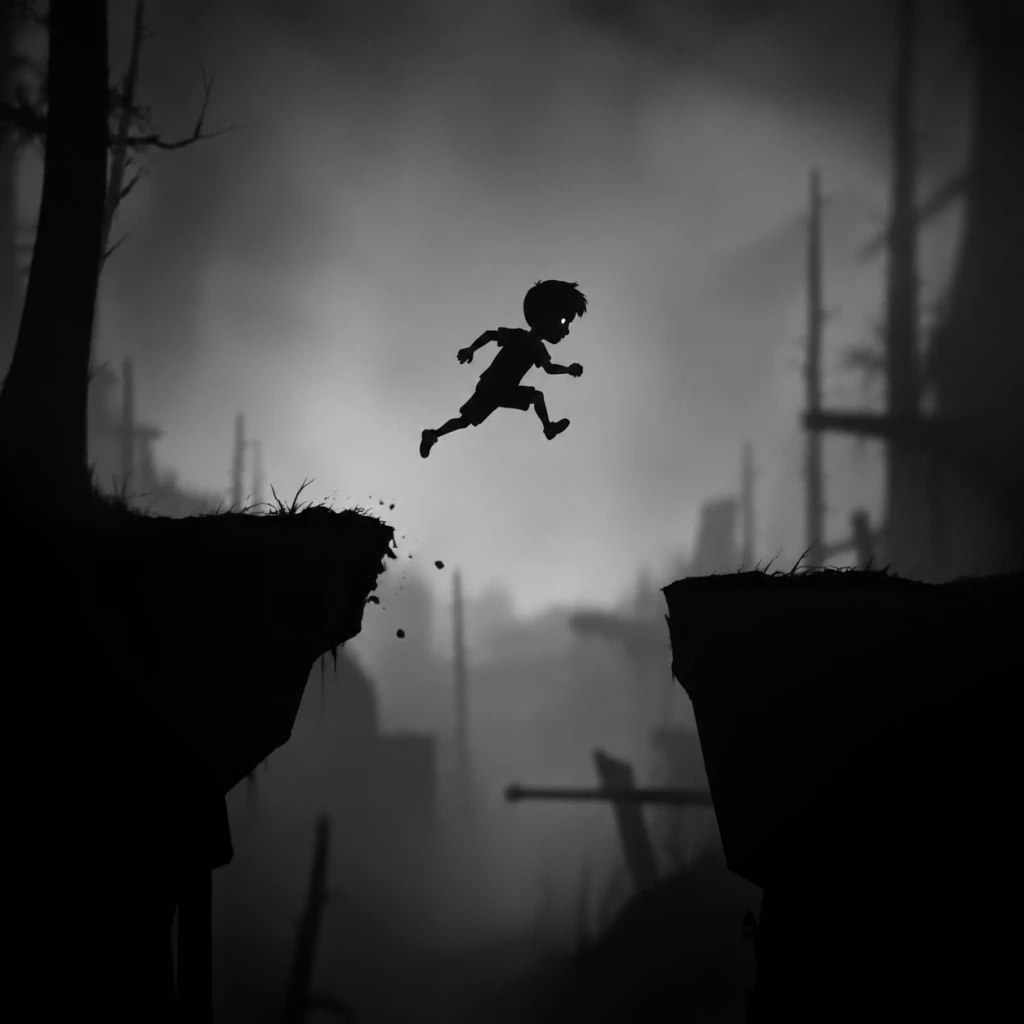
Character Skills
Overview
Limbo is a minimalist puzzle-platformer that deliberately strips away traditional RPG mechanics. There are no levels, experience points, skill trees, spells, or special moves. The only playable character is a nameless boy, and his "skills" are purely environmental interactions—running, jumping, climbing, pushing, pulling, and solving puzzles through trial and error. This guide covers every action the boy can perform, with practical notes on when and how to use them, even though no upgrades, cooldowns, or synergies exist.
Playable Characters
There is exactly one playable character:
- The Boy: A small, silent child dressed in a light shirt and dark pants. He has no name, no dialogue, and no backstory beyond his quest to find his sister. His only tools are his wits and physical abilities. He can die in dozens of gruesome ways—spikes, drowning, crushing, bear traps, saws, and more—so every action must be carefully timed.
- How: Move left or right using the directional input (left stick, D-pad, or arrow keys). The boy automatically walks; pressing the run button (usually Shift, L3, or a dedicated key) makes him sprint slightly faster.
- Effect: Movement speed is constant; running is only marginally faster but helps in timed sequences (e.g., outrunning falling objects or rolling boulders).
- Cooldown: None.
- Usage Tips:
- How: Press the jump button (A on Xbox/PC controller, X on PlayStation, Space on keyboard).
- Effect: The boy can jump a fixed height and distance. He cannot double jump, wall jump, or air dash. The jump arc is consistent and low.
- Cooldown: None (instant, but you cannot jump again until landing).
- Usage Tips:
- How: When near a ladder, rope, or climbable ledge, the boy automatically grabs on. Move up/down/left/right to climb.
- Effect: The boy can climb vertical ladders, horizontal ropes, and pull himself up onto ledges (by jumping and grabbing the edge).
- Cooldown: None.
- Usage Tips:
- How: Walk into an object (crate, box, platform) to push it. To pull, walk away while pressing the interact key (often the same as run or an additional button like E on PC).
- Effect: Moves movable objects horizontally. Pushing moves them away from you; pulling brings them toward you.
- Cooldown: None.
- Usage Tips:
- How: Press the interact button (E on PC, X on Xbox/PlayStation controllers) when near an interactive element: buttons, levers, valves, ropes, bear traps, etc.
- Effect: Triggers environmental actions:
- Cooldown: None (but some mechanisms have a reset delay, e.g., a gear that must re-engage).
- Usage Tips:
- How: Walk into water. The boy automatically begins swimming by moving in the water. He can only swim for a short time before drowning.
- Effect: Allows crossing water bodies, but the boy’s head must stay above water. If submerged too long, he drowns.
- Cooldown: None (but survival depends on oxygen, which depletes in about 5–7 seconds).
- Usage Tips:
- How: Press the jump button while directly under an object to headbutt it (e.g., to crack a glass ceiling).
- Effect: Dislodges certain fragile platforms or breaks glass.
- Cooldown: None.
- Usage Tips:
- No Levels: The boy never gains experience or stats. His abilities remain identical from start to finish.
- No Spells or Magic: The world has no supernatural abilities. All interactions are purely physical.
- No Upgrades: There are no skill points to spend, no new moves to learn, and no equipment to enhance abilities.
- No Cooldowns: Every action can be performed continuously with no restriction except physics (e.g., you must land to jump again).
- No Combos / Synergies: The game does not support skill chaining. The only “synergy” is using multiple environmental objects together (e.g., pushing a crate onto a button to keep a door open while you climb).
- Priority: Observation > Action. Watch the environment for patterns before moving.
- Trial and Error: Expect many deaths. Each one teaches you something about the puzzle.
- Use All Actions: Even though limited, each action has a unique role. Never ignore the interact button—it may be needed to disarm a trap or activate a mechanism.
- Master the Jump Arc: Knowing exactly where you land is crucial for precision platforming.
- Utilize Pushing/Pulling Creatively: Crates are multi-purpose—use them as weights, shields, platforms, or even to break fall damage (rare).
There are no alternate characters, unlockable skins, or roles. The entire game is played from start to finish as this boy.
Innate Abilities (Skills)
The boy possesses a limited set of basic actions. These are not learned or upgraded; they are available from the first second. Each is essential for survival.
1. Walk / Run
- Always walk cautiously when exploring new areas—hidden traps (like string-triggered spikes) can kill instantly.
- Sprint only when you are sure of the safe path; many puzzles require precise, slow movement.
- On platforms, running off a ledge while pressing jump yields a longer horizontal arc.
2. Jump
- Jumping is critical for reaching ledges, avoiding ground-level traps, and activating certain mechanisms (e.g., pulling a rope).
- In many puzzles, you must jump from moving platforms or time your jump to avoid spinning saws.
- Pressing jump while sprinting gives a slightly longer jump (same height, farther horizontal distance).
3. Climb / Grab
- Ladders are often used to reach higher platforms or to avoid hazards on the ground.
- Ropes can be swung slightly (by moving left/right while hanging) to gain momentum for a jump.
- To climb onto a ledge, you must jump toward it and then press forward; the boy will pull himself up if the ledge is within reach.
4. Push / Pull
- Crates are used as stepping stones, counterweights, or shields against hazards (e.g., blocking electricity).
- Pulling can be used to retrieve a crate from a ledge or to reposition it without jumping onto it.
- Some puzzles require precise positioning—push/pull slowly to align items with switches.
5. Interact
- Buttons/levers: activate machines, move bridges, or open doors.
- Valves: open water paths or release gas.
- Ropes: pull them to trigger distant mechanisms (like a counterweight).
- Bear traps: press the button to disarm a trap (if you are near it) after it has been triggered.
- Many puzzles require holding an interactable object while performing another action (e.g., pulling a rope and then jumping). You can hold the interact button and still move/jump.
- Disarming bear traps is essential to avoid being caught; you can also use the trap as a weight or platform.
6. Swim (Limited)
- Swim only when absolutely necessary; surface periodically by jumping or climbing onto ledges.
- In some puzzles, you must weigh down a floating crate or use a box to create a bridge over water.
- The “air bubble” mechanic does not exist; you cannot breathe underwater. Time your swim carefully.
7. Headbanging / Physics Interaction
- Used in specific puzzles to create a foothold or open a passage.
- Does not work on sturdy surfaces.
No Traditional Skills System
Recommended “Build” (Playstyle Advice)
Since there are no choices, the only recommendation is to adopt a patient, observant playstyle:
When to Use Each Skill
| Skill | When to Use |
|---|---|
| Walk / Run | Default movement. Run when you need speed (e.g., escaping a rolling boulder). Walk when exploring unknown areas. |
| Jump | Crossing gaps, reaching higher ground, avoiding ground-level traps, activating ropes/buttons while in air. |
| Climb | Accessing high platforms, traversing vertical shafts, hanging from ropes to swing. |
| Push / Pull | Moving crates, positioning objects for puzzles, blocking hazards, creating stepping stones. |
| Interact | Pressing buttons/levers, pulling ropes, opening valves, disarming bear traps. |
| Swim | Crossing water sections (use sparingly). |
| Headbutt | Breaking fragile glass ceilings (only specific puzzle sections). |
Conclusion
Limbo does not have skills in the traditional sense. The boy’s entire repertoire consists of these seven basic interactions, and the challenge lies in applying them to clever, often lethal puzzles. Mastery comes from understanding the physics and timing, not from developing a skill build. Approach each death as a lesson, and you will naturally learn when to jump, push, or pull. There is no better skill than patience.
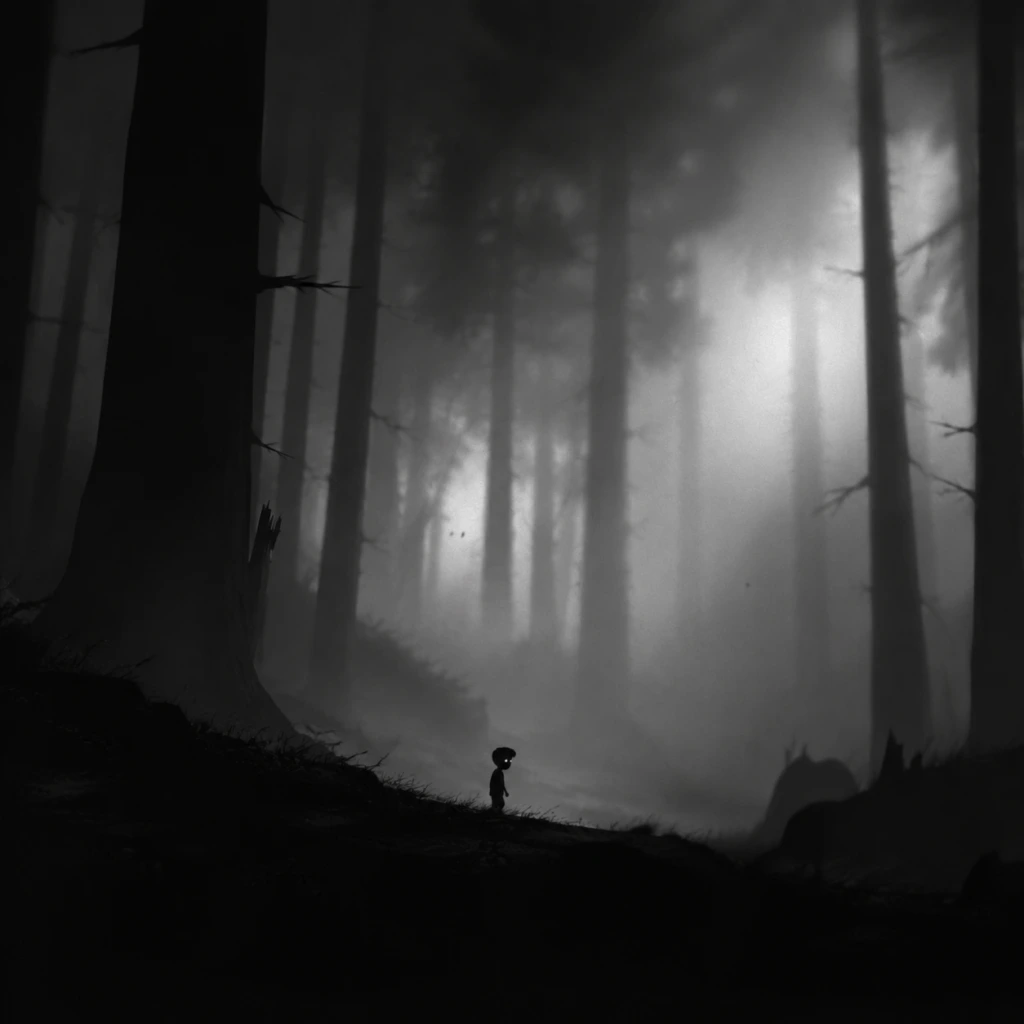
Characters & Roles
The Nameless Boy
Limbo features a single, silent protagonist: a nameless boy who awakens at the edge of a dark forest. There are no other playable characters, classes, roles, or unlockable units in the game. The entire experience is built around controlling this one boy as he navigates a hostile, monochrome world.
Background
- The boy's identity and motivation are intentionally left ambiguous. The only narrative thread is his search for his missing sister, hinted at by the faint silhouette of a girl seen in the game's opening and final moments.
- He is a child—small, vulnerable, and completely unarmed. He wears a dark shirt and trousers, with no visible equipment or protective gear.
- The world he traverses is a nightmarish, industrial-fantasy landscape filled with traps, machinery, and hostile creatures.
- Agility: The boy can run, jump, climb ledges, push/pull objects, and crawl through tight spaces. His movement is precise and responsive, allowing for controlled platforming.
- Problem-solving mindset: While not a gameplay mechanic, the boy (and by extension the player) is required to observe environmental cues and experiment with interactions to progress.
- Resilience (gameplay): Although he dies frequently, the game respawns him almost instantly at the last checkpoint, encouraging trial-and-error without frustration.
- Extreme fragility: Any hazard—spikes, electric shocks, water, crushing traps, or creatures—kills the boy in one hit. He has no health bar, no shields, no damage mitigation.
- No combat abilities: The boy cannot attack any enemy. He can only avoid, trick, or use the environment to eliminate threats (e.g., dropping a trapdoor on a giant spider).
- Limited interaction: He can only push, pull, climb, and activate levers or buttons. He cannot carry items, use tools, or interact with most objects from a distance.
- No special powers or upgrades: The boy never gains new abilities, skills, or equipment. His moveset remains identical from the first screen to the last.
- Trial-and-error approach: Every puzzle or obstacle requires careful observation and repeated attempts. There is no punishment for dying beyond a momentary checkpoint reload.
- Environmental manipulation: The boy must use objects around him—boxes, counterweights, hooks, magnets, water flows—to create paths or disable traps.
- Patience and timing: Many puzzles involve moving platforms, rolling logs, or timed triggers. Rushing often results in death; pacing and pattern recognition are essential.
- Stealth and evasion: Against creatures like the giant spider or the forest boys, the boy must hide, stay still, or move carefully to avoid detection. Running blindly attracts attention.
- The boy is the only playable character available from the very start of the game. No unlock requirements, secret characters, or alternate versions exist.
- Completing the game does not unlock any new playable characters or modes (aside from the "Eggs" collectible for Steam achievements, which does not change the character).
- None applicable: Limbo has no equipment, upgrade system, or build options. The boy's capabilities are fixed. The only "build" is the player's own observational skill and patience.
- Not applicable: The boy is alone throughout the game. There is no cooperative or multiplayer mode. No NPC allies assist him; the only interactions are with hostile creatures and neutral puzzle elements.
- Appearance: A massive, long-legged spider that stalks the boy in the early forest and industrial areas.
- Behavior: Pursues the boy relentlessly. It can walk on ceilings, climb walls, and impale the boy with its legs. It is immune to most traps.
- How to defeat: The spider can only be killed by luring it into a bear trap or another environmental hazard. Later, the boy must divert its attention using a cart and a counterweight to drop a platform on it.
- Appearance: Humanoid silhouettes of other children, sometimes wearing masks or holding weapons (e.g., a club).
- Behavior: They wander aimlessly but become hostile if the boy approaches or runs near them. They will chase and club him to death.
- Strategy: Avoid their line of sight. Move slowly when they are nearby. They can be distracted by throwing objects or used to trigger traps from a distance.
- Appearance: Long, segmented creatures that hide in shallow water or mud. They erupt when the boy steps on their territory.
- Behavior: They grab the boy and drown him in the mud. They cannot be killed.
- Strategy: Listen for their subtle movement sounds or watch for ripples in the water. Time your runs to cross when they are retracted.
- Description: Various industrial hazards that emit electricity. Contact instantly kills the boy.
- How to handle: Most require the boy to pull crates to block electrical arcs or disable generators before proceeding.
- Description: Faint, humanoid shapes that rise from the water and drag the boy underwater if he touches them.
- Behavior: They appear only in flooded areas. They are attracted to motion and splashes.
- Strategy: Move slowly when submerged. Use floating platforms or ropes to avoid contact. The ghosts cannot be eliminated.
- Description: In later puzzles, the boy encounters rooms where gravity shifts (rotating rooms, anti-gravity fields). No specific character, but the environment becomes an active threat.
- Role: Only visible as a silhouette in the ending sequence. Her existence drives the narrative, but she has no direct interaction with gameplay.
- Only playable character: The Nameless Boy.
- No classes, roles, or builds: The game is pure puzzle-platforming without RPG elements.
- Primary challenge: Environmental hazards and hostile creatures that require observation, timing, and puzzle-solving.
Strengths
Weaknesses
Playstyle
Unlock Conditions
Recommended Equipment or Builds
Team Synergy
Notable Non-Player Characters (Enemies and Entities)
While not playable, several characters play crucial roles as obstacles or puzzle components. Understanding them is essential for progression.
The Giant Spider
The Forest Boys
The Worm-like Creatures
The Electrified Platforms/Machines
The Drowning Ghosts (Water Sections)
The Gravity-Defying Sections
The Girl (Sister)
Summary
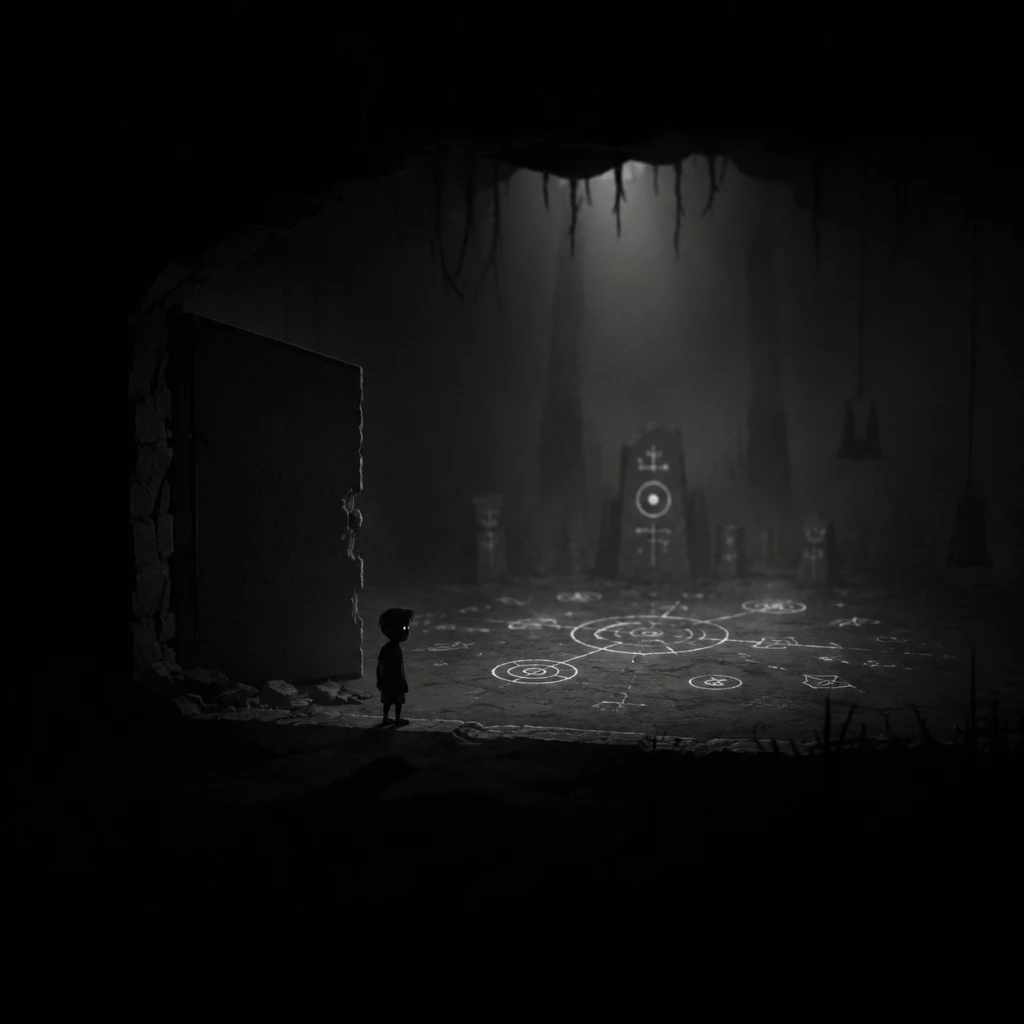
Cheats & Secrets
Cheats & Secrets
No Traditional Cheat Codes
Limbo is a minimalist, narrative-driven puzzle-platformer that contains no traditional cheat codes, unlock codes, secret commands, or console commands. The developers, Playdead, intentionally designed the game without any means to skip puzzles, give invincibility, or alter gameplay through codes. There are no debug menus, no password systems, and no hidden inputs that grant advantage.
However, the game does contain developer-intended Easter eggs, hidden areas, and a secret achievement/trophy that reward careful exploration. These are not cheats, but legitimate hidden content.
Known Secrets & Easter Eggs
#### 1. The Giant Egg (Hidden Area)
- Location: In the chapter with the giant spider (approximately 30-40% through the game). After you emerge from the spider nest and reach a clearing with a large tree trunk you can climb, look for a small gap behind the trunk at ground level. Enter this gap to find a hidden room containing a massive, unhatched egg with faint movement inside.
- Interaction: The egg pulses and emits a subtle glow. No action affects it; it is purely an atmospheric Easter egg. Many players speculate about its meaning, but it remains unexplained.
- Why it matters: This is the only significant hidden area in the game and is required for the "Hidden" achievement on Xbox/Windows and the "Hidden Secret" trophy on PlayStation.
- Description: While not a hidden feature, Limbo tracks your death count. There is an unlisted, unofficial challenge to complete the entire game without dying once. Doing so requires near-perfect execution of every puzzle and trap. There is no in-game reward for this—no achievement, no unlockable, no change in ending. It is purely a personal bragging right.
- Platform differences: The death counter is visible on all versions (PC, console, mobile) in the pause menu or after finishing a chapter. No official recognition exists.
- Location: Near the beginning of the game, in the forest section where you first encounter the bear trap. On a wooden wall, look for a small poster that resembles the "They Live!" movie poster—a monochrome silhouette of a man. It is very easy to miss (only a few pixels wide).
- Significance: A nod to John Carpenter's film. No interactive function.
- Location: In the factory section near the end of the game, there is a room with rising water and electrified machinery. If you stand still on a certain platform for several seconds (at the right moment), the boy will begin to melt into a puddle of goo. This is a rare, non-canonical animation that only occurs under specific timing.
- How to trigger: It is tricky to replicate reliably. It appears to be a bug or obscure developer Easter egg, not a purposeful secret.
- Description: Some players believe there is a hidden alternative ending. This is false. There is only one ending—the boy reaches the girl, and the screen fades to black. No secret ending exists regardless of deaths, egg interaction, or time played.
- "Hidden" (Xbox 360/One/Windows) / "Hidden Secret" (PS3/PS4/PS5): Find the giant egg hidden area. This is the only achievement that requires discovering a secret.
- "No Point in Dying" (Steam): Die for the first time—paradoxically, a required death is a secret in itself.
- "Urban Explorer" (Steam): Explore all areas—includes the egg room.
- No speedrun skips: The game has no sequence breaks or major glitches. All puzzles must be solved as designed.
- No invincibility or debug modes: None exist. The game code has no hidden developer switches.
- No unlockable costumes or extras: Finishing the game unlocks nothing except the achievement/trophy.
#### 2. The "No Deaths" Challenge (Unofficial)
#### 3. The "They Live" Poster (Easter Egg)
#### 4. The Melting Boy (Hidden Animation)
#### 5. The "Hospital" Ending Speculation (Community Secret)
Achievements/Trophies Related to Secrets
Exploit-Safe Secrets & Designer Notes
Summary
| Secret Type | Exists? | Details |
|---|---|---|
| Cheat Codes | No | None whatsoever |
| Unlock Codes | No | No passwords or codes |
| Secret Areas | Yes | Giant egg room, obscure poster |
| Easter Eggs | Yes | Poster, melting boy animation |
| Hidden Achievements | Yes | "Hidden" / "Hidden Secret" |
| Alternative Endings | No | Only one ending |