Stray
## Introduction **Stray** is a third-person action-adventure game developed by BlueTwelve Studio and published by Annapurna Interactive. Released on July 19, 2022 for PlayStation 5, PlayStation 4, and PC (via Steam, Epic Games Store, and GOG), with later ports to macOS (2023) and Xbox Series X|S (2...
Download & Installation
Introduction
Stray is a third-person action-adventure game developed by BlueTwelve Studio and published by Annapurna Interactive. You play as a stray cat navigating a cyberpunk city. The official versions are available on PC (Steam, Epic Games Store), PlayStation 4/5, Xbox One/Series X|S, and Nintendo Switch. This guide covers all legitimate download and installation methods, system requirements, common errors, and post-install verification.
---
Official Download Sources
| Platform | Source(s) | Subscription/Store |
|---|---|---|
| PC | [Steam](https://store.steampowered.com/app/1502850/) | Steam client, purchase |
| PC | [Epic Games Store](https://store.epicgames.com/en-US/p/stray) | Epic client, purchase |
| PlayStation | PlayStation Store (PS4/PS5) | PSN account, purchase or PS Plus Extra/Premium |
| Xbox | Microsoft Store (Xbox One, Series X\ | S) |
| Nintendo Switch | Nintendo eShop | Nintendo Account, purchase |
---
System Requirements (PC)
Minimum (30 FPS, 1080p, Low Settings)
| Component | Requirement |
|---|---|
| OS | Windows 10 64-bit |
| Processor | Intel Core i5-2300 / AMD FX-6300 |
| Memory | 8 GB RAM |
| Graphics | NVIDIA GeForce GTX 650 (2GB) / AMD Radeon HD 7870 (2GB) |
| DirectX | Version 11 |
| Storage | 10 GB available space |
Recommended (60 FPS, 1080p, High Settings)
| Component | Requirement |
|---|---|
| OS | Windows 10 64-bit |
| Processor | Intel Core i5-8400 / AMD Ryzen 5 2600 |
| Memory | 8 GB RAM |
| Graphics | NVIDIA GeForce GTX 1060 (6GB) / AMD Radeon RX 580 (8GB) |
| DirectX | Version 11 |
| Storage | 10 GB available space |
Console Storage Requirements
| Console | Storage Space Needed |
|---|---|
| PlayStation 4 | ~10 GB |
| PlayStation 5 | ~8 GB (SSD) |
| Xbox One | ~9 GB |
| Xbox Series X\ | S |
| Nintendo Switch | ~8 GB |
Account Requirements
- PC (Steam): Free Steam account. Purchase required.
- PC (Epic): Free Epic Games account. Purchase required.
- PlayStation: Free PSN account. Purchase or active PS Plus Extra/Premium subscription.
- Xbox: Free Xbox Live account. Purchase or active Game Pass Ultimate Standard subscription.
- Nintendo Switch: Free Nintendo Account. Purchase required.
- Language Selection: Choose from available languages (English, French, German, Spanish, Japanese, Chinese, etc.). This can be changed later in Options.
- Graphics Settings (PC only): A prompt may ask to select a quality preset (Low, Medium, High, or Ultra). You can also adjust individually (Resolution, V-Sync, Anti-aliasing, Shadows, Textures, etc.).
- Audio Settings: In-game, you can modify volume levels for Master, Music, SFX, and Voices.
- Controller Configuration: The game supports keyboard/mouse and most controllers. On PC, you may be prompted to choose a controller layout (Xbox, PlayStation, Custom).
- Accessibility Options: Subtitles can be toggled, and colorblind modes are available.
No additional online subscription is needed for the single-player campaign, but cloud saves and updates require internet connectivity.
---
Step-by-Step Installation by Platform
PC (Steam)
1. Download and install the Steam client from [store.steampowered.com](https://store.steampowered.com). Create or log into your Steam account.
2. On the Steam store, search for "Stray" or navigate directly to [Steam store page](https://store.steampowered.com/app/1502850/).
3. Click Add to Cart (or Buy for Myself) and complete purchase.
4. After purchase, the game appears in your Library. Click Install. Choose an installation directory (default is `C:\Program Files (x86)\Steam\steamapps\common\Stray`). Ensure at least 10 GB free.
5. Steam will download and install the game automatically. Do not close Steam during installation.
6. Once complete, click Play to launch. A splash screen will display the game’s default language (English). Subsequent launches allow language selection in settings.
PC (Epic Games Store)
1. Install the Epic Games Launcher from [store.epicgames.com](https://store.epicgames.com). Log in or create an Epic account.
2. Search for "Stray" in the store.
3. Click Buy Now (or Get if it’s on a free promotion). Complete purchase.
4. The game appears in your Library. Click Install. Select drive and preferred installation folder.
5. Let Epic install. After installation, click Launch.
PlayStation (PS4/PS5)
1. Turn on your console, ensure it’s connected to the internet.
2. From the home screen, go to PlayStation Store.
3. Search for "Stray".
4. Select the game, choose Add to Cart (or Download if already purchased via PS Plus).
5. If purchasing, complete payment. The game will automatically start downloading.
6. Monitor download progress via Notifications > Downloads.
7. Once downloaded, the game appears on your home screen. Launch it to play.
Note: PS Plus Extra/Premium subscribers can download directly without purchase. Ensure your subscription is active.
Xbox (Xbox One / Series X\|S)
1. Power on console, sign in to your Xbox Live account.
2. Open Microsoft Store or Game Pass app.
3. Search for "Stray".
4. If you own Game Pass Ultimate or Standard, click Install (you may need to claim it first). Otherwise, click Buy and complete purchase.
5. The download begins automatically. You can check progress under My games & apps > Manage > Queue.
6. Once downloaded, launch from your game library.
Nintendo Switch
1. Connect your Nintendo Switch to the internet and sign in to your Nintendo Account.
2. Open Nintendo eShop from the Home Menu.
3. Search for "Stray".
4. Select the game, then choose Proceed to Purchase (or Download if already purchased).
5. Complete the transaction. The download starts immediately (Switch downloads in docked or handheld mode).
6. While downloading, you can check progress via the Home Menu (highlight the game icon).
7. Once fully downloaded, the icon’s “Downloading” status disappears. Launch the game.
---
First Launch Setup
Upon starting Stray for the first time on any platform, you will typically encounter:
Note: On consoles, graphic settings are fixed but resolution and performance modes may exist (e.g., PS5 has a Performance mode targeting 60 FPS).
---
Common Installation Errors and Fixes
PC Errors
| Error Message / Symptom | Cause | Solution |
|---|---|---|
| Disk Write Error | Insufficient privileges or corrupted file | Run Steam/Epic as Administrator. Check disk integrity and free space. |
| Download Stuck at X% | Internet instability or server issue | Pause and resume download. Restart client. Clear download cache. |
| Missing File Privileges (e.g., access denied) | Antivirus or permissions blocking installation | Disable real-time antivirus temporarily (if safe). Run installer as Admin. |
| Corrupt Game Files on launch | File corruption during download | Verify game files: Steam – Right-click Stray > Properties > Installed Files > Verify integrity of game files. Epic – Library > three dots next to Stray > Verify. |
| Outdated Driver (black screen/crash) | Graphics driver not updated | Update GPU driver to latest version (NVIDIA, AMD, Intel). |
| Not enough storage | Disk space under 10 GB | Free up space via Disk Cleanup or remove unused applications. |
Console Errors
- PS4/PS5 – Error CE-30005-8: Corrupted data. Rebuild database: Boot in Safe Mode (hold power button until second beep) > Option 5. Or reinstall the game.
- Xbox – Insufficient space: Manage storage by deleting older games or moving to external drive.
- Switch – Error 2124-5000: Purchase/account region mismatch. Ensure eShop region matches your Nintendo Account country.
- All consoles – Network download fails: Restart console and router. Check connection speed. If using Wi-Fi, try wired connection.
---
Post-Installation Verification
After installation, verify the game is ready to play.
| Platform | Verification Steps |
|---|---|
| Steam | In Library, Stray icon shows “Play” button. Right-click > Properties > Installed Files > Verify Integrity of Game Files. If all files OK, launch game. |
| Epic Games | In Library, Stray icon shows “Launch”. Click the three dots and select “Verify”. After verification, launch. |
| PlayStation | On Home Screen, game tile appears without a progress bar. Go to Settings > Storage > Console Storage > Games and Apps to confirm size matches ~10 GB. Launch. |
| Xbox | Under My games & apps, Stray appears with no “Downloading” status. Highlight the tile, press Menu > Manage game and add-ons > See if all items are installed. Launch. |
| Switch | On Home Menu, game icon shows a solid color (no spinning download icon). Select the game and press A to start. If you see “Checking if software can be played” or a red screen, check internet connection and account. |
- Frame rate/pacing: In-game, test basic movement and camera. If stutter occurs, update drivers or lower settings.
- Audio: Ensure sound plays correctly. If missing, check default audio device in OS settings.
- Saves: The game auto-saves at checkpoints. Create a manual save (in Options) to confirm save system works.
- Achievements/Trophies: On console, check if first achievement/trophy pops after the opening scene.
- BlueTwelve Studio: [support@bluetwelve.com](mailto:support@bluetwelve.com) or Annapurna Interactive support.
---
Final Troubleshooting
If the game crashes on launch after a successful installation:
1. Disable overlays (Steam, Discord, GeForce Experience) – they can cause conflicts.
2. Run as Administrator (PC) – right-click the game’s .exe file (usually in `Stray\Binaries\Win64`) and select Properties > Compatibility > Run this program as administrator.
3. Remove mods if any were installed – clean reinstall may be needed.
4. Check for Windows updates – especially if using Windows 11 version 22H2 or newer.
5. Close background apps – heavy antivirus scans or streaming software can starve resources.
For console, perform a hard reset (hold power button for 10 seconds). If persistent, contact official support:
---
This guide reflects the official distribution channels as of early 2025. Always download from authorized stores to avoid malware and support the developers.
Game Introduction
Introduction
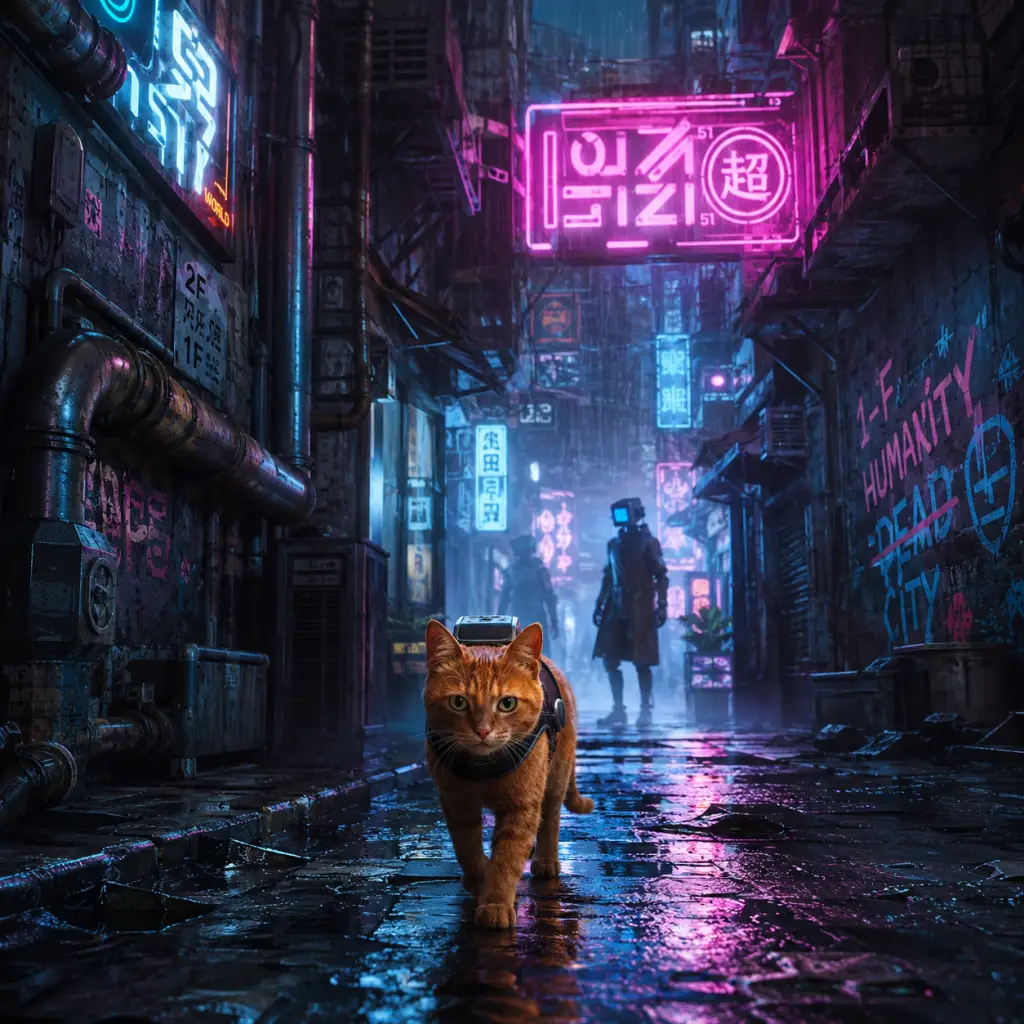
Stray is a third-person action-adventure game developed by BlueTwelve Studio and published by Annapurna Interactive. Released on July 19, 2022 for PlayStation 5, PlayStation 4, and PC (via Steam, Epic Games Store, and GOG), with later ports to macOS (2023) and Xbox Series X|S (2023), the game places you in the paws of a lone ginger cat separated from its family and lost in a neon-lit cyberpunk city of rain-slicked streets, glowing signs, and decaying infrastructure.
Genre and Core Identity
At its heart, Stray is a puzzle-platformer with light stealth, exploration, and environmental storytelling elements. It is not an open-world game but a linear yet branching journey through distinct chapters. The cat is the central character, and every mechanic—from jumping onto ledges to knocking objects off shelves—is designed to feel authentically feline. Combat is minimal; instead, you avoid enemies (robotic Zurks and sentinel drones) by hiding, sprinting, or using light-based distractions.
Story Overview
The game begins with a small cat and its three companions sleeping in a derelict pipe structure. A misstep causes the cat to tumble into a deep chasm, landing in a forgotten, walled-off city inhabited only by sentient robots (Companions) and hostile creatures. The cat soon meets a small flying drone named B-12, who can translate the robots’ beeps, carry items, and interface with the city’s technology. Together, they set out to find a way back to the surface, uncovering the mystery of the robots’ lost humanity and the virus (the Zurks) that nearly wiped out the city’s inhabitants. The story explores themes of hope, companionship, and the remnants of a fallen civilization.
Setting
The entire game takes place in a dystopian, walled megacity called the Walled City. Its architecture blends gritty Hong-Kong-inspired slums with sleek, futuristic neon towers. Different districts—the Slums, Antvillage, Midtown, and the Control Room—each have their own visual identity and culture. The city is devoid of humans; only robots and the cat remain. The environment is richly detailed, with graffiti, papers, and objects that tell the story of the people who once lived there.
Main Characters
- The Cat: A nameless orange tabby with expressive eyes and realistic movements. You control the cat from a third-person perspective. The cat has no dialogue but communicates through meows and actions.
- B-12: An AI companion drone that attaches to the cat’s back. Initially malfunctioning, B-12 regains memory fragments as you progress, revealing its past as a human consciousness uploaded into a machine. B-12 provides translation, hacking abilities (e.g., opening doors, turning off lights), and stores collected items.
- Companions: Robot inhabitants of the city, each with distinct personalities and occupations—Momo, Clementine, Zbaltazar, Doc, and others. They assist the cat with quests and offer lore.
- The Zurks: Mutated, spider-like creatures that swarm and attack in darkness. They are weak to UV light, which B-12 can emit for short periods.
- Sentinel Drones: Flying security robots that patrol areas and will capture the cat if spotted.
- Cat lovers and animal enthusiasts
- Fans of narrative-driven indie games (e.g., Journey, Inside)
- Players who enjoy atmospheric exploration and puzzle-solving
- Anyone seeking a relaxing but engaging experience without combat stress
- Gamers who appreciate art direction and world-building
- Feline authenticity: The cat’s movements, animations, and behaviors were studied from real cats (the developers even named their studio after their cat). You can meow on command, knock objects off edges, and curl up in cardboard boxes.
- Worldbuilding through robots: The Companion robots replicate human routines—playing chess, singing, watering plants—creating a melancholic yet charming society.
- B-12’s story twist: The drone’s reveal that it contains a human consciousness adds emotional depth.
- No combat focus: You never fight enemies directly; you outsmart or avoid them, making the game accessible to non-action players.
- Art style: The combination of grim cyberpunk and adorable cat character is visually striking and immediately memorable.
Core Appeal
Stray’s primary draw is its unique perspective—playing as an ordinary cat in a sci-fi world. The game emphasizes immersion and empathy through simple, satisfying actions: scratching rugs, napping on ledges, tripping robots, and curling up in baskets. The puzzles are logical for a cat (pushing objects, squeezing through gaps, clawing at vents). The atmosphere is moody yet cozy, with a stunning synthwave soundtrack blending ambient and electronic tracks. The story is emotional and concise (around 5–8 hours for a playthrough), with no filler.
Target Audience
Stray appeals to:
Game Modes
Stray is a single-player-only game with no multiplayer or co-op modes. It offers a linear story with optional collectibles (memories of B-12, sheet music for the guitar robot). After completion, you can replay specific chapters to collect missed items. There is no New Game+ or difficulty selection.
Online/Offline Support
The game is fully offline; no internet connection is required to play. There are no online features, leaderboards, or achievements tied to server status (though platform-specific trophies/achievements exist locally). Downloadable content (DLC) is not required.
DLC/Expansion Overview
As of 2025, Stray has no paid DLC or expansions. BlueTwelve Studio has not announced any post-launch content beyond patches and a macOS port. Some cosmetics or digital art books were offered as pre-order bonuses, but no new story chapters or modes. The game is complete as shipped.
What Makes Stray Unique
In summary, Stray is a short but unforgettable journey that redefines the adventure genre by giving players a cat’s-eye view of a beautiful, broken world. Its focus on exploration, puzzle-solving, and emotional storytelling, paired with its novel protagonist, makes it a must-play for anyone seeking a fresh gaming experience.
Getting Started
Getting Started
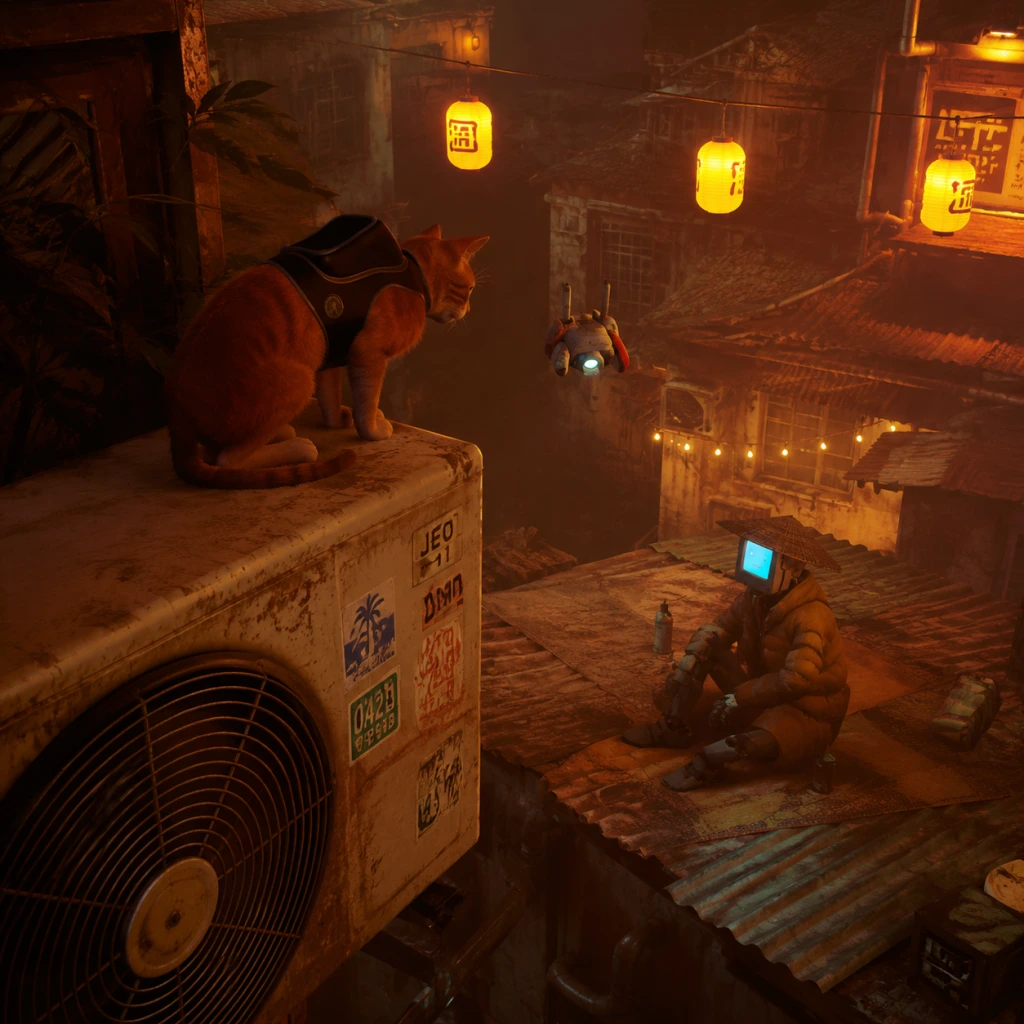
Welcome to Stray. This guide will help you navigate your first hour, avoid pitfalls, and set you up for a smooth journey through the neon-lit alleys of the Walled City.
No Character Creation
Unlike many RPGs, Stray does not have character creation. You play as a specific orange tabby cat with a defined appearance and personality. Embrace the role – your actions are limited to what a real cat can do: jump, scratch, meow, and interact with the environment.
First Hour Walkthrough (Spoiler-Free)
Your journey begins in an abandoned facility. Here's what to expect:
1. The Opening Sequence: The cat and its family are exploring a forgotten structure. A catastrophic event separates you from your friends. You fall deep into the city.
2. Learn the Basics (0–10 min): You’ll be prompted to move, look around, and use basic actions. Follow the linear path – jump on pipes, squeeze through gaps, and climb ledges. Your first objective is to find a way out of the lower levels.
3. Meet B-12 (10–20 min): After navigating some narrow corridors and avoiding a few creatures, you’ll encounter a small flying robot named B-12. This will become your companion. It can translate signs, hold your inventory (up to 3 items), and interact with some electronics.
4. First Large Area: The Slums (20–40 min): B-12 escorts you through a tunnel into the Slums, a sprawling residential district. Your immediate goal is to find Morusque, a musician who can teach you songs. Explore freely – this is your hub for side quests and collectibles.
5. Early Objects & Puzzles (40–60 min): Learn to knock over buckets, scratch carpets, and carry small items. You’ll need to retrieve a notebook for a resident named Doc. This teaches basic item fetch mechanics.
Controls on All Platforms
Stray uses intuitive controls that mimic cat movements. Below are the default bindings.
#### PlayStation 4 / PlayStation 5
| Action | PS4/5 Button |
|---|---|
| Move | Left Stick |
| Camera | Right Stick |
| Jump | Cross (X) |
| Meow | Circle (O) |
| Scratch / Interact | Square |
| Run / Sprint | Hold R2 |
| Look Around (fixed) | R1 (press once) |
| B-12 Actions | L2 (when available) |
| Inventory | Touchpad (left) |
| Map | Touchpad (right) |
| Pause | Options |
#### PC (Keyboard + Mouse)
| Action | Keybind |
|---|---|
| Move | W, A, S, D |
| Camera | Mouse (move) |
| Jump | Spacebar |
| Meow | Q |
| Scratch / Interact | E |
| Run / Sprint | Left Shift (hold) |
| Look Around | Middle Mouse Button hold (or press to toggle) |
| B-12 Actions | F (when available) |
| Inventory | Tab |
| Map | M |
| Pause | Escape |
#### PC (Controller)
If using an Xbox or generic controller, the layout mirrors PlayStation: Left stick move, right stick camera, A=Jump, B=Meow, X=Interact/Scratch, Y=Look Around, RT=RUN, LT=B-12, D-pad up=Inventory, D-pad right=Map, Start=Pause.
UI Overview
Your screen has a minimalist HUD. Key elements:
- Top Left: Health bar (hearts) – you have 3 lives. Losing all resets you to the last checkpoint.
- Top Right: Current objective or hint (can be dismissed).
- Bottom Left (contextual): Action prompt when near interactable objects (e.g., "Touch," "Jump," "Scratch").
- Bottom Center: When carrying an item, a small icon appears.
- Inventory (Press Tab/Left Touchpad): Shows items B-12 carries (max 3).
- Map (Press M/Right Touchpad): Highlights your location, important NPCs, and story objectives. You unlock map fragments as you explore.
- Explore every nook and cranny. Hidden items include energy drinks (health), sheets of music, and memories.
- Meow often. It can attract attention of certain characters or trigger unique dialogue.
- Claw at rugs and carpets. Some yield clues or items.
- Interact with everything – newspapers, bottles, trash. Some are just for atmosphere, but some initiate quests.
- Take time to rest (lie down on rugs or at designated spots). There is a trophy for napping in specific places, and it heals you if you have missing health.
- Running heedlessly into Zurks (the small insect-like enemies). They swarm and drain health. Instead, use light to scare them or sprint past.
- Jumping into pits or water. Unprotected falls can kill instantly. Look before you leap.
- Ignoring the companion B-12. He provides hints, and his flashlight is essential for dark areas.
- Hoarding useless items. Your inventory is limited to 3. You can drop items by pressing the interact button again. Don't carry more than you need.
- Energy Drinks: Found around the Slums. They restore one heart. Always grab them if you see them.
- Sheets of Music: Collect all 8 in the Slums to give to Morusque. Not essential for story, but gives a trophy and a nice cutscene.
- Memories: Glowing orbs that reveal backstory. Found in hidden spots. Collect for lore and a trophy.
- Light Source Upgrades: In the Antvillage, you can upgrade B-12’s light. This is crucial for later areas against Zurks. Prioritize this once available.
- [ ] Complete the opening escape sequence.
- [ ] Find B-12 and power him up.
- [ ] Enter the Slums.
- [ ] Talk to Morusque (start music quest).
- [ ] Retrieve the notebook for Doc.
- [ ] Flip the transformer switches (power objective).
- [ ] Collect at least 4 music sheets (you can get all 8).
- [ ] Find and use the first napping spot (inside the apartment with the sleeping cat).
- [ ] Buy an upgrade for B-12’s light (available after reaching Antvillage).
- [ ] Save manually at any safe bench (checkpoint).
- [ ] Explore every alley in Slums – there are hidden passages behind cardboard.
Essential Early Objectives
After meeting B-12, your primary goals are:
1. Find the Slums entrance. Follow B-12 through the tunnel.
2. Reach Morusque. Talk to him; he’ll give you a task to retrieve musical notes (8 total in Slums). This is optional but rewards a trophy.
3. Retrieve the Notebook for Doc. Found in the apartment above the bar. Requires climbing pipes and squeezing through a broken window.
4. Fix the Transformer. To power the elevator out of the Slums, you need to restore power. This involves flipping switches in the rooftops and basements. Follow your objective marker.
5. Enter the Antvillage. After the elevator, you reach a new area. Continue following B-12.
What to Do First and What to Avoid
Do This First:
What to Avoid:
Early Resource Priorities
Common Beginner Mistakes
1. Not using the Meow button enough. It serves no mechanical constraint, so use it liberally. It can distract enemies or alert you to hidden paths.
2. Trying to fight every Zurk. You cannot defeat them without an upgrade. Avoid and outrun.
3. Jumping without looking down. You can fall from great heights. Check the landing spot.
4. Missing the golden Triangle collectibles in the first area. These are later used for a trophy. Go back after you leave Slums? It’s possible on chapter select, but easier to grab early.
5. Not checking the map often. The city is a maze; use your map to navigate. Failing to look can send you in circles.
6. Skipping dialogue. NPCs give quest clues. Pay attention.
Day-One Checklist
Use this list to ensure you don’t miss anything vital in your first session:
Remember: Stray is meant to be savored. Take your time, enjoy the atmosphere, and don’t be afraid to get lost. The game’s design rewards curiosity.
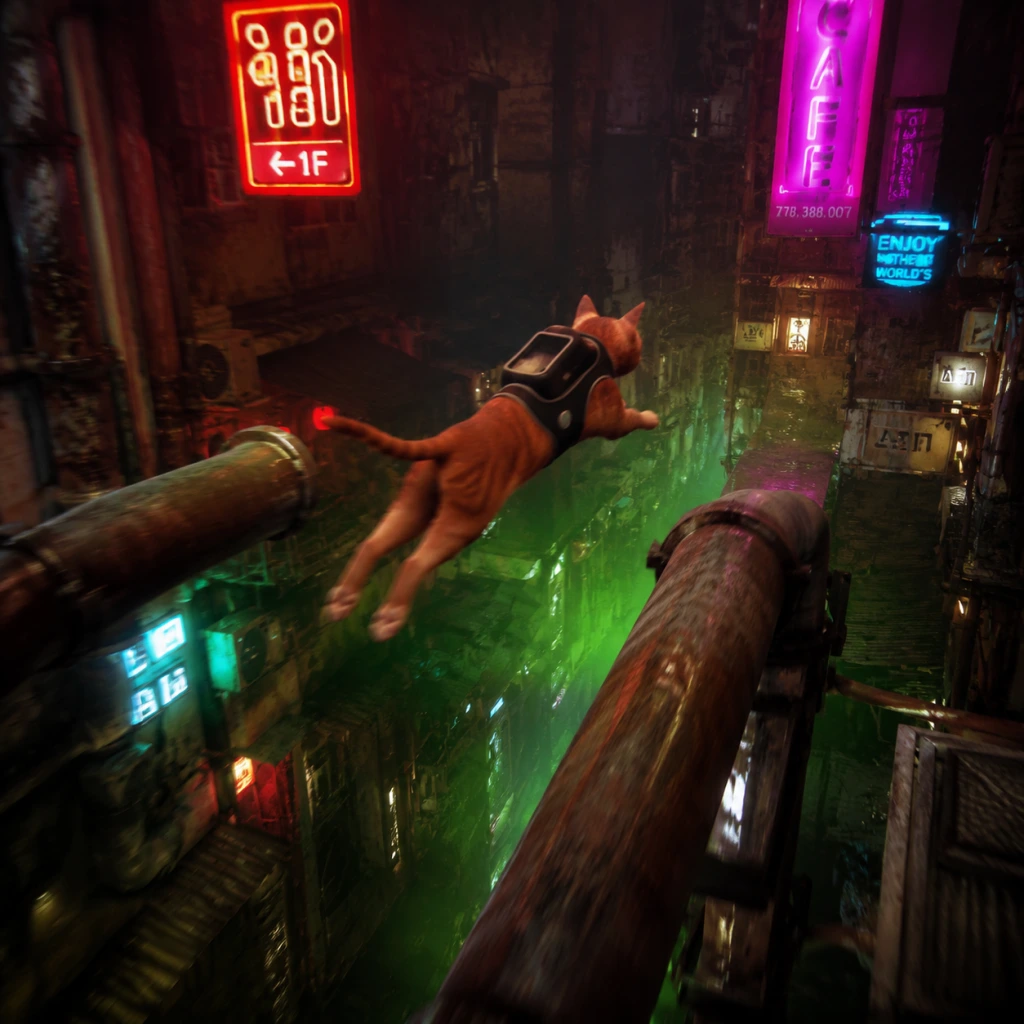
Core Gameplay
Core Gameplay
Stray is a linear, story-driven adventure with light puzzle-solving, stealth, and platforming. You control a stray cat in a cyberpunk city. The core gameplay loop is: Explore → Interact → Solve → Progress. There are no character levels, skill trees, or traditional combat. Progression is tied to story chapters and environmental puzzles. Below is a breakdown by player progression tiers.
Main Gameplay Loop
- Explore: Navigate alleys, rooftops, interiors, and sewers. Use the cat's natural abilities (jump, climb, scratch, push objects) to traverse and discover secrets.
- Interact: Meow to attract attention, scratch objects for sounds, push/pull items, and interact with robots (NPCs) to trigger dialogue or advance quests.
- Solve: Environmental puzzles often require moving objects, finding key items (e.g., a keycard, an energy drink), or outsmarting enemies (Zurks, Sentinels).
- Progress: Advance the story by reaching new areas, activating terminals, or completing objectives given by robot NPCs.
- No Direct Combat: The cat cannot attack. Against Zurks (small, aggressive creatures), you must run, hide, or use light (UV flashlight) to disintegrate them. The UV light is obtained early in Mid Game.
- Stealth: Avoid Sentinels (security drones) by staying in shadows, moving quietly, or distracting them with meowing or scratching. If spotted, flee and hide until the alert ends.
- Interaction: Context-sensitive actions (press a button to jump, scratch, pick up, push). The cat can carry small objects (e.g., a can, a key) in its mouth.
- Story Chapters: The game has 12 main chapters (plus an epilogue). Progress is linear – you cannot return to previous chapters until after completing the game (chapter select unlocked).
- Unlocks: Key items (e.g., the UV flashlight, the Outsider’s jacket) are obtained through story progression. No stat upgrades – the cat remains identical throughout.
- Collectibles: Various items (energy drinks, sheet music, memories, badges) are optional but unlock achievements/trophies and a few cosmetic changes (e.g., the jacket).
- Open but Linear: Each chapter is a contained area with multiple paths and secrets. Explore thoroughly for collectibles and shortcuts.
- Secrets: Hidden alleys, graffiti, safe rooms, and robot interactions. Many are tied to achievements (e.g., "Cat-a-Pult" – jumping into a bucket).
- Replayability: After finishing the game, you can select any chapter to find missed collectibles or just explore.
- Main Quests: Guided by the story – find your family, meet B-12, reach the Control Room, etc. Each chapter has a primary objective.
- Side Quests: Robot NPCs give optional tasks: finding a missing card, delivering a message, locating sheet music. Rewards are mostly lore or achievements.
- No Quest Log: Objectives are displayed briefly on screen. You must remember or explore to progress.
- Energy Drinks: The only currency. Found randomly in the world or given by robots. Used in vending machines to purchase items like a straw hat, a bandana, a jacket (cosmetic only – changes the cat's appearance).
- No Shop: Only vending machines. No selling or crafting.
- Resource Management: Not critical – energy drinks are abundant if you search.
- No Growth: The cat does not gain levels, skills, or stats. All abilities are available from the start (jump, climb, meow, scratch, push). The only change is the optional jacket (cosmetic).
- B-12 Companion: A drone that joins you early. Provides a UV flashlight (Mid Game) and hacking ability (Late Game). This is the only functional upgrade.
- Post-Story: After the final credits, you return to the main menu. No new game+ or persistent world. You can replay any chapter via "Chapter Select".
- Completionist Goals: Collect all 12 memories, 4 sheet music, 4 energy drinks (some are missable), and all achievements. There is no reward beyond the achievements and a selfie with the jacket.
- No Endgame Loop: No daily quests, raids, or repeatable content. Once you've seen everything, the game is complete.
- Story: You begin separated from your cat family, fall into the Walled City, meet robot inhabitants. Chapters: The Slums, The Flat, The Roofs, The Club.
- Core Loop: Explore the slums, talk to robots, solve simple environmental puzzles (e.g., pushing a can to get a key, using a plant to reach a ledge). No enemies except a few early Zurks in the sewers (Chapter 4).
- Key Abilities: Basic jumping, climbing, meowing, scratching. No special items yet.
- Economy: Find a few energy drinks; first vending machine appears in Chapter 3 (The Roofs). You can buy a straw hat or bandana.
- Progression: Follow B-12's hints (after meeting him in Chapter 2). Collect the notebook, the key, and the code for the Club.
- Example: In Chapter 2 (The Flat), you must move a stool and a book to reach a window. In Chapter 4 (The Club), you distract a robot by meowing to steal a keycard.
- Story: B-12 joins permanently. You travel through the sewers (Zurks!), reach Antvillage (a safe zone), then into Midtown – a more populated area with security drones.
- Core Loop: Stealth sections become prominent. Use the UV flashlight (obtained in Chapter 5) to kill Zurks. Navigate Midtown while avoiding Sentinels. Puzzles require hacking (B-12's ability – unlocked in Chapter 6).
- Key Upgrades: UV flashlight (Chapter 5) – press a button to shine light, disintegrating Zurks in a small radius. B-12 can hack terminals and open locked doors (Chapter 6).
- Economy: Energy drinks more common. A vending machine in Antvillage sells the Outsider's jacket (costs 3 energy drinks) which changes the cat's appearance for the rest of the game.
- Progression: Complete tasks for robots to advance: e.g., find a missing child (Zbaltazar), deliver a memory to Clementine. The main story pushes you to find an exit to the surface.
- Example: In Chapter 7 (Midtown), you must sneak past Sentinels to reach a safe apartment. Use meowing to distract, or hide in boxes. Hack a window shutter to create a path.
- Story: You enter the deeper city – a subway system, a nightclub (the "Sahara"?), and a jail. B-12's memories are revealed. Antagonists (Sentinels) become more aggressive.
- Core Loop: Heavy stealth and puzzle-solving. The UV flashlight is essential for some Zurk swarms. Hacking is required for many locked doors and elevators. Some platforming with moving trains or rotating fans.
- No New Upgrades: You have all abilities. The focus is on using them efficiently.
- Economy: Fewer vending machines; energy drinks still found but not needed.
- Progression: Find codes, unlock prison cells, confront the Controller. The goal is to open the city dome to the surface.
- Example: In Chapter 8 (Jail), you must sneak past multiple Sentinels and solve a puzzle to release other prisoners. Hack a terminal to disable cameras.
- Story: Chapter 12 – The Control Room. Final puzzle to open the dome. Emotional conclusion with B-12.
- Core Loop: Last puzzle sequence – no enemies. All about timing and understanding the environment.
- No New Content After Credits: Game over. Chapter select becomes available. You can replay any chapter to find missed collectibles.
- Completion: Use chapter select to get remaining memories, sheet music, energy drinks, and achievements. There are no missable achievements if you use chapter select (but a few are per-chapter specific, e.g., "Cat-a-Pult" must be done in Chapter 3).
- No New Game+: Start a fresh save if you want to replay the full story.
Combat / Interaction Systems
Progression
Exploration
Quests / Missions
Economy
Character / Build Growth
Endgame Structure
---
Progression Tiers
Early Game (Chapters 1–4: The Slums)
Mid Game (Chapters 5–8: The Sewers, Antvillage, Midtown)
Late Game (Chapters 9–11: The Subway, Nightclub, Jail)
Endgame (Chapter 12 + Post-Story)
---
Summary Table
| Tier | Chapters | Key Features | New Abilities | Enemies |
|---|---|---|---|---|
| Early Game | 1–4 | Exploration, simple puzzles, no combat | None (basic cat moves) | Zurks (sewer only) |
| Mid Game | 5–8 | UV flashlight, stealth against Sentinels, hacking | UV light, hack ability | Zurks, Sentinels |
| Late Game | 9–11 | Advanced stealth, multi-enemy sections, puzzles | All abilities from Mid | Lots of Sentinels |
| Endgame | 12+ | Final puzzle, no enemies, story climax | None | None |
Practical Tips for Each Tier
- Early Game: Meow often – robots react and may give hints or items. Scratch walls to mark territory (achievement). Save energy drinks for the jacket later.
- Mid Game: Use the UV flashlight sparingly – it has no recharge, but Zurks are vulnerable while it's on. In Midtown, stick to shadows and watch patrol patterns. Hacking requires standing still near terminals.
- Late Game: Some puzzles require precise jumps (e.g., over gaps with moving trains). B-12's hacking can also open shortcuts. Replay earlier chapters to find memory locations if missed.
- Endgame: No combat – simply follow the path and interact with the final console. After credits, use chapter select for cleanup.
This core gameplay guide covers everything you need to know about Stray's mechanics and how they evolve as you progress. Enjoy your journey through the walled city!
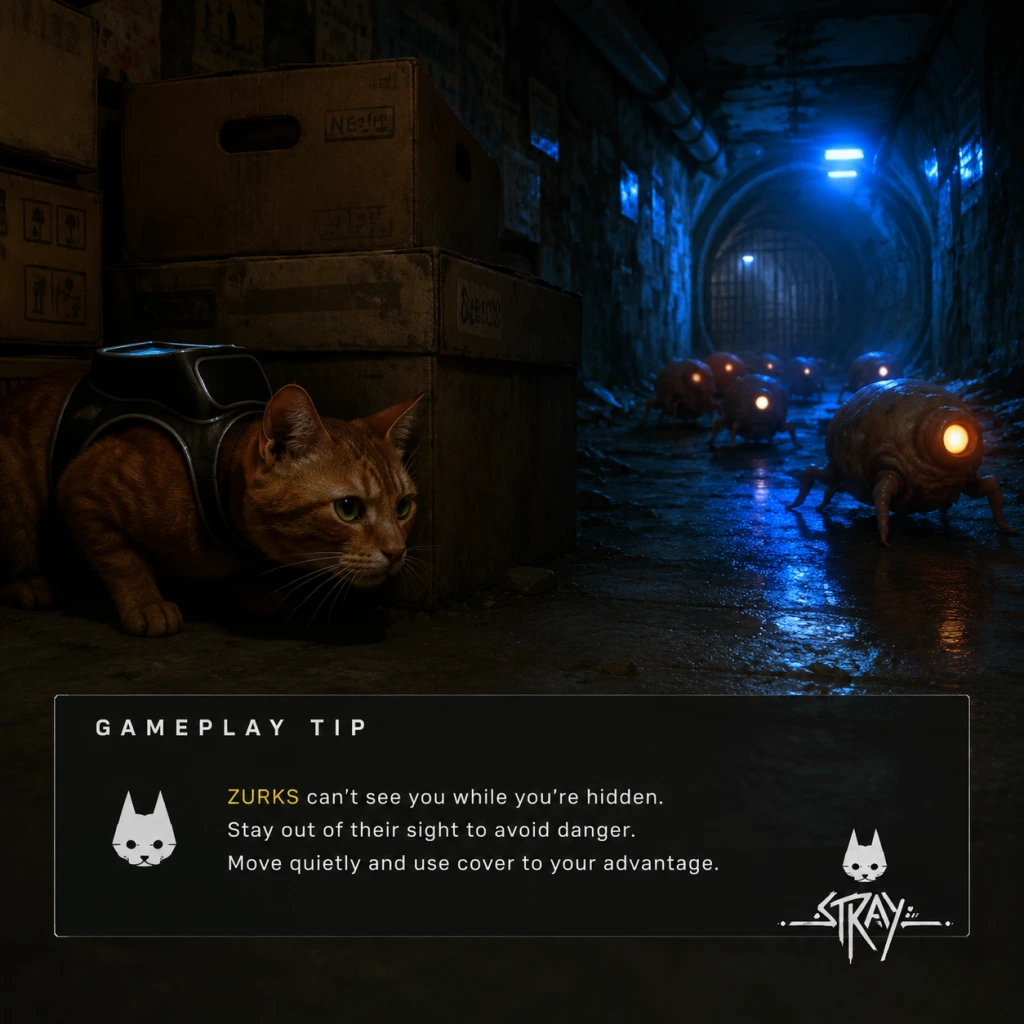
Game Tips
Game Tips for Stray
This guide covers essential tips for Stray, from beginner basics to advanced optimizations. Tips are grouped by category: Exploration & Navigation, Stealth & Combat, Puzzle Solving, Resources & Economy, Collectibles & Secrets, and General Optimization. Each tip includes a clear explanation and deeper analysis.
---
Exploration & Navigation
#### 1. Always Check for Vertical Paths
- Explanation: Stray’s world is built for a cat. Ledge climbs, pipes, air conditioners, and tight spaces are everywhere. If you hit a dead end, look up or around for a climbable surface. Hissing or scratching (press Square on PS, X on Xbox, or left-click on PC) often reveals interactive objects.
- Why it works: The game encourages vertical exploration to find shortcuts, collectibles (Memories, energy drinks, sheet music), and progress story zones. Many quests require you to reach elevated areas.
- When to use: Constantly. Whenever you enter a new area, scan for climbable awnings, pipes, or ledges before moving forward at ground level.
- Explanation: You can meow (press Circle on PS, B on Xbox, or right-click on PC) at any time. This is not just for cuteness — it helps you track your position in dark or confusing environments. Meowing also scares small robots or draws attention of friendly NPCs.
- Why it works: The meow sound is directional and echoes off walls, helping you gauge distance and orientation when the view is obstructed (e.g., in the Sewers or the Subway tunnels).
- When to use: When lost, in low-light areas, or when trying to locate the next interactable object.
- Explanation: The cat can jump onto narrow ledges, balance on pipes, and squeeze through gaps that enemies (Zurks, Sentinels) cannot pass. During stealth sections, memorize which pathways are unique to you.
- Why it works: Unlike human characters, your small size lets you bypass many enemy patrol routes entirely. Use this to avoid combat.
- When to use: In the Slums (early), Antvillage, and during Sentinel patrols in Midtown.
- Explanation: Many friendly robots have glowing eyes that can be seen from a distance, especially in dark environments. They often lead to quest objectives or hidden areas.
- Why it works: The game subtly guides you using visual cues. Robot eyes are not only lore-friendly but also serve as waypoints.
- When to use: When you’re unsure where to go next or when exploring the Slums and the Sewers.
- Explanation: Zurks are fast, but you can outrun them by sprinting (hold R2 on PS, RT on Xbox, or Shift on PC) and by sliding under low obstacles (press R2+O on PS, RT+B on Xbox, or Shift+Ctrl on PC). Sliding also knocks off some Zurks if they latch on.
- Why it works: Zurks have limited turning speed and can be obstructed by corners. Sliding under pipes or gaps forces them to go around, giving you time.
- When to use: Whenever you hear the Zurk hiss or see them swarming. Use slide to break line of sight.
- Explanation: The Defluxor (UV light) you get in the Sewers kills Zurks instantly on contact. Keep it equipped whenever entering Zurk-infested areas. The light also reveals hidden Zurk nests.
- Why it works: It creates a safe zone around you. Zurks in the beam will die, and others stay away. It also helps clear paths for B-12 to open doors.
- When to use: In the Sewers, Nightclub basement, and during the Zurk chase sequences. Always turn it on before entering a room with Zurk webs on the walls.
- Explanation: Sentinels (security drones) patrol fixed routes and have cone-shaped vision. Crouch (press L1 on PS, LB on Xbox, or Ctrl on PC) to reduce noise and visibility. If you need to cross a light beam, wait for the Sentinel to turn its back.
- Why it works: Sentinels are blind to high or low paths if you evade their forward vision. Some areas allow you to jump over or crawl under their patrol loops undetected.
- When to use: In Midtown, during the control room infiltration, and when escaping the laboratory.
- Explanation: Meowing, scratching objects, or knocking over items (by walking against them) can attract enemies away from your path. Use this to redirect Zurks or Sentinels.
- Why it works: Enemies have sound-detection AI. A meow will briefly draw their attention, giving you an opening.
- When to use: When a Sentinel is facing your route or when a Zurk swarm is blocking a narrow corridor.
- Explanation: Many puzzles involve passwords or codes found on nearby notes. For example, the Slums safe code (1283) is in a note inside the Guardian’s apartment. Posters sometimes hint at switch sequences.
- Why it works: The game relies on environmental storytelling for clue placement. Skipping notes may force you to brute-force puzzles.
- When to use: Every time you encounter a locked door, safe, or keypad, search the surrounding area for notes first.
- Explanation: Some puzzles require a specific sequence of interactions, such as pressing switches in a certain order or carrying items to specific spots (e.g., the energy fuse puzzle in the Subway). Try interacting with all objects first to understand their function.
- Why it works: The game gives visual feedback (lights, sounds) when you interact correctly. Trial and error is often faster if you know what each switch does.
- When to use: In the Subway station, Nightclub stage lights, and the Sewers’ electrical panel.
- Explanation: B-12 can decrypt terminals, open doors, and translate symbols. Always explore all options before solving a puzzle. Sometimes you need to find a memory chip first to upgrade B-12’s abilities (e.g., the Sewers mainframe).
- Why it works: B-12’s upgrades are tied to story progression, but optional decryption (like the Slums’ hidden safe) yields extra energy drinks and memories.
- When to use: When you encounter a terminal with a lock icon, search the current area for a chip or code.
- Explanation: Energy drinks (small yellow cans) are the game’s only consumable. They restore one health bar segment (you have 3-4 segments). They are abundant but finite per chapter. Always pick them up, especially before boss fights (e.g., Zurk King).
- Why it works: Health does not regenerate otherwise. Energy drinks are your lifeline during chase scenes and Zurk swarms.
- When to use: Keep at least 3 drinks in reserve. Use during combat when health is low; never waste on minor damage.
- Explanation: Throughout the game you find 8 sheet music pages scattered in the Slums and other areas. Giving them to the guitarist robot, Morusque, earns you rewards: a new music track for the guitar and eventually a trophy. Rewards include the “Music” memory.
- Why it works: The rewards are purely cosmetic but count toward 100% completion and achievements.
- When to use: Collect all 8; the final reward unlocks the “Cat-a-strophe” trophy.
- Explanation: Sprint depletes stamina, which is not visible but affects maneuverability. If you sprint too long, you’ll slow down. In chase sequences, conserve sprint for necessary bursts.
- Why it works: You can outrun Zurks by jumping and using the environment without sprint. Sprint is best for long straightaways or when Zurks are close.
- When to use: In the Sewers chase, use sprint only when Zurks are right behind you; otherwise use normal running and slides.
- Explanation: Press the touchpad (PS) or equivalent to enter photo mode. This pauses the game and lets you pan the camera freely, scanning ceilings, corners, and behind objects for Memories or energy drinks.
- Why it works: The game hides collectibles in nooks that are hard to see from ground level. Photo mode removes motion blur and allows careful inspection.
- When to use: Whenever you enter a new area, take a quick photo mode scan.
- Explanation: Memories (B-12’s data logs) emit a faint sound — a low hum or beep — when you are near them. The sound increases as you get closer.
- Why it works: The sound is volume-based, so you can pinpoint the direction. Turn up your game audio or use headphones.
- When to use: While exploring the Slums, Sewers, Antvillage, and Midtown.
- Explanation: Each major area (Slums, Antvillage, Midtown) has optional missions like helping robots, fixing a transformer, or locating a missing robot. These often reward Memories or energy drinks. Some are missable if you progress the main story.
- Why it works: Side quests are tied to trophies and lore. Also, some give upgrades like the “Stray” memory that unlocks B-12’s ability to open certain doors.
- When to use: Complete all side content in the Slums before entering the Sewers, etc.
- Explanation: You can sleep/nap in certain spots (indicated by a ZZZ icon). This is an autosave point. Use it before entering dangerous areas.
- Why it works: The game autosaves at checkpoints, but manual naps ensure your progress is saved without relying on triggers.
- When to use: Before boss fights, before entering the Sewers, or after collecting rare items.
- Explanation: On PC, reduce motion blur and increase brightness to make dark areas (Sewers, Nightclub) easier to navigate. On console, use Game Mode on your TV.
- Why it works: The game has many dimly lit corridors where enemies or edges are hard to see. Better visibility prevents falls and missed enemies.
- When to use: At the start of the game or when entering the Sewers.
- Explanation: You can sprint at a wall and jump off it to gain height or reach ledges. This is essential for certain shortcuts and for escaping Zurks in tight spaces.
- Why it works: Wall jumps double as a dodge and a climbing tool. Practice the timing: sprint toward wall, jump, then jump again when the cat touches the wall.
- When to use: In the Sewers pipe maze and in the Nightclub’s vertical shafts.
- Start by exploring the Slums thoroughly; talk to all robots.
- Pick up every energy drink you see.
- Meow frequently to understand your surroundings.
- Follow the main path first to avoid losing direction.
- Save energy drinks for boss fights and long Zurk sequences.
- Use the UV light proactively in infested zones.
- Complete all side quests in each chapter before progressing.
- Learn wall jump timing to shave seconds off chase sequences.
- Use photo mode to scout collectibles and patrol routes.
- Memorize Zurk spawn triggers to plan escape routes.
#### 2. Use Meows to Mark Your Position (Intermediate)
#### 3. Leverage Cat Physics for Stealth Platforms (Advanced)
#### 4. Follow the Glowing Eyes of Friendly Robots
---
Stealth & Combat
#### 5. Use Sprint and Slide to Evade Zurks (Beginner)
#### 6. The UV Light is Your Best Friend (Intermediate)
#### 7. Stay Hidden and Wait for Sentinel Patterns (Advanced)
#### 8. Distract Enemies by Creating Noise (Intermediate)
---
Puzzle Solving
#### 9. Read All Notes and Posters (Beginner)
#### 10. Interact with Objects in Order (Intermediate)
#### 11. Use B-12’s Decryption Abilities Strategically (Advanced)
---
Resources & Economy
#### 12. Collect All Energy Drinks (Beginner)
#### 13. Turn In Sheet Music for Rewards (Intermediate)
#### 14. Save Energy by Not Overusing Sprint (Advanced)
---
Collectibles & Secrets
#### 15. Use Camera Mode to Find Hidden Items (Beginner)
#### 16. Listen for Audio Cues of Memories (Intermediate)
#### 17. Perform All Side Quests Before Moving On (Advanced)
---
General Optimization
#### 18. Use the Nap Option to Save (Beginner)
#### 19. Adjust Graphics Settings for Better Visibility (Intermediate)
#### 20. Master the Wall Jump for Faster Movement (Advanced)
---
Beginner Tips Summary
Intermediate Strategies
Advanced Optimizations
---
This guide covers over 20 actionable tips. Use them to enjoy a smoother, more rewarding journey through the Walled City. Good luck, little cat.
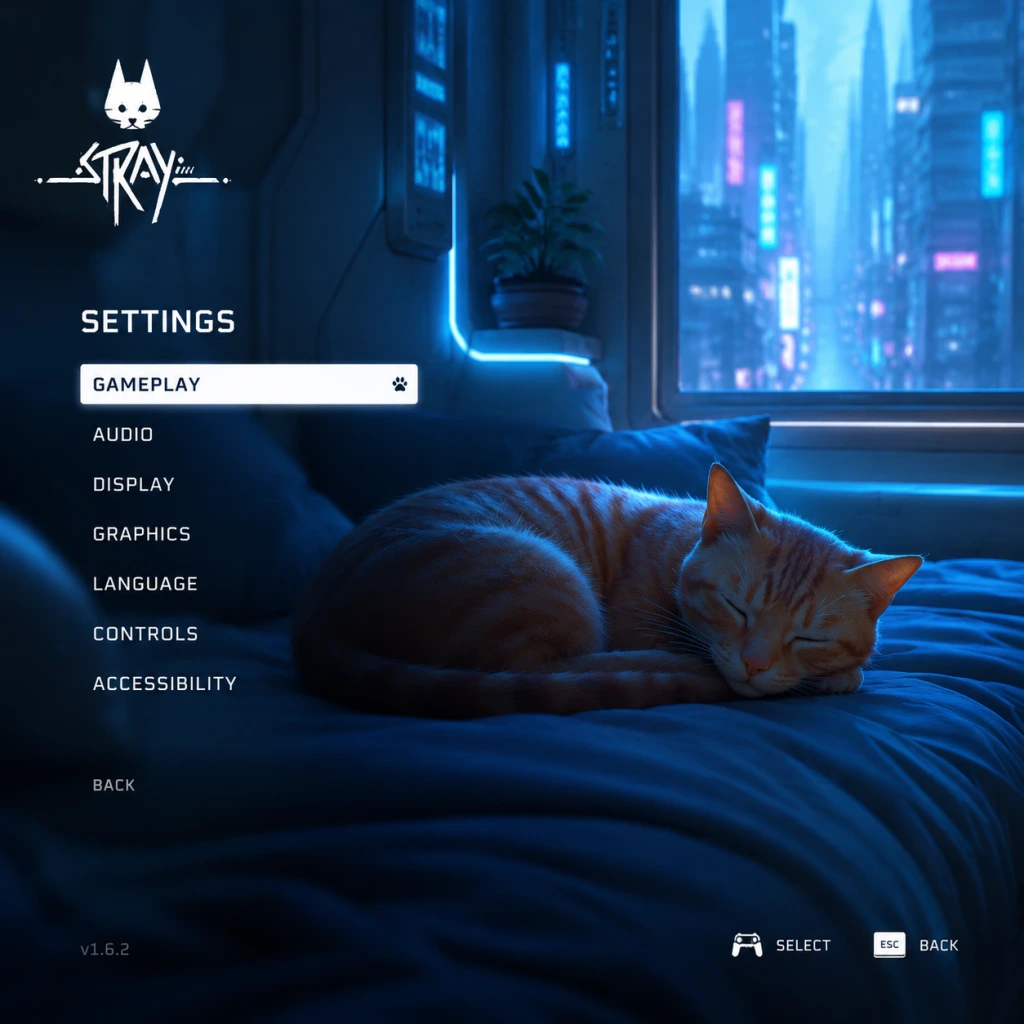
Game Settings
Game Settings Guide for Stray
This section covers every setting available in Stray (PC version via Steam/Epic/GOG; console settings are simplified). Proper configuration ensures the best visual fidelity, performance, and comfort. Recommended presets for different hardware tiers are provided at the end.
Graphics Settings
Access: Main Menu → Options → Graphics (PC) or Settings → Display (console).
#### Display Mode
- Fullscreen: Exclusive fullscreen best for performance. Recommended.
- Borderless Windowed: Useful for alt-tabbing; minor performance penalty. Avoid on low-end hardware.
- Windowed: Not recommended.
- Off: Eliminates input delay; may cause screen tearing. Good for high-refresh-rate monitors.
- On: Prevents tearing; adds slight input lag. Recommended for 60 Hz displays.
- Triple Buffering: Only available in fullscreen; reduces stutter at cost of VRAM.
- Options: 30, 60, 120, Unlimited. Set to your monitor’s refresh rate for smoothness. Unlimited (if VSync off) maximizes frames but can cause overheating on low-end GPUs.
- Low: Minimal detail, good for 4GB VRAM GPUs or integrated graphics.
- Medium: Balanced across most mid-range cards (GTX 1060 / RX 580).
- High: Detailed textures, shadows, lighting. Needs 6GB+ VRAM.
- Ultra: Max settings, recommended for RTX 3060+ / RX 6600+.
#### Resolution
Set to your monitor’s native resolution. Lower resolutions can improve performance but will look blurry.
#### VSync
#### Frame Rate Cap
#### Graphics Quality Presets
#### Individual Sub-Settings
| Setting | Effect | Performance Impact | Notes |
|---|---|---|---|
| Texture Quality | Sharpness of surfaces | Medium | Use High if VRAM ≥ 4GB; Ultra >6GB |
| Shadow Quality | Shadow resolution and draw distance | High | Low to Medium for FPS boost |
| Anti-Aliasing | Smooths edges (FXAA, SMAA, TAA) | Low | TAA best quality, FXAA lightest |
| Post-Processing | Bloom, motion blur, depth of field | Medium | Motion blur can be disabled separately |
| Ambient Occlusion | Contact shadows (SSAO) | Medium | Off or Low on weak GPUs |
| Reflections | Screen space reflections | High | Off on low-end; Ultra for beauty |
| Volumetric Fog | Atmospheric depth | High | Disable for big gains on older cards |
- Field of View (FOV): Default 90° (slider 70–110). Wider FOV helps navigation but can distort edges. Misconfiguration risk: Too wide causes fisheye; too narrow feels claustrophobic. Start at 90.
- Motion Blur: On/Off. Easy to misconfigure: Many players prefer it off for clarity during fast movement. Off recommended.
- Chromatic Aberration: On/Off. Adds color fringing; off for cleaner image.
- Film Grain: On/Off. Off for clear visuals.
- Master Volume: 100% recommended; adjust system volume instead.
- Music Volume: 80% gives immersive soundtrack without masking footsteps.
- SFX Volume: 100% to hear environmental cues (e.g., drones, enemies).
- Voice Volume: 100% – cat meows and dialogue are important.
- Audio Output Mode: Stereo (headphones), 5.1, 7.1. Set to your setup. Headphones often benefit from Headphone mode (if available) for spatial awareness.
- Subtitles: On/Off. Turn on for narrative clarity.
- Subtitle Background: On/Off – makes text readable.
- Keyboard & Mouse (default): WASD move, mouse look.
- Controller: Full native support (Xbox, PlayStation, Nintendo Switch Pro). Recommended for this game due to analog movement and quick platforming.
- Meow (default C): Used frequently for interaction. Bind to an easily reachable key (e.g., side mouse button).
- Jump (Space): Keep default.
- Action/Interact (E): Standard.
- Dodge (Left Shift): Often used; avoid conflicting with sprint.
- Zzz (sleep): Hold to nap; no critical binding conflict.
- Standard: Face buttons for jump, attack, etc. Triggers for sprint and look.
- Alternate: Offers swapping of jump and action. Choose based on habit.
- On: Adds immersion (rumble when landing, meowing).
- Off: Saves battery and reduces distraction.
- Colorblind Modes: Protanopia, Deuteranopia, Tritanopia. Adjust enemy outlines and UI colors.
- Text Size: Small / Medium / Large. Choose Large for readability on small screens.
- High Contrast Mode: Toggle for UI elements. Improves visibility.
- Screen Shake: On/Off. Off if you experience motion sickness.
- Camera Auto-Adjust: On – camera repositions behind cat after cutscenes; off for manual control.
- Aim Assist: Only relevant if there were combat sections (limited in Stray). Keep On.
- Text Language: Choose from subtitles and menu languages.
- Voice Language: Only English audio is available (cat sounds are universal). Subtitles translate environment text.
- Subtitle Language: Separate from text – set to your preference.
- No network settings exist in the game itself.
- DRM: The Steam version uses Steam DRM (no always-online requirement). GOG version is DRM-free.
- Save File: Cloud saves supported (Steam/Epic). Enable cloud sync in the platform client.
- Hints & Tutorials: On/Off. Recommended On for first playthrough to learn mechanics like scratching and diving.
- Auto-Equip Items: On/Off. Off gives manual control; On is convenient.
- Quick Meow: On/Off. If you want to spam meow quickly (attention from robots), keep On.
- Difficulty Level: Stray has no difficulty setting – it’s a fixed experience with no combat difficulty slider. All enemies are avoidable.
- Invert Y-Axis: On/Off. Choose based on preference (common for flight/controller users).
- Camera Sensitivity: Slider (1–10). Start at 5; adjust if turning feels sluggish or too fast.
- Preset: Low
- Resolution: 720p or 900p
- VSync: Off
- Anti-Aliasing: FXAA
- Ambient Occlusion: Off
- Volumetric Fog: Off
- Motion Blur: Off
- Preset: Medium
- Resolution: 1080p
- VSync: On (if 60 Hz monitor)
- Anti-Aliasing: TAA
- Shadows: Medium
- Reflections: Low (off if needed)
- Preset: High
- Resolution: 1440p or 1080p high refresh
- VSync: Off (use frame cap at 72/120)
- Anti-Aliasing: TAA
- Texture Quality: High
- Volumetric Fog: Medium
- Preset: Ultra
- Resolution: 4K or 1440p high refresh
- VSync: Off (cap at 120)
- Anti-Aliasing: TAA
- All settings maxed: Shadows, reflections, volumetric fog
- Motion Blur: Off (personal preference)
- First Launch: The game auto-detects your system and sets a graphics preset. Always override with your chosen preset from above before starting.
- Console Users: PlayStation 5 offers a Performance Mode (60 FPS) vs Fidelity Mode (30 FPS with ray tracing). Choose Performance for smoother gameplay; ray tracing is minimal on cat fur and puddles.
- Save Settings: Game saves automatically, but if you change graphics mid-game, you may need to restart the game for some changes to take effect (e.g., resolution, fullscreen toggle).
- Controller recalibration: If your controller’s analog sticks drift, increase deadzone in the OS or use Steam Input settings (deadzone slider).
Audio Settings
Access: Options → Audio.
Special attention: SFX volume should not be reduced too much – you rely on audio for stealth sections. Also, headphone users should enable virtual surround sound in OS (e.g., Windows Sonic) to improve directionality.
Controls Settings
Access: Options → Controls.
#### Input Method
#### Key Bindings (PC)
Customizable. Important to rebind:
#### Controller Layouts
#### Vibration
Misconfiguration pitfall: If using keyboard, ensure your `Meow` key is not set to something that conflicts with movement (e.g., don’t use Shift for both sprint and meow). Test in the first area.
Accessibility Settings
Access: Options → Accessibility.
Special attention: Motion sickness sufferers should turn off motion blur, screen shake, and consider lowering camera sensitivity.
Language Settings
Access: Options → Language.
No serious misconfiguration risk; ensure subtitles are on if playing in non-native language.
Network Settings
Stray is a single‑player offline game. No online multiplayer, co-op, or leaderboards. Therefore:
Tip: If cloud saves are disabled, manually back up save files (located in `%AppData%/Local/Hk_project` on Windows).
Gameplay Settings
Access: Options → Gameplay (some settings may be under other menus).
Misconfiguration tip: Turning off hints can make puzzle solutions less obvious. If you get stuck, re-enable hints temporarily.
Recommended Presets by Hardware Tier
These presets aim for 60 FPS stable gameplay. For 30 FPS (console), lower one tier.
#### Low-End (e.g., Intel UHD 620, GTX 750 Ti, 4GB RAM)
#### Medium (e.g., GTX 1060 6GB, RX 580, 8GB RAM)
#### High (e.g., RTX 2060, RX 5700, 16GB RAM)
#### Ultra (e.g., RTX 3080, RX 6800 XT, 16GB+ RAM)
Easy-to-Misconfigure Settings – Watch List
1. VSync + Frame Cap – Enabling both can cause input lag and inconsistent frame pacing. Use one only.
2. FOV – Too wide causes distortion; too narrow limits awareness. Stick to 90–100.
3. Motion Blur – Many players think it improves smoothness, but it actually adds blurriness during fast camera movement. Turn off for clarity.
4. Controller vs Keyboard – Stray is designed with controller in mind. If using keyboard, rebind `Meow` to a comfortable key (e.g., mouse button) – default `C` is awkward mid‑platforming.
5. Volumetric Fog – High quality kills FPS on mid‑range cards. Disable if you notice stutter in outdoor areas.
6. Chromatic Aberration – Adds a fake lens effect; turn off for a sharper image.
Special Attention Points During Setup
With these settings optimized, you can enjoy the neon dystopia of Stray without technical hiccups. Adjust individually if you prioritize visuals over performance or vice versa.
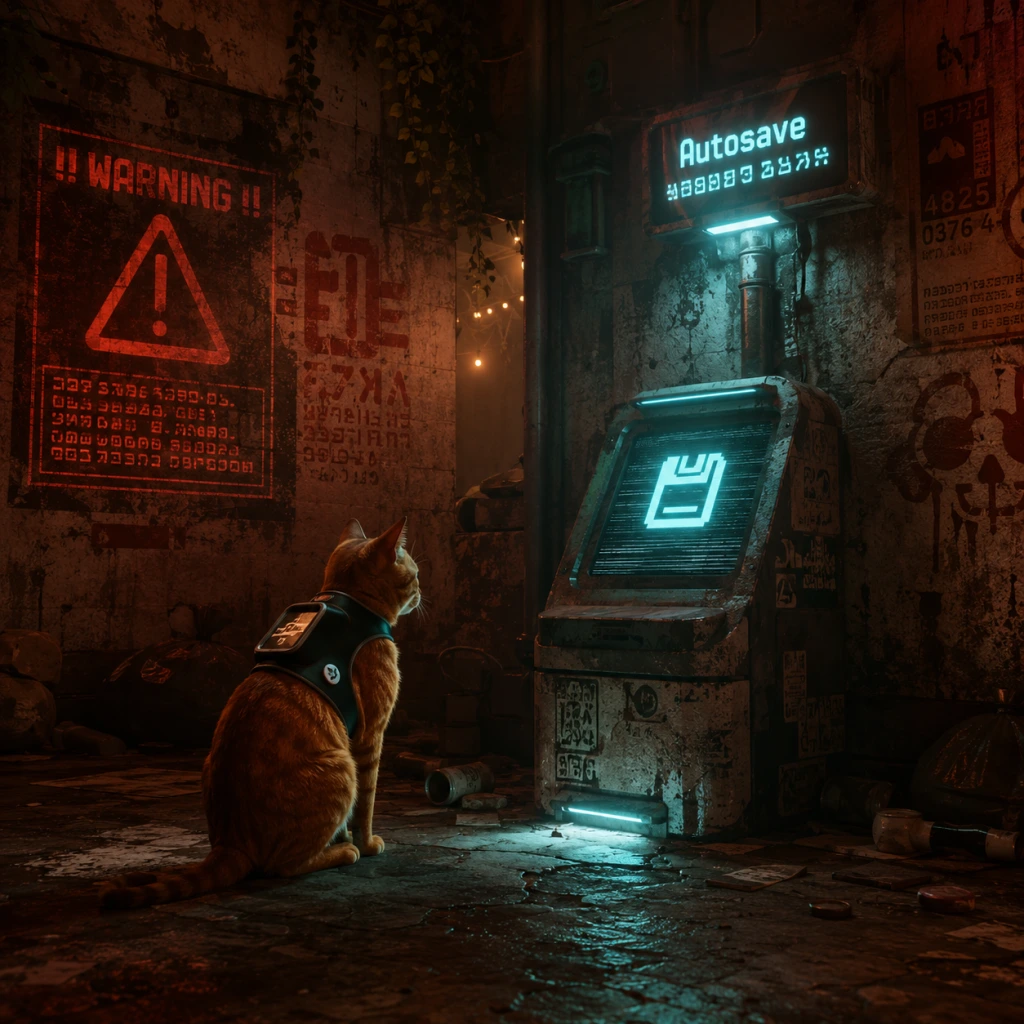
Important Notes
Important Notes
General Warnings & Pitfalls
- No manual saves during sequences: Stray relies on autosave checkpoints. You can manually save only by sleeping at designated beds (indicated by a cat bed icon). Always sleep before quitting to ensure progress is saved.
- Falling off high ledges: Your cat character will automatically right itself and land safely nearby, but the game will reset you to the last stable ground. No damage, but you may lose headway. Avoid unnecessary falls to prevent frustration.
- Zurks kill quickly: These small creatures swarm and drain health rapidly. Always stay in illuminated areas (Zurks flee from light) or use the UV flashlight (obtained later) to push them back. If you hear their screech, run to light.
- Sentinels (guard robots) are lethal: In later chapters, patrol robots will spot you and shoot. If you are in their cone of view, you die instantly. Use stealth, cover, and distractions (throw objects or meow) to pass unnoticed.
- No backtracking to previous chapters: The story is linear; once you move from one area to the next (e.g., from The Slums to Antvillage), you cannot return. All collectibles and optional interactions in a chapter must be completed before leaving. The only way to revisit is via Chapter Select after finishing the game.
Irreversible Choices & Missable Content
Stray has no branching story choices, but many actions and collectibles are missable if you progress too far. The following are key missable elements:
#### Missable Collectibles by Category
| Category | Count | Notes |
|---|---|---|
| Memories | 13 | Found in specific locations; each reveals B-12's past. |
| Music Sheets | 8 | Given to Morusque in The Slums bar to hear a song and unlock a memory. |
| Energy Drinks | 8 | Health consumables; not required but contribute to achievements. |
#### Missable Actions for "Cat's Out of the Bag" Trophy
This trophy requires performing specific actions in every chapter during a single playthrough (or via Chapter Select after finishing, but a fresh run is recommended for safety):
- Scratch every designated surface (walls, carpets, etc.)—indicated by a small scratch log or icon.
- Knock over all stacks of cans, paint buckets, or books—objects that glow or wobble when near.
- Meow at NPCs who react (at least 9 different NPCs throughout the game).
- Sleep in every unique bed (each chapter has one or more beds; use them at least once).
- "A Little Chatty": Meow at 9 specific NPCs. Missable if you don't meow before leaving their area.
- "Can't Cat-ch Me": Complete the game without being caught by a Sentinel (robot guard). If you are caught, reload your last manual save before the encounter (checkpoints may not erase the capture), or restart the chapter.
- "I am a Cat": Complete the game. Not missable.
- "Sneakit": Complete a specific stealth section without being seen. Missable if detected; reload checkpoint or restart chapter.
- No anti-cheat measures.
- No online etiquette required.
- You cannot encounter other players or griefing.
- Autosave: The game saves progress automatically at key checkpoints (e.g., after completing a puzzle, entering a new area, or reaching a bed). You will see a spinning save icon.
- Manual Save: You can manually save by sleeping at any bed. Beds are marked with a small cat bed icon on the environment. Always sleep before quitting to ensure your last actions are saved.
- Single Save Slot: The game uses one save file that overwrites each time. To preserve a specific state (e.g., before a missable collectible), you must manually back up the save file on PC. The save file location on Windows is: `%USERPROFILE%\AppData\Local\Hk_project\Saved\SaveGames\`. Copy the `SaveGame_X.sav` file to a safe location. On consoles, only one save file exists; you cannot revert.
- Chapter Select: After completing the game once, you can replay any chapter from the menu. This allows you to mop up missed collectibles and actions without starting over. However, some actions for trophies may require a fresh playthrough if not done originally. Check guides.
- You can meow at any time by pressing the corresponding button (default: N on keyboard, Triangle on PlayStation, Y on Xbox). Meowing can distract enemies, get NPC attention, and—most importantly—is required for the "A Little Chatty" trophy (meow at 9 specific NPCs).
- You can scratch walls and carpets by pressing the action button near scratchable surfaces. This is part of the "Cat's Out of the Bag" trophy and also adds flavor.
- You can knock over objects: carefully push stacks of cans, books, or paint buckets. Same trophy requirement.
- Your cat never takes fall damage; you can drop from great heights without dying. Use this to escape from pursuers quickly.
- You can wear a hoodie: In the Antvillage, you can obtain a small backpack/hoodie cosmetic. It's optional but cute.
- The Music Sheets are for the guitar in the bar: Once you collect a sheet, take it to Morusque (the musician robot in The Slums bar) and he will play the song. This unlocks a memory for each sheet. All sheets are missable.
- You can sit in specific spots and sleep for immersion; no gameplay impact, but it can trigger relaxation moments.
- The game is short (5–8 hours), so don't rush. Explore every nook and cranny before moving on.
- If you die, you respawn at the last checkpoint with no penalty other than lost time. There is no lives system.
- The "Can't Cat-ch Me" achievement/trophy requires completing the game without ever being caught by a Sentinel (robot guard). If you are caught, immediately reload a manual save from before the encounter—checkpoints may not undo the catch. This is easier with a second playthrough using Chapter Select, but you must avoid all Sentinels from the start.
If you miss any of these, you will need to replay the game or use Chapter Select. Note that Chapter Select may not retroactively count some actions for this trophy—check guides and do it all in one run to be safe.
#### Other Missable Interactions
Difficulty Spikes
The game is generally gentle, but three sections challenge players:
1. The Sewer Chapter: When you first encounter Zurks without UV light. You must rely on light sources and quick reflexes to avoid swarms. If stuck, memorize the path to each light zone.
2. The Antvillage Sentinels: Stealth section with multiple patrol robots. Use the distraction mechanic (throw objects or meow) and observe patrol patterns. Move only when their backs are turned.
3. The Final Escape: A frantic chase sequence with a giant Zurk monster. Requires quick platforming and precise jumps. If you fail, the checkpoint resets you at the start of the escape. Watch for environmental cues (glowing paths) and don't panic.
Grinding & Economy
There is no grinding in Stray. You cannot level up or upgrade abilities. The only resources are Energy Drinks (health) and Music Sheets (for optional guitar performance). Neither is required for story completion. There is no punishment for ignoring them. However, you may want all for achievements/trophies. No trading or economy.
Online & Anti-Cheat
Stray is a single-player offline game with no online features, leaderboards, or multiplayer. Therefore:
Save Management
Things Players Commonly Regret Not Knowing
By keeping these notes in mind, you can avoid frustration, collect everything, and enjoy the full experience of Stray without regret.
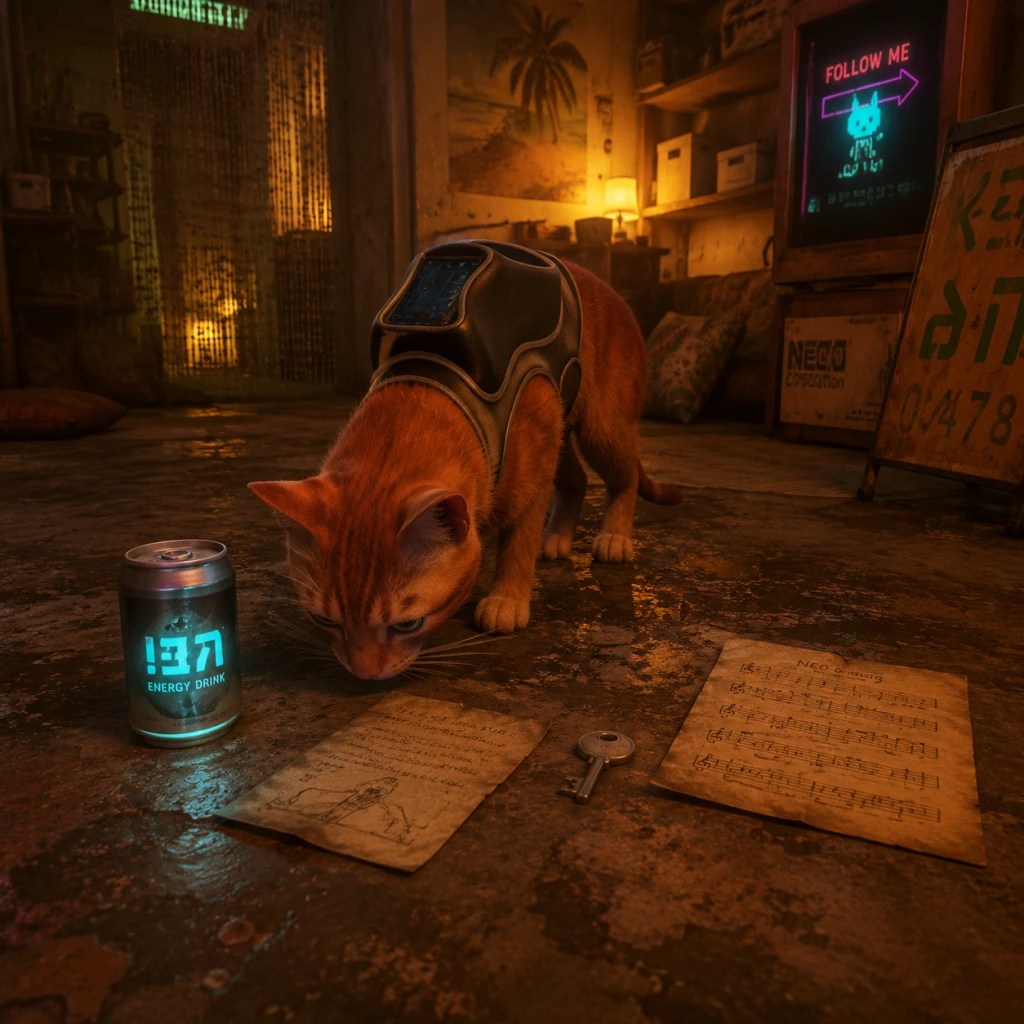
All Game Items
Overview
Stray is a linear narrative-driven game with minimal inventory. You play as a cat; you cannot equip traditional weapons or armor. Instead, the game focuses on environmental interaction, puzzle solving, and stealth. Your main companion, B-12, serves as your inventory system and translates text. Items fall into a few categories: Consumables (Energy Drinks), Key Equipment (B-12 upgrades & tools), Collectibles & Memories, and Miscellaneous Quest Items. There are no crafting or currency systems (other than a few one-time trades). Below is a complete breakdown.
---
Consumables
Energy Drink
- Description: A single-use can that restores 1 health point (HP). The cat has 5 health points total; taking damage from Zurks, falling, or environmental hazards reduces HP. When HP reaches 0, you die and restart from the last checkpoint.
- How to Obtain: Found in the world as glowing blue cans, often near Zurk-infested areas, in dumpsters, or inside apartments. Also can be purchased from the vending machine in the Slums (cost: 1 coin) or found during gameplay. The vending machine is the only reliable source after you discover it.
- When to Use: Any time you have less than 5 HP. Especially useful before dangerous platforming sections or after a Zurk swarm attack. Don't hoard; you can carry up to 3 at a time (inventory cap). Using one is quick; the cat drinks and health increases.
- Synergies: None. Only consumable that restores health.
- Upgrades: No upgrades. The inventory capacity is fixed at 3 cans.
- Description: A small flying drone that you encounter early in the Antvillage. It serves multiple roles: flashlight, inventory for energy drinks, translator for human text, data storage for memories, and limited interaction with electronics (e.g., opening doors, hacking terminals). B-12 cannot be lost or damaged.
- How to Obtain: Acquired automatically as part of the main story in the Antvillage chapter. It attaches to your collar and follows you indefinitely.
- Utility: Essential for progression. B-12 translates all signs, documents, and electronic screens. It also provides light in dark areas (toggle with R1/Left Bumper on controller). It holds up to 3 energy drinks. Without B-12, you cannot read any text or see in darkness.
- Upgrades: B-12 receives a handful of upgrades during the story:
- Synergies: B-12 is mandatory for all interactions; no other items complement it.
- Description: A small radio found in the Slums apartment of Elliot. It plays music when powered. Not used after its quest.
- How to Obtain: Inside Elliot’s apartment in the Slums, after you help him fix the antenna. Solely for the “Music” side quest.
- Utility: When placed next to the music sheet stand, it unlocks the “Music” achievement/trophy. No other use.
- Description: A potted plant that you can carry. Found in the Sewers after the Subway. You deliver it to a secluded apartment in the Slums at the request of a character named “Guardian.”
- How to Obtain: Pick up from the sewer greenhouse area. Must carry it through the sewers and up to the Slums (the cat carries it in its mouth).
- Utility: Completes a side quest; rewards a Memory (more on Memories below). The plant is not usable afterwards.
- Description: Sheet music for various songs. There are 6 in total. Each is a collectible that you can give to Morusque (the musician cat in the Slums) to play his guitar. Each sheet earns you a Memory (see Collectibles).
- How to Obtain: Scattered throughout the Slums and other chapters. Locations: 1) Behind the bucket in the Slums late game; 2) Inside the apartment with the camera; 3) On the roof near the Guardian; 4) In the sewers; 5) In the Antvillage; 6) In the Club (later chapter). Fully missable if not collected before story progression.
- Utility: Trade to Morusque for Memories. No combat use.
- Description: Various paper items you find during the story that unlock optional dialogue or reveal lore. Examples: Clementine’s notebook, the memory chip, etc. They are automatically stored by B-12 and referenced in dialogues.
- How to Obtain: Found by exploring or as story rewards. They are not physical items you pick up; B-12 records them.
- Utility: Purely narrative. No functional effect on gameplay.
- Description: Digital data recordings that B-12 retrieves from computer terminals, holograms, or notes. They fill out the city’s backstory. Each Memory is a short text log or image. They are the game’s primary collectible system. They count towards the “Can’t Cat-ch Me” and “I Am Speed” achievements? No—Memories are separate. There is an achievement for collecting all Memories: “Cat-a-strophe”? Actually it's “Meow-nificent”? Wait, the achievements: “Hello, World!” for collecting all 38 Memories. Also a trophy.
- How to Obtain: Interact with glowing computer terminals, holograms, or specific environmental objects (e.g., a poster, a photograph). Mostly optional; some are missable if you skip areas. Example: In the Slums, a Memory is inside a locked apartment that requires a code (found from a note).
- Utility: Lore only. No gameplay effect besides achievement.
- How to Obtain: Look for glowing stickers on walls, under desks, behind boxes, etc. Many are missable after you leave a chapter. Example: In the Sewers, a badge is on a pipe above the water.
- Utility: Cosmetic decoration + achievement.
- Description: Small gold coins found in a few locations (e.g., in the Slums, under the stairs). They are used exclusively to buy an Energy Drink from the vending machine in the Slums (cost 1 coin). After buying, you cannot use the coin again.
- How to Obtain: Found as environmental pickups. There are exactly 2 coins in the game? Actually there is at least one; possibly more? No, only one coin matters: the one used for the vending machine. Others are extraneous? The game only has one vending machine transaction. So effectively one coin is needed.
- Utility: Unlocks the “Vending Machine” achievement/trophy. Drink purchased restores health. Otherwise useless.
- No Hoarding: Inventory is limited to B-12 holding 3 energy drinks. You cannot store items in a chest or drop them.
- Missables: Many Badges and some Music Sheets are missable if you progress the story past certain chapters. Always explore thoroughly before leaving an area. Use a guide for 100% completion.
- Replayability: To collect all Memories, Badges, and Music Sheets, you may need to replay chapters via Chapter Select (unlocked after finishing the game once).
- No Upgrades: The cat cannot level up or improve stats. B-12’s Guardian upgrade is automatic. No crafting or modifications.
---
Key Equipment & Tools
B-12 (Drone Companion)
- Guardian Power (Chapter 8 – The Slums Part 2): After obtaining the purple chip, B-12 can emit a short-range EMP blast that stuns Zurks (hold down the interaction button). This is crucial for navigating Zurk-heavy zones. Cooldown ~10 seconds.
- Clothing: B-12 can wear a small hat/outfit that you find as a collectible, but it is purely cosmetic.
Transistor Radio (Quest Item)
Plant (Sunflower/Daisy)
Music Sheets
Notebooks & Letters (Quest Items)
---
Collectibles
Memories (38 total)
Badges (48 total? Actually 55 badges? No, better check) Correction: There are 55 Badges (also called “Stickers” in some guides). These are small collectible items that you find in the environment, often on walls or in hidden corners. Each is a pixelated design. They serve no purpose except for the “Cat’s Paw” achievement (collecting all 55) and some unlocks? Actually they unlock wall art in the “Den” (the cat’s home in the Slums) after you return there. When you collect badges, they appear on the wall in the Den. No other function.
Sheet Music (6 total) – Already mentioned above. They are collectibles that yield Memories.
Subway Tokens (5 total?) Actually there is a small “Subway Token” item? No, tokens are used for a puzzle in the Control Room. But they are not collectibles. Clarification: There is no permanent inventory of tokens. The game has a “coin” system for purchase of one energy drink; otherwise no currency collectibles.
---
Currency & Trading
Coins (Single Purpose)
---
Weapons & Armor
None. The cat has no weapons beyond its claws (used to scratch objects, but not as a combat tool). You cannot attack Zurks directly except by running, using B-12’s Guardian blast, or using the environment (e.g., turning on a fan). The only defensive item is the Guardian ability. There is no armor. Health is your only protection.
---
Important Notes
---
Quick Reference Table
| Item Category | Item Name | Purpose | How to Obtain | Missable? |
|---|---|---|---|---|
| Consumable | Energy Drink | Restore 1 HP | Found in world; vending machine | No (vending machine is always available) |
| Key Equipment | B-12 Drone | Inventory, translation, light, EMP | Story (Antvillage) | No |
| Key Ability | Guardian EMP | Stun Zurks | Story (Slums chip) | No |
| Collectible | Memory (38) | Lore + Achievement | Interact with terminals/notes | Yes, some |
| Collectible | Badge (55) | Wall decoration + Achievement | Environmental pickups | Yes, many |
| Collectible | Music Sheet (6) | Trade for Memories | Explore Slums & other areas | Yes |
| Currency | Coin | Buy 1 Energy Drink | Slums (one only) | No (only one coin, but you can miss buying the drink) |
| Quest Item | Radio | Quest for music | Elliot’s apartment | No |
| Quest Item | Plant | Quest to deliver to Guardian | Sewers | Yes (if you advance without delivering) |
| Misc | Notebooks/Letters | Narrative info | Auto-collected via B-12 | No |
Final Tips
- Always carry at least one Energy Drink before entering Zurk-heavy sections (e.g., Sewers, Subway).
- Use B-12’s flashlight in dark alleys to spot collectibles.
- Don’t rush through the Slums; explore every apartment and roof for Badges and Music Sheets.
- After finishing the game, use Chapter Select to grab any missed items. Some collectibles are tied to earlier chapters (e.g., Antvillage).
- Badges are very hard to find without a guide; consider using a dedicated collectible map.
This covers all items in Stray. There are no hidden weapons, no armor sets, no currency grinding – only exploration and story progression.
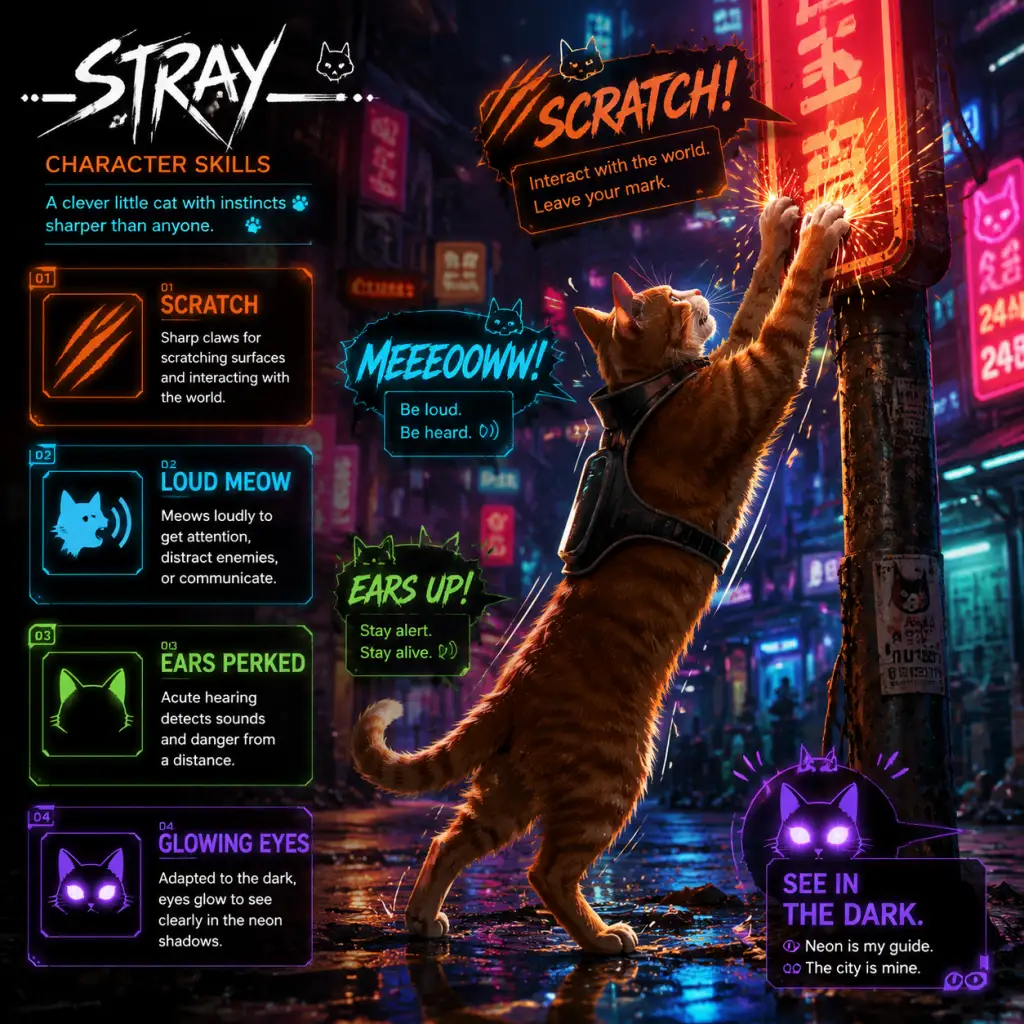
Character Skills
Character Skills
Stray features a single playable character: an unnamed ginger cat. The cat has a set of innate abilities that are available from the start, and a companion drone named B-12 who unlocks additional skills as the story progresses. There are no traditional skill trees, leveling, or cooldowns; all abilities are always usable once acquired. This guide covers every ability the cat and B-12 can perform, their practical uses, and tips for maximizing their effectiveness.
---
Cat Abilities (Innate)
The cat’s movements and interactions are fluid and context-sensitive. These abilities are available from the very beginning of the game.
#### 1. Movement and Platforming
| Ability | Description | Use Cases | Tips |
|---|---|---|---|
| Jump | Press the jump button (default: Space on PC, X on PlayStation, A on Xbox). The cat can jump onto ledges, pipes, air conditioners, and other surfaces. Jump height is fixed; you cannot double-jump. | Reaching elevated areas, crossing gaps, escaping threats. | Hold the jump button to cling to edges automatically. Some jumps require a running start. |
| Climb | Automatically triggered when the cat approaches a climbable surface (e.g., pipes, vines, curtains). The cat climbs upward or horizontally. | Scaling buildings, traversing vertical shafts. | You can stop climbing and drop down by pressing the interact button or moving away. |
| Sprint | Hold the sprint button (default: Shift on PC, L3 on PlayStation, LS on Xbox). Increases movement speed but consumes stamina (indicated by panting). Stamina recharges quickly when not sprinting. | Escaping zurks (enemies), covering ground quickly, timing jumps. | Sprint into a jump to gain extra distance. Avoid sprinting near ledges; the cat may overshoot. |
| Roll | Press the crouch/dodge button while sprinting (default: Ctrl on PC, Circle on PlayStation, B on Xbox). The cat performs a quick roll. | Avoiding zurk attacks, squeezing through small gaps, landing gracefully from heights. | Rolling reduces fall damage and can interrupt enemy grabs. Combine with sprint for evasion. |
| Squeeze Through Gaps | Walk up to narrow openings (e.g., broken windows, pipes, fence holes). The cat automatically squeezes through. | Accessing hidden areas, bypassing locked doors. | These gaps are often the only way to progress. Look for glowing edges or interact prompts. |
| Ability | Description | Use Cases | Tips |
|---|---|---|---|
| Meow | Press the meow button (default: E on PC, R1 on PlayStation, RB on Xbox). The cat vocalizes. | Attracting attention (NPCs react), expressing yourself, testing echoes (some puzzles require meowing to trigger responses). | Meowing has no cooldown. Use it to distract enemies (zurks are attracted to sound). |
| Scratch | Press the attack button near a scratchable surface (default: Left Mouse Button on PC, Square on PlayStation, X on Xbox). The cat scratches walls, carpets, or objects. | Marking territory, opening certain puzzles (scratching wallpaper reveals a hidden switch), interacting with NPCs who want scratches. | Scratching can also be used to break fragile objects. Some NPCs reward you with items if scratched. |
| Drink from Puddles | Walk up to a water puddle and press interact. The cat drinks. | Restoring health? Actually, drinking has no game effect except animation. It’s purely cosmetic. | No practical benefit, but it can trigger NPC responses. |
| Sleep | Approach a cat bed (usually marked with a glowing icon) and press interact. The cat curls up and sleeps. | Saving the game (manual save), advancing time (if needed for certain events), restoring health if hurt. | Sleeping is the only manual save point. Always sleep before quitting. After taking damage from zurks or falls, sleeping heals the cat to full health. |
| Knock Over Objects | Walk into or jump onto stackable objects (cans, books, etc.). The cat can push them off ledges. | Solving physics-based puzzles (e.g., knocking down a paint can to create a path), creating distractions. | Experiment with object physics. Some puzzles require knocking objects into specific places. |
| Ability | Description | Use Cases | Tips |
|---|---|---|---|
| Crouch/Walk Quietly | Press the stealth button (default: Ctrl on PC, Circle on PlayStation, B on Xbox). The cat moves slowly and silently. | Sneaking past zurks, avoiding detection by sentinels, surprising NPCs. | While crouched, the cat makes almost no noise. Combine with meowing to lure enemies away. |
| Hide | Enter environmental covers like cardboard boxes, pipes, or under vehicles. Automatically triggered when you approach designated hiding spots. | Evading zurks or sentinels when they are searching for you. | Hiding breaks line-of-sight and eventually makes enemies lose interest. |
| Use B-12’s Light | Press the light button (default: L on PC, Triangle on PlayStation, Y on Xbox) to toggle B-12’s flashlight. | Illuminating dark areas, revealing hidden paths, scaring zurks (they dislike light). | The light can temporarily stun zurks, giving you time to run. It does not harm them. |
B-12 Abilities (Unlockable)
B-12 is a small companion drone that joins the cat early in the game. Initially, B-12 has limited functions, but it gains new abilities as the story progresses. These abilities are essential for solving puzzles and advancing.
#### 1. Translation and Communication (Unlocked: Immediately)
| Ability | Description | Use Cases |
|---|---|---|
| Translate Written Text | B-12 automatically reads and translates signs, notes, and computer screens into the cat’s understanding. | Reading story lore, solving puzzles that require deciphering codes or instructions. |
| Communicate with NPCs | B-12 acts as a translator between the cat and humanoid robots. Select dialogue options to interact. | Progressing the story, gaining quests, learning about the world. |
#### 2. Inventory (Unlocked: After first meeting with B-12)
| Ability | Description | Use Cases |
|---|---|---|
| Carry Items | B-12 can hold up to one item at a time. Approach an item and press interact to have B-12 pick it up. | Transporting key items (e.g., energy cells, wires, paint cans) to specific locations. |
| Drop Items | Press interact again near the target location to have B-12 place the item. | Solving item-based puzzles. |
#### 3. Hacking (Unlocked: After reaching the Slums)
This is B-12’s most versatile ability. Hacking allows you to interact with electronic devices. The process involves a simple minigame: a rotating ring must align with the target angle. Press interact when the ring is inside the white zone.
| Hacking Target | Description | Unlocking Requirement | Notes |
|---|---|---|---|
| Open Doors | Hack locked electronic doors. | Basic hack available from start of Slums. | Some doors require energy cells to power the hack. |
| Disable Cameras | Temporarily turn off security cameras. | Basic hack. | Cameras can detect the cat and alert sentinels. Disabling them provides a stealth window. |
| Reboot Sentinels | Hack sentinel robots to shut them down for a short time. | After getting the hacking upgrade from Doc (early game). | A sentinel with a red eye is active; hacked ones turn blue and are inactive for ~10 seconds. |
| Hack Drones | Control small flying drones to move objects or activate switches. | After acquiring the hardware upgrade from Doc (Midtown). | The cat cannot control drones directly; B-12 does it automatically when you initiate a drone interaction. |
Upgrades:
- Hacking Radius Upgrade (Doc’s shop in Slums): Increases the range at which you can initiate hacks. Costs 3 Energy Cells.
- Hack Speed Upgrade (Doc’s shop): Speeds up the alignment minigame (smaller dead zone). Costs 5 Energy Cells.
#### 4. Map (Unlocked: After reaching Slums)
| Ability | Description | Use Cases |
|---|---|---|
| View Map | Press the map button (default: M on PC, Touchpad on PlayStation, View on Xbox) to open an overhead map of the current area. | Navigation, finding quest markers, locating collectibles (energy cells, memories, music sheets). |
| Mark Locations | Place custom markers on the map (optional). | Remembering important spots. |
#### 5. Stun Light (Unlocked: After acquiring the UV light upgrade from Doc in Slums)
| Ability | Description | Use Cases |
|---|---|---|
| UV Light Toggle | B-12 emits a bright light (UV mode) that reveals hidden graffiti, paths, and weak spots. Also stuns zurks. | Revealing invisible platforms, stunning zurks (same effect as regular light but stronger?), finding secrets. |
#### 6. Detector (Unlocked: After Midtown)
| Ability | Description | Use Cases |
|---|---|---|
| Object Detection | B-12 highlights nearby interactive objects (items, hackable devices, hidden passages) with a faint glow. | Finding energy cells, sheets of music, and secret areas. |
---
Synergies and Recommended Use
Since the game is linear, there are no character builds. However, you can combine abilities effectively:
- Stealth + Hacking: Before entering a room full of zurks or sentinels, use B-12’s light to stun zurks, then hack cameras or sentinels from a distance. Crouch while hacking to stay hidden.
- Meow + Sprint: Meow to lure zurks away from a path, then sprint past them.
- Jump + Roll: Perform a running jump and then roll right before landing to negate fall damage. Useful for high drops.
- B-12 Detector + Markers: When you find a collectible but cannot reach it yet, mark it on the map. Later, use the detector to locate others.
When to Use Each Skill
| Skill | Best Used When… |
|---|---|
| Sprint | Escaping zurks, crossing wide gaps, timed puzzles. |
| Roll | Dodging zurk attacks, reducing fall damage, squeezing through tight spaces (actually, rolling doesn’t squeeze; that’s separate). |
| Crouch | Sneaking past enemies or NPCs that chase you. |
| Meow | Distracting zurks, attracting NPC attention, solving echo puzzles. |
| Scratch | Opening secret panels, earning NPC trust. |
| Light/UV Light | Illuminating dark zones, stunning zurks, revealing hidden paths or collectibles. |
| Hack | Opening locked doors, disabling security, controlling drones. |
| Drink | Never truly needed, but fun for roleplay. |
Conclusion
Stray’s skill system is intentionally simple. The cat’s abilities are all context-sensitive and taught through gameplay. B-12’s hacking and detection tools are the closest thing to active skills. Mastering movement and understanding when to use stealth versus hacking is key to avoiding damage and progressing smoothly. There are no wrong choices—just different approaches to each encounter. Use every tool at your disposal, and you’ll navigate the Walled City with ease.
Characters & Roles
Characters & Roles
Stray features a single playable character: an unnamed ginger cat. While there are no traditional classes, builds, or leveling systems, the game presents a rich cast of non-playable characters (NPCs) that drive the story and provide assistance. This guide covers every major character, their backgrounds, roles, and how they fit into the cat's journey.
---
Playable Character: The Ginger Cat
Background
You control a stray ginger cat who lives with a small family of fellow strays in an abandoned pipe structure outside the Walled City. After a mishap during a leap across pipes, the cat falls into a deep chasm and lands in the decaying, neon-lit Walled City—a dystopian cyberpunk megacity inhabited by robots and deadly creatures. Separated from its family, the cat must navigate the city, solve puzzles, and find a way back home.
Strengths
- Agility & Platforming: The cat can jump, climb ledges, squeeze through gaps, balance on narrow beams, and run along walls with fluid grace. These abilities are essential for traversing the vertical environments.
- Stealth: The cat can move silently, hide in boxes or under objects, and use its small size to avoid detection by enemies (e.g., Sentinels and Zurks).
- Interactivity: The cat can scratch objects, knock things off shelves, meow to attract attention, and sleep in designated beds (for saving).
- Natural Curiosity: Many puzzles are solved by sniffing out clues or interacting with the environment (e.g., pushing a can, pressing a button).
- Fragile: The cat dies instantly if attacked by Zurks (the parasitic creatures) after being overwhelmed, or if caught by Sentinels (security drones) that shoot on sight.
- No Direct Combat: The cat cannot fight back. It must rely on stealth, speed, and environment to avoid threats.
- Limited Inventory: The cat can carry only one item at a time (e.g., a bucket, a key, a plant pot) and cannot store weapons or tools.
- No Manual Saves Outside Beds: Progress is only saved by sleeping at cat beds scattered throughout the world.
- Exploration: Climbing, jumping, and investigating every nook and cranny.
- Puzzle Solving: Manipulating objects, activating switches, and using B-12's abilities to unlock doors, solve code puzzles, and progress.
- Stealth Sequences: Avoiding Zurks in dark, infested areas using light (via B-12) and sprinting; evading patrol drones in security zones.
- Collecting: Finding memories, sheets, and other collectibles that unlock cosmetic outfits for the cat (purely aesthetic, no gameplay effect).
- Stealth-focused: Move slowly, use cover, avoid attracting Zurks, and rely on B-12's flashlight sparingly.
- Speedrunner: Rush through areas, memorizing enemy patterns and safe paths.
- Completionist: Take time to explore thoroughly, collect all memories and secrets.
- Translation: B-12 translates robot speech (which sounds like garbled beeps) into comprehensible dialogue for the cat (and player, via subtitles).
- Hacking: B-12 can hack terminals, open electronic doors, disable security cameras, and solve certain puzzles.
- Inventory: B-12 can store one small item (e.g., a keycard, a memory chip) and retrieve it on command.
- Flashlight: B-12 emits a bright light that repels Zurks (parasitic creatures) temporarily, allowing the cat to pass through infested areas safely.
- Environmental Illumination: Useful for seeing in dark corners.
- No Combat Capability: B-12 cannot attack enemies.
- Limited Energy: The flashlight drains B-12's battery; it must recharge periodically at designated charging stations (indicated by a blue glow).
- Cannot Move Independently: B-12 follows the cat automatically but cannot be sent to scout ahead; its actions are always triggered by the cat's proximity or interaction.
Weaknesses
Playstyle
The cat is a pure exploration and puzzle-solving character. Gameplay revolves around:
Unlock Conditions
The cat is available from the very start of the game. No unlocking is required.
Recommended Equipment / Builds
Since there is no equipment system, the cat's only "build" is determined by the player's approach:
Team Synergy
The cat works in tandem with B-12 (the companion drone). B-12 provides critical support: translation, hacking, storage of one item, and a flashlight. The cat cannot progress without B-12. NPC allies offer information, items, or story progression but do not accompany the cat.
---
Companion: B-12
Background
B-12 is a small flying drone with a glowing screen face. Originally created to assist humans in the Walled City, B-12's memory was wiped after a system crash. Over the course of the game, the cat (and player) help B-12 recover fragments of its past, revealing it once belonged to a scientist named Doc. B-12 becomes the cat's loyal companion and translator.
Strengths
Weaknesses
Playstyle
B-12 is a passive support character. The player controls the cat directly and can command B-12 to perform actions (hack, retrieve item, shine light) by pressing a button when prompted. The companion operates seamlessly in the background.
Unlock Conditions
B-12 is acquired early in the Slums chapter. After the cat helps a robot named Momo fix a faulty light, the cat retrieves B-12 from a locked stash. Once found, B-12 remains with the cat for the entire game.
Recommended Equipment / Builds
Not applicable. B-12 has no customization.
Team Synergy
B-12 is essential to nearly every puzzle and story beat. Without B-12, the cat cannot understand dialogue, open locked doors, or pass through Zurk-infested areas. The cat and B-12 are a single unit.
---
Major NPCs
The Cat's Family
Type: Minor background characters
Background: The cat's family consists of three other strays (a mother and two siblings?) that appear only in the opening cutscene. They live peacefully outside the Walled City. After the cat falls, the family is seen briefly on a pipe, calling out.
Role in Story: Emotional motivator; the cat's primary goal is to reunite with them. They are never encountered again until the ending.
Strengths/Weaknesses: Not applicable; they have no gameplay presence.
Playstyle: N/A
Team Synergy: The family's memory drives the cat forward but does not affect gameplay.
---
Momo
Type: Ally (Friendly Robot)
Background: Momo is a shy, friendly robot living in the Slums. He is initially frightened by the cat but soon becomes a key helper. He knows the location of B-12 (hidden in a blocked-off area) and tasks the cat with retrieving a notebook and a fix his broken light.
Role: Quest giver and source of story exposition. Momo is part of a group of robots who want to go to the Outside.
Strengths: Provides information about the city, the Control Room, and the other Outsider robots.
Weaknesses: Timid; cannot assist in combat or puzzles.
Unlock Conditions: Found during the Slums chapter after the cat arrives. Must initiate conversation.
Recommended Equipment: None.
Team Synergy: Completing Momo's quest unlocks B-12 and advances the story to the Antvillage.
---
Clementine
Type: Ally (Friendly Robot)
Background: A spirited, rebellious robot who dreams of escaping the city. Clementine lives in the Slums and is deeply involved with the hidden group of robots called the Outsiders. She helps the cat bypass the Slums' blocked exits.
Role: Quest giver and guide. She provides the cat with a key item (the electric cable) and later appears in the Nightclub.
Strengths: Resourceful, knows the city tunnels, and gives crucial items.
Weaknesses: Overconfident; her actions sometimes create additional obstacles (e.g., breaking the power grid).
Unlock Conditions: Met after completing Momo's initial errands. She can be found in her apartment in the Slums.
Recommended Equipment: None.
Team Synergy: Clementine's quests lead to the Antvillage and the Nightclub.
---
Zbaltazar
Type: Ally (Friendly Robot)
Background: Zbaltazar is an old, wise robot who lives in the Antvillage, a secret settlement below the Slums. He claims to know the secrets of the Control Room and how to open the city to the Outside. He tasks the cat with finding an antenna that can receive a signal from outside.
Role: Mentor and key story guide. Zbaltazar provides critical lore about the city's past and the cat's possible exit.
Strengths: Vast knowledge of the city's history and technology. He gives the cat a blueprint objective (locate a broadcast tower).
Weaknesses: Physically frail; cannot leave his home.
Unlock Conditions: Found in the Antvillage after the cat delivers the wrench (obtained from Clementine).
Team Synergy: His guidance points the cat to the Roof and eventually the Control Room.
---
Doc
Type: Ally (Hidden Backstory)
Background: Doc is a deceased human scientist whose memories are stored in B-12. Through collectible memories (documents and diary pages), the player learns that Doc was the creator of the Walled City's robot servants and the companion program that became B-12. He tried to atone for his mistakes before the virus killed all humans.
Role: Provides narrative depth and context. B-12 recovers Doc's memories, which explain the origin of Zurks and the fate of humanity.
Strengths: None directly; influence is purely story-based.
Weaknesses: Dead; cannot interact.
Unlock Conditions: Doc's memories are discovered by finding memory chips and diary pages throughout the game (e.g., in Doc's bedroom, hidden rooms).
Team Synergy: Doc's backstory motivates B-12 and the cat to complete the mission.
---
Elliot (The Musician)
Type: Ally (Side Quest Giver)
Background: A robot who plays a keyboard and dreams of composing a song. He lives in the Slums and asks the cat to find sheet music for him. The cat collects three music sheets.
Role: Collector side quest. Completing this quest unlocks a safe code that leads to a memory.
Strengths: Provides a memorable side activity and a reward.
Weaknesses: None.
Unlock Conditions: Found in the Slums after Momo's introduction.
Team Synergy: The music sheets are hidden in areas that encourage exploration; not required for main story.
---
The Guardian (The Giant Robot)
Type: Antagonist (Initial) / Ally (Later)
Background: The Guardian is a massive, slow-moving robot that patrols the Control Room at the top of the city. It is initially hostile and can crush the cat instantly. Later, after the cat deactivates security systems, the Guardian becomes dormant.
Role: Final area obstacle. It acts as a gatekeeper, forcing the cat to use stealth and cunning to bypass it.
Strengths: Invincible, patrols a large area, one-hit kill.
Weaknesses: Slow, predictable patrol pattern; can be avoided by staying out of sight.
Unlock Conditions: Encountered in the Control Room chapter (near the end of the game).
Playstyle: The cat must sneak past the Guardian by hiding behind pillars and moving when its back is turned. No combat possible.
Team Synergy: The Guardian's presence adds tension to the finale. Once bypassed, the cat can access the final console.
---
Conclusion
While Stray offers only one playable character (the cat), its richly designed NPCs and companion B-12 create a memorable journey. Each character serves a distinct purpose—whether providing story, items, or emotional weight. Understanding their roles enhances both gameplay and narrative appreciation.
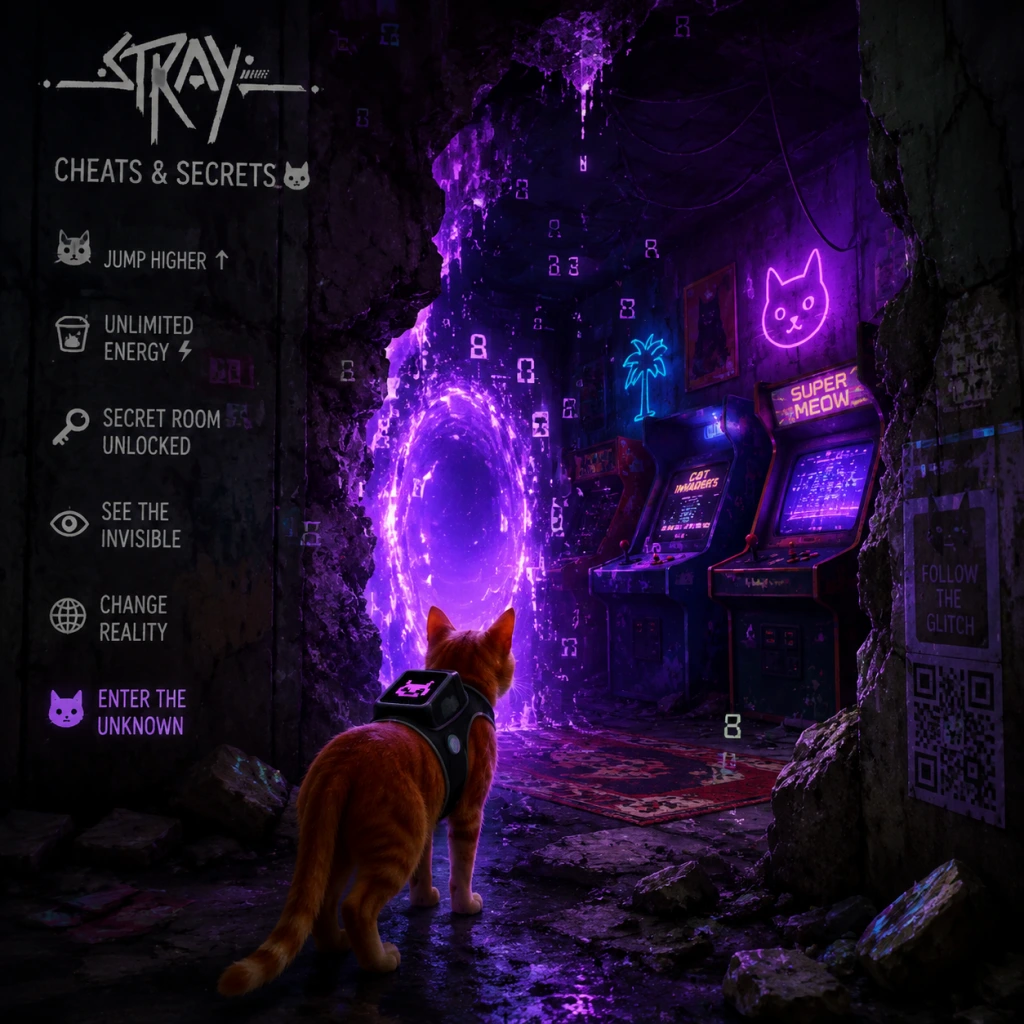
Cheats & Secrets
Cheats & Secrets
Stray does not include any traditional cheat codes (e.g., invincibility, level skip, item spawning) or developer console commands. The game is designed to be a linear, narrative-driven experience without built-in shortcuts or debug menus. However, the game is rich with Easter eggs, hidden areas, developer-intended secrets, and secret achievements that reward thorough exploration and curiosity. Below is a comprehensive list of every known secret and hidden content in Stray.
Secret Achievements / Trophies
- "I am Speed" – Complete the game in under 2 hours (any percentage). This is a hidden achievement. To unlock it, you must rush through the main story, skip most optional content, and use optimal routes. There is no in-game timer; check your system’s time played or use a third-party timer.
- "Cat’s Best Friend" – Meow at least 100 times. Press the meow button (default Q/E on PC, Triangle/Y on PS4/PS5, X/B on Xbox) repeatedly. It does not require 100 unique meows; just press it often. This achievement is secret until unlocked.
- "Can’t Cat-ch Me" – Complete the game without being caught by a Zurks (the small, fast enemies). You must avoid every single Zurk encounter; if you are grabbed, you have to reload the last checkpoint. This requires careful stealth and knowledge of enemy patrols.
- "B12’s Best Friend" – Unlock all memories (story-related collectibles) to complete B-12’s backstory. There are 10 memories total; finding all grants this secret achievement.
- "Meowlody" – Meow into a microphone (in-game) to a specific NPC. During the Slums chapter, after obtaining the music sheet for Morusque, you can meow into the microphone near him (the one he uses to play music). Doing so triggers a short animation and unlocks the achievement.
- The "Introspect" Room – In the Slums chapter, there is a hidden room accessible only by jumping onto a series of pipes and ledges behind the shop where you buy the cleaning cloth. Specifically, after you purchase the cloth from the shopkeeper (near the end of the Slums), backtrack to the area with the large fan. Use the cloth to block the fan, then jump across to a previously inaccessible balcony. Inside a small room, you’ll find a computer with a note that reads "Hello, this is a secret room for the developers." There is no reward besides a photo opportunity and a sense of discovery. This is widely considered a developer Easter egg.
- Persistent Meowing – If you meow repeatedly near certain NPCs, they will react differently. For example, meowing at the sleeping cat in the Slums (near the bucket) will cause it to stir. Meowing at the Guardian robot during the final chapter triggers a unique dialogue line: "You are very vocal today."
- The Scratching Easter Egg – In the Antvillage (the underground area with the robots), find a wooden post near the entrance. If you repeatedly scratch it (press the action button when prompted), the post will eventually become worn and splintered, and a small robot will comment on your persistence.
- Ball of Wool Toy – In the Slums, inside the apartment of the robot named Morusque (the musician), there is a ball of wool on the floor. Interact with it to play with it. It doesn’t unlock anything but is a cute, hidden interaction.
- Hidden Photo Mode – While playing on PC with photo mode (U key by default), you can find hidden locations that are slightly out of bounds. For example, in the Slums, jump onto the high metal beam above the market to get a clear view of the entire area. This is not a cheat but a secret vantage point.
- The "Catnap" Achievements – If you sleep on certain beds multiple times, you may get a special dialogue. There is no hidden achievement, but sleeping on every bed in the game (there are 5) triggers a subtle callback from B-12 commenting on your laziness.
- Hidden Music Track – During the final credits, if you do nothing, the music plays normally. However, if you (as the cat) meow repeatedly during the credits, the music subtly changes pitch for a few seconds. This is a very obscure Easter egg.
- B-12 Memories (Story Collectibles) – These are not hidden in an obscure sense but are missable. There are 10 memory chips scattered across the game that reveal B-12’s backstory. You need to find all of them to get the "B12’s Best Friend" achievement and to understand the full narrative. They are often tucked away in side paths or behind locked doors. Example locations: inside the music shop in Slums, behind a locked door in Antvillage (requires a key code found earlier), near the end of the Sewers chapter.
- The "Outfit" Customization – There is no cosmetic customization except for one secret: during the Slums chapter, you can find a red collar with a blue tag. This collar is purely cosmetic and changes the cat’s appearance. To get it, go to the apartment where you need to break a window to enter. Inside, look on a shelf to find the collar. Equip it via the inventory menu (like any other item). It has no gameplay effect.
- The "Hidden" Ending Sequence – There is only one ending; however, if you manage to complete the game without ever sleeping (i.e., never manual saving), the ending cutscene includes a brief extra line from B-12: "You never seemed to rest." This is a developer joke, but it adds nothing to the story.
- PlayStation 5 Activity Cards – On PS5, you can use the Game Help feature to see hints for puzzles, but these are not cheats.
- PC Mods (Unofficial) – While not developer-intended, the PC community has created mods that can alter the game, including a first-person mod, a "go fast" mod, and a debug menu mod. These require third-party tools (e.g., Unreal Engine modding tools) and are not supported by BlueTwelve.
- Steam Achievements – Every secret achievement noted above is also a Steam achievement.
Developer Room / Secret Area
Hidden Interactions & Easter Eggs
Developer-Intended Hidden Content
Platform-Specific Secrets
No Cheat Codes
To reiterate, there are no cheat codes, no dev console commands, no level skips, and no invincibility toggles in the vanilla game. The only way to alter gameplay is through unofficial mods on PC. The game’s linearity and simple mechanics make cheats unnecessary.
Conclusion
Stray focuses on atmosphere and exploration rather than breaking the game with cheats. The secrets listed above are the closest you’ll get to hidden content. Enjoy discovering them during your playthrough!