Titanfall 2
## Titanfall 2: Game Introduction ### Genre Titanfall 2 is a first-person shooter (FPS) with heavy emphasis on fast-paced movement, verticality, and giant mech combat. It blends classic arena shooter mechanics with parkour-inspired movement and tactical Titan warfare. ### Developer & Publisher - *...
Download & Installation
Titanfall 2: Download & Installation Guide
This guide covers all official methods to download and install Titanfall 2 across PC (Steam, EA app, Epic Games Store), PlayStation 4/5, and Xbox One / Xbox Series X|S. The game is not available on Nintendo Switch or mobile devices.
Supported Platforms & Sources
| Platform | Official Store(s) | Notes |
|---|---|---|
| PC | Steam, EA app (formerly Origin), Epic Games Store | Steam/Epic versions still require the EA app running in background. |
| PlayStation 4 | PlayStation Store | Full backward compatibility on PS5. |
| PlayStation 5 | PlayStation Store (PS4 version) | Runs via backward compatibility; no native PS5 version. |
| Xbox One | Microsoft Store (Xbox) | Also playable on Xbox Series X |
| **Xbox Series X | S** | Microsoft Store (Xbox) |
---
System Requirements (PC)
Minimum Requirements
- OS: Windows 7/8/10 64-bit
- CPU: Intel Core i3-6300 or AMD FX-4350
- RAM: 8 GB
- GPU: NVIDIA GeForce GTX 660 (2 GB) or AMD Radeon HD 7850 (2 GB)
- DirectX: 11
- Storage: 45 GB available space
- Internet: Broadband connection (for initial install & multiplayer)
- OS: Windows 10 64-bit (or newer)
- CPU: Intel Core i5-6600 or AMD Ryzen 5 1400
- RAM: 16 GB
- GPU: NVIDIA GeForce GTX 1060 (6 GB) or AMD Radeon RX 580 (8 GB)
- DirectX: 11
- Storage: 45 GB SSD (for faster load times)
- Internet: Low latency connection for multiplayer
- PC: An EA Account is mandatory. If buying on Steam or Epic, you must link your Steam/Epic account to your EA Account during first launch.
- PlayStation: A PlayStation Network (PSN) account.
- Xbox: A Microsoft / Xbox Live account (free or Game Pass Core/Ultimate for online multiplayer).
- PC (all stores):
- Consoles:
Recommended Requirements
Note: The game does not support VR and has no official Steam Deck compatibility (runs but may require tweaks).
---
Account Requirements
---
Step-by-Step Installation
PC – Steam
1. Install the EA app first (download from [ea.com/ea-app](https://www.ea.com/ea-app)). If you already have the original Origin client, EA app is preferred and automatically handles updates.
2. Open Steam and log in. Search for Titanfall 2 in the Store.
3. Purchase the game (or redeem a key).
4. Click Install – Steam will begin downloading the base files (~35 GB).
5. During installation, Steam will prompt you to install or log in to the EA app. Follow the link/create account.
6. Once the EA app is installed and linked, the download continues via EA servers.
7. After download, Titanfall 2 will appear in both Steam and EA library. Launch from either.
PC – EA app (Direct)
1. Download and install the EA app from [ea.com/ea-app](https://www.ea.com/ea-app).
2. Log in with your EA Account.
3. Go to the Store or My Library (if previously owned).
4. Search for Titanfall 2 and click Download.
5. Choose install location (ensure at least 45 GB free).
6. The EA app will handle the download and automatic installation.
7. After installation, the game is ready to launch.
PC – Epic Games Store
1. Install the Epic Games Launcher from [epicgames.com](https://www.epicgames.com/).
2. Log in with your Epic account.
3. Purchase Titanfall 2 from the Epic Store.
4. Click Install. The launcher begins downloading.
5. When prompted, install the EA app (if not already). Link your Epic and EA accounts.
6. Continue download. After completion, launch via Epic (which triggers EA app).
PlayStation 4 / PlayStation 5
1. On your PS4 or PS5, go to PlayStation Store.
2. Search for Titanfall 2.
3. Purchase (or find in your library if previously bought).
4. Select Download. The console will begin installing.
5. Ensure at least 50 GB free space.
6. Once installed, the game appears on your home screen. Launch to play.
7. (PS5 users: The game runs in backward compatibility mode; no separate upgrade needed.)
Xbox One / Xbox Series X|S
1. Turn on your Xbox and sign in to your Microsoft account.
2. Open Microsoft Store or My Games & Apps.
3. Search for Titanfall 2.
4. Purchase or install if you own it digitally (or insert disc for disc version).
5. Select Install. The download size is ~45-50 GB.
6. After installation, the game appears in your library.
7. For Xbox Series X|S, the title will automatically receive performance enhancements (FPS Boost, Auto HDR). No action needed.
---
First Launch Setup
- The game will first check for a linked EA Account. If not linked, a browser window will prompt you to sign in and link.
- After linking, the EA app may update itself. Allow it.
- For multiplayer, you must accept the End User License Agreement (EULA).
- The launcher may ask to install DirectX and Visual C++ Redistributables – accept these.
- On first launch, you can choose graphics settings in the Options menu. Suggested: start at default “Medium” and adjust based on performance.
- Field of View (FOV) can be increased (90-110 recommended for competitive play).
- Audio: Ensure your output device is correct.
- Network: If using a VPN, disconnect for first login to avoid region issues.
- After launch, you may be asked to sign in to an EA Account (for multiplayer and cloud saves). This can be done via an on-screen dialog.
- Adjust controller sensitivity and button layout from the game’s settings.
---
Common Installation Errors & Fixes
PC Errors
| Error | Cause | Solution |
|---|---|---|
| “Origin client is not installed” (when using Steam/Epic) | EA app not present or not linked. | Install EA app from official site. Then restart Steam/Epic and launch game again. |
| “Game failed to launch. Error code: 100…” | Corrupted game files or firewall blocking. | Verify game files (Steam: Properties > Local Files > Verify Integrity of Game Files; Epic: Manage > Verify; EA app: Repair). Temporarily disable antivirus/firewall. |
| DirectX error | Missing DirectX runtime. | Install the DirectX End-User Runtime Web Installer from Microsoft. Or run `Titanfall2_installer.exe` in the game folder under `_CommonRedist`. |
| “Unable to connect to EA servers” | Network issues, account linking problem. | Check internet connection. Re-login to EA app. Use a wired connection. Reset password if needed. |
| Download stuck at 99% | File validation delay. | Wait 5–10 minutes. If still stuck, pause and resume download. |
| Crash on startup (black screen) | Overlay conflicts, outdated drivers. | Disable Discord/Steam overlay for Titanfall 2. Update GPU drivers. Run game as administrator. |
| EA app error “Your game failed to launch” | EA app cache corrupted. | Clear EA app cache: Exit EA app, delete folders `%ProgramData%/Electronic Arts/EA Services` and `%AppData%/Electronic Arts/EA app` (both local and roaming). Reboot and restart app. |
| Low FPS / stutter | Hardware below recommended, background apps. | Lower graphics settings (disable Ambient Occlusion, set texture quality to Medium). Ensure no heavy background processes. |
Console Errors
- PlayStation: If the download stops, rebuild database from Safe Mode. Ensure enough free space (if using external drive, it must be USB 3.0 with sufficient speed).
- Xbox: If game won't launch, clear local saved games (Settings > System > Storage > Clear local saved games). Also try a hard reset (hold power button 10 seconds).
- Both consoles: If the game asks for an EA Account but you can’t link, go to [ea.com](https://www.ea.com) and link your PSN/Xbox Live account manually.
- Storage Management: The game installs additional high-resolution texture packs (optional on PC) that can increase size by ~20 GB. On Steam, right-click > Properties > DLC to disable them. On EA app, you can choose not to install via options.
- Disc versions (PS4/Xbox One): Insert disc, but be aware the game may still require large patches (~20 GB). The base install is about 20 GB from disc, then additional downloads.
- Game Pass: Titanfall 2 is included in EA Play (PC and Xbox) and Xbox Game Pass Ultimate. Subscribers can install directly without separate purchase.
- Multiplayer note: As of 2025, matchmaking can be slow. Use Custom Games or look for community servers via discord to find matches. Single-player mode is fully offline and does not require an active internet connection after initial verification.
---
Post-Installation Verification
1. Check game version: From main menu, look for the version number (usually displayed in bottom-left or settings). Current latest version (as of 2025) is 2.0.11 (or similar).
2. Test single-player campaign: Launch the first mission (“The Pilot’s Gauntlet”) to ensure controls, audio, and rendering work.
3. Test multiplayer: Enter the multiplayer lobby. If you see “Matchmaking disabled” or no players in data centers, check server availability – Titanfall 2 multiplayer is still active but may have reduced population on some regions. You can manually change data center in settings (e.g., to London, Oregon, Tokyo).
4. Verify file integrity (PC): Use the platform’s verification tool as a final check.
5. Monitor performance: Use in-game FPS counter (set via console or NVIDIA/AMD overlay). Ensure stable framerate.
---
Additional Tips
---
If you encounter an issue not listed here, check the official EA Help site ([help.ea.com](https://help.ea.com)) or the Titanfall subreddit ([r/titanfall](https://reddit.com/r/titanfall)) for community solutions.
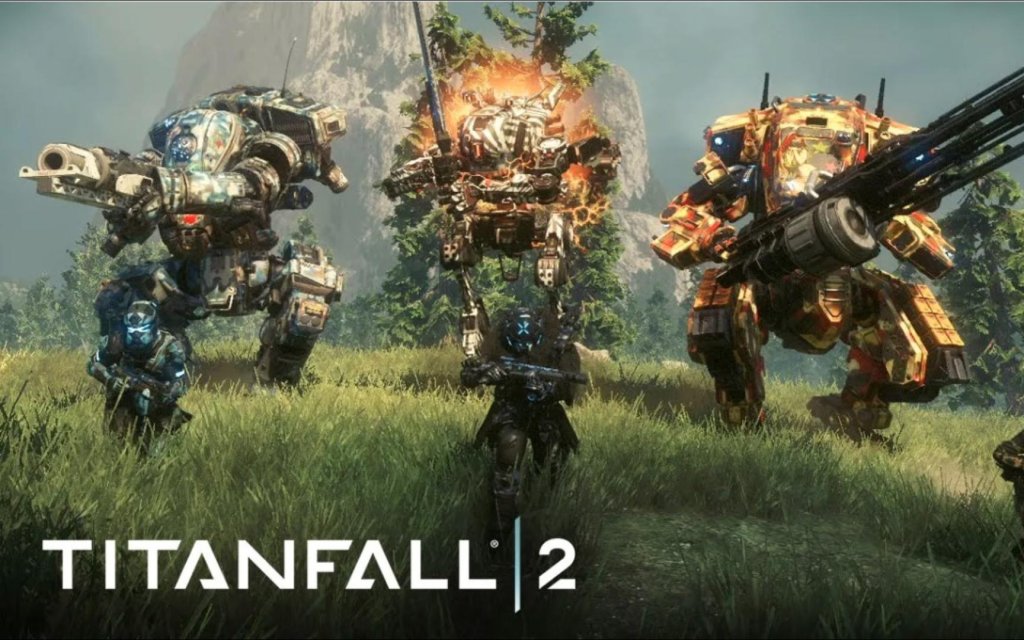
Game Introduction
Titanfall 2: Game Introduction
Genre
Titanfall 2 is a first-person shooter (FPS) with heavy emphasis on fast-paced movement, verticality, and giant mech combat. It blends classic arena shooter mechanics with parkour-inspired movement and tactical Titan warfare.
Developer & Publisher
- Developer: Respawn Entertainment (founded by former Infinity Ward co-founders)
- Publisher: Electronic Arts (EA)
- Initial release: October 28, 2016 (worldwide)
- Key updates: Free DLC content added throughout 2016–2017; Live Fire mode (February 2017); Colony Reborn map (April 2017); War Games map (May 2017); Monarch's Reign Titan (June 2017). The game received a major resurgence with the Apex Legends launch (2019) and subsequent Steam release in 2020.
- Steam release: June 18, 2020 (brought new players and cross-play support later)
- PC: Windows (available on Steam, EA app, and Epic Games Store)
- PlayStation 4 (backward compatible on PS5)
- Xbox One (backward compatible on Xbox Series X|S)
- Note: There is no native PS5 or Xbox Series X|S version, but the game runs at 60 FPS on all platforms via backward compatibility or performance patches.
- Jack Cooper: The protagonist, a Militia rifleman turned Pilot. Voiced by Matthew Mercer, Cooper is quick-witted and determined, but inexperienced in the ways of a Pilot.
- BT-7274: The Titan, a highly intelligent Vanguard-class war machine with a calm, logical personality. BT and Cooper develop a deep emotional bond through the campaign, with BT often providing tactical advice and deadpan humor.
- Captain Lastimosa: Cooper’s mentor and a seasoned Militia Pilot. His death early in the campaign is the catalyst for Cooper’s journey.
- Sarah Briggs: The Militia’s lead Pilot and a strong leader, she guides Cooper and other Pilots.
- Marder: The IMC’s Vice Admiral and key antagonist; a ruthless executive motivated by profit and control.
- Sloan: An IMC Pilot-turned-operative, serving as a rival and antagonist.
- Barker: A fast-talking Militia Pilot who provides comic relief and technical support.
- Fluid movement system: Wall-running, double-jumping, sliding, and grappling hooks make combat feel like a high-speed ballet.
- Deep Titan combat: Each Titan class has unique loadouts, abilities, and cores – offering strategic depth akin to hero shooters.
- Intimate pilot-Titan bond: The campaign’s emotional core revolves around the relationship between Cooper and BT.
- Multilayer multiplayer: Fast-paced Pilot vs Pilot action, large-scale Titan battles, and objective-based modes.
- Fans of fast-paced FPS games (e.g., Quake, Doom, Call of Duty: Advanced Warfare)
- Players who enjoy mech/robot combat (e.g., MechWarrior, Armored Core)
- Gamers looking for a tight, story-driven campaign (around 6–8 hours)
- Competitive multiplayer enthusiasts who value skill-based movement and tactical Titan play
- Players frustrated by microtransactions – Titanfall 2 offers all post-launch multiplayer content for free.
- Attrition: Classic team deathmatch with AI minions, Reapers, and Titans on a timer.
- Pilot vs Pilot: No AI, no Titans; pure infantry combat.
- Bounty Hunt: Teams earn cash by killing enemies and AI; deposit money at banks to score.
- Hardpoint Domination: Capture and hold three zones.
- Capture the Flag: Classic CTF with Titans and mobility.
- Last Titan Standing: Teams of Titans battle; no respawns.
- Live Fire: 6v6 round-based mode with no respawns; capture a flag or eliminate all enemies.
- Titan Brawl: 8v8 Titan-only combat.
- Coliseum: 1v1 duels in an arena (requires ticket, often earned through gameplay or microtransactions).
- Frontier Defense: Cooperative PvE mode where four players defend a harvester from waves of AI enemies.
- The single-player campaign can be played entirely offline.
- Training modes (the Gauntlet and basic tutorials) are also accessible offline.
- Multiplayer and Frontier Defense require an internet connection and EA account.
- Custom private matches can be set up but still require online connection to servers.
- Online: All multiplayer modes, leaderboards, matchmaking, and cooperative modes (Frontier Defense) need an internet connection and EA servers.
- Offline: Campaign, training, and some settings (e.g., controls refresh) are fully offline. No LAN support.
- Cross-play: Added in 2020 (PC, PlayStation, Xbox) via EA account; requires login.
- Server status: Active but with lower player counts than peak; matchmaking times vary by region and time of day.
- Free maps: Crash Site (launch), Drydock (launch), multiple remakes from the first game (Angel City, Relic, etc.), plus original maps like Colony, Complex, and War Games.
- New Titans: Monarch (a Vanguard-class with battery-stealing abilities) released as a free update in July 2017.
- Game modes: Live Fire (Feb 2017), Titan Brawl (Feb 2017), Frontier Defense (July 2017) – all free.
- Cosmetic microtransactions: Only cosmetic items like warpaints, camos, nose arts, and banners – no pay-to-win.
- No campaign DLC: The campaign was a single self-contained story with no expansions.
- Best-in-class movement: The wall-running, double-jump, and slide mechanics are unmatched in the FPS genre, offering a skill ceiling that rewards practice.
- Human-Mech bond: The Cooper/BT relationship is one of gaming’s most memorable pairings, blending emotional storytelling with gameplay synergy (e.g., BT throwing Cooper across gaps, or sharing data).
- Free content model: At a time when many games charged for map packs, Titanfall 2 gave everything away – earning immense goodwill.
- Multiplayer sandbox: The combination of Pilot abilities, Titan classes, and powerful weapons creates an endless variety of playstyles.
- Titan customization: Each Titan can be customized with different loadouts, perks, and cosmetics, offering deep tactical choices.
- Fluid Pilot-to-Titan transitions: The ability to call down a Titan mid-match and seamlessly hop in is a hallmark of the series, creating dynamic shifts in gameplay.
- Frontier Defense: A standout cooperative mode that tests teamwork and strategy, highly replayable.
- Legacy of quality: Despite a rocky launch (overshadowed by Battlefield 1 and Call of Duty: Infinite Warfare), Titanfall 2 has become a cult classic with a dedicated community, frequently praised for its tight mechanics and fair monetization.
Release Timeline
Platforms
Story Overview
Titanfall 2’s single-player campaign follows Jack Cooper, a rifleman in the Frontier Militia, who aspires to become a Pilot – an elite soldier with advanced mobility and combat skills. During a mission to locate a super-weapon known as the Ark, Cooper’s mentor Pilot is killed, bonding Cooper with that Pilot’s Titan, BT-7274 (a Vanguard-class Titan). Together, Cooper and BT must survive against the oppressive Interstellar Manufacturing Corporation (IMC) and uncover the secrets of the Ark, all while forming a unique bond between man and machine.
Setting
The game is set in “The Frontier”, a distant region of space colonized by both the IMC (a corporate military force) and the Militia. The campaign takes players across varied environments: lush forests, industrial facilities, war-torn cities, and a mysterious alien world. The setting combines sci-fi futurism with a frontier-like chaos, echoing themes of rebellion, autonomy, and survival.
Main Characters
Core Appeal
Titanfall 2 is celebrated for its:
Target Audience
Game Modes
#### Single-Player Campaign
A linear, story-driven experience with 9 missions. It uses the same movement and combat mechanics as multiplayer, serving as an excellent tutorial for advanced techniques.
#### Multiplayer Modes (all available online)
#### Offline Support
Online/Offline Support
DLC / Expansion Overview
Respawn Entertainment committed to a no-paid-DLC model for Titanfall 2’s multiplayer. All map packs, Titans, and weapons added post-launch were free. Key post-launch content includes:
What Makes Titanfall 2 Unique
---
This introduction covers all major facets of Titanfall 2. For download and installation details, refer to the separate guide section.
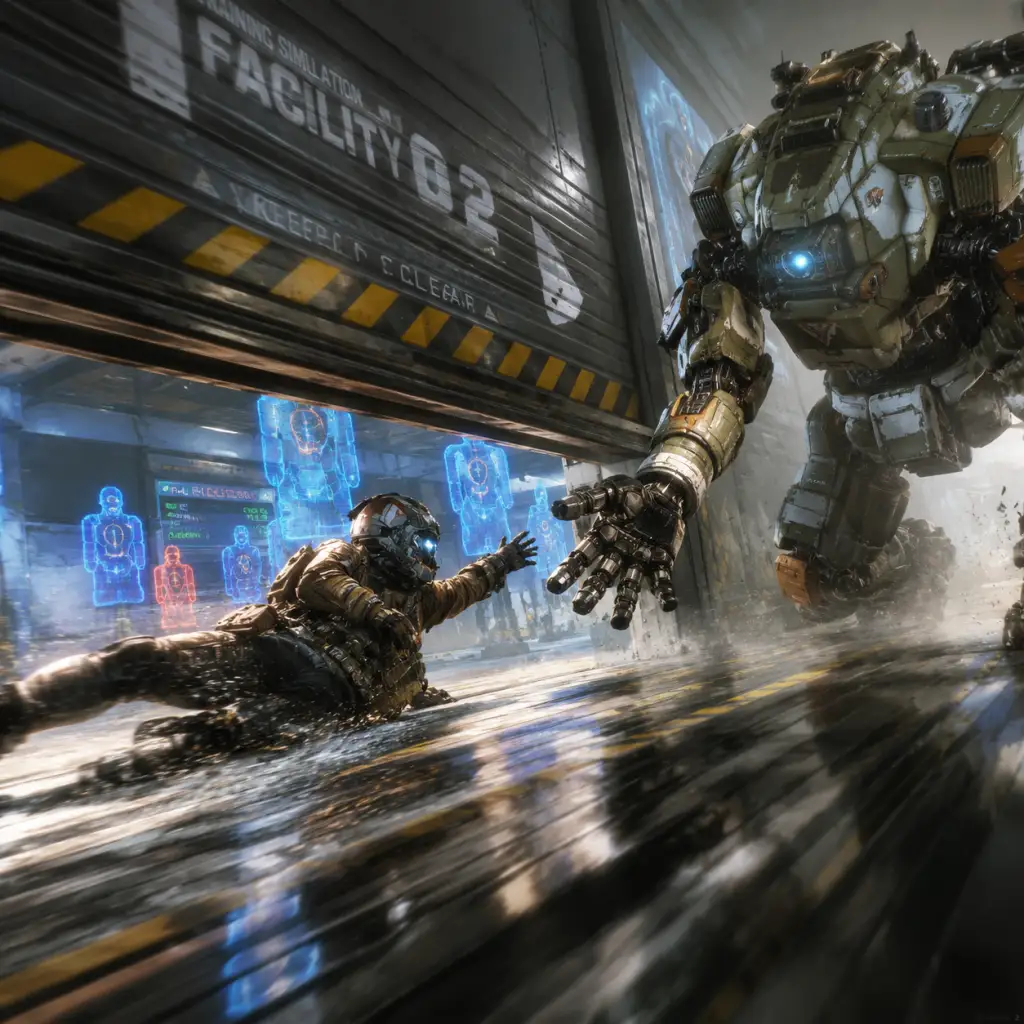
Getting Started
Getting Started with Titanfall 2
Welcome to the frontier, pilot. Titanfall 2 blends hyper-mobile first-person shooter combat with massive mech warfare. This guide will get you through your first hour, explain controls on every platform, highlight the UI, and steer you clear of common noob traps. We'll cover both the single-player campaign and the multiplayer component.
Character Creation (None)
Titanfall 2 does not feature a character creator. Your pilot's appearance and gender are fixed throughout the campaign (protagonist Jack Cooper). In multiplayer, you choose from predefined Pilot Tactical abilities, weapons, and cosmetic banners/skins, but you do not customize the physical pilot model at launch. Titan loadouts are fully customizable once unlocked.
Controls Overview (All Platforms)
You can rebind almost everything. The default layouts are shown below. For beginners, consider switching to "Bumper Jumper" (PS4/5) or "Ninja" (Xbox) – these put jump on a shoulder button so you can aim while wallrunning.
#### PC (Keyboard & Mouse)
| Action | Key |
|---|---|
| Move | W A S D |
| Aim Down Sights (ADS) | Right Mouse Button |
| Shoot | Left Mouse Button |
| Jump | Space |
| Double Jump / Wallrun | Space again on wall |
| Sprint | Shift (hold) |
| Slide / Crouch | Ctrl (hold to slide, tap to crouch) |
| Pilot Tactical Ability | Q |
| Ordnance (Grenade) | G |
| Melee | V |
| Titan Call | X |
| Titan Embark/Disembark | E |
| Titan Tactical | Q |
| Titan Ordnance | Mouse 4 (default) |
| Titan Melee | V |
| Titan Dash (dodge) | Shift (while in Titan) |
| Ping | Middle Mouse Button |
| Scoreboard | Tab |
- Move: Left Stick
- Look: Right Stick
- Sprint: L3 (click left stick)
- Jump: X
- Crouch / Slide: Circle (hold to slide)
- ADS: L2
- Shoot: R2
- Tactical Ability: L1
- Ordnance: R1
- Melee: R3 (click right stick)
- Ping: Up on D-pad
- Titan Call / Embark: Touchpad (swipe up for Titan call, swipe down for embark/disembark) – defaults may vary; check options.
- Titan Dash: L3 while in Titan
- Scoreboard: Touchpad (click)
- Move: Left Stick
- Look: Right Stick
- Sprint: L3
- Jump: A
- Crouch / Slide: B
- ADS: LT
- Shoot: RT
- Tactical Ability: LB
- Ordnance: RB
- Melee: R3
- Ping: Up on D-pad
- Titan Call: View button (two squares) + hold? Actually default: Down on D-pad calls Titan. Embark/Disembark: Y near Titan.
- Titan Dash: L3 while in Titan
- Scoreboard: View button (select)
- Top Centre: Target reticle. No crosshair bloom – Titanfall uses recoil patterns.
- Bottom Left: Health bar (red) with shields (white) when applicable (Titans have regenerating shields).
- Bottom Centre: Ammo count / magazine (current / reserve).
- Bottom Right: Pilot Tactical Ability icon (cooldown ring), Ordnance icon, Titan build meter (when you earn enough points, you can call your Titan).
- Above Health: Kill streak / score in multiplayer.
- Minimap: Top right corner – shows friendly/enemy pings, AI grunts as faint dots. In campaign, waypoints and objective markers appear here.
- Titan HUD (when inside): Additional central display shows Titan health, shield, dash cooldown, ability cooldowns, and a weapon heat meter for certain weapons.
- Campaign: Finish the Gauntlet with a decent time (under 40 seconds for a good score, but just finishing is fine). Learn to chain a slide into a wallrun into a double jump.
- Multiplayer: Reach Level 2 to unlock the ability to edit your loadout. After that, try each Pilot Tactical ability (Stim, Pulse Blade, Grapple, etc.) to find your style. The Grapple is very forgiving for beginners because it helps with vertical movement.
- Both Modes: Learn the maps. Spend time in private matches (no bots) just running on walls and sliding to build muscle memory.
- Play the campaign on Easy or Normal difficulty first – it teaches you all mechanics.
- Adjust your field of view (FOV) to 90-110 for a wider view.
- Turn off Mouse Acceleration (PC) or adjust aim response curve (console) to Linear for more consistent aim.
- Use the Grapple tactical in multiplayer early on – it's the most forgiving for movement mistakes.
- Stick with the R-201 Carbine (starting assault rifle) – it's versatile.
- In Titan combat, use your Dash (Shift on PC, L3 on console) to dodge enemy rockets and melee attacks.
- Pay attention to AI Grunts (the easy bots) – they are free Titan build meter in multiplayer.
- Standing still. You are a sitting duck. Always keep moving – walk, slide, wallrun, grapple.
- Running into open areas without checking for Titans. Titans are huge and easy targets, but also vulnerable to concentrated fire.
- Using your Titan like a slow tank. Titans have a dash ability and can be fast if you use dashes and boost.
- Ignoring the mini-map. Enemies that shoot or use abilities appear as red blips. Use it to flank.
- Spending all your Credits on cosmetics in multiplayer. Early credits should go to unlocking a second weapon or a new tactical ability (e.g., Stim or Cloak are great for beginners).
- Playing Bounty Hunt without knowing the flow. It's a mode where you kill NPCs for money, then bank at designated drops. If you die, you lose half your unbanked cash. Don't hoard cash – bank often.
- Merits (XP) are earned by completing matches and challenges. Each level-up gives you a Credit bundle. Credits are the main currency to permanently unlock weapons, abilities, and boosts.
- Priority unlocks (in order):
- Do NOT spend Credits on cosmetics (paint jobs, banners) until you have a solid competitive loadout.
- [ ] Play the Campaign Gauntlet and finish it (any time).
- [ ] Adjust Settings:
- [ ] Complete the first campaign mission up to meeting BT (or finish chapter 1).
- [ ] Jump into Multiplayer Training (a private match with bots) – practice wallrunning and slide hopping (slide then jump to maintain speed).
- [ ] Play one match of Attrition or Bounty Hunt against human opponents – expect to die a lot but focus on movement and helping teammates.
- [ ] Spend your starting Credits (usually around 100) on one new Tactical (Stim or Grapple) and the CAR or R-97 weapon.
- [ ] Find your Titan preference – early Titans available: Ion (versatile), Tone (simple lock-on), or Scorch (area denial). Play one match with each to see which feels best.
- [ ] Review your top mistakes (see above) and commit to avoiding at least two of them in your next session.
Tip: Enable "Sprint by Default" (Auto-Sprint) in options to free your left thumb for aiming.
#### Xbox One / Series X|S
Tip: Switch to control scheme "Ninja" for better movement – jump becomes LB, slide becomes RS (click).
UI Overview (HUD)
The HUD is minimalist. Key elements:
First Hour Walkthrough – Campaign
Start the game. The campaign begins with "The Pilot's Gauntlet" – a tutorial simulation. Do not skip it. This is where you learn:
1. Basic movement: Sprint, slide, jump, double jump, wallrun. The Gauntlet is a timed obstacle course. Your first objective is just to finish it. You can replay it later for a better time.
2. Combat: Shoot the moving training drones. Use your pistol and then your assault rifle. Practice aiming while moving – sliding and wallrunning.
3. After the Gauntlet: A cutscene introduces you to your Titan, BT-7274. You'll then be in the first real mission.
4. First Mission ("BT-7274"): Follow your squad, learn to listen for audio cues. Your goal is to reach a downed Titan. You'll face human soldiers and later a massive enemy Titan (Kane). Use cover, shoot at weak points (glowing orange panels). After you mount BT, the game teaches Titan controls: move, shoot, dash, use abilities. Stay close to your squad for the initial push.
5. Within the first hour, you will have completed the Gauntlet and likely the first combat section. Expect to die a few times – that's normal.
Essential Early Objectives
What to Do First and What to Avoid
DO:
AVOID:
Early Resource Priorities
Campaign: No currency. The only resource is your time – replay sections to find collectibles (Pilot Helmets) to unlock achievements/cosmetics for multiplayer.
Multiplayer:
1. Alternative Pilot Tactical – Get Stim (heal + speed) or Grapple (mobility) depending on your early preference. (Cost: ~30 Credits)
2. Alternate primary weapon – The CAR SMG or R-97 (SMGs) are very beginner-friendly because they have high fire rate and hipfire accuracy. (~50 Credits)
3. Electric Smoke (Titan defensive ability) – great for flushing out enemies rodeoing your Titan. (~15 Credits)
4. Tier 2 Boost – Unlock Battery or Tick (recon mine) for utility. Avoid Phase Rewind early – it's tricky.
Common Beginner Mistakes
1. Not using wallrunning. Movement is the core of Titanfall 2. Practice on the Gauntlet wall run section – you can stay on walls for a few seconds.
2. ADS (aiming down sights) too much. Hipfire is very accurate in this game, especially with SMGs and shotguns. Only ADS for long-range engagements.
3. Forgetting to call your Titan. In multiplayer, once your Titan meter fills (near lower right corner), don't wait – call it (Down on D-pad or Touchpad swipe up). A Titan on cooldown is a wasted resource.
4. Staying in your Titan when it's near death. If your Titan is smoking (low health) and enemies are focusing you, disembark and escape. A destroyed Titan costs you time; a bailed pilot can call another Titan later.
5. Rodeoing an enemy Titan without a battery. Rodeoing (jumping on enemy Titan and pulling out the battery) requires you to have a Battery boost or to take the battery from your own Titan. If you rodeo without a Battery, you'll just pull the battery and jump off – that's good, but you become vulnerable. Be ready to use your cloak or grapple to escape.
6. Not using the mini-map. Red dots mean shooting enemies. Use them to predict flanks.
7. Challenging Titans as a pilot without cover. As a pilot, you are small and fast – use buildings and roofs to engage Titans from above, not head-on.
Day-One Checklist
- Field of View: 90-100 (PC) or default (console).
- Graphics: Lower shadows to medium or below for better visibility.
- Sound: Enable „Hearing Impaired“ visual indicators (subtle on-screen cues) to help locate enemies.
- Controller: Enable „Auto-Sprint“ (console) or use „Bumper Jumper“ / „Ninja“ layout.
- Mouse: Turn off acceleration, set sensitivity to 2-4 (400-800 DPI) for precision.
Final Pro-Tip
Titanfall 2 has a steep learning curve, but the campaign is arguably the best tutorial ever made for an FPS. Play through the entire campaign first. It will teach you the movement, Titans, and combat flow in a structured way. After you finish the campaign (around 6–8 hours), you will have the muscle memory to be competitive in multiplayer.
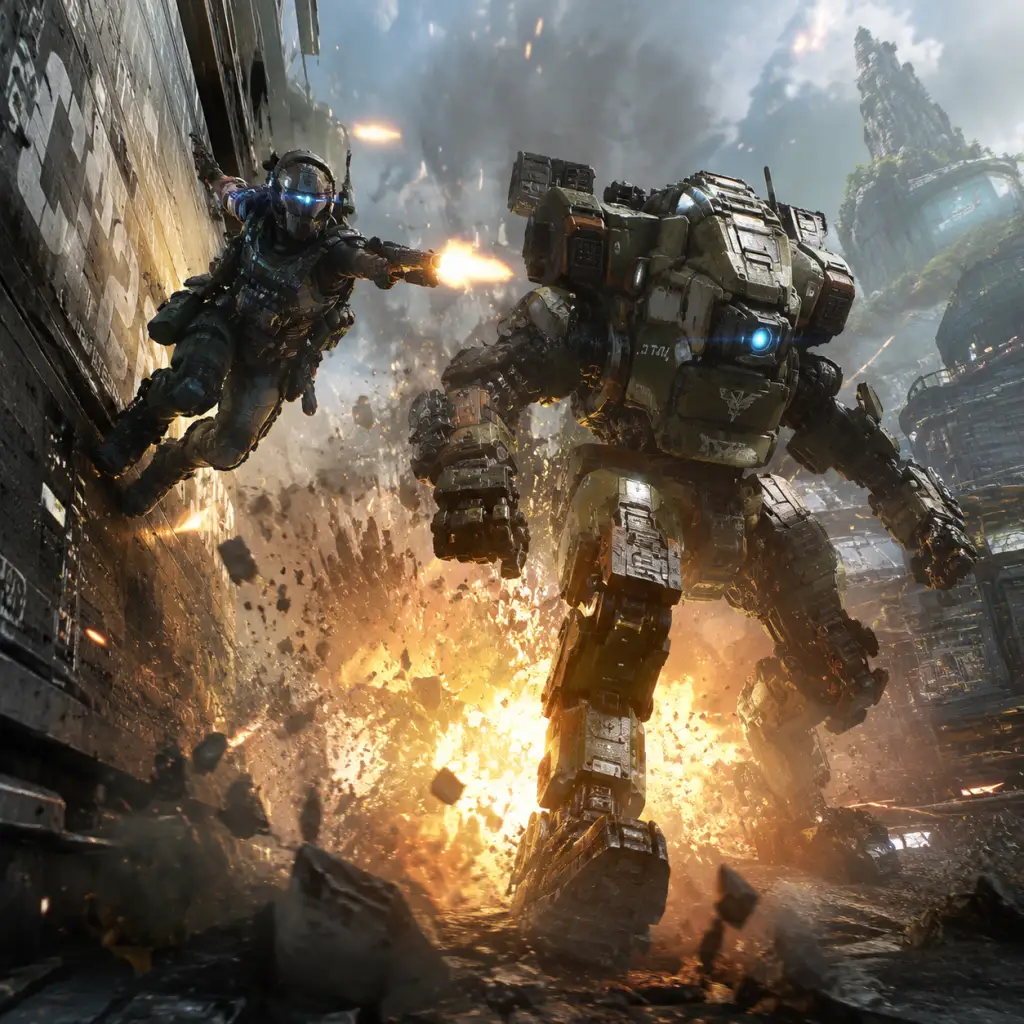
Welcome to the frontier, pilot. See you on the wall.
Core Gameplay
Titanfall 2: Core Gameplay Guide
Overview of the Core Gameplay Loop
Titanfall 2’s gameplay loop revolves around two interlocking phases: Pilot combat and Titan combat. As a Pilot, you are an agile, fast-moving soldier with parkour abilities. By dealing damage, completing objectives, or simply surviving, you build your Titan Meter. Once full, you call in your Titan—a massive mech—and transition into a slower, more powerful combat role. After your Titan is destroyed (or you eject), you return to Pilot play and begin building the meter again. This loop is the heart of both the single-player campaign and multiplayer, though with different contexts.
Combat and Interaction Systems
#### Pilot Movement and Combat
- Wall-Running: Any wall surface can be run on for a few seconds. Hold jump while touching a wall to maintain momentum.
- Slide-Hopping: Combining slides, jumps, and air strafing to preserve speed (essential for advanced movement).
- Double Jump: Allows mid-air height adjustment while wall-running or in open air.
- Grappling Hook: A tactical ability that pulls you toward surfaces or enemies; can be used for rapid traversal or pulling foes into melee.
- Stim: Temporary speed boost and health regeneration.
- Phase Shift: Short invisibility and immunity to damage; useful for escapes or ambushes.
- Pulse Blade: Throws a knife that reveals enemies through walls via sonar pulses.
- Holopilot: Deploys a holographic decoy that mimics your movements.
- A-Wall: Deploys a deployable shield that amplifies your outgoing damage while blocking incoming fire.
- Grapple, Stim, Phase, Pulse, Holo, A-Wall are the six tactical abilities. Choose one per Pilot loadout.
- Pilot Kit: Fast Regen (health regen), Cloak (invisibility when standing still), Power Cell (faster tactical recharge), Low Profile (silent jumps and reduced leg damage), Hover (mid-air hover), Phase Embark (faster entering Titan)
- Booster: Map Hack (reveal enemies), Battery Backup (shield+core charge on Titan call), Amped Weapons (increased damage temporarily), Dice Roll (random Booster each time)
- Weapon Mods: Extended mags, silencer, speed loader, gun runner (hip-fire accuracy while sprinting), etc.
Weapons: Primaries include Assault Rifles (R-201, Flatline), SMGs (Alternator, CAR), LMGs (Spitfire), Snipers (Kraber, DMR), Shotguns (EVA-8, Mastiff), and Grenadier types (EPG-1, SMR). Secondaries: Pistols (Wingman, B3 Wingman), Anti-Titan weapons (Archer, Charge Rifle, MGL). Ordnances: Frag grenade, Gravity Star, Electric Smoke, Satchel, Firestar.
Kit Slots:
#### Titan Combat and Abilities
Each Titan class (chassis) has unique primary weapons, defensive abilities, offensive abilities, and Core (super ability).
| Titan | Chassis | Primary Weapon | Core Ability | Special Remark |
|---|---|---|---|---|
| Ion | Stryder (light) | Laser Rifle (split shot) | Laser Core (continuous beam) | Energy management resource |
| Tone | Atlas (medium) | 40mm Tracker Cannon | Salvo Core (missile swarm) | Lock-on mechanic with sonar lock |
| Legion | Ogre (heavy) | Predator Cannon | Smart Core (auto-lockable hitscan) | Spin-up time, long range mode |
| Scorch | Ogre | Thermite Launcher | Flame Core (ground-based flame wave) | Area denial, thermite puddles |
| Ronin | Stryder | Leadwall (shotgun) | Sword Core (melee speed/damage boost) | High mobility melee titan |
| Northstar | Stryder | Plasma Railgun | Flight Core (hover + cluster missile volley) | Sniper titan with tether trap |
| Monarch | (DLC) | XO-16 Chaingun | Upgrade Core (three upgrades) | Steals batteries to self-heal |
Batteries: Orange-colored items that can be stolen from enemy Titans or found on the map. A friendly Titan can be rodeoed and given a battery (or you can insert one into your own Titan) to restore shields and a portion of Core meter. Batteries are critical in Extended Titan play.
Progression System
Progression in Titanfall 2 is split across three systems: Pilot Level, Weapon/Titan Levels, and Regeneration.
- Pilot Level: Earn XP from kills, captures, assists, winning matches. Each level unlocks new weapons, Titans, kits, and abilities. Max level 50 for first generation.
- Weapon/Titan Levels: Each weapon and Titan has its own XP bar. Leveling them unlocks exclusive camouflage patterns, sits (chassis decals), and stat screens (e.g., 100 kills, 500 kills). Level 20 on a weapon gives the “Gold” camo.
- Regeneration: After Pilot Level 50, you can “Regenerate” (prestige) by meeting certain challenges (e.g., get 50 kills with specific weapons). Regeneration resets Pilot level to 1 but unlocks new generation icons and cosmetic banners. You keep all previously unlocked weapons and camos. Gen 1 through Gen 10 are the standard progression.
- Merit System (Multiplayer only): Earn Merits from completing matches, leveling weapons, and finishing daily missions. Merits slowly increase your overall rank (Collar, etc.) – though this system was primarily in Titanfall 1; in Titanfall 2, it’s simplified to XP and a separate Advocate Gift system that unlocks cosmetics via random drops as you level.
- Chapter 1: Start with R-201 Carbine, Pistol, and default tactical (Pulse Blade or Stim depending on training).
- Chapter 2: Obtain the grappling hook (via BT-7274).
- Chapter 4: Obtain Phase Shift vs. Holo pilot? Actually you collect Pilot helmets to unlock custom loadouts for multiplayer, but in campaign you get new weapons as you progress (e.g., Kraber in mission 3, Charge Rifle later).
- BT-7274 Upgrades: Throughout the campaign, you find hidden batteries (Upgrade Chips) that increase BT’s loadout (e.g., extra dash, Quad Rocket Swarm, Laser Lock). These are optional collectibles.
- Campaign has 46 Pilot Helmets hidden across 9 missions (not including the prologue). Finding them unlocks unique cosmetics for multiplayer (camo patterns, banners).
- Audio Logs: There are 10 audio logs (intel) hidden per mission that provide lore. No gameplay benefit but unlocks achievements/trophies.
- Secret Areas: Many maps feature off-the-beaten-path rooms, alternate routes, and hidden weapon caches that give you better weapons mid-mission (e.g., the smart pistol in mission 2).
- Multiplayer Exploration: Maps are designed for wall-running and verticality. Knowing flank routes and grapple spots gives a competitive edge. Learning map layout reduces spawn confusion.
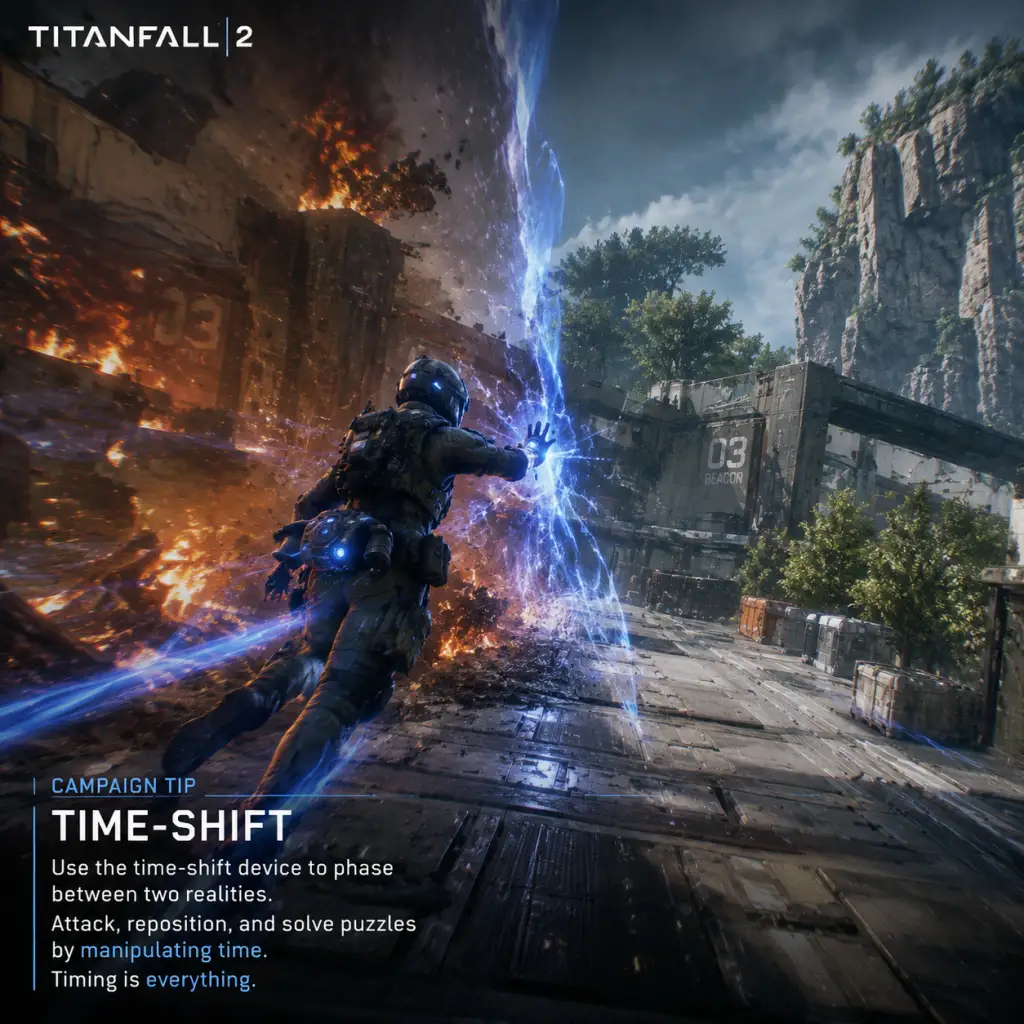
- Single-Player Campaign: 9 missions + prologue + epilogue. They are linear but contain ample room for alternative paths. Each mission has a distinct gameplay gimmick: time manipulation (Effect and Cause), fabricator gauntlet (The Beacon), Titan escort (Into the Abyss).
- Multiplayer Modes:
- Advocate Gifts: Earned by leveling up after Pilot Level 50 (each regen) or by completing daily challenges. These contain random cosmetics (camos, banners, patches, etc.) and occasionally premium currency?
- Metallic Credits (in-game credits): Earned from playing matches, used to buy specific cosmetic items or weapon skins directly. Not purchasable with real money — all gameplay progression is free.
- Titanfall Credits (optional MTX): Earned by purchasing with real money, used to expedite Advocate Gift unlocks or buy skins from the store. No pay-to-win.
- Coliseum Tickets: Used to enter Coliseum matches; earned via Advocate Gifts.
- Loadouts: Up to 10 custom slots. Choose primary, secondary, tactical, ordnance, pilot kit, booster, weapon mods, and a camo.
- Synergies: E.g., Grapple + Stim? Not possible, you pick one tactical. But you can combine Grapple with Low Profile to stay silent while wall running. Or Pulse Blade + Fast Regen for aggressive pushing.
- Popular Builds:
- Titan loadouts: Each Titan has two kit slots, plus weapon modifications unique to that Titan (e.g., Ion’s “Refractor Lens” gives laser split).
- Common Combos:
- Completing Regeneration Challenges: Each generation (1-10) requires different tasks: get X kills with specific weapons, earn X Titan kills with each class, etc. These unlock special banner/icon enhancements.
- Mastering All Titan Classes: Achieving high weapon levels (gold camos) and Titan levels (black camo).
- Collecting All Cosmetics: Advocate Gifts drop random items; collecting them all is a long-term goal (requires many levels/reopenings).
- Competitive Play: Climbing the in-game ladder? Titanfall 2 does not have a ranked mode in the traditional sense, but players can participate in community tournaments or private matches.
- High Difficulty Campaign: Replay single-player on Master difficulty (unlocked after first completion). Master doubles enemy damage and halves health, requiring perfect movement and cover use.
- Speedrunning: The campaign has official gauntlet leaderboards (where you race a timed obstacle course) and full-game speedruns encouraged by developer Respwan.
- Coliseum Dominance: Winning Coliseum matches with high skill; earning exclusive Coliseum champion skins.
- Frontier Defense (PvE): Cooperative tower defense mode where you and up to 3 friends defend a harvester against waves of AI. Up to 5 difficulty levels. It offers unique rewards: exclusive war paints, patches, and Aegis Ranks (Titan upgrades that carry across games, e.g., extra core speed, shield recharge). This is arguably the main endgame for players who enjoy PvE.
- Goal: Learn movement basics, complete campaign on Easy/Normal, unlock first few weapons and Titan classes.
- What you have: R-201, Alternator, Pilot kit: fast regen or cloak. No unlocks for most mods. Possibly Stim or Pulse Blade.
- Multiplayer: Start with default loadouts. You’ll unlock the first tactical (Grapple) around level 5? Actually Grapple is available from level 1? No, it’s unlocked at level 2? Check: Stim at 1, Grapple at 5, Pulse at 10, Phase at 15, Holo at 20, A-Wall at 25. So early game you have Stim and soon Grapple. You also have Tone and Ion titans from start; other titans unlock at various levels (Scorch at 3, Ronin at 7, Legion at 10, Northstar at 15? Actually: Ion (1), Tone (2), Scorch (5), Ronin (10), Legion (15), Northstar (20), Monarch (purchased separately). So early game you have Ion, Tone, and Scorch.
- Activities: Run through campaign intro missions (Blood and Rust, BT-7274 training). Multiplayer: play Attrition to get comfortable with gunplay and movement. Use Stim to escape danger.
- Key unlock at level 10: Titan loadout ability at level 10? No, kits unlock gradually. But you get Pilot Kit Low Profile around level 15? Actually it’s unlocked at level 2? Slightly different. Important: focus on unlocking Grapple and Tone first.
- Example: In campaign mission 2 (Assault on the IMC outpost), you get the grappling hook. Use it to swing across gaps and reach high ledges. In multiplayer, as Tone, your 40mm plus sonar lock helps you get early titan kills without complex combos.
- Goal: Master advanced movement like slide-hopping. Build specific loadouts for different situations. Customize Titans with kits.
- What you have: Access to all Titans (Ronin, Legion, Northstar). Many weapons unlocked: CAR, R-97, Mastiff, etc. You have 2-4 tactical abilities. Boosters available (Map Hack, Battery Backup). Pilot Kit: Low Profile, Power Cell.
- Activities: Focus on unlocking weapon mods. Play Bounty Hunt for faster Titanfall meter. Try Titan Brawl to practice Titan-on-Titan combat. In campaign, tackle “Effect and Cause” (mission 5) which introduces the time-travel mechanic—a major turning point.
- Customization: Equip Grapple + Mastiff for close-range domination. Or use Phase Shift + EPG for surprise attacks. For Titans, equip Overcore on Ion to start with 20% core, and Vortex Amplifier to increase vortex shield damage.
- Example: In Bounty Hunt, you use Grapple to reach the central roof and kill AI grunts quickly, then call your Ronin Titan with Thunderstorm kit, dash in, arc wave to slow enemies, and unload Leadwall.
- Goal: Min-max loadouts, complete all regen challenges, achieve high weapon levels. Practice for endgame content.
- What you have: Almost all weapons, mods, and titan kits. You’re probably Gen 1 or 2 by now. You have a preferred playstyle.
- Activities: Grind weapon levels for gold camos—e.g., get 500 kills with the R-201. Complete all pilot helmets in campaign for “Time Travel” challenge. Try Master difficulty campaign for the “A Legend” achievement.
- Build Optimization: For Pilot, use Grapple + Low Profile + Power Cell to maximize mobility. Titan: For Scorch, use Tempered Plating + Inferno Shield, combined with the thermal shield upgrade. This lets you walk through thermite pools and incinerate enemies inside buildings.
- Example: In campaign last mission (The Fold Weapon), you have all BT upgrades (if you found enough chips). Use Quad Rocket and Laser Lock in core mode to destroy the reactor quickly. In multiplayer, you’re now able to consistently land Kraber headshots while slide-hopping.
- Goal: Complete all Regeneration challenges through Gen 10, collect all Advocate Gift items, achieve all achievements/trophies, dominate Frontier Defense on highest difficulty, speedrun campaign, or climb community ladders.
- What you have: All unlocks. You may have regenerated multiple times. Cosmetics from many generations. You have “Stoic Dark” or “Stoic Light” camos from continuous use.
- Activities:
- Example: You run a highly optimized Northstar loadout with Piercing Shot kit and Flight Core mod. In Frontier Defense on Insane, you position on a cliff, charge Plasma Railgun, and one-shot titans with critical hits while teammates distract. Your Aegis upgrades give you increased flight core duration and extra cluster missiles.
- Movement is king. Mastering wall-running, slide-hopping, and grapple swings defines skill separation.
- Transition between Pilot and Titan is the core hook. Good players maximize Titan uptime by playing objectives and stealing batteries.
- Customization is deep even if limited tactical options; mix and match to suit map and mode.
- No pay-to-win, all meaningful progression is earned through gameplay.
- Endgame is voluntary but rewarding: Regeneration shows dedication, Frontier Defense offers cooperative challenge, and campaign mastery tests skill in a controlled environment.
#### Single-Player Campaign Progression
In the campaign, your Pilot (Jack Cooper) carries the same loadout throughout, but you unlock new weapons and abilities via story progression:
Exploration and Collectibles
Quests and Missions
- Attrition – Team deathmatch with AI grunts. Earn points by killing pilots, titans, and AI. First to score wins.
- Bounty Hunt – Teams kill AI enemies for cash, then deposit at bank stations. Deny enemy deposits. High-scoring match.
- Amped Hardpoint – Capture and defend hardpoints. Amping a point increases its score rate and requires re-capture.
- Capture the Flag – Classic CTF with high mobility.
- Live Fire – Small 6v6 rounds with no respawns and a single flag/location. First to win 2 rounds wins.
- Coliseum – 1v1 duel in a small arena, betting tokens from Advocate Gifts.
- Titan Brawl – All players start in Titans, no Pilot phase. Team deathmatch with titans only.
- Last Titan Standing – No respawns, one life per round as a Pilot and Titan. Last team standing wins.
- Misc modes: PvE Frontier Defense (co-op wave survival), Ironman mode (no executions, no spitfire).
Economy and Currency
Character/Build Growth
#### Pilot Build Customization
- Stim + CAR (SMG) for close range speed.
- Grappling + Mastiff for shotty jumps.
- Phase Shift + EPG for surprising enemies.
- A-Wall + Devotion (LMG) for camping (less mobile but high damage).
- Holopilot + Wingman for mind games.
#### Titan Build Customization
- Ion: Zero-point Tripwire (no energy cost) + Overcore for faster Laser Core.
- Tone: Reinforced particle wall + Rocket Barrage for damage.
- Ronin: Thunderstorm (two arc waves) + Highlander (extend Sword Core on kills).
- Scorch: Tempered Plating (immune to own thermite) + Inferno Shield (fire does extra damage to close enemies).
Endgame Structure
After you reach Pilot Level 50 and Regenerate multiple times, the endgame focuses on:
Progression Tiers
#### Early Game (Pilot Level 1-20 / Campaign Missions 1-4)
#### Mid Game (Pilot Level 21-40 / Campaign Missions 5-7)
#### Late Game (Pilot Level 41-50 / Campaign Missions 8-9)
#### Endgame (Post-Level 50 Regeneration / Campaign Master / Frontier Defense Aegis Ranks)
- Regen Grinding: For Gen 10, you need to complete a specific set of challenges (e.g., 100 kills with each primary weapon type, 50 Titan kills with each class). This encourages playing all playstyles.
- Frontier Defense Master: Achieve Aegis Rank 50 on multiple Titans for exclusive skins. The highest difficulty (Regular, Hard, Master, Insane, Insane+?) requires tight teamwork.
- Campaign Master: Replay every mission on Master, no cheesing, perfect movement. Unlock “Master of All” veteran camos.
- Coliseum Streaks: Win 10 consecutive Coliseum matches for the “Champion” title.
Summary of Core Mechanics
Game Tips
Titanfall 2: Game Tips – Master the Frontier
Beginner Tips
#### 1. Complete the Single-Player Campaign First
- Why it works: The campaign teaches core mechanics (wall-running, double-jumping, slide-hopping, Titan combat) in a low-pressure environment. You'll unlock Pilot and Titan abilities as you progress, giving you a solid foundation before facing real players.
- When to use: Before touching multiplayer. It's short (~6 hours) and highly rewarding.
- Why it works: The R-201 is a versatile, forgiving weapon with good hip-fire accuracy, moderate recoil, and solid damage at most ranges. It lets you focus on movement and positioning without worrying about weapon quirks.
- When to use: Until you feel comfortable with map layouts and movement flows. Then experiment.
- Why it works: The Gauntlet teaches wall-running, slide-hopping, and speed conservation. Mastering this movement sequence translates directly to multiplayer, where speed equals survivability.
- When to use: Run the Gauntlet repeatedly until you can complete it under 25 seconds (top tier). That Muscle memory pays off.
- Why it works: Stim gives a temporary speed boost and health regeneration. It’s forgiving: it helps you escape bad engagements, close gaps, and survive with low health. As a beginner, you'll be caught in bad positions often.
- When to use: Pop Stim after taking damage to regen health, or when you need to cross open ground. Don't use it off cooldown; save for emergencies.
- Why it works: Titanfall 2 rewards constant motion. Standing still makes you an easy target for Pilots (guns) and Titans (cannons, rockets). Movement also makes you harder to hit and lets you reposition.
- When to use: In every engagement. Run, slide, wall-run, bunny-hop. Only stop briefly when you absolutely must (e.g., capturing a flag point).
- How to do it: Sprint → Slide → Jump while sliding → air-strafe with A/D keys → repeat. On controller, slide with crouch (hold), then jump. The slide jump cancels the slide slowdown and preserves momentum.
- Why it works: It’s the fastest way to travel on flat ground without losing speed. Combine with wall-runs for near-instant map traversal.
- When to use: Always between encounters, during retreats, or when rotating objectives.
- How to do it: While in mid-air (after a jump or slide-hop), hold a direction key (A or D) and move your mouse/aim in the same direction. This turns your momentum.
- Why it works: It lets you change direction mid-flight without losing speed. Useful for dodging bullets, peeking corners, or redirecting onto walls.
- When to use: After any jump, especially when enemy fire is incoming. Practice in private matches or campaign Gauntlet.
- How to do it: When wall-running, tap the jump button repeatedly (not hold). Each tap gives a small upward boost, letting you stay on the wall longer.
- Why it works: Extends wall-run distance and keeps height. Lets you traverse longer walls (e.g., on map ‘Drydock’) without dropping.
- When to use: On walls that are longer than ~3 seconds of run. Stop tapping when you want to dismount.
- How to do it: Wall-run and then jump away from the wall while looking upward. The jump gives both horizontal and vertical momentum.
- Why it works: Lets you reach high ledges, roofs, or Titans’ upper weak points without using a grapple.
- When to use: To access sniper perches, flank routes, or escape a Titan’s melee range.
- How to do it: Fire grapple at a surface, then as you’re pulled, press jump at the apex to detach. The momentum carries you much farther. Combine with air-strafe.
- Why it works: Turns a simple grapple into a long-distance sling. Excellent for quick flag captures or shocking enemies.
- When to use: On maps like ‘Colony’ or ‘Rise’ with vertical structures. Practice to avoid over-committing.
- Why it works: ADS significantly slows you down. In a game where speed is life, hip-firing preserves movement. Many weapons (SMGs, shotguns, even the R-201) have excellent hip-fire accuracy.
- When to use: Engage enemies within 20 meters. Only ADS at medium-long range with assault rifles or snipers.
- Weapons like: Softball (grenade launcher), Cold War (energy burst), EPG (energy projectile).
- Why it works: Indirect fire forces enemies out of cover, damages Titans’ weak spots, and can hit around corners. Perfect for cleaning campers.
- When to use: On indoor objectives (Amped Hardpoint) or when enemies cluster. Fire where you expect them to move.
- Why it works: You’ll face Titans often. Anti-Titan weapons (MGL, Charge Rifle, Thunderbolt) deal heavy damage to both Titans and Pilots. A single Pilot can be a huge threat to a Titan.
- When to use: As your secondary. Never leave the dropship without one. The MGL is beginner-friendly (lock-on, explosive rounds). Charge Rifle is skill-based (hitscan, charge time).
- Why it works: Melee kills instantly from any angle, but from behind it’s silent and fast. Great for sneaking up on campers.
- When to use: When you’re behind an enemy, or after a wall-kick (kick from wall-run deals damage too). Avoid melee charging head-on; you’ll lose to guns.
- How it works: Cloak makes you nearly invisible but you still shimmer when moving. It hides your nameplate.
- Why it works: Perfect for flanking, slipping past Titan vision, or escaping. Paired with a suppressed weapon, you become a ghost.
- When to use: In Attrition to flank enemy Titans, or in CTF to grab the flag unnoticed. Don’t use while shooting – cloak breaks on fire.
- Each Titan has a unique Core: Tone’s Salvo Core, Legion’s Predator Cannon, Monarch’s Upgrades, etc.
- Why it works: Cores are game-changers. Use them when you’re near multiple enemies (Pilots or Titans) to wipe them out or turn a fight.
- When to use: Save Core for clumps. E.g., Tone’s Salvo Core can kill a Titan from roughly half health if all missiles hit. Don’t waste it on one Pilot.
- Where: The glowing circular port on a Titan’s chest (front) or the exposed back (any Titan).
- Why it works: Critical hits deal 2x damage. Even a Light Titan can kill an Ogre-class (Legion, Scorch) by focusing the weak point.
- When to use: Always. If the Titan is facing you, aim at the glowing circle. If it’s turned, shoot the back. Use your Titan’s weapon mods that increase critical damage (like ‘Enhanced Targeting’).
- Each Titan has 1-2 dashes (except Ronin who has 3). Dashes regenerate. Use them to dodge incoming fire (e.g., Tone’s tracker rockets, Northstar’s railgun).
- Why it works: A well-timed dash can avoid an entire core or salvo. Staying still in a Titan is a death sentence.
- When to use: When you see enemy Titan aiming its main weapon, or when you hear the audio cue for a Core activation. Never use both dashes unless escaping.
- Why it works: A Titan punch deals massive damage and can one-hit-kill Pilots. Against another Titan, it does ~4000 damage (varies by chassis).
- When to use: Close range, after dashing into an enemy. Ronin excels at this (sword dash). But beware: melee leaves you vulnerable if you miss.
- Why it works: If your Titan is doomed (health bar flashing) and about to explode, ejecting lets you survive and continue as a Pilot. The explosion can also damage nearby enemies.
- When to use: Eject promptly when the Doomed state is triggered. If you have a nuclear ejection kit, consider staying to bait enemies close for a nuke kill. Otherwise, get out.
- Structure: Primary weapon + Secondary (anti-titan) + Ordnance (grenade/firestar) + Tactical + Kit 1 + Kit 2 + Boost.
- Why it works: Balances ranged combat, Titan threat, and utility. Never skip the anti-titan weapon.
#### 2. Stick with the Assault Rifle (R-201 Carbine) Early On
#### 3. Learn the Gauntlet (Campaign Tutorial) Optimal Route
#### 4. Use the Default Pilot Tactical – Stim
#### 5. Don’t Stand Still – Ever
Movement & Parkour (Intermediate to Advanced)
#### 6. Master Slide-Hopping
#### 7. Air-Strafe for Speed and Evasion
#### 8. Wall-Run Boost Tapping
#### 9. Use Slingshotting to Gain Vertical Height
#### 10. Grapple Hook Advanced Tech – “Swing Boost”
Pilot Combat
#### 11. Hip-Fire is King (Most Weapons)
#### 12. Use Grenadier Weapons for Area Denial
#### 13. Anti-Titan Weapons: Always Carry One
#### 14. Melee (Pilot) – One-Hit Kill from Behind
#### 15. Use Cloak Tactical for Sneaky Rotations
Titan Combat
#### 16. Learn Your Titan’s Core Ability Timing
#### 17. Titan Weak Points – Always Aim for the Critical Spot
#### 18. Dash Management – Don’t Waste Dashes
#### 19. Titan Melee is Devastating
#### 20. When to Eject (Exit Your Titan)
Loadouts & Builds
#### 21. Pilot Loadout Basics: One Weapon, One Anti-Titan, One Ordnance
#### 22. Kit Suggestions by Playstyle
| Playstyle | Primary | Tactical | Ordnance | Kit 1 | Kit 2 | Boost |
|---|---|---|---|---|---|---|
| Aggressive Runner | R-97 or CAR SMG | Stim | Frag Grenade | Power Cell | Low Profile | Battery Backup |
| Sniper | Kraber or Longbow | Cloak | Firestar | Wallhang | Low Profile | Amped Weapons |
| Titan Hunter | MGL Main (primary? No – use anti-titan as secondary) with any primary | A-Wall (deploy shield) | Electric Smoke Grenade | Tactical Regen | Titan Hunter | Battery Backup |
| Objective Player | Alternator | Grapple | Satchel Charge | Tactical Regen | Low Profile | Hover / Phase Rewind |
- Tone (Mid-range): Kit = Enhanced Tracker (faster lock) + Pulse-Echo (reveals enemies). Works well for holding lines.
- Ronin (Close-in): Kit = Overcore (start with 20% core) + Highlander (sword core extends on kills). Perfect for flanking.
- Scorch (Area Denial): Kit = Inferno Shield (fire shield lasts longer) + Wildfire Launcher (double thermite). Lock down tight spaces.
- Legion (Heavy Support): Kit = Hidden Compartment (two power shots) + Light-Weight Alloys (faster spin-up). Suppress multiple lanes.
- Monarch (Versatile Upgrade): Kit = Energy Thief (steal battery on execution) + Rearm and Reload (reset cooldowns). Keep building core.
- Why it works: Battery gives your Titan a full shield bar, extends its life, and can be used on friendly titans. It’s the only boost that directly impacts Titan survival.
- When to use: Boost into your Titan immediately after calling it down, or give to a friendly Titan to charge your own core meter. Alternatives include Amped Weapons (for high damage boost) or Pilot Sentry (area denial).
- Why it works: Titanfall 2 maps are complex with 3D routes. Mastering movement on one map (e.g., Angel City) gives you a huge advantage over opponents who don’t know wall-run paths.
- When to use: Pick a favorite map in Custom Games, run through it for 10 minutes, identify flank routes, Titan lanes, and rooftop paths. Repeat for others.
- Why it works: Most players stay at ground level. Roofs, rooftops, and wall-run paths give you sightlines and surprise angles. Titans cannot go on roofs, but they can shoot you there.
- When to use: When engaging Pilots, peek from above. When avoiding Titans, stay on high ground where they can’t melee you.
- Why it works: Many maps have pipes, busted walls, or half-cover. Sliding under these saves you from enemy fire and lets you break line of sight.
- When to use: When you hear a Titan’s footsteps or see a Pilot’s tracer. Slide into cover, then peek.
- Why it works: Attrition has AI grunts and spectres that give points and reduce pressure. You can practice movement on bots while learning player patterns. High score gains even with few pilot kills.
- When to use: Until you’re comfortable with movement and titan calls. Then move to PvP-focused modes.
- Coliseum tokens are rare (earned via Advocate Gifts or bought). The 1v1 arena mode gives exclusive cosmetics but is high-stakes.
- When to use: Only if you have a surplus of tokens and want to test pure aim+movement. Otherwise, save tokens for cosmetics you want.
- Credits are the premium currency (earned by leveling, completing networks, buying). Use them to unlock cosmetics directly. Avoid using credits on store-bought items that can be earned through Advocate Gifts.
- Advocate Gifts are random loot boxes earned every 5 levels or via daily login. They contain cosmetics, banners, and sometimes Coliseum tickets. Grind gifts before spending credits.
- Why it works: Networks (clans) that are Happy Hour active give double XP during that hour. Once per week you can get a substantial XP boost on matches played. Join a large network (e.g., “Titanfall”) for consistent bonuses.
- When to use: Enable Happy Hour in your network settings. Play during that hour for best progress.
- Why it works: Some weapons have obstructive default reticles. Changing to a simple crosshair (color, size, dot) improves precision. You can do this in Video/Misc settings.
- When to use: For weapons like the CAR SMG or R-201, a small dot helps with ADS accuracy. Experiment.
- How to do it: Fire grapple at a high anchor → as you swing, slide (crouch) mid-air → you’ll slide upon landing, keeping full momentum.
- Why it works: Eliminates landing lag. You can instantly chain into more slide-hops or wall-runs. Hyper-advanced movement.
- When to use: In competitive CTF or Live Fire modes where every millisecond counts.
- Why it works: Titanfall 2 has distinct audio cues: a Titan’s footsteps can be heard from far, a Pilot’s jump jet sound, weapon reloads. Turn off music (under Audio) and lower effects volume? Actually, keep effects high. Use headphones for positional audio.
- When to use: Always in multiplayer. You can hear an enemy Titan before you see it, or know when a Pilot is wall-running near you.
- Why it works: The game gives callouts. When you hear “Enemy Titanfall,” look up and prepare to dodge the drop pod. When a Pilot is called out near you, get ready for a duel.
- When to use: Always be aware of the announcer. It’s free intel.
- Why it works: Enables easier slide-hopping and bunny-hop because you can hold crouch instead of toggling. On keyboard, set crouch to a side mouse button.
- When to use: For any advanced movement technique. Essential for competitive play.
- How to do it: Wall-run onto a Titan’s back → press interact to rip out a battery → jump off before the Titan tries to smash you.
- Why it works: Stealing a battery damages the Titan (knocks off shield or health) and gives you a battery to use on your own Titan or a friendly one. It’s a high-risk, high-reward play.
- When to use: When you see a lone enemy Titan engaged in a fight, especially if it’s distracted. Only attempt if you have good escape route (grapple, stim).
- Why it works: Executing a doomed Titan (melee while facing it) gives you a full core charge for your Titan, plus style points.
- When to use: When you’re fighting multiple Titans and you down one, execute immediately if safe. The core can turn the tide. But don’t expose yourself to enemy fire while animation plays.
- Why it works: You can set low gravity, infinite ammo, and practice movement without pressure. Perfect for learning slide-hopping and grapple swings.
- When to use: Before jumping into multiplayer. Spend 15 minutes per session.
- Why it works: Logging in daily gives a small credit bonus. Happy Hour gives double XP. Combine to level up faster.
- When to use: Set an alarm for your network’s Happy Hour. Play 2-3 matches during that window.
- Why it works: Daily challenges (e.g., “Get 5 Pilot kills with an SMG”) reward merits and credits. Merits contribute to leveling and earning Advocate Gifts.
- When to use: Check the challenges before matchmaking. Adjust your loadout to complete them naturally.
- Why it works: Low Profile makes you silent when wall-running and jumping, and prevents you from being shown on enemy motion sensors (radar) when sprinting. In objective modes, stealth is crucial.
- When to use: In any mode where flanking and cap point stealing matters. Also good for rodeoing Titans.
- How it works: Amped Weapons doubles damage for a short time (all weapons).
- Why it works: Turns an SMG into a weapon that can duel Titans effectively. Also one-shot Pilots with any weapon.
- When to use: Right before engaging a Titan with your anti-titan weapon, or before pushing a hardpoint with multiple enemies.
- Why it works: Overcore gives you 20% core start with Titanfall. Grabbing a Battery Backup boost (which you can use on your own Titan) adds 15% additional core. Combined, you can have your Core ready almost immediately.
- When to use: If your Titan’s core is your win condition (e.g., Monarch’s Upgrade Core for instant tier 2).
- Tone: To counter, use a Titan with high mobility (Ronin) to close distance and phase through locks, or Northstar to outrange from cover. Pilot: use a-wall to block locks.
- Legion: Flank it; it has a slow turn speed. Use Ronin or Scorch to get behind. Shotgun pilots can rodeo easily.
- Scorch: Stay at range. Use Northstar’s flight core or Tone’s salvo from afar. Avoid tight corridors.
- Why it works: The kill cam reveals your position to the enemy team. They’ll know where you are. Immediately reposition after any elimination.
- When to use: Every time you kill someone. Slide-hop to a different floor or flank route.
- Why it works: Some maps have deadly lava or radiation (e.g., Drydock). You can shoot enemies into it, or use it to escape by jumping over.
- When to use: On maps with hazards, bait enemies to the edge and push them with a grenade or Titan melee.
- Why it works: Enemy aim assist on controller (or even mouse) is less effective against rapidly changing vertical targets. Also, it’s harder for Titans to track a flying Pilot.
- When to use: In open areas during Titan fights. Spam wall-runs and double jumps.
- Why it works: Use the ping system (on PC: Z) to mark enemies, Titans, or objectives. Very useful to direct teammates.
- When to use: When you see a stationary Titan, or an enemy flanker. Ping and move on.
- Why it works: If you’re low health and outnumbered, disengage. Live to fight another day. You respawn quickly; dying gives enemy points.
- When to use: When you hear multiple Titans approaching, or your tactical is on cooldown and you’re at 10 HP. Run to a friendly Titan or health pack.
#### 24. Boost Choices – Battery Backup is King
Maps & Exploration
#### 25. Learn One Map at a Time
#### 26. Use Verticality Always
#### 27. Slide Under Low Obstacles
Game Modes & Economy (In-game Currency)
#### 28. Attrition – The Best Mode for Beginners
#### 29. Coliseum – Risk vs Reward
#### 30. Resources – Credits and Advocate Gifts
#### 31. Network Discounts – Join an Active Network
Advanced Optimizations
#### 32. Use Custom Reticles in Settings
#### 33. Master the “Grapple Slide” Combo
#### 34. Audio Settings for Competitive Edge
#### 35. React to “Pilot Detected” and “Titanfall Incoming” Announcements
#### 36. Use the “Hold to Crouch” Setting
#### 37. Master Titan Rodeo (Jumping on an Enemy Titan)
#### 38. Use Titan Execution to Build Core Quicker
#### 39. Practice in Private Matches with Friends or Bots
Economy (Credit Farming)
#### 40. Daily Login Bonuses and Happy Hour
#### 41. Complete Daily Challenges (Match-based)
#### 42. Use Low Profile Kit for Competitive Modes (CTF, Amped Hardpoint)
#### 43. Boost: Amped Weapons – When to Pop
#### 44. Titan Loadout Modifications – Overcore + Battery Backup Stack
#### 45. Learn to Counter Popular Titans
Final Pro Tips
#### 46. Always Check Your Flank After a Kill
#### 47. Use the “Deadly Ground” Map Hazard to Your Advantage
#### 48. Stay in the Air as Much as Possible
#### 49. Communicate with Your Team (Even Without Mic)
#### 50. Don’t Be Afraid to Run Away
With these tips, you’ll go from a rookie pilot to a master of the frontier. Remember: practice movement in private matches, experiment with different loadouts, and most importantly, have fun. See you on the frontier, pilot!
Game Settings
Graphics Settings
Display & Resolution
- Display Mode: Fullscreen (best performance), Windowed Borderless (for multi-monitor/alt-tab), Windowed (not recommended).
- Resolution: Native monitor resolution. For lower-end hardware, try 1920x1080 or 1600x900.
- Aspect Ratio: Default 16:9. Adjust if using ultrawide (21:9) – supports it natively.
- Field of View (FOV): 90–110 recommended. Higher FOV improves peripheral vision but slightly reduces performance. Default is 70; increase to 90 for competitive advantage.
- Brightness: Calibrate using the in-game test card (should see all shades clearly).
- Very Low: 720p upscaled, no shadows, low textures. For iGPUs or very old GPUs (GTX 600 series).
- Low: 900p/1080p, low shadows, medium textures. For GTX 750/HD 7790.
- Medium: 1080p, medium shadows, high textures. For GTX 960/RX 460.
- High: 1080p/1440p, high shadows, very high textures. For GTX 1060/RX 580.
- Very High (Max): 1440p/4K, ultra shadows, insane textures. For RTX 2060 or better.
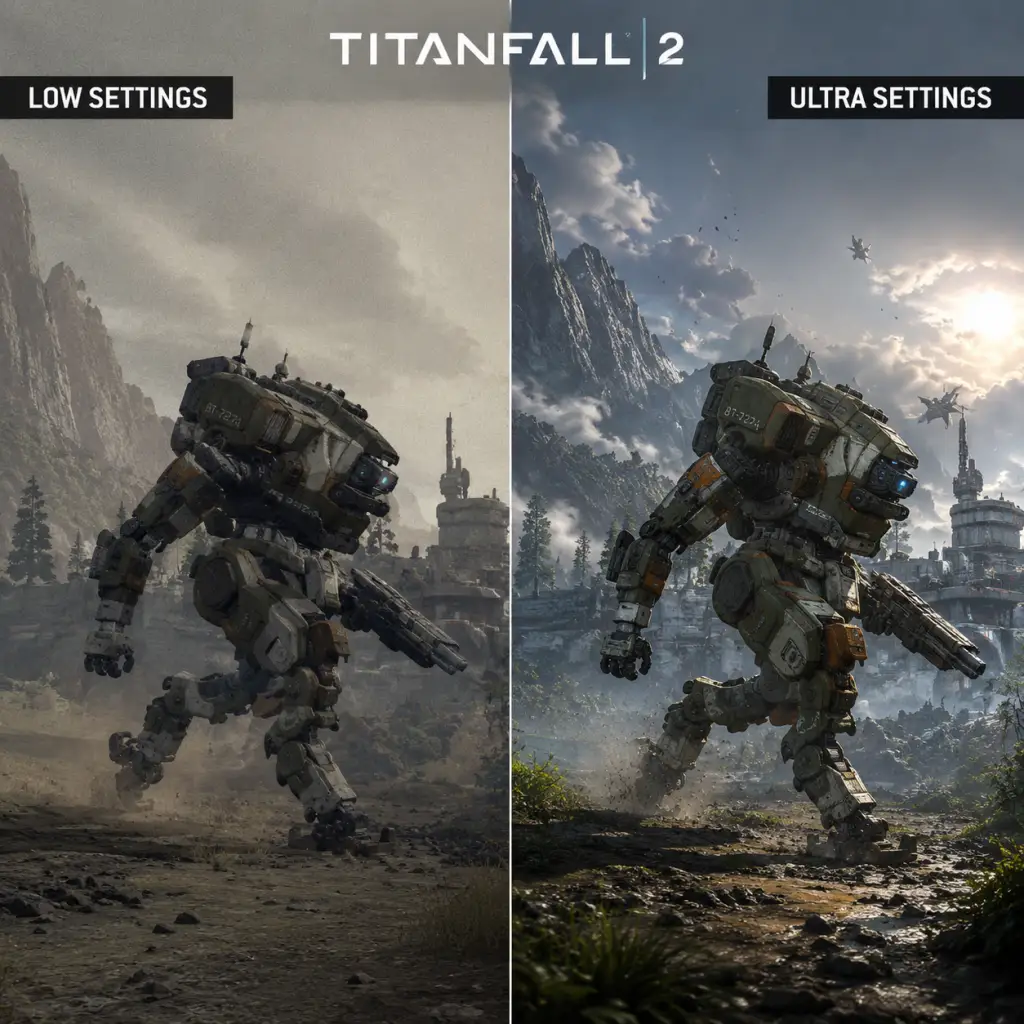
Graphics Quality Presets
Individual Settings & Recommendations
| Setting | Low-End (GTX 750/HD 7790) | Mid-Range (GTX 1060/RX 580) | High-End (RTX 2070 Super/RTX 3060 Ti) | Notes |
|---|---|---|---|---|
| Texture Quality | Low (or Medium if VRAM ≥2GB) | Very High | Insane | Insane requires ~6GB VRAM; may cause stutter on 4GB cards. |
| Shadow Quality | Low | Medium | High/Ultra | Shadows have moderate performance impact. Low removes some dynamic shadows. |
| Model Detail | Medium | High | Very High | Affects geometry LOD; low can cause pop-in. |
| Effect Detail | Low | High | Very High | Impacts explosions, smoke, particle effects. Low saves FPS in firefights. |
| Impact Marks | Low | High | High | Bullet holes and decals. Low reduces clutter. |
| Ragdolls | Low | Medium | High | Number of concurrent ragdolls. Low improves performance in crowded areas. |
| Post-Processing | Disabled | Low | Medium/High | Includes bloom, HDR, motion blur. Disable for competitive clarity. |
| Dynamic Light | Off | On | On | Affects lighting quality. Off can flatten visuals but boosts FPS significantly. |
| Ambient Occlusion | Off | SSAO | HBAO+ | HBAO+ is expensive; SSAO offers good balance. |
| Anti-Aliasing | Off or FXAA | SMAA 2x | SMAA 4x or TXAA | FXAA is blurry; SMAA offers sharper image. TXAA smoothens with slight blur. |
| Texture Filtering | Bilinear (1x) | Trilinear (4x) | Anisotropic 16x | Hardly impacts FPS, set to 16x for clarity. |
| Vsync | Off (use in-game frame cap) | Off | Off | Use G-Sync/FreeSync if available; otherwise cap FPS slightly below refresh rate. |
| Adaptive Resolution FPS Target | 60 | 144 | Off | For lower-end, set to 60 to maintain smoothness via dynamic resolution scaling. |
Special Attention Points
- Adaptive Resolution FPS Target: On PC, this setting dynamically lowers resolution to maintain target FPS. It can cause blurriness. Disable if you have a stable frame rate, or set a high target (e.g., 120) on mid-range to avoid heavy drops.
- Post-Processing (Motion Blur): Turn off for competitive multiplayer—motion blur reduces target visibility. Single-player may keep it for cinematic feel.
- Dynamic Light: This setting has a large impact on performance, especially in Titans (high beam lights). On low-end, turn off.
- Insane Texture Quality: Requires 6GB+ VRAM. On GPUs with 4GB or less, using Insane causes texture streaming stutter; stick to Very High.
- Field of View: Increasing FOV beyond 100 may cause screen tearing on some monitors. Pair with Vsync or G-Sync.
- PS4/Xbox One: 900p–1080p, 60 FPS locked, no FOV slider, no graphics tweaks. Motion blur cannot be disabled.
- PS4 Pro/Xbox One X: 1440p, 60 FPS (dynamic resolution). Still no FOV slider.
- PS5/Xbox Series X|S: 4K with 120 FPS mode (120Hz display required). On Xbox Series, you can enable 120 FPS via system settings; PS5 auto-detects. No FOV slider, motion blur still present.
- Master Volume: 70–80% (leaves headroom for loud moments).
- SFX Volume: 100% (footsteps, gunshots, titan roars are crucial).
- Music Volume: 50% (campaign) or 0% (multiplayer to avoid distraction).
- Dialogue Volume: 80% (campaign) or 10% (multiplayer—pilot chatter less critical).
- Voice Chat Volume: Adjust per platform; default 100%.
- Sound Mix: Choose "Headphones" for best spatial awareness (uses HRTF). "Stereo" for 2.0 speakers, "Surround" for 5.1/7.1.
- Speaker Configuration: Matches your actual speakers/headphones. Incorrect setting mutes channels.
- Sound Mix – Headphones: This enables 3D audio simulation. Highly recommended for multiplayer – you will hear footsteps and titan footsteps with direction. Some players find it too sharp; try "Stereo" if unclear.
- Voice Chat Echos: On PC, ensure your microphone is set correctly in Windows sound devices; in-game push-to-talk default is `,` (comma) – change to a convenient key like V.
- Mouse Sensitivity: Start at 4.0 for hipfire, 2.5 for ADS. Adjust by 0.1 increments.
- Mouse Acceleration: Off (default). Enable only if you use Windows acceleration.
- Mouse Smoothing: Off (adds input lag).
- Invert Look: Off (unless used to flight sims).
- ADS Sensitivity Multiplier: 0.7–1.0 – lower helps with precise tracking.
- Per-Optics Sensitivity: Not available; only global ADS multiplier.
- Key Bindings:
- Layout: Default "Bumper Jumper" is highly recommended for wall-running without sacrificing aim. This swaps jump to LB/L1 and crouch/slide to RS click (R3).
- Stick Layout: Default (Look: Right stick, Move: Left stick). Southpaw for left-handed.
- Button Layout: Choose from Default, Bumper Jumper, Evolved (crouch on RB/R1), etc. Bumper Jumper is the competitive standard.
- Stick Sensitivity (Look): 3–5 (out of 10). Higher for faster turns, lower for precision.
- Look Response Curve: Choose "Linear" (1:1) for consistency, "Dual Zone" (fast outer zone) for snappy turns, or "Exponential" (slow center). Linear requires more stick control.
- Look Deadzone: 0% (if no stick drift) up to 5% if drift appears. Keep minimal.
- Move Deadzone: 0% (no drift) or 5%.
- Aim Assist: On by default. Higher settings (Strong) help track targets in close quarters. Competitive players often set to "Normal" or "Off".
- Toggle Sprint vs Hold Sprint: Default is Hold (advanced movement). If you prefer click-to-sprint, enable Toggle.
- Titan Movement: Default is fine; use A/X for dash.
- Bumper Jumper on Controller: This layout is critical for advanced movement (wall-running, slide-hopping). If you stay on Default, you will struggle to jump and aim simultaneously. Practice Bumper Jumper for 2 hours.
- Mouse Smoothing on PC: Many players accidentally enable it; performance degrades. Double-check it's off.
- Slide-hopping Bind: On Keyboard, map Crouch to a finger-accessible key (e.g., L-ALT or V) so you can slide-hop easily. Default C is fine but may be awkward.
- ADS Sensitivity Multiplier: If you overshoot while ADSing, lower it to 0.7. If you track too slowly, raise to 0.9.
- Subtitles: On – shows dialogue and important callouts.
- Subtitles Background: On (increases readability).
- Color Blind Mode: Three options: Protanopia, Deuteranopia, Tritanopia. Affects UI elements (health, ammo, minimap). Use if diagnosed; otherwise default.
- HUD Opacity: 80%–100% – keep high for readability.
- Friendly/Enemy Highlight: Not available in Titanfall 2. Enemy pilots glow orange/red; friendlies blue. Use your minimap.
- Mono Audio: Off – unless you have monaural hearing aids.
- Sound Mix: Already covered – Headphones for spatial awareness.
- Toggle Crouch: Off (hold for crouch) – better for slide. Toggle available for comfort.
- Toggle ADS: Off (hold to aim) – recommended for snap aiming. Toggle for sniper-style.
- Hold/Toggle Sprint: Hold is default; toggle for easier constant sprint.
- Stick Invert: Only if needed.
- Language: Change in Language Settings section below.
- Color Blind Mode: Only changes UI colors; does not affect enemy highlights. Test in training—some find certain settings harder to read.
- Toggle vs Hold Crouch: For slide-hopping, Hold is superior because you can release to stop sliding immediately. Toggle can get you stuck in crouch.
- No Aim Assist Toggle on PC: PC players cannot turn off aim assist (it's not present for mouse). Console players can set to Off, Normal, or Strong.
- Voice Language: English (default). Supports French, German, Italian, Spanish, Polish, Russian, Japanese, Simplified Chinese, Traditional Chinese, Korean, Brazilian Portuguese.
- Text Language: Same set as voice.
- Changing Language:
- Subtitle Language: Separate from game language. Set to your preferred text language.
- Region Lock for Voice Chat: Language selection does not affect matchmaking region. Voice chat language is not separated.
- Missing DLC Voice Packs: If you change language in Steam, some campaign audio may be missing. Verify game files after change.
- Chinese/Korean Fonts: On PC, ensure your system has those fonts installed for proper rendering. Default Windows 10/11 includes them.
- Data Center Selection: In main menu, go to Settings → Network. Shows ping to all regions (e.g., "Oregon - 35ms", "Sydney - 180ms"). Select the one with lowest ping under 100ms. Do not let the game auto-select; it may put you in a region with team balance but high ping.
- Matchmaking Region Lock: Manually choosing a data center overrides matchmaking. Useful if you want to play with friends in another region (add 50-100ms ping).
- Crossplay: Enabled by default. PC, PlayStation, Xbox players are in the same pool. Cannot disable.
- Private Match Network: Use the same data center selection for private matches.
- Telemetry: Off. Sends game data to Respawn. No performance impact.
- Network Quality Indicators: On – shows packet loss/latency icons.
- Data Center Selection: This setting is easy to misconfigure. Players often leave it on "Auto" which can put them in a region with high ping (e.g., a US player ending up in Europe). Check it every time you launch the game if you travel.
- Packet Loss Indication: If you see yellow/red network icons often, your connection is unstable. Try changing data center to one with more stable routing or use a wired connection.
- Port Forwarding: Not required but can help: ports 88 (UDP), 3074 (UDP), 4500 (UDP), 500 (UDP).
- Auto-Sprint: Off (default). You lose immediate control – leave off.
- Double Jump Timing: Not adjustable – default works well.
- Wall-Running Style: No toggle; always hold forward and jump to wall.
- Slide Hop: Hold crouch in air while moving – no setting.
- Titan Dash Mode: Choose between "Single Press" (press and release to dash) or "Hold to Charge" (hold to dash after a short delay). Single press is faster – use that.
- Titan Aim Assist: On by default. Off makes aiming more manual.
- Titan Autotitan Mode: In campaign, assistant may auto-target. In multiplayer, your Titan follows waypoints. No manual slider.
- Minimap Rotation: Fixed (north up) – standard. Others may prefer rotation (player facing up). Choose in HUD options.
- Minimap Size: Small, Medium, Large. Medium is balanced.
- Crosshair: Style: Default, Dot, Circle, Cross. Dot is clean. Color: White (default) or custom RGB – set to magenta or yellow for high contrast against backgrounds.
- Crosshair Damage Indicator: On – shows hit confirmation.
- Pilot Health/Shield Bar: Always visible – no toggle.
- View Bob: 0% (off) for multiplayer – reduces motion sickness and improves accuracy. Campaign may keep 20–30% for immersion.
- Weapon Bob: 0% (off).
- First Person Camera Movement: Default – cannot adjust.
- Spectator Camera: Free or follow – set to follow for ease.
- View Bob: This is often left at default (30%) causing disorientation in fast-paced movement. Set to 0% for both pilot and titan.
- Crosshair Color: The default white can disappear on bright maps. Use bright green (#00FF00) or pink for visibility.
- Titan Dash Mode: "Hold to Charge" can lead to delayed dashes – switch to Single Press immediately.
- Minimap Rotation: Choose fixed if you rely on cardinal directions; choose rotate if you prefer intuitive orientation. Both are fine, but pick one and stick to it.
Console Graphics Settings
Console versions (PS4, Xbox One, PS5, Xbox Series X|S) have limited options:
Audio Settings
Master & Individual Volume
Output & Device
Special Attention Points
Controls Settings
Mouse & Keyboard (PC)
- Slide: Hold C (default) or toggle? Hard to bind to side mouse for easier slide-hopping.
- Titan Embark/Disembark: E (default) is functional; rebind to mouse button if desired.
- Titan Abilities: Q for utility, F for core – keep as is.
- Ping: Z (easier than default `,`).
- Voice Chat: V (push-to-talk) works well.
Controller (PC & Console)
Special Attention Points
Accessibility Settings
Visual
Audio
Controls
Text & Language
Special Attention Points
Language Settings
Game Language
- PC (Steam): Right-click Titanfall 2 in library → Properties → Language tab. Choose from dropdown. Game will download ~2GB voice pack if needed.
- PC (EA app): Settings → Titanfall 2 → Advanced → Language. Or in-game options (once installed).
- PlayStation: System settings → Language → Game Language. Game must restart.
- Xbox: System settings → Language & region. Game reads system language.
Special Attention Points
Network Settings
Connection
Network Data
Special Attention Points
Gameplay Settings
Pilot Settings
Titan Settings
HUD Settings
Camera Settings
Special Attention Points
Important Notes
Important Notes for Titanfall 2
Warnings and Pitfalls
- Server Issues (PC): The PC version (especially via Steam/EA app) can suffer from connection errors, slow matchmaking, and server disconnects. This is often due to server region selection. Manually set your data center in the game's main menu (go to "Data Center" at the bottom of the screen) to a low-ping region. Avoid auto-select as it may pick a distant server.
- EA App vs. Steam: If you own the game on Steam, it still launches the EA app. Make sure the EA app is up to date and has proper permissions. Some users report crashes if the EA overlay is enabled; disable it in the EA app settings.
- Anti-Cheat: Titanfall 2 uses Easy Anti-Cheat (EAC). If you encounter a "Easy Anti-Cheat is not installed" error, reinstall EAC via the game folder or verify game files. Do NOT modify core game files (e.g., for custom crosshairs) as it can trigger a ban.
- Console-Specific Crashes (PS4/Xbox One): On older consoles, the game may crash during intense Titan battles. Keep your console well-ventilated and consider lowering the field of view (FOV) in video settings to reduce strain.
- Campaign Difficulty: Once you select a difficulty at the start, you cannot change it mid-mission. If you find it too hard, you must restart the mission from the chapter select screen (which resets any collectibles found in that mission). Choose Bounty Hunter or Master for a challenge; regular is fine.
- Pilot Customization (Multiplayer): While you can change your Pilot's tactical ability (e.g., Grapple, Stim, Phase Shift) and loadouts freely, your chosen Titan Class (Ion, Tone, Legion, etc.) is locked for that match once the Titan meter is full and you call it in. You cannot switch Titans mid-life, so choose wisely based on the map and enemy composition.
- Attrition Scoreboard: In Attrition mode, killing grunts (AI soldiers) gives you points toward your Titan meter, but kills of Pilots and Titans give more. Irreversibly, if you focus only on grunts, you may delay your Titan call-down, but you can always switch tactics.
- Campaign Collectibles: Each mission has 8 collectibles (4 pilot helmets, 4 hidden audio logs). These are missable permanently if you finish the mission. You can replay missions from the main menu > Campaign > Select Mission, but it resets your weapon progress in that mission (you start with the loadout). Use a guide to find all before finishing. Collectibles unlock cosmetic items for multiplayer.
- Campaign Mastery & Gauntlet: The Gauntlet (training course) in mission "The Pilot's Gauntlet" has a hidden achievement/trophy for finishing under a certain time (e.g., "Becomes the Master" – under 33.65 seconds). This is only available in that specific mission; you can replay the mission from the chapter select. No other opportunity.
- Multiplayer Cosmetics from Campaign: Completing the campaign on Master difficulty unlocks the "Master" warpaint for Titans and other rewards. This is a one-time opportunity per save file.
- Daily Wargames (Frontier Defense): Frontier Defense has rotating daily challenges that reward unique warpaints and credits. These are time-limited and cannot be obtained later if missed.
- Campaign Mission 5: "Effect and Cause" – A major difficulty spike due to the time-shift mechanic. You must switch between past and present to navigate and fight. Enemies in the present are tougher (Stalkers, Spectres). Practice quick transitions and use the environment.
- Campaign Mission 8: "The Ark" – The final confrontation with Viper (a flying Titan) is extremely difficult on Master difficulty. Viper has high health, fast attacks, and a limited arena. Use a loadout with high damage (e.g., Tone or Ion) and stay mobile. Consider lowering difficulty if stuck.
- Multiplayer: Coliseum – A 1v1 mode with no Titans. If you enter Coliseum unprepared, you will face veterans using superior movement and aim. Avoid until you have at least 50 hours of practice.
- Frontier Defense: Higher waves (Wave 4+) on Hard or Master – Enemies spawn in greater numbers and with regenerating shields. New players should start on Regular and learn each map's chokepoints.
- Merits (Leveling): Each level-up gives you one Merit, which you can spend on Advocate Gifts (random cosmetic items). However, opening Advocate Gifts is purely cosmetic and does not affect gameplay. Do not grind for them; they come naturally from leveling.
- Credits: Credits are used to buy permanent unlocks (Titans, Weapons, Tacticals, etc.) for your pilot. You earn credits through leveling, daily challenges, and Advocate Gifts. Do not waste credits on early-game cosmetics – save them for unlocking must-have items like the Grapple or Cloak tactical, or the R-201 or Alternator weapon. Credits are also used to unlock Titan kits (e.g., Turbo Engine, Overcore) – prioritize those.
- Faction Leveling: Four factions (Apex Predators, etc.) each have a reputation track. Leveling a faction only unlocks cosmetics for that faction. Focus on one faction at a time if you want a specific warpaint; otherwise, ignore it.
- Daily Challenges: Complete your three daily challenges each day to get bonus credits and EXP. Missing a day sets you back slightly, but the game does not punish you.
- No In-Game Chat: Titanfall 2 does not have built-in text or voice chat. Communication is limited to the game's ping system (PC: hold mouse wheel, console: d-pad up). Be aware that there is no way to coordinate with randoms unless you use third-party apps.
- Teabagging/Griefing: Common in multiplayer; ignore it. The community is relatively small but friendly. Do not camp in spawns in Attrition/Bounty Hunt as it ruins the flow. Avoid using the Smart Pistol (if you earn it via burn cards) excessively; it's considered noobish.
- Anti-Cheat Bans: Using any hack, cheat, or mod that modifies game files can result in a permanent ban across EA accounts. This includes using aimbots, wallhacks, or even recoil macros. The EAC is strict. Do not use any third-party overlay that injects into the game (e.g., Reshade may cause issues).
- Console Cheating: On console, there is little to no anti-cheat beyond reporting. However, using save file manipulation for unlocks is against Terms of Service; you risk account suspension.
- Reporting Players: To report a suspected cheater, note their gamertag/Origin name and submit a report via EA Help or the respective platform's reporting system. In-game there is no direct report button.
- Cloud Saves (PC/EA App): The game uses EA's cloud save. If you play on multiple PCs, ensure cloud sync is enabled. If you experience save corruption (rare), you may lose campaign progress. Backup your save files manually: on PC, saves are located in `Documents/Respawn/Titanfall2/local` (or similar path). Copy the entire folder.
- Manual Backup: Before attempting any mods (like audio mods or texture packs), back up your save and config files. Modifying the game can corrupt saves.
- Console Save Transfer: On consoles, saves are stored on the console's internal storage. You cannot transfer campaign progress between platforms. If you upgrade from PS4 to PS5, progress usually carries over via cloud save if the game supports it (check EA help).
- Multiplayer Stats: Your multiplayer progression (level, unlocks) is stored on EA servers. It cannot be locally backed up or modified. If you are banned, you lose all progress.
Irreversible Choices
Missable Content
Difficulty Spikes
Grinding Traps
Online Etiquette and Anti-Cheat Notes
Save Management Advice
Things Players Commonly Regret Not Knowing Earlier
1. Slide-Hopping: The most important movement technique – slide hop (slide then immediately jump while still sliding) to maintain momentum. Many players struggle with wallrunning and combat until they master this.
2. Grapple is King: In multiplayer, the Grapple tactical ability is extremely versatile for movement and escapes. Unlock it early (300 credits). Almost all top players use it.
3. Titan Shield and Battery: Always pick up a battery (from a Pilot kill or a Battery Bank) to give your Titan a shield. A single battery grants full shield. Steal batteries from enemy Titans by rodeoing them (jump on their back) – this damages them and gives you a battery.
4. Weapon Selection Matters: The R-201 (assault rifle) is the most reliable starting weapon. The CAR SMG is easier to hipfire. The Kraber (sniper) is very difficult – do not use it until you have good aim. The Devotion (LMG) has high recoil. Experiment in Private Match with bots to see what suits you.
5. Burn Cards (Campaign): Collect these in campaign but use them wisely – they provide temporary boosts (e.g., infinite ammo, faster Titanfall). Some are only usable once per mission. Use them on tough sections (boss fights) rather than hoarding.
6. Pilot Camping: Standing still is a death sentence – keep moving. The game rewards speed. Use wallrunning to stay unpredictable.
7. Titan Customization: Each Titan class has unique kits. For example, Tone's "Reinforced Particle Wall" is very strong; Legion's "Hidden Compartment" (extra power shot) is excellent. Check all kits before spending credits – some are must-haves for competitive play.
8. Private Matches: You can create private matches with bots to practice movement, aim, and Titan combat without pressure. Use this to learn slide-hopping and chains (wallrun -> jump -> slide -> jump).
9. FOV Slider: On PC, increase your field of view to 90-110 for better peripheral vision. On console, you can adjust it in the video settings (up to 90). This reduces motion sickness and improves awareness.
10. Audio Settings: Enable "Voice Chat" (even if not used) to prevent audio glitches. Lower music volume to hear footsteps and Titan steps more clearly. Use a headset for spatial awareness.
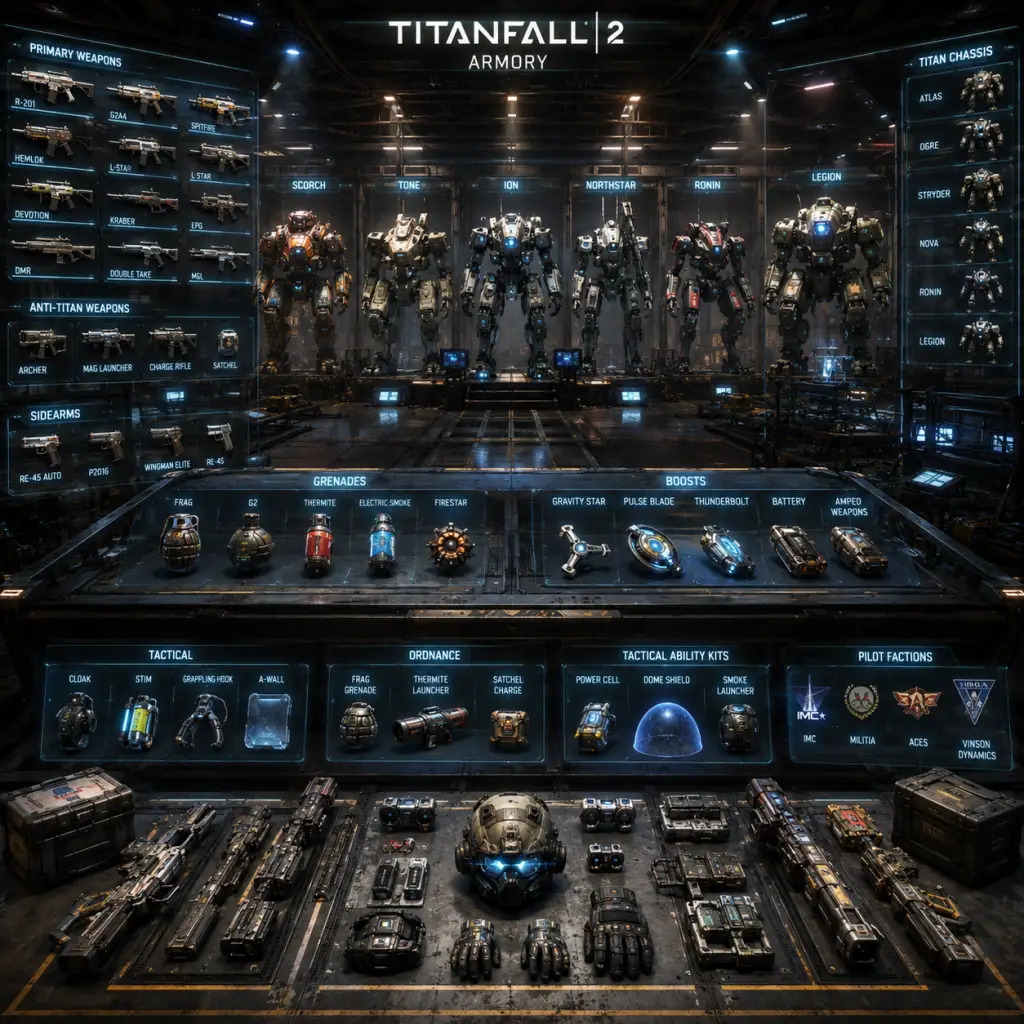
All Game Items
All Game Items in Titanfall 2
This guide covers every major item type in Titanfall 2, including weapons, equipment, currencies, consumables, and collectibles. Items are grouped logically with explanations on usage, acquisition, and synergies.
1. Pilot Weapons
Pilot weapons are the primary and secondary firearms used while on foot. They are divided into categories: Primary Weapons (Assault Rifles, SMGs, Shotguns, LMGs, Snipers, Grenadiers) and Secondary Weapons (Pistols and Anti-Titan Weapons).
#### Primary Weapons
| Weapon | Type | Description | How to Obtain | Best Use | Synergies/Upgrades |
|---|---|---|---|---|---|
| R-201 Carbine | Assault Rifle | Full-auto, balanced stats. Jack-of-all-trades. | Default for most loadouts. | General combat, medium range. | Works with any tactical. Extended Mag or Gun Ready upgrade. |
| R-101 Carbine | Assault Rifle | Same stats as R-201 but with a different sight (HCOG). | Unlocked at level 5. | Same as R-201 with preferred sight. | Same as R-201. |
| V-47 Flatline | Assault Rifle | Higher damage per shot, slower fire rate. | Unlocked at level 12. | Medium range, high damage. | Use with Gun Ready or Tactikill. |
| G2A5 | Assault Rifle | Semi-auto, high damage per shot. | Unlocked at level 16. | Long range, precision shots. | Best with AOG scope and Gun Ready. |
| Hemlok BF-R | Assault Rifle | Burst-fire, high damage if all shots hit. | Unlocked at level 8. | Medium-long range burst kills. | Use with Burst Fire mod (faster burst) or Gun Ready. |
| Alternator | SMG | High fire rate, slightly less accurate. | Unlocked at level 4. | Close-quarters, hipfire. | Works well with Gun Runner (sprint while shooting). |
| CAR | SMG | Very accurate, fast handling. | Unlocked at level 1. | All ranges, versatile. | Use with Tactikill to charge tactical faster. |
| R-97 | SMG | Highest fire rate, large mag. | Unlocked at level 6. | Close range, spray. | Extended Mag recommended. |
| Volt | SMG | Accurate, low recoil (energy weapon). | Unlocked at level 10. | Medium range, headshots. | Gun Ready or Tactikill. |
| EVA-8 Auto | Shotgun | Automatic shotgun, decent range. | Unlocked at level 2. | Close quarters, fast firing. | Use with Gun Runner or Quick Reload. |
| Mastiff | Shotgun | Single-shot, high damage, tighter spread. | Unlocked at level 14. | One-shot kills at close range. | Gun Ready for faster draw. |
| Spitfire | LMG | Large magazine, decent damage. | Unlocked at level 3. | Suppression, sustained fire. | Extended Mag and A-Wall tactical for cover. |
| L-STAR | LMG | Energy LMG, no bullet drop, slow projectile. | Unlocked at level 18. | Mid-range, constant damage. | Use with A-Wall or Gun Runner. |
| Devotion | LMG | Spools up to high fire rate. | Unlocked at level 22. | Close-mid range after spool. | Needs Tactikill to charge Stim or A-Wall. |
| Kraber AP | Sniper | One-shot kill to any body part, slow bolt action. | Unlocked at level 9. | Long range, skilled players. | Use with A-Wall for cover or Phase Shift to reposition. |
| Longbow DMR | Sniper | Semi-auto, two shots to kill. | Unlocked at level 15. | Medium-long range, faster fire. | A-Wall or Cloak for flanks. |
| Double Take | Sniper | Fires two projectiles, can one-shot if both hit. | Unlocked at level 20. | Mid-range, prediction. | Use with Grapple for mobility. |
| Softball | Grenadier | Fires sticky grenades on an arc. | Unlocked at level 7. | Area denial, corner shots. | Use with Gravity Star to cluster enemies. |
| EPG-1 | Grenadier | Fires explosive energy orbs. | Unlocked at level 11. | Direct hits, splash damage. | Grapple for height advantage. |
| Cold War | Grenadier | Four-burst explosive projectiles. | Unlocked at level 19. | Close-mid splash damage. | Use with Stim to close distance. |
| SMR | Grenadier | Fires rockets, anti-titan capability. | Unlocked at level 13. | Anti-titan, grouped infantry. | Combine with A-Wall for extra damage. |
| Weapon | Type | Description | How to Obtain | Best Use | Synergies |
|---|---|---|---|---|---|
| P2016 | Pistol | Semi-auto, fast fire rate. | Default secondary. | Finishing kills, backup. | Any tactical. |
| RE-45 Auto | Pistol | Full-auto, high fire rate. | Unlocked at level 3. | CQC backup. | Use with Stim. |
| B3 Wingman | Pistol | Revolver, high damage per shot. | Unlocked at level 7. | One-shot headshot, sidearm. | Can complement snipers. |
| Mozambique | Pistol | Shotgun-pistol, three pellets. | Unlocked at level 11. | Close range finisher. | Works with Grapple. |
These are heavy weapons used against Titans. They occupy the secondary weapon slot.
| Weapon | Description | How to Obtain | Best Use | Synergies |
|---|---|---|---|---|
| Archer | Lock-on rocket launcher. High damage, slow projectile. | Default. | Engaging Titans from range. | Use with Amped Wall or Cloak to stay safe. |
| Charge Rifle | Hitscan beam, charges before firing. | Unlocked at level 5. | Sniping Titans or pilots. | Fast fire rate with Charged Rifle upgrade. |
| MGL | Grenade launcher with arc, fires multiple shots. | Unlocked at level 9. | Close-range anti-titan. | Combine with Gravity Star to trap Titans. |
| Thunderbolt | Fires a slow energy ball that damages over time. | Unlocked at level 13. | Harassing Titans, area denial. | Use with A-Wall for bonus damage. |
2. Pilot Tactical Abilities
Each Pilot has one tactical ability from a list. These are active abilities with cooldowns.
| Ability | Description | How to Obtain | Best Use | Synergies/Upgrades |
|---|---|---|---|---|
| Stim | Instant health boost and speed burst. | Default. | Aggressive pushing, escaping. | Works with SMGs, shotguns, or any weapon that benefits from speed. |
| Cloak | Turns invisible for a short time. | Unlocked at level 2. | Flanking, avoiding Titan attention. | Good with snipers and anti-titan weapons. |
| Grapple | Fires a grappling hook. | Unlocked at level 6. | Mobility, reaching high positions. | Best for parkour routes; pairs with any weapon. |
| Phase Shift | Teleport to an alternate dimension, invulnerable for 2 seconds. | Unlocked at level 10. | Escaping death, repositioning. | Useful with snipers or when caught in the open. |
| A-Wall | Deploys a shield that blocks bullets but allows you to shoot through. | Unlocked at level 14. | Holding chokepoints, boosting damage. | Works with LMGs, snipers, and anti-titan weapons for extra damage. |
| Pulse Blade | Throws a knife that reveals enemies through walls. | Unlocked at level 18. | Intel gathering, push timing. | Good with aggressive weapons to know enemy positions. |
| Holo Pilot | Creates a decoy that runs forward. | Unlocked at level 22. | Confusing enemies, baiting shots. | Can be used with Cloak for fake-out. |
3. Pilot Kits
Pilot kits are passive perks that modify abilities or provide bonuses. Each loadout can have one Kit 1 and one Kit 2.
#### Kit 1 (Affects Tactical or Movement)
| Kit | Effect | How to Obtain | Best For |
|---|---|---|---|
| Power Cell | Reduces tactical cooldown by 25%. | Default. | Any tactical, especially those with long cooldowns. |
| Fast Regen | Health regen starts sooner (1 sec vs 5 sec) and is faster. | Unlocked at level 4. | Aggressive play, surviving engagements. |
| Phase Embark | Faster Titan/Pilot embark/embark animations. | Unlocked at level 8. | Quick Titan entry/exit. |
| Tactikill | Killing a pilot or minion reduces tactical cooldown by 30%. | Unlocked at level 12. | High kill potential, chains abilities. |
| Low Profile | You are invisible to sonar while wallrunning, and rodeo sparks are suppressed. | Unlocked at level 16. | Stealth players, rodeo experts. |
| Hover | While airborne, you can hover briefly. | Unlocked at level 20. | Precision shots while falling, sniping. |
| Kit | Effect | How to Obtain | Best For |
|---|---|---|---|
| Gun Ready | Faster aim down sights after sprinting. | Default. | Aggressive SMG/Shotgun play. |
| Quick Reload | Reload faster. | Unlocked at level 3. | Weapons with slow reloads like LMGs. |
| Ex-Tinguish | Quicker weapon swap. | Unlocked at level 6. | Switching between primary and secondary. |
| Scavenger | Ammo pickups from killed pilots replenish more. | Unlocked at level 10. | Sustained combat without ammo packs. |
| Wallhang | Hang on walls for longer while wallrunning. | Unlocked at level 14. | Camping, ambush positions. |
| Titan Hunter | Deal 10% more damage to Titans while a pilot. | Unlocked at level 18. | Anti-titan loadouts. |
| Kill Report | See enemy health after hitting them. | Unlocked at level 22. | Tactical awareness, finishing kills. |
4. Titan Classes
There are six Titan classes (chassis), each with unique primary weapon, two abilities, and a core ability. They are unlocked as you level up in multiplayer.
| Titan | Weapon | Ability 1 | Ability 2 | Core Ability | How to Obtain | Best Use |
|---|---|---|---|---|---|---|
| Ion | Splitter Rifle (rifle that splits shots) | Laser Shot (precision beam) | Tripwire (explosive trap) | Laser Core (continuous beam) | Unlocked at level 1. | Versatile, mid-range, area denial. |
| Scorch | Thermite Launcher (incendiary) | Incendiary Trap (fire area) | Heat Shield (blocks and damages) | Flame Core (massive fire damage) | Unlocked at level 2. | Close-quarters, crowd control. |
| Northstar | Plasma Railgun (charge shot) | Tether Trap (holds enemies) | Flight Core (rocket barrage while airborne) | Flight Core (same as ability) | Unlocked at level 3. | Sniper/harasser, mobility. |
| Ronin | Leadwall (shotgun) | Phase Dash (teleport) | Arc Wave (energy wave) | Sword Core (melee damage boost) | Unlocked at level 4. | Aggressive flanking, melee. |
| Tone | 40mm Tracker Cannon (tracking shots) | Sonar Lock (reveals enemies) | Particle Wall (shield wall) | Salvo Core (homing missiles) | Unlocked at level 5. | Mid-range, lock-on damage. |
| Legion | Predator Cannon (minigun) | Gun Shield (frontal shield) | Power Shot (damage burst) | Smart Core (auto-aim) | Unlocked at level 6. | Suppression, close-mid range. |
Each Titan class has its own set of kits (upgrades) that can be equipped. Kits are unlocked by leveling up that Titan class. Examples for Ion: Entangled Energy (energy on hits), Grand Cannon (increased core length). For Scorch: Wildfire Launcher (more thermite), Scorched Earth (lasting flames). Full list per Titan available in-game.
5. Boosts
Boosts are powerful one-time-use abilities earned during a match by earning points (every 400 score). They provide strategic advantages.
| Boost | Effect | How to Obtain | Best Use |
|---|---|---|---|
| Amped Weapons | All weapons deal extra damage for 30 seconds. | Default. | Pushing objectives or taking on Titans. |
| Battery Backup | Carries a battery that can be used to heal a Titan. | Unlocked at level 3. | Rodeoing or friendly Titan support. |
| Pilot Sentry | Deploys an auto-turret. | Unlocked at level 6. | Area denial, guarding flags. |
| Titan Sentry | Deploys a small Titan turret. | Unlocked at level 9. | Additional firepower. |
| Map Hack | Reveals all enemies on minimap for 10 seconds. | Unlocked at level 12. | Intel before a push. |
| Hard Cover | Deploys a bulletproof shield. | Unlocked at level 15. | Holding an objective. |
| Dice Roll | Gives a random Boost from the above options. | Unlocked at level 18. | Players who want variety. |
| Battlefield Upgrade | Drops supply crates for team. | Unlocked at level 21. | Team support, ammo and batteries. |
| Radar Jammer | Disables minimap for enemies. | Unlocked at level 24. | Confusing enemy intel. |
6. Currencies
Titanfall 2 uses two main currencies:
- Merits: Earned by playing matches, completing challenges, leveling up. Used to buy Advocate Gifts (loot boxes) and unlock certain items in the in-game store (though mostly cosmetic).
- Credits: Earned by leveling up and completing daily challenges. Used to purchase permanently unlocked Pilot weapons, Titans, and cosmetic items without needing the usual level requirement. Credits cannot be bought with real money (they are earned in-game).
- Batteries: Used to repair your own Titan or a friendly Titan. Can be picked up from destroyed titans, or from Battery Backup boost. When rodeoing an enemy Titan, stealing a battery removes it and you can use it for your team.
- Amped Wall (from A-Wall tactical): A deployable shield that also amps any shots fired through it (deals more damage). Not a consumable but an ability that recharges.
- How to Obtain: Explore every nook and cranny. Some are visible, others require wall-running or using abilities like Phase Shift (when available).
- Rewards: Each collected helmet contributes to a total count; specific counts unlock multiplayer customization items.
- Jump Kit: The standard issue equipment for all pilots. Enables double jump, wall-running, and slide-hopping. No upgrades; it's always available.
- Cortex Chip (Smart Pistol): A weapon that auto-locks onto enemies. Appears in campaign as a unique item; in multiplayer it is not available in standard loadouts (appeared as a Burn Card in Titanfall 1, not in Titanfall 2).
- Sights: HCOG (red dot), Holo, AOG, Threat Scope (reveals enemies).
- Barrel Mods: Suppressor (quieter but reduces damage range), Gun Ready (faster ADS after sprint), Tactikill (kill reduces tactical cooldown).
- Magazines: Extended Mag (more capacity), Gun Runner (sprint while shooting), Quick Reload.
- Ammo Packs: Dropped by killed enemies or found on maps. Restores ammo for current weapon.
- Health Kits: Rare, automatically restores health.
- Weapon Racks: In some maps (like Bounty Hunt), you can pick up different weapons.
- Stim + SMG/Shotgun: Aggressive rush.
- A-Wall + LMG/Sniper/Charge Rifle: Increased damage and protection.
- Grapple + any weapon: High mobility to gain height advantage.
- Phase Embark + Titan: Quick rodeo and retreat.
- Low Profile + Cloak: Maximum stealth for rodeo attacks.
7. Consumables
8. Collectibles (Single-Player Campaign)
The campaign features 53 collectibles: Pilot Helmets. These are hidden in each level. Collecting them unlocks rewards in multiplayer (such as banners, patches). Also Audio Logs are present in some levels but they are not tracked as collectibles.
9. Key Equipment
10. Attachments & Weapon Mods
Each weapon can carry up to two attachments (sights, barrels, mags, etc.) These are unlocked by leveling up that specific weapon. Examples:
Synergies: Attachments complement playstyle; e.g., Suppressor on SMG for stealth, Threat Scope on Hemlok for seeing through gas/smoke.
11. In-Game Items (Match Loot)
Summary of Item Synergies
This covers all significant items in Titanfall 2. Always experiment with different combinations to match your playstyle.
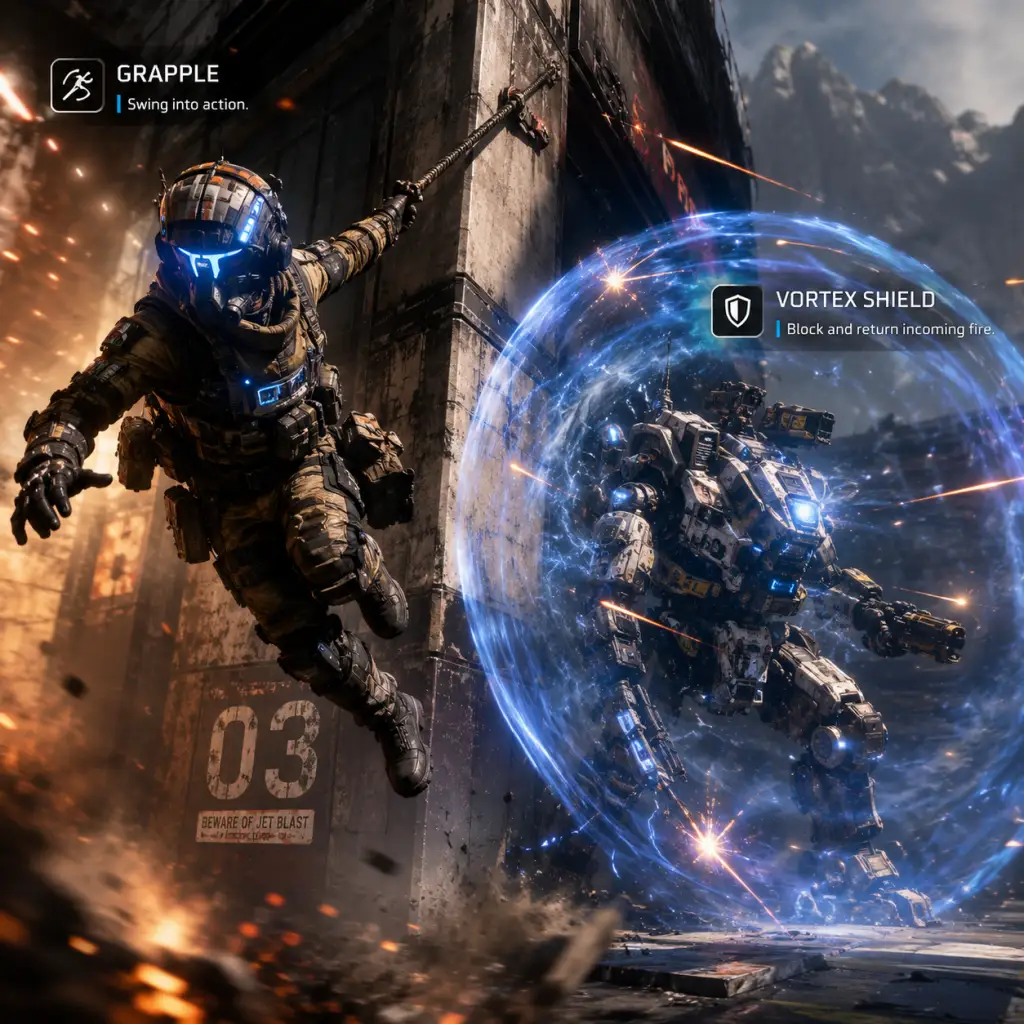
Character Skills
Titanfall 2: Comprehensive Character Skills Guide
Overview
Titanfall 2 features two distinct combat forms: Pilots (agile infantry) and Titans (massive mechs). Each Pilot loadout consists of a Tactical Ability, Ordnance, and Boost ability, while each Titan chassis has unique Abilities (Offensive, Defensive, Utility, Core) and upgrade kits. This guide covers every skill, ability, and upgrade for both Pilots and Titans in multiplayer.
---
Pilot Skills
Pilots have three customizable ability slots: Tactical, Ordnance, and Boost. Each has multiple options with distinct effects, cooldowns, and usage scenarios.
Tactical Abilities
| Ability | Effect | Cooldown | Upgrades (via Kits) | Synergies & Usage |
|---|---|---|---|---|
| Cloak | Become partially invisible for ~10 seconds. Firing, melee, or using abilities reduces invisibility. Enemies can still see a faint shimmer and jetpack trails. | 20 seconds | Stealth Auto-Eject (auto-cloak on Eject) – pairs with Eject-based tactics. Low Profile (less visible while cloaked) – better for sneaking. | Use for flanking, evading Titans, or repositioning. Avoid firing while cloaked to maintain stealth. Best with SMGs or shotguns for close-range ambushes. |
| Stim | Inject stimulant for a short burst of increased movement speed and health regeneration. Duration ~5 seconds. | 20 seconds | Tactikill (reduce cooldown on kills) – enables rapid Stim stacking. Fast Regen (faster health regen after Stim ends) – for aggressive CQB. | Excellent for aggressive rushing, escaping tight spots, or closing gaps to Titans with anti-Titan weapons. Pairs with EPG-1 or Mastiff for one-shot combos. |
| Grappling Hook | Fire a grapple that pulls you toward surfaces or enemies. Can swing, wall-run, and slingshot. No damage, but unlimited uses with cooldown on each hook (recharges after detach). | 10 seconds per hook (recharge based on distance used) | Spin-Fusor (faster hook rewind) – for tricky movement. Apex Predator (double hook charge) – two hooks before cooldown. | Master movement tool for verticality, escapes, and speed runs. Use to reach rooftops, evade Titans, or pull yourself to an enemy Pilot for melee. Synergizes with Wingman Elite for precision mid-air shots. |
| Pulse Blade | Throw a knife that scans a circular area (~30m radius) revealing enemy Pilots, Titans, and NPCs through walls. Lasts ~5 seconds. | 20 seconds | Enhanced Pulse (longer scan duration and wider radius) – better area denial. Wall Hang (attach pulse to surfaces) – set traps. | Use to check rooms before entry, track enemies through cover, or highlight targets for teammates. Great with G2A5 or Hemlok for pre-aiming angles. |
| A-Wall | Deploy a shield wall that provides cover and boosts outgoing bullet damage by ~30% for shots fired through it. Lasts until destroyed or deactivated (holds 1500 HP). | 30 seconds | Shield Amplifier (increases bullet damage bonus to 40%) – more lethal. Fast Build (faster deploy time) – for quick shields. | Use to hold chokepoints, provide cover in open areas, or enable peek-and-shoot tactics. Best with any weapon, but especially Devotion or Spitfire for suppression. |
| Phase Shift | Enter a parallel dimension for ~3 seconds, becoming invulnerable and invisible. You cannot see enemies while phased. Ends automatically. | 25 seconds | Phase Echo (leave afterimage decoy on exit) – confuse enemies. Phase Rewind (return to location where you activated Phase Shift after ~2 seconds) – disorienting escape. | Perfect for escaping certain death, baiting enemies into traps, or countering Titan attacks. Use before a Titan melee or Core hit to dodge. Can also be used to traverse Titan electric smoke. |
| Holo Pilot | Deploy a holographic duplicate of yourself that moves forward for ~5 seconds. The holo mimics your current weapon and movements. | 15 seconds | Holo Nova (duplicate splits into multiple holos on death) – area confusion. Holo Enhancer (holo moves faster and has more health) – more convincing. | Use as a distraction, to bait enemy fire, or to scout dangerous corners. Works well with cloak or stim to make enemies think the holo is real. Synergizes with Kraber or Longbow for trick shots. |
Ordnance (Grenades)
| Ordnance | Effect | Cooldown | Upgrades | Usage Tips |
|---|---|---|---|---|
| Frag Grenade | Standard explosive grenade with 3-second fuse. High damage (kills Pilots instantly in blast radius). | 15 seconds | Frag Resupply (carry 2 grenades). Fast Fuse (shorter fuse). | Cook before throwing to reduce reaction time. Use for area denial or flushing enemies from cover. Bounce off walls for angled throws. |
| Gravity Star | Creates a small gravity well that pulls enemies and objects toward it for ~3 seconds. Deals light damage on direct hit, but the pull disrupts aim and movement. | 20 seconds | Gravity Amp (larger radius and stronger pull). Double Take (throw two stars before cooldown). | Use to group enemies for grenades, Titan Core attacks, or to displace Pilots from rooftops. Can also be used to redirect incoming grenades or enemy abilities. Synergizes with Satchel Charges for combo kills. |
| Electric Smoke Grenade | Deploys a cloud of smoke that damages enemies inside (10 damage per tick, stuns Titans). Also blocks vision. Lasts ~5 seconds. | 25 seconds | Smoke Amp (larger area and more damage). Smoke Canister (deploy a stationary canister that releases smoke on proximity trigger). | Essential for disengaging from Titans, covering revives, or area control. Use to force enemies out of cover or to block lines of sight. |
| Satchel Charge | Plantable explosive charge that can be remotely detonated. Kills Pilots instantly on explosion. Sticks to surfaces. | 20 seconds (one charge, can carry 2 with kit) | Satchel Amp (increased explosion radius). Double Satchel (carry 2 charges). | Use for traps, grenade launcher combos (throw satchel, shoot with EPG-1 to detonate), or sticky locations. Place on ceilings over doorways for ambushes. |
| Firestar | Thrown projectile that sticks to surfaces and enemies, then explodes after a short delay (2 seconds). Deals high damage and leaves a fire patch that ticks damage. | 15 seconds | Firestar Amp (larger burning area). Firestar Quick (faster throw velocity). | Use to flush enemies from cover, damage Titans (ignites on impact), or deny area. Can stick to Titans for DoT over time. |
Boosts
Boosts are powerful single-use abilities that recharge over time or are earned through pilot kills and scoring. Each match you can equip one Boost.
| Boost | Effect | Earn Rate | Best Use |
|---|---|---|---|
| Amped Weapons | Doubles damage of all weapons for a limited time (lasts until you die or switch weapons). | Medium (5 kills or 3 titan assists) | Use before engaging multiple enemies or as a Titan execution finisher. Works with all weapons, but best with high-damage low-ammo guns like the Mastiff. |
| Battery | Carry a battery that can be inserted into an allied Titan to give it shield and partial Core charge. Alternatively, insert into a friendly doomed Titan to keep it alive. | Fast (3 kills or 2 titan assists) | Always prioritize inserting into a friendly Titan. Use yourself as a Titan if no allies are near. Helps turn the tide of Titan fights. |
| Pilot Sentry | Deploy a turret that automatically targets enemies and deals moderate damage. Lasts ~30 seconds. | Medium (5 kills) | Place in high-traffic areas, behind cover, or near objectives. Great for area denial and covering flanks. Can be destroyed by enemies. |
| Titan Sentry | Deploy a stationary Titan that fires at enemies. It has limited health and ammo. | Slow (7 kills) | Use to hold a position or provide covering fire. Works best in open maps. Can be targeted by enemy Titans. |
| Radar Jammer | Creates a large area (30m radius) that blocks enemy minimap and motion tracker for ~20 seconds. | Fast (3 kills) | Use to disrupt enemy awareness before pushing an objective or during a Titan fight. |
| Ticks | Deploy a swarm of small explosive robots that chase enemies and detonate. | Fast (3 kills) | Use to clear rooms, harass enemies, or create distractions. Ticks can be shot down. |
| Holo Pilot Nova | Deploy multiple holographic decoys that run forward. | Fast (3 kills) | Use to confuse enemies, bait out shots, or make an escape. Works well with cloak. |
| Phase Rewind | Activate to enter Phase Shift and return to your location 3 seconds earlier. | Fast (3 kills) | Use as an emergency escape after taking damage. Pairs well with aggressive play. |
| Smart Pistol | Equip the Smart Pistol for a limited time (fires homing bullets that lock onto enemies, one-shot kill Pilots with lock-on). | Slow (7 kills) | Use when you need easy kills or when flanking a group. Lock-on time is longer if enemy is aware. Works best from behind or while cloaked. |
| Amped Wall | Deploy an A-Wall with increased durability and damage boost. | Medium (5 kills) | Use for defensive holds or when assaulting a Titan. The wall provides excellent cover. |
| Rocket Salvo | Fire a burst of rockets that deal heavy damage to Titans. | Slow (7 kills) | Use as a Titan buster when you have no anti-Titan weapons left. Can be used from range. |
| Laser Tripwire | Place a laser that triggers explosive mines when enemies cross. | Fast (3 kills) | Use for area denial around objectives or narrow corridors. Lasts until triggered or destroyed. |
| Grapple | Unlocks the Grappling Hook ability for a short duration (if not already equipped). | Medium (5 kills) | Use if you need mobility but your loadout doesn't have a grapple. |
Titan Skills
Each Titan chassis (Ion, Scorch, Northstar, Ronin, Tone, Legion, Monarch) has unique abilities across four categories: Offensive, Defensive, Utility, and Core. Additionally, each Titan has upgrade kits that modify these abilities.
Ion
Role: Balanced mid-range fighter with energy management.
Core Ability: Laser Core – Fires a continuous beam that deals massive damage (instantly melts Pilots and deals high DPS to Titans). Movement is restricted while firing.
| Ability Category | Ability | Effect | Cooldown | Upgrades |
|---|---|---|---|---|
| Offensive | Splitter Rifle (Primary) | Fires energy shots; can switch to spread mode (alt-fire) for close range. | None (energy ammo) | Splitter Lens (spread mode has tighter spread). Refraction Lens (alt-fire bounces shots). |
| Defensive | Energy Shield | Deploys a vortex shield that catches incoming projectiles and converts them into energy. Hold to sustain. | Recharges after full depletion | Vortex Amplifier (increased projectile catch speed). Reflector (can reflect caught projectiles back with extra damage). |
| Utility | Tripwire | Deploy a proximity mine that deals moderate damage and slows enemies. | 10 seconds (can hold 2 charges) | Tripwire Amp (larger effect radius). Tripwire Trap (mine becomes invisible). |
| Utility | Laser Shot (Alt-fire on Splitter Rifle) | Fires a precise semi-auto laser shot that deals high damage ( 1/3 bar on Titans). Uses energy. | None (energy based) | Laser Shot Optimizer (faster charge, less energy cost). Laser Shot Scope (better zoom). |
Turbo Engine (extra dash charge).
Overcore (start with 20% Core charge).
Nuclear Ejection (eject with massive explosion).
Stealth Auto-Eject (eject with cloak).
Counter Ready (start with Counter measures – Electric Smoke).
Recommended Build: Use Splitter Rifle in spread mode for Pilot kills, Laser Shot for Titan damage. Energy Shield to catch rockets. Tripwire to defend flanks. Core at close range.
Scorch
Role: Close-range area denial and burst damage.
* Core Ability: Flame Core – Unleash a massive cone of fire that deals heavy damage and DoT to everything in front.
| Ability | Effect | Cooldown | Upgrades |
|---|---|---|---|
| Offensive | Thermite Launcher (Primary) | Fires incendiary thermite canisters that stick to surfaces and deal DoT. Explosion on impact. | None (ammo) |
| Defensive | Thermal Shield | Blocks incoming shots while dealing burn damage to close enemies. | Cooldown after use (full recharge ~8s) |
| Utility | Incendiary Trap | Deploy a fire trap that ignites a small area. Enemies walking through take DoT. | 5 seconds (carry 2 charges) |
| Utility | Gas Canister (Alt-fire) | Throw a gas canister that leaves a flammable cloud. When shot or hit by fire, it explodes. | 8 seconds |
Recommended Build: Use Gas Canister + Incendiary Trap to create fire zones. Then use Thermal Shield to push enemies into your fire. Flame Core for massive burst. Use Turbo Engine for mobility.
Northstar
Role: Long-range sniper and hit-and-run.
Core Ability: Flight Core – Hover in the air and fire a salvo of missiles that lock onto enemies. Grants mobility.
| Ability | Effect | Cooldown | Upgrades |
|---|---|---|---|
| Offensive | Plasma Railgun (Primary) | Charge-shot sniper rifle. Fully charged shot deals heavy damage ( 2 bars on Titans). Can charge and hold. | None (ammo) |
| Defensive | Tether Trap | Deploy a trap that tethers an enemy Titan in place for a few seconds. Can be destroyed. | 12 seconds (carry 1 charge) |
| Utility | Cluster Missile | Fire a missile that splits into multiple bomblets, dealing area damage. | 10 seconds (carry 2 charges) |
| Utility | VTOL Hover (Alt-fire) | Hover in place for a short time, allowing precise sniping. | 8 seconds (recharge on ground touch) |
Recommended Build: Keep distance. Use Tether Trap to immobilize rushing Titans, then land full charged shots. Flight Core for escape or finishing. Use Overcore to get Core faster.
Ronin
Role: Agile close-range brawler with a sword.
Core Ability: Sword Core – Wields a massive broadsword that deals huge damage and gives speed boost. Press attack for powerful swings. Sword Core lasts ~10 seconds.
| Ability | Effect | Cooldown | Upgrades |
|---|---|---|---|
| Offensive | Leadwall (Primary) | Shotgun with 4 shots. Each shot deals moderate damage. Reload is slow. | None (ammo) |
| Defensive | Sword Block | Hold to block incoming damage with your sword. Reduces damage by 70% but slows movement. | None |
| Utility | Phase Dash | Teleport forward a short distance, becoming invulnerable for the duration. | 8 seconds (carry 1 charge) |
| Utility | Arc Wave (Alt-fire) | Fires a wave of arc energy that deals damage and slows enemies. | 6 seconds (carry 1 charge) |
Recommended Build: Use Phase Dash to close distance, Leadwall blast, then Arc Wave to slow. Sword Core for finishing blows. Use Sword Block to endure enemy fire while closing.
Tone
Role: Mid-range support with lock-on missiles.
Core Ability: Salvo Core – Fire a barrage of homing missiles that deal massive damage on a locked target.
| Ability | Effect | Cooldown | Upgrades |
|---|---|---|---|
| Offensive | 40mm Tracker Cannon (Primary) | Semi-auto cannon that applies lock-on marks on hit. 3 marks = lock for missile. | None (ammo) |
| Defensive | Particle Wall | Deploy a transparent wall that blocks incoming fire. Can be shot through by Tone's team. | 15 seconds (wall lasts until destroyed) |
| Utility | Sonar Lock | Fire a pulse that reveals enemies in an area and applies lock-on to marked enemies. | 10 seconds (carry 2 charges) |
| Utility | Tracker Rocket (Alt-fire) | Fire a rocket that seeks enemies locked on by 40mm. | Uses ammo |
Recommended Build: Spam 40mm to get locks, then fire Tracker Rockets. Use Particle Wall to hold positions. Sonar Lock to reveal enemies. Salvo Core for burst damage.
Legion
Role: Heavy weapons platform with rotating gun.
Core Ability: Smart Core – Fires a powerful burst of automatically tracking bullets that lock onto enemies. Lasts ~5 seconds.
| Ability | Effect | Cooldown | Upgrades |
|---|---|---|---|
| Offensive | Predator Cannon (Primary) | Rotating minigun that can fire in long-range or close-range mode. Long-range is more accurate; short-range has wider spread. | None (ammo with cooldown) |
| Defensive | Gun Shield | Deploy a shield that covers the front of Legion, blocking attacks. Shield health is displayed. | 10 seconds after shield breaks; can be turned on/off |
| Utility | Power Shot (Alt-fire) | Fire a powerful single shot that deals massive damage and knockback. Two modes: long-range (high damage) and short-range (spread damage). | 8 seconds (hold to charge) |
| Utility | Dash | Legion has a single dash charge (like all Titans) but can equip Turbo Engine for 2 dashes. | 5 seconds per dash |
Recommended Build: Use Predator Cannon in long-range for Pelts, short-range for Titans up close. Use Power Shot for burst damage. Gun Shield for defense. Smart Core when enemies are grouped.
Monarch
Role: Upgradable Titan that gains new abilities through Core upgrades.
Core Ability: Upgrade Core – Each use unlocks a tier of upgrades (3 tiers total). No direct damage, but permanent ability enhancements.
| Ability | Effect | Cooldown | Upgrades (via Core progress) |
|---|---|---|---|
| Offensive | X0-16 Chaingun (Primary) | Rapid-fire hitscan weapon that deals consistent damage. No spread at range. | None (ammo belt) |
| Defensive | Energy Siphon | Fires a beam that deals damage and steals shields from enemies. Heals Monarch on hit. | 8 seconds (can hold 2 charges with kit) |
| Utility | Missile Racks | Fires a volley of rockets that track locked targets (requires lock-on from Chaingun). | 10 seconds (carry 2 charges) |
| Utility | Rearm (Alt-fire) | Reloads all weapons and abilities instantly. Also refreshes dash. | 25 seconds |
Recommended Build: Prioritize Energy Siphon for sustain. Build towards Arc Rounds for splash damage. Use Missile Racks for burst. ReArm to reset abilities. The Core upgrades make Monarch increasingly powerful.
---
Synergies & General Tips
- Pilot + Titan: Use Battery Boost to support your Titan early. Cloak or Phase Shift Pilots can safely rodeo enemy Titans to steal batteries (then use battery on own titan).
- Kit Selection: Always consider your playstyle. Turbo Engine is universally useful for better positioning. Overcore helps Titans get Core faster. Nuclear Ejection is good for aggressive last stands.
- Combos: Grappling Hook + Gravity Star + Frag Grenade = kinetic kill. Stim + Satchel Charge = sprint into group and detonate. Pulse Blade + Longbow = wallhack sniping.
- Countering: Use Electric Smoke to deter rodeos. Use Tether Trap on Ronin to stop his rush. Use Particle Wall against Northstar snipers.
Mastery of both Pilot and Titan abilities is key to dominating the frontier.
Characters & Roles
Characters & Roles
Titanfall 2 features two distinct playable forms: Pilots (agile infantry with unique tactical abilities) and Titans (massive mechs with distinct chassis, weapons, and abilities). In multiplayer, you customize a Pilot loadout (tactical, ordnance, kit, weapon) and a Titan loadout (chassis, weapon, tactical, defensive, kit). There are no fixed classes or heroes; roles are defined by your tactical ability, Titan choice, and playstyle. The single-player campaign also stars Pilot Jack Cooper and his Titan BT-7274, who serve as the narrative backbone.
---
Pilots
Pilots are the infantry soldiers of the Frontier. Each Pilot carries one Tactical Ability, one Ordnance, and two Pilot Kits. The Tactical Ability defines your role and playstyle. Below are all seven Tactical Abilities, their unlock conditions, and recommended uses.
Grapple
- Background: A wrist-mounted grappling hook used for rapid traversal and repositioning. Standard-issue for frontier scouts.
- Strengths: Unmatched vertical mobility; can latch onto any surface, swing around corners, and pull yourself to high ground quickly.
- Weaknesses: No direct combat benefit; cooldown (12 seconds) leaves you vulnerable if used poorly.
- Playstyle: Use for flanking, escaping, and reaching unexpected angles. Master the “grapple-and-swing” to gain momentum for slide-hopping.
- Unlock: Default (unlocked at Level 1).
- Recommended Equipment: Weapons with good hip-fire (e.g., R-201, CAR SMG). Ordnance: Gravity Star (to pull enemies into grapple swings). Boost: Phase Rewind.
- Team Synergy: Excellent for aggressive scouting and capturing points in Attrition. Pairs with any Titan that benefits from map control (e.g., Tone).
- Background: A stimulant injection that dramatically increases movement speed and health regeneration rate.
- Strengths: Temporary burst speed (70% faster for 5 seconds) + health regen; ideal for aggressive pushes and evading fire.
- Weaknesses: No vertical mobility; short duration; after effect leaves you slower for a moment.
- Playstyle: Pop Stim before entering combat to close distance or dodge. Use to escape a losing fight.
- Unlock: Level 5.
- Recommended Equipment: Shotguns (Mastiff, EVA-8) or SMGs (Alternator). Ordnance: Arc Grenade (slows opponents while you rush). Boost: Battery.
- Team Synergy: Works well with fast Titans (Ronin) for coordinated rushes. Supports capture-focused roles.
- Background: Active camo module that renders the Pilot partially invisible, especially effective when still.
- Strengths: Stealth for flanking, sniping, or evading Titans; breaks aim assist on consoles.
- Weaknesses: Visible when moving fast, shooting, or using abilities; duration limited (10 seconds).
- Playstyle: Use for positioning behind enemies, ambushing, or repairing Titans unnoticed. Stay still to maximize invisibility.
- Unlock: Level 10.
- Recommended Equipment: Snipers (Kraber, DMR) or suppressors on rifles. Ordnance: Fire Star (area denial while cloaked). Boost: Pilot Sentry.
- Team Synergy: Best with long-range Titans (Northstar) or area-denial Titans (Scorch). Provides intel and picks.
- Background: A throwing knife that emits a sonar pulse, revealing enemies within 30 meters through walls.
- Strengths: Perfect wallhacks for you and your team; mark enemies with red outlines; can stick to surfaces.
- Weaknesses: No direct combat benefit; short duration (5 seconds); visible throw arc.
- Playstyle: Scan contested areas (flag rooms, hardpoints) before engaging. Coordinate pushes with revealed intel.
- Unlock: Level 15.
- Recommended Equipment: Any weapon, but mid-range rifles (Flatline, R-201) benefit most. Ordnance: Electric Smoke (area denial after scan). Boost: Radar Jammer.
- Team Synergy: Invaluable for team communication. Pairs with Titans that have splash damage (Scorch) or precision (Northstar).
- Background: Projects a holographic decoy that mimics the Pilot’s appearance and runs a short path.
- Strengths: Confuses enemies, baits shots, and reveals enemy positions when decoy is shot.
- Weaknesses: Decoy is easily spotted by experienced players; limited tactical depth.
- Playstyle: Send decoy around corners or into enemy lines while you flank from another angle. Use after using Cloak or Stim to fake.
- Unlock: Level 20.
- Recommended Equipment: Fast-firing weapons (CAR, Volt). Ordnance: Satchel Charge (detonate when decoy draws attention). Boost: Phase Rewind.
- Team Synergy: Creative players can deceive; synergizes with Titan distraction tactics (e.g., deploying decoy while Tone locks on).
- Background: Deploys a one-way energy shield (500 HP) that absorbs damage and boosts outgoing damage by 75% when shot through.
- Strengths: Mobile cover; massive damage amp; counters sustained fire from Titans and Pilots.
- Weaknesses: Stationary; long cooldown (30 seconds); shield has a small gap at top.
- Playstyle: Place shield at choke points, then peek to deal high burst damage. Use with LMGs or DMRs for suppression.
- Unlock: Level 25.
- Recommended Equipment: LMGs (Spitfire, Devotion) or DMR with ACOG. Ordnance: Gravity Star (to pull enemies into fire). Boost: Reactor Shield.
- Team Synergy: Excellent for defending objectives. Pairs with Legion or Tone for combined firepower.
- Background: Teleports the Pilot into a parallel dimension for a short time (2 seconds), becoming invulnerable and invisible.
- Strengths: Perfect escape tool; bypasses enemy fire, Titan shots, and even nuclear ejections; can be used aggressively to reposition.
- Weaknesses: Short duration; can’t shoot or cap objectives while phased; predictable exit point if not careful.
- Playstyle: Use when low health or trapped. Phase on reaction to dodge rockets, melee attacks, or Titan dashes.
- Unlock: Level 30.
- Recommended Equipment: Fast-firing weapons (SMGs, shotguns). Ordnance: Arc Grenade (stun before phasing). Boost: Pilot Sentry.
- Team Synergy: Great for solo plays and surviving against Titans. Pairs with Ronin for hit-and-run tactics.
- Background: A versatile Vanguard-class Titan with an energy-based loadout. Standard-issue pistol chassis.
- Strengths: Balanced damage, good range with Laser Shot, Vortex Shield deflects projectiles, infinite ammo (energy-based).
- Weaknesses: Energy management is crucial; overheating reduces effectiveness; low burst damage without Laser Core.
- Playstyle: Use Laser Shot for mid-range pokes, Vortex Shield to catch bullets, and Tripwire for area denial. Activate Laser Core for high damage on large targets.
- Unlock: Default (Level 1).
- Recommended Loadout: Primary: Splitter Rifle (alternate fire for close range). Tactical: Laser Shot. Defensive: Vortex Shield. Kit 1: Turbo Engine. Kit 2: Entrenched. Kit 3: Vortex Amplifier. Boost: Battery.
- Team Synergy: Jack-of-all-trades; fits any team composition. Pairs with Scorch for area denial or Northstar for long-range support.
- Background: A massive, slow Titan built for close-quarters area denial. Uses thermite-based weapons.
- Strengths: Highest area damage; Incendiary Traps create deadly zones; Flame Shield blocks and damages; Flame Core deletes enemies in a radius.
- Weaknesses: Extremely slow movement; weak against long-range opponents; requires close engagement.
- Playstyle: Secure chokepoints with Incendiary Traps and Thermite Launcher shots. Use Flame Shield to push or defend against Ronin. Activate Flame Core when enemies group or to clear a hardpoint.
- Unlock: Level 5.
- Recommended Loadout: Primary: T-203 Thermite Launcher. Tactical: Incendiary Trap. Defensive: Flame Shield. Kit 1: Wildfire Launcher. Kit 2: Tempered Plating (removes self-damage). Kit 3: Inferno Shield. Boost: Battery.
- Team Synergy: Excellent with Ion (Vortex catches enemy projectiles while Scorch pushes). Weak against Northstar and Legion at range.
- Background: A long-range sniper Titan with a plasma railgun. Extremely mobile for its size.
- Strengths: Highest single-shot damage; can hover and fire from above; Flight Core allows air superiority; cluster missile for area denial.
- Weaknesses: Low health (second lowest); requires precision; vulnerable after hovering.
- Playstyle: Stay at extreme range, charge railgun shots, peek from cover. Use Hover to surprise enemies. Activate Flight Core to rain hell on Titans and Pilots.
- Unlock: Level 10.
- Recommended Loadout: Primary: Plasma Railgun (charged shots). Tactical: Cluster Missile. Defensive: Tether Trap (immobilizes enemy Titans). Kit 1: Turbo Engine. Kit 2: Enhanced Payload (bigger cluster). Kit 3: Viper Thrusters (improved hover). Boost: Battery.
- Team Synergy: Pairs with Tone (pulse radar) or Grapple Pilots (to spot enemies). Weak against Ronin and aggressive teams.
- Background: A fast, agile Titan with a shotgun and sword. Designed for flanking and hit-and-run.
- Strengths: Highest mobility; Arc Wave slows enemies; Phase Dash provides invulnerability + reposition; Sword Core makes melee devastating.
- Weaknesses: Lowest health; short-range primary; requires precise timing and cooldown management.
- Playstyle: Rush enemies, unload Leadwall shots, use Phase Dash to dodge heavy attacks. Activate Sword Core for increased speed and damage reduction. Always retreat before dying.
- Unlock: Level 15.
- Recommended Loadout: Primary: Leadwall (fast shotgun). Tactical: Arc Wave. Defensive: Sword Block (hold to reduce damage). Kit 1: Turbo Engine. Kit 2: Thunderstorm (two Arc Waves). Kit 3: Highlander (melee attacks reset Phase Dash). Boost: Phase Rewind.
- Team Synergy: Works with Stim Pilots for coordinated flanks. Pairs with Ion (can trap enemies you push). Weak against Scorch’s Flame Shield and Tone’s shield.
- Background: A versatile mid-range Titan built around locking on and launching missiles. Piloted by the IMC.
- Strengths: High burst damage from missile salvo; Particle Wall provides mobile cover; Tracking Rockets lock on with damage multiplier.
- Weaknesses: Only 40-round magazine on primary; weak against aggressive close-range Titans; defensive shield can be bypassed.
- Playstyle: Maintain mid-range, paint targets with primary or Pulse Echo, launch missiles when locked. Use Particle Wall to trade. Activate Salvo Core for massive long-range damage.
- Unlock: Level 20.
- Recommended Loadout: Primary: 40mm Tracker Cannon. Tactical: Pulse Echo (sonar). Defensive: Particle Wall. Kit 1: Turbo Engine. Kit 2: Enhanced Tracking (faster lock). Kit 3: Reinforced Wall. Boost: Battery.
- Team Synergy: Best with Pulse Blade Pilots for intel. Pairs with Legion for sustained fire. Weak against Ronin (dashes avoid missiles) and Northstar (outranges).
- Background: A heavy Titan with a minigun and massive damage output. The Predator Cannon changes mode between long range and close range.
- Strengths: Highest sustained DPS; Smart Core auto-targets enemies; Gun Shield blocks damage; long-range mode for sniping.
- Weaknesses: Slowest Titan; long spin-up time; no burst damage; vulnerable when reloading.
- Playstyle: Hold positions, start firing early, use Power Shot to punish. Deploy Gun Shield when trading. Activate Smart Core for guaranteed kills on multiple targets.
- Unlock: Level 30.
- Recommended Loadout: Primary: Predator Cannon (alternate fire for long range). Tactical: Power Shot (close or long). Defensive: Gun Shield. Kit 1: Turbo Engine. Kit 2: Hidden Compartment (extra Power Shot). Kit 3: Light-Weight (faster movement while spun up). Boost: Battery.
- Team Synergy: Needs team cover; pairs with Tone (Particle Wall) or Scorch (area denial). Weak against Ion (Vortex catches minigun bullets) and flanking Ronin.
- Background: A rifleman in the Frontier Militia who becomes a pilot-in-training. After a mission gone wrong, he bonds with BT-7274 to save the planet Typhon.
- Role: Playable protagonist in single-player campaign. He gradually gains pilot skills (double jump, wall-run, slide) and uses various weapons. His journey teaches the core mechanics.
- Playstyle: Adaptable; player can switch weapons (R-201, CAR, Kraber, etc.) and use tactical abilities as they unlock (Cloak, Stim, etc.) in certain missions.
- Background: A Vanguard-class Titan assigned to Cooper. Has a unique AI with a distinct personality and sense of duty. Capable of using all Titan chassis abilities over the campaign.
- Role: Primary Titan companion. BT can be customized with different loadouts (expedition, chassis, etc.) during missions. He provides firepower, transport, and emotional support.
- Strengths: High durability, versatile weaponry, Dash Core ability (increases mobility). Weaknesses: player must manage his health and cooldowns.
- Captain Lastimosa: Cooper’s mentor who dies early, passing the Titan link to Cooper.
- Bish: Militia intelligence officer who provides mission briefings.
- Sarah Briggs: Militia commander (and later protagonist in Titanfall 2’s post-launch content, though not playable in the campaign).
- Marder: IMC scientist and antagonist.
- Kane: IMC pilot who uses a Scorch Titan.
- Richter: IMC pilot who uses a Tone Titan.
- Viper: IMC pilot who uses a Northstar Titan, fought in a mid-air battle.
- Slone: IMC pilot who uses an Ion Titan, final boss.
Stim
Cloak
Pulse Blade
Holo Pilot
A-Wall
Phase Shift
---
Titans
Titans are the giant mechs that drop into battle. Each Titan chassis has a unique primary weapon, two abilities (Tactical and Defensive), a Core ability, and three upgrade slots (Kit 1, 2, and 3). Below are all six Titans, their strengths, and optimal roles.
Ion
Scorch
Northstar
Ronin
Tone
Legion
---
Campaign Characters
Jack Cooper
BT-7274
Other Notable Characters
These characters are not playable in multiplayer, but their Titans and loadouts appear as part of the campaign’s diverse encounters.
---
Roles Summary
| Role | Pilot Tactical | Titan Chassis | Playstyle |
|---|---|---|---|
| Scout / Flanker | Grapple, Stim, Cloak | Ronin, Northstar | Fast movement, high risk, high reward. |
| Support / Intel | Pulse Blade, Holo Pilot | Ion, Tone | Provide team vision, area control, or deception. |
| Defender / Anchor | A-Wall, Phase Shift | Scorch, Legion | Hold positions, deny areas, soak damage. |
| All-Rounder | Any, but often Stim | Ion, Tone | Balanced damage and mobility; fills gaps. |
Cheats & Secrets
Titanfall 2: Cheats & Secrets Guide
Official Cheat Codes
Titanfall 2 does not include any traditional cheat codes, console commands, or unlock codes (e.g., god mode, infinite ammo, level skip). The developers intentionally omitted such features to maintain the competitive integrity of multiplayer and the single-player challenge. However, the game is rich with hidden content, Easter eggs, and developer-intended secrets. This guide covers all known secrets and hidden features across campaign and multiplayer.
---
Campaign Easter Eggs & Secrets
#### 1. The Beacon (Final Mission)
- Location: Mission: "The Fold Weapon" – after destroying the second column of the Fold weapon, look for a small, glowing beacon atop a distant tower on the left.
- Action: Shoot it. A hidden audio log from a scientist will play, revealing a chilling backstory about the weapon’s true nature.
- Reward: Secret achievement/trophy: "A Glimmer of Hope" (Xbox/PS) or "Secret Beacon" (Steam).
- During the time-travel segment in the facility, when you are with BT in the present, stand still near the final data terminal. BT will occasionally say a line not part of the normal script: "Protocol 3: Protect the Pilot." This is a callback to the end of the game, and it’s only triggered if you wait long enough.
- Note: This is a subtle nod to the narrative climax.
- After entering the IMC facility, in the room with the large holographic map, jump onto the overhead pipes. A lone pilot helmet is hidden on a high ledge. Interact with it (press 'E' on PC/use action) to receive a brief, sad audio log from a fallen pilot.
- Reward: Unlocks the "Pilot's Last Words" achievement.
- In the final mission, after the sequence where you destroy the Fold weapon, you'll encounter a room with several inactive Spectre robots. If you stand still and do nothing for about 30 seconds, all Spectres will suddenly begin a synchronized dance to an upbeat track. This is a tribute to the classic 'Spectre dance' from the original Titanfall.
- At the start of the mission, after exiting the dropship, look to your left. There is a small hidden alcove with a flickering screen displaying an old debug menu. This is a direct reference to the game's development and was intentionally left in by Respawn.
- Note: This is purely visual; no achievement.
- Location: In the Angel City map (available in the base game). On the roof of the large overgrown building near the center, there’s a vent that leads to a hidden room. Inside you’ll find a teddy bear, a guitar, and an IMC logo painted on the wall.
- Interaction: Shoot the teddy bear to make it squeak. This is a throwback to the original Titanfall's Easter egg.
- Location: On the edge of the map, near the waterfall, there is a massive fossilized bone protruding from the rock. Close inspection reveals it’s a Titan femur.
- Significance: This hints at the ancient Titans seen in the campaign’s lore.
- Location: In the barn on Homestead, look up at the rafters. A small, glowing alien skeleton is hidden there. It is inspired by the "Nessie" Easter egg from Titanfall 1.
- Location: Near one of the tracks, you can find a half-destroyed train car with graffiti that says “S.B.” – a reference to the original Titanfall’s protagonist, Jake "Barker" or possibly Secret Boss.
- Location: In the underground lab area of Complex, there is a computer terminal that plays a static-filled audio log of a scientist warning about the Fold weapon. This is a direct connection to the campaign.
- Prototype Pilot Helmet: On the map "Drydock," inside a locked hangar (accessible via wall-run from the top), you can find a helmet that matches the design of the original Titans from Titanfall 1.
- Vintage Poster: On "Rise" (an older map remastered in Titanfall 2), a poster for "Last Resort" (a map from Titanfall 1) can be found on a wall near the B flag.
- Action: In the multiplayer lobby menu, rapidly press the interact button on the screen where the pilot stands. After 10-15 clicks, a hidden voice line from "Barker" (a drunken pilot from Titanfall 1) will play. This is a deliberate callback.
- Platform: All platforms.
- How to Unlock: Complete the single-player campaign on Master difficulty. This rewards the "Highly Decorated" weapon skin set, which has an animated, circuitry-like pattern. It is intentionally difficult and not a cheat, but a hidden reward.
- In the Coliseum (a special multiplayer arena), during the round start countdown, if all players stand perfectly still for 10 seconds, a remixed version of the campaign’s theme song will play for the remainder of the match. This is triggered by collective player behavior.
- Slingshot Speed Boost: Using a combination of wall-run, double jump, and slide-hopping can dramatically boost your speed. This is a mechanic by design, not a bug, but still gives an edge.
- Titan Nuke Eject Cancel: Ejecting from a Titan while using the "Nuke Eject" kit can be canceled by immediately calling down a new Titan. This is an unintended but safe exploit that allows you to keep your Titan core meter.
#### 2. BT's Secret Message (Level: "Effect and Cause")
#### 3. The Hidden Pilot's Helmet (Level: "The Ark")
#### 4. M.R.V.N. Dance Party (Level: "The Beacon")
#### 5. The "Glitch" Easter Egg (Level: "The Vet's Journey" – optional)
---
Multiplayer Easter Eggs & Secrets
#### 1. Angel City: The Hidden Room
#### 2. Crash Site: The Giant Fossil
#### 3. Homestead: The Alien Skeleton
#### 4. Boomtown: The Derailed Train
#### 5. Complex: The Audio Log
---
Titanfall 1 Nostalgia Easter Eggs
---
Developer-Intended Hidden Content
#### 1. The "Barker" Secret in Multiplayer Lobby
#### 2. The Secret Weapon Skin: "A-Sync"
#### 3. Hidden Music Track (Coliseum)
---
Known Exploits (Not Cheats, but Safely Usable)
---
Summary
Titanfall 2 has no cheat codes, but its secrets and Easter eggs provide deep lore connections and nostalgic nods. All the content described above is developer-intended (or safe exploits) and can be discovered without third-party tools. For players seeking more, the campaign’s Master difficulty reward is the most significant hidden unlock. Enjoy the hunt, pilot!