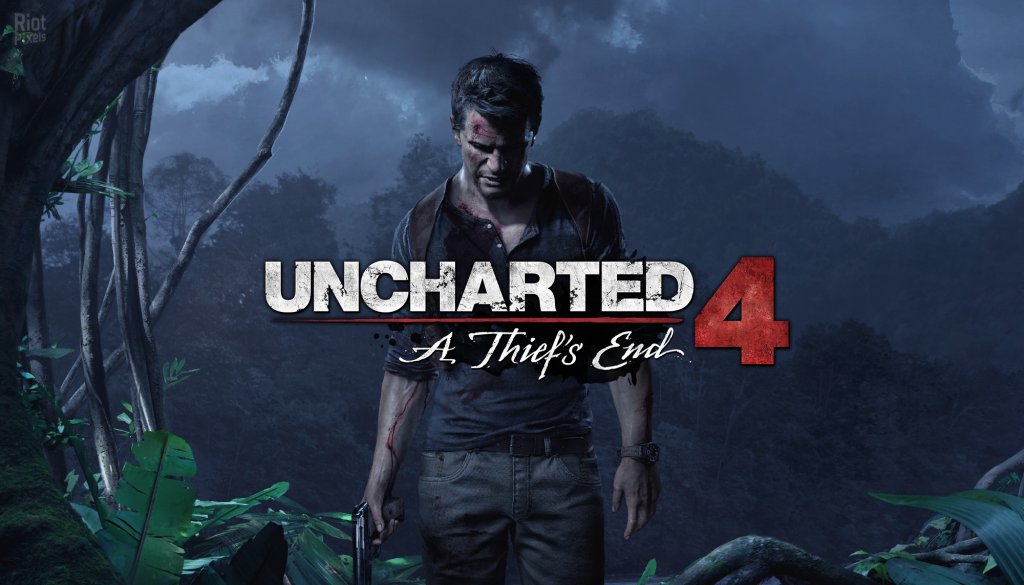
Uncharted 4: A Thief's End
## Overview **Uncharted 4: A Thief's End** is a definitive action-adventure game developed by **Naughty Dog** and published by **Sony Interactive Entertainment**. It serves as the thrilling conclusion to Nathan Drake's treasure-hunting saga, blending cinematic storytelling, intense combat, and jaw-...
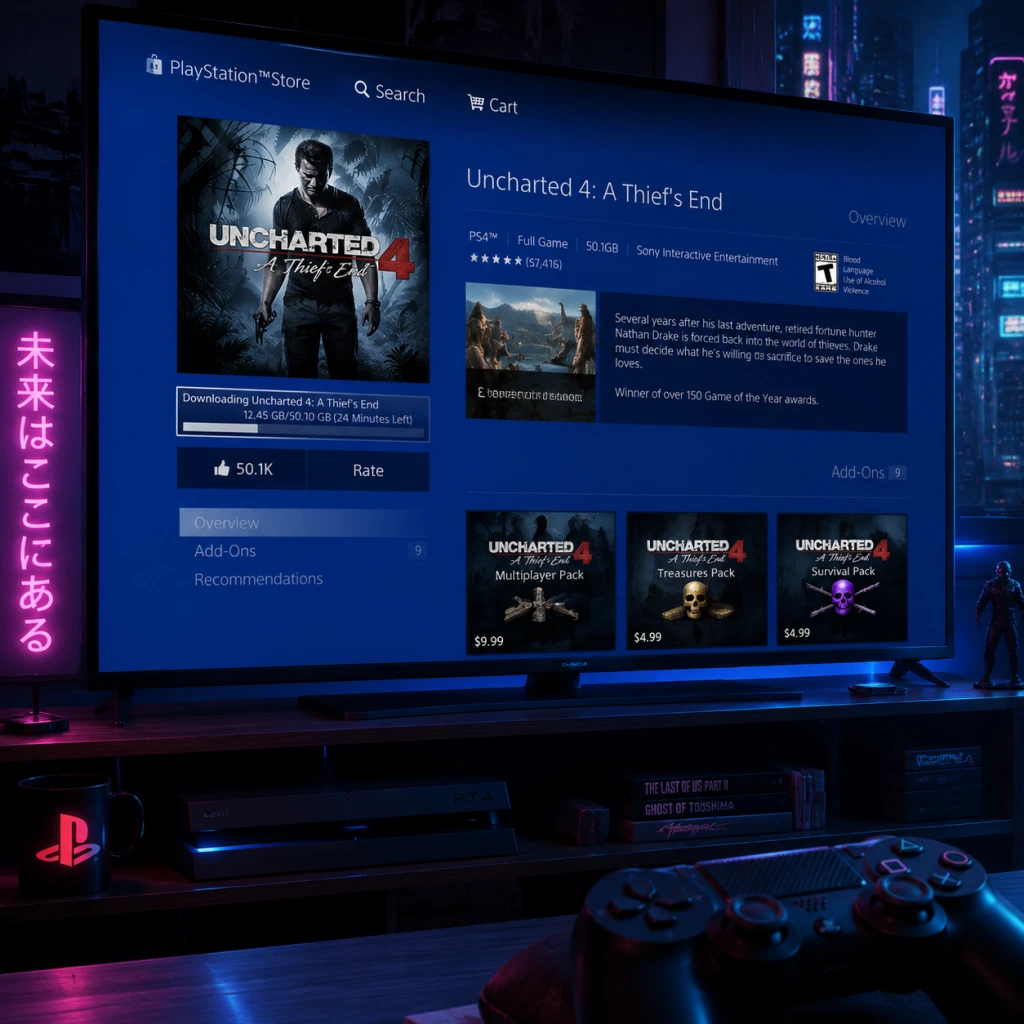
Download & Installation
Overview
Uncharted 4: A Thief's End is available on PlayStation 4, PlayStation 5 (via backward compatibility), and PC (legitimately via Steam and Epic Games Store). It is not available on Xbox, Nintendo Switch, or mobile platforms. This guide covers official download sources, step-by-step installation for each platform, system requirements for PC, account prerequisites, first launch setup, common installation errors, and post-install verification.
---
Official and Legitimate Download Sources
| Platform | Source | Notes |
|---|---|---|
| PlayStation 4/5 | PlayStation Store (digital) or disc | PS5 can play PS4 digital/disc version via backward compatibility. |
| PC (Steam) | [Steam Store](https://store.steampowered.com/app/1274150/Uncharted_Legacy_of_Thieves_Collection/) | Part of the Uncharted: Legacy of Thieves Collection (includes Uncharted 4 and The Lost Legacy). |
| PC (Epic Games Store) | [Epic Games Store](https://store.epicgames.com/en-US/p/uncharted-legacy-of-thieves-collection) | Same collection as Steam. |
---
System Requirements (PC)
Minimum Requirements (1080p, 30 FPS, Low Settings)
- OS: Windows 10 64-bit (version 1909 or higher)
- Processor: Intel Core i5-4430 / AMD Ryzen 3 1200
- Memory: 8 GB RAM
- Graphics: NVIDIA GeForce GTX 960 (4 GB) / AMD Radeon R9 290X (4 GB)
- DirectX: Version 12
- Storage: 126 GB available space (SSD recommended)
- OS: Windows 10 64-bit (version 1909 or higher)
- Processor: Intel Core i7-4770 / AMD Ryzen 5 1500X
- Memory: 16 GB RAM
- Graphics: NVIDIA GeForce GTX 1060 (6 GB) / AMD Radeon RX 570 (4 GB)
- DirectX: Version 12
- Storage: 126 GB available space (SSD)
- OS: Windows 10 64-bit (version 1909 or higher)
- Processor: Intel Core i7-10700K / AMD Ryzen 7 3700X
- Memory: 16 GB RAM
- Graphics: NVIDIA GeForce RTX 2070 / AMD Radeon RX 6700 XT
- DirectX: Version 12
- Storage: 126 GB available space (NVMe SSD)
- PlayStation (PS4/PS5): A PlayStation Network (PSN) account is required to download digital versions, redeem codes, or activate discs. Internet connection needed for initial setup and updates.
- PC (Steam/Epic): A Steam or Epic Games Store account is required. The game is linked to your account library. Internet connection needed for download, installation, and activation.
- Digital PS4 version: Go to your game library, find Uncharted 4, and select Download. The PS5 will install the PS4 version. You can also upgrade to the free PS5-native performance patch (if available) – check the store.
- PS4 disc: Insert the disc into the PS5. The console will copy and install the game. Note: You need the disc inserted each time you play.
- Upon first launch, you may be prompted to install a day-one patch (if available). Accept and wait for download.
- Choose display/audio settings (HDR, brightness, subtitles, etc.) from the in-game options menu.
- Select New Game to start a fresh save. The game will autosave frequently.
- If you have a PS5, you can optionally enable the 60 FPS performance mode in the graphics settings (if supported).
- Error: "Not enough space" or installation stops at 99%.
- Solution: Free up at least 126 GB (preferably 140 GB for updates). Use disk cleanup tools or uninstall other games.
- Error: "Download failed", "CRC mismatch", or installation halts.
- Solution:
- Error: Files deleted or quarantined during install.
- Solution: Temporarily disable real-time protection (Windows Defender or third-party AV) during installation. Add the game folder to exclusions afterward.
- Error: Update download stuck at certain percentage or fails.
- Solution:
- Error: Black screen, crash to desktop, or freeze.
- Solution:
- Error: Game not recognized or disc ejecting.
- Solution:
- PS5 Performance Mode: If you own the PS4 version, you can download the free PS5 upgrade (60 FPS) from the PlayStation Store if available. Requires the disc or digital license.
- Cross-Save: Uncharted 4 does not support cross-save between PS4/PS5 and PC. Saves are platform-specific.
- DLC: The Legacy of Thieves Collection includes both Uncharted 4 and The Lost Legacy. Ensure you download both if you want the full experience. On PC, they are a single executable; on PS, they may appear as separate tiles (but The Lost Legacy is included in the collection purchase).
- Controller Support (PC): The game natively supports DualShock 4, DualSense, and Xbox controllers. For best experience, use a wired connection or official wireless adapter.
Recommended Requirements (1440p, 30 FPS, High Settings)
Ultra Requirements (4K, 60 FPS, Ultra Settings)
> Note: The Legacy of Thieves Collection requires approximately 126 GB of free space. An SSD is highly recommended for faster loading times.
---
Account Requirements
---
Step-by-Step Installation
For PlayStation 4 (Digital)
1. Turn on your PS4 and log into your PSN account.
2. Go to the PlayStation Store from the main menu.
3. Search for "Uncharted 4: A Thief's End".
4. Select the game and choose Download (if already purchased) or Add to Cart and complete purchase.
5. The download will begin automatically. You can monitor progress from the Notifications > Downloads section.
6. Once download is complete, the installation will start automatically. Wait for the notification "Ready to Start" or "Installation Complete".
7. Launch the game from the main menu or library.
For PlayStation 4 (Disc)
1. Insert the game disc into the PS4.
2. The console will automatically begin copying the disc data to the hard drive. A progress bar appears.
3. After copying, the game will install any required updates (you must be connected to the internet).
4. Once installation is complete, the game icon appears on the main menu. Launch it.
For PlayStation 5 (Backward Compatibility)
For PC via Steam
1. Install the Steam client from [steampowered.com](https://store.steampowered.com) and log into your account.
2. Go to the Store tab and search for "Uncharted: Legacy of Thieves Collection".
3. Click Add to Cart and complete the purchase (if not already owned).
4. After purchase, go to your Library and find the game.
5. Click Install and choose the installation directory (ensure at least 126 GB free).
6. Select additional options (e.g., language) and click Next.
7. The download will begin. Progress shows in the Downloads section.
8. Once downloaded, the game will automatically verify and install.
9. Click Play from the library to launch.
For PC via Epic Games Store
1. Install the Epic Games Launcher from [epicgames.com](https://www.epicgames.com/store/en-US/) and log in.
2. Go to the Store tab and search for "Uncharted: Legacy of Thieves Collection".
3. Click Get or Buy (if not owned) and complete the transaction.
4. Go to your Library and find the game.
5. Click Install and choose install location (ensure 126 GB free).
6. The launcher will download and install the game.
7. After installation, click Launch to start.
---
First Launch Setup
On PlayStation (PS4/PS5)
On PC (Steam/Epic)
1. Launch the game. The first screen will prompt you to select Graphics Settings – choose between Performance (favor higher FPS) or Quality (favor visual fidelity). You can later customize in options.
2. Configure Display settings: resolution, refresh rate, V-Sync, HDR (if supported).
3. Set Audio options: language, subtitles, volume.
4. Select New Game to begin. The game will create a save folder in `Documents/My Games/Uncharted Legacy of Thieves Collection`.
5. Important: The game may perform a shader compilation step on first launch (and after driver updates). This is normal and can take 5–15 minutes. Do not interrupt.
---
Common Installation Errors and Fixes
1. Insufficient Storage Space
2. Corrupted Download / CRC Errors (PC)
- On Steam: Right-click game > Properties > Local Files > Verify integrity of game files.
- On Epic: Go to Library > click three dots on game > Verify.
- If problem persists, clear download cache (Steam: Settings > Downloads > Clear Download Cache; Epic: Settings > Troubleshooting > Verify Game Files).
3. Antivirus Blocking Installation (PC)
4. PlayStation Update Stuck/Fail
- Restart the console (hold power button until beep, then restart).
- Check internet connection (wired recommended).
- If disc version, clean the disc and try again.
- Rebuild database via Safe Mode (hold power button until second beep, then select Rebuild Database).
5. Game Crashes on Launch (PC)
- Update GPU drivers (NVIDIA/AMD latest Game Ready drivers).
- Verify game files (as above).
- Run the game as administrator (right-click .exe > Properties > Compatibility > Run as administrator).
- Disable overlay software (Steam Overlay, Discord, GeForce Experience).
- Lower graphics settings (especially if VRAM is low).
6. PS5 Backward Compatibility Issues
- Ensure PS5 system software is up to date.
- For digital titles, go to Game Library and download from the "Your Collection" tab.
- For disc, insert correctly and wait for icon to appear. If not, restart console.
---
Post-Installation Verification
For PlayStation
1. From the main menu, highlight the game and press Options > Information to check version (e.g., 1.00 or patched).
2. Launch the game and load any save or start new game. If it loads without errors, installation is successful.
3. Check for updates: Go to Notifications > Downloads to confirm no pending updates.
For PC
1. In Steam: Right-click game > Properties > Local Files > Verify integrity of game files – this will confirm all files are correct.
2. In Epic: Go to Library > click three dots on game > Manage > Verify.
3. Launch the game and check if the shader compilation completes without crash.
4. Play the first 5–10 minutes of the prologue to ensure audio, video, and controls work.
5. Monitor GPU/CPU temperatures and usage (optional) to confirm stable performance.
---
Additional Tips
---
This guide should cover all legitimate download and installation needs for Uncharted 4: A Thief's End across supported platforms. If you encounter issues not listed, consult the official support pages: [PlayStation Support](https://www.playstation.com/en-us/support/) or [Naughty Dog PC Support](https://support.naughtydog.com/).
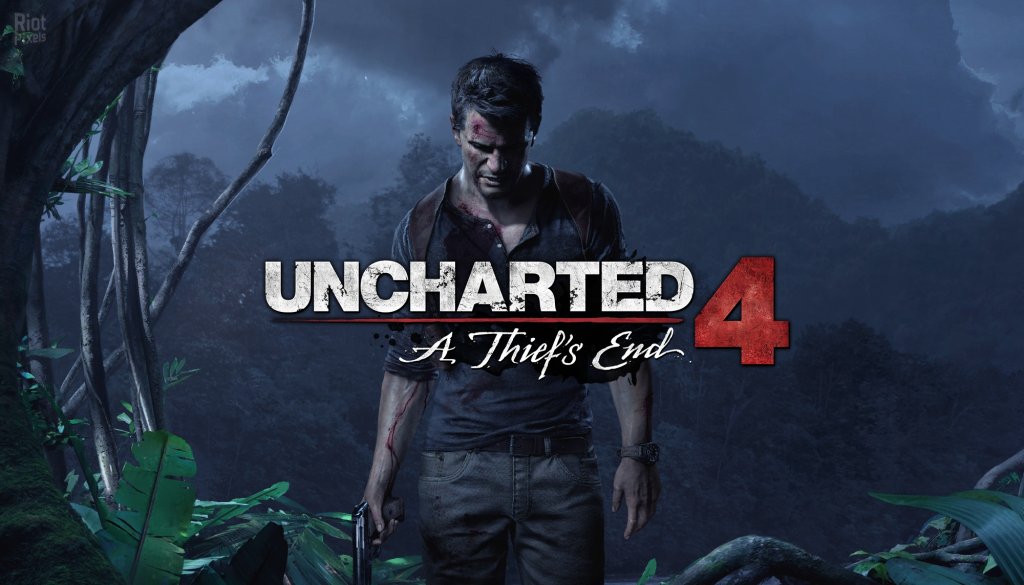
Game Introduction
Overview
Uncharted 4: A Thief's End is a definitive action-adventure game developed by Naughty Dog and published by Sony Interactive Entertainment. It serves as the thrilling conclusion to Nathan Drake's treasure-hunting saga, blending cinematic storytelling, intense combat, and jaw-dropping exploration. Originally released on May 10, 2016 exclusively for PlayStation 4, the game later arrived on PC (Steam and Epic Games Store) on October 19, 2022. It is playable on PlayStation 5 via backward compatibility with enhanced performance. The title is not available on Xbox, Nintendo Switch, or mobile platforms.
Genre
- Action-Adventure
- Third-Person Shooter
- Platformer
- Puzzle
- Developer: Naughty Dog (known for The Last of Us, Uncharted series)
- Publisher: Sony Interactive Entertainment
- PlayStation 4: May 10, 2016
- PlayStation 5: Backward compatible at launch (2020), with a native remaster in Uncharted: Legacy of Thieves Collection (January 28, 2022)
- PC: October 19, 2022 (via Steam and Epic Games Store)
- PlayStation 4
- PlayStation 5 (backward compatible; enhanced via Legacy of Thieves Collection)
- PC (Windows) – Steam, Epic Games Store
- Boston, USA – A prison escape sets the stage.
- Kingdom of Scotland – Ancient ruins and a mansion in the highlands.
- Madagascar – Vast open plains, dense jungles, and pirate hideouts.
- Libertalia – A hidden pirate utopia in the Indian Ocean, overgrown with nature.
- Panama – A final, poignant chapter.
Developer & Publisher
Release Timeline
Platforms
Story Overview
Uncharted 4: A Thief's End follows retired fortune hunter Nathan Drake several years after his previous adventures. Living a quiet, honest life with his wife Elena Fisher, Nathan is drawn back into the world of treasure hunting when his long-lost brother Sam resurfaces, owing a deadly debt. The brothers embark on a globe-trotting quest to find Captain Henry Avery's legendary pirate treasure—a fortune hidden deep in the jungles of Madagascar and the mythical city of Libertalia. Along the way, they face ruthless mercenary leader Rafe Adler,
Nathan's former rival, and his cunning accomplice Nadine Ross, the head of a private military company. The journey forces Nathan to confront his past, his obsession with adventure, and the toll it takes on those he loves.
Setting
The game moves across diverse real-world and fictional locations:
Each environment is richly detailed, blending historical lore with Naughty Dog's signature artistic flair.
Main Characters
| Character | Role | Description |
|---|---|---|
| Nathan Drake | Protagonist | Retired treasure hunter; resourceful, witty, and relentless. |
| Sam Drake | Brother | Nathan’s older brother, impulsive and desperate to clear a debt. |
| Elena Fisher | Wife | Journalist and Nathan's anchor to normal life; provides emotional depth. |
| Victor Sullivan (Sully) | Mentor | Long-time friend and partner; now semi-retired but always ready to help. |
| Rafe Adler | Antagonist | Wealthy rival collector; obsessed with Avery's treasure and bitter toward Nathan. |
| Nadine Ross | Secondary Antagonist | Leader of Shoreline PMC; pragmatic, skilled, and morally gray. |
| Henry Avery | Historical Figure | Legendary pirate whose treasure is the MacGuffin; explored through collectibles and lore. |
Core Appeal
- Cinematic Storytelling: Seamless transitions between gameplay and cutscenes create an interactive movie experience.
- Exploration & Discovery: Large, open-ended environments encourage climbing, puzzle-solving, and finding optional treasures.
- Dynamic Combat: Fluid third-person shooting, stealth takedowns, and melee combos with contextual environmental interactions.
- Character-Driven Drama: Emotional weight from Nathan's relationships adds depth beyond the treasure hunt.
- Technical Mastery: Stunning graphics, lifelike animations, and a sweeping orchestral score by Henry Jackman.
- Fans of action-adventure games and series like Tomb Raider, Assassin's Creed, or The Last of Us.
- Players who value narrative-driven experiences with strong characters.
- Treasure-hunting enthusiasts and those who enjoy Indiana Jones-style escapades.
- Gamers looking for a polished, single-player campaign with moderate replay value through collectibles and difficulty modes.
- Campaign Mode (Single Player): The primary story, spanning 22 chapters (approximately 15-20 hours).
- Multiplayer (Online): Competitive and cooperative modes, including classic team deathmatch, plunder, and survival. Note: Multiplayer servers were active at launch but as of 2024, PC multiplayer was removed; PS4/PS5 servers remain available but may have reduced populations.
- Speed Run Mode: Unlocked after completing the campaign; tracks completion time.
- Photo Mode: Freeze action and adjust camera, filters, and focus for screenshots.
- Offline: Full campaign and photo mode are playable without an internet connection.
- Online: Multiplayer requires PlayStation Plus (on consoles) or a stable internet connection (PC). Leaderboards and online co-op (Survival mode) are available. PC version does not include multiplayer; it was delisted in 2022.
- Uncharted 4: A Thief's End – Special Edition & Collector's Edition: Included physical extras, but no story DLC.
- Uncharted: The Lost Legacy (standalone expansion released August 22, 2017): Originally planned as DLC for Uncharted 4, it became a full game featuring Chloe Frazer and Nadine Ross on a quest in India. It is bundled with Uncharted 4 in the Uncharted: Legacy of Thieves Collection for PS5 and PC.
- Additional Content: Various multiplayer packs (weapons, skins, boosters) were released post-launch, but most are no longer actively supported on PC.
- Personal Stakes: Unlike previous Uncharted entries, A Thief's End focuses on Nathan's family—his brother Sam and wife Elena—making the adventure feel deeply personal.
- Expansive Level Design: Introduces open-ended areas (e.g., Madagascar's plains) with multiple routes and optional secrets, a departure from linear corridors.
- Advanced Traversal: The grappling hook and enhanced climbing mechanics allow for dynamic movement and environmental puzzles.
- Emotional Maturity: The game explores themes of obsession, sacrifice, and closure, delivering a poignant ending that respects the character's journey.
- Legacy of Thieves Collection: The remastered version on PS5 and PC offers 4K resolution, 60 FPS, faster load times, and DualSense controller features (haptic feedback, adaptive triggers) on PS5.
Target Audience
Game Modes
Online & Offline Support
DLC / Expansion Overview
What Makes This Game Unique
In summary, Uncharted 4: A Thief's End is a masterclass in action-adventure gaming—a heartfelt farewell to Nathan Drake that raises the bar for storytelling, visuals, and gameplay. Whether you're a longtime fan or a newcomer, this game offers an unforgettable experience.
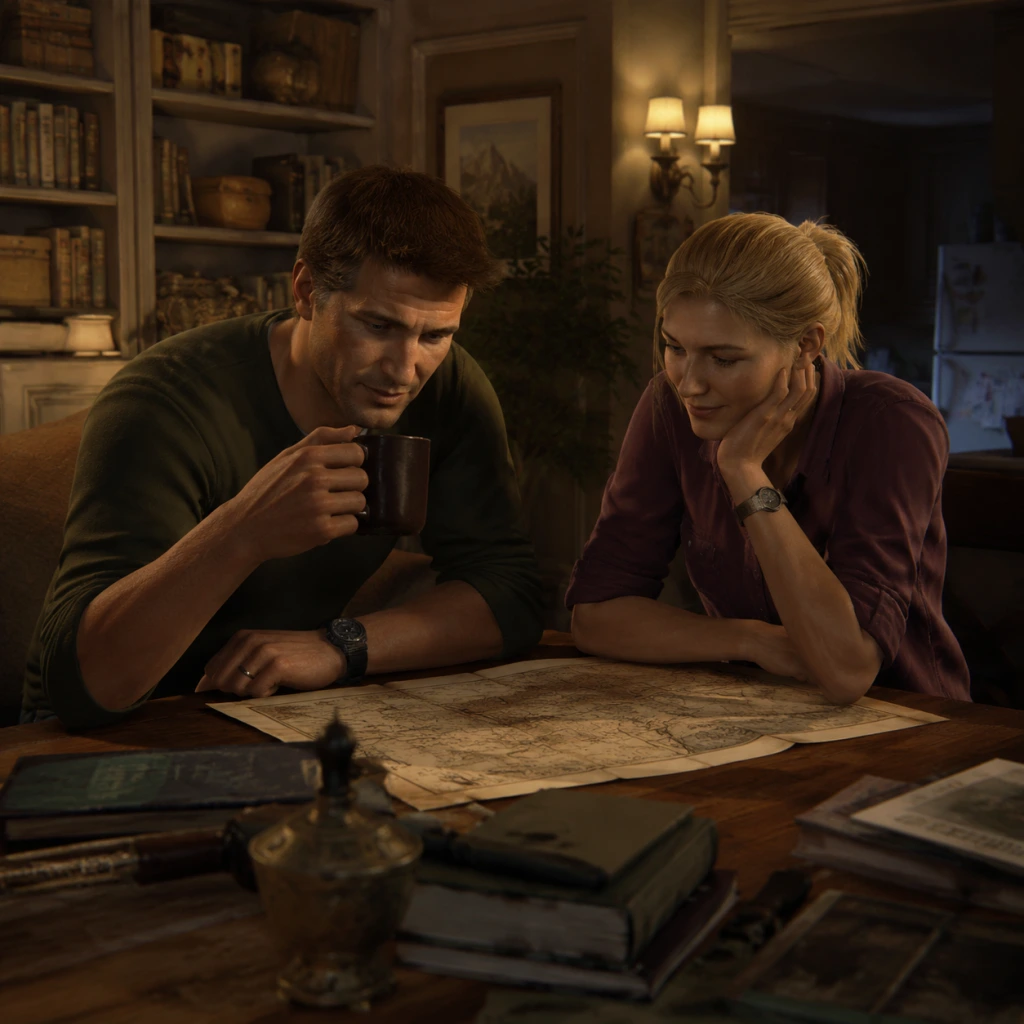
Getting Started
Overview
Uncharted 4: A Thief's End is a cinematic action-adventure game that follows treasure hunter Nathan Drake through a globetrotting story. This guide is tailored for absolute newcomers. There is no character creation — you play as Nathan Drake throughout the entire game, with his appearance, skills, and equipment fixed.
---
First Hour Walkthrough (Prologue + Chapters 1-2)
The game opens with a title card followed by a playable prologue: Nate and his brother Sam are diving to recover a coffin from a sunken ship. This is a simple swimming/climbing tutorial — follow the prompts. After the prologue, the story jumps back in time:
Chapter 1: The Lure of Adventure
- You control young Nate (teenager) breaking into a mansion with Sam.
- Learn basic moving (left stick), camera (right stick), and climbing (press X near ledges).
- Explore the mansion: interact with objects (press Triangle), find the first treasure (a golden idol in a glass case).
- After escaping, a cutscene ends the chapter.
- Back to present day: Nate and Sam escape a prison in Panama.
- Stealth tutorial: Crouch (circle), move silently, take out guards from behind (press R2 when close).
- Combat tutorial: Use a pistol (L2 to aim, R2 to shoot). When enemies have guns, use cover (press O near walls).
- You’ll find a shotgun and a machine pistol — experiment with both.
- Objective: reach the roof, then use a rope to swing across gaps (hold R1 to attach, then release at the apex).
- End of chapter unlocks the full combat and movement arsenal.
Chapter 2: Infernal Place
---
Controls (All Platforms)
PlayStation 4 / PlayStation 5
| Action | Control |
|---|---|
| Move | Left Stick |
| Look / Camera | Right Stick |
| Jump | X |
| Climb / Mantle | X (near ledges) |
| Crouch / Cover | Circle (hold to cover) |
| Roll / Dodge | Square (while moving) |
| Melee | R1 (punch) |
| Shoot | R2 (when weapon drawn) |
| Aim | L2 |
| Reload | Square (hold) |
| Switch Weapon | D-Pad Left/Right |
| Throw Grenade | D-Pad Up (then R2) |
| Use Gadget/Rope | R1 (contextual) |
| Interact | Triangle |
| Sprint | L3 (click left stick) |
| Photo Mode | Options (pause menu) |
PC (Keyboard & Mouse)
- Default controls can be remapped in settings.
| Action | Control |
|---|---|
| Move | W/A/S/D |
| Look / Camera | Mouse |
| Jump | Space |
| Climb / Mantle | Space (near ledges) |
| Crouch / Cover | Ctrl (toggle) |
| Roll / Dodge | Left Shift |
| Melee | E |
| Shoot | Left Mouse Button |
| Aim | Right Mouse Button |
| Reload | R |
| Switch Weapon | 1 / 2 (or scroll wheel) |
| Throw Grenade | G (then click to throw) |
| Use Gadget/Rope | Q |
| Interact | F |
| Sprint | Left Shift (hold) |
| Photo Mode | P (in pause menu) |
---
UI Overview
The Heads-Up Display (HUD) is minimal by design. Here’s what each element means:
1. Health Bar (top-left corner, white arc): Decreases when you take damage. It regenerates fully when you stay out of combat for a few seconds.
2. Ammo/Weapon Info (bottom-right): Displays current weapon icon, total ammo, and magazine count.
3. Gadget Slot (below ammo): Shows your currently equipped throwable or tool (e.g., grenades, rope).
4. Compass / Objective Marker (top of screen): A small compass shows cardinal directions; a yellow diamond marks your next objective.
5. Interaction Prompts (center of screen): Appear when near climbable ledges, objects, or enemies to interact with.
6. Minimalist Notifications (top-right): Rare areas where you unlock a trophy, collect a treasure, or get a checkpoint.
> Tip: The UI disappears when not in combat to let you enjoy the scenery. Press the Touch Pad (PS) or default key (PC) to toggle Photo Mode.
---
Essential Early Objectives
- Complete Chapter 1 and 2 – This teaches you movement, stealth, and combat basics.
- Collect at least 1 treasure in Chapter 1 (the golden idol) to understand the collectible system.
- Practice stealth in Chapter 2: try to clear at least one room without raising an alarm.
- Learn rope swinging – The rope is critical for traversal and combat (you can swing and kick enemies).
- Adjust difficulty early: If you die repeatedly in the prison tutorial, consider lowering difficulty from Normal to Explorer (in Settings > Game). No shame in it.
- Rushing through areas – You’ll miss treasures and optional conversations.
- Standing still in gunfights – Always move from cover to cover. Enemies flank.
- Ignoring grenades – When you see a grenade indicator, sprint or roll away immediately.
- Firing wildly – Ammo is finite; headshots are efficient.
- Jumping off ledges without looking – Check for handholds below (a white glow indicates climbable surfaces).
- Ammunition – Scavenge from killed enemies and crates. Always pick up ammo when you see it.
- Weapon pickups – Enemies drop weapons with varying power. Experiment, but favor the pistol and AK-47 for accuracy.
- Grenades – Found in wooden crates. Use them to flush out enemies from cover.
- Treasures – Collect as many as possible. They unlock extras in the menu (concept art, character models, etc.). No gameplay impact but fun.
- [ ] Install the game (if physical: insert disc; if digital: download from PSN/Steam/EGS). Update to the latest version.
- [ ] Set up your controller on PC (wired or Bluetooth). Ensure batteries are charged (PS controllers) or AA batteries fresh (Xbox controller on PC).
- [ ] Adjust settings:
- [ ] Play the prologue (boat scene) – it’s short but sets the tone.
- [ ] Complete Chapter 1 (mansion flashback) – treasure hunting begins.
- [ ] Complete Chapter 2 (prison escape) – get comfortable with combat.
- [ ] Return to the main menu and check the Extras section: you can view any treasures collected so far.
- [ ] Take a break after Chapter 2 – the game opens up into longer chapters. Hydrate!
---
What to Do First & What to Avoid
✅ Do First:
1. Explore every nook and cranny – Lootable treasures and journal notes are everywhere. They unlock bonus content.
2. Use stealth whenever possible – Uncharted 4 rewards silent takedowns. The first encounter in Chapter 2 is designed to teach this.
3. Take advantage of verticality – Climb to high ledges for alternate routes and tactical advantages.
4. Save often – The game autosaves frequently, but you can also manual save at checkpoints.
5. Listen to optional dialogue – Sam and Nate chat during quiet moments; these reveal lore and backstory.
❌ Avoid:
---
Early Resource Priorities
Uncharted 4 doesn’t have traditional RPG resources like mana or gold. The only “resource” you manage is:
> Priority: Ammo > Grenades > New weapons > Treasures. If you see a heavy weapon like the shotgun, grab it; it’s great for close quarters.
---
Common Beginner Mistakes
1. Not using cover – Running into open firefights is suicide. Always press Circle near a wall or crate to stick to it.
2. Ignoring the stealth approach – The game starts with a stealth tutorial for a reason. Alerting enemies gives them time to call reinforcements.
3. Forgetting to equip the rope – Throughout the game, you can use your rope to swing across gaps. Sometimes you need to hold R1 to use it; don’t just jump blindly.
4. Sliding down hills – When you start sliding, you can aim and shoot, but you lose control if you panic. Stay calm and enjoy the ride.
5. Not climbing fast enough – In chase sequences, you need to climb quickly. Don’t hesitate – jump and grab the next handhold before the previous one crumbles.
6. Using the touchpad accidentally – On PS, the touchpad opens the journal or camera. It can be annoying if pressed in combat. Be aware.
---
Day-One Checklist
Before you start your first real playthrough, do this:
- Difficulty: Start on Normal (Explorer is story-focused, Crushing is for veterans).
- Subtitles: On (helps with accents and firefights).
- Camera Sensitivity: Start at default; adjust later if you get motion sickness.
- Audio: Set to surround sound if you have headphones.
> Pro tip: If you find the platforming frustrating, look for white handholds (they indicate a safe route). If you fall, the game usually respawns you just before the mistake.
---
Final Advice
Uncharted 4 is a linear, story-driven experience. Don’t worry about “optimizing” your playthrough — just immerse yourself in Nate’s adventure. The game gently introduces every mechanic one at a time. If you ever feel lost, the yellow objective marker always points you forward. Good luck, and remember: fortune favors the bold!
“Sic parvis magna” — Greatness from small beginnings.
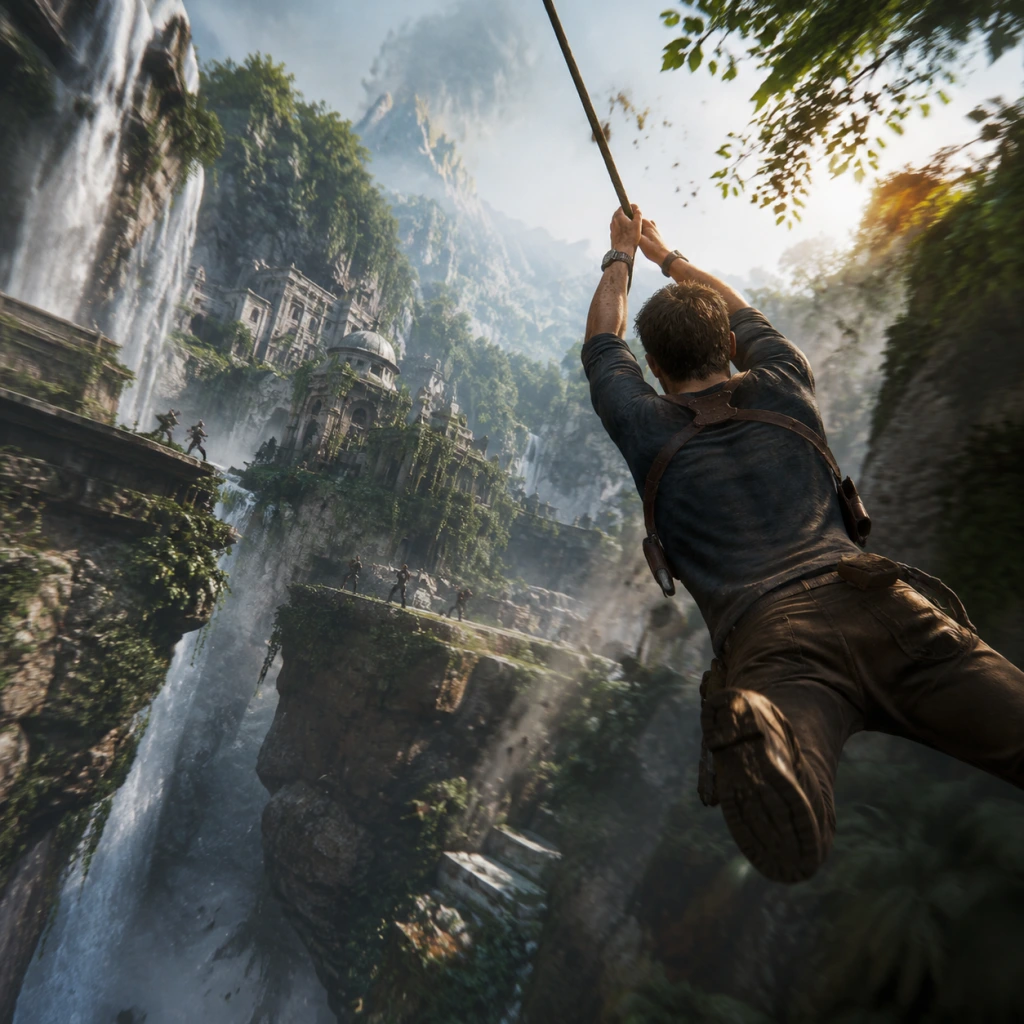
Core Gameplay
Core Gameplay Overview
Uncharted 4: A Thief’s End is a linear action-adventure game with strong cinematic storytelling. The core gameplay loop revolves around three pillars: traversal, combat, and puzzle-solving, interwoven with exploration for collectibles and optional dialogue. There is no experience-based leveling; character growth is tied to unlocking new traversal mechanics (e.g., rope, grapple) as the story progresses, and you can upgrade weapons through the black market shop using treasure collected from the environment. The game is divided into 22 chapters, each offering a mix of exploration, platforming, gunfights, and set-pieces. There is no traditional endgame loop after the main story; you can replay chapters via Chapter Select to clean up collectibles or try different combat approaches.
Main Gameplay Loop
The typical sequence in any chapter is:
1. Traverse – Climb, jump, swing, shimmy, and use tools (rope, grapple, car) to move through environments.
2. Explore – Search for treasure, journal entries, optional conversations, and variance points.
3. Engage – Overcome obstacles (locked gates, puzzles) or enemies (stealth or combat).
4. Narrative Beat – Watch cutscenes and character dialogue that advance the story.
5. Repeat – Progress to the next area.
Combat/Interaction Systems
Stealth
- Use tall grass, corners, and shadows to avoid detection.
- Marking: Tap R3 to tag enemies; they appear as icons even through walls.
- Silent takedowns: Approach from behind and press Circle to eliminate without alerting others.
- Vertical stealth: Hang from ledges and pull enemies off, or take them out with a silenced pistol (acquired later).
- Distractions: Throw bottles (L1) to lure enemies away.
- Gunplay: Third-person over-the-shoulder shooting. Weapons include pistols, rifles, shotguns, grenade launchers. Each has different recoil and damage.
- Cover system: Snap to cover with circle, lean out with L2 to aim and fire. You can blind-fire with R2 while under cover.
- Mobility: While aiming, you can roll or vault over obstacles. Firefights often involve moving between cover as enemies flank.
- Melee: Close-range attacks with triangle; heavy and light combos. Enemies can block, so quicktime counters appear when they rush.
- Weapon pickup: Dropped weapons from enemies; you can carry one sidearm and one long gun.
- Ammo: Scattered on ground, from enemies, or in treasure chests. No manual reloading (auto when magazine empty).
- Rope (late Early Game): Swing across gaps, rappel down cliffs, or create makeshift swings to kick enemies.
- Grapple (Mid Game): Zip-line tool for faster travel and vertical movement.
- Car driving (Chapter 12 & 13): Drive the Jeep through Madagascar, winch through mud, and engage in chase sequences.
- Puzzles: Rotate statues, align symbols, activate mechanisms. All have visual clues; none are extremely complex.
- Story progression: Unlocks new traversal abilities (e.g., rope in Chapter 4, grapple in Chapter 8, car in Chapter 12). These persist only within that chapter’s context, but you keep the ability for subsequent chapters once unlocked (except the car which is limited to certain chapters).
- No skill tree or upgrades: Nathan’s physical abilities are fixed; you cannot increase health, stamina, or damage. However, you can buy weapon upgrades via the pause menu black market.
- Treasure: Over 100 hidden collectible items such as coins, rings, vases. Found in hidden alcoves, cave systems, or via rope swings. Each is worth a specific amount of points used for unlocking concept art or in-game bonuses (e.g., filters, models). Treasure does not affect gameplay directly but feeds the black market (see Economy).
- Journal Entries: Optional notes that expand lore. Usually near treasure.
- Optional Conversations: When you see a blue speech bubble icon near Nathan or Sam/Elena, press Triangle to trigger dialogue that reveals backstory.
- Variance Points: Hidden areas that alter the path slightly; not required but reward you with a brief different animation or dialogue.
- There are no side quests; the entire game is a single main quest across 22 linear chapters. However, within chapters, you have multiple optional objectives (e.g., finding all treasure, having all conversations) that are tracked per chapter.
- Some chapters have branching paths (e.g., during Madagascar open world sections) but they loop back to the critical path.
- Currency: Treasure points (not gold or cash). Each treasure you collect adds a point value (e.g., 2–10 points).
- Black Market: Accessed from pause menu; you can spend treasure points to unlock weapon modifications:
- No money or shop for consumables; all ammo and weapons are found in the field.
- As said, no RPG growth. However, you unlock new tools at specific story milestones:
- These are permanent once acquired, but their use is contextual (you won’t have the car indoors). There is no build variety; you play the same Nathan Drake throughout.
- After Credits: You can continue exploring the final chapter environment (no post-game content).
- Chapter Select: Replay any completed chapter to find missed collectibles, achieve hidden trophies, or simply experience set-pieces again. Progress from each chapter (treasure found, conversations had) is saved individually.
- New Game+: Not available in Single Player. However, you can carry over your black market purchased weapons? Actually, no – black market purchases are per save. Once you beat the game, you can start a fresh story or replay chapters.
- Multiplayer: Uncharted 4 has a separate multiplayer mode (competitive and co-op) but that is outside the scope of this core gameplay guide which focuses on single-player.
Combat
Interaction
Progression
Exploration
Quests/Missions
Economy
- Weapon types: Buy the silenced pistol, automatic rifle, grenade launcher, etc. (locked until certain chapters).
- Weapon mods: Extended magazine, recoil reduction, scope, etc.
- Costs: Early mods cost 5–15 points; late-game mods require 30+ points.
Character/Build Growth
- Rope: Chapter 4 (Scotland) – swing, rappel, pull enemies.
- Grapple: Chapter 8 (Italy) – zip-line, quick vertical climb.
- Silenced Pistol: Available via black market purchase after Chapter 8 (requires treasure).
- Car: Chapter 12 – driving, winching.
Endgame Structure
---
Player Progression Tiers
Early Game (Chapters 1–7: Libertalia awakening, young Nate, prison, Scotland)
Traversal: Basic climbing, jumps, ledges. Rope introduced in Chapter 4. No grapple yet.
Combat: First gunfight in Chapter 4 (Elena). Mostly pistols and rifles. Emphasis on stealth because ammo is scarce and Nathan is fragile. Learn to use cover and silent takedowns.
Exploration: Focused on linear paths with hidden treasures in crevices. Scotland castle has large areas with multiple optional conversations.
Economy: You start with 0 treasure. First treasures appear in Chapter 2 (young Nate) and Chapter 3 (prison). By end of Scotland, you may have 20–30 points. Black market unlocks after Chapter 4 (first desk). Early purchases: extended magazine for pistol (15 pts) or a scoped rifle (20 pts) if you prefer range.
Character: No new tools beyond rope. No driving. Stealth is critical.
Example: In Chapter 4, you infiltrate a castle. Use rope to swing across moats, drop down from rafters to perform stealth takedowns on guards. Explore every corner – there are 5 treasures hidden in the towers. Mark enemies before engaging. If you trigger alarm, enemies reinforce and combat becomes harder.
Mid Game (Chapters 8–15: Italy, Madagascar, Scotland again, Chapter 11-12)
Traversal: Grapple unlocked in Chapter 8 (Italy bell tower). Use it to zip across large gaps and ascend quickly. Car driving in Chapter 12 (Madagascar). Rope and grapple combine for complex vertical puzzles.
Combat: Enemy variety increases – armored shotgunners, snipers, dogs in Madagascar. Access to silenced pistol (if purchased) allows for stealthier approaches. Gunfights are larger scale, with more enemies and vehicles. Use grenades and explosive barrels.
Exploration: Madagascar has semi-open sections — a large valley with multiple locations (bazaar, ruins, cliffs). You drive the Jeep, and can explore optional ruins and find treasures. Many optional conversations in the car with Elena/Sam.
Economy: Treasure haul increases – by end of Madagascar you could have 60+ points. Black market expands with mods for assault rifle and shotgun. Recommended purchase: recoil reduction for AK-47 (25 pts) or extended magazine for MP34 (20 pts).
Character: Now you have rope, grapple, car, and potentially silenced pistol. You are more mobile and lethal. No new abilities until end of Mid Game.
Example: Chapter 12 – open world Madagascar. Drive to three main objectives, but you can deviate to find treasure in a cave (use winch to pull a gate). Use grapple to reach a high balcony with a treasure chest. In combat, use silenced pistol to clear a camp before starting the car chase. If you alert all enemies, you’ll face a firefight with reinforcements on trucks.
Late Game (Chapters 16–20: Libertalia, Avery’s ship, island interiors)
Traversal: No new abilities, but mastered combos: rope swing into grapple launch, climbing complex structures with multiple handholds. Certain areas require quick timing.
Combat: Intensity peaks – massive battles with dozens of enemies, including armored heavies. You have access to full weapon arsenal through drops. Use blind-fire and rolling to survive. Melee combo is effective against single enemies.
Exploration: Nonlinear within chapters – many vertical paths. Hidden treasures are behind breakable walls (use explosive). Optional conversations are fewer but deeper. Many puzzles (turning wheels, matching symbols) that require critical thinking.
Economy: By now you likely have 100+ treasure points. All black market mods are available; buy the grenade launcher (40 pts) or mod for the M14 (35 pts). Treasure points become less crucial unless you want all concept art unlocks.
Character: At peak capability – all tools, comfortable with every system. No further growth.
Example: Chapter 18 – Avery’s ship. Navigation through intricate rigging, using rope to swing across masts, then a large gunfight on the deck. Use grenade launcher to clear clusters of enemies while staying on the move. Puzzle to open the captain’s cabin involves aligning three dials based on clues in the journal.
Endgame (Chapters 21–22 + Epilogue)
Traversal: Final escape sequences – frantic climbing under pressure. No new tools.
Combat: Minimal combat; mostly traversal and platforming. Chapter 22 has one stealth section with two guards.
Exploration: Limited. Focus on narrative. You can still find remaining treasures (some are easy to miss here, like in the final chapter’s cave).
Economy: If you missed treasures, Chapter Select allows retrieval. No additional unlocks from black market except for concept art.
Character: Same as Late Game.
Endgame: After credits, you can return to chapter select for cleanup. There is no true endgame loop; the story is finished. However, you can replay the entire game on a new save to make different black market purchases (no New Game+). The only endgame activity is chasing trophies or 100% completion.
---
Summary Table
| Progression Tier | Chapters | Key Abilities Unlocked | Typical Combat Style | Exploration Focus | Black Market Priority |
|---|---|---|---|---|---|
| Early Game | 1–7 | Rope | Stealth, pistol, rifle | Linear interiors, castle | Extended mag, scoped rifle |
| Mid Game | 8–15 | Grapple, Car, Silenced Pistol | Mixed stealth/gunfight, vehicle chases | Semi-open Madagascar, Italy | Recoil reduction, silenced pistol mod |
| Late Game | 16–20 | None new | Heavy combat, grenades, melee | Vertical ruins, puzzles | Grenade launcher, assault rifle mods |
| Endgame | 21–22 | None | Minimal combat, escape | Narrative-driven | N/A – collect treasures for completion |
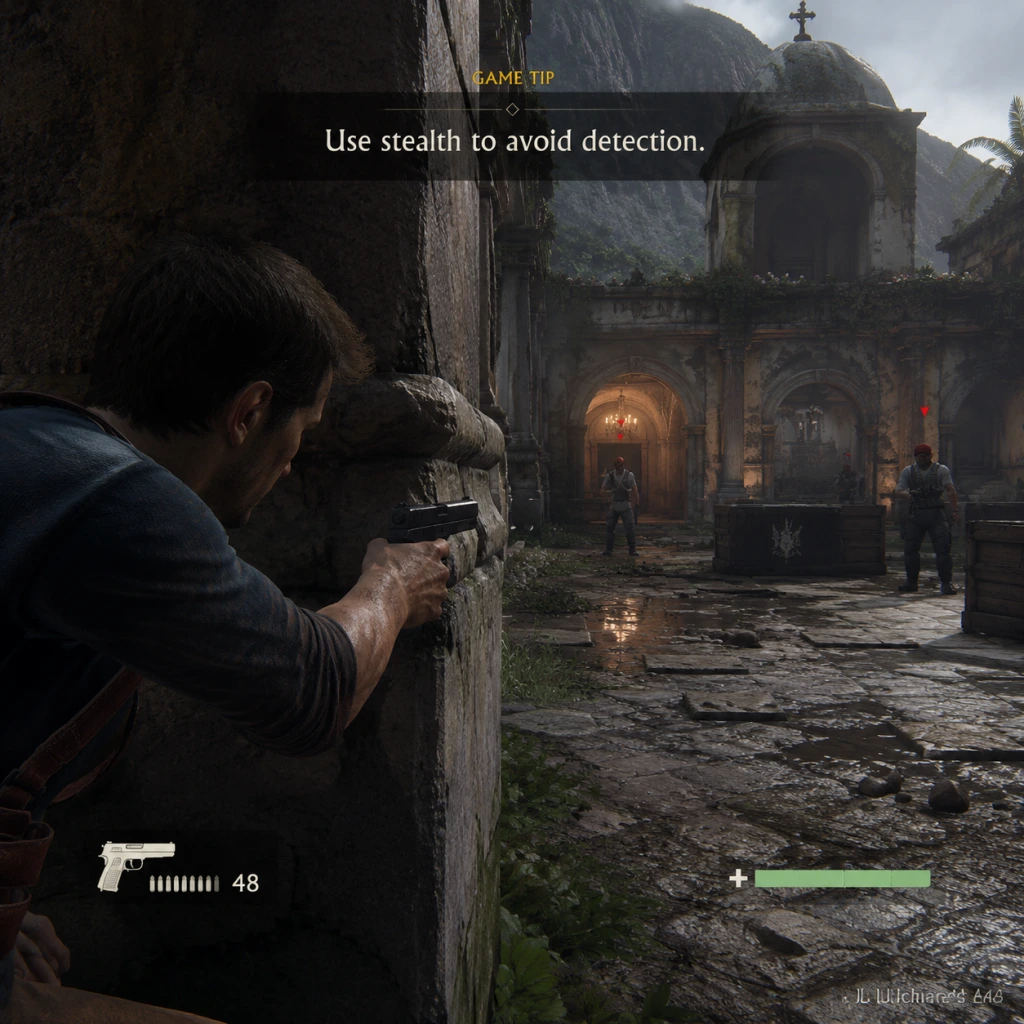
Game Tips
Game Tips for Uncharted 4: A Thief's End
Beginner Tips
- Master the Basics First: Before diving into combat-heavy chapters, spend time in the early levels (like the prologue and Chapter 1) practicing climbing, jumping, and the grappling hook. The climbing is context-sensitive: press "X" (PS) or "Space" (PC) to jump, but holding the button will sometimes grab ledges automatically. Learn the rhythm of timed jumps.
- Use Aim Assist on Lower Difficulties: If you're playing on Easy or Normal, enable aim assist in the options. This helps with lining up headshots, especially during chaotic firefights. On Crushing, disable it to improve your own accuracy—but for beginners, it's a lifesaver.
- Collect Treasures Early: Every treasure you find is permanently tracked and contributes to unlockable bonuses like concept art, character skins, and gameplay modifiers. There are missable collectibles—check the Chapter Select screen to see which chapters you missed treasures in.
- Use Stealth Whenever Possible: The game rewards sneaking; you can take down enemies silently from behind using the triangle (PS) or E (PC) button. This conserves ammo and prevents alarms. In many encounters, you can clear entire areas without firing a shot.
- Learn the Grappling Hook: The grappling hook is central to traversal. Press R2 (PS) or mouse button to aim and L2 (PS) or right mouse to fire. You can also use it to zip-line across gaps and even perform a rope takedown (press triangle when close).
- Use Cover Effectively: The cover system is sticky—press circle (PS) or Q (PC) to snap to cover. Lean out to shoot by aiming, but be aware that blindfire (shooting without aiming) is very inaccurate. Always aim for precision shots.
- Manage Ammo Carefully: Ammo is limited, especially on higher difficulties. Pick up weapons from fallen enemies. Notice the ammo types: pistols, rifles, shotguns, and heavy weapons each use separate ammo pools. Drop your current weapon if you find a better one (like the Barok .44 revolver).
- Listen to Enemy Conversations: Enemies often call out your position or discuss patrol routes. Use the listening mode (hold L1 on PS, Alt on PC) to see outlines through walls and plan your approach.
- Use Environmental Kills: Look for explosive barrels, hanging debris (shoot the ropes), and ledges. You can push enemies off cliffs during melee. Also, the rope swing allows you to kick enemies while zipping past.
- Headshots Are King: A single headshot with most pistols or rifles will instantly kill standard enemies. Practice aiming for the head, especially in stealth scenarios (silenced pistol is key).
- Speedrunning Techniques: If you aim for fast completions, learn to skip certain combat encounters. For example, in Chapter 10 (The Twelve Towers), you can run past the first group of enemies in the courtyard without engaging. Use the grappling hook to bypass sections altogether.
- Crushing Difficulty Loadout: On the hardest difficulty, the Barok .44 revolver is your best friend—it one-shots armored enemies and most standard foes. Pair it with the M14 custom rifle for long-range precision. Always keep a heavy weapon like the RPG for armored vehicles.
- Aerial Takedowns: When using the grappling hook, you can perform a melee takedown on an enemy below or to the side. Timing is tight—press triangle (PS) or E (PC) just as you approach the enemy. This is useful for taking out snipers.
- Fluid Combat Combos: Chain melee attacks with gunfire. Start with a punch, then quickly aim and shoot for a quick kill. The game's combat engine allows you to cancel animations.
- Collect All Journal Notes: The journal entries and optional conversations (with Elena, Sam, or Sully) are missable but provide deep lore. Each chapter has a specific number. Use Chapter Select to replay and collect everything for the "Master of Uncharted" trophy.
- Stealth Is Overpowered: In most areas, you can eliminate all enemies without alerting anyone. Use silenced weapons (only the pistol in early chapters; later you can find silenced rifles). Hide bodies in tall grass or behind cover to avoid detection.
- Use Grenades to Flush Enemies: If an enemy is behind cover, throw a grenade near them. They will often roll out, leaving them vulnerable to a headshot. But watch your own positioning—grenades can bounce back.
- Weapon Swap Quickly: Use the weapon wheel (hold L1 on PS, then select with stick) to swap between two guns and your pistol. On PC, number keys work. Get comfortable switching to the right weapon for the situation.
- Vehicle Combat: In chapters with the jeep (e.g., Chapter 11), use the mounted machine gun for suppression. However, the jeep is vulnerable—don't stay still. Use the winch to pull down obstacles and create traps.
- Boss Fights: The final boss (Rafe) is a melee-focused sword fight. Learn to parry by pressing triangle (PS) or E (PC) at the right moment. Dodge his lunges and follow up with quick attacks.
- Follow the Glowing Clues: Treasures often emit a faint glow, especially in dark areas. Also, Nathan will remark if something interesting is nearby (e.g., "Hmm, what's that?"). Listen for audio cues.
- Check Every Corner: Levels are linear but have hidden alcoves. Use the camera to look around corners. For example, in Chapter 9 (Those Who Prove Worthy), the labyrinth has several side chambers with treasures.
- Use the Winch: The jeep's winch can be attached to certain objects (wooden beams, statues) to pull them down. This opens new paths or reveals hidden treasures.
- Climb High: Many collectibles are placed on ledges above the main path. If you see a handhold indicator (white paint), go up. Sometimes you need to backtrack to reach a higher vantage point.
- Ridge Lines: In open areas like Madagascar (Chapter 11), look for ridge lines that connect different areas. You can drive the jeep over them to find optional ruins with treasures.
- Treasures: There are 109 treasures scattered across all chapters. They unlock concept art, character models, and in-game filters. Use a guide or the in-game tracker (check pause menu > treasures) to see which chapters you've completed.
- Journal Entries: Sam's journal appears in certain chapters. Interact with it to read lore about Avery and the pirate treasure. These don't affect gameplay but are required for the "Lost in the Jungle" trophy.
- Optional Conversations: In some chapters, you can initiate dialogue with your companions (e.g., talk to Elena during the jeep ride). These are missable and often trigger by walking near them.
- Unlockable Bonuses: Once you complete the game, you can spend your accumulated treasures in the Bonus menu. Unlock filters (e.g., cel-shaded, retro), character skins (e.g., Nate from previous games), and weapon skins.
- Versatile Loadout: For most playthroughs, equip a silenced pistol (starting weapon), a semi-automatic rifle (like the M14 or HK9), and a powerful revolver like the Barok .44. The revolver is slow but deals massive damage.
- Armored Enemies: On Crushing, armored enemies (with helmets/vests) appear frequently. Use the Barok .44 for helmets or shoot their legs/arms. The Mettler M-30 rifle can also penetrate armor with a headshot.
- Close Quarters: In tight corridors, switch to a shotgun (e.g., the m30 or the Repeater). A single blast at close range will kill most enemies. Use the slide mechanic to close distance quickly.
- Heavy Weapons: Pick up the RPG or M79 grenade launcher for dealing with vehicles or groups. But they are heavy and slow to reload—use only when necessary.
- Ammo: Replenished from dead enemies or ammo crates (rare). Conserve ammo by using stealth.
- Health: Automatically regenerates after a short time out of combat. No health packs.
- Collectibles: Used only to unlock bonuses in the main menu. There is no in-game shop.
- Tips for Progression: Focus on finding as many collectibles as possible on your first playthrough, then use Chapter Select to mop up the rest.
- PS4/PS5: Use the touchpad for quick weapon wheel navigation. The controller speaker provides audio cues (e.g., journal page turn). On PS5, adaptive triggers offer resistance when aiming heavy weapons—toggle this off if you find it distracting.
- PC: Adjust mouse sensitivity to your preference; medium is good for precision. Use the quick save feature (F5) frequently before tough fights. The game supports keyboard rebinding—set grappling hook to a convenient key.
- All Platforms: Enable subtitles to avoid missing dialogue during action sequences. You can also change the difficulty mid-game via the pause menu without penalty.
- Photo Mode: Pause and press share button (PS) or F6 (PC) to enter photo mode. You can adjust depth of field, filters, and character poses for stunning shots.
- Auto-Aim: On Easy difficulty, enable auto-aim for stress-free shooting. But note that it can be disorienting when multiple enemies are present.
- Chase Sequences: During vehicle chases (e.g., motorcycle in Chapter 13), look for shortcuts like ramps or alleys. This can reduce the time needed to escape.
- Replay Chapters: After finishing the game, use Chapter Select to revisit areas for missed collectibles or to try different combat approaches.
- Speedrun Tips: If going for a fast run, skip all optional dialogue and cutscenes can be skipped (hold circle on PS or Esc on PC). Memorize enemy placements to avoid unnecessary fights.
Intermediate Strategies
Advanced Optimizations
Combat Tips
Exploration Tips
Resources and Collectibles
Builds / Loadout Advice
Economy (In-Game Resources)
Uncharted 4 does not have a traditional economy system like currency. Instead, resources are limited to:
Platform-Specific Tips
Miscellaneous Tips
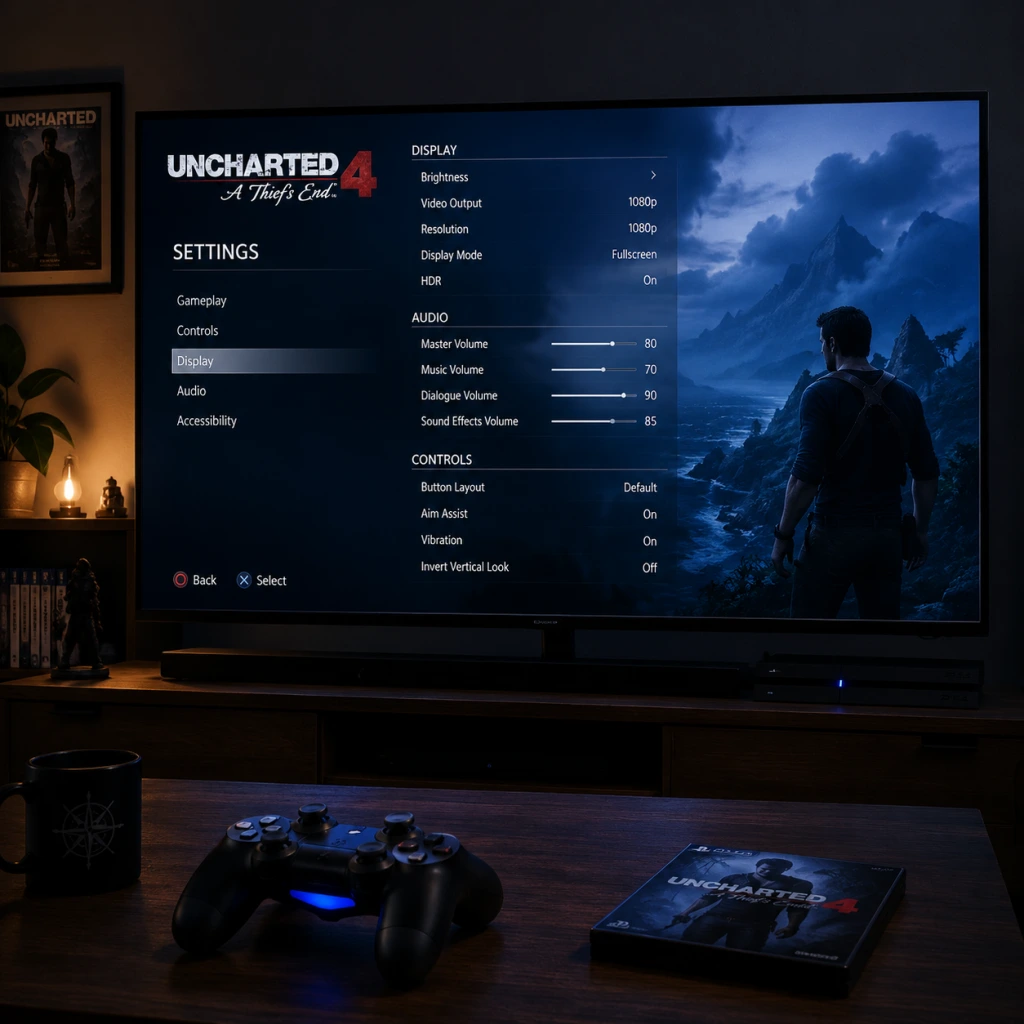
Game Settings
Game Settings Guide for Uncharted 4: A Thief's End
This guide covers all configurable settings across PS4, PS5 (via backward compatibility), and PC (Steam/Epic Games Store). Optimal recommendations are provided for different hardware tiers, along with common misconfiguration pitfalls.
Important Pre-Check: Platform Differences
- PS4/PS5: Limited to preset display modes (e.g., 30 FPS vs. 60 FPS on PS5) and basic audio/control tweaks. No detailed graphics sliders.
- PC: Full suite of graphics, audio, controls, and accessibility settings. This guide focuses primarily on the PC version for advanced options, but notes console equivalents where relevant.
---
1. Graphics Settings (PC only)
#### 1.1 Display Options
| Setting | Options | Recommendation |
|---|---|---|
| Display Mode | Fullscreen, Windowed, Borderless | Fullscreen for best performance; Borderless if you alt-tab frequently. |
| Resolution | Native monitor resolution up to 4K | Match your monitor’s native resolution. |
| Refresh Rate | 60 Hz / 120 Hz / 144 Hz (depending on monitor) | Set to monitor’s max refresh rate, ensuring V-Sync is either off (with G-Sync/FreeSync) or on to avoid tearing. |
| V-Sync | On / Off | Off if using adaptive sync (G-Sync/FreeSync) + FPS cap below refresh rate; On otherwise to prevent screen tearing. |
| Render Scale | 50% to 200% | Keep at 100% for native quality. Use 75%-85% for performance boost on lower-end GPUs. |
| HDR | On / Off | On if your display supports HDR and you calibrate in-game; otherwise Off to avoid washed colors. |
| Brightness | Slider 0–100 (default ~50) | Adjust using the in-game calibration tool; aim for visible details in shadows without clipping. |
| Field of View (FOV) | 50–100 (default 70) | 70–80 is a good balance; higher FOV reduces performance. Increase if you feel claustrophobic. |
- Quick Presets: Low, Medium, High, Ultra (also Custom).
- Individual Adjustments (accessible after setting preset to Custom):
| Setting | Low | Medium | High | Ultra | Performance Note |
|---|---|---|---|---|---|
| Texture Quality | 512 MB VRAM | 1024 MB VRAM | 2048 MB VRAM | 4096 MB VRAM | VRAM intensive; match to your GPU memory. (e.g., 6GB GPU -> Medium/High) |
| Anisotropic Filtering | 4x | 8x | 16x | 16x | Minimal performance impact; set to 16x unless on very old hardware. |
| Shadow Quality | Low | Medium | High | Ultra | Medium to High has small impact; Ultra is costly. Use High for good visuals. |
| Ambient Occlusion | Off | SSAO | HBAO | HBAO+ | Off gains 5-10 FPS; HBAO+ looks best. Recommended HBAO for balance. |
| Reflections | Off | Static | Screen-Space | Ray-Traced (if available) | Screen-Space is fine; Ray-Traced is heavy (RTX 3070+). Use Static on low-end. |
| Model Quality | Low | Medium | High | Ultra | Affects character/polygon detail; High is good; Ultra for cutscenes. |
| Post-Processing | Off | Low | Medium | High | Includes bloom, motion blur, depth of field. Many disable motion blur for clarity. |
| Anti-Aliasing | FXAA | SMAA | TAA | TAA (Ultra) | SMAA for performance + sharpness; TAA for smoother edges (slight blur). |
| Texture Filtering | Bilinear | Trilinear | Anisotropic 4x | Anisotropic 16x | Effectively same as Anisotropic Filtering above; set to 16x. |
| LOD Quality | Low | Medium | High | Ultra | Controls distance objects appear; High is good; Ultra for long vistas. |
| Cloth Simulation | Off | Low | High | Very High | Simulates fabric movement; High is balanced. Off saves ~3 FPS. |
| Terrain Quality | Low | Medium | High | Ultra | Impacts ground texture and tessellation; High on capable GPUs. |
| Vegetation Quality | Low | Medium | High | Ultra | Dense greenery; Medium on weaker systems. |
Budget / Entry-Level (e.g., GTX 1050 Ti, 8GB RAM, old quad-core)
- Resolution: 1080p (or 900p)
- Overall: Low preset
- Custom tweaks: Texture Quality to Medium (if VRAM ≥ 4GB), Anisotropic Filtering 8x, Anti-Aliasing FXAA.
- Target: 30–40 FPS minimum.
- Resolution: 1080p or 1440p
- Overall: Medium to High preset
- Custom tweaks: Shadows High, Ambient Occlusion HBAO, Reflections Screen-Space, Anti-Aliasing SMAA.
- Target: 45–60 FPS (use Adaptive FPS if available).
- Resolution: 1440p or 4K
- Overall: Ultra preset
- Enable Ray Tracing (if supported) at Low/Medium.
- Custom tweaks: Motion Blur Off (personal preference), Post-Processing High, LOD Ultra.
- Target: 60 FPS at 4K with DLSS/FSR Quality (if needed).
- Same as High-End but max out Ray Tracing (Ultra), 4K native, DLAA (Deep Learning Anti-Aliasing).
- Target: 60 FPS locked; or 120 FPS at 1440p.
- Setting Texture Quality above VRAM capacity → stuttering, texture pop-in. Check VRAM usage bar in settings.
- Disabling V-Sync without adaptive sync → screen tearing.
- Enabling HDR without proper calibration → washed out colors. Use Windows HDR calibration tool and in-game slider.
- Setting Render Scale above 100% without GPU headroom → severe FPS drops.
Mid-Range (e.g., GTX 1660 Super, RX 5600 XT, 16GB RAM, modern i5/R5)
High-End (e.g., RTX 3080, RX 6800 XT, 32GB RAM, i7/R7)
Ultra / Enthusiast (e.g., RTX 4090, RTX 4080, 64GB RAM, i9/R9)
#### 1.4 Common Misconfiguration in Graphics
---
2. Audio Settings
| Setting | Description | Recommendation |
|---|---|---|
| Master Volume | Overall volume (slider 0–100) | 70–80, then adjust speaker/headphone volume. |
| Music Volume | Background music | 70 (if you want to hear dialogue clearly, lower to 50). |
| SFX Volume | Sound effects (shooting, climbing, explosions) | 80–100; these convey important gameplay cues. |
| Dialogue Volume | Character voices | 100 — crucial for story and puzzle hints. |
| Ambient Volume | Environment sounds (wind, water) | 70–80 for immersion. |
| Audio Output Device | Speakers / Headphones | Choose correct output (e.g., headphones for 3D audio). |
| Speaker Configuration | Stereo / 5.1 / 7.1 | Match your physical setup. Stereo if using headphones. |
| Dynamic Range | TV / Home Theater / Headphones | Headphones (compressed) for clarity at low volume; TV for standard. |
| 3D Audio (Tempest 3D on PS5, Windows Sonic/Dolby Atmos on PC) | On / Off | On if using headphones; adds spatial audio. |
---
3. Controls Settings
#### 3.1 Controller Layout
- Default (Naughty Dog standard) – jump with X, climb with triangle, shoot with R2, aim with L2.
- Alternative Layouts: Several presets (e.g., “Shooter”, “Classic”) available. Can also fully remap every action.
- On PC, you can remap keyboard/mouse and controller buttons. Common changes: swap jump and climb (if you use bumper jumper), or change cover to hold (toggle vs. hold).
- Mouse sensitivity: Adjust for your DPI. Start at 5 (scale 1–10) and fine-tune.
- Controller dead zone: Default is fine (5%); lower to 2% for precise aiming if you have drift-free sticks.
- Vibration: On/Off. Off can improve aiming accuracy for some players.
- Full KBM support with options for key bindings, mouse smoothing, and aim assist (toggle).
- Common trap: Mouse acceleration is enabled by default on some systems; turn off in OS settings. In-game mouse smoothing should be Off for raw input.
Recommended: Stick with Default for consistency with previous Uncharted games. If you prefer FPS-style controls, try “Shooter” where L1 is aim, R1 is shoot.
#### 3.2 Custom Remapping (PC only, partial on PS4/PS5 via system accessibility)
#### 3.3 Keyboard & Mouse (PC)
---
4. Accessibility Settings
Uncharted 4 has extensive accessibility options, especially after patches (including “The Last of Us Part II” inspired enhancements).
| Feature | Options | Notes |
|---|---|---|
| Subtitles | On / Off, size (small/medium/large), background (dark/light/none) | Enable with large size for readability. |
| Closed Captions | On / Off | Includes sound effects descriptions (“gunfire”, “music swells”). |
| High Contrast Mode | On / Off | Highlights enemies, collectibles, and interactive objects with colors. Useful for visually impaired. |
| Enlarge Reticle | On / Off | Makes aim reticle bigger. |
| Lock-on Aim | Off / Semi / Full | Full = snap to nearest enemy; Semi = assists near target. Use Semi for easier combat without trivializing. |
| Auto Pick-up Items | On / Off | Automatically collects treasures/ammo when near. On saves button presses. |
| One-Handed Navigation (Hold vs Toggle) | Hold / Toggle | For players with limited mobility; e.g., climb toggle instead of holding R2. |
| Screen Narration | On / Off | Reads menu items aloud (requires system TTS). |
| Color Blind Modes | Protanopia, Deuteranopia, Tritanopia | Adjusts UI colors (e.g., enemy markers). |
| Controller Button Assignment | System-level (PS5 accessibility) or in-game remapping | Change as needed. |
---
5. Language Settings
| Setting | Options | Recommendation |
|---|---|---|
| Language | English, French, German, Spanish (etc., depending on region) | Choose your preferred language. Changes menus, subtitles, and dubbing. |
| Audio Language | Same as above (or different) | For authentic experience, keep as original (English) with subtitles in your language. |
| Subtitle Language | Usually matches audio language or separate | Set to your native language if you struggle with spoken English. |
| Text Language | Affects UI and menu text | Same as language or override. |
---
6. Network Settings (Multiplayer & Online Features)
Uncharted 4 has a multiplayer component (co-op and versus) that requires internet connectivity.
| Setting | Description | Recommendation |
|---|---|---|
| Online Connection | Enable/Disable | Enable for multiplayer and leaderboards. Disable if you want to avoid updates or play offline only. |
| Matchmaking Region | Automatic / Manual regions | Leave Automatic for best latency. |
| Voice Chat | On / Off / Push-to-Talk (PC) | Off if you don’t want to hear randoms; Push-to-Talk on PC to broadcast only when needed. |
| Party Privacy | Open / Friends Only / Invite Only | Choose based on whether you want random teammates. |
| Network Quality Indicator | Show latency and packet loss | Enable to monitor connection. |
| Cross-Play | PS4 vs PS5 vs PC (if supported) | Enabled by default; disable if you want to play only with same platform. |
---
7. Gameplay Settings
These settings affect the single-player experience and are separate from difficulty.
| Setting | Options | Notes |
|---|---|---|
| Difficulty | Explorer, Light, Moderate, Crushing (locked until completion), Brutal (locked) | Select Light or Moderate for first playthrough. Explorer is very easy. |
| Aim Assist | Off / Light / Normal / Heavy | Heavy helps a lot. Light is good for balanced feel. |
| Camera Sensitivity (Horizontal/Vertical) | Slider 1–10 | Start at 5; increase for faster turning. |
| Invert Y-Axis | On / Off | Personal preference; Off for most. |
| Camera Auto-Center | On / Off | On makes camera drift behind Drake; off gives full control. Off recommended for motion sickness. |
| Quick-Turn | On / Off | Tap back to spin 180 degrees. Useful in combat. |
| Context-Sensitive Actions | Tap / Hold | Use Tap for faster climbing/puzzle interactions. |
| Auto-Mantle | On / Off | Off requires button press to climb over ledges; On does it automatically. Off for precision climbing. |
| Subtitles (In-Game) | As in Accessibility | Include during gameplay (cinematics always have subtitles). |
| HUD (Heads-Up Display) | Full / Minimal / Off | Full shows health, ammo, objectives. Minimal hides most elements; Off for maximum immersion. |
| Weapon Auto-Pickup | On / Off | Off prevents accidentally swapping weapons. |
| Lock-On (Melee) | On / Off | On locks onto nearest enemy during fistfights. |
| Journal Notifications | On / Off | Shows pop-ups when new journal entries are added. |
---
8. Saving Settings & Profiles
- Auto-Save: The game saves automatically at checkpoints. You cannot manually save in mid-chapter, but you can exit to main menu and resume at last checkpoint.
- Manual Save Slots: Only available upon completing a chapter (chapter select). Use this for testing different choices (there are none in this linear game) or replaying favorite sections.
- Save File Management: On PC, saves are in `%USERPROFILE%\Documents\Uncharted 4` or steam user data. Back up if reinstalling.
- Cloud Saves: Steam Cloud enabled by default; PS Plus cloud saves available.
- Resolution Scale vs. V-Sync: Many players push resolution scale to 150% not realizing it kills FPS. Keep at 100% and adjust other settings first.
- Motion Blur: Off improves clarity, especially at lower FPS. On can hide judder but may cause nausea for some.
- Auto-Center Camera: On by default; turning it off gives a more FPS-like camera control, which helps in combat.
- Lock-on Aim: People often leave it Off because they think it’s cheating, but “Semi” is helpful without being too easy.
- Subtitles Background: If text is hard to read, switch subtitle background to dark.
---
9. Tips for First-Time Setup
1. Start with Defaults: Only adjust graphics if you experience stuttering or low FPS. Begin with Medium preset.
2. Test Audio: Ensure dialogue is audible during cutscenes. Adjust music/SFX if needed.
3. Calibrate HDR: If you have an HDR display, use the game’s calibration tool (found in Display settings) — set peak brightness and paper white according to your TV's capabilities.
4. Controller on PC: If using a PS5 DualSense, enable wired connection for full features (haptic feedback, adaptive triggers). On Steam, use the official Sony driver.
5. Multiplayer: Before diving into multiplayer, complete at least the prologue to understand basic controls. Set voice chat to Friends Only to avoid strangers.
---
10. Frequently Overlooked Settings
---
By following these settings, you can tailor Uncharted 4 to your hardware and preferences, maximizing both performance and enjoyment.
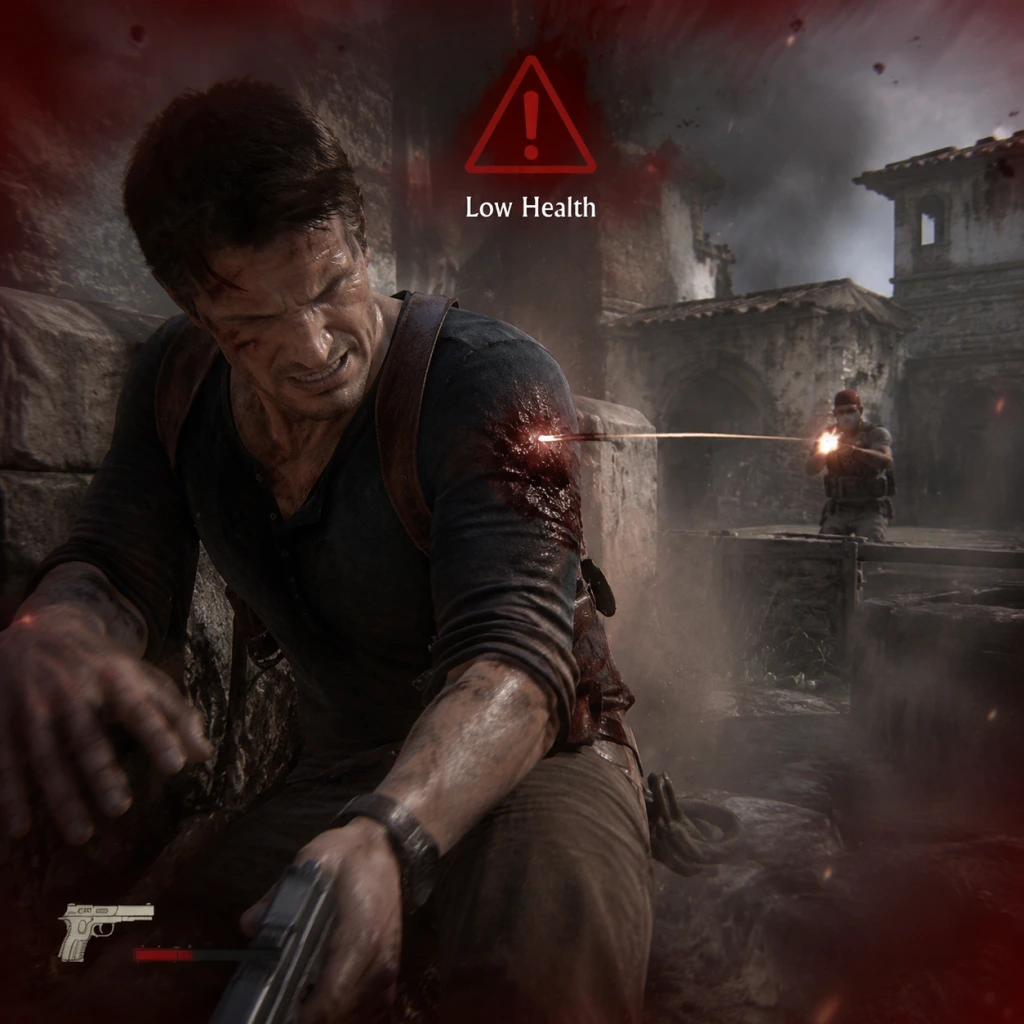
Important Notes
Important Notes for Uncharted 4: A Thief's End
Overview
This section covers critical warnings, common pitfalls, irreversible choices, missable content, difficulty spikes, grinding traps, save management advice, and things players often regret not knowing earlier. Uncharted 4 is a linear single-player campaign with a separate multiplayer component. Pay close attention to avoid losing progress, missing achievements, or getting stuck in challenging spots.
Warnings & Pitfalls
- No Manual Saves Mid-Chapter: The game uses an autosave system. You can manually save only at major checkpoints (usually at chapter starts or after resting at campfires). Do not rely on saving before optional conversations—those opportunities are bound to the current playthrough.
- Crushing Difficulty Unlocks on First Playthrough: You can select Crushing difficulty from the start, but it's very punishing. Enemies deal massive damage, and stealth is often required. Consider a Normal or Hard playthrough first to learn encounters.
- Weapon Upgrades Are Persistent but Limited: Upgrades purchased with collectibles (like the AK-47 or pistol) carry over in the same save slot, but you cannot refund them. Prioritize upgrades that suit your playstyle (e.g., accuracy over recoil).
- Modifiers & Cheats Disable Trophies: On PS4/PS5, enabling any bonus modifier (e.g., infinite ammo, one-shot kills) permanently disables trophy progression for that save file. Use modifiers only after earning all desired trophies, or on a separate slot.
- PC Version: Mods and Trainers Can Corrupt Saves: Using external mods or trainers may cause save file corruption or prevent cloud sync. Always back up your save folder (usually located at `%USERPROFILE%\Documents\Uncharted 4` on Windows).
- No Branching Story Choices: Every player reaches the same ending. However, optional interactions and collectibles are missable.
- Missable Treasures: There are 109 treasures spread across chapters. Many are in side paths or require backtracking before story triggers. Use a collectible guide to avoid missing any—especially in chapters like "The Lure of Adventure" (Chapter 4) and "Once a Thief…" (Chapter 13).
- Optional Conversations: During certain sequences (e.g., with Elena, Sam, or Sully), you can initiate optional dialogue that adds narrative depth. If you move too far forward or trigger a scripted event, these conversations may become inaccessible forever. Look for character prompts or glowing objects to activate them.
- Journal Entries & Notes: Hidden journal entries and notes (e.g., from Nate’s past) are scattered similarly to treasures. Some only appear after specific story beats—check back in already visited areas if you return.
- Trophies with Time Sensitivity: "I Don't Even Have Aim Assist" (complete game on Crushing without aim assist) and "Stealth First" (don’t fire a gun in a chapter) require careful planning. Some chapters allow no alerts—reload checkpoints if spotted.
- The Auction House (Chapter 11): An early stealth section patrolled by many guards. If detected, you face heavy gunfire. Use cover, silenced pistol, and take out isolated enemies first.
- The Ship Graveyard (Chapter 15): Large open area with multiple waves of armored enemies. Ammo is plentiful, but headshots are crucial. Grapple between boats to gain height advantage.
- The Giant “Libertalia” Battle (Chapter 18): Final combat gauntlet before the epilogue. Enemies are relentless, grenades are frequent, and cover can be destroyed. Use the mounted gun on the balcony and prioritize heavily armored foes.
- Crushing Difficulty Everywhere: On Crushing, nearly every encounter becomes a spike. Memorize enemy spawns, use stealth for initial kills, and conserve ammo for minigun/shield enemies.
- No Grind Required: There is no experience system or loot grind in the campaign. All progress is story-driven. The only "grind" is collecting treasures for upgrades or trophies, which is purely optional.
- Treasure Hunting Is Pure Exploration: You do not need to collect all treasures for any gameplay advantage—only for trophies or the in-game upgrades. Focus on enjoying the story first, then clean up via chapter select.
- Multiplayer Grinding (Optional): If you play the multiplayer mode, currency (Uncharted Points, Relics) can be earned slowly. Avoid microtransactions unless you want cosmetics quickly. The multiplayer is purely cosmetic—no pay-to-win.
- Single-Player Only: The campaign has no online components. No etiquette needed.
- Multiplayer Modes: Team Deathmatch, King of the Hill, etc. If you play online, be respectful: don't team kill in co-op modes, use voice chat politely, and avoid exploiting glitches (e.g., out-of-bounds spots).
- Anti-Cheat: On PC, the game uses basic detection for online play; mods and trainers are generally safe for single-player but may lead to VAC bans if injected into multiplayer (very rare). For safeguards, never run mods while playing online.
- Autosave Frequency: The game autosaves often at checkpoint markers (e.g., after completing a puzzle, reaching a new area, or finishing a conversation). You can manually save only at campfires (PS4/PS5: press Triangle at campfire; PC: interact with campfire).
- Multiple Save Slots: Use separate save slots for different purposes:
- Chapter Select: After completing the game, you can replay any chapter to collect missed items. This does not overwrite your story save—collectibles carry forward to the main save. Perfect for cleaning up trophies.
- Cloud Saves: On PS4/PS5, enable auto-upload to PSN cloud backup. On PC, Steam Cloud handles saves automatically—ensure you have a backup if you mod.
- You Can Change Difficulty Mid-Game: If an encounter feels too hard, pause and switch to a lower difficulty in the options. The only trophy restriction is that Crushing must be done entirely on Crushing without lowering.
- The Grappling Hook Is More Versatile Than It Seems: You can swing from anchors to gain momentum, zip between walls, and even use it to pull enemies off ledges in combat. Practice in Chapter 5.
- Rope Melee Attacks Are Effective: When using the rope, press the attack button while swinging to kick or pull enemies. This instantly downs regular foes on Normal/Hard.
- Driving Sections (Chapters 8, 10, 13): You can ignore many enemies by driving past them, but you’ll miss treasures. If you want a clean run, know that some fights are skippable.
- Auto-Aim Is Actually Fair: On PS4/PS5, the default auto-aim assists only on controller – it helps but doesn’t make it easy. PC users can use mouse for precision.
- Your Upgrades Transfer to New Game+: If you start a New Game+ after completing the story, you keep all weapon upgrades, treasures, and collectibles. Use this for a smoother Crushing run.
- Epilogue Chapter 20 Has Missable Content: The epilogue contains several optional conversations and treasures. Many players miss them because they rush to finish the story. Take your time before triggering the final cutscene.
- Use Photo Mode Creatively: You can pause and enter photo mode at any time. Use it to locate hidden collectibles by adjusting the camera angle – a nice trick for hard-to-see treasures.
- The Journal Maps Show Treasure Regions: Nate’s journal sometimes sketches maps with treasure locations. Check it often – the sketches are vague but help narrow down search areas.
- Silent Weapon Firing: On PC, you cannot suppress all weapons outside of the silenced pistol and a few others. Learn which weapons are audible and which are not (e.g., the M9 is quieter than the AK).
Irreversible Choices & Missable Content
Difficulty Spikes
Grinding Traps
Online Etiquette & Anti-Cheat Notes
Save Management Advice
- One for main story progress.
- One before major encounters to revert if you fail a collectible or miss an optional conversation.
- One for testing modifiers or debug modes (avoid overwriting your clean playthrough).
Things Players Commonly Regret Not Knowing Earlier
By keeping these notes in mind, you’ll avoid frustration, missables, and wasted time, ensuring a smooth and enjoyable treasure hunt with Nathan Drake.

All Game Items
Overview
Uncharted 4: A Thief’s End does not feature traditional RPG armor or consumable potions. Instead, items are divided into weapons, throwables/explosives, collectibles, key items, and upgrades. Below is a comprehensive guide to every major item category, including how to obtain each, when they are most useful, and any notable synergies or modifications.
---
Weapons
All weapons are obtained from fallen enemies or found in weapon caches. You can carry one small weapon (pistol) and one large weapon (rifle, shotgun, etc.). Weapons have ammunition and can be upgraded via weapon modifications found in the environment (see Upgrades section).
Pistols (Small Weapon Slot)
- Aegis .45 – A standard semi-automatic pistol. Good stopping power and accuracy. Found early in Chapter 2. Useful as a reliable sidearm throughout the game.
- Dardo 9mm – Lightweight automatic pistol with a high fire rate but lower damage. Found in Chapter 5. Best for quick shots in close quarters.
- K9 .357 – A revolver with high damage per shot but slow reload. Found in Chapter 9. Excellent for taking down armored enemies (one headshot kills).
- Chico Sniper SC – A specialty pistol that can be used as a sniper when held with two hands. Found in Chapter 12. Very accurate at long range but low ammo capacity. Use for silent long-range eliminations.
- M42 – Versatile assault rifle (AK-47 analog). Balanced fire rate, damage, and accuracy. Found early and common. Good for all-around combat.
- X-47 – A heavy assault rifle with higher damage but more recoil. Found in Chapter 7. Best at medium range with controlled bursts.
- Charger Pistol – Actually a submachine gun/pistol hybrid. Rapid fire, poor accuracy. Found in Chapter 4. Ideal for run-and-gun close range.
- FAL Knotted – Semi-automatic rifle with very high damage and accuracy. Found in Chapter 11. Slow fire rate but two-shot kills. Excellent for precision shooting.
- M9 – A battle rifle with moderate damage and a 30-round magazine. Found in Chapter 10. All-around solid, slightly less accurate than FAL.
- C-4 Sniper – Actually a sniper rifle (bolt-action). Found in Chapter 13. One-shot kill to the body, but slow bolt action. Best for clearing distant threats before engaging.
- Inferno Shotgun – Pump-action, high spread, devastating at close range. Found in Chapter 6. Use in tight corridors or ambush situations.
- Condor – Semi-automatic shotgun with slightly less damage but faster fire rate. Found in Chapter 8. Allows quick follow-up shots.
- Harbinger F – A light machine gun with a large magazine (200 rounds). Found in Chapter 14. Very heavy, slows movement slightly. Best for suppressing fire or mowing down groups.
- M32 Hammer – A grenade launcher. Fires explosive rounds. Found in Chapter 15. Extremely rare, only a few shots available. Devastating against cover and groups.
- Frag Grenade – Standard timed explosive. Cook it by holding the throw button. Useful for clearing rooms or forcing enemies out of cover.
- Smoke Grenade – Deploys a thick smoke screen. Temporary blindness for enemies. Use to escape, revive teammates in multiplayer, or reposition during fights.
- C4 Explosive – Proximity mine or remote detonation. Stick it on walls or vehicles. No timed fuse; you detonate manually. Excellent for traps. Found in Chapter 11 onwards.
- Proximity Mine – A tripwire explosive. Deploy between two points. Detonates when enemies walk through. Rare, only found in later chapters.
- Silencer – Attaches to pistols and some rifles (M42, FAL). Reduces sound, allowing stealth kills. Must be replaced after a few shots (runs out). Extremely useful for stealth sections.
- Scope – Adds zoom capability to rifles (M42, FAL, M9). Increases accuracy at range. Essential for long-range engagements.
- Extended Magazine – Increases ammo capacity for any weapon (pistol or rifle). Helps during extended firefights without reloading.
- Grenade Launcher – Attaches to certain rifles (FAL, M42). Fires grenade rounds. Rare, found only in later chapters. Devastating but limited ammo.
- How to obtain: Found in hidden locations throughout all chapters. Glowing gold sparkles indicate nearby treasure. There are 109 treasures in total.
- What they do: Each treasure is an artifact (e.g., coins, rings, figurines). Collected treasures are tallied in the pause menu. Unlock bonuses at the Extras menu after completing the game or using bonus points.
- Useful for: Unlocking cheats and concept art. No in-game effect during normal play.
- How to obtain: Automatically added as Nathan photographs or sketches key locations, notes, or events. 23 entries total.
- What they do: Provide backstory and hints about puzzles. Also unlock bonus content when completed.
- How to obtain: Approach specific NPCs (Elena, Sam, Sully) during exploration and trigger a dialogue prompt (triangle button). 9 conversations total.
- What they do: Add character depth and sometimes reveal lore. Unlock bonuses when all are found.
- How to obtain: Found as part of treasures (e.g., old coins, gold coins). Not a spent currency; purely collectible.
- Note: Uncharted 4 has no in-game shop; coins are just treasures.
- Grappling Hook – Obtained in Chapter 2. Used for swinging across gaps and climbing certain surfaces. Also used in combat to pull enemies or swing kick. Essential for traversal.
- Pitons – Obtained in Chapter 3 (Madagascar). Used for climbing ice/wall sections and as a melee weapon in combat (one-hit kill if triggered). Can also open certain doors.
- Puzzle Keys/Tokens – Various objects like crank wheel, mechanical puzzle pieces, etc. Found in specific chapters (e.g., Chapter 11’s clockwork puzzle). Used once and then discarded.
- Saving Elena’s Painting – A unique item in Chapter 2; you must carry it carefully. Not a standard item but a gameplay element.
- Compass – Always in Nathan’s inventory. Points to treasure locations when using the “hint” mechanic (tap touchpad on PS). Automatically available.
- Notebook – Automatically updated. Contains journal entries and puzzle hints.
- Health Regeneration – There are no health potions. Nathan’s health regenerates slowly when not taking damage. Eating a health pack is not a feature in single-player (it is in multiplayer). The only “consumable” that affects health is the auto-revive in certain difficulty modes? No. So no consumables.
- Bullets – Ammunition is found throughout levels. No crafting. Ammo is specific to weapon type. Always pick up ammo from dropped weapons.
- Stealth Synergy: Combine a silenced pistol (small weapon) with a sniper rifle or bow (large weapon) for maximum stealth. The silenced pistol allows undetected kills, while the sniper clears distant enemies from afar.
- Heavy vs. Light Weapons: For open combat rooms, use an assault rifle or LMG to suppress enemies. For tight corridors, switch to a shotgun and use grenades to flush enemies out.
- Grappling Hook + Combat: Use the grappling hook to quickly close distance to an enemy, then finish with a melee attack. This is very effective against armored foes.
- Weapon Mod Synergies: Silencer on a pistol is most useful; scopes on rifles help with long-range engagements. The grenade launcher attachment can one-shot groups but has very limited ammo.
- C4 + Smoke: Plant C4, throw a smoke grenade, then detonate when enemies enter. Enemies cannot see you while you trigger the explosion.
- Relic Currency: Used in multiplayer to unlock vanity items and boosters.
- Mysticals: Single-use powerful items (e.g., Spirit of Djinn, El Dorado). Obtain from chests.
- Booster Mods: Permanent passive upgrades (e.g., faster reload, more health).
Rifles (Large Weapon Slot)
Shotguns (Large Weapon Slot)
Heavy Weapons (Unique, can replace large weapon)
---
Throwables & Explosives
These are single-use items found on enemies or in caches. They occupy the throwable slot (press L1/left shoulder).
---
Upgrades & Weapon Modifications
Weapon modifications are not permanent upgrades in single-player; they are attachments that can be swapped between any compatible weapon. Found in toolboxes or on weapon racks. You can carry one modification at a time.
---
Collectibles
Collectibles are optional items that unlock bonuses, concept art, character models, and game modifiers (e.g., infinite ammo, one-shot kills, etc.). They do not affect the main story.
Treasures
Journal Entries
Optional Conversations
Coin (Single-Player Currency)
---
Key Items (Story-Related)
These items are required to progress the story or solve puzzles. They are not consumable and are used automatically when needed.
---
Consumables (Single Use)
---
Important Notes & Synergies
---
Multiplayer Items (Brief Mention)
Uncharted 4’s multiplayer mode has separate items including boosters, mystical powers (e.g., Cintamani Stone), sidekicks (AI helpers), and weapon variants. These are not part of the single-player guide. For completeness:
---
Conclusion
While Uncharted 4 lacks a traditional item system, mastering its weapons, throwables, collectibles, and key items is essential for efficient gameplay and unlocking bonus content. Focus on stealth during vulnerable sections, utilize the environment for traversal puzzles, and always collect treasures to unlock awesome mods like infinite ammo for subsequent playthroughs.
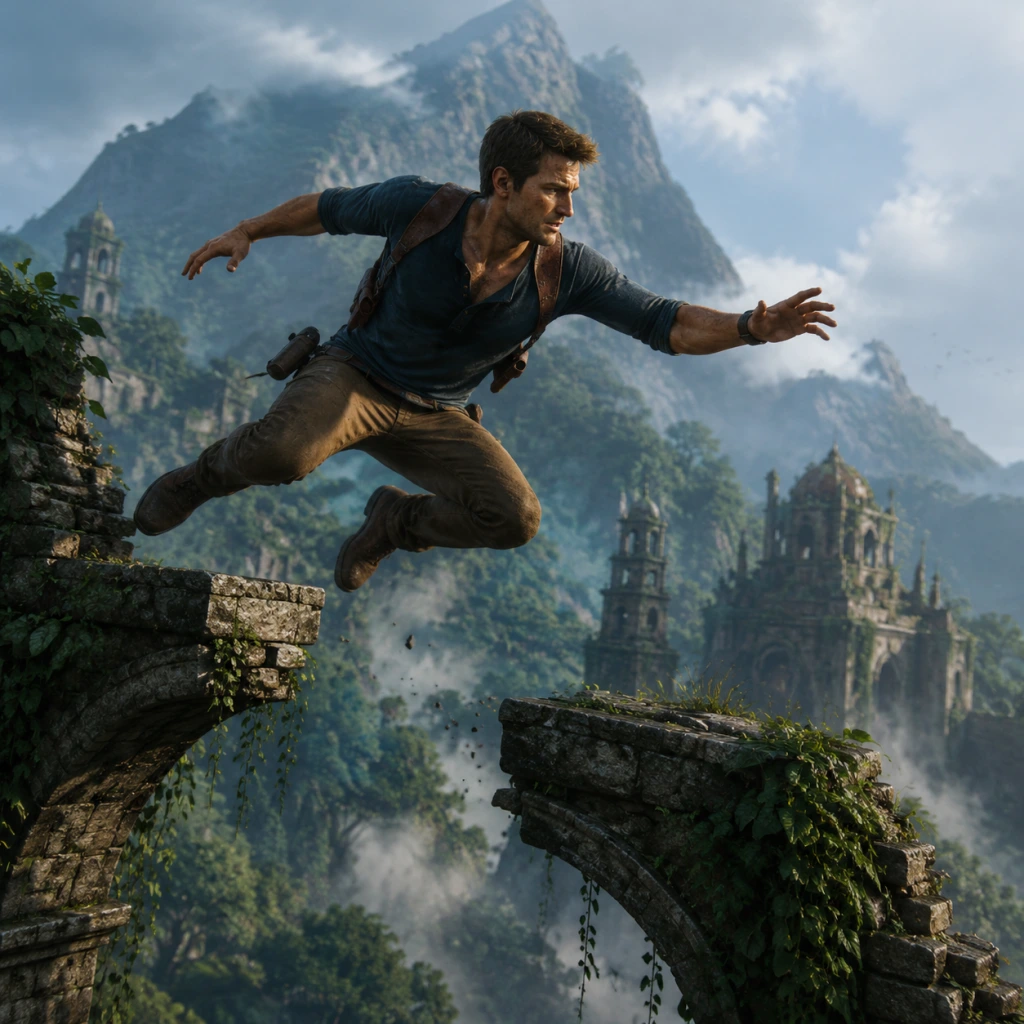
Character Skills
Overview
Uncharted 4: A Thief’s End is an action‑adventure game with no traditional skill trees, talent points, or role‑based abilities. Nathan Drake (and the few sections where you control Sam or Elena) has a fixed, fully unlocked moveset from the very beginning. Player skill and situational awareness determine effectiveness. This guide catalogs every move, mechanic, and special action available to the player, along with practical tips for using them. There are no cooldown timers on movement or combat abilities — they are limited only by the environment and enemy placement.
Character Profiles
- Nathan Drake: The protagonist, used for the vast majority of the game. His kit includes climbing, swimming, grappling, driving, melee, guns, and stealth takedowns.
- Sam Drake: Playable in Chapter 12 (The Marooned) and Chapter 21 (A Brother’s Keeper). Identical moveset to Nathan.
- Elena Fisher: Playable in Chapter 18 (New Devon). Identical moveset.
- Henry Avery: Not playable.
- Description: Contextual leap and grab onto ledges, rock faces, scaffolding, and vines. Automatically triggered when near a climbable surface.
- Controls: Move toward surface and press Jump (X on PlayStation, Space on PC) to grab; use left stick to move, release to drop.
- Cooldown: None.
- Upgrades: None. Climbing speed is fixed. You cannot climb wet surfaces faster.
- Combos/Synergies: Chain climbing with jumping and grappling hook for traversal.
- When to Use: Always. The primary means of navigation.
- Description: Perform a short vertical jump, a running long jump, or a controlled fall. Also used to launch from a ledge swing (from a rope or grapple point).
- Controls: Press Jump button.
- Cooldown: None.
- Upgrades: None.
- Combos: Combine with Grappling Hook for a swing‑and‑release to reach distant platforms.
- When to Use: To cross gaps, reach higher ledges, or evade enemies.
- Description: A retractable hook shot that can attach to designated yellow‑glowing grapple points. Once hooked, you can swing, pull yourself up, or perform a vertical ascent.
- Controls: Press grapple button (R2 on PS, Left Mouse on PC) when a grapple point is in view. While swinging, press Jump to release; during pull, move stick to climb.
- Cooldown: No cooldown, but you must be within range of a grapple point.
- Upgrades: None. The hook has one length and cannot be upgraded.
- Combos: Swing + Jump for long‑distance traversal, or grapple + melee attack to drop onto an enemy.
- When to Use: Essential for crossing large chasms, reaching high ledges, and performing stealth takedowns from above.
- Description: Underwater movement. You can dive, surface, and swim in any direction. Holding the sprint button increases speed.
- Controls: Left stick to swim, press Jump to surface, press Crouch to dive.
- Cooldown: No cooldown, but you cannot shoot or use the grapple while swimming. Lungs can hold breath for about 15 seconds before drowning.
- Upgrades: None.
- When to Use: To cross flooded areas, reach hidden treasures, or evade enemies via water routes.
- Description: Operate vehicles (jeeps, trucks, boats). Steering, acceleration, and handbrake turns.
- Controls: Left stick to steer, R2/Right Trigger to accelerate, L2/Left Trigger to brake/reverse.
- Cooldown: None.
- Upgrades: None. Vehicle durability is fixed.
- Combos: Swerving to knock over enemies? Not recommended — you cannot drive over foes.
- When to Use: Open‑world chapter segments (Trap of the Swords, The Treasure of Pirates).
- Description: Nathan can punch and kick with a three‑hit light combo and a heavy kick. He can also perform a counter attack when being grabbed.
- Controls: Press Square (PS) or Left Mouse (PC). Tap repeatedly for combo, hold for heavy kick. Press the melee button when grabbed to counter.
- Cooldown: None.
- Upgrades: None.
- Combos: Melee can be chained with one bullet (shoot after first punch for a quick takedown).
- When to Use: Close quarters, after disarming an enemy, or as a stealth finisher.
- Description: Use any firearm (pistol, rifle, shotgun, etc.) with three modes: hipfire (inaccurate), aim‑down‑sights (ADS, accurate), and blindfire (shooting from cover without aiming).
- Controls: R1 to aim (hold), R2 to shoot. Blindfire: while in cover, press R2 without aiming.
- Cooldown: No cooldown — limited only by ammunition.
- Upgrades: Weapons can be purchased from in‑game shops using treasures. Attachments (silencer, scope, extended magazine) are permanent once bought. See “Weapon Upgrades” below.
- Combos: Shoot after first melee punch for instant kill, or shoot explosive barrels/environmental hazards.
- When to Use: Any open combat situation.
- Description: Silent elimination from behind, from a ledge, from water, or after whistling. Uses the melee button.
- Controls: Approach an enemy from behind and press Square (PS) or Left Mouse. Ledge takedowns: hang off a ledge, press button when enemy approaches. Water takedowns: swim near enemy and press button.
- Cooldown: None.
- Upgrades: None.
- Combos: Use Whistle to lure enemies into position, then takedown.
- When to Use: Always preferable to open combat — avoids raising alarms.
- Description: Use grenades, C4, or molotovs. Grenades can be cooked (hold throw button to delay explosion) or rolled (aim low). C4 must be placed and detonated manually.
- Controls: Cycle to explosive via D‑pad, press L1 to aim, R2 to throw. For C4, press L2 (PS) to place, press the same button to detonate.
- Cooldown: None, but limited supply.
- Upgrades: None. You find explosives in the world or purchase from shops.
- Combos: C4 can be placed on vehicles or walls to create traps. Grenades can be thrown into groups.
- When to Use: Crowded enemy clusters, armored enemies, or distractions.
- Description: Emit a quiet whistle to attract a single enemy to your location, allowing a stealth takedown.
- Controls: Press down on D‑pad (PS) or Z (PC).
- Cooldown: ~1 second between whistles.
- Upgrades: None.
- Combos: Whistle → Stealth Takedown.
- When to Use: Stealth sections with multiple enemies — lure one at a time.
- Description: Press the peek button to look around corners without exposing your body.
- Controls: Hold L1 (PS) or RMB (PC) while in cover, then move the camera.
- Cooldown: None.
- When to Use: Recon without being shot.
- Description: Use the in‑game camera or binoculars (automatic on some difficulty levels) to tag enemies, making them visible through walls. On lower difficulties, marking is automatic; on crushing, you must manually look at them.
- Controls: None — automatic on Moderate/Light; on Crushing, look through camera (L1) and hold Square to mark.
- Cooldown: Limited by number of targets.
- When to Use: Recon to plan stealth routes.
- Pistols: Unlocked by default. Some can have silencers purchased from shops.
- Long guns: Rifles, shotguns, sniper rifles. Found or purchased.
- Heavy weapons: RPG, grenade launcher — very rare.
- Note: You can only carry two weapons (one pistol + one long gun) plus explosives.
- Silencer: For pistols and some rifles. Allows stealth kills at range.
- Scope: For rifles, improves zoom.
- Extended Magazine: Increases ammo capacity.
- Rate of Fire Mod: Slight increase.
- Purchase: From any in‑game shop (benches with yellow light). Spent treasures (currency) found throughout levels. Once purchased, upgrade is permanent for that weapon type for the rest of the playthrough.
- Weapons: Silenced pistol (Aegis 9mm or FAL with silencer), bow? (none). Use melee takedowns and whistling.
- Gadgets: C4 for traps.
- Playstyle: Avoid alarms. Clear rooms silently.
- When: Most chapters allow full stealth on lower difficulties.
- Weapons: Automatic rifle (M4) with extended mag, pistol with scope.
- Gadgets: Grenades.
- Playstyle: Aggressive, using cover and blindfire. Relies on ammo pickups.
- When: Open combat sections with many enemies.
- Weapons: Any silenced pistol + sniper rifle (for long range) or shotgun (close range).
- Gadgets: Mixed.
- Playstyle: Adapt to situation – stealth first, fight if detected.
- When: Best for first playthrough.
All characters share the same abilities detailed below.
Core Movement Skills
Climbing
Jumping
Grappling Hook
Swimming
Driving
Combat Skills
Melee Attacks
Shooting
Stealth Takedowns
Throwing Explosives
Special Abilities
Whistle
Wall/Ledge Peek
Marking Enemies
Equipment and Gadgets
Grappling Hook (already covered)
Fists (already covered)
Weapons
Weapon Upgrades (Unlockable via Treasures)
No Spells or Magic
Uncharted 4 contains no supernatural abilities, spells, or magical powers. The only “special” items are the treasure collectibles and the in‑game currency. Multiplayer mode introduces “Mystical” abilities (Cintamani Stone, Dragon’s Breath, etc.), but these are not part of the core single‑player experience and are not covered here.
Recommended Playstyles (“Builds”)
While there are no skill trees, your approach can be tailored via weapon choices and attachments.
Stealth Assassin
Guns Blazer
Versatile (Recommended)
When to Use Each Skill — Practical Examples
| Skill | Typical Use Case |
|---|---|
| Climbing | Reaching the next area in puzzles or traversal. |
| Grappling Hook | Crossing the sinking ship wreck in Chapter 12. |
| Swimming | Underwater passage in the catacombs (Chapter 13). |
| Stealth Takedown | Clearing the first guards in the mansion (Chapter 8). |
| Whistle | Luring an enemy away from a patrol path. |
| Melee + Bullet | Quick disposal of a close enemy without ammo waste. |
| Grenade | Throwing into a group defending a jeep in Chapter 14. |
| C4 | Placing on the jeep in Chapter 14 to destroy the gate. |
| Aim‑Down‑Sights | Sniping the tower guard in the Madagascar city (Chapter 10). |
| Blindfire | Suppressing enemies while reloading from cover. |
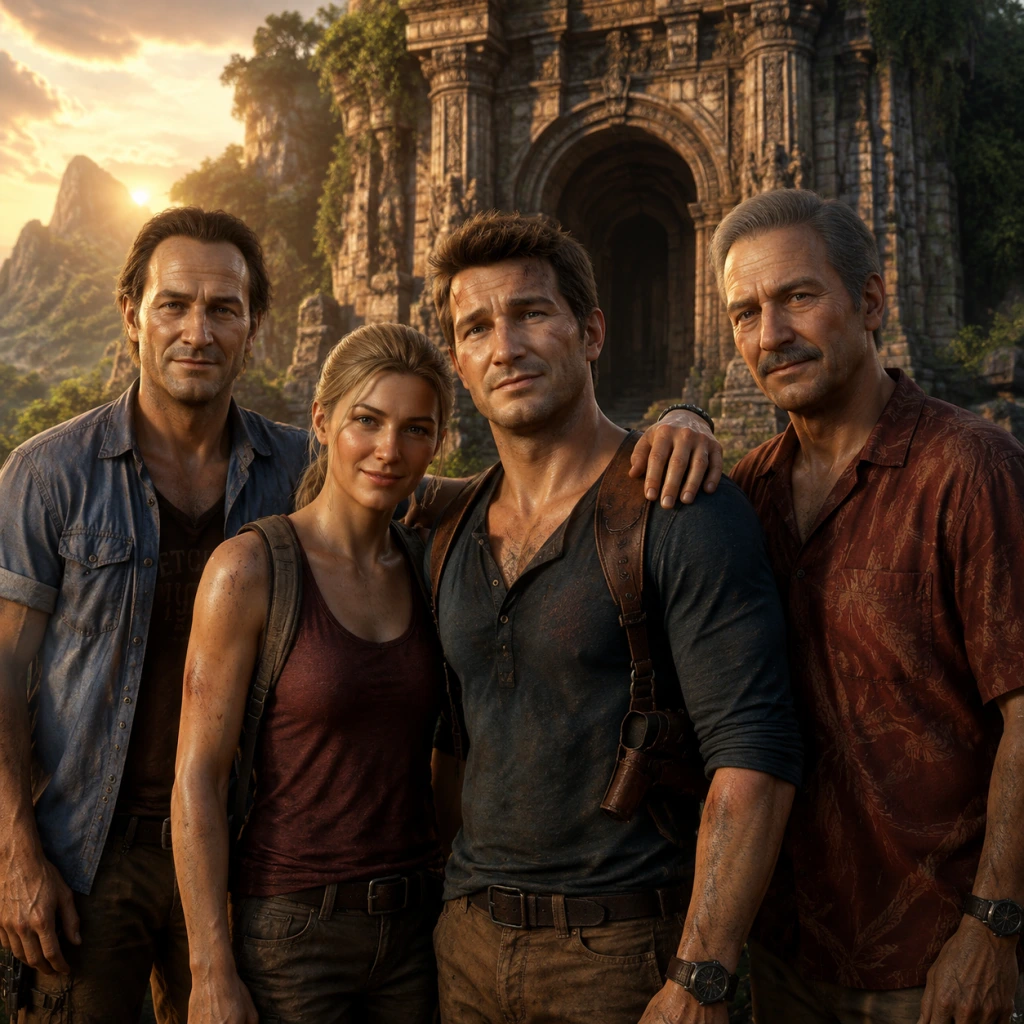
Characters & Roles
Characters & Roles
Overview
Uncharted 4: A Thief's End is a single-player story-driven action-adventure game with no player customization, classes, or skill trees. Each character is a fixed part of the narrative, and you control specific characters only during certain chapters. This guide covers every major character, their background, strengths, weaknesses, playstyle (if controllable), unlock conditions, recommended equipment (or lack thereof), and team synergy.
Playable Characters
#### Nathan Drake
- Background: Nathan "Nate" Drake is a legendary treasure hunter who has retired from the dangerous life to live a normal existence with his wife Elena. He is pulled back into adventure when his presumed-dead brother Sam resurfaces. Nate is an expert climber, resourceful, and charismatic.
- Strengths: Exceptional climbing and traversal skills; proficient with a wide range of firearms; sharp puzzle-solving intuition; able to use a grappling hook; can find hidden paths and treasures.
- Weaknesses: Emotionally driven (especially by Sam); can be reckless; lacks formal combat training (relies on instinct); his past mistakes sometimes haunt him.
- Playstyle: As the default single-player character, you control Nate for most of the game. His moveset is fixed: climb, jump, swing, swim, shoot, stealth takedowns, and use the grappling hook. No special abilities or combat stances—adapt to the situation by choosing stealth or loud combat.
- Unlock Conditions: Available from the very start of the game.
- Recommended Equipment / Builds: The game does not allow you to customize loadouts. However, weapon pickups are abundant. Recommended: silenced pistol (for stealth), AK-47 or Mettler M30 for mid-range encounters, and grenades for clusters. There is no equipment to build; just use what you find.
- Team Synergy: Nate works best with his brother Sam and mentor Sully. He often creates diversions or follows their plans. In gameplay, AI partners help by shooting enemies and providing tips, though they are invincible and cannot be ordered directly.
- Background: Samuel "Sam" Drake is Nathan’s older brother. After a prison escape orchestrated under false pretenses, Sam drags Nathan into a hunt for Henry Avery’s treasure. Sam is impulsive, brash, and often acts first without thinking.
- Strengths: Physically strong; fearless; skilled in close-quarters combat; good at improvisation; experienced thief and lock-picker.
- Weaknesses: Hot-headed; reckless; less agile than Nathan in climbing sequences; tends to overshare secrets; can be overly trusting.
- Playstyle: You control Sam in several chapters (e.g., Chapter 10: The Twelve Towers, Chapter 12: At Sea). His controls are identical to Nathan’s—same movement, shooting, and interaction—but with a different running and climbing animation set. No unique abilities. The camera and gameplay feel the same.
- Unlock Conditions: Unlocked automatically through story progression (first playable in Chapter 10).
- Recommended Equipment / Builds: Same as Nathan—use whatever weapons are available. During Sam’s chapters, stealth is often optional, but a silenced weapon helps if you want peace.
- Team Synergy: Sam is the instigator of the adventure with Nate. They have excellent brotherly rapport, but their recklessness often puts them in danger. In gameplay, when you are Sam, Nathan is the AI partner (and vice versa). They work together on puzzles and combat.
- Background: Elena Fisher is Nathan’s wife and a seasoned war journalist. She has joined Nathan on previous adventures and is a capable and pragmatic treasure hunter. In this story, she initially disagrees with Nathan’s decision to return to the life, but later helps him in dire moments.
- Strengths: Calm under pressure; excellent markswoman; resourceful; good intuition for danger; knows how to use her surroundings.
- Weaknesses: Sometimes tries to be the voice of reason (conflicts with Nate’s thrill-seeking); can be too cautious; emotionally affected by Nate’s lies.
- Playstyle: You control Elena for a portion of Chapter 16: The Brothers Drake. Her moveset is exactly the same as Nathan’s—climbing, shooting, stealth, and the grappling hook are all available. No unique abilities, but her dialogue and character reflect her personality.
- Unlock Conditions: Automatically during Chapter 16.
- Recommended Equipment / Builds: As with all playable characters, no choices; use weapons found in the level. In this chapter, a sniper rifle is especially useful for long-range support.
- Team Synergy: Elena works with Nathan; she often provides covering fire and helps solve puzzles. Her calm demeanor balances Nate’s recklessness.
- Background: A flashback to Nathan’s childhood, showing his first encounter with Sam and his early escapades. This segment serves as a tutorial.
- Strengths: Eager, athletic, fast learner.
- Weaknesses: Inexperienced, weak, no weapons.
- Playstyle: Only used in the prologue. You can run, climb low obstacles, and open windows. No combat. The controls are simplified to introduce basic traversal.
- Unlock Conditions: Automatically at the start of the game.
- Recommended Equipment: Not applicable.
- Team Synergy: Follows Sam’s lead.
- Background: Sully is Nathan’s longtime friend and mentor—a father figure who taught Nathan how to navigate the world of treasure hunting. He is a charming, cigar-chomping rogue with decades of experience.
- Strengths: Vast network of contacts; practical wisdom; excellent shot; knows when to back off; calm under stress.
- Weaknesses: Aging; sometimes out of shape; can be stubborn; his past has dangerous enemies.
- Role in Story: Provides information, resources (boats, safe houses), and occasional gun support (but is not playable). He often bails Nate and Sam out of trouble.
- Unlock Conditions: Appears from Chapter 1 onward.
- Recommended Equipment: N/A (not controllable).
- Team Synergy: The glue that holds the Drake brothers together. In-game, he provides commentary and sometimes helps in firefights, though he is invincible.
- Background: Rafe is the primary antagonist—a wealthy treasure hunter from a privileged family. He is obsessed with finding Avery’s treasure to prove himself. He once partnered with Sam and then betrayed him.
- Strengths: Deep pockets; ruthless; clever; manipulative; physically fit and capable with a sword and guns.
- Weaknesses: Arrogant; jealous of Nathan’s natural talent and respect; lacks genuine survival skills in the wild; driven by pride.
- Role in Story: The main villain who pursues the treasure by any means, including hiring Shoreline mercenaries. He is confrontational and has several scripted boss encounters (fistfights and sword clashes).
- Unlock Conditions: Appears throughout the story, final showdown in Chapter 22.
- Recommended Equipment: In boss fights, you must use the environment and melee to defeat him. No equipment choices.
- Team Synergy: Works with Nadine Ross (temporarily) and Shoreline. Ultimately betrays them.
- Background: Nadine is the leader of Shoreline, a private military company. She is a former South African colonel, disciplined and tactical. She initially works with Rafe but has her own agenda.
- Strengths: Expert combatant; excellent commander; pragmatic; not blinded by greed—she values her people and mission.
- Weaknesses: Distrusts Rafe; can be too businesslike; lacks the personal passion of treasure hunters.
- Role in Story: A formidable antagonist who often engages Nathan in firefights. She later becomes an uneasy ally when Rafe betrays her. She has a boss fight in Chapter 20.
- Unlock Conditions: Appears from Chapter 7 onward.
- Recommended Equipment: N/A.
- Team Synergy: Her Shoreline soldiers are her main force. She and Rafe have a tense partnership that falls apart.
- Background: A notorious criminal and prison escapee. He is never seen but is referenced in Sam’s story. He is the one who supposedly financed Sam’s escape.
- Strengths: Infamous, powerful in the underworld.
- Weaknesses: Only a plot device.
- Role: The fake name used by Rafe to trick Sam.
- Background: Nathan and Elena’s daughter, appearing in the epilogue set many years later.
- Strengths: Curious, athletic like her parents.
- Weaknesses: Young, no combat role.
- Role: Epilogue narrative—she explores the attic and finds her parents’ treasures, giving closure. Not playable.
- Jameson: An auctioneer at the beginning of Chapter 7 where Nathan infiltrates the auction. No combat role.
- Vargas: One of Nadine’s Shoreline lieutenants who appears in a few scenes. He is a minor threat.
- Henry Avery (Historical): The pirate whose treasure is the focus of the hunt. His story is told through collectibles and flashbacks.
- Thomas Tew (Historical): Another pirate, part of Avery’s story.
#### Samuel Drake
#### Elena Fisher
#### Young Nathan Drake (Prologue)
Non-Playable Major Characters
#### Victor “Sully” Sullivan
#### Rafe Adler
#### Nadine Ross
#### Hector Alcazar (Mentioned)
#### Cassie Drake
Minor Characters (Brief Mentions)
Summary
Uncharted 4 has no character classes, roles, or unlockable playable characters beyond the story-driven switches between Nathan, Sam, and Elena. Every character serves the narrative. The game’s depth comes from its cinematic presentation, not from role-playing mechanics. Understanding each character’s personality helps you appreciate the story and their actions during combat setpieces, but there are no strategic character choices.
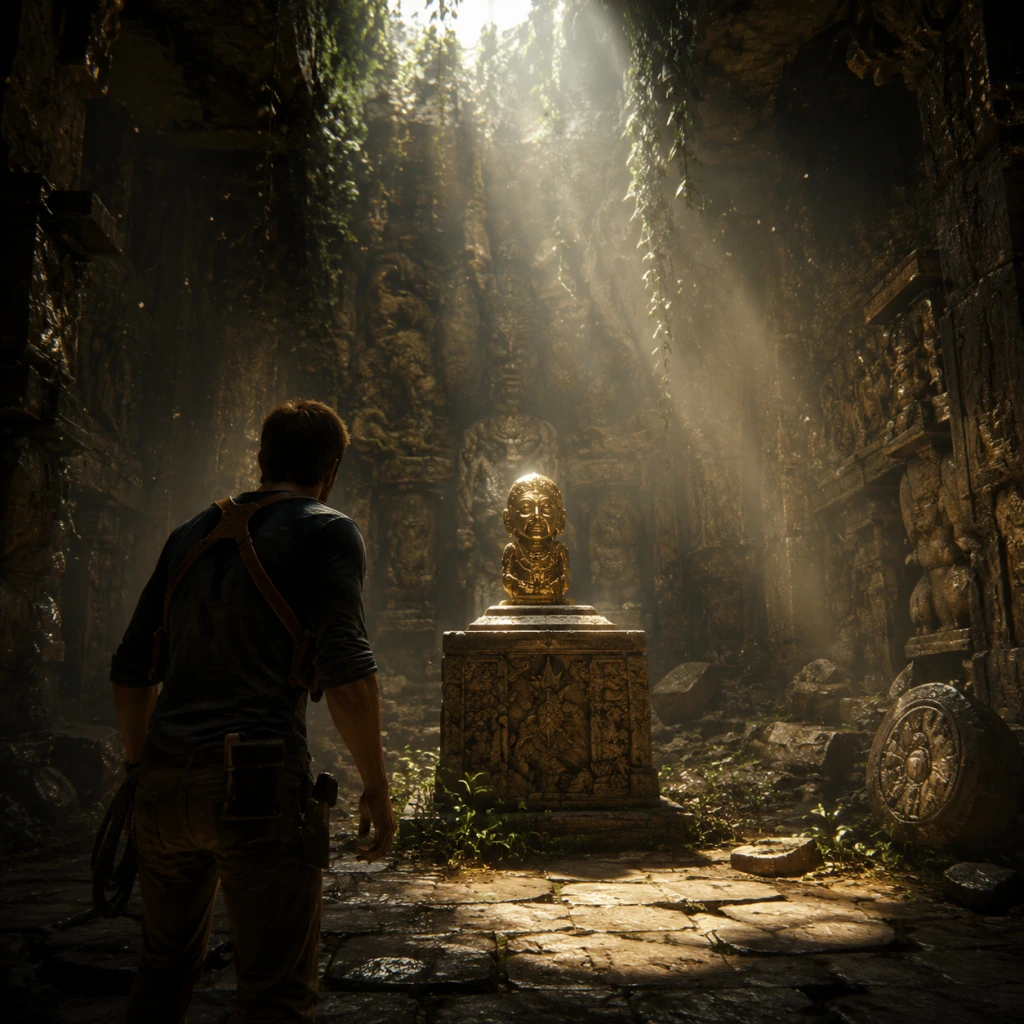
Cheats & Secrets
Overview
Uncharted 4: A Thief's End does not contain traditional cheat codes (e.g., entering a button sequence for invincibility). However, the game offers a suite of unlockable cheats that become available after finishing the story on any difficulty. These are accessed via the Bonuses menu from the main screen. Additionally, the game is filled with developer-intended secrets, Easter eggs, and hidden content that reward exploration and curiosity.
Cheat Codes (None)
There are no cheat codes that can be entered during gameplay. All cheats must be unlocked through gameplay progression and toggled from the in-game pause menu under Options > Cheats. Only after completing the game once does this menu appear.
Unlockable Cheats (Bonuses)
After beating the story, you can purchase the following cheats using the in-game currency (you earn cash by completing chapters). Each cheat costs 10,000 points unless noted otherwise. They can be enabled or disabled individually in the Cheats menu.
| Cheat | Effect | Unlock Cost |
|---|---|---|
| One Shot Kill | Any shot from any weapon instantly kills opponents | 10,000 |
| Infinite Ammo | Weapons never run out of ammunition | 10,000 |
| Infinite Clip | No need to reload; magazines never empty | 10,000 |
| Bullet Speed | Weapons fire projectiles at a faster velocity | 10,000 |
| Slow Motion | Gameplay is significantly slowed down while aiming | 10,000 |
| Barrels of Fun | All red explosive barrels are replaced with confetti barrels that don't harm players | 10,000 |
| Mirror Mode | The entire world is horizontally mirrored (left/right swapped) | 10,000 |
| Silenced Weapons | All weapons come equipped with a suppressor (stealth bonus) | 10,000 |
| Weapons Unlimited | Spawns a full weapon locker at every checkpoint with all weapons unlocked | 10,000 |
| Explosive Melee | Every melee punch causes a small explosion | 10,000 |
| Headshots Explode | Headshots cause enemies to explode into confetti | 10,000 |
| Bouncy Mode | All edges and surfaces become bouncy (fun physics) | 10,000 |
Easter Eggs
Uncharted 4 contains numerous Easter eggs referencing previous Naughty Dog games, pop culture, and inside jokes. Here are the most notable:
1. The Last of Us reference (Chapter 5: Hector Alcazar): In a cracked wall near the beginning, you can find a note referencing The Last of Us outbreak. Interact with it for a dialogue prompt.
2. Crash Bandicoot playable (Chapter 5: Hector Alcazar): Inside the prison cell, you can find a cassette tape. Play it on the cassette player to get a prompt to play a mini-game level from Crash Bandicoot (original PS1). This is a full playable section.
3. Uncharted 2 Cursed Treasure (Chapter 7: Lights Out): In a cave, you can find a small statue that references the Cursed Treasure from Uncharted 2: Among Thieves. Picking it up triggers a special journal entry.
4. Pizza Box (Chapter 9: Those Who Prove Worthy): In a forest, there is an abandoned pizza box that Nate comments on. It's a reference to a recurring pizza gag in the series.
5. Naughty Dog Logo (Chapter 11: Hidden in Plain Sight): Near a waterfall, if you look closely, the shape of rocks forms the Naughty Dog logo.
6. Sully's Lucky Coin (Chapter 12: At Sea): On the ship, you can find a coin that Sully mentions in dialogue. It's a callback to his lucky charm.
7. Elena's Photo (Chapter 15: The Thieves of Libertalia): In Avery's mansion, a framed photo resembles a famous historical painting.
8. Skeleton with a parrot (Chapter 17: For Better or Worse): A skeleton wearing a pirate hat with a parrot skeleton next to it—a humorous nod to pirate tropes.
9. Jak and Daxter reference (Chapter 20: No Escape): In the final chapter, you can find a plushie of Daxter in a cart.
10. Developer cameos (Multiple): Some developers appear as voice actors for non-player characters, and some graffiti in the game references Naughty Dog staff.
Hidden Content (Treasures & Optional Conversations)
Beyond the main plot, Uncharted 4 offers 109 hidden treasures to collect, nearly all of which are optional. They provide lore, currency, and a sense of completion. Additionally, there are optional conversations that can be triggered by following specific paths or examining certain objects. These reward players with extra dialogue and insight.
- Treasures: Found in every chapter except the prologue and epilogue. Some are visible, others require solving puzzles or backtracking.
- Optional Conversations: Look for glowing yellow interactions that prompt Nate or Sam to comment on the environment.
- Journal Entries: Nate's journal fills in with sketches if you photograph key landmarks with the camera mode (unlocked after Chapter 5).
- Photo Mode: Available from the pause menu. Allows you to hide UI, adjust filters, and capture scenic shots. It's not a cheat but a deliberate feature for creative players.
- Audio Logs: Some collectible audio logs provide backstory on pirate characters.
- Costumes: After beating the game, you can unlock costumes for Nathan, Elena, and Sam in the Bonuses menu (e.g., Young Nate, Pirate Sam). These are purely cosmetic.
- Speed Run Mode: After completing the game once, a Speed Run mode becomes available, timing your run and comparing it online.
- Chapter Select: After finishing, you can replay any chapter with all your unlocked cheats active.
Developer-Intended Secrets
Final Notes
While Uncharted 4 lacks traditional cheat codes, the unlockable cheats are developer-sanctioned and add replayability. The Easter eggs and hidden treasures are the true "secrets" of the game. No exploits or glitches are considered safe or recommended, as patches have fixed most game-breaking bugs. Always play on the latest patch for stability.