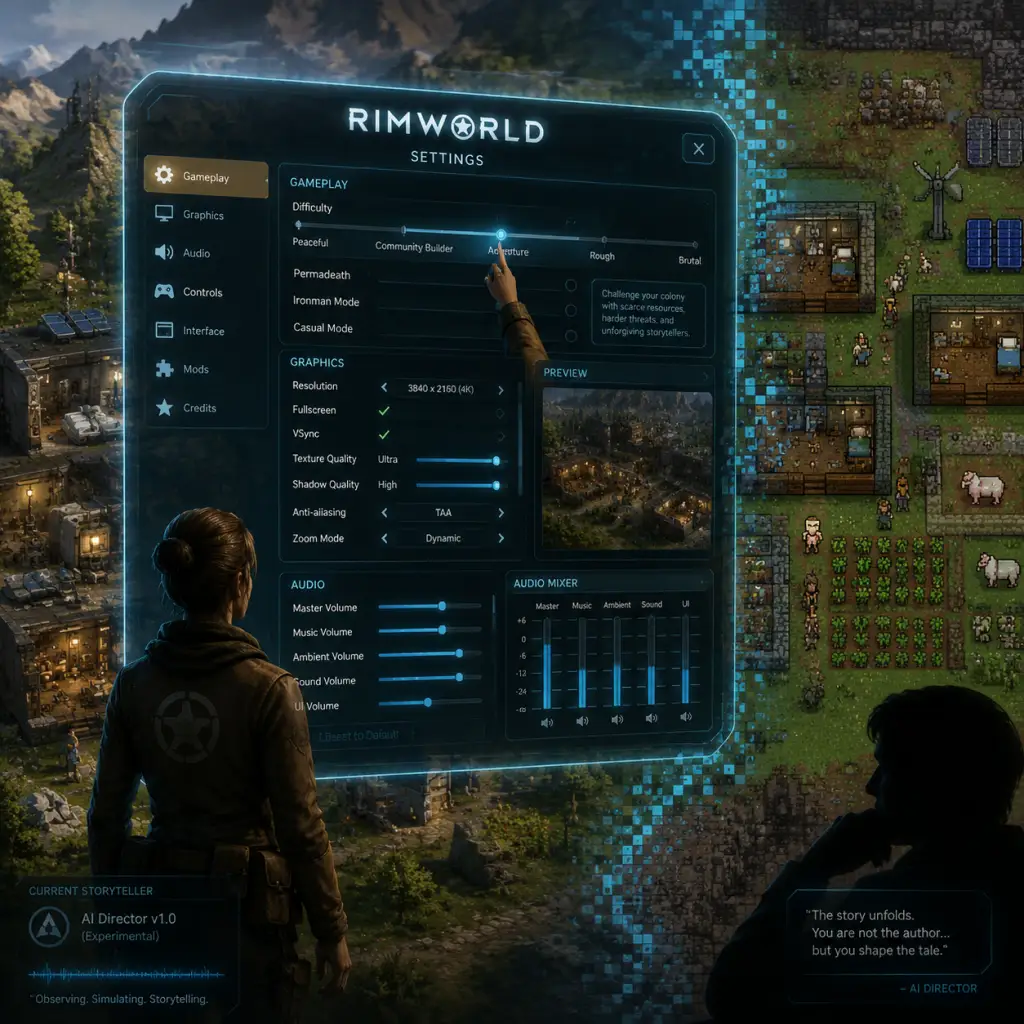
Game Settings
Game Settings
This guide covers every setting available in RimWorld's Options menu, including Graphics, Audio, Controls, Accessibility, Language, and Gameplay. We also recommend optimal settings for different hardware levels and point out settings that are easy to misconfigure.
Graphics Settings
Access: Main Menu → Options → Graphics
RimWorld is a 2D top-down game, so graphics performance is primarily dependent on CPU speed, number of colonists, and world complexity. However, visual options can still affect frame rate, especially on low-end systems.
| Setting | Description | Recommendation |
|---|---|---|
| Resolution | Match your monitor's native resolution. Lowering it can boost performance but will make UI tiny. | Native res; for low-end, try 1280x720. |
| Fullscreen | Select Fullscreen for best performance. Borderless windowed can cause input lag. | Fullscreen preferred. |
| V-Sync | Off to avoid input lag and unnecessary frame caps. Turn on only if you see screen tearing. | Off (or wait for VRR). |
| Anti-aliasing | Smooths jagged edges. Only noticeable at high resolutions. 4x MSAA is balanced. | 2x or 4x if GPU can handle; off for low-end. |
| Texture Quality | Affects colonist, item, and terrain textures. Higher uses more VRAM. | Ultra (if 2+ GB VRAM), otherwise Medium. |
| Shadows | They have minimal impact on performance. Can be disabled if you dislike them. | On (any level) – negligible cost. |
| Plant Density | Controls how many plants render. Lower improves FPS on large maps. | Medium or High; Low for huge colonies. |
| Weather | Rain, snow, fog – little performance hit. | On. |
| UI Scale | Adjusts size of text and buttons. Critical for high-resolution monitors. | 100% for 1080p, 125-150% for 1440p/4K. |
| Map Border Fade | Smooths edges of the visible map. Off makes a sharp cut. Minor performance. | On for aesthetics. |
- Lower "Max Number of Overlay Icons" (under Gameplay) to reduce GPU draw.
- Reduce "Plant Density" and "Number of Zones" if you build large fields.
- Close the "World Map" tab when not needed.
Hardware Recommendations:
| Tier | Resolution | Shadows | Texture Quality | Plant Density | AA |
|---|---|---|---|---|---|
| Low (e.g., laptop integrated GPU) | 1280x720 | Off | Low | Low | Off |
| Medium (GTX 1050 / RX 560) | 1920x1080 | Off | Medium | Medium | 2x |
| High (RTX 2060 / RX 5700) | 2560x1440 | On | High | High | 4x |
| Ultra (RTX 3080+) | 3840x2160 | On | Ultra | High | 8x |
Audio Settings
Access: Main Menu → Options → Audio
| Setting | Description |
|---|---|
| Master Volume | Overall volume level. |
| Music Volume | Controls background music. Music is excellent – don't mute it! |
| Ambience Volume | Environmental sounds (wind, rain). |
| SFX Volume | Sound effects: gunshots, mining, conversations. |
| Example Sound | Play a test tone to check levels. |
| Mute While In Background | Blocks audio when game window loses focus. Useful for alt-tabbing. |
| Audio Device | Select output device if you have multiple. |
Controls Settings
Access: Main Menu → Options → Controls
RimWorld allows rebinding all keys and mouse buttons. The default keybinds are efficient, but you can customize.
Important Default Hotkeys:
| Action | Key |
|---|---|
| Speed 1 / 2 / 3 | 1, 2, 3 |
| Pause | Space |
| Center on Home | Home |
| Zone / Area toggle | Z, X, C, V |
| Overview Map | O |
| Orders menu | Left-click on colonist, then F key for specific orders. |
| Draft / Undraft | R (on selected colonist) |
| Forced Permanent Hold Fire | U (on drafted colonist) |
- Don't rebind the mouse buttons (left click select, right click context) as they are deeply integrated.
- If you have a mouse with extra thumb buttons, map them to Speed 2 and 3 for quick dicing.
- Accessibility: Use the "Hold to Pause" option (under Gameplay) if you have difficulty pressing Space repeatedly.
Accessibility Settings
Access: Main Menu → Options → Accessibility
RimWorld includes several features to aid different needs.
| Setting | Description | Recommendation |
|---|---|---|
| UI Scale | Increases font and button size. | 125% or 150% for high-res or vision impairment. |
| Screen Reader Mode | Text-to-speech for on-screen messages. Works with Windows Narrator. | Enable if needed. |
| Colorblind Mode | Changes status icons and mood colors to patterns. | Off; can be toggled if needed. |
| Reverse Pan Direction | Flips map scrolling direction. | Personal preference. |
| Auto-Pause on "Letter" | Pauses game when a letter (event notification) appears. | Crucial to keep ON for new players. |
| Auto-Pause on "Wounded" | Pauses when a colonist is downed. | Recommended ON. |
| Auto-Pause on "Prisoner" | Pauses when a prisoner is taken. | Optional. |
| Disable Murder Charge | Prevents colonists from being accused of murder when killing prisoners. | Leave OFF to maintain standard gameplay. |
| Allow Instant Prisoner Recruitment | Recruit prisoners without real-time wait. | Off (it's cheaty). |
| Disable Work Speed Limits | Removes colonist speed modifiers from mood/pain. | Off (unbalanced). |
Language Settings
Access: Main Menu → Options → Language
RimWorld supports many languages via the Steam Workshop as community mods. The base game includes only English, Chinese, French, German, Japanese, Korean, Polish, Portuguese (Brazil), Russian, and Spanish (Castilian). To add more languages, subscribe to the "Language Pack" mods on Steam.
Changing Language: Select from the dropdown and restart the game. Some mods may change UI text; ensure language mod is compatible with your game version.
Important: Language mods can conflict with other UI mods. If you encounter odd symbols or missing text, disable other UI mods first.
Network Settings
Access: Main Menu → Options → Network
RimWorld is a single-player game. There are no network settings in the base game. Multiplayer is available only through the Multiplayer mod (by ZestyTW) which requires all players to have identical mod lists. In that case, the mod adds its own settings. For vanilla, no network configuration is needed.
Gameplay Settings
Access: Main Menu → Options → Gameplay
This tab contains settings that affect game behavior, not just interface.
| Setting | Description | Recommendation |
|---|---|---|
| Automatic Pause | Toggle auto-pause on various events (letters, wounded, etc.). | Keep all ON for beginners. |
| Speed 4 (Ultra Speed) | Enables an even faster speed (4x). | ON if CPU permits; can cause lag. |
| Hold to Pause | Hold Space to pause, release to resume. | Alternative to toggle pause. Off by default. |
| Number of Auto-Saves | How many save slots to rotate. Range 1-20. | 3 minimum; 5-10 for safety. |
| Auto-Save Interval | Frequency in days (1-30). | Every 1 day (real-time). Adjust if you make rapid changes. |
| Aggressive AI | Storyteller will actively try to harm you. | On for classic RimWorld; Off for casual. |
| Allow Fire Extinguishing | Colonists automatically fight fires. | Keep ON! Off leads to colony destruction. |
| Allow Arrest Without New Home | Can arrest wandering prisoners without having a prison cell. | On for convenience. |
| Allow Manual Work Priorities | Enable detail work tab with priority numbers. | ON – without it, you can't micromanage. |
| Disable Crop Blight | Prevents plant diseases. | Off for vanilla challenge; On if you hate blight. |
| Disable Random Events Like ??? | (Mod settings, not base game) | – |
| Max Number of Pawns | Hard cap on colonist count. | Default 250; lower to 50 for weak PCs. |
| Max Number of Overlay Icons | Controls how many icons (harvest, prioritize) appear on map. Lower to reduce GPU load. | 50-100 for performance. |
| Reconnect to Steam Server | Automatically tries to reconnect if Steam is offline. | On if you use Steam. |
- "Allow Manual Work Priorities" – if OFF, you lose the ability to set priority (1-4) in the Work tab. Many advanced strategies rely on this. Always keep ON.
- "Allow Fire Extinguishing" – turning this OFF is almost always a mistake. Fires will spread unchecked.
- "Auto-Pause on Letter" – turning off means you won't automatically pause when an important event arrives. On speed 3, you might miss it.
Difficulty and Storyteller Settings (Not in Options Menu)
Note: The game's difficulty (e.g., Peaceful, Community Builder, Strive to Survive, etc.) and Storyteller (Cassandra Classic, Phoebe Chillax, Randy Random) are chosen when creating a new colony. They cannot be changed via the Options menu. However, you can adjust some difficulty sliders mid-game using Developer Mode (not recommended for normal play). For a balanced experience, start with "Cassandra Classic" and "Strive to Survive".
Summary: Must-Know Settings
| Setting | Default | Best Value | Why |
|---|---|---|---|
| Auto-Pause on Letter | On | On | Critical for not missing alerts. |
| Allow Manual Work Priorities | On | On | Required for efficient colony management. |
| Allow Fire Extinguishing | On | On | Prevents colony from burning down. |
| Auto-Save Interval | 1 day | 1 day | Frequent saves prevent major loss. |
| UI Scale | 100% | 125% for 1080p, 150% for 4K | Prevents eye strain. |