Important Notes
Warnings & Pitfalls
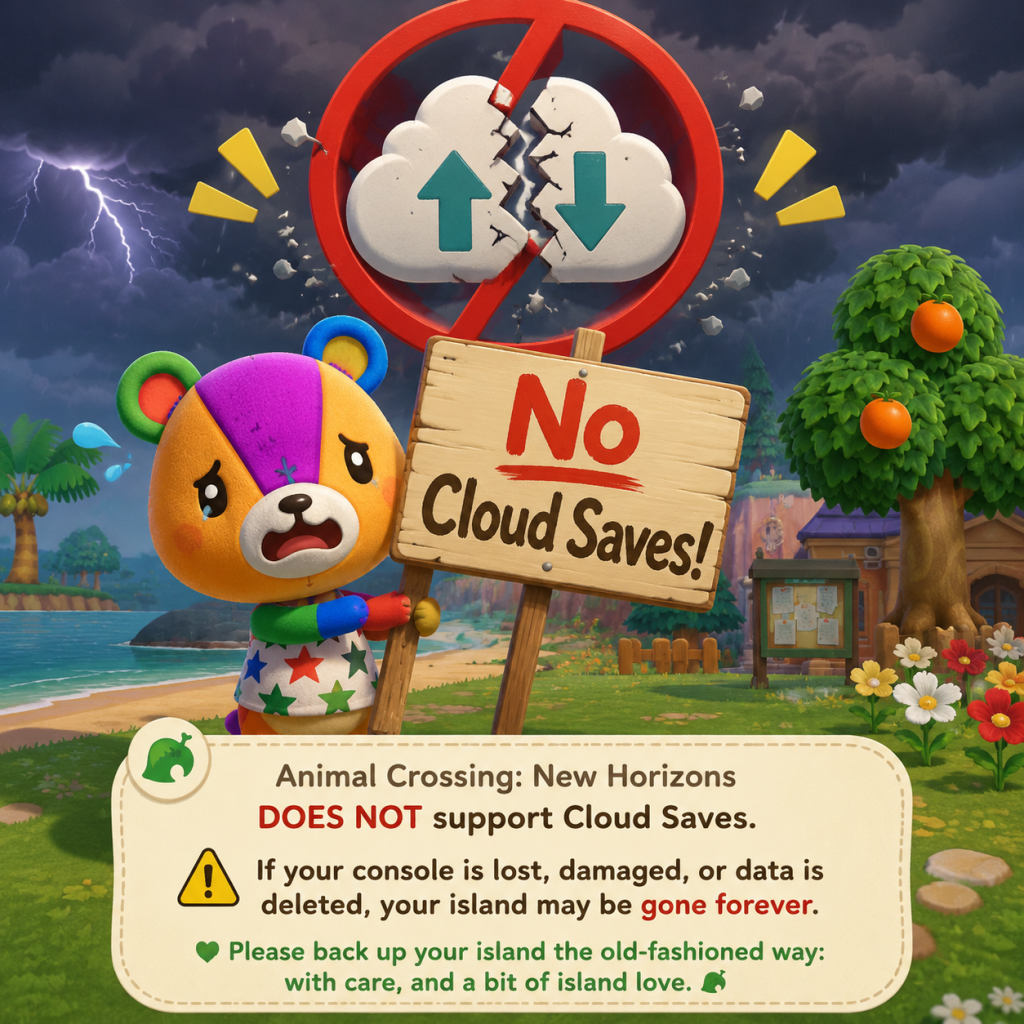
- No Cloud Saves for Primary Island: Nintendo does not support cloud save backup for Animal Crossing: New Horizons. If your Switch is lost, stolen, or damaged, your island and all progress are permanently gone. The only exception is the Island Backup Restoration Service (requires Nintendo Switch Online and must be enabled manually in the game's title screen settings). Enable this immediately.
- One Island Per Console: The game saves the island data to the Switch system memory, not the cartridge. You cannot have multiple islands on a single console. Creating a new user profile will share the same island, not create a new one. If you want a separate island, you need a second Switch console and a second copy of the game.
- Player Actions Affect Everyone: On a shared island, any player can terraform, move buildings, chop down trees, or pick flowers, potentially ruining another player's designs. Discuss major changes with all residents before acting.
- No Manual Saves: The game auto-saves at specific moments (e.g., when entering/exiting buildings, when closing the game). You cannot manually save. If you disconnect during online play, unsaved progress may be lost. Always close the game via the Home button and select Close to trigger a save.
- Island Name & Player Name: Both are set during the first day and cannot be changed later. The island name is shared by all residents. Choose wisely—no nicknames allowed, max 10 characters.
- Initial Villagers: The first two villagers (a sisterly and a jock) are randomly assigned from a pool. You can reset the game repeatedly before the first save to reroll them, but once you progress past the moving-in cutscenes, they are permanent until they ask to leave.
- Nook's Cranny Upgrade: Once upgraded from Nook's Cranny to Nook's Cranny (the final shop), the old shop is gone. No downgrading.
- Able Sisters Tailor Shop: Similarly, is permanent once built.
- Resident Services Upgrade: From a tent to a building. Once upgraded, the original tent layout is lost. No way to revert.
- User Profiles: If a player's character is deleted from the island, all their belongings, home, and progress are permanently erased. There is no trash can; items can be thrown away but not recovered.
- Turnip Spoil: Turnips bought from Daisy Mae rot if not sold by the following Sunday. Once rotten, they cannot be sold and are only useful for attracting ants or rotting turnips (for certain DIY). No reversal.
- Custom Design Overwrites: When you download a new custom design from the kiosk in Able Sisters, it overwrites the slot you choose. Old designs are lost unless you stored them elsewhere (e.g., displayed patterns).
- Time Travel Consequences: Manually changing the system clock (time traveling) can cause turnips to spoil immediately, villagers to move out more easily, and cockroaches to infest your house. Bullying from villagers does not occur, but the game treats it as intentional neglect. Some events (like the Bug-Off or Fishing Tourney) may not trigger correctly if you time travel during their scheduled day.
- Special Events & Seasonal Items: Many events occur only on specific real-world dates (e.g., Halloween on Oct 31, Festivale on random February day, May Day, etc.). Missing the exact day means you lose the exclusive items, recipes, or DIYs until the next year (if the event returns). Some events like the Summer Shells season (June-August for Northern Hemisphere) are time-gated.
- Villager Crafting: Villagers craft DIY recipes up to three times per day (morning, afternoon, evening). If you miss a session, you lose that specific recipe for the day and may never get it again until another villager crafts it randomly.
- Message Bottle DIY: Beaches refresh daily with one message bottle containing a random DIY. Ignore the beach for a day and you lose that recipe forever (though it can appear again randomly).
- Celeste & Shooting Stars: Celeste visits random nights when there are shooting stars. Her recipes and zodiac fragments are tied to specific months. Miss a month and you have to wait a full year or get the recipe from another player.
- Redd's Art: Jolly Redd visits sporadically with genuine and fake art. Art is essential for completing the museum. If you buy a fake, you cannot donate it and lose the chance for a genuine piece that day.
- Gulliver's Items: Gulliver (and Gullivarrr) wash ashore at random intervals. If you ignore them for the day, the opportunity to get unique furniture or clothing is gone.
- Wisp's Ghostly Items: Wisp appears at night on random days. Choose between "something new" or "something expensive." Choosing wrong yields a lower-value item, and his selection rotates daily.
- Visitors (Saharah, Leif, Kicks, Label, etc.): Each visits on a fixed schedule per week. Missing a day means waiting for their next visit cycle.
- Nook Stop Nook Miles+ Tasks: Some tasks are daily-only (e.g., "Sell items worth 5,000 Bells"). If you don't complete them, you lose the miles for that day.
- Early Game Nook Loan: The first loan of 98,000 Bells may seem daunting, but it's straightforward through fishing and bug catching. No real difficulty spike, just a grind.
- Terraforming Unlock: After K.K. Slider's concert, you unlock island designer app. Terraforming is not hard but can be tedious and frustrating to master due to grid snapping and lack of undo. Plan ahead to avoid hours of rework.
- Hybrid Flower Breeding: No plant-crossing mini-game, but probabilities are low for rare colors (blue roses, purple pansies). Many players struggle for months. Use online guides to set up proper grid patterns.
- Golden Tool Durability: Golden tools break after 200 uses (except gold fishing rod, which lasts 90 casts? Actually gold tools still break—same durability as regular? Wait, gold tools have 200 uses vs. regular 100? Check: In New Horizons, gold tools break after 200 uses, except the golden axe breaks after 100 uses? Actually all gold tools except the golden net (30 catches?) I should be careful. I'll state that all gold tools eventually break, which shocks players who expected unbreakable tools from previous games.
- Bunny Day Overwhelm: The Easter event (Bunny Day) can fill your inventory with eggs, disrupting normal gameplay. It's not hard, just annoying. You can ignore it, but missing the event means missing exclusive DIYs.
- Boredom from Repetitive Tasks: Many tasks (fishing, bug catching, diving) are required for miles, Bells, and museum completion. Without variety, burnout is common. Mix activities and set small goals.
- Bell Grinding: Maxing out Nook's Loans (over 7 million Bells total) can be a huge time sink. Turnip trading can reduce this, but requires online play and time investment. Avoid turning the game into a second job.
- Nook Miles Grinding: Unlocking all upgrades (pocket, tool ring, etc.) costs 30,000+ miles. Doing only daily tasks will take months. Focus on achievements that align with your playstyle.
- DIY Grinding: The balloon farming method—shooting down balloons every 5 minutes for days—is notoriously tedious. Consider trading with friends or using Nookazon instead.
- No Official Anti-Cheat: Nintendo does not actively ban for offline cheating (like custom save editors or hacking). However, using hacked items in online multiplayer can corrupt other players' islands or cause glitches. Avoid spawning impossible items (e.g., furniture with wrong colors, trees with non-native fruits).
- Polite Visitation: When visiting another player's island via Dodo Code or local play, follow the host's rules: don't shake fruit trees without asking, don't pick flowers, don't run through fields, don't talk to villagers aggressively. If the host drops items, don't take them unless offered.
- No Voice Chat: Communication is limited to pre-set reactions, typed messages on keyboard, or the Nintendo Switch Online app. Be respectful in messages.
- Turnip Trading Etiquette: When selling turnips on another island, always leave a tip (e.g., 99k Bells, NMTs, or rare items) if the host expects it. Don't sprint through the island to avoid trampling flowers or scaring fish.
- Queue Management: Use services like Turnip Exchange or Discord to manage queues. Don't spam the dodo code publicly to avoid crashes.
- No Save Scumming Online: If you disconnect during a multiplayer session, the other players may lose progress. Only use the official "Save & End" option in the airport when leaving.
- Enable Island Backup: Go to the game title screen (press - button on the title) and select Settings > Island Backup. Requires Nintendo Switch Online subscription. This backs up your island to the cloud once per day. Can restore only once per year? Actually per support: you can restore from backup only if your Switch is lost/stolen/damaged. Not for simple undo.
- Regular Mileage: You cannot manually back up to SD card or rewind to earlier states. If you time travel forward and want to go back, the game counts days as skipped, potentially affecting turnips, mail, and villager move-outs.
- Multiple Players on One Island: Each player has their own house, inventory, and DIY recipes. Progress is separate but island-wide changes (bridges, inclines, building placement) affect everyone. Communicate before spending Bells or moving structures.
- Deleting a Player Character: To delete a player, go to System Settings > Data Management > Delete Save Data? Actually in-game: At title screen, press - and choose "Delete Player Data". This removes all items, money, and the house. Cannot be undone. Backup does not protect individual players; only island-level data is backed up.
- You Can Hold B to Run: Many new players don't realize running is possible. Hold the B button while moving to sprint. Beware: running over flowers destroys them, and scares fish and bugs away.
- Tools Overheat Quickly: Crafted tools (flimsy and regular) break after a few uses. Always carry a spare or crafting materials. Upgraded tools (from Nook's Cranny) are more durable but still break.
- You Can Move Villager Houses Later: Initially, villager homes are placed randomly. After Resident Services upgrades, Tom Nook offers moving service for 50,000 Bells per building. Don't reset your island for bad placement—you can fix it later.
- You Can Rebuild Your Island from Scratch: With terraforming, you can change rivers, cliffs, and land shapes. No need to restart the island to fix layout.
- Villager Move-Outs Are Random but Can Be Influenced: If you ignore a villager for weeks, they may not move out faster than someone you befriend. The game picks a random villager to ask; you can manipulate by time traveling or using Amiibo cards to force move-outs.
- Custom Patterns Disappear with Player Deletion: If you delete your character, any custom designs you created are also wiped from the island (including patterns placed on the ground or on furniture). Save your designs to a separate account or share the QR codes via phone app.
- Fruit Selling Prices: Non-native fruits sell for 500 Bells each (native fruit sells for 100, coconuts for 250). Plant all foreign fruits you find—those trees will generate more money. The only way to get all fruits is to trade with others.
- Villagers Gift You Their Photo after High Friendship: Getting a villager's framed photo requires reaching max friendship level and gifting them items (like assessed fossils) daily. Once you obtain their photo, they can still give multiples. This is the ultimate collectible for many.
- You Can Store Furniture Outside (But Not Inside): You can place any furniture item on the ground outside for decoration, but you cannot store items in outside containers. Only the home storage (50 slots, expands with home upgrades) holds items.
- The Nook Stop Has a Catalog: You can order any item you've owned (including furniture, clothing, walls, floors, rugs) from the Nook Stop terminal (up to 5 items per day). Use this to reorder limited-time items you accidentally sold or gave away.