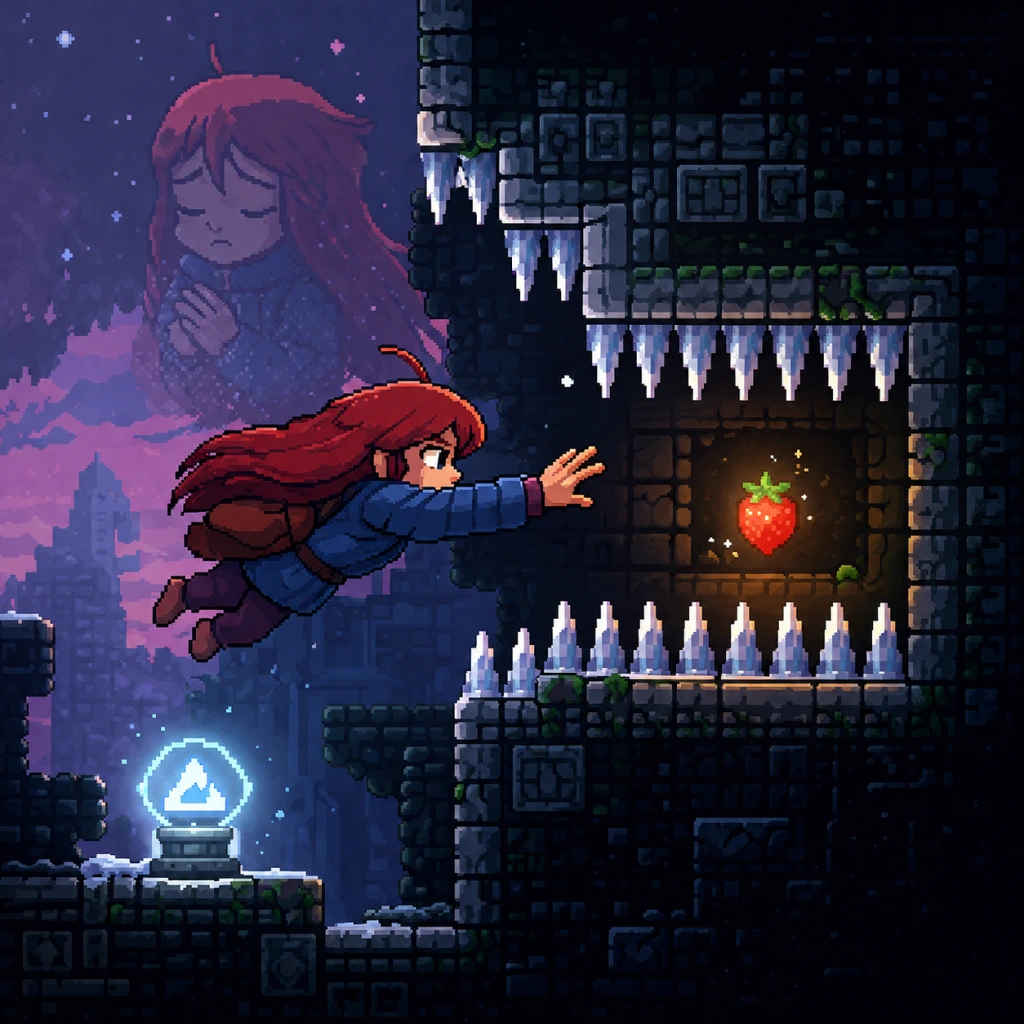
Game Tips
Game Tips for Celeste
This comprehensive guide covers essential tips for mastering Celeste, from beginner survival strategies to advanced techniques used by speedrunners. Tips are grouped into categories relevant to the game’s core mechanics.
---
1. Basic Movement & Controls
#### A. Master the Dream Jump
- Tip: Hold the jump button when grabbing a wall to perform a Dream Jump (wall jump) automatically.
- Explanation: In Celeste, you can wall-jump by pressing jump while sliding down a wall. If you hold jump before you hit the wall, Madeline will jump the moment she touches it. This reduces input lag and gives you more control over your vertical positioning.
- When to use: Every time you need to climb a vertical shaft or recover from a fall. Practice the timing in the first few screens of Chapter 1.
- Tip: Press dash then immediately press jump to cancel the dash animation and gain a small vertical boost without losing horizontal momentum.
- Explanation: A dash normally commits Madeline to a fixed direction. By jumping right after dashing (within 2 frames), you interrupt the dash and allow a second action (like a wall jump) almost instantly. This is essential for speedrunning and tight platforming sequences.
- When to use: On narrow platforms where you need to dash into a wall and then jump off it quickly. Practice in Chapter 2’s moving block sections.
- Tip: Press jump without holding any direction to drop straight down from a wall.
- Explanation: Holding the directional button into the wall makes you slide down. Letting go of the stick/d-pad (or pressing jump without direction) lets you drop straight down, useful for landing on small platforms below.
- When to use: In vertical sections like Chapter 3’s hotel or Chapter 5’s mirror temple when platforms are directly beneath you.
- Tip: Perform a Hyper Dash by dashing diagonally down while on the ground, then immediately jumping before the dash ends.
- Explanation: This technique propels Madeline forward with a speed boost and low arc, covering horizontal distances that a normal dash cannot. It’s one of the fastest ways to move across flat terrain.
- When to use: In open areas like Chapter 1’s summit or Chapter 4’s wind section. Also used in speedruns to maintain momentum.
- Tip: Do a Hyper Dash, but jump shortly after starting the dash to preserve speed and coast over the ground.
- Explanation: A Wave Dash is a Hyper Dash where you hold the dash button and press jump at the right time (around 5-8 frames after dash). Madeline skims across the ground without losing speed, allowing you to chain multiple dashes quickly.
- When to use: In long straight sections, such as the final climb of Chapter 7 (Summit) or in custom maps. Requires precise timing.
- Tip: When you dash into the corner of a platform, press jump at the moment you hit the corner to climb onto it seamlessly.
- Explanation: Normally you’d bump into the corner and fall. With a corner kick, you convert that collision into a vertical boost, saving a dash. This is vital for screen transitions.
- When to use: In any room with low ceilings or narrow gaps, especially in Chapter 6 (Reflection) and Chapter 8 (Core).
- Tip: Do NOT feel pressured to collect every strawberry. They are purely cosmetic (unlock bonus content) and do not affect progression.
- Explanation: Many strawberries require extremely precise maneuvers that can be frustrating. Skipping them is valid and often recommended for beginners to reduce stress.
- When to use: If a strawberry consumes 10+ deaths, skip it and come back later with better skills.
- Tip: Collect all 8 A-side Crystal Hearts to unlock the secret final chapter (Chapter 9: Farewell).
- Explanation: Crystal Hearts are hidden in each main chapter (A-side) and require solving a puzzle often off the main path. Use the in-game hints (like the message in Chapter 4) to find them.
- When to use: After completing all A-sides, start hunting hearts. The reward is a massive, extremely difficult chapter with new mechanics.
- Tip: Press the Map button (usually Tab on PC, Select on console) to view the full room layout of the current screen.
- Explanation: The map shows all collectibles (strawberries, hearts, cassette tapes) and secret rooms. You can see if you missed something without retracing steps.
- When to use: After clearing a screen, check the map to see if a strawberry or heart appears but is off-screen. This speeds up backtracking.
- Tip: Use the moving platform near the start to practice wall jumps. The game explicitly teaches you each mechanic in order.
- Explanation: Don’t rush. The first chapter is a tutorial. Repeat each room until the input becomes second nature. The “summit” climb (end) is a gauntlet that tests everything.
- When to use: On your first playthrough, take your time. Speed will come later.
- Tip: In the dark rooms, use your dash sparingly. Listen for audio cues (like birds) that indicate hidden platforms.
- Explanation: The darkness hides paths. Dashing blindly can lead to spikes. Instead, move slowly and use wall touches to reveal edges.
- When to use: The entire chapter, especially the underground maze.
- Tip: When the ghost (Oshiro) chases you, do not panic. He always follows a set pattern after you trigger him.
- Explanation: Oshiro appears after you disturb dust bunnies or enter certain rooms. He chases for a few seconds then disappears. Stick to the path and use dashes only to dodge his hitbox.
- When to use: The Oshiro chase sections (multiple in the hotel). Keep moving but avoid frantic inputs.
- Tip: When the wind is strong, jump later than usual and use the wind to drift over gaps.
- Explanation: The wind pushes Madeline left or right. You must compensate by delaying your jump or using the wind to extend your airtime. Moving blocks reset your dash if you ride them.
- When to use: All outdoor sections of Chapter 4. The wind changes direction mid-level.
- Tip: Go to Options > Assist Mode and adjust settings: infinite dashes, invincibility, slowdown, etc.
- Explanation: Celeste is designed to be challenging but also accessible. Assist Mode is not “cheating”; it’s a legitimate way to experience the story and platforming without frustration. The game explicitly tells you this.
- When to use: If you’re stuck on a screen for more than 30 minutes, or if you have a physical disability. You can toggle it on/off at any time.
- Tip: Set game speed to 50% in Assist Mode to analyze complex patterns.
- Explanation: Practice the timing of moving spikes or falling blocks at half speed. Once you understand the route, increase speed to normal. This trains muscle memory without deaths.
- When to use: The final screen of Chapter 7 (Summit) or any crazy part of Chapter 9.
- Tip: Press R (or restart) the instant you make a mistake to instantly reload the current room. This is faster than dying and respawning.
- Explanation: Dying triggers a short fade and Madeline recomposes. Restarting (R) takes you back to the beginning of the room instantly. In speedruns, this saves about 1-2 seconds per reset.
- When to use: When practicing a specific room, always use restart. In a full run, only if you know the safe checkpoint.
- Tip: Try to use your dash as late as possible to extend your jump arc. This gives you more control over your trajectory.
- Explanation: The dash refreshes after touching ground or a wall. By waiting until you are about to fall into a pit, you maximize the distance you cover. Over-dashing early wastes it.
- When to use: Every jump. Count your dashes mentally.
- Tip: On flat ground, dash diagonally down then immediately jump, then dash again as soon as you land. This creates a rapid “bunny hop” that speeds you up.
- Explanation: Unlike Hyper Dash which consumes a dash, bunny hopping uses the ground to reset your dash. You can perform a diagonal dash, jump, then land and dash again. This is the core of ground movement in speedruns.
- When to use: Long flat corridors (e.g., Chapter 1 A-side, Chapter 4 A-side). Requires keyboard for precise direction changes.
- Tip: Do not view deaths as failure. The game tracks total deaths but there is no penalty. Every death is a data point on what not to do.
- Explanation: Celeste has a profound theme about persistence. The gameplay mirrors the narrative. Each retry makes you better. The world record speedrun has thousands of deaths in practice.
- When to use: Always. Let go of frustration.
- Tip: If you are stuck, go back to the previous screen and look for a feather icon (hint bird). The birds give subtle clues about how to proceed.
- Explanation: The game places friendly birds near tricky sections. They often demonstrate the required move (e.g., bird flies up, then dashes right). Watch them carefully.
- When to use: Any time you feel lost, especially in puzzle-heavy areas like Chapter 5 (Mirror Temple).
- Tip: Remap dash to a separate key (e.g., Shift, Z, or a shoulder button) and jump to a primary key (Space, X, or A).
- Explanation: Default sometimes puts dash and jump on the same finger (e.g., both on keyboard Z and X). Separating them reduces accidental inputs and allows faster reactions.
- When to use: Immediately after starting the game. Experiment in the first chapter.
- Tip: After completing an A-side, you unlock its B-side from a cassette tape found in a secret room. B-sides are remixed, much harder versions.
- Explanation: B-sides introduce new obstacle combinations and require advanced techniques. They are designed for players who want a greater challenge. C-sides are even harder and unlock after completing all B-sides.
- When to use: Only after you feel comfortable with the A-side. Do not rush into B-sides immediately; you’ll burn out.
- Tip: Do not attempt Chapter 9 until you have completed all A-sides and at least some B-sides. It is brutally difficult.
- Explanation: Farewell requires mastery of every technique: wavedashing, wall bounces, corner kicks, and more. It has no Assist Mode warning but you can still use it.
- When to use: After maybe 10+ hours of practice on previous chapters. Consider watching a walkthrough for room layouts.
- Tip: On PC, turn off V-Sync and set the game to fullscreen. On console, enable Game Mode on your TV.
- Explanation: Celeste runs at 60 FPS and input delay is minimal, but V-Sync can add 1-2 frames of lag. For precise platforms, lower lag matters. Fullscreen reduces rendering overhead.
- When to use: Always, especially when attempting speedruns or difficult screens.
- Tip: Wireless controllers have slight input delay. For best precision, use a wired connection or a high-quality keyboard with mechanical switches.
- Explanation: Bluetooth lag can be 3-5ms, which might affect frame-perfect inputs (like dash cancel). Wired reduces this.
- When to use: If you notice inputs feeling sluggish.
#### B. Dash Cancelling (Advanced)
#### C. Neutral Jump from a Wall
---
2. Advanced Techniques
#### D. Hyper Dash (Extended Super Dash)
#### E. Wave Dash
#### F. Corner Kick
---
3. Exploration & Collectibles
#### G. Strawberries are Cosmetic & Optional
#### H. Crystal Hearts Unlock Bonus Levels
#### I. Use the In-Game Map
---
4. Chapter-Specific Tips
#### J. Chapter 1 (Forsaken City) – Learn the Basics
#### K. Chapter 2 (Old Site) – Verticality
#### L. Chapter 3 (Celestial Resort) – Patience with Mr. Oshiro
#### M. Chapter 4 (Golden Ridge) – Wind & Moving Blocks
---
5. Assist Mode & Accessibility
#### N. Enable Assist Mode Without Shame
#### O. Use Slowdown to Learn Precise Sections
---
6. Speedrunning & Optimization
#### P. Restart Screen Immediately (No Death Cost)
#### Q. Save Your Dash for the Last Moment
#### R. Bunny Hop (Chain Dashes) on Ground
---
7. General Mindset & Strategy
#### S. Embrace Death as a Learning Tool
#### T. Use the In-Game Hint System
#### U. Change Keybindings for Comfort
---
8. Post-Game & Secret Content
#### V. B-Sides & C-Sides
#### W. Chapter 9 (Farewell) is Endgame
---
9. Technical Performance Tips
#### X. Reduce Input Lag
#### Y. Use a Wired Controller or Keyboard
---
“Be proud of your death count. The more you die, the more you’re learning.” – Celeste Loading Screen
Master these tips and you will conquer the mountain. Happy climbing!