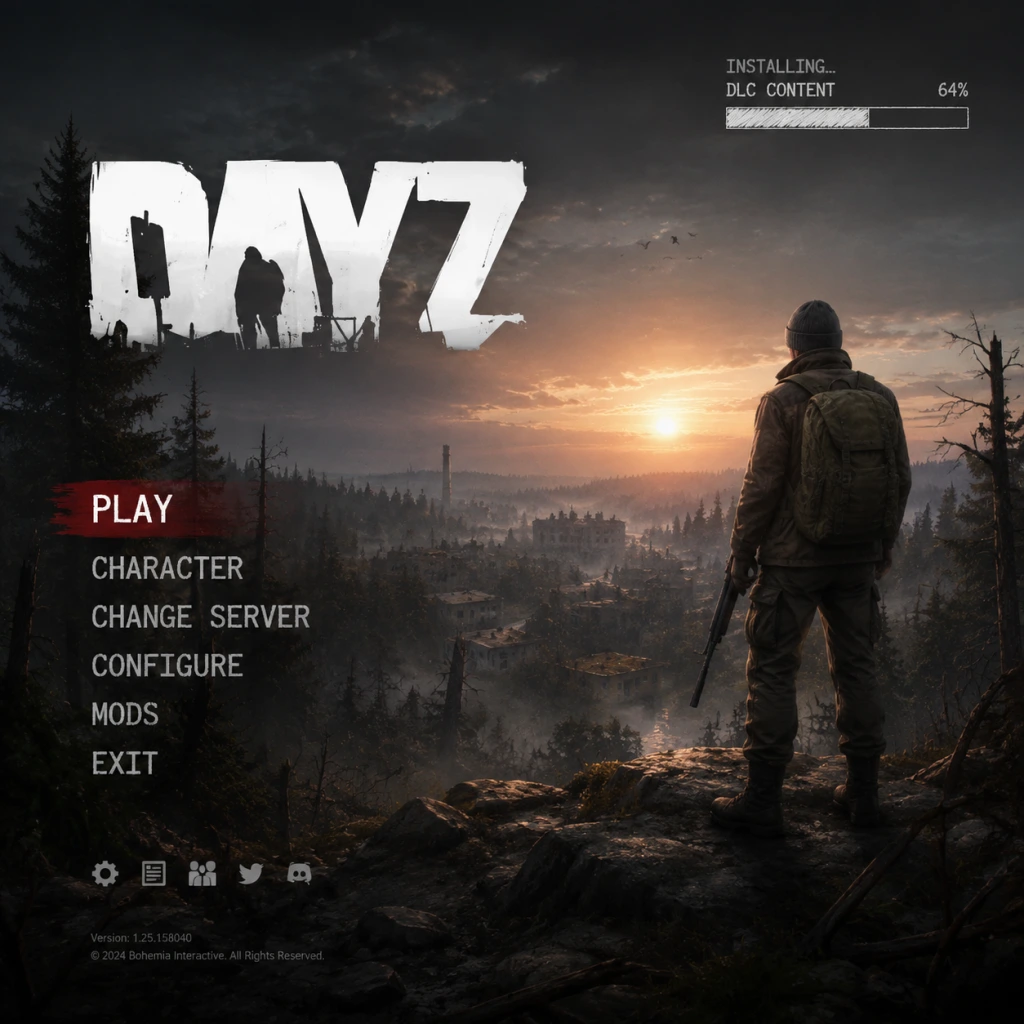
Download & Installation
Download & Installation Guide for DayZ
Overview
DayZ is a hardcore open-world survival game developed by Bohemia Interactive. It is available on PC (via Steam and Epic Games Store), PlayStation 4/5, and Xbox One/Series X|S. There is no official release for Nintendo Switch or mobile devices. This guide covers legitimate download sources, step-by-step installation for each platform, system requirements, common errors, and post-install verification.
---
1. Official Download Sources
| Platform | Store / Source | Notes |
|---|---|---|
| PC (Steam) | [Steam Store](https://store.steampowered.com/app/221100/DayZ/) | Main platform, most active community |
| PC (Epic Games) | [Epic Games Store](https://store.epicgames.com/en-US/p/dayz) | Same game, separate account |
| PlayStation 4/5 | PlayStation Store | Requires PlayStation Network account |
| **Xbox One / Series X\ | S** | Microsoft Store (Xbox) |
---
2. System Requirements (PC)
#### Minimum (Low settings, 30 FPS @ 1080p)
- OS: Windows 10 64-bit
- CPU: Intel Core i5-4430 / AMD FX-6300
- RAM: 8 GB
- GPU: NVIDIA GeForce GTX 760 / AMD Radeon HD 7870 (2 GB VRAM)
- Storage: 25 GB available space (HDD recommended)
- DirectX: Version 11
- OS: Windows 10/11 64-bit
- CPU: Intel Core i5-6600K / AMD Ryzen 5 1600
- RAM: 16 GB
- GPU: NVIDIA GeForce GTX 1060 (6 GB) / AMD Radeon RX 580 (8 GB)
- Storage: 25 GB SSD (for faster loading)
- DirectX: Version 11
- PC (Steam): Steam account (free).
- PC (Epic): Epic Games account (free).
- PlayStation: PlayStation Network account (free). Online multiplayer requires PlayStation Plus subscription.
- Xbox: Microsoft account (free). Online multiplayer requires Xbox Game Pass Core or Ultimate.
- Game Launcher: DayZ uses its own launcher (installed via Steam or Epic) for server browser and mod management.
- Unofficial servers are not available on consoles (only official).
- After launching, you’ll see a server list. Choose a server (preferably low ping, high population).
- The game will load a tutorial tip on controls. Press Options/Menu to adjust settings.
#### Recommended (High settings, 60 FPS @ 1080p)
> Note: DayZ is CPU-intensive. An SSD reduces texture pop-in. Console versions have fixed hardware, but installation still requires ~25 GB free space.
---
3. Account Requirements
---
4. Step-by-Step Installation
#### 4.1 PC – Steam
1. Open the Steam client and log into your account.
2. Go to Store → search "DayZ".
3. Click Add to Cart and complete purchase.
4. After purchase, go to Library → find DayZ in your list.
5. Click Install. Choose a drive with at least 25 GB free.
6. Steam will download the game (approx. 20–25 GB) and install it.
7. Once installed, the DayZ Launcher will appear in your Steam library. Click Play to launch it.
#### 4.2 PC – Epic Games Store
1. Open the Epic Games Launcher and log in.
2. Search for "DayZ" in the Store.
3. Click Get (or purchase if not owned).
4. After purchase, go to Library → find DayZ.
5. Click Install → select install location.
6. Epic will download and install the game.
7. Launch via the Epic Launcher; it will open the DayZ Launcher.
#### 4.3 PlayStation 4 / 5
1. On your console, sign in to your PlayStation Network account.
2. Go to PlayStation Store and search "DayZ".
3. Purchase and download the game (size ~25 GB).
4. The download will start automatically. You can monitor progress from Notifications → Downloads.
5. Once downloaded, the game appears on your home screen. Launch it.
> Note: On PS5, you can play the PS4 version via backward compatibility. There is no native PS5 version, but performance is improved with faster loading.
#### 4.4 Xbox One / Series X|S
1. Sign in to your Microsoft account on the console.
2. Open Microsoft Store (or search within Game Pass if subscribed).
3. Search "DayZ" → select the game.
4. Choose Install (if owned) or Buy then install.
5. The download begins. To check: press Xbox button → My games & apps → See all → Manage.
6. Once installed, start from My games & apps.
> Note: DayZ supports Smart Delivery on Xbox Series X|S, so you get the optimized version automatically.
---
5. First Launch Setup
After installation, launch DayZ. The DayZ Launcher (PC) or in-game menu (console) will appear.
#### PC Launcher Steps:
1. Language Selection: Choose your preferred language (English, German, French, etc.).
2. Server Browser: The launcher shows a list of official and community servers. You can filter by region, type (1PP/3PP), modded/vanilla.
3. Mod Management: For modded servers, the launcher will prompt you to download required mods. Click Play to join.
4. Character Creation: Once in-game, you’ll start as a fresh survivor. Customize appearance (gender, face) in the main menu under Change Character.
#### Console First Launch:
---
6. Common Installation Errors & Fixes
| Error | Cause | Fix |
|---|
| Download stuck / slow | Network congestion, Steam/Epic server issues | Pause and resume download; restart launcher; disable VPN; switch to wired connection.
| Corrupted files / missing DLL | Antivirus quarantined files or incomplete download | Verify game files (see steps below).
| DayZ Launcher won’t open | Corrupted launcher files or .NET Framework issue | Run launcher as administrator; reinstall Microsoft Visual C++ Redistributables; repair DayZ via Steam/Epic.
| Console error “Cannot connect” | PSN/XBL outage or server maintenance | Check service status; restart console and router.
| Mod download fails (PC) | Mod mismatch or internet timeout | In launcher, click Mods → Unsubscribe all, then retry joining the server.
#### How to Verify Game Files
- Steam: Right-click DayZ in Library → Properties → Local Files → Verify integrity of game files.
- Epic: Go to Library → click three dots on DayZ → Manage → Verify.
- Console: No direct verification; reinstall if issues persist (Settings → Storage → Delete and re-download from library).
- Storage: DayZ takes ~25 GB, but mods can add 10–50 GB. Keep at least 50 GB free on PC.
- Anti-cheat: DayZ uses BattlEye. If you get kicked, ensure your firewall allows BattlEye.
- Windows Antivirus: Add the DayZ folder (\Steam\steamapps\common\DayZ) to exclusions to prevent false positives.
- Console players: To enable voice chat, ensure your headset is paired and Xbox/PSN party settings allow game chat.
---
7. Post-Installation Verification
After installation, confirm the game works:
1. Launch the game and check the version number (displayed in launcher or main menu). Latest version should match official patch notes.
2. Try joining an official server. If you can spawn and move, installation is successful.
3. PC Modders: Test a modded server to ensure mods load correctly.
4. Performance Check: Run the in-game benchmark (Settings → Video → Benchmark) to verify stable FPS.
5. Update Check: DayZ updates automatically via launcher. Keep the game updated to play online.
---
8. Additional Tips
---
Summary
By following this guide, you should have a smooth installation experience across all supported platforms. Always download from official stores, check your system meets requirements, and keep the game updated. For further help, visit the official [Bohemia Interactive support page](https://support.bohemia.net) or the DayZ subreddit.