Getting Started
Overview
Forza Horizon 5 drops you into a vibrant open-world representation of Mexico. As a brand-new player, the game can feel overwhelming with its sheer scale, but this guide will walk you through your first hour, explain controls on every platform, decode the UI, and give you a clear day-one plan to start strong without wasting time or currency.
First Hour Walkthrough
1. Opening Cinematic: After a brief load, you'll see a cinematic flyover of Mexico. No input needed.
2. Character Selection: The game asks you to choose a pre-made avatar (male/female) and then customise their outfit, hair, glasses, and more. This has no gameplay effect – pick what you like.
3. Tutorial Race (Jadeite): You're thrown into a 3-lap race in a 2021 Ford Bronco. Follow the on-screen prompts for accelerate (RT / R2 / W), brake (LT / L2 / S), and steer (Left stick / Mouse/Keyboard). The game rewards you with your first car.
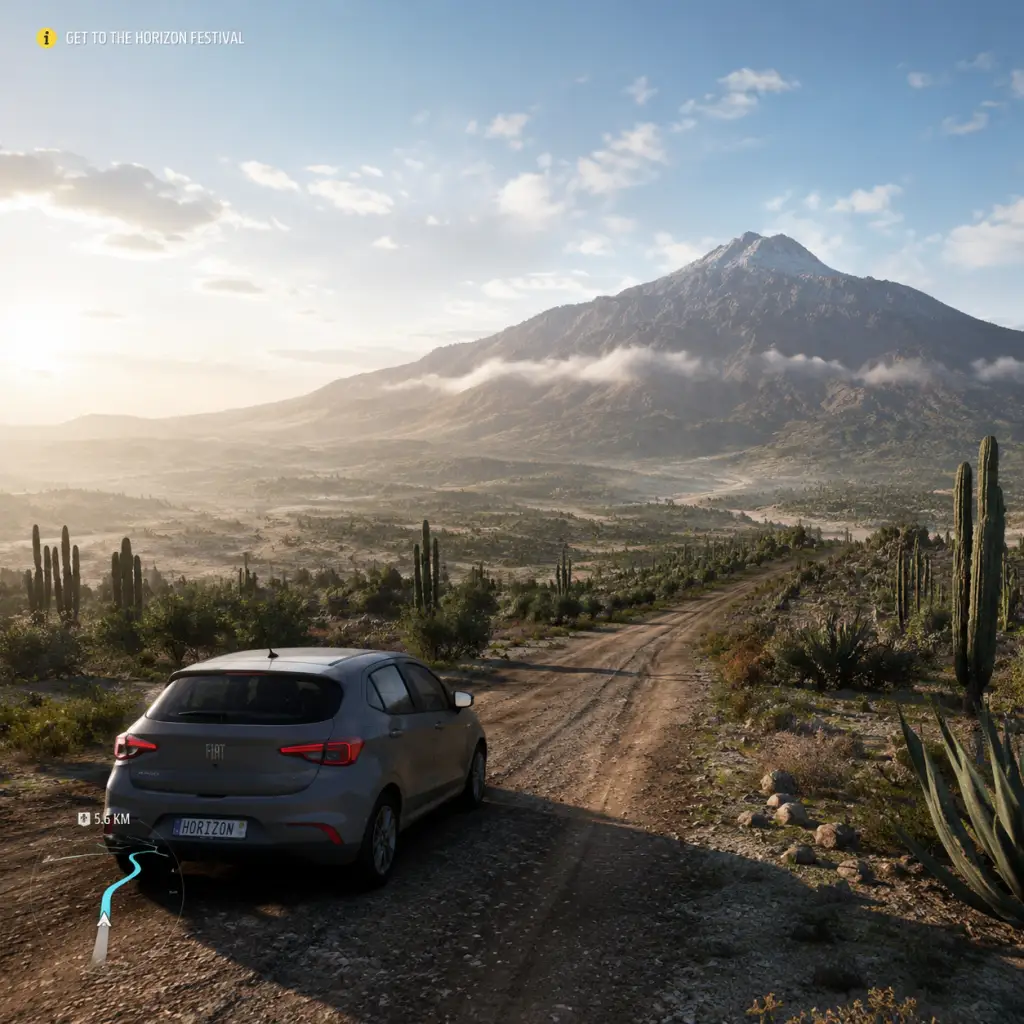
4. Horizon Festival Intro: After the race, you drive to the Horizon Festival main stage. Follow the road – you can't get lost. Watch the short cutscene.
5. First Horizon Adventure: You're prompted to start the "Horizon Adventure" – a series of events that unlock the map. Your first event is usually a street race, an off-road race, and a speed trap showcase.
6. Showcase Event: Around 15 minutes in, you'll do a special showcase event (e.g., racing against a train). It's scripted and easy – just follow the path.
7. Free Car Pop-up: After the showcase, you receive a pop-up offering a free car. Accept it – you can sell it later if you don't want it. The game will also give you a choice of a second free car (often a 2018 Porsche 911 GT2 RS or similar).
8. Access to Full Map: After the initial events, the entire Mexico map is revealed. You can now fast travel (requires unlocking fast travel for a fee) and explore freely.
Character Creation & Avatar Customization
Forza Horizon 5 does not have a traditional character creator (no sliders for face shape etc.). Instead, you select from about 12 default avatars (young male/female, older, different ethnicities) and then customize:
- Outfit: Tops, bottoms, shoes, accessories (hats, glasses).
- Emotes & Celebrations: Won from Wheelspins or purchased.
- Name / Gamertag: Based on your Xbox Live/Steam profile.
The avatar only appears in photo mode, video calls in the game, and the car showroom. It never affects driving performance. Change it anytime via the Pause Menu > Change Character.
Controls on All Platforms
| Action | Xbox Controller | PC Keyboard (Default) | PC Controller (Recommended) |
|---|---|---|---|
| Accelerate | RT (right trigger) | W | Same as Xbox |
| Brake / Reverse | LT (left trigger) | S | Same as Xbox |
| Steer | Left Stick | A / D | Left Stick |
| Handbrake | A button (or X) | Spacebar | A button |
| Rewind (Rewind Race Time) | Y button | R | Y button |
| View Map | View button (two squares icon) | M | View button |
| Change Camera | Change View button (right of Guide) | C | Change View button |
| Activate GPS Route | D-pad Up | NumPad 8 | D-pad Up |
| Horn | D-pad Left | Q | D-pad Left |
| Look Behind | Press Right Stick | V | Press Right Stick |
| Enter/Exit Car | Y button (hold) | F | Y button (hold) |
UI Overview
HUD (Heads-Up Display):
- Speedometer (bottom center): Shows speed in mph (change to km/h in Settings).
- Gear Indicator: Current gear (automatic or manual).
- Minimap (top left): Shows nearby roads, events, and other players (if online).
- Race Flags / Lap Info: During events, top-center shows lap count, position, and time.
- Influence & Credits (top right): You gain Influence (XP) and Credits (money) from completing events.
- Skill Score (during freeroam): Combinations of driving skills (drift, near miss, etc.) build a multiplier. Fill the meter for a Wheelspin.
- Horizon Adventure: Your main progression path – a list of events and challenges.
- Map: Full map of Mexico. Icons include races, speed traps, danger signs, player houses, fast travel boards.
- Cars: Your garage. Buy, sell, upgrade, and customize vehicles.
- Festival Playlist: Seasonal events that change weekly – offers rare cars and rewards.
- Settings: Graphics, audio, controls, difficulty, and assist options.
- Photo Mode: Capture your favourite moments.
- Left side: Current radio station (press D-pad right to change).
- Right side: Active notifications (new cars, accolades, challenges).
- Complete the initial showcase event to unlock the entire map.
- Set up your Horizon Festival Site: you can start events from the map.
- Smash at least 10 Fast Travel Boards (look for the silver arcade-looking icons on the map).
- Do the first few Horizon Adventure events to earn influence and a good starter car (e.g., 2019 Toyota Supra GR).
- Tune the difficulty: Go to Settings > Difficulty. For beginners, set Braking to Assisted, Steering to Normal, Traction Control On, Stability Control On. This will prevent spinning out.
- Play the Horizon Arcade events if you see one nearby – they’re fun and give good rewards.
- Don’t spend credits on cars in the first few hours – The game gives you plenty of free cars. Save credits for the Casa Bella house or upgrades.
- Don’t ignore Acclaim Boards – They give permanent stat boosts (e.g., more influence from skills). Fly to their locations on the map and drive through them.
- Don’t sell rare cars – You might need them for seasonal challenges later.
- Don’t try high-difficulty races too early – The AI can be brutal. Keep difficulty on Average until you’re comfortable.
- Don’t ignore your skill points – Earned from driving skills, they unlock perks on cars in the Car Mastery tree. Spend them to get wheelspins or credits.
- Credits: Use them for upgrading your starter cars (tires, brakes, engine) and eventually buying the Casa Bella house. Avoid buying cars from the Auto Show unless you have a surplus.
- Wheelspins: Earned from leveling up, events, and skill points. They give cars and credits. Save them until you are level 20+ – the higher your player level, the better the loot pools become.
- Influence: Player level ups unlock new events and rewards. Play Horizon Adventure and seasonal events to gain influence fast.
- Skill Points: Focus on one or two favourite cars. Start with the skill trees that offer CR (credits) or Forzathon Points (currency for exclusive cars).
- [ ] Complete opening cutscene and character selection.
- [ ] Finish the tutorial race and drive to Horizon Festival.
- [ ] Complete the first showcase event.
- [ ] Pick your free car from the pop-up.
- [ ] Set difficulty: Braking -> Assisted, Steering -> Normal, Traction Control & Stability Control ON.
- [ ] Smash at least 3 Fast Travel Boards.
- [ ] Start the Horizon Adventure – do the first 3 events.
- [ ] Open your inbox (Messages) – accept any free gifts.
- [ ] Go to a garage (any house you own or the festival) and apply skill points to one car (e.g., your starter Bronco or Supra) – unlock a Wheelspin if possible.
- [ ] Save your credits – don’t buy any cars yet.
- [ ] Play one seasonal event from the Festival Playlist (even if you don’t win, you’ll get participation rewards).
- [ ] Explore a little: drive off-road, find a board or two, take a photo for a quick accolade.
- [ ] Have fun and experiment with different car classes!
Pause Menu (Start button):
Bottom Bar (while driving):
Essential Early Objectives
1. Complete the Horizon Adventure – It’s the tutorial and unlocks dozens of events. Follow the main storyline until you reach the Horizon Festival Outpost.
2. Unlock Fast Travel – Smash the Fast Travel Boards (silver signs) scattered across the map. Each one reduces the cost of fast travel. There are 50 total – find 10 to significantly lower costs.
3. Do the Seasonal Championships – Even as a beginner, the Festival Playlist offers easy seasonal events that give Wheelspins and exclusive cars. Don’t skip them.
4. Get Your Free Cars – Check your message center (Inbox) often. The game gives away free cars regularly.
5. Buy the Casa Bella House – Costs 500,000 credits, but unlocks the Fast Travel to any road. It pays for itself quickly.
What to Do First & What to Avoid
✅ Do First:
❌ What to Avoid:
Early Resource Priorities
Common Beginner Mistakes
1. Not using Rewind – If you crash or miss a checkpoint, press Y (Xbox) / R (PC) to rewind a few seconds. It’s free and unlimited in solo mode.
2. Driving with assists off – Stability and traction control are a must for beginners. Turn them off only once you’re comfortable.
3. Gunning the accelerator on dirt or wet roads – Always start gently, especially off-road. Tapping the throttle prevents spinning.
4. Ignoring the Festival Playlist – Missing a week can lock you out of exclusive cars that may never return.
5. Selling Wheelspin cars – Most Wheelspin cars are duplicates or low-value. Rather than selling, check if they can be used for a seasonal event. If not, keep them – you might need their skill points.
6. Not exploring the map – The world is huge and filled with collectibles, bonus boards, and XP boosts. Drive around and explore.
7. Overtuning your car – Adding high-end parts without understanding the car’s handling can make it undriveable. Stick to upgrades that improve PI (Performance Index) gradually.
Day-One Checklist
Once you complete this checklist, you’ll have a solid foundation. The key to Forza Horizon 5 is to balance progression (Horizon Adventure) with exploration (collectibles and seasonal events). Don’t rush – enjoy the drive.