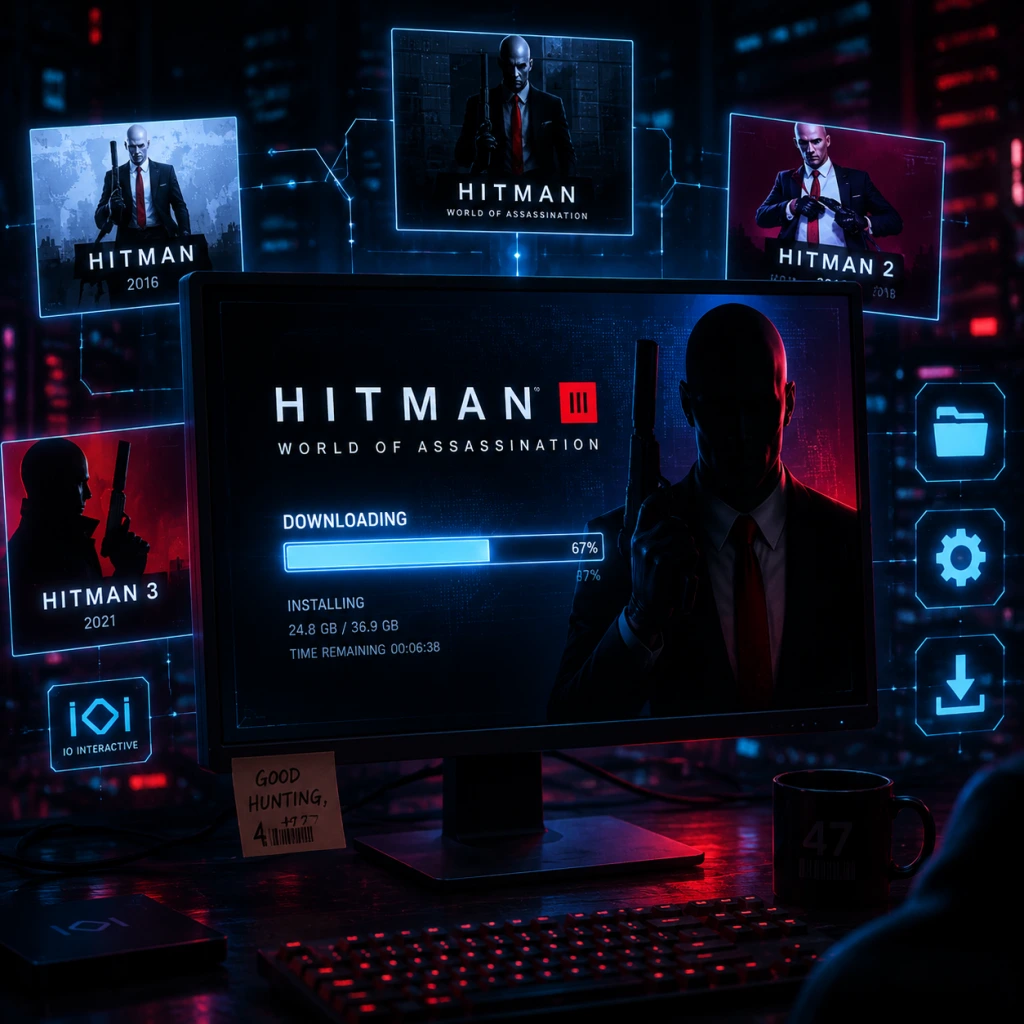
Download & Installation
Overview
Hitman 3 (now part of the World of Assassination trilogy) is available on multiple platforms. This guide covers legitimate download and installation for PC (Steam, Epic Games Store), PlayStation 4 & 5, Xbox One & Series X|S, and Nintendo Switch (cloud streaming). Note: There is no native mobile version; Switch uses cloud streaming. Ensure a stable internet connection for cloud play.
Before You Start: Prerequisites
- IOI Account: Required for progression carryover between games and platforms. Create one at [account.ioi.dk](https://account.ioi.dk).
- Platform Account: Steam, Epic Games, PlayStation Network, Xbox Live, or Nintendo Account.
- Storage Space: See platform-specific requirements below.
- Internet: Required for download, updates, and online features (including the optional always-online DRM on PC).
Platform-Specific Guides
PC (Steam / Epic Games Store)
#### System Requirements
| Component | Minimum (1080p, Low, 60fps) | Recommended (1080p, High, 60fps) | Ultra (4K, Ultra, 60fps) |
|---|---|---|---|
| OS | Windows 10 (64-bit) | Windows 10/11 (64-bit) | Windows 10/11 (64-bit) |
| CPU | Intel Core i5-2500K / AMD Ryzen 3 1200 | Intel Core i7-4790 / AMD Ryzen 5 1600 | Intel Core i7-10700K / AMD Ryzen 7 3700X |
| RAM | 8 GB | 16 GB | 16 GB |
| GPU | NVIDIA GeForce GTX 660 (2GB) / AMD Radeon HD 7870 (2GB) | NVIDIA GeForce GTX 1070 (8GB) / AMD Radeon RX 5700 (8GB) | NVIDIA GeForce RTX 3080 (10GB) / AMD Radeon RX 6800 XT (16GB) |
| Storage | 80 GB SSD (NVMe recommended) | 80 GB SSD | 80 GB SSD |
| DirectX | Version 12 | Version 12 | Version 12 |
| Network | Broadband internet connection | Broadband internet connection | Broadband internet connection |
- Steam: [store.steampowered.com/app/1659040/HITMAN_3/](https://store.steampowered.com/app/1659040/HITMAN_3/)
- Epic Games Store: [store.epicgames.com/en-US/p/hitman-3](https://store.epicgames.com/en-US/p/hitman-3)
- Ownership: If you purchased on Epic, the game is tied to that Epic account.
- Cross-progression: You can carry over progress from previous games via the IOI Account website, regardless of store.
- Updates: Epic auto-updates. You can verify in Library > HITMAN 3 > Manage.
- PlayStation Store: Access via console or web [store.playstation.com](https://store.playstation.com/). Search "Hitman 3".
- Microsoft Store: Access via console or web [xbox.com](https://www.xbox.com/en-US/games/hitman-3).
- Nintendo eShop: Access via console or web [nintendo.com](https://www.nintendo.com/store/products/hitman-3-3d7b2d41-1e49-4c16-a8e5-dc8264b4d54f/).
- IOI Account: Mandatory for:
- Platform-Specific Accounts: Steam, Epic, PSN, Xbox Live, Nintendo Account – required for purchase and download.
#### Installation Steps (General for both stores)
1. Purchase or redeem the game on your chosen store.
2. Install the store client (Steam or Epic Games Launcher) if not already installed.
3. Log in to your account.
4. Locate the game in your library.
- Steam: Library > HITMAN 3
- Epic: Library > HITMAN 3
5. Click Install (or Download).
- Choose your installation directory (ensure plenty of free space, at least 80 GB).
- Steam: You may be asked to select a Steam library folder.
- Epic: Choose a custom folder or use default.
6. Wait for download and installation; the launcher will handle decompression and setup.
7. Launch the game from your library.
8. First-time setup: The game will prompt you to log in with an IOI Account (or create one). Follow on-screen instructions.
Note for Epic Games: Hitman 3 on Epic requires the Epic Games Launcher and also uses the IOI Account login. The game may need additional authentication after launch.
#### Epic Games Store Specifics
PlayStation (PS4 / PS5)
#### Where to Download
#### Installation Steps
1. Turn on your PS4 or PS5 and sign in to your PlayStation Network account.
2. Go to PlayStation Store.
3. Search for "Hitman 3" and select the game.
4. Purchase or download (if you already own it via disc or digital license).
- Digital: Click "Download" (you may need to add to cart first if not purchased).
- Disc: Insert disc; the console will prompt to install.
5. Wait for the download; on PS5 you can adjust download priority in Downloads/Uploads.
6. Installation is automatic after download finishes.
7. Launch the game from the home screen.
8. First launch: Create or log in with an IOI Account.
PS5 Enhancements: Supports 4K/60fps, adaptive triggers, haptic feedback, and faster load times (no separate PS5 version needed; the PS4 version runs via backward compatibility, but a free PS5 upgrade is available if you own the PS4 version). Download the PS5 version from the store if you have a PS5.
Xbox (One / Series X|S)
#### Where to Download
#### Installation Steps
1. Turn on your Xbox and sign in to your Xbox Live / Microsoft account.
2. Open Microsoft Store (or My Games & Apps).
3. Search for "Hitman 3" and select it.
4. Buy or install depending on ownership.
- Digital: Select "Install" or "Download to my Xbox".
- Disc: Insert disc; the console will prompt installation.
5. Wait for download and installation; you can monitor progress in My Games & Apps > Queue.
6. Launch the game from Home or My Games & Apps.
7. First launch: Log in with IOI Account.
Smart Delivery: Xbox Series X|S automatically gets the optimized version if you own the Xbox One version. The download will be larger (around 80 GB) but includes all improvements.
Nintendo Switch (Cloud Version)
Important: The Switch version is a cloud streaming version and requires a fast, stable internet connection (at least 10 Mbps). No game data is stored locally; you stream the game from a server.
#### Where to Download
#### Installation Steps
1. Turn on your Nintendo Switch and connect to the internet.
2. Open Nintendo eShop.
3. Search for "Hitman 3 - Cloud Version".
4. Purchase and download the small (~50 MB) client app. This app is the streaming launcher.
5. Launch the app from the Home menu.
6. Sign in with your IOI Account when prompted.
7. Stream the game: The client connects to the cloud server; you play via streaming. Ensure low latency and high bandwidth for smooth play.
8. Note: No local installation of the full game; the app is just a launcher.
Account Requirements
- Accessing the game (online DRM on PC; optional but recommended for progression on consoles).
- Cross-progression and carryover from Hitman (2016) and Hitman 2 to Hitman 3.
- Accessing online features like Contracts Mode, Elusive Targets, and leaderboards.
- Syncing save data across PC (Steam/Epic) and consoles (if linked).
#### Creating an IOI Account
1. Go to [account.ioi.dk](https://account.ioi.dk).
2. Click "Create account" and fill in the required details.
3. Verify your email address.
4. After launching Hitman 3, you will be prompted to link your platform account to your IOI account.
First Launch & Setup
1. After installing, launch the game.
2. Language selection: Choose your preferred language (audio and text can be set separately).
3. IOI Account Login:
- If you have an account, sign in.
- If not, create one directly from the in-game prompt (or do it beforehand).
4. Data sync: The game will attempt to sync with IOI servers, checking for any carryover progress from previous games.
- If you have save files from Hitman (2016) or Hitman 2, use the Carryover Progression tool on the IOI website before launching Hitman 3. This is a one-time process and must be done within a specific window (check IOI website for details).
5. Graphics/Display settings (PC/console): Adjust resolution, quality, V-Sync, frame rate cap, etc.
- On PS5/Xbox Series: Performance Mode (60fps) or Fidelity Mode (4K, 30fps) is available.
- On PC: See system requirements for target resolutions.
6. Audio/Subtitles: Set preferences.
7. Tutorial: You can skip the initial tutorial (Freeform Training) or play through it.
8. Main Menu: After setup, you'll reach the main menu where you can start the campaign, access Contracts, and adjust additional settings.
Common Installation Errors & Fixes
| Error | Platform | Fix |
|---|---|---|
| Insufficient storage space | All | Free up disk space (at least 80 GB). On PC, check drive properties. On console, delete unused games/ apps or use an external drive. |
| Download stuck / slow | All | Pause and resume download. Restart client or console. On PC, check internet connection and disable VPN. On Steam/Epic, verify integrity of game files. |
| "Missing executable" or "Launch failed" | PC | Run the launcher as administrator. Reinstall the game. Update graphics drivers. Disable antivirus temporarily. |
| IOI Account login loop | All (especially PC) | Clear browser cache in the in-game web overlay. Use the IOI account website to manually link accounts. Restart the game. |
| Cloud save conflict | All | Choose local vs cloud save. Ensure you are logged in with the correct IOI account. |
| Black screen on launch | PC | Verify GPU drivers are up to date (NVIDIA/AMD). Disable overlays (Steam, Discord). Run in windowed mode by adding `-windowed` to launch options. |
| Audio desync or stutter | Switch cloud | Check internet bandwidth; lower streaming quality in settings. Use a wired connection. |
| Game crashes on start | PC | Disable mods (if any). Update DirectX and Visual C++ Redistributables. Verify game file integrity. |
| Smart Delivery not working | Xbox | Ensure your console is set to your home Xbox. Check for system updates. Reinstall game. |
| PS5 upgrade not appearing | PlayStation | Go to the game hub, select the three dots and choose "PS5 version". If owned, download for free. |
| Error code: CE-107880-4 (PS5) | PlayStation | Rebuild database (Safe Mode > Rebuild Database). Check for system software update. |
| Error 0x80248007 (Xbox) | Xbox | Check Xbox Live service status. Restart console. Clear local cache (Settings > System > Storage > Clear local saved games). |
- Steam: Right-click HITMAN 3 > Properties > Local Files > Verify integrity of game files.
- Epic: Go to Library > HITMAN 3 > click the three dots > Manage > Verify.
Post-Installation Verification
After installation, confirm everything is working:
1. Check game version: On the main menu or title screen, note the version number (e.g., v3.160). Compare to latest version on official forums or patch notes.
2. Test controls: Enter the Freeform Training (tutorial) and ensure all inputs (mouse, keyboard, controller) respond correctly.
3. Check graphics performance: In the first level (Dubai) or a previous location, monitor frame rate (use in-game FPS counter or third-party tools). Adjust settings if unstable.
4. Verify online connectivity: Go to the Contracts mode or Elusive Targets tab; they should load without error. Ensure your IOI account is linked.
5. Check storage space after installation: Ensure that the game folder size matches the expected ~80 GB (slightly less on consoles due to compressed assets). On PC, you can check the installation folder.
6. Update your graphics drivers (PC) to the latest Game Ready driver from NVIDIA or AMD for best performance.
7. Enable HDR if your display supports it (Settings > Graphics > HDR on consoles and PC if compatible).
8. Review audio settings: Ensure surround sound or headphone mode is set appropriately.
If all these steps succeed, you are ready to start your assassination contracts. Enjoy!
---
Note: Hitman 3 is part of the World of Assassination trilogy. After installation, you can optionally import locations from Hitman 1 and Hitman 2 if you own them on the same platform (check IOI's carryover process).