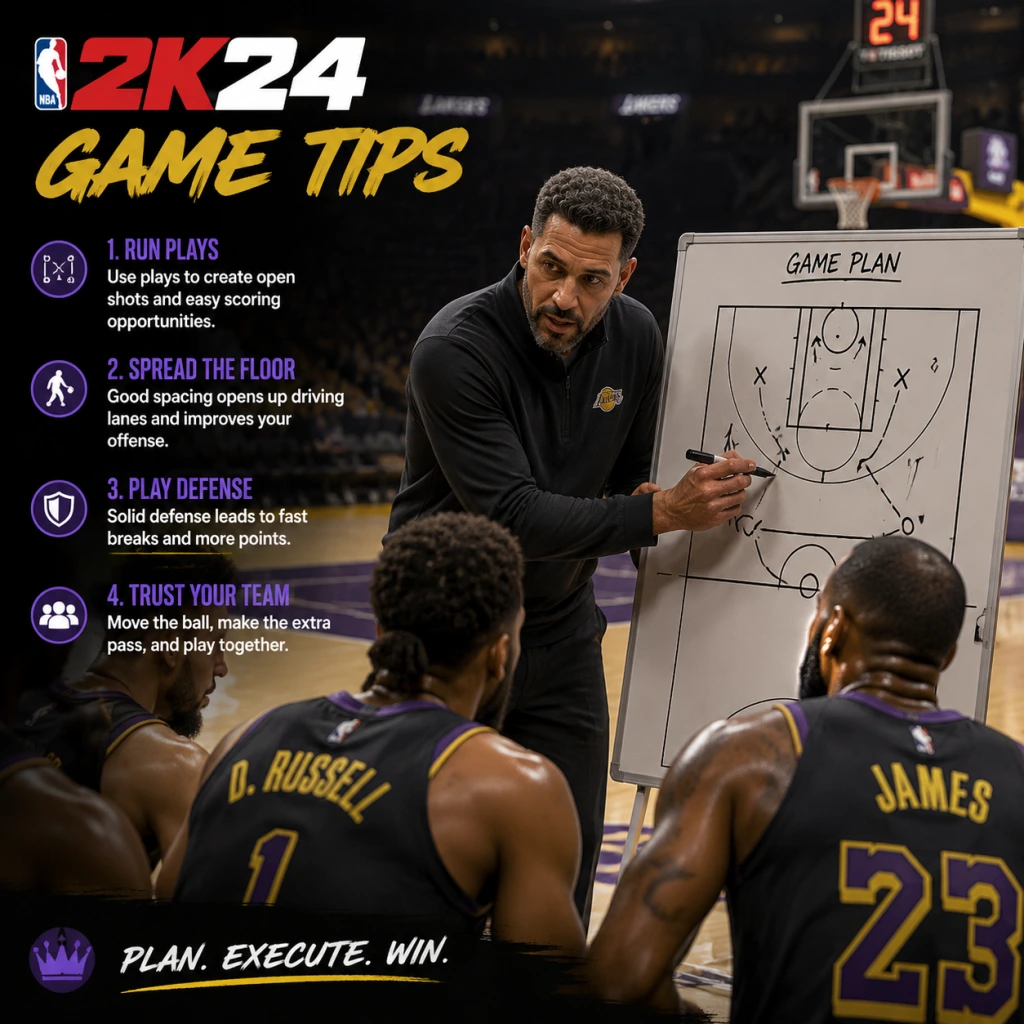
Game Tips
Game Tips
Welcome to the ultimate NBA 2K24 tips guide. Whether you're stepping onto the court for the first time or grinding for a 99 OVR, these tips are grouped by category to help you master every aspect of the game. From building the perfect MyPLAYER to dominating the Auction House, use these strategies to gain an edge.
1. MyCAREER Build & Archetype Optimization
Beginner Tip – Pick a Balanced Archetype
Start with a Two-Way Slasher or Playmaking Shot Creator. These builds have few weaknesses and let you learn core mechanics without frustration. Avoid pure shooters or pure slashers until you understand badge synergies.
Intermediate Tip – Prioritize Physicals and Badge Count
When creating a build, aim for at least 85 Speed and 80 Acceleration for guards, 75 Strength for forwards. Use the builder to maximize your total badge points (shooting, playmaking, defense) – a 70-70-70 spread is better than 95-50-30.
Advanced Tip – Exploit Takeover Synergies
Combine Takeover abilities that boost your primary skill AND a secondary skill. For example, a Slashing Takeover + Spot Up Shooter badge boosts both finishing and shooting. Test different Takeover pairings in the Gatorade Facility before finalizing your build.
2. Badge System & Progression
Beginner Tip – Equip Core Badges First
Always equip Core Badges (Gold or Hall of Fame) that match your playstyle. For a shooter: Catch & Shoot, Claymore, Green Machine. For a playmaker: Floor General, Dimer, Needle Threader. Core badges provide permanent boosts even when stamina is low.
Intermediate Tip – Grind Badges in NBA Games, Not Practice
While Practice Facility drills give XP, real NBA games give multiplied badge progress for actions performed in game. Play 12-minute quarters on Pro difficulty, call for screens repeatedly (for Brick Wall), or spam dribble moves (for Handles for Days).
Advanced Tip – Stack Badges with Game Situations
Use Badge Stacking – e.g., activate Clamp Breaker (dribble through contact) followed by Giant Slayer (layup over taller defender) for a high-percentage finish. Learn the animation triggers: e.g., for Blinders, shoot as soon as you catch the ball near a defender.
3. Shooting Mechanics & Timing
Beginner Tip – Use Shot Meter and Release Timing
Enable Shot Meter (under Controller Settings) and focus on your player's jump shot release point – release the button when the wrist snaps. Practice in the MyCOURT with the same jumpshot you plan to use in games.
Intermediate Tip – Customize Your Jumpshot
In MyCAREER, go to Animations > Jump Shot and create a custom shot using bases like Base 98, Base 85, or Base 75. Mix upper releases for higher release height and quicker speed. A fast shot (e.g., LeBron James) is harder to contest but requires precise timing.
Advanced Tip – Master the Rhythm Shooting
NBA 2K24 introduces Rhythm Shooting (hold shoot, then flick down). This reduces timing variance by 20% when mastered. However, for online play, Button Shooting with a moderately fast jumpshot is often more consistent. Test both and choose one.
4. Dribbling & Ball Handling
Beginner Tip – Use Simple Moves, Not Combos
Master the size-up escape, behind-the-back, and hesitation before attempting complex combos. Use the Pro Stick (right stick) for standing dribble moves – hold left/right for size-ups.
Intermediate Tip – Chain Moves with Momentum
Perform a dribble move (e.g., behind-the-back) and immediately burst forward with Turbo + Sprint. This creates space and can trigger Space Creator badge. Practice the Snatch Back (hold Pro Stick down then flick up) to create separation for a jumper.
Advanced Tip – Use Specific Animations for Glitchy Moves
Equip James Harden or Jamal Crawford size-up packages for quick crossovers that break ankles. Learn momentum dribbling – hold Turbo + move Pro Stick in a half-circle to trigger a step-back or spin. This is essential for Park vs. lock defenders.
5. Defense & Positioning
Beginner Tip – Stay in Front of Your Man
Use Left Trigger (L2/LT) to face up and shuffle laterally. Never spam the steal button – it leads to fouls. Instead, keep your hands up with Right Stick to contest without jumping.
Intermediate Tip – Use Clamps and Pick Dodger
Badges like Clamps (Gold) allow you to stay attached to ball handlers. Pick Dodger (Silver or Gold) helps you navigate screens. Lower your center of gravity by holding Turbo + Left Trigger when guarding a ball handler.
Advanced Tip – Predict Plays and Rotate
Watch for play calls (icons above teammates' heads) – if an opponent calls a pick-and-roll, pre-rotate to the roller's path. Use Intimidator badge to affect shots just by being near the shooter. For blocks, time your jump with the ball's release, not the gather.
6. Offense & Playcalling
Beginner Tip – Call for Screens Often
Press L1/LB to call a screen. Drive off the screen and either roll, pop, or kick out. This is the foundation of most NBA offenses.
Intermediate Tip – Use Icon Passing
Press the player icon (X/A, Square/X, Triangle/Y, Circle/B) for precise passes. Use Lob Pass (double-tap Triangle/Y) for ally-oops, and Flashy Pass (hold R1/RB + pass) for skilled big men.
Advanced Tip – Run 5-Out and Pick & Roll Reads
Set your offense to 5-Out (all players on the perimeter) using Quick Playbook. This clears the paint for drives and gives open threes. In P&R, read the defense: if the defender goes under the screen, pull up; if they trap, hit the roller; if they switch, iso on the mismatch.
7. MyTEAM Economy & Auction House
Beginner Tip – Complete Domination First
Play Single Player Domination on each difficulty (Pro, All-Star, Superstar, Hall of Fame) to earn MT and rewards. Focus on completing three-star requirements (win by 15+ on higher difficulties).
Intermediate Tip – Flip Cards on Auction House
Buy low on Tuesday nights (when new packs drop), sell high on Friday/Saturday (weekend player base). Use the BIN filter – search for cards with a Buy It Now price 20% below market average, then resell for profit. Track prices using community spreadsheets.
Advanced Tip – Invest in Dynamic Ratings
Cards with Dynamic Ratings (e.g., Ruby to Amethyst) fluctuate based on real-life performance. Buy a card when it's a Ruby and it's upgraded to Amethyst – its value spikes. Also, hoard Token Market cards during Locker Code events for limited-time exchanges.
8. VC & MT Management
Beginner Tip – Never Buy VC with Real Money Early
Use the 2K23 MyCAREER glitch (if available) or grind NBA games at 12-minute quarters on Rookie to earn 1,000 VC per game. Spend VC only on essential attributes (speed, stamina) and a decent jumpshot.
Intermediate Tip – Earn MT Through Triple Threat Offline
Play Triple Threat Offline (3v3 vs. CPU) in MyTEAM – each win gives tokens, MT, and a chance at premium cards. Use this to build a budget squad before jumping into Unlimited.
Advanced Tip – Use Daily Login and Locker Codes
Log in every day for Daily Reward (bonus VC/MT). Follow @NBA2K on Twitter for limited-time Locker Codes that give free packs, MT, or tokens. Redeem codes ASAP – they expire within hours.
9. MyCAREER City / Neighborhood Navigation
Beginner Tip – Focus on the Main Path
Don't get lost in mini-games. Follow the main story quest (marked with a diamond icon) until you unlock the Gatorade Facility and Team Practice – these are essential for progression.
Intermediate Tip – Complete Side Quests for Badge Boosts
Accept side quests from NPCs like B Fresh or Riley. They reward badge XP, VC, or exclusive clothing. Complete Weekly Quests in the menu for additional XP.
Advanced Tip – Use Fast Travel Efficiently
Unlock the Subway fast travel system (located at key landmarks) to quickly jump between the Rec Center, Gatorade Gym, and the courts. Also, use the MyCOURT teleport (from the phone) to instantly enter practice.
10. Game Modes Strategy (Park, Pro-Am, Rec, MyTEAM)
Beginner Tip – Start in The Rec (MyCAREER)
The Rec (5v5 matchmaking) is the best place to learn team play without the toxicity of Park. Play as a spot-up shooter or rim runner to avoid ball-handling pressure.
Intermediate Tip – In Park, Play with a Squad
Solo queue is risky – use the Looking for Group feature on console or the 2K Discord to find teammates with complementary builds (e.g., a lock, a shooter, a big). Communicate using the in-game voice or quick chat.
Advanced Tip – Master Pro-Am Zone Defense
In Pro-Am, switch to 2-3 Zone against teams that drive, or 3-2 Zone against shooters. Assign your best perimeter defender to the opponent's star. Use defensive rotations – if a teammate gets beat, rotate to the rim, not the ball.
11. Settings & Controller Optimization
Beginner Tip – Adjust Camera and Controller Settings
Set camera to 2K Low for better court vision. Under Controller Settings, enable Shot Feedback (for stats) and Defensive Assist to 100% initially. Disable Shot Meter Vibration to reduce distraction.
Intermediate Tip – Customize Pro Stick Functions
Set Pro Stick to Directional (not Absolute) for dribble moves. For shooting, use Pro Stick Shooting (flick up) if you want to aim your shot – though many prefer button shooting for consistency.
Advanced Tip – Use Custom Sliders for Practice
In MyNBA or Play Now, create a custom slider set with User/CPU Offense increased to 70, Fatigue at 80, Injuries off. This makes your team perform better, helping you practice without frustration. Save as "Practice Sliders".
12. Advanced Tips & Exploits
Tip – Animation Cancels
Learn to cancel dribble moves by tapping Turbo after a move. For example, after a Behind-the-Back, immediately tap Turbo to reset into a sprint. This unlocks Speed Boost – use it when your opponent is recovering.
Tip – Cheese the Clutch Time Ending
In Clutch Time (final 2 minutes of close games), steal the inbounds pass by running to the inbounder's immediate pass lane. CPU often throws predictable passes.
Tip – Abuse the All-Time Team in MyTEAM Spotlight
Use All-Time 1990s Team (Jordan, Pippen, etc.) for challenges – their high IQ and stats make them OP in offline modes. Combine with Shoe Boosts for extra attribute boosts.
Tip – Grind the Battle Pass Efficiently
Complete Daily Objectives (win 1 game, make 10 threes) for quick XP. Buy the Season Pass only after reaching Level 20 to maximize value. Use Double XP Coins (earned from Locker Codes) during weekends.
Final Tip – Stay Updated on Patches
2K24 receives frequent patches that nerf/buff builds, shots, and badges. Follow @2KDev and community content creators (e.g., NBA2KLab, DeezNutz) for the latest meta. Adapt your playstyle accordingly.