Important Notes
Important Notes for Temple Run 2
This section covers critical warnings, common pitfalls, and advice that will save you time, frustration, and real money. Read this before you dive deep into the endless run.
---
Warnings
- In-App Purchases: The game is free-to-play but heavily encourages spending real money on gems, coins, and coin multipliers. Gems are especially scarce; avoid buying them unless absolutely necessary. Prices can be deceptive (e.g., a $0.99 pack of gems might seem cheap, but you'll quickly need more).
- Data & Battery Usage: Temple Run 2 runs continuously and uses moderate data for ads and leaderboard updates. On mobile, it can drain battery quickly during long sessions. Wi-Fi is recommended for downloading updates, but offline play works fine after initial load.
- Privacy Permissions: On Android and iOS, the game requests access to storage (for saving) and network. It does not require location or contacts. If using cloud saves, ensure you're signed into the correct Google Play or Game Center account.
- Age Rating: Rated 9+ on iOS and "Everyone 10+" on Android for mild fantasy violence (the player character can die in various ways). Suitable for most ages, but younger children may find the constant death frustrating.
- Spending Gems: Gems are the premium currency. You earn them slowly (via missions, daily rewards, treasure chests). Avoid spending gems on revives early in the game—save them for permanent upgrades like the Coin Magnet or Score Booster which persist across runs.
- Character & Outfit Purchases: Most characters and outfits are cosmetic and cost gems or coins. They do NOT affect gameplay stats (e.g., speed, jump height). Some special characters (like the Demon or Scarlet Fox) require real-money purchases. Once bought, you cannot refund. Check if a character is purely cosmetic or if it grants a special ability (rare). The game does not hide stats well; read the description carefully.
- Power-Up Purchases: You can buy power-ups from the shop using coins or gems. However, power-ups are one-time use unless you upgrade them. Upgrading the Coin Magnet or Shield permanently improves its duration and frequency of appearance during runs. The first upgrade is cheap, but later ones cost gems. Don't buy temporary power-ups unless you have excess coins.
- Skill Tree (Special Abilities): Some characters have unique abilities (e.g., double jump). These are unlocked with gems and cannot be undone. Once you invest, you can't get the resources back.
- Limited-Time Events & Seasonal Themes: Temple Run 2 regularly hosts events tied to holidays (Christmas, Halloween, etc.). These events feature exclusive obstacles, backgrounds, and rewards (e.g., the Jack-O'-Lantern character, Snowy Temple environment). If you miss an event, that content may never return or may become extremely rare.
- Daily & Weekly Challenges: Completing missions grants gems, coins, and sometimes exclusive cosmetic items. These challenges rotate daily and weekly. Missing a day means losing that opportunity forever.
- Social Leaderboard Rewards: Certain events reward top players on leaderboards with exclusive outfits. Only the top few percent get rewards. If you're not dedicated, don't stress—these are purely cosmetic.
- Speed Increase: The game speed increases gradually as you run farther. Around 1,000 meters, obstacles appear faster and with less warning. New players often die suddenly at this point.
- Complex Obstacle Combinations: After 2,000 meters, obstacles start appearing in rapid succession (e.g., a barrier followed immediately by a gap). Learning to react quickly is key.
- Moving Obstacles: Trains, swinging pendulums, and sliding walls require precise timing. These become more frequent as distance increases.
- Temple Types: Different temples (Ruins, Tiki, Halloween, etc.) have unique obstacles. The Lost Temple has water sections that require jumping over gaps; missing a jump means falling into water and dying. These can catch you off guard if you're used to a different temple.
- Coin Multiplier: The game offers a permanent coin multiplier that doubles your coins for a high cost (real money). Without it, grinding coins is slow. Don't buy the multiplier until you've played for a while and are sure you'll stick with the game.
- Revive Costs: Reviving after death costs gems (initially 1, then more). This is a trap because gems are rare. Use revives only when you are close to a personal best or during important events. Never revive just to continue a casual run.
- Power-Up Fatigue: The power-up shop offers many items (Boost, Shield, Coin Magnet, etc.). Upgrading multiple equally wastes resources. Focus on upgrading Shield first (costs gems) to guarantee longer runs, then Coin Magnet for coin collection.
- 'Free' Revive via Ads: You can watch an ad for a free revive once per run. Always use this if you die early, but don't rely on it—ads may not always be available (e.g., offline).
- Leaderboards: Temple Run 2 uses Game Center (iOS) and Google Play Games (Android) for leaderboards. Cheating (e.g., modifying scores via hacks) will get your account banned from leaderboards. Legitimate top scores require dedication.
- No Multiplayer: The game is single-player only. There is no real-time interaction with others. The only social aspect is comparing high scores and completing friend challenges.
- Cloud Saves: Progress is saved to your account (Apple ID / Google account). If you switch devices, ensure you're logged into the same account. If you uninstall without syncing, you may lose progress. On Windows, it's tied to Microsoft Store account.
- Account Sharing: Do not share your login with others; if they modify files, you could get banned.
- Autosave: The game saves automatically after every run and when you unlock items. It syncs to cloud when connected.
- Manual Backup: On Android, you can manually back up the game's data folder (usually in Android/data/com.imangi.templerun2/files). On iOS, this is not possible without jailbreak. For Windows, the save is stored in your AppData or Microsoft Store cloud.
- Reinstalling: If you need to reinstall, ensure cloud save is enabled first. When you reinstall, sign in with the same account to restore progress. If you skip this, your progress is lost forever.
- Multiple Devices: You can play on both phone and tablet with the same account, but progress syncs after a run, not instantly. Expect occasional conflicts if you play offline on one device and then switch.
- Coins are plentiful; gems are not. Don't waste gems on cheap things like extra lives. Save them for permanent upgrades.
- Power-ups spawn randomly. You don't need to buy them all; just focus on upgrading one or two that suit your playstyle.
- Missions give generous rewards. Complete daily missions for gems and coins. They often require specific actions (e.g., collect 100 coins in one run) that are easy to achieve.
- Treasure chests appear after certain distances. They contain gems, coins, or power-ups. Always open them; they are free.
- Different characters have different starting bonuses? Actually, all characters are identical in movement physics—only the visuals change. Some have special abilities but they cost gems and are not necessary for high scores.
- You can die from falling off the path even if no obstacles hit you. Stay in the middle lane except when turning.
- The game has a 'Training' mode? No, there is no tutorial after the first run. You learn by dying. Practice makes perfect.
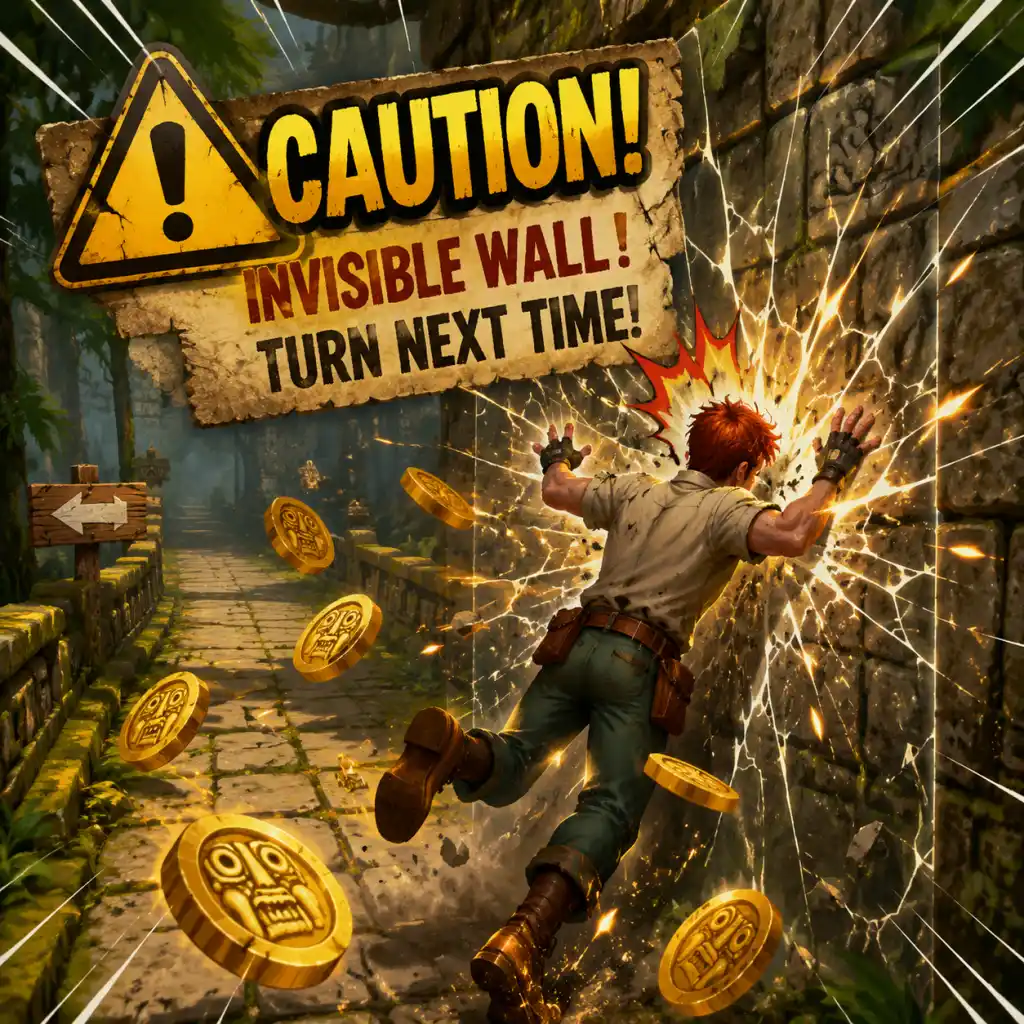
- Turn before you need to. The swipe input is registered with a slight delay. Anticipate turns about 0.3 seconds earlier than you think.
---
Common Pitfalls & Mistakes
1. Swiping vs. Tapping Confusion
- Swipe left/right to turn at corners and change lanes.
- Swipe up to jump.
- Swipe down to slide.
- Do not tap the screen while running; tapping does nothing except when selecting menus. Tapping during gameplay will be ignored, but if you accidentally tap while swiping, the input may be misinterpreted. Always swipe decisively.
2. Turning Too Early or Late
- Turns appear suddenly. Beginners often swipe too early (causing the character to turn before the path forks) or too late (hitting the wall). Wait until the screen shows a clear turn, then swipe. The game provides a brief grace period, but don't rely on it.
3. Obstacle Gaps
- Some obstacles have small gaps you must time correctly. Jumping too early may cause you to land on an obstacle; jumping too late makes you collide with the edge. Use the visual cues: obstacles usually appear when the ground changes texture.
4. Ignoring the Edge of the Path
- The path is a narrow track. Swiping to turn requires you to be in the correct lane to avoid obstacles. If you're too close to the edge, you can fall off. Stay centered when not turning.
---
Irreversible Choices
---
Missable Content
---
Difficulty Spikes
---
Grinding Traps
---
Online Etiquette & Anti-Cheat
---
Save Management
---
Things Players Commonly Regret Not Knowing Earlier
---
Final Advice
> "Don't panic, swipe decisively, and remember: gems are precious, coins are common."
Keep these notes in mind to avoid frustration and make the most of your runs. Happy running!