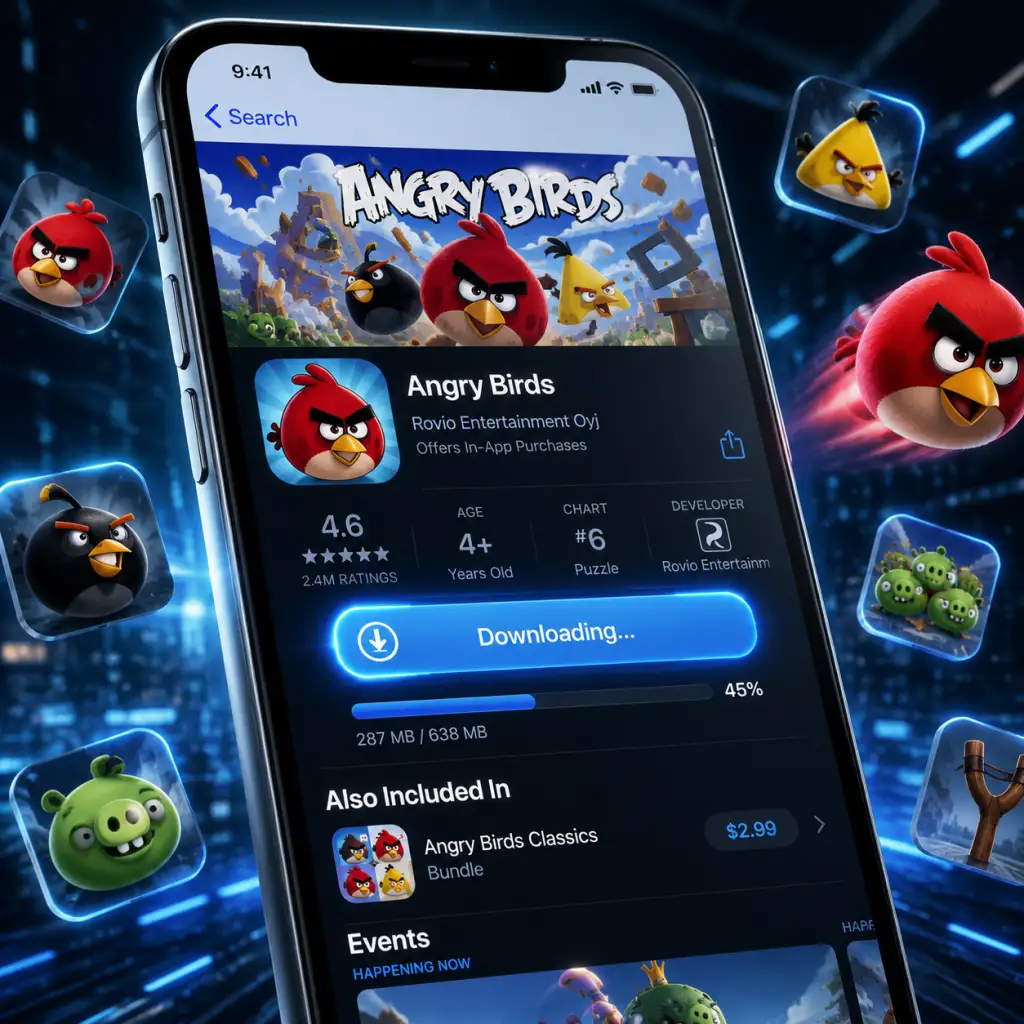
Download & Installation
Overview
This guide covers downloading and installing various versions of Angry Birds across multiple platforms. Because Rovio has released many editions (original classic, Angry Birds 2, Angry Birds Friends, Angry Birds Reloaded, console compilations), the instructions differ by platform and title. Where a specific version is no longer officially available (e.g., the original 2009 game on PC), workarounds or newer alternatives are noted.
---
1. Mobile (iOS & Android)
1.1 Angry Birds 2 (Recommended)
- Official Sources:
- System Requirements:
- Storage: ~250 MB initial, increases with updates and additional data (~1 GB total)
- Account Required: Optional for cloud sync (Apple ID or Google Play account)
- Installation Steps:
- First Launch Setup:
- Availability: Removed from both App Store and Google Play in 2019 (as a standalone paid app). Still purchasable on Apple Arcade as Angry Birds Reloaded (see below). If you previously purchased the classic version, you can re-download it from your purchase history.
- System Requirements (if already owned): Same as original device specs (iOS 3.0+, Android 2.2+).
- Storage: ~50 MB.
- Installation: Same as above; no account required.
- Official Source: Apple App Store (requires Apple Arcade subscription ~$6.99/month)
- System Requirements: iOS 13.0+ or macOS 10.15+ (Catalyst)
- Storage: ~400 MB
- Installation:
- Official Source: Steam store (https://store.steampowered.com/app/454440/Angry_Birds_Friends/)
- System Requirements:
- Account Required: Steam account (free)
- Installation Steps:
- First Launch Setup:
- Official Source: Google Play Games Beta on Windows (https://play.google.com/googleplaygames)
- System Requirements:
- Account Required: Google account
- Installation Steps:
- First Launch Setup:
- Note: This is an old physical release (2012). Not available digitally. Only install if you own the disc.
- System Requirements (from disc):
- Installation: Insert disc, follow AutoPlay installer, enter product key (if required).
- Available Versions:
- Official Source: PlayStation Store (PS3 only). Search "Angry Birds Trilogy" or "Angry Birds Star Wars".
- System Requirements: PS3 console with 3.0+ firmware, 500 MB free HDD space.
- Installation Steps for Angry Birds Trilogy (PS3):
- Note: Not available on PS4/PS5 except via backward compatibility (PS3 titles not supported on PS5). No Angry Birds on PS Store for PS4/PS5.
- Available Versions:
- Download on Xbox 360:
- Xbox One/Series X|S Backward Compatibility:
- Available Versions:
- Alternative: Angry Birds Star Wars was on Wii U, but not compatible with Switch.
- Angry Birds Trilogy available on Wii (disc only), Wii U (digital via Nintendo eShop, now discontinued). 3DS version also available (download or cartridge).
- Installation: Insert disc or download from eShop (if previously purchased, can re-download from Redownload list).
- iOS: Apple App Store (search "Angry Birds 2")
- Android: Google Play Store (search "Angry Birds 2")
- iOS: iOS 13.0 or later (iPhone, iPad, iPod touch)
- Android: Android 6.0 or later (ARM64 architecture recommended)
1. Open the App Store or Google Play Store on your device.
2. Search for "Angry Birds 2".
3. Tap Get (iOS) or Install (Android).
4. Authenticate with your Apple ID, password, or fingerprint if prompted.
5. Wait for the download and automatic installation.
6. Open the app. It will download additional assets (~200 MB) on first launch (ensure Wi-Fi connection).
- Grant permissions (notifications, storage access for Android).
- Choose to sign in with Rovio account (optional) for cross-device progress.
- Complete a short tutorial.
1.2 Angry Birds Classic (Original 2009)
- iOS: App Store > Account > Purchased > Not on This iPhone > tap download icon.
- Android: Google Play > Menu > My apps & games > Library > find "Angry Birds" > Install.
1.3 Angry Birds Reloaded (Apple Arcade)
1. Subscribe to Apple Arcade.
2. Open the App Store, search "Angry Birds Reloaded".
3. Tap Get (free with subscription).
4. Download completes automatically.
5. First launch: No additional assets required.
---
2. PC (Windows & Mac)
2.1 Angry Birds Friends (Free-to-Play, Steam)
- Minimum
- OS: Windows 7 (64-bit) or macOS 10.12 (Sierra)
- CPU: Dual-core 2.0 GHz
- RAM: 4 GB
- GPU: DirectX 11 compatible / Metal for Mac
- Storage: 2 GB available
- Network: Broadband internet
- Recommended
- OS: Windows 10 64-bit / macOS 10.15+
- CPU: Quad-core 2.5 GHz
- RAM: 8 GB
- GPU: Dedicated graphics with 1 GB VRAM
1. Install the Steam client from https://store.steampowered.com/about/.
2. Create or log into your Steam account.
3. In the Steam store, search "Angry Birds Friends".
4. Click Add to Library (it's free).
5. In your Library, select Angry Birds Friends and click Install.
6. Choose installation directory (default: `C:\Program Files (x86)\Steam\steamapps\common`).
7. Wait for download (~1.5 GB). Steam will automatically install.
8. Launch the game from your Library.
- Accept EULA.
- Optionally link to Facebook (for leaderboards).
- Play tutorial (optional).
2.2 Angry Birds 2 (via Google Play Games for PC Beta)
- OS: Windows 10 (v2004) or Windows 11
- CPU: 4+ physical cores (Intel i3/AMD Ryzen 3 equivalent)
- RAM: 8 GB
- GPU: Integrated Intel UHD 630 or better (dedicated GPU recommended)
- Storage: 10 GB free (for platform) + game data (~2 GB)
- Virtualization: Must be enabled in BIOS (Intel VT-x / AMD-V)
1. Download and install Google Play Games Beta from the official website.
2. Sign in with your Google account.
3. In the Play Games app, search "Angry Birds 2".
4. Click Install. The game will download and install automatically.
5. Launch from the Play Games library.
- Sync with your existing mobile progress (if available).
- Grant permissions if prompted.
2.3 Angry Birds Trilogy (PC via CD/DVD – Legacy)
- Windows XP/Vista/7
- CPU: 2.0 GHz dual-core
- RAM: 2 GB
- GPU: 256 MB DirectX 9.0c compatible
- Storage: 1.5 GB
---
3. Consoles
3.1 PlayStation (PS3/PS4/PS Vita)
- Angry Birds Trilogy (PS3, physically & PS Store)
- Angry Birds Star Wars (PS3, PS4 via PS Now? No, not available on PS4 natively)
- Angry Birds Reloaded (not on PlayStation)
1. On your PS3, go to PlayStation Store.
2. Search for "Angry Birds Trilogy".
3. Purchase (if not already owned) and select Download.
4. The game downloads (~1 GB). Installation is automatic.
5. Launch from the XMB menu.
3.2 Xbox (Xbox 360 / Xbox One / Xbox Series X|S)
- Angry Birds Trilogy (Xbox 360 – disc & digital via Xbox Marketplace)
- Angry Birds Star Wars (Xbox 360)
- Angry Birds 2 (not available on Xbox)
1. Go to Xbox Live Marketplace on the console.
2. Search "Angry Birds Trilogy".
3. Purchase and download (~1.2 GB). Installation occurs automatically.
- Angry Birds Trilogy is not backward compatible with Xbox One or Series. Angry Birds Star Wars is also not supported.
- No modern Angry Birds titles exist on Xbox One/Series.
3.3 Nintendo Switch
- Angry Birds Reloaded (not on Switch)
- Angry Birds Trilogy (not on Switch)
- Angry Birds 2 (not on Switch)
- None officially available on Nintendo eShop as of 2025. No cartridge releases for Switch.
3.4 Nintendo Wii / Wii U / 3DS (Legacy)
---
4. Common Installation Errors & Fixes
| Error | Platform | Likely Cause | Fix |
|---|---|---|---|
| "Download failed" / "Unable to install" | Mobile / PC | Insufficient storage / network issue | Free up space; restart device; switch to stable Wi-Fi |
| "App not compatible with this device" | Mobile | Outdated OS / unsupported hardware | Update iOS/Android; check requirements (original classic no longer supports Android 12+) |
| Steam: "Missing file privileges" | PC (Steam) | Antivirus blocking Steam | Temporarily disable AV; run Steam as administrator |
| Google Play Games: Virtualization error | PC | Intel VT-x or AMD-V disabled | Enable virtualization in BIOS; restart PC |
| "Content not available in your region" | All | Regional restrictions (rare for Angry Birds) | Use a valid account for the correct region; VPN not recommended for legitimate purchases |
| Game crashes on first launch | Mobile/PC | Outdated GPU drivers / insufficient RAM | Update drivers; lower graphics settings; close background apps |
| "An error occurred while installing" (PS3) | Console | Corrupted download / full HDD | Delete unnecessary saves; rebuild database (PS3 safe mode) |
5. Post-Installation Verification
After installation, perform these checks to ensure everything is working:
1. Launch the game. If it opens to a menu or starts a tutorial, installation succeeded.
2. Check version number (usually on main menu or settings screen). Compare with latest official update (e.g., Angry Birds 2 v7.x, Angry Birds Friends v1.x).
3. Test basic gameplay:
- Tap/pull slingshot to launch a bird (mobile, PC touch, or mouse).
- For console versions: press corresponding button.
- Ensure sound and music play.
4. Verify online features (if applicable):
- Leaderboards (Facebook sign-in for Friends).
- Cloud save sync (for Angry Birds 2).
5. Check for missing assets: If textures or backgrounds are missing, reinstall or verify game files (Steam: right-click game > Properties > Local Files > Verify integrity of game files).
6. Storage usage: Go to device settings and confirm game size matches expected (e.g., Angry Birds 2 ~1 GB).
---
6. Summary of Safe Download Sources
| Platform | Recommended Version | Official Source |
|---|---|---|
| iOS | Angry Birds 2 / Reloaded (Apple Arcade) | App Store |
| Android | Angry Birds 2 | Google Play Store |
| Windows | Angry Birds Friends (Steam) or Angry Birds 2 (Play Games) | Steam or Google Play Games Beta |
| macOS | Angry Birds Friends (Steam) | Steam |
| PS3 | Angry Birds Trilogy | PlayStation Store |
| Xbox 360 | Angry Birds Trilogy | Xbox Marketplace |
| Switch | Not available | N/A |
---
Final Notes
- The original Angry Birds (2009) is no longer available for new purchases on any store. If you already own it, you can still re-download it as described.
- Angry Birds 2 is continuously updated and supports cross-progression between mobile and PC (Play Games Beta) with a Rovio account.
- Console versions are legacy; newer consoles (PS5, Xbox Series, Switch) do not have official Angry Birds releases as of 2025.
- For any errors not listed here, consult the game's official support site (https://support.rovio.com) or the platform's help center.