Download & Installation
Half-Life 2 Download & Installation Guide
This guide covers official, legitimate methods to download and install Half-Life 2 across all supported platforms. The game is primarily distributed through Valve's Steam service on PC, with console versions available via The Orange Box compilation. Note that Half-Life 2 requires a free Steam account even for the PC retail version.
---
1. System Requirements (PC)
| Component | Minimum | Recommended |
|---|---|---|
| OS | Windows 7 (32-bit) | Windows 10 (64-bit) |
| Processor | 1.7 GHz | 2.4 GHz dual-core |
| Memory | 512 MB | 1 GB |
| Graphics | DirectX 8.1 compatible (e.g., GeForce 3) | DirectX 9.0c compatible (e.g., GeForce 6600) |
| Storage | 8 GB free space | 8 GB free space (SSD recommended) |
| Internet | Broadband | Broadband |
---
2. Platform-Specific Download Sources
| Platform | Official Store | Account Required | Notes |
|---|---|---|---|
| PC (Steam) | [Steam Store](https://store.steampowered.com/app/220/HalfLife_2/) | Steam account | Primary distribution. Also includes Half-Life 2: Deathmatch, Lost Coast, and Episode One/Two via bundles. |
| PC (Retail DVD) | Retail box (e.g., from Amazon) | Steam account | Must activate CD key on Steam and download the game. |
| PlayStation 3 | The Orange Box (PS3) disc or PSN digital | PSN account | Download from PlayStation Store (The Orange Box includes HL2, HL2:EP1, HL2:EP2, Portal, TF2). |
| Xbox 360 | The Orange Box disc or Xbox Live Marketplace | Xbox Live account | Digital version available via Xbox backward compatibility on Xbox One/Series X |
| **Xbox One / Series X | S** | The Orange Box (360) via backward compatibility | Xbox Live account |
| Nvidia Shield (Mobile/Console) | Nvidia Shield Store | Nvidia account | Exclusive Android port for Shield devices. Requires Tegra processor. |
---
3. Step-by-Step Installation
#### PC (Steam Digital Download)
1. Create/Login to Steam: Go to [steampowered.com](https://steampowered.com) and install the Steam client (Windows/macOS). Create a free Steam account if you don't have one.
2. Purchase Half-Life 2: In the Steam store, search for "Half-Life 2" and purchase it (currently $9.99 USD, often on sale). You can also buy the Half-Life Complete bundle for all classic HL games.
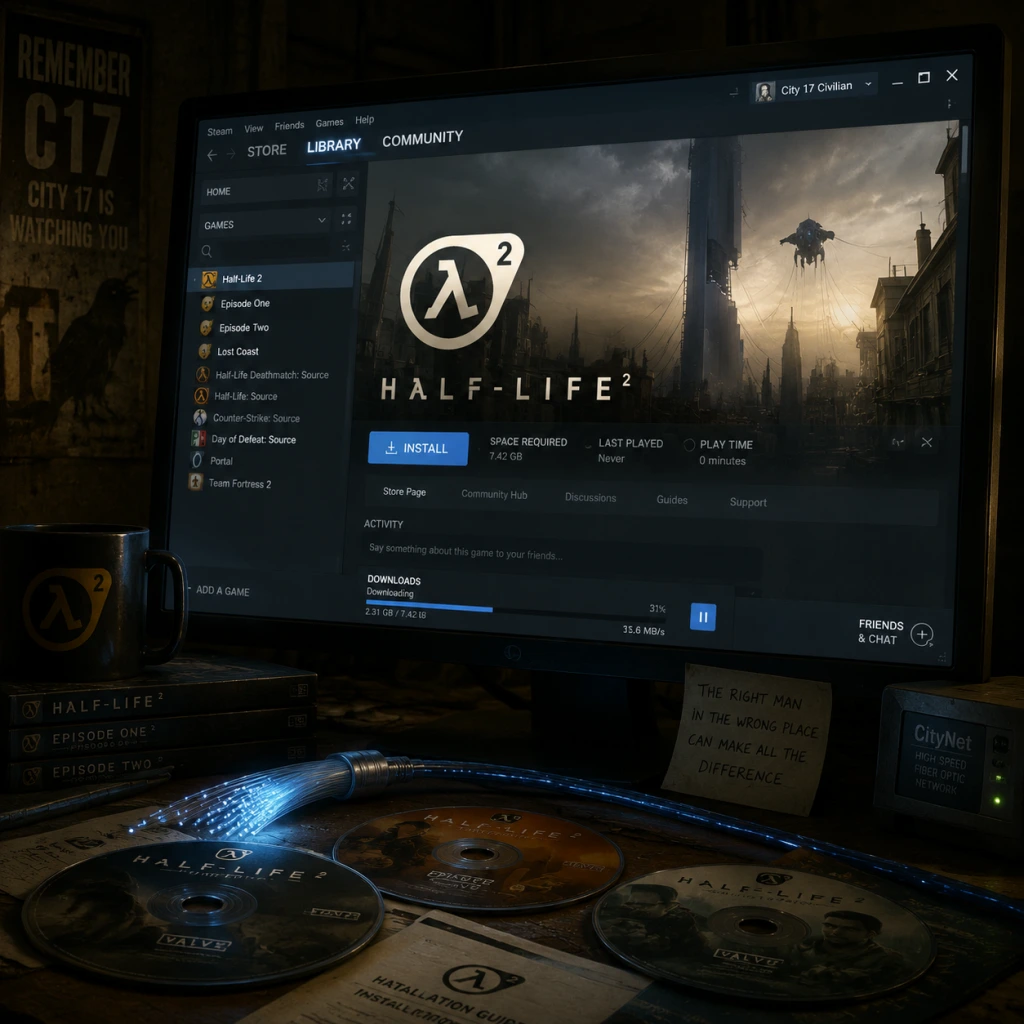
3. Install via Library: Once purchased, open your Steam library, locate "Half-Life 2" in your games list, and click Install. Choose installation directory (default `C:\Program Files (x86)\Steam\steamapps\common`).
4. Download & Verify: Steam will download ~8 GB of files. After download, it automatically verifies the integrity of the game files.
5. Launch: Click Play in Steam library. The game will start with first-launch configuration (see Section 4).
#### PC (Retail DVD / CD Key)
1. Insert the DVD or enter the CD key in Steam: Games > Activate a Product on Steam.
2. Enter the key from your retail package. Steam will add the game to your library.
3. Download and install as above (you still need to download the full game via Steam – the disc may not contain the latest version).
#### PlayStation 3 (The Orange Box)
- Disc version: Insert disc, follow on-screen prompts to install game data (takes ~6-8 GB).
- Digital version: Go to PlayStation Store, search "The Orange Box", purchase/download. Choose from the PS3 XMB menu > Game > The Orange Box.
- Disc version: Insert disc; game runs from disc (optional install to hard drive for faster loading: navigate to game tile, press Y, select Install).
- Digital version: Purchase from Xbox Live Marketplace, download from My Games & Apps.
- Disc version: Insert the Xbox 360 disc into your console. The system will download a backward-compatible digital version (approx. 6 GB download required).
- Digital version: Go to Microsoft Store, search "The Orange Box", purchase and download. (Note: it may not appear in search unless you own it; use the backwards compatibility filter.)
- Video Configuration: The game detects your hardware and sets default graphics. You can adjust resolution, texture quality, anti-aliasing, etc. (Recommended: 1920x1080 or native, all settings on High with HDR enabled if your GPU supports it).
- Audio & Keyboard: Default settings are fine; you can rebind keys through Options > Keyboard.
- Activate Steam Cloud: Saved games sync automatically if enabled (recommended).
- Model Detail Level: The game may ask if you want to use high-detail models (use Yes).
- Update Check: Steam will check for any updates automatically.
#### Xbox 360 (The Orange Box)
#### Xbox One / Series X|S (Backward Compatibility)
#### Nvidia Shield (Android TV / Portable)
1. Open Google Play Store on Shield (or use the Shield Store app).
2. Search for "Half-Life 2" (developed by Nvidia Lightspeed Studios). Purchase and download.
3. Install – game is about 3 GB. Launch with controller or touch.
---
4. First Launch Setup (PC)
When you first launch Half-Life 2 on PC, you will encounter:
For console versions, simply launch the game; no additional setup is needed beyond signing into your console account.
---
5. Common Installation Errors & Fixes
| Error/Issue | Platform | Cause | Fix |
|---|---|---|---|
| "Steam must be running to play this game" | PC | Steam not logged in or not installed | Launch Steam first; ensure your account owns the game. |
| "Failed to load the launcher DLL" | PC | Missing Visual C++ redistributable | Install [VC++ Redistributable 2015-2022](https://aka.ms/vs/17/release/vc_redist.x64.exe). |
| DirectX error or missing d3dx9_xx.dll | PC | DirectX not updated | Install DirectX End-User Runtime from Microsoft. |
| Half-Life 2 crashes on startup | PC (older Windows) | Compatibility mode needed | Right-click hl2.exe > Properties > Compatibility > Run as Windows 7/8. |
| "No suitable graphics device found" | PC | Outdated or missing GPU drivers | Update graphics drivers (NVIDIA/AMD/Intel). For integrated Intel GPUs, try launching with `-dxlevel 81` in launch options. |
| Steam download stuck at 0% | PC | Network issues or corrupted cache | Clear Steam download cache (Steam > Settings > Downloads > Clear Cache). |
| Xbox backward compatibility download fails | Xbox One/Series | Region or licensing mismatch | Ensure you are signed in with the account that purchased the game or inserted the disc. Restart console. |
| PS3 disc not recognized | PS3 | Dirty disc or system software | Clean disc; update PS3 firmware; try rebuilding database (Safe Mode > Option 3). |
| Nvidia Shield: game not launching | Shield | Insufficient storage or permissions | Free up space (>3 GB). Check Google Play Store for updates. |
6. Post-Installation Verification
After installation, verify the game is ready to play:
- PC (Steam): Right-click Half-Life 2 in Steam library > Properties > Local Files > Verify integrity of game files. This ensures all files are intact.
- Check version: In the main menu, look for the build number (e.g., "Version 5135"). Latest update: June 2023 (build 5135).
- Run benchmarks: Press ~ (tilde) to open console, type `timedemo` commands to test performance.
- Console: Launch the game and navigate to the main menu. No file checks possible, but ensure saved games can be loaded.
- Update check: On PC, Steam auto-updates. For console, check for game updates via system settings.
- Backup saves: PC saves are in `C:\Users\[YourUser]\Documents\My Games\Half-Life 2\save`. Copy this folder for backup.
- Mod support: Half-Life 2 has extensive mods (e.g., Garry's Mod, Counter-Strike: Source). Install via Steam Workshop or manual extraction into the `sourcemods` folder. Ensure Steam is set to download mods from Workshop.
- Multiplayer: Half-Life 2: Deathmatch is included (free). Play via Steam Friends or community servers.
- Source SDK: For modding, download Source SDK Base 2013 Singleplayer (free on Steam) alongside Half-Life 2.
- Language packs: If needed, change language in Steam library: Right-click Half-Life 2 > Properties > Language.
---
7. Additional Tips
---
This guide is accurate as of March 2025. Always check official sources for updates.