Getting Started
Getting Started Guide for Heavy Rain
Welcome to Heavy Rain, an interactive drama where every choice matters. This guide helps brand‑new players through the first hour, controls, UI, and common pitfalls.
First Hour Walkthrough (No Major Spoilers)
The game begins with Ethan Mars at home. Your first actions set the tone:
1. Morning Routine – Walk around Ethan’s house. Interact with objects (cereal, coffee, newspaper). You’ll see on‑screen prompts. Take your time – no rush.
2. Play with Sons – Follow the prompts to play catch, sketch, etc. This builds emotional connection.
3. Shopping Mall – Later, Ethan takes his sons to the mall. Critical: Stay close to them and respond quickly during the incident that follows. Missing a QTE here can lock you out of achievements but doesn’t break the game.
4. After the incident – The story jumps 18 months. You control Ethan again in a dreary apartment. Explore all interactive objects to learn about his grief.
5. First Origami Killer encounter – You receive a letter. Follow the on‑screen instructions. This triggers the main investigation.
Tip: The game auto‑saves frequently. There is no manual save. If you fail a QTE, the story adapts – you don’t “die” immediately.
Character Creation
Heavy Rain does not have character creation. You play as predefined protagonists:
- Ethan Mars – a father with anxiety issues.
- Scott Shelby – a private detective.
- Madison Paige – a journalist (appears later).
- Norman Jayden – an FBI profiler (appears later).
Your choices shape their personalities and relationships, but you cannot alter appearance or starting stats.
Controls on All Platforms
#### PlayStation (PS4/PS5)
| Action | Button |
|---|---|
| Move character | Left stick |
| Look around | Right stick (hold R1 to look faster) |
| Interact / Context action | R2 (or ✕ when prompted) |
| Walk faster | Hold R2 (then move left stick) |
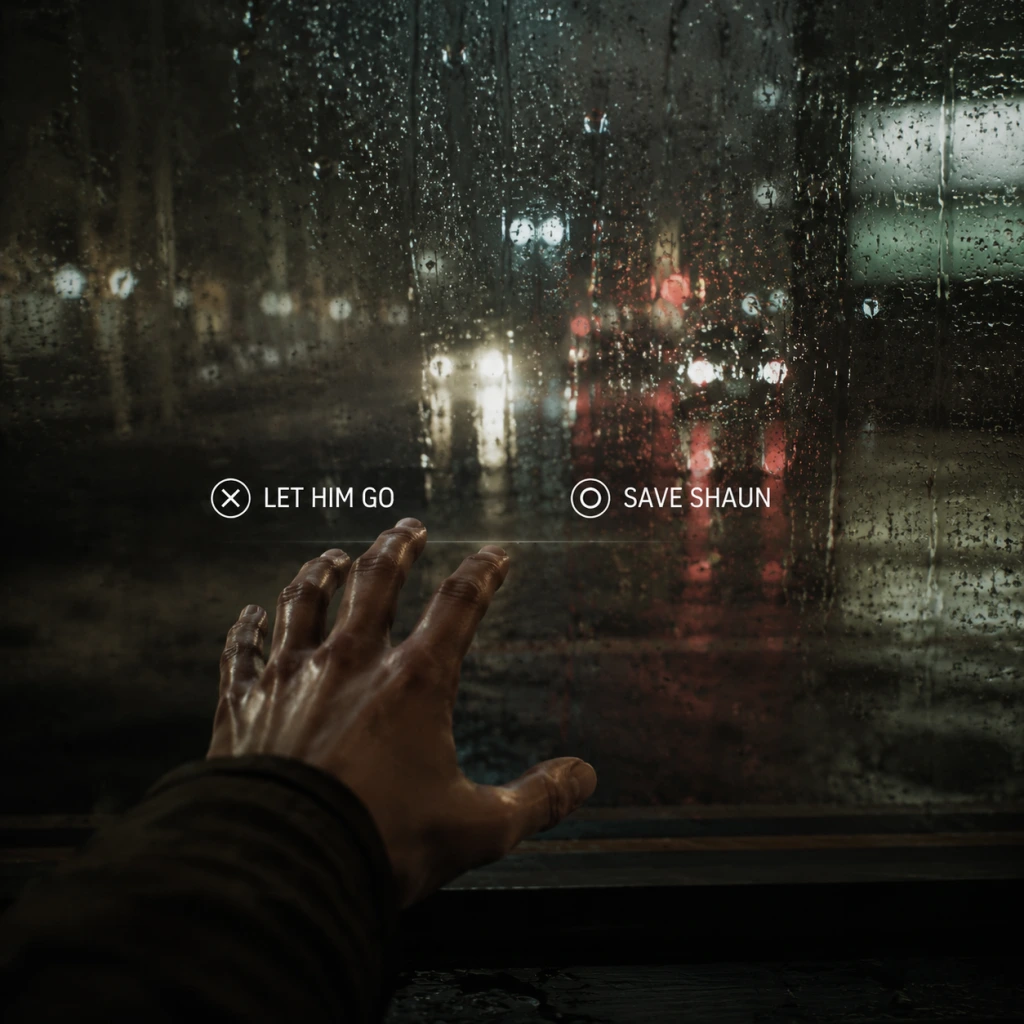
| Dialogue choice | ✕ (confirm), ◯ (cancel), directional buttons for options |
| Quick Time Event (QTE) | Follow on‑screen inputs (✕, ◯, □, △, or stick movements) |
| Pause | Options button |
| Action | Key |
|---|---|
| Move | WASD |
| Look around | Mouse movement (hold right mouse button) |
| Interact | Left mouse click / E |
| Walk faster | Hold Shift (or space bar) |
| Dialogue choices | 1-4 number keys (or click) |
| QTE | Input keys shown on screen (e.g., W, A, S, D, space, mouse clicks) |
| Pause | Esc |
Same layout as PlayStation but with A/B/X/Y. QTE prompts will show the corresponding button icons.
Tip: In the main menu, you can reconfigure controls to swap look/interact buttons. For PC, a controller is strongly advised – QTEs are more responsive.
UI Overview
- HUD is minimal – No health bar, no inventory. The only persistent elements are:
- Thought bubble – Occasionally, a thought bubble icon appears above a character. Press the interact button to hear their inner thoughts.
- Auto‑save icon – A small rotating disc in the corner tells you a save is occurring. Do not turn off the game during this.
- Play the Prologue without rushing – It teaches you the rhythm of the game.
- Explore thoroughly – Try every interactive object. Some reveal backstory or affect later choices.
- Listen to characters’ thoughts – Press the prompt for thought bubbles; they deepen understanding.
- Save (via auto‑save) – Never manually exit while the auto‑save icon is spinning.
- Ignoring QTEs – Even small ones can cause a character to fail an action, leading to different scenes or missed trophies/achievements.
- Choosing dialogue quickly without reading – Take your time; each choice has weight.
- Trying to “win” – Heavy Rain is about narrative, not score. Embrace failures – they create unique story branches.
- Skipping cutscenes – You’ll miss clues and emotional beats.
- Time – Some scenes are timed. Prioritise key objectives (e.g., finding a clue before a deadline).
- Relationships – How characters perceive each other. Choose empathy over aggression early on.
- Clues – Pay attention to documents, photos, and dialogues. They affect the investigation chapters.
- In Ethan’s chapters: family safety.
- In Scott’s chapters: collecting evidence.
- Later in Madison’s: survival and uncovering the truth.
- [ ] Choose your platform settings (language, subtitles, brightness).
- [ ] Select “New Game” (no difficulty levels – the game auto‑adjusts).
- [ ] Watch the intro cutscene – It sets the atmosphere.
- [ ] Complete the Prologue – Focus on learning controls.
- [ ] Errands:
- [ ] After the mall incident, play through the next chapter ("18 Months Later") until you receive the letter.
- [ ] Pause and check the “Extras” menu – You can view trophies, concept art (unlocked later), and even change control settings here.
- [ ] Save your progress (it auto‑saves after each major scene). Trust the auto‑save.
- [ ] End your first session after finishing the chapter "The Origami Killer" (Scott Shelby’s first scene). This covers roughly 1–1.5 hours.
- Prompt icons (button or key) when you can interact.
- Dialogue wheel appears during conversations – hover over an option to see a brief preview.
- QTE indicators – a coloured ring (blue for safe, red for failure risk) or timed bar.
Essential Early Objectives (First 2 Chapters)
1. Chapter: "Prologue" (Ethan) – Complete the morning routine and interact with family. You’ll learn basic controls.
2. Chapter: "The Mall" (Ethan) – Keep Jason and Shaun close. Respond to the crisis promptly.
3. Chapter: "18 Months Later" (Ethan) – Investigate every object in the apartment. Receive the letter.
4. Chapter: "The Origami Killer" (Scott Shelby) – Visit the crime scene. Talk to witnesses. Examine clues.
Priority: In each chapter, you can fail optional QTEs without ending the game, but failing critical ones can alter the story permanently. Always react quickly when a QTE appears – the window is short.
What to Do First and What to Avoid
#### Do First:
#### Avoid:
Early Resource Priorities
There are no traditional resources (health, ammo, money). Your “resources” are:
Mentally prioritise:
Common Beginner Mistakes
1. Missing QTEs because of panic – Breathe. The game gives a brief moment. Look at the on‑screen prompt and press the correct button/stick.
2. Not exploring enough – Even mundane objects (a picture frame, a toy) can trigger new thoughts or alter dialogue.
3. Rushing through dialogue – You might miss a crucial question that unlocks a new lead.
4. Forgetting to “look” (R1/right stick) – Some clues are only found by actively looking around.
5. Assuming failure is permanent – The story adapts. You might get a worse outcome, but you can continue playing different scenarios.
6. Ignoring optional QTEs – Those that appear during normal movement (like avoiding obstacles) can lead to injury or failure.
Day‑One Checklist
When you first launch Heavy Rain, do this sequentially:
- Walk to all rooms.
- Interact with each item at least once.
- Follow all on‑screen prompts.
- When QTE appears, respond immediately – don’t hesitate.
Pro tip: If you feel overwhelmed, don’t worry. The game has a built‑in “Flow” system that prevents hard locks. You can always replay chapters from the main menu after completing the game.
Remember: Heavy Rain is an emotional rollercoaster – enjoy the ride.