Important Notes
Important Notes
Warnings
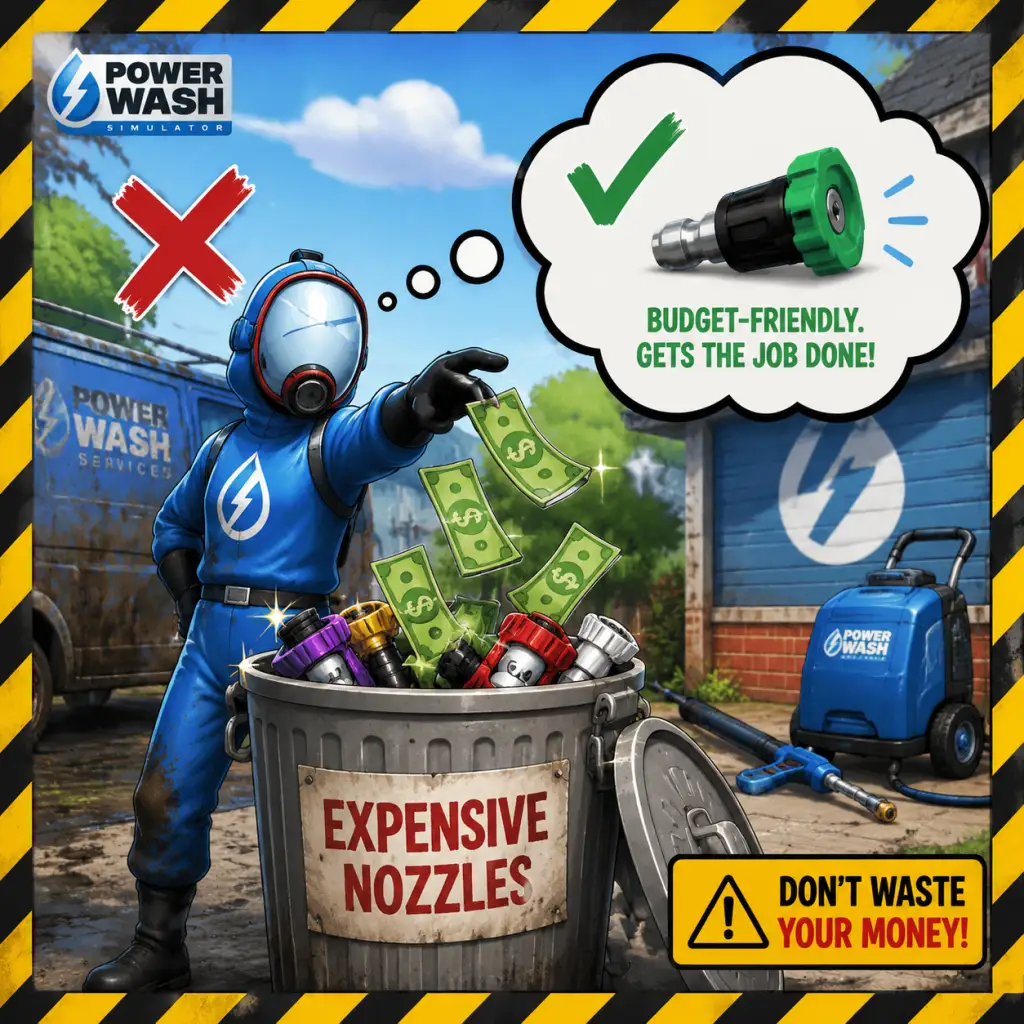
- Avoid wasting money early on: Don't blow all your earnings on the most expensive pressure washer or nozzles right away. The starting equipment is perfectly capable of completing all base-game jobs. Save cash for the long term, as upgrades become more beneficial once you tackle larger, dirtier levels.
- Beware of the Trident Nozzle on delicate surfaces: While the Trident nozzle covers a huge area, it can sometimes push dirt into crevices or obscure smaller spots. On vehicles or detailed objects, it's better to use a more focused nozzle to avoid missing hidden grime.
- Mind your surroundings in tight spaces: The high-pressure water can knock over small items (like cans, toys, or loose objects). While you can’t permanently break anything, scattering items around makes the job messier and wastes time. Use a lower pressure setting or a gentle spray to clean fragile areas first.
- Ignoring the tablet: The tablet shows exactly what percentage is complete and highlights uncleaned areas for each surface. Neglecting it leads to wasted time searching for tiny missed patches. Always glance at the tablet after finishing a major area.
- Using the wrong nozzle for the task: The flat nozzle is great for dirt and rust, the rotary nozzle speeds up large flat surfaces, the wide-angle nozzle is for general cleaning, and the precise nozzle is for details. Using the rotary nozzle on delicate objects will be inefficient and may miss nooks.
- Forgetting to use soap: Soap highlights dirt and speeds up cleaning on stained surfaces. It’s cheap and unlocks early. Not using it on large, grimy objects (like the fire truck or train) is a common mistake that lengthens cleaning time.
- Leaving the game on pause for too long: While there’s no penalty for taking breaks, the game’s auto-save can sometimes be delayed if you pause mid-clean. If you must step away, it’s safer to quit to the main menu so your progress is saved properly.
- No permanent story choices: The game has no branching narrative or decisions that lock you out of content. You can complete all jobs in any order, and all equipment remains purchasable at any time.
- Achievement-related choices: Some achievements require specific actions during a single job (e.g., “Feeling the Pressure” — clean a job in under 5 minutes; “Don’t Forget the Soap” — use soap on every surface). If you miss these, you can replay the level later; nothing is lost permanently.
- DLC purchases are optional but linked to account: If you buy a DLC pack (e.g., “SpongeBob SquarePants”, “Warhammer 40,000”), those levels are added permanently to your account. They cannot be refunded or removed, but they are not required for base-game completion.
- Achievements and trophies: Several achievements are tied to specific actions that are easy to overlook:
- Seasonal events (limited-time): The game occasionally has free seasonal DLC (e.g., Halloween, Christmas) that may only be available for a limited period after release. Check the in-game store or news. Once obtained, they remain playable forever.
- The Subway / Tunnel Level: Contains an enormous amount of tight, twisting track and hard-to-reach ceilings. It’s time-consuming and many players give up mid-way. Tip: start from one end and work methodically; use the extended wand early.
- The Cruise Ship “The Lady’s Grace” (Finishing Job): One of the largest levels in the base game. It has multiple floors, many rooms, and a lot of hidden dirt. Break it into sections and use your tablet frequently.
- DLC Levels: The “SpongeBob SquarePants” and “Warhammer 40,000” DLCs include intricate objects (Krusty Krab, Cathedral) that require precision. Don’t be discouraged — focus on one object at a time.
- Challenges (Time/Saves): The Challenge Mode (separate from career) has strict time limits or limited water. These require optimized routes and nozzle swaps. They spike in difficulty compared to free play.
- Obsessing over every tiny speck: You don’t need to clean every single pixel of dirt—just the visible grime. The game considers an area clean when its percentage hits 100%. If you spend minutes blasting a barely-seen spot, you’re wasting time. Use the tablet to confirm if a surface is finished.
- Sticking with one nozzle: The rotary nozzle is fast but not always best. Switching to a wider spray for large walls and a focused spray for edges actually saves time. Experiment with all nozzles.
- Replaying jobs for money: You can earn money quickly by replaying short, early jobs (e.g., the van, the back garden) rather than tackling a massive new level for the same payout. But this can become boring. To avoid grind, simply play through new jobs — you’ll earn plenty of cash as you progress.
- Buying every upgrade immediately: Some upgrades (like longer hose, more powerful washer) are beneficial for larger jobs, but early on you’re fine with basic gear. Prioritize soap and the long wand before expensive pressure washer upgrades.
- Co-op (Multiplayer) Etiquette:
- Anti-Cheat: PowerWash Simulator does not have built-in anti-cheat software on PC. However, using external mods or trainers to unlock money, items, or infinite water may corrupt your save file or cause cloud sync issues. Use at your own risk. If you encounter problems, verifying game files or deleting mods usually fixes them.
- Cheating consequences: There’s no ban system, but if you use mods online, other players might notice (e.g., infinite water). Be respectful and consider turning off mods before joining public lobbies.
- Auto-save: The game auto-saves your progress within a level every few minutes and when you pause. It also saves after you complete a job. You cannot manually save.
- Quitting mid-job: If you exit a level, your progress is saved at the last auto-save point. When you return, you’ll start from that point, not from the beginning. This is safe to do.
- Cloud saves: On PC (Steam, Epic Games Store), Xbox, and PlayStation, saves are synced to the cloud. Ensure you have a stable internet connection when starting the game to avoid conflicts.
- Manual backups (PC): To be extra safe, navigate to: `C:\Users\[YourUsername]\AppData\LocalLow\FuturLab\PowerWash Simulator\Saves` and copy the files to a safe location. This can prevent loss from corruption or mod mishaps.
- Multiple profiles: You can create multiple save profiles (e.g., for different playthroughs). This is done via the main menu. No restrictions on how many you can have.
- You can change equipment mid-level: Pause the game and select “Equipment” to swap pressure washers, nozzles, or buy soap. You are not locked in.
- The tablet can be used to fast-travel to specific objects: Once you’ve cleaned a significant portion, the tablet will highlight remaining dirt. You can also click on an item in the tablet’s list to teleport your view (not your body) to that object. This helps locate hidden dirt.
- You can rotate the pressure washer: Use the right stick (controller) or mouse to tilt the washer up/down. This is essential for reaching high ceilings or low gaps.
- The “extended wand” upgrade is a lifesaver: It increases your reach, allowing you to clean high areas without a ladder. Buy it as soon as it becomes available.
- Soap is not a consumable that runs out: You buy a bottle of soap, and it lasts for many uses until you run out of soap meter. You can refill at any time for free if you have the soap purchased. So buy it once and enjoy its benefits forever.
- You can zoom in/out: In first-person, you can adjust the camera FOV in settings, but also you can use the mouse wheel (or controller triggers) to zoom the camera while aiming, helping see small details.
- Pressure reduces with distance: To save time and water, get close to the dirt. Standing far away uses more water and does less cleaning per second.
- The game has a Photo Mode: Pause and select Photo Mode to take screenshots. This is a fun way to capture your progress or compare before/after.
- You can skip the opening tutorial cutscene: On subsequent playthroughs or if you just want to jump in, press Esc/Skip during the intro.
- Replaying levels is worthwhile: You can replay any completed job to improve your time or earn additional money (though money rewards are lower the second time). It’s also helpful for hunting missed achievements.
- No penalties for taking breaks: The game is designed to be relaxing. You can leave it running or pause and come back days later — your progress remains.
Pitfalls
Irreversible Choices
Missable Content
- “Full Job” — clean 100% of a job without releasing the trigger (you must hold it the entire time). This is missable if you ever pause or let go.
- “Clean Freak” — clean every bit of dirt in the game (including optional areas). This requires diligence across all levels.
- “Time is Money” — finish a job under the time limit (only applicable to Challenge Mode, which is separate from the main career).
- Special gear unlocks: Some cosmetic items (e.g., outfits) are earned by completing all jobs in a world. These are not missable if you keep playing.
Difficulty Spikes
Grinding Traps
Online Etiquette & Anti-Cheat
- Communicate: Use in-game voice chat or text if available. Let your partner know which area you’re handling to avoid overlapping.
- Don’t intentionally mess up another player’s work: While you can’t undo progress, constantly spraying where they are cleaning is annoying. Coordinate instead.
- Share the cleanup: Don’t hog the main objective. Let lower-level players help to earn experience and money.
- Be patient: Some players are slower or newer. Offer tips if they ask, but don’t rush them.