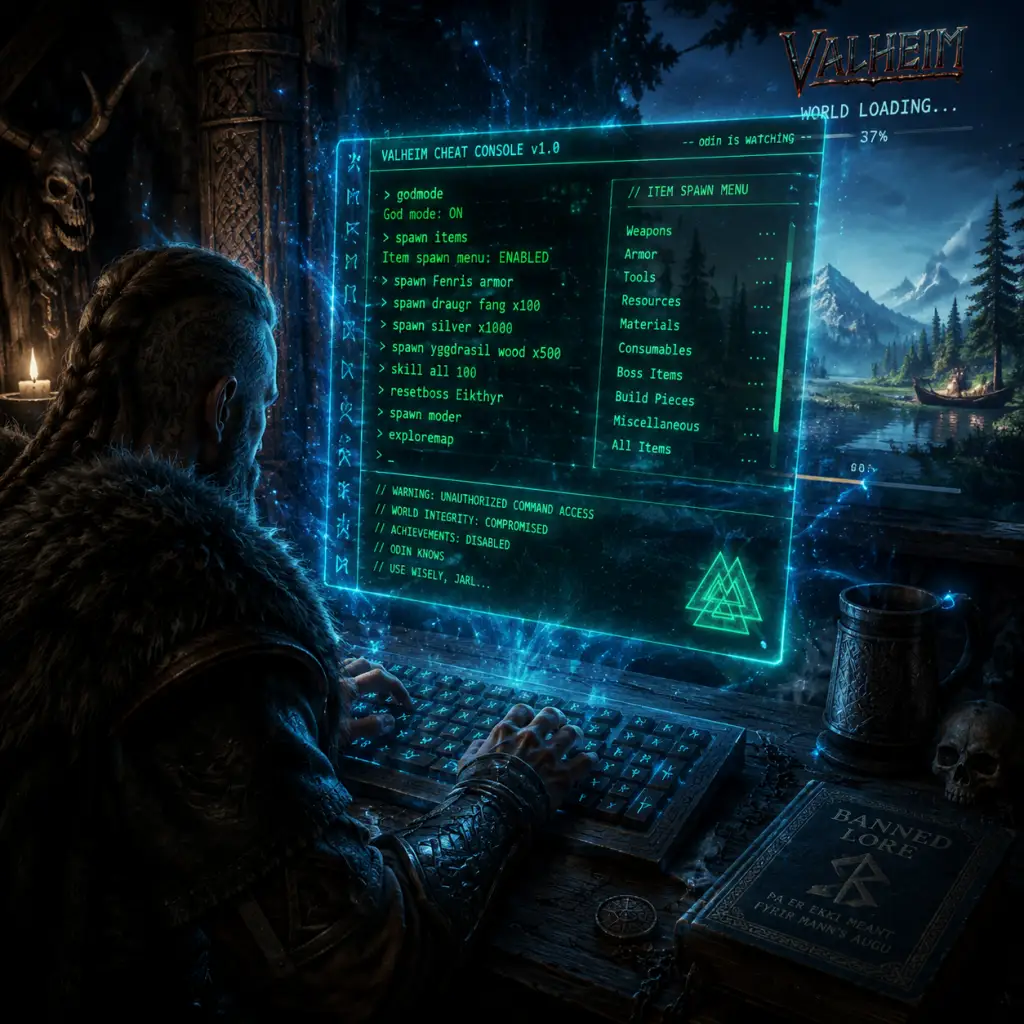
Cheats & Secrets
Cheats & Secrets in Valheim
Valheim does not have traditional unlock codes or secret menus, but it does offer a developer console with cheat commands, a creative/debug mode, and a handful of hidden items and Easter eggs left by the developers. This guide covers everything from enabling cheats to finding secret locations and references.
---
Enabling the Developer Console (Cheats)
1. Open the game and press F5 (PC) to bring up the console. On Xbox, you cannot access the console; cheats are not officially supported on consoles.
2. Type `devcommands` (case-sensitive) and press Enter. You should see "`Cheats: True`" in the log.
3. Now you can enter any of the commands listed below. Commands are not case-sensitive, but the exact spelling matters.
4. To disable cheats, type `devcommands` again or exit to main menu.
Important: Using cheats disables Steam achievements for that session. Close and relaunch the game to re-enable achievements.
---
Full List of Console Commands
Below is a curated table of all known useful cheat commands. Commands marked with an asterisk (*) require `devcommands` to be active.
| Command | Effect | Example |
|---|---|---|
| `help` | Lists all available commands (not just cheats) | `help` |
| `devcommands` | Toggle cheat mode on/off | `devcommands` |
| `god` | Invulnerability (you cannot die) | `god` |
| `fly` | Toggle flight mode (move with WASD + space/ctrl) | `fly` |
| `pos` | Shows your current coordinates (x, y, z) | `pos` |
| `goto [x] [y] [z]` | Teleports you to specific coordinates | `goto 0 0 0` |
| `exploremap` | Reveals the entire map (all fog cleared) | `exploremap` |
| `resetmap` | Hides all explored areas again | `resetmap` |
| `tod [0-1]` | Set time of day (0 = dawn, 0.5 = noon, 1 = dusk) | `tod 0.5` |
| `skip [n]` | Advance time by n seconds | `skip 3600` (1 hour) |
| `debugmode` | Toggles debug mode – see below | `debugmode` |
| `spawn [item] [amount] [level]` | Spawn any item or creature | `spawn Wood 100`, `spawn Wolf 1 2` (level 2) |
| `remove [item]` | Removes a specific item from inventory (by name) | `remove TrophyEikthyr` |
| `dpsdebug` | Toggle damage-per-second display | `dpsdebug` |
| `event [name]` | Start a random event (e.g., "skeletons", "thegroundstart shaking") | `event Eikthyr` |
| `stopevent` | Stop the current event | `stopevent` |
| `freefly` | Detach camera from character (for screenshots) | `freefly` |
| `hair` | Change your hair style (cycle through options) | `hair` |
| `beard` | Change your beard style (cycle) | `beard` |
| `heal` | Fully restore health and stamina | `heal` |
| `raise` | Raise ground under crosshair (requires hoe) | `raise` |
| `smooth` | Smooth ground under crosshair | `smooth` |
| `resetcharacter` | Delete your character and respawn at spawn point | `resetcharacter` |
| `killall` | Kill all enemies within a large radius | `killall` |
| `tame` | Instantly tame the creature you are looking at (if tameable) | `tame` |
| `locations` | Lists all map locations (boss altars, trader, etc.) but doesn't teleport | `locations` |
| `info` | Shows detailed game info (FPS, memory, etc.) | `info` |
| `save` | Force-save the world (useful before risky experiments) | `save` |
| `routedebug` | Show pathfinding debug info | `routedebug` |
| `znet` | Network debug info | `znet` |
---
Debug Mode (Creative Mode)
Debug mode is a separate toggle that gives you several creative building abilities:
- Type `debugmode` in the console (with `devcommands` active).
- Press Z (PC) to toggle no-build-cost (you can place any build piece without materials).
- While in debug mode, B toggles the infinite-hammer (you can press left mouse button to instantly remove any object, even unsupported ones).
- K kills all enemies in a large radius (same as `killall` but quicker).
- L toggles the free-fly camera for screenshots.
- U toggles a fast-reverse-time effect (speeds up day/night cycle).
- A merchant dwarf who sells rare items (Megingjord belt, Ymir Flesh, fishing rod, etc.).
- He always spawns in the Black Forest biome, near large rock formations. His location is fixed but randomized per world seed. The console command `locations` can show his name if you type it, but it doesn't give coordinates. To find him, search the Black Forest for a small camp with a purple banner. You can also use the online map tool [Valheim World Generator](https://valheim-map.world) to input your world seed and see his exact location.
- The final boss Yagluth has a second, unused altar in the Mistlands. It is a large stone structure that cannot be activated (no boss spawn). It's purely decorative and an Easter egg from early development. You can find it by exploring the Mistlands; look for a massive stone head.
- In many worlds, the spawn point is a small stone circle. Sometimes, far away in the Meadows, you can find a larger stone circle with a sacrificial altar. This is a leftover from beta and has no gameplay function, but it's a neat landmark.
- In the Plains, there are tall stone pillars called "Stonehenge" structures. They are simply decoration but often contain a Fuling camp nearby. They serve as good navigation landmarks.
- In the Mistlands, you can find statues of Dvergr (dwarf-like NPCs). These are purely aesthetic and cannot be interacted with. They hint at lore about the ancient race that once lived there.
- Trading with Haldor: He only accepts Coins. You can find Coins in burial chambers, sunken crypts, and Fuling villages. The trader's inventory is fixed but very valuable.
- The Elder's Swamp Key: The boss The Elder drops a Swamp Key, which is needed to enter Sunken Crypts. This is not a cheat but a progression secret many new players miss.
- The Wishbone: After defeating Bonemass, you get the Wishbone, which helps find buried treasure. It makes a sound when near hidden items. This is the intended way to find silver in the Mountains and scrap iron in the Swamp.
- Fishing: Fishing is a late-game activity. The fishing rod and bait are sold by Haldor. You can catch multiple fish types, and they restore health. No cheat needed, but many players don't realize it exists.
- Ward Mechanics: The Ward (crafted item) creates a small protective zone that prevents other players (or creatures) from building or opening doors. It's a PvP tool and hidden base protection.
- Always back up your world files (`.../valheim/worlds_local/`) before experimenting with cheats. Corruption can happen.
- Spawning certain items (like `spawn TrophyYagluth`) may break progression if you haven't defeated that boss.
- The `killall` command also kills tamed creatures and livestock – use with caution.
- Cheats are only available on PC. Xbox players cannot use the console.
Debug mode also allows you to place objects with the hammer without the usual build restrictions. This is great for testing base designs.
---
Hidden Items & Secret Locations
These are developer-intended secrets, not exploits.
#### 1. Haldor the Trader
#### 2. Yagluth's Second Location
#### 3. The "Stone Circle" in Meadows
#### 4. The Plains Pillars
#### 5. The "Dvergr" Statues
---
Easter Eggs
1. Midsummer Event: On the anniversary of Valheim's Early Access launch (February 2nd), the game briefly included a Midsummer event with extra Fireflies and a special item (the "Midsummer Crown"). This was removed later, but players who obtained it still have it. You can cheat-spawn it with `spawn HelmetMidsummer`.
2. Death Quotes: When you die, the game displays a random humorous quote, often referencing Norse myths or gaming culture. Examples: "You have been slain by [enemy]. As all Vikings must." "The Gods have judged you... and found you wanting."
3. Trophy Descriptions: Many trophies have funny tooltips. For example, the TrophyEikthyr says "A fine head." The TrophyBonemass reads "The ooze is strong with this one."
4. Rune Stones: Throughout the world, you can find runestones that tell short stories or jokes. One in the Black Forest reads: "The stone is cold. The forest is dark. You are lost."
5. Music Easter Egg: In the Meadows, if you stand near a beehive at sunrise, a faint humming melody can be heard – it's the same notes as the game's main theme. This is a sound design Easter egg.
6. The "Cursed" Rock: In the Mountains, there is a solitary rock formation that looks like a face. It has no interaction but is believed to be a developer's nick on the world generation code.
7. Player References: The game credits include a shout-out to the community. Typing `info` in console sometimes shows a line from the developers: "Made with love and mead."
---
Exploit-Safe Secrets & Developer-Intended Hidden Content
---
Notes on Using Cheats Responsibly
---
Conclusion
Valheim's cheat system is robust and allows for extensive experimentation, but the game's true depth lies in its exploration and hidden mechanics. Use the commands above to test builds, recover from bugs, or just have fun. The Easter eggs and secret locations add flavor to an already rich world. Remember: the best secret is the sheer joy of discovering a hidden valley or a perfect base spot on your own.