Getting Started
Getting Started
First Hour Walkthrough
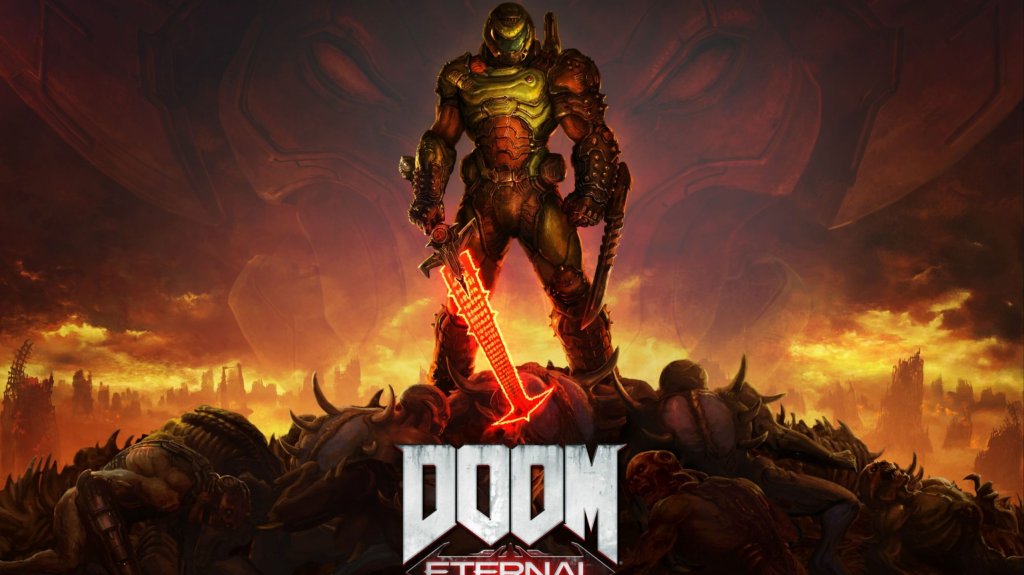
Your first playthrough of Doom Eternal begins with "Hell on Earth", the opening mission. There is no character creation – you play the Doom Slayer, a fixed protagonist. The first hour introduces core mechanics through a linear, tutorialized sequence:
1. Opening Cutscene – A brief narration sets the stage: Hell has invaded Earth. The Doom Slayer wakes in a fortress.
2. Movement Basics – You are prompted to move (WASD on PC, left stick on console), look around, sprint, and jump. Practice double-jumping immediately.
3. First Combat – You encounter zombies. Use your pistol (the standard weapon) to shoot them. The game tells you to use Glory Kills (melee finishers on staggered enemies) for health drops.
4. Weapon Acquisition – Shortly after, you find the Combat Shotgun – your workhorse. Reload is automatic; don’t worry about manual reload.
5. Chainsaw Tutorial – You receive the Chainsaw. Use it on weak enemies (Imps, Zombies) to instantly kill them and drop ammo. Chainsaw fuel recharges over time (one pip refills every ~30 seconds).
6. First Arena – A small courtyard with Imps and a Cacodemon. The game teaches Weakpoints: shoot the Cacodemon in the mouth when it opens to stagger it. Use your shotgun’s Sticky Bombs mod (upgrade later).
7. Floating Runes – You encounter your first Rune (e.g., Air Control). Collect it for a permanent passive upgrade.
8. Escalation – More enemies appear (Soldiers, Possessed). Use all tools: grenades, flame belch (Flamethrower on left bumper), chainsaw, glory kills.
9. Intro to Collectibles – You find a Praetor Suit Point (stat upgrade) and Sentinel Battery (used to unlock base upgrades).
10. Mission End – After a brief boss fight (a Hell Knight), you reach a teleporter and return to the Fortress of Doom (hub area). Mission 1 takes about 30–45 minutes.
Character Creation? – None
Doom Eternal has no character creation. The Doom Slayer is a preset character. Customization is limited to:
- Weapon Skins (earned via challenges or DLC)
- Player Emotes (for multiplayer, but not campaign)
- Praetor Suit Skills (choose upgrades, but no visual changes)
Your focus should be on mastering combat, not tweaking appearance.
Controls Overview: All Platforms
#### PC (Keyboard & Mouse) – Default
| Action | Key |
|---|---|
| Move | W, A, S, D |
| Look / Aim | Mouse |
| Shoot | Left Mouse Button |
| Weapon Mod | Right Mouse Button |
| Jump | Space |
| Double Jump | Press Space again in air |
| Dash | Shift (hold or toggle) |
| Melee (Glory Kill) | E |
| Chainsaw | C |
| Flame Belch | Q |
| Grenade | F |
| Weapon Wheel | Q (hold) – or press 1–9 for direct slot |
| Ice Bomb | G (requires equipping) |
| Crouch/Slide | Ctrl |
| Interact | F |
| Map | M |
| Pause | Esc |
| Action | PS Button |
|---|---|
| Move | Left Stick |
| Look | Right Stick |
| Shoot | R2 |
| Weapon Mod | L2 |
| Jump | X |
| Double Jump | X again in air |
| Dash | R1 (tap) |
| Melee / Glory Kill | R3 (press right stick) |
| Chainsaw |