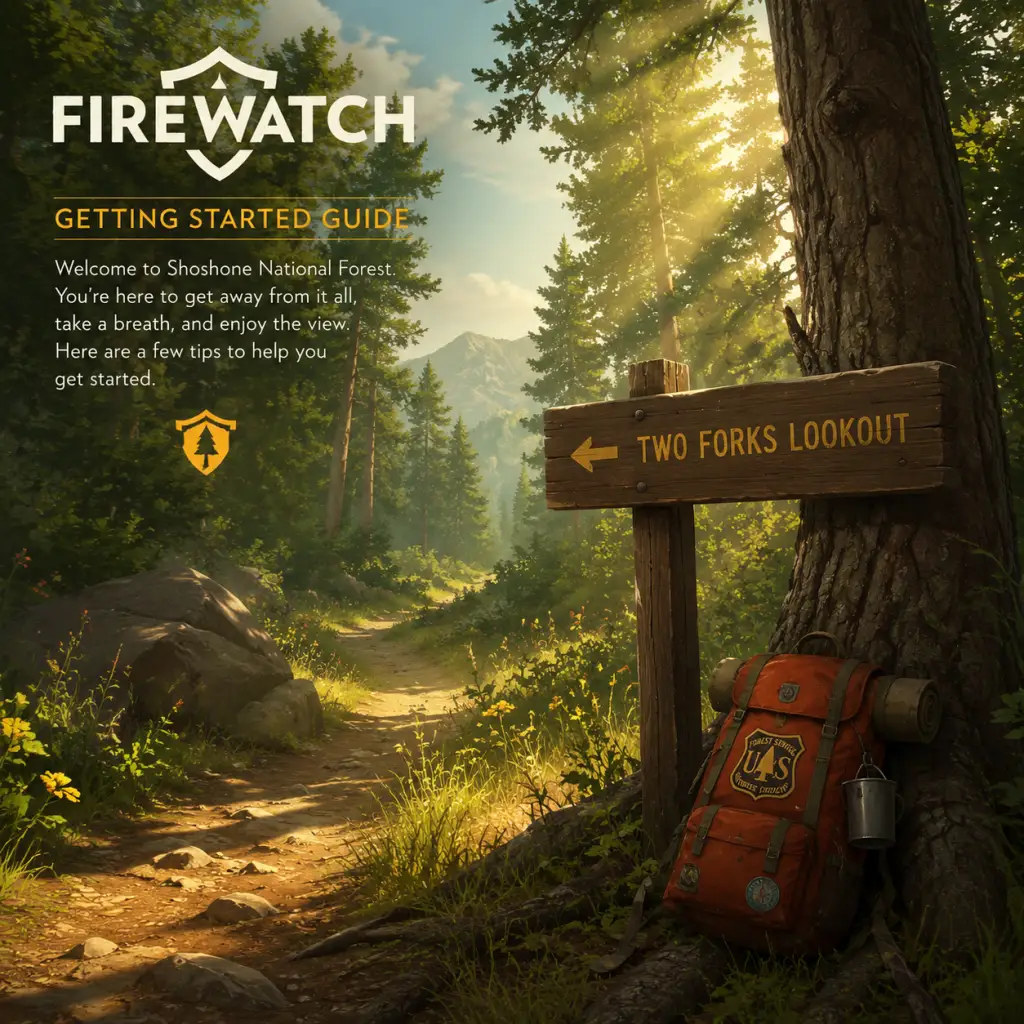
Getting Started
Firewatch Getting Started Guide for New Players
Welcome to Firewatch, a first-person narrative adventure set in the Wyoming wilderness. This guide will help you survive your first day in the Shoshone National Forest, avoid common pitfalls, and fully immerse yourself in the story. Let's dive in.
Character Creation & Story Setup
Firewatch does not have a traditional character creator. You play as Henry, a man with a troubled past. At the very start, you'll go through a short interactive prologue in Henry's house (Year: 1988). This sequence lets you choose dialogue and actions that shape Henry's backstory—specifically his relationship with his wife Julia. These choices don't affect gameplay mechanics but influence how you perceive Henry's story. The prologue ends with Henry taking the fire lookout job. Be sure to explore every room and interact with objects (photos, phone, etc.) to flesh out the narrative.
Controls on All Platforms
| Action | PC (Keyboard & Mouse) | PlayStation (PS4/PS5) | Xbox One/Series X/S | Nintendo Switch |
|---|---|---|---|---|
| Move | W/A/S/D | Left Stick | Left Stick | Left Stick |
| Look | Mouse movement | Right Stick | Right Stick | Right Stick |
| Interact / Use | E | X (PS) or Square (PS4) | A (Xbox) | A (Switch) |
| Open Map | Tab | Touchpad (PS4) or Options (PS5) | View button (double square) | - (hold Minus / -) |
| Compass | N/A (always visible) | Always on screen, use HUD | Always on screen | Always on screen |
| Radio | Hold Q / right-click | Hold Triangle (PS) | Hold Y (Xbox) | Hold X (Switch) |
| Sprint | Hold Shift | Tap L3 (click stick) | Tap L3 | Tap L3 |
| Crouch | Control | R3 (click stick) | R3 | R3 |
| Map: Place Marker / Use | Left click on map | Square (PS) | X (Xbox) | X (Switch) |
| Map: Zoom | Mouse wheel | L2/R2 (triggers) | LT/RT | L/ZR |
| Journal / Notes | N/A (no inventory) | N/A | N/A | N/A |
- On Switch, hold the Minus (-) button to open the map (or use the touch screen).
- The compass is always displayed in the top of the screen—use it to orient yourself.
- You cannot jump or climb except at scripted prompts.
- Top center: Objective text (e.g., “Head to Two Forks Lookout Tower”).
- Top right: Compass with cardinal directions and a small white arrow showing your heading.
- Bottom left: Health indicator (only appears when you take damage from falls or wildlife; it regenerates slowly).
- Bottom center: Prompt symbols (e.g., [E] Interact, [Q] Radio).
- When map is open: You see a hand-drawn map with your position (a small yellow circle), terrain features, and Path markers. You can place custom markers (small flags) by clicking on the map. Your objective is marked with a glowing orange circle.
- Explore every cabin, tower, and landmark. Many contain story notes, photos, or letters that deepen the mystery.
- Listen to all of Delilah's radio calls. They are essential for story context and sometimes give hints.
- Use your map and compass frequently. Mark points of interest you want to revisit.
- Save often? The game autosaves at key moments (after major conversations, entering new areas). You can manually save from the pause menu (press Esc/Start). Save before risky climbs.
- Running blindly – The forest is beautiful but easy to get lost in. Always orient with compass and map.
- Ignoring the map – Without it, you'll wander aimlessly. Zoom in on map for details (trail colors indicate difficulty).
- Skipping dialogue – Character conversations are the heart of the game. Do not spam-click through lines.
- Going off-trail prematurely – Stick to the path until you're comfortable. Off-trail exploration is rewarded later, but early on it can cause disorientation.
- Fall damage – Do not jump off cliffs. Even small drops cause damage. Watch your step near edges.
- Time of day – The game progresses linearly (morning to evening over several days). You cannot skip time. Day 1 is the longest and most tutorial-heavy. Day 2 and beyond have different objectives. Always be aware of daylight; nighttime sections are darker and more atmospheric.
- Radio battery – There is no battery mechanic; you can use the radio infinitely.
- Map & compass – These are your only tools. Do not lose your map (but you can't lose it—it's always in inventory via Tab/View).
- [ ] Complete the house prologue (interact with all interactable objects).
- [ ] Board the bus and arrive at the forest trailhead.
- [ ] Follow the yellow trail markers to Two Forks Lookout.
- [ ] Radio Delilah when prompted (she will call first).
- [ ] Climb the tower and explore: read the logbook, ring the phone, look through telescope, turn lights on/off.
- [ ] Accept your first mission (investigate the campfire).
- [ ] Descend the tower and follow the map marker to the Shoshone Camp area.
- [ ] Find the two teenagers at the campfire and talk to them.
- [ ] After they flee, proceed toward the rope descent (look for a rope hanging down a cliff).
- [ ] Use the rope to descend into the cave system.
- [ ] Save your game manually before entering the cave (if desired).
- [ ] Explore the cave (will lead to the end of Day 1).
- Play with headphones – The audio design (birds, wind, distant sounds) is critical for atmosphere and occasional clues.
- Take screenshots – The game is visually stunning. You can hide the HUD from the pause menu for screenshots.
- Don't look up walkthroughs – Firewatch is short (about 4-6 hours) and best experienced without spoilers. The mystery deepens naturally.
- Replay value – Your dialogue choices affect the story's tone but not the major plot points. Consider a second playthrough with different choices to see alternative flavor.
UI Overview
The Firewatch HUD is deliberately minimal:
Important: There is no inventory, health bar unless hurt, or quest log outside of the objective text. The map and compass are your primary navigation tools.
Essential Early Objectives (First Hour Walkthrough)
Your first hour consists of the following key stages:
1. Prologue (House) – Explore freely. Interact with everything: photos, phone, note on the fridge, etc. Choices affect story flavor but not gameplay. After about 15 minutes, you'll be on a bus to the forest.
2. Arrival at Shoshone – You start at the trailhead. Follow the path uphill. You'll see a sign and a fence. Keep walking straight.
3. First Radio Contact – After a short hike, your radio activates. Delilah (your supervisor) will introduce herself. Listen carefully—she gives directions and establishes tone. Use the radio back by pressing Q (PC) or Triangle/Y/X accordingly.
4. Reaching Two Forks Lookout – Follow the trail markers (yellow diamonds) and your compass. The tower is on a hill. Climb the ladder inside. Explore the tower: read the logbook, answer the phone, flip the light switch, look through the telescope. Delilah will give your first mission: “Investigate a strange fire at the Shoshone Camp area.”
5. First Assignment – Exit the tower. Your map now shows a target (orange circle). Head downhill, following the trail. You'll encounter a ravine with a creek—cross carefully. Avoid steep cliffs that can cause fall damage.
6. Encounter the ‘Fire’ – You'll find a campsite with a small fire (actually two teenagers). After a conversation, they run off. Delilah instructs you to check the tree line.
7. End of Hour One – You'll reach a rope down a cliff (press interact). This leads to a cave system—do not miss the rope platform (it's easy to walk past). Enter the cave to trigger a story event. The first hour ends here.
What to Do First & What to Avoid
✔️ Do:
❌ Avoid:
Early Resource Priorities
Firewatch has no traditional resources (no food, water, ammunition). The only resource is your attention and time. The game is entirely story-driven, so your priority is to absorb the narrative. However, there are a few things that behave like resources:
Common Beginner Mistakes
1. Getting lost in the first 10 minutes – Many players arrive at the trailhead and miss the correct path (which goes up and to the right, not left toward the river). Look for the yellow diamond markers and stick to the main trail.
2. Not using the compass – The map doesn't have a “you are here” marker until you press M or open it. The compass shows your heading relative to the map's orientation. Rotate your map by pressing R (PC) or a shoulder button on controller to align it with your heading.
3. Staying on a cliff edge too long – The game has fall damage. One wrong step can kill you and reload a checkpoint. Tread carefully near precipices.
4. Forgetting to interact with optional objects – Many story pieces are found in drawers, on desks, or attached to trees. Explore every nook.
5. Rushing through the prologue – The house sequence sets tone. Picking dialogue options hastily may miss emotional beats. Take your time.
Day-One Checklist
Use this checklist to ensure you don't miss anything vital on your first day:
Final Tips for Newcomers
Enjoy your time in the Shoshone National Forest, Henry. Delilah is waiting.