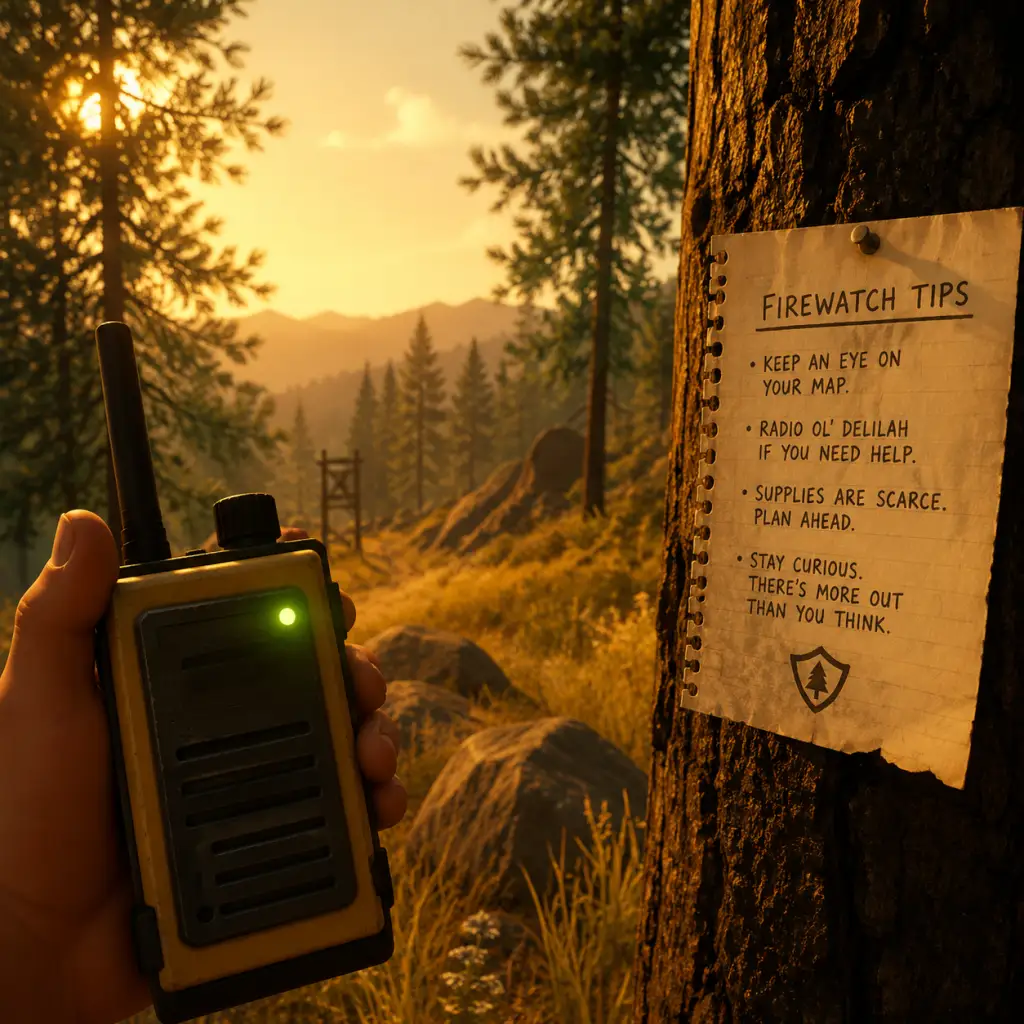
Game Tips
Game Tips
This guide provides essential tips for Firewatch—a narrative adventure with no combat, inventory, or skill trees. Tips are organized by gameplay aspects: Exploration & Navigation, Dialogue & Story, Collectibles & Secrets, Technical & Performance, and Replay Optimization.
Beginner Tips
1. Walk, Don’t Run
- The game’s environments are designed to be experienced at a leisurely pace. Running causes the camera to bob, obscuring details and making navigation harder. Walk to appreciate sound design and spot subtle clues.
- Why it works: The forest is dense with visual storytelling—character notes, animal tracks, and hidden items. Running past them means missing narrative context.
2. Use Your Map and Compass Constantly
- Press M (PC) or the touchpad (console) to check your map. Rotate it with the right stick/mouse to match the terrain. The compass at the top of the screen shows cardinal directions.
- Tip: Landmarks like “Two Forks Lookout” or “Thunderstorm” are labeled on the map. Orient yourself by comparing real trail markers with map symbols.
3. Talk to Delilah Often
- Your radio is your primary connection to the story. Use it whenever you find something interesting, even if it seems trivial. Delilah’s reactions add depth and often unlock dialogue options later.
- Why it works: Every conversation choice affects the relationship dynamic. Some responses are only available if you reported specific details earlier.
4. Read Everything
- Notes, letters, posters, and scrawled messages on walls all contain lore and potential clues. Many are one-time finds and contribute to the full story understanding.
- Beginner mistake: Skipping notes because they seem optional. Some provide direct hints for where to go next.
5. Follow the Trail Markers
- The main path is usually marked with wooden posts, cairns (rock piles), or bright orange tape. If lost, backtrack to the last marker and reorient.
- Exception: Some hidden areas require leaving the trail. Use the map to note where you are and return to the path easily.
Intermediate Strategies
6. Learn to Read Topography on the Map
- The map uses contour lines to show elevation. Closely spaced lines mean steep slopes; widely spaced lines indicate flat ground. Use this to plan routes that avoid unnecessary climbing.
- Example: To reach “Beaver Creek” from the tower, follow the valley (wide contour lines) instead of crossing the ridge directly.
7. Observe Environmental Cues for Navigation
- Moss tends to grow on the north side of trees in the Northern Hemisphere. In Firewatch, the art team placed small details—like a broken branch pointing a direction or a disturbed leaf pile—to hint at where to go.
- Advanced tip: When the map is ambiguous, look for man-made objects (fence posts, abandoned gear) or animal tracks (deer trails often follow human paths).
8. Time of Day Affects Visibility
- The game progresses based on story events, not real time. However, certain areas are easier to explore in daylight. If you enter a cave or dense forest at “night” (dark filters), use the flashlight (press F or left bumper).
- Why it works: Some collectibles are hidden in shadowy corners. Flashlight beam reveals them, but also attracts attention? (No enemies exist, so no risk.)
9. Dialogue Choices: Manage Delilah’s Trust
- Your responses to Delilah shape how she perceives you. Being overly confrontational may cause her to withhold information, while being supportive can unlock deeper conversations.
- Strategy: For the most emotionally rich playthrough, vary your tone. Don’t always agree with her; occasional disagreement feels natural and leads to unique lines.
- In practice: During the “old man” incident, expressing concern rather than anger keeps the relationship balanced.
10. Use the “Map Stop” Feature
- While holding the map, press E (PC) or triangle/Y (console) to place a marker with a short description. This is invaluable for marking locations you want to revisit.
- Example: Mark the cave entrance near the beginning so you can return after finding the rope later.
Collectibles & Secrets
11. All 37 Hidden Text Items
- There are 37 notes/logs/scraps that contribute to the achievement “Full Clear.” They are scattered across the forest, often in non-obvious spots: inside hollow logs, under rocks, behind waterfalls.
- Strategy: Play in “photo mode” (no HUD) to spot objects that look out of place. The game’s art direction highlights interactive items with a subtle glow, but it can be missed in bright sunlight.
- Location tips:
- At the start, after leaving the tower, check the supply cache behind the shed.
- Near the old burned cabin, look for a note under the collapsed porch.
12. The “Turt Reynolds” Achievement
- To get this, you must find a turtle named “Turt Reynolds” and carry him to a specific pond. The turtle appears near the beginning area (by the creek) after a certain story beat.
- Method: Wait until Day 77 (when you find a bucket). Use the bucket to carry the turtle (press interact when near it). Walk slowly to the pond marked on the map near “Thunderstorm” to release it.
- Why it works: This is a missable achievement. If you finish the game without doing it, you’ll have to replay from an earlier save.
13. Hidden Dialogue by Exploring Early
- If you visit areas before the story sends you there, Delilah will comment. For example, going to the radio tower on Day 1 triggers unique remarks.
- Impact: These comments can change later conversations, making the story feel more personalized.
Technical & Performance Tips
14. PC Graphics Settings for Smooth Play
- Firewatch has a distinctive art style; it’s not performance-heavy, but stutters can occur on low-end systems. Recommended settings:
- Resolution: Native
- Shadow Quality: Medium
- Texture Quality: High (if VRAM is sufficient)
- Anti-aliasing: FXAA (lighter than MSAA)
- V-Sync: Off (use frame limiter to 60 FPS to avoid tearing)
- Advanced: Disable motion blur if you find it disorienting. The game looks great even with modest settings.
15. Save Often Manually
- The game autosaves at checkpoints, but it’s possible to softlock by walking into a glitched area (rare). Use manual saves (press Esc then Save) before entering caves or after major dialogues.
- Why it works: Some dialogue choices cannot be undone. A manual save lets you re-experience alternate outcomes without replaying the whole game.
16. Fix Common Bugs
- Stuck in geometry: Press F5 to quicksave, then F9 to quickload. This resets your position to the last autosave.
- Audio cutouts: Reload the last save or restart the game. Often happens after a long session.
- Character not moving: Ensure no controller is plugged in if you’re using keyboard (or vice versa). Check input settings.
Advanced Optimizations & Replay Strategies
17. Speedrun Techniques (for Achievement)
- The “Firewatch” speedrun achievement (complete in under 2 hours) requires skipping most dialogue and exploration. Route:
- Day 1: Grab map, run directly to the marked locations, ignore collectibles.
- Caves: Memorize the path through the cave system to avoid getting lost.
- Use quicksave/load to skip cutscenes? (Some scenes are skippable with Enter/Space on PC; console requires holding a button.)
- Key tip: Hold down the sprint key (Shift on PC, left stick click on console) except when navigating tight spaces.
18. Multiple Playthroughs for Different Endings
- The ending is largely the same regardless of choices, but the emotional tone changes based on your relationship with Delilah. To experience all variants:
- Playthrough 1: Be kind and honest.
- Playthrough 2: Be sarcastic and defensive.
- Playthrough 3: Ignore Delilah’s questions (choose silent options).
- Note: The game is short (4-6 hours), so multiple runs are feasible.
19. Photo Mode Efficiency
- The game’s photo mode (if available on your platform—PC mod only officially?) allows free camera. Use it to scout ahead for items without moving.
- Advanced: This can reveal hidden note locations behind obstacles. The mod is called “Firewatch Free Camera” on PC.
20. Audio Log Locations
- While not a traditional resource, the 18 cassette tapes found throughout the forest provide backstory. They are often inside buildings or near radios.
- Strategy: Listen to them all in one sitting (they can be played from inventory) to piece together the full narrative. This is essential for the “Suppressed” achievement.
Economy & Resources (Non-Existent Categories)
Firewatch has no economy, no crafting, no gear upgrades. Therefore, tips in these categories are irrelevant. The only “resources” are time and patience.
- Time Management: Don’t rush. Let the story breathe. Stand on a cliff and just watch the sunset. The game’s beauty is part of the experience.
- Mental Mapping: Since there is no in-game GPS, develop your sense of direction. Use the sun’s position (rises east, sets west) to orient.
- Play in a dark room with headphones. The audio design (wind, footsteps, distant radio static) is atmospheric and critical for immersion.
- Ignore walkthroughs on the first playthrough. The magic of Firewatch is discovery. Use this guide only for second playthroughs or achievement hunting.
- Back up your save files if you plan to replay. Saves are located in `Documents/Campo Santo/Firewatch/` on PC.
Final Advice
With these tips, you’ll navigate the Shoshone National Forest with confidence, uncover all secrets, and experience the full emotional depth of Firewatch. Good luck, lookout.