Getting Started
Getting Started with Life is Strange (Original 2015)
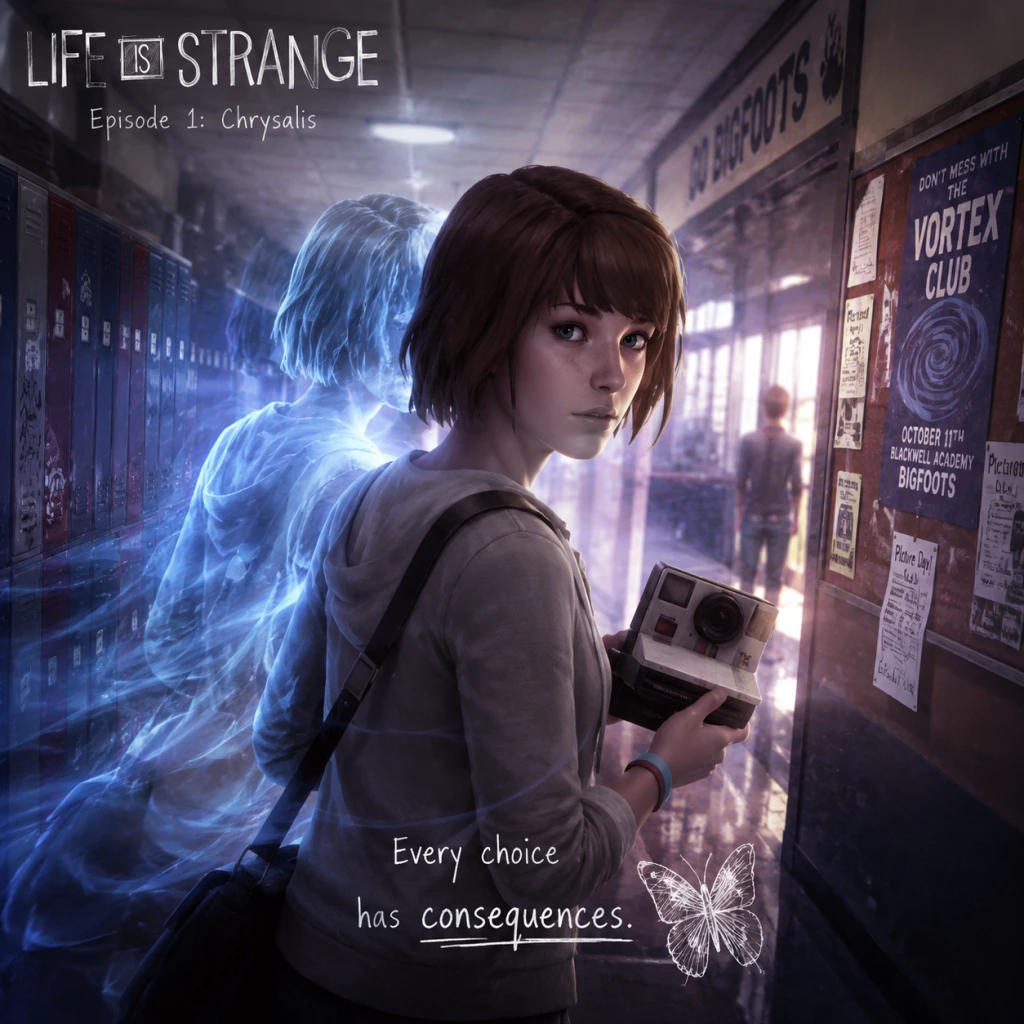
Welcome to Life is Strange, an episodic narrative adventure where your choices shape the story. This guide is designed specifically for brand-new players, covering the first hour, controls, UI, and everything you need to know to avoid common pitfalls.
First Hour Walkthrough: Episode 1 – "Chrysalis"
The game opens with a dream sequence. You control Max Caulfield, a photography student. Pay attention to the text and the storm imagery—this is foreshadowing. After the dream, you wake up in your dorm room. Your immediate tasks:
1. Explore your room. Look at the photos on the wall, your desk, and the mirror. Interact with your camera on the desk. This is where you learn about Photo Mode (see Controls section). Take a selfie to unlock an achievement/trophy.
2. Check the mirror. You can examine your reflection—this is purely cosmetic, but read Max's thoughts.
3. Listen to voicemail. Your phone is on the nightstand. Play the message from your dad and Chloe's voicemail. The second one introduces a key character.
4. Leave the room. Go to the door and interact with it. A short cutscene plays as you head to the hallway.
5. Meet your neighbour, Kate Marsh. She is crying on the steps. Talk to her—you have multiple dialogue options. There's no wrong choice, but being kind builds rapport.
6. Go to the bathroom. The hallway leads to a communal bathroom. Enter the stall indicated by a sparkle. Here, you'll witness a pivotal event: a girl is shot. This is where you discover your rewind power.
7. Time travel tutorial. A prompt will appear to rewind time. Hold the rewind button (see Controls) to go back a few seconds. Then, use the fire alarm (pull it) to prevent the shooting. This is the game's core mechanic.
8. After the save, you'll be in class. The teacher, Mr. Jefferson, lectures about photography. You can take notes by interacting with your notebook. A photo assignment will be given: take a picture of something that represents "a mood or a moment".
Pro tip: In the classroom, look around for a hidden photo opportunity (a leaf on the floor near the windows). Taking optional photos unlocks achievements and extra narrative context.
Character Creation (None)
Life is Strange does not have character creation. You play as Max Caulfield, a fixed protagonist with a defined appearance, personality, and background. All customization is through dialogue choices and actions. However, you can change Max's outfit later in Episode 2 by picking clothes. For now, accept that you are Max.
Controls on All Platforms
#### PC (Keyboard & Mouse)
- Movement: W, A, S, D
- Look/Aim: Mouse (move cursor to point of interest)
- Interact: Left mouse button (on highlighted objects)
- Inventory / Journal: Tab
- Photo Mode (Camera): Right mouse button (while camera is equipped)
- Take Photo: Left mouse button (in Photo Mode)
- Rewind Time: Q (hold to rewind, release to stop)
- Fast Forward (skip dialogue): Spacebar (hold)
- Pause Menu: Escape
- Accessibility: Can remap keys in Options.
- Movement: Left stick
- Look: Right stick (moves cursor)
- Interact: X (cross) on highlighted item
- Journal: Touchpad (tap) or Options button then journal
- Photo Mode: L2 (hold) to bring up camera; Right stick to frame, R2 to take photo
- Rewind Time: L1 (hold)
- Skip Dialogue: Circle (hold)
- Pause Menu: Options button
- Movement: Left stick
- Look: Right stick
- Interact: A button
- Journal: View button (the two overlapping squares)
- Photo Mode: LT (hold) to equip camera; Right stick to aim, RT to take photo
- Rewind Time: LB (hold)
- Skip Dialogue: B (hold)
- Pause Menu: Menu button (three lines)
- Cursor: A white dot (PC) or crosshair (controller). Movable freehand. When over an interactive object, the cursor changes to a grey circle or a camera icon.
- Interaction prompt: When you approach an object, a brief text appears (e.g., "Examine", "Talk", "Take photo").
- Dialogue wheel: When talking to someone, options appear as symbols (e.g., a handshake for friendly, a question mark for curious, a skull for angsty). Hover over or select the symbol to see the actual line. The symbols are:
- Journal (Tab/View/Touchpad): Contains Max's thoughts, clues, photos you've taken, and a map of important locations. Check it often; it updates after key events.
- Rewind icon: A circular arrow icon appears in the corner of the screen when you are in a situation where rewinding is possible (not all scenes allow it).
- Photo opportunity indicator: A small camera icon appears when you can take an optional picture. These are often missable.
- Talk to everyone you meet. NPCs provide background, clues, and sometimes new rewind opportunities.
- Take all optional photos. They unlock achievements and are easily missed. Look for sparkly objects or distinct scenes.
- Save often? Actually, the game auto-saves after major scenes and choices. But you can manually save from the pause menu anytime. Do so before a difficult dialogue section.
- Use rewind early and often. Even in non-critical conversations, rewinding lets you see other dialogue branches. It's like a preview.
- Read Max's journal. It gives context, character thoughts, and hints about future events.
- Don't rush through dialogue. The story is the main appeal; rushing misses nuance.
- Don't ignore the environment. Many clues are hidden in emails, notes, and posters.
- Don't be afraid to make "wrong" choices. The game adapts; your unique story emerges from decisions.
- Don't skip the tutorial prompts. They explain the rewind mechanic in detail.
- Don't forget to rewind when you say something you regret. You can always undo a conversation choice if you act quickly.
- [ ] Complete the opening dream sequence and dorm exploration.
- [ ] Listen to both voicemails on your phone.
- [ ] Talk to Kate Marsh and choose a kind response.
- [ ] Experience the bathroom incident and use rewind for the first time.
- [ ] In class, take the optional photo of the leaf (or another object).
- [ ] Complete the conversation with Mr. Jefferson.
- [ ] Meet Chloe in the parking lot and go to the lighthouse.
- [ ] Use rewind during the conversation with Chloe to see alternate dialogue.
- [ ] (Optional) Check your Journal's "Photos" tab to ensure you have at least one optional photo.
- [ ] Reach the end of Episode 1 – the scene where you hide in Chloe's room.
- [ ] After the credits, you can start Episode 2 immediately or take a break (your choices carry over).
#### PlayStation (PS4/PS5)
#### Xbox (Xbox One / Series X|S)
Note for all controllers: The rewind mechanic is crucial. When you are in a conversation, you can rewind time by holding the rewind button. This lets you undo your last choice and pick a different dialogue option. Use it wisely.
UI Overview
The game's HUD is minimalistic and context-sensitive:
- ! (exclamation) – important / plot-driving
- ? (question) – ask more information
- Heart – kind / compassionate
- Skull – confrontational / risky
- Arrow (rewind) – you can rewind after choosing to change your answer.
Essential Early Objectives (Episode 1)
1. Save Chloe Price – The bathroom event is the first major choice. Use rewind to pull the fire alarm. This sets the story in motion.
2. Complete Mr. Jefferson's assignment – Take at least one optional photo in the school. The "mood or moment" photo can be of anything: a window, a plant, a student. This is required to progress.
3. Find Chloe – After class, you meet Chloe in the school parking lot. She will take you to the lighthouse. This triggers a major scene and establishes your rewind ability.
4. Learn to trust your power – The game will test your rewind during your first conversation with Chloe. Use it to say the right thing or to explore alternative dialogue.
5. Reach the end of Episode 1 – The episode ends with a dramatic cliffhanger. Your choices affect the outcome.
What to Do First and What to Avoid
DO:
DON'T:
Early Resource Priorities (None)
Life is Strange has no traditional resources like health, mana, or ammo. The only "resource" is time (rewind uses no limit in normal gameplay) and optional photos (each episode has a set number). There is no penalty for rewinding excessively, so feel free to use it as a tool. Your main priority is to collect all optional photos in each episode for achievements and for a complete journal. Check your Journal's "Photos" tab to see which ones you've missed.
Common Beginner Mistakes
1. Not using rewind during conversations. Many new players think rewinding is only for puzzles. Actually, you can rewind after picking a dialogue option to choose something else. This is essential for character relationships.
2. Missing optional photos. They are often in plain sight but not obviously highlighted. The game doesn't explicitly mark them; look for a faint sparkle or a change in camera icon when you aim.
3. Ignoring the environment. Important story clues and character backgrounds are in readable items (notes, texts, posters). Take time to explore every room.
4. Skipping the tutorial. The rewind mechanic is unique; understanding it fully prevents frustration later.
5. Not checking Max's journal for clues. The journal updates with hints about what to do next. If you're stuck, consult it.
6. Treating choices as binary good/bad. The game rewards consistency and empathy, but there is no single "best" path. Just follow your instinct.
7. Fast-forwarding through scenes. This is a story-driven game; you'll lose emotional impact and miss details.
Day-One Checklist (First 30–60 Minutes)
Remember: There is no rush. Enjoy the atmosphere, the soundtrack, and the story. Every decision matters, but none will permanently ruin your experience. Good luck, Max.