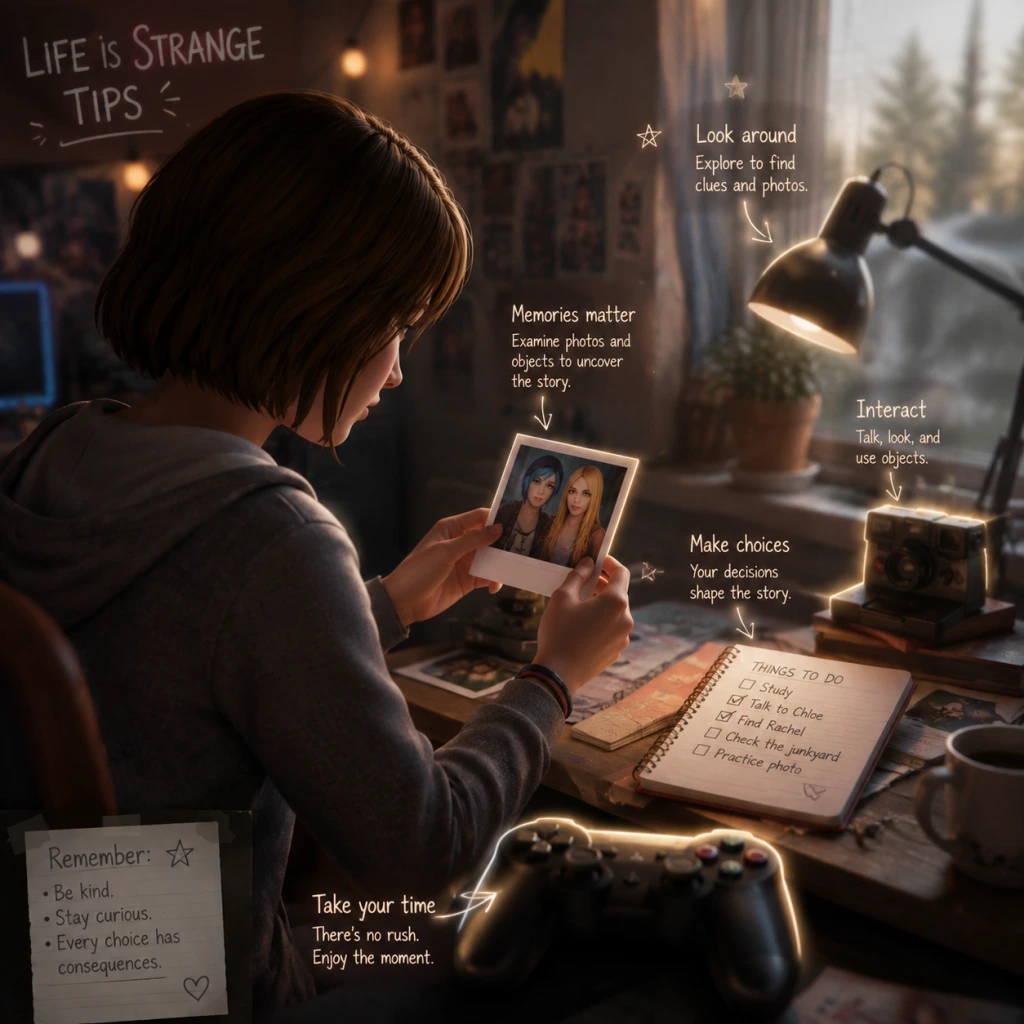
Game Tips
Game Tips for Life is Strange (Original 2015)
Overview
Life is Strange is a narrative-driven adventure where your choices and use of time-rewind powers shape the story. Unlike action games, success isn’t measured by combat stats but by how well you navigate relationships, uncover secrets, and accept consequences. These tips are organized by core gameplay areas to help you get the most out of your playthrough.
Category 1: Decision Making & Rewind
#### Beginner Tips
- Use the Rewind Early and Often: The rewind power (press and hold `Tab` on PC, `L2`/`LT` on console) is your most powerful tool. Don’t hesitate to rewind after a conversation or action if you want to try a different outcome. The game never punishes you for rewinding; it encourages experimentation.
- Rewind Before Major Choices: Before committing to a dialogue option that seems critical (marked by a special icon or sound), rewind to consider other paths. Some choices lock out other options permanently.
- Watch for Auto-Save Checkpoints: The game auto-saves at chapter transitions and after major scenes, but you can also manually save at any time (pause menu → Save). Use manual saves before entering a new area or starting a conversation with a key character (e.g., Chloe, Max).
- Use Rewind to Gather Information: In conversations, rewind after choosing one option to hear the response, then rewind again to select a different option. This lets you gather maximum information without committing. Useful for uncovering hidden backstory or gauging character reactions.
- The Butterfly Effect: Small choices early in an episode can have ripple effects later. For example, how you treat Kate Marsh in Episode 1 influences her fate in Episode 2. Keep notes of your actions if you want to trace consequences.
- Don’t Over-Rewind to Fix Everything: Sometimes the most meaningful story comes from accepting imperfect outcomes. Letting a mistake stand can lead to a more authentic and emotionally resonant narrative. Only rewind when you truly dislike the result.
- Sequence Breaking with Rewind: In some areas, you can use rewind to bypass triggered events. For instance, if a cutscene starts when you enter a room, rewind immediately to avoid it and explore in a different order. This can reveal hidden dialogue or items (use with caution – may cause glitches).
- Maximize Empathy and Relationship Scores: Behind the scenes, the game tracks affinity meters for each major character. To maximize a relationship (e.g., with Chloe), consistently choose dialogue options that show support, agreement, and understanding. Use rewind to verify that your choice increases the relationship (listen for tone of voice or watch for character animations).
- Save Scumming for Achievements: If you’re aiming for 100% achievements, manual save before every major choice. You can reload to see all outcomes without replaying the whole episode. This is especially useful for achievements like “Hardcore” (make major decisions quickly) – but for story enjoyment, avoid excessive reloads.
- Examine Everything: Interact with every object you can. Many items have a yellow highlight when you’re close. Clicking them often reveals journal entries, character thoughts, or optional photos (collectibles). Even seemingly mundane objects like a stuffed animal or a photo frame can provide character insight.
- Talk to All NPCs: In public spaces (school, diner, etc.), approach every non-main character. They often provide foreshadowing, lore, or hints about upcoming puzzles. Some side characters only appear in specific episodes – don’t miss them.
- Use Max’s Journal and Phone: Check the journal (press `J` on PC) frequently. It updates with your thoughts, photos you’ve taken, and clues for current objectives. The phone (press `P` or use in-game) allows texting with characters, which can reveal extra story or affect future interactions.
- Environmental Clues for Puzzles: Many puzzles rely on finding clues in the environment. For example, in Episode 1, you need to find a code for a lock. Instead of brute-forcing, look for sticky notes, date stamps, or numbers on nearby objects. The game rewards careful observation.
- Time of Day and Lighting: The lighting in certain scenes (e.g., the lighthouse at night, the dormitory during sunset) is designed to create mood and sometimes hide interactive objects. Turn up your brightness if you’re struggling to see, or use the rewind to change the time of day if a section allows it.
- Hidden Items Behind Red Herrings: Some interactive objects are intentionally made to look important but aren’t. For example, a locked drawer that you cannot open might just be set dressing. If you spend too long trying to interact, rewind and focus on objects that the game explicitly draws your attention to (camera focus, sounds, or journal hints).
- Sequence Learning for Speedruns: If you’re replaying for efficiency, learn the exact order of interactions that trigger events. For example, in Episode 2, you can avoid a long monologue by quickly reaching the required checkpoint. Use rewind to test sequences and memorize the shortest path.
- Photo Spot Completion: Collecting optional photos (the game’s “collectibles”) requires finding specific locations and pressing the camera button (`C` on PC) when prompted. Some photos are only available during certain moments; if you miss one, use rewind to go back to that scene. Check the journal’s photo section to see which ones you’ve missed and for hints on where to find them.
- Use the Environment to Predict Consequences: Pay attention to posters, notes, and graffiti. For instance, a poster about “End of the World Party” in Episode 4 foreshadows later events. Advanced players can use these to deduce possible outcomes, making choices more informed.
- Collectible Photos: There are 10 optional photos per episode (50 total). Taking all 10 in an episode unlocks an achievement. Look for a camera icon or the prompt “Take Photo” when you point the cursor at certain spots. They are often placed at scenic locations or near important objects.
- Journal Clues: Your journal acts as a log of all key clues, letters, and photos you’ve taken. If you’re stuck on a puzzle, check the journal for notes – it often includes solutions to riddles or passwords.
- No Currency or Inventory Management: Unlike RPGs, there is no economy or item crafting. The only “resources” are time (rewind charges are unlimited but you lose progress if you rewind too far) and story-affecting choices. Don’t worry about hoarding items – focus on story decisions.
- Photo Collecting with Rewind: If you miss a photo opportunity, rewind immediately after the prompt disappears. Some photo opportunities are one-time only within a scene. Rewind before the scene ends to retry.
- Use the Camera for More Than Photos: Pointing the camera at characters or objects sometimes triggers extra commentary from Max. This is optional but adds depth. For example, taking a photo of Chloe in Episode 1 at the lighthouse gives a special journal entry.
- Listen for Audio Cues: Some collectible photos are near areas with unique background sounds (e.g., wind chimes, music). If you hear something out of place, search the area – it may indicate a hidden photo spot.
- Minimaxing the Farewell Episode: The bonus episode “Farewell” (in the special edition) has its own set of collectibles – letters, photos, etc. To get all, you must replay the episode multiple times because some choices lock out others. Use manual saves at each major interaction point.
- Achievement Hunting Guide: For the “Photographer” achievement (all 50 photos), follow a written guide that lists exact locations per episode. Rewind after taking each photo to ensure it registered. If you miss one, you’ll have to replay the whole episode (no chapter select for photos).
- Save File Management: Keep multiple save slots. Label them with the episode and major choice made. This allows you to quickly load a specific moment to test different outcomes without starting over.
- Listen for Tone, Not Just Text: Voice acting conveys emotion. A line that seems neutral on paper might be delivered with sarcasm or sadness. Use rewind to hear the delivery before committing.
- Be Consistent with Character Traits: If you want to befriend Chloe, consistently support her rebellious side. Flip-flopping (e.g., defending her then criticizing her) can damage the relationship.
- Don’t Neglect Kate Marsh: In Episode 2, your interactions with Kate in Episode 1 (and early Episode 2) directly affect her survival. Be kind to her, visit her in the hospital room (Episode 2), and answer her phone calls.
- Multiple Endings Tied to Relationship Scores: The final episode’s outcome depends on your choices throughout the game, especially regarding Chloe and the town. To get a specific ending, you need to consistently support that path. There are two primary endings, each with variations based on earlier choices.
- Influence Other Characters Indirectly: Your actions toward one character can affect others. For example, being rude to a teacher might later cause a student to distrust you. The game tracks a “reputation” system that affects how NPCs react.
- Use Rewind to Test Reactions: If you suspect a dialogue option will offend a character, rewind after the first response to confirm. Then reload and choose something else. This is safe for minor interactions but be careful with life-or-death moments (like the rooftop scene in Episode 2) where time is limited.
- Perfect Playthrough for Max Affinity: To achieve the highest affinity with all major characters, never lie when a character could detect it, always apologize when someone is upset, and offer help proactively. This is time-consuming but leads to a harmonious story where characters trust you most.
- The “Sacrifice” vs. “Save” Endings: The final choice in Episode 5 is binary. To reach either ending with full emotional payoff, you must have built strong relationships with both Chloe and Arcadia Bay residents. If you’ve been neutral or antagonistic, the endings feel less impactful. Plan your episode choices accordingly.
- Speedrunning Relationship Content: If you want to see all relationship scenes quickly, use a guide that tells you exactly which choices unlock specific dialogue. Manual save before each choice, then reload after viewing.
- Puzzles Are Logical, Not Reflex-Based: You never need fast reflexes. Every puzzle can be solved by observing clues and thinking logically. Examples: finding a key code from a calendar, matching a photo to a location, or using rewind to change an object’s state.
- Example Puzzle – The Gnome in Episode 3: In Chloe’s junkyard, you need to move a gnome to open a gate. The solution is to use rewind to reset the gnome’s position while you move it forward. The game teaches this concept clearly.
- Look for Color-Coded Clues: Some puzzles use colors to indicate interactive objects. For example, a red button might need to be pressed after a green light. Pay attention to the environment’s palette.
- Sequence Puzzles: Some puzzles require performing actions in a specific order, like turning on a radio, then flipping a switch, then pressing a button. Use rewind to test orders without consequence.
- Environmental Storytelling Puzzles: The game hides clues in letters, books, and emails. In Episode 4, you need to find a password by reading Frank’s email. Always check computer terminals and bookshelves.
- Rewind as a Puzzle Tool: For puzzles involving timing (e.g., catching a falling object), use rewind to “rewind time” while you are still holding the object – this lets you reposition it. For example, in Episode 1, you drop a prize into a truck bed by rewinding after tossing it.
- Puzzle Speedrun Techniques: Advanced players can skip some puzzles entirely by using rewind to bypass trigger zones. For instance, in Episode 3, you can rewind immediately after entering the Prescott barn to avoid a long search sequence. This is risky but saves time.
- Glitch Exploitation: Rarely, an object might become interactive only after rewinding multiple times. If a puzzle seems bugged, try rewinding three or four times to reset the object’s state.
- Achievement Unlocks via Perfect Puzzles: Some achievements (e.g., “Silver Tongue”) require you to solve every minor puzzle in an episode without rewinding. Plan your route carefully and refer to a walkthrough for the exact sequence.
- Play in One Sitting per Episode: Each episode is about 2–3 hours. Play them in one go to maintain emotional continuity and remember your choices. The game is designed as an episodic experience – pausing for days can break immersion.
- Use Headphones: The soundtrack and ambient sound design are crucial for immersion. You’ll catch subtle audio cues (like a door creak or a character’s footsteps) that hint at upcoming events.
- Read Everything: Every text message, poster, and letter adds to the worldbuilding. Some even contain jokes or references to other games.
- Multiple Playthroughs for Different Outcomes: The game has a high replay value because of branching choices. After finishing, play again with opposite major decisions (e.g., sacrifice Chloe vs. save Chloe, side with vs. against certain characters).
- Use the Journal as a Story Tracker: The journal updates after each significant event. If you’re confused about the plot, read the journal entries in order – they summarize what happened and Max’s feelings.
- Don’t Worry About “Perfect” Endings: Part of the game’s charm is that there is no right or wrong choice. Embrace the consequences, even if they’re tragic. It makes the story more memorable.
- Chapter Select for Photos Only: After completing an episode, you can use chapter select to replay specific sections to collect missed photos. Note: Chapter select resets your choices for that section, so you might need to redo dialogue decisions if you want to maintain a save state.
- Mods and Console Commands: On PC, console commands (enable via launch options) allow you to skip cutscenes, rewind without cooldown, or unlock all photos. Use for replay convenience, but not on first playthrough.
- Read Developer Commentary (if available): Some versions include developer commentary tracks. Enable them for insight into design decisions, which can help you understand the intended solutions to puzzles and character motivations.
#### Intermediate Strategies
#### Advanced Optimizations
Category 2: Exploration & Environment
#### Beginner Tips
#### Intermediate Strategies
#### Advanced Optimizations
Category 3: Collectibles & Resources
#### Beginner Tips
#### Intermediate Strategies
#### Advanced Optimizations
Category 4: Dialogue & Relationship
#### Beginner Tips
#### Intermediate Strategies
#### Advanced Optimizations
Category 5: Puzzle Solving
#### Beginner Tips
#### Intermediate Strategies
#### Advanced Optimizations
Category 6: General & Meta Tips
#### Beginner Tips
#### Intermediate Strategies
#### Advanced Optimizations
Conclusion
Life is Strange rewards careful attention, empathy, and a willingness to accept imperfections. Use your rewind power to explore all possibilities, but remember that the most powerful moments come from the choices you can’t take back. Good luck, Max.
---
Tip: For a complete guide on controls and mechanics, see the "Core Gameplay" section.
For a walkthrough of each episode, check the dedicated episode guides in the Game Help section.