Important Notes
1. Warnings & Pitfalls
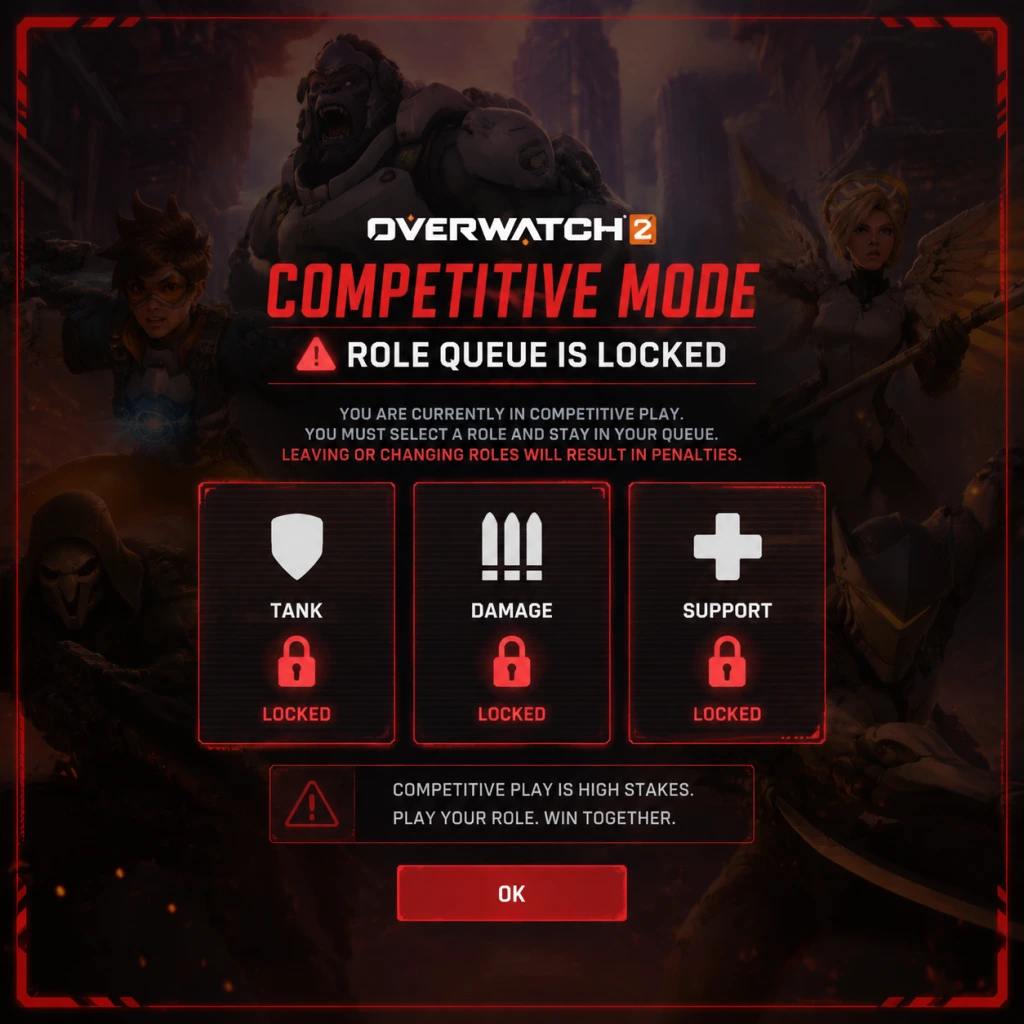
- Role Queue is Mandatory in Competitive: You cannot switch roles mid-match. If you queue as Damage, you are locked to Damage. Misqueueing can waste your match. Always double-check your selected role.
- Ultimate Charge Carryover: When you switch heroes mid-round, your ultimate charge resets to 0%. Only switch when you have already used your ultimate or if the situation drastically demands a counter.
- Avoid Negative Behavior Penalties: Leaving a competitive match early, being inactive, or receiving multiple reports will reduce your endorsement level and can lead to a season ban from Competitive Play. A temp ban can also cause a 75% XP penalty for a period.
- No Hero Limit in Quick Play, But One Per Team in Role Queue: In Quick Play Classic and Arcade, multiple players can pick the same hero. This can lead to unbalanced teams. Use it for fun, but don’t expect synergy.
- Hero and Skin Purchases with Credits: Credits (the free currency) can be used to buy cosmetics from the Hero Gallery. Most purchases are permanent and not refundable. Be certain before spending credits, as they are scarce.
- Battle Pass Level Skip: Using coins to skip levels on the Battle Pass is irreversible. Only do this if you are certain you won’t unlock that tier through gameplay before the season ends.
- Competitive Role Queue Commit: Once you queue for a specific role in Competitive, you cannot change that role for the entire match. There is no “flex” queue that lets you switch mid-game—flex queue just assigns you a random role at the start.
- Associating Phone Number with Account: To play Competitive on PC, you must add a phone number to your Battle.net account. This is irreversible and the phone number cannot be reused on another account for the same purpose. Choose wisely.
- Seasonal Battle Pass Cosmetics: Each season introduces a new Battle Pass with exclusive skins, emotes, and items. Once the season ends (typically every 9 weeks), those items become unobtainable—at least for a long time. They may appear in the shop later for real money, but never via free credits.
- Weekly Challenges and Event Rewards: Many limited-time events (e.g., Summer Games, Halloween Terror) have unique earnable skins and items. These only return during the same event the following year, so complete the challenges each time.
- Arcade Mode Rotations: Game modes like “Mystery Heroes,” “Total Mayhem,” and “Capture the Flag” rotate weekly. Some legendary skins are gated behind achieving wins in these modes during their availability.
- Overwatch League Tokens: If you watch official Overwatch League broadcasts on the app or website while logged in, you earn OWL tokens that can be exchanged for team skins. These tokens and the associated skins are only available during the OWL season (typically February–October).
- Learning Curve for Individual Heroes: Heroes like Genji, Ana, and Doomfist require high mechanical skill and game sense. You might feel useless for your first 10–20 hours on them. Practice in Quick Play or Arcade before taking them into Competitive.
- Competitive Tiers and Placement: After your initial five placement matches, you are placed in a rank (Bronze through Grandmaster). You may be placed lower than expected because the system recalibrates. Be prepared to climb from a lower rank—this is normal.
- Team Coordination in Higher Ranks: Above Gold rank, communication and strategy become critical. Teams that use voice chat and execute coordinated dives or ultimates will dominate. Solo carrying becomes nearly impossible.
- Hard Counters: Some heroes are hard-countered by others (e.g., Pharah by Widowmaker, Bastion by Ana sleep dart). If you don’t swap, you will feel helpless. Learn at least one hero from each role to adapt.
- Battle Pass Grind: The free Battle Pass requires approximately 45–60 minutes of gameplay per day to fully complete (around 80 tiers). Missing a week can make it impossible to finish without paying. Plan your playtime.
- Weekly Challenge Completion: Some weekly challenges require 20+ wins in specific modes. If you only play a few hours per week, focus on the challenges that reward the most XP (e.g., “Role Queue Wins” for 5,000 XP).
- Credit Farming: Credits are earned slowly through the Battle Pass (repeatable credits at certain tiers) and by duplicating event loot boxes (which are rare). Do not rely on credits to buy expensive legendary skins; they cost 1,500 credits while the free pass gives only about 600 per season.
- Avoid “Flex Queue” for XP: Flex queue gives bonus XP but often lands you in the least popular role (usually Tank). Playing Tank in low ranks can be frustrating and may not improve your skill in your preferred role.
- Voice Chat Etiquette: Use voice chat for callouts (e.g., enemy positions, ultimate status), but avoid toxicity, blaming teammates, or making offensive comments. Reports for abusive chat can lead to silences or bans.
- Anti-Cheat (Defender): Blizzard uses the proprietary Defender anti-cheat system. Do not run any third-party software that injects into the game (e.g., cheat engines, auto-aim scripts). Even overlay tools like Discord’s “Overlay” should be disabled if they cause conflicts.
- Reporting System: Use the “Report Player” feature for hacking, griefing, abusive chat, or inactivity. Excessive false reports can harm your own account if you abuse the system.
- Endorsement System: After each match, you can endorse teammates for good sportsmanship, shotcalling, or good teamwork. Higher endorsement levels grant occasional bonus XP and loot (but never anything exclusive). Being a good teammate helps everyone.
- Stream Sniping: If you stream your game with a delay, set your stream to a 90–120 second delay to prevent opponents from using your stream to gain an advantage. This is considered poor etiquette and can get you banned if caught.
- All Progress is Cloud-Saved: Your account, stats, cosmetics, and settings are stored on Blizzard’s servers. There is no local save file. You can play on one account across PC, PlayStation, Xbox, and Nintendo Switch, but you must merge accounts first via Battle.net.
- Cross-Progression Merge: You can only merge one console account per platform with your Battle.net account. Once merged, you cannot unlink or change. Choose your main console account carefully—in-game purchases and progress from both will combine, but you cannot split them later.
- Settings Sync: Custom video, sound, and control settings are not automatically synced across platforms. You must manually replicate them. Take screenshots of your settings on one platform to recreate on another.
- No Backup Option: Since everything is online, a ban or suspension permanently locks all progress. Never share your account credentials or engage in account boosting services, as that violates the terms of service and can result in a permanent ban.
- Wasting Credits on Common Items: New players often buy common sprays or voice lines with credits. Credits are better saved for legendary skins (1,500) or event items that cannot be earned otherwise.
- Not Learning Support Early: Many players start with Damage roles and struggle to find matches quickly. Queue times for Support are often instant, and learning support improves your game sense for all roles.
- Ignoring Practice Range and Workshop: Spend 15 minutes in the practice range to test every hero’s abilities. Many players jump into matches without understanding cooldowns or combos. The Workshop mode allows custom games to practice aim or specific scenarios—use it.
- Not Muting Toxic Players Early: If a teammate is toxic, mute them immediately using the social menu (P key on PC). Engaging usually worsens team morale and your performance. Your mental state directly affects your play.
- Overlooking Replays and VOD Review: You can watch your past matches from the Career Profile > Replays. Reviewing your deaths and decision-making is one of the fastest ways to improve. New players rarely do this and plateau.
- Buying Shop Skins with Real Money Near Season End: Skins in the “Just for You” or “Weekly” sections rotate out. If you buy a skin with real money right before a season ends, it may appear in the Battle Pass or as a free reward later—many players regret early impulse purchases.