Download & Installation
Tetris Download & Installation Guide
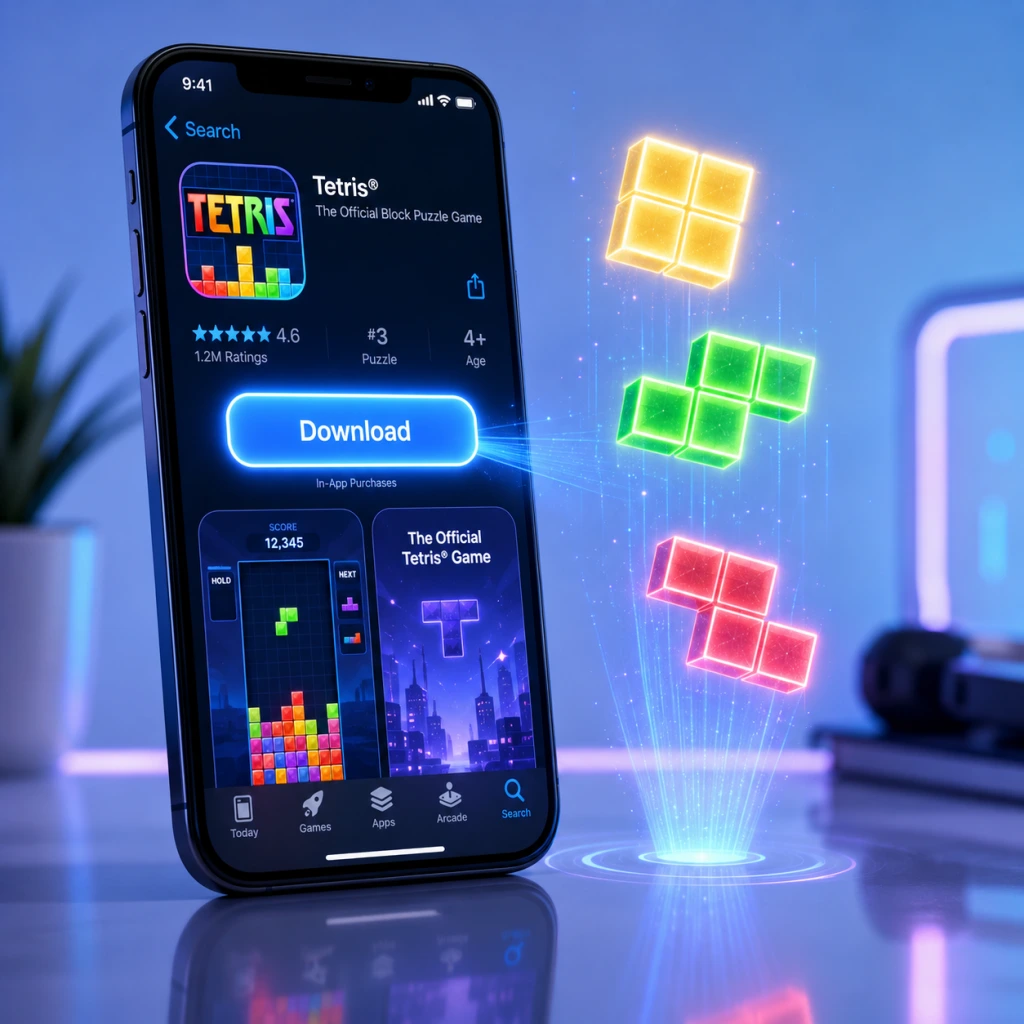
This guide covers the official, legitimate Tetris games available on major platforms. The most feature-rich modern version is Tetris Effect: Connected, available on PC (Steam, Epic Games Store), PlayStation 4/5, Xbox One/Series X|S, and Nintendo Switch. For mobile, the official app is Tetris (by N3TWORK) on iOS and Android. We also cover Tetris 99 (Nintendo Switch exclusive) and Puyo Puyo Tetris (multi-platform).
---
1. Platform-Specific Versions
| Platform | Recommended Tetris Title | Availability |
|---|---|---|
| PC (Steam) | Tetris Effect: Connected | [Steam Store](https://store.steampowered.com/app/1003590/Tetris_Effect_Connected/) |
| PC (Epic Games) | Tetris Effect: Connected | [Epic Games Store](https://store.epicgames.com/en-US/p/tetris-effect-connected) |
| PlayStation 4/5 | Tetris Effect: Connected | PlayStation Store |
| Xbox One/Series | Tetris Effect: Connected | Microsoft Store |
| Nintendo Switch | Tetris 99 (free) or Tetris Effect: Connected | Nintendo eShop |
| iOS | Tetris (by N3TWORK) | App Store |
| Android | Tetris (by N3TWORK) | Google Play Store |
2. System Requirements
Tetris Effect: Connected (PC)
| Component | Minimum | Recommended |
|---|---|---|
| OS | Windows 10 64-bit | Windows 10/11 64-bit |
| CPU | Intel Core i3-4340 / AMD FX-6300 | Intel Core i5-4590 / AMD Ryzen 5 1500X |
| RAM | 8 GB | 16 GB |
| GPU | NVIDIA GeForce GTX 660 2GB / AMD Radeon HD 7850 2GB | NVIDIA GeForce GTX 1060 6GB / AMD Radeon RX 580 8GB |
| DirectX | Version 11 | Version 12 |
| Storage | 10 GB | 10 GB SSD recommended |
| Additional | 64-bit processor required | VR optional (Oculus Rift, HTC Vive, Windows Mixed Reality) |
Tetris (Mobile)
- iOS: Requires iOS 13.0 or later. Compatible with iPhone, iPad, iPod touch.
- Android: Requires Android 6.0 (Marshmallow) and up. Size ~150 MB. Internet connection required for online modes.
- Storage: ~1.4 GB (free to play with Nintendo Switch Online membership required for online play).
- PC (Steam/Epic): A Steam or Epic Games account is required.
- PlayStation: A PlayStation Network (PSN) account needed (free).
- Xbox: A Microsoft account (Xbox Live) required.
- Nintendo Switch: A Nintendo Account (free) plus Nintendo Switch Online subscription for online play in Tetris 99 and Tetris Effect: Connected.
- Mobile: No mandatory account to play offline, but a Tetris account or Apple/Google sign-in is required for online features and cloud saves.
- Upon first launch, you will see the title screen. Press any button to continue.
- You may be prompted to calibrate the screen brightness (especially in VR mode on PC).
- Select your preferred language and control scheme.
- If playing on PC with a controller, ensure it’s connected before launching for best detection.
- For PC, the game will automatically detect your display resolution; you can adjust in Options > Graphics.
- Online features require an internet connection and platform-specific account.
- After download, launch the game. It will ask to link your Nintendo Account.
- Tutorial mode is available; recommended for new players.
- A Nintendo Switch Online subscription is required to access the main mode.
- Open the app. Accept the privacy policy and terms.
- You can play as a guest or sign in with Apple/Google/Tetris account for cloud saves.
- Optional: allow notifications for events.
- The game will download additional assets (if needed) on first launch.
- Tutorial will play automatically.
Tetris 99 (Nintendo Switch)
---
3. Download & Installation Steps
3.1 PC (Steam)
1. Install the Steam client from [store.steampowered.com](https://store.steampowered.com) if not already present.
2. Log in to your Steam account (create one if needed).
3. Search for “Tetris Effect: Connected” in the store.
4. Click Add to Cart and complete purchase (or install if already owned).
5. Go to your Library, find the game, and click Install.
6. Choose installation directory (default is fine). The download size is ~8 GB.
7. Wait for download and installation to complete. Steam will automatically verify files.
3.2 PC (Epic Games Store)
1. Download and install the Epic Games Launcher from [epicgames.com](https://www.epicgames.com/store).
2. Log in to your Epic account.
3. Search for “Tetris Effect: Connected” and purchase / add to library.
4. Click Library, find the game, and click Install.
5. Select installation location and launch after installation.
3.3 PlayStation (PS4/PS5)
1. From the PlayStation home screen, go to PlayStation Store.
2. Search for “Tetris Effect: Connected”.
3. Select the game and choose Download (after purchase).
4. The game will download and install automatically. On PS5, you can choose between PS4 and PS5 versions.
5. Once installed, launch from the home screen.
3.4 Xbox (One, Series X|S)
1. Press the Xbox button, go to Microsoft Store.
2. Search for “Tetris Effect: Connected”.
3. Purchase or install (if you have Game Pass, it may be included).
4. Select Install and choose a drive (internal or external).
5. Game will be added to My games & apps.
3.5 Nintendo Switch
#### Tetris Effect: Connected (paid)
1. Open Nintendo eShop from the home menu.
2. Search for “Tetris Effect: Connected”.
3. Complete purchase and select Download.
4. The game will install to your system memory or SD card. Launch from home screen.
#### Tetris 99 (free)
1. Go to Nintendo eShop.
2. Search for Tetris 99 and select Free Download.
3. Accept terms and download. Requires Nintendo Switch Online subscription to play online.
4. Launch from home screen.
3.6 Mobile (iOS / Android)
1. Open the App Store (iOS) or Google Play Store (Android).
2. Search for “Tetris” by N3TWORK (the official app).
3. Tap Get / Install.
4. Allow permissions (storage, notifications if prompted).
5. Wait for download (~150 MB) and installation. Open the app.
6. Create or log in with a Tetris account (optional but required for cloud save and leaderboards).
---
4. Account Requirements
---
5. First Launch Setup
Tetris Effect: Connected (All Platforms)
Tetris 99 (Switch)
Tetris (Mobile)
---
6. Common Installation Errors & Fixes
| Error | Platform | Cause & Solution |
|---|---|---|
| “Disk Write Error” | PC (Steam) | Insufficient permissions or antivirus blocking. Run Steam as Administrator, or temporarily disable antivirus. |
| “Failed to Initialize Renderer” | PC | Outdated GPU drivers or unsupported DirectX version. Update drivers and install DirectX 11/12 from Microsoft’s site. |
| “Game won’t launch after install” | PC (Epic) | Verify files in Epic Games Launcher (click three dots > Manage > Verify). Also check antivirus exclusions. |
| “Insufficient Storage” | PS5 / Xbox | Free up space by deleting other games. On PS5, you can move PS4 games to external storage. |
| “Nintendo eShop download pending” | Switch | Put the console in sleep mode with sufficient battery; downloads resume in sleep. Also check SD card space. |
| “Network Error” | Mobile | Ensure stable internet connection. Reboot the device and try again. Clear app cache if needed. |
| “Connection time out” | Any online | Check firewall settings. For PC, allow the game through Windows Defender Firewall. |
- Always restart your device after installation failures before retrying.
- Ensure your platform’s software is up to date (Windows Update, PS5 system update, etc.).
- For PC, close background applications like overlays (Discord, GeForce Experience) that may conflict.
---
7. Post-Install Verification
1. Launch the game successfully without crashes.
2. Check the title screen – it should display the correct game version.
3. Play a round in single-player mode to test controls and performance.
4. Verify online connectivity (if applicable) by attempting to join a multiplayer lobby.
5. Check storage usage:
- PC: Right-click game in Steam Library > Properties > Local Files > Browse. The folder should contain ~9GB of files.
- Console: Go to System Settings > Storage to see the installed title.
- Mobile: Go to App Info > Storage in device settings (size should match download).
6. Optional: Update graphics settings for optimal performance on PC.
Once all steps are completed, you are ready to enjoy Tetris on your platform of choice.
---
Last updated: February 2025. Prices and availability may vary by region.