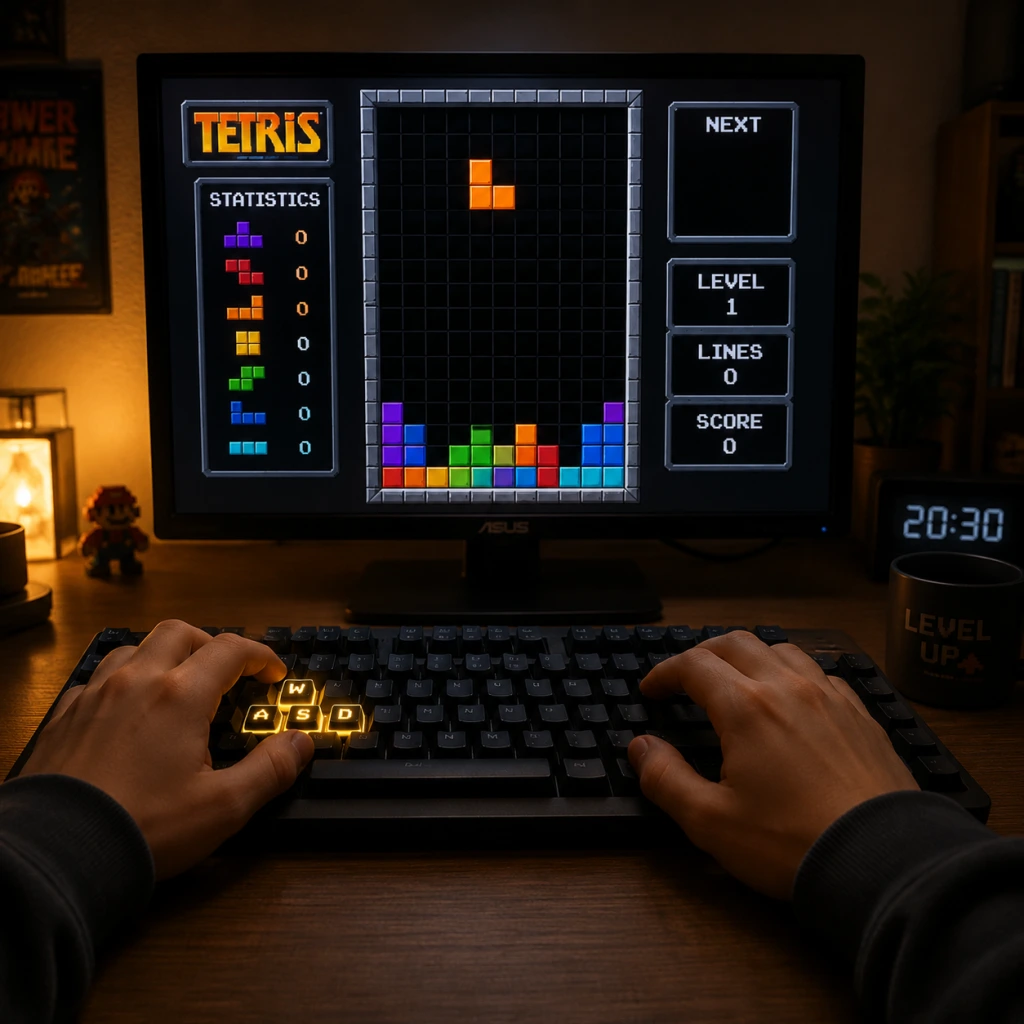
Getting Started
Getting Started
Welcome to Tetris! This guide is designed to get you from zero to stacking and clearing lines within your first hour. Tetris is a game of pattern recognition, spatial awareness, and split-second decision-making. Don't worry about being perfect; the goal is to have fun and improve gradually.
First Hour Walkthrough
1. Launch the game – After installing Tetris Effect: Connected or your chosen official Tetris title, start a new game from the main menu.
2. Choose a game mode – As a beginner, select Marathon Mode. This gives you unlimited time and a clear goal: clear lines to advance levels and increase speed. Avoid multiplayer or time-limited modes for now.
3. Watch the tutorial (if available) – Many modern versions include a brief interactive tutorial. Complete it to learn basic controls.
4. Start your first game – Pieces (tetrominoes) will fall from the top. Your job is to rotate and position them to form complete horizontal lines. Filled lines disappear, giving you points and preventing the stack from reaching the top.
5. Focus on building flat surfaces – Aim to fill gaps evenly. Don't stack pieces too tall in one column.
6. Clear your first line – It will likely happen within a few minutes. Celebrate small wins.
7. Play for 10–15 minutes – Get comfortable with the controls and timing. If you top out (blocks reach the top), restart immediately. Don't stress.
8. Experiment with soft drop and hard drop – Soft drop moves the piece down faster; hard drop instantly places it. Practice both.
9. Use the hold piece (if available) – Swap a piece you don't need for later. This is a key tool for beginners.
10. End your first session after clearing 20–30 lines or playing 30 minutes. You've made a start!
Character Creation
None. Tetris has no character creation. You play as the shapes themselves. There are no avatars, classes, or customization options that affect gameplay. Focus entirely on the blocks.
Controls on All Platforms
Controls vary slightly by version, but the core actions remain the same: move left/right, rotate, drop, and hold. Below are typical mappings for Tetris Effect: Connected (a great modern standard).
| Action | Keyboard (PC) | PlayStation (PS4/PS5) | Xbox (One/Series) | Nintendo Switch | Mobile (Touch) |
|---|---|---|---|---|---|
| Move Left | Left Arrow | Left D-Pad | Left D-Pad | Left D-Pad | Swipe Left |
| Move Right | Right Arrow | Right D-Pad | Right D-Pad | Right D-Pad | Swipe Right |
| Rotate Clockwise | Up Arrow or X | X Button | A Button | A Button | Tap |
| Rotate Counter-Clockwise | Z | Square | X Button | B Button | Tap (if set) |
| 180° Rotation | A | L1 | LB | L | Swipe down? (varies) |
| Soft Drop | Down Arrow | Down D-Pad | Down D-Pad | Down D-Pad | Swipe Down (slow) |
| Hard Drop | Spacebar | R1 | RB | R | Tap bottom/button |
| Hold | C | Triangle | Y Button | Y Button | Hold button icon |
UI Overview
When you start a game, the screen shows several key elements:
- Playfield – The main 10×20 grid where pieces fall and stack.
- Next Piece Preview – Usually on the right side (or top). Shows the upcoming piece.
- Hold Piece Display – Top-left corner. Shows the piece you have stored with the Hold action.
- Score/Level/Lines – Typically at the top or side. Your current score, level, and total lines cleared.
- Ghost Piece – A translucent outline of where the piece will land if hard-dropped. Use it to plan placement.
- Timer – In timed modes, but Marathon has no timer (except speed increases as you level).
- Spend 10 minutes in Practice Mode (if available) or a custom game with no gravity to experiment with rotations.
- Use ghost piece to see landing positions.
- Stack flat – Fill in gaps as much as possible.
- Use soft drop to place pieces precisely. Hard drop is for speed, but beginners can rely on soft drop.
- Rotate both directions – Clockwise and counter-clockwise. This helps fit pieces into tight spots.
- Learn the 7 pieces – I, O, T, S, Z, J, L. Know their shapes immediately.
- Pause if overwhelmed. Breathing helps.
- Stacking too high in one column – Creates a dangerous tower. Spread out.
- Ignoring the Hold piece – It's a safety net. Use it whenever a piece doesn't fit.
- Panicking and randomly rotating – Plan before dropping.
- Focusing on speed – Accuracy matters more early on.
- Playing multiplayer too soon – Real opponents will crush you. Learn solo first.
- Overusing hard drop – It's fast but can lock you into bad placements. Use soft drop for control.
- Not rotating pieces enough – You can rotate every piece (except O) multiple ways. Experiment.
- Leaving gaps – A gap under a piece is often hard to fill later. Try to place pieces flush against each other.
- Stacking too tall in the middle – Center columns are dangerous. Keep them lower or fill them evenly.
- Forgetting about the I-piece – It's the only piece that can clear 4 lines. Reserve it for Tetris opportunities.
- Ignoring the “next piece” – This leads to mismatched placements. Always glance at what's coming.
- Using hard drop carelessly – Hard drop locks the piece instantly. If misaligned, you can't correct.
- Trying to build elaborate patterns too early – Stick to simple line clears first.
- [ ] Played through the tutorial (if available).
- [ ] Started a Marathon game.
- [ ] Cleared at least 5 lines total.
- [ ] Used Hold at least 3 times.
- [ ] Practiced soft drop vs. hard drop – understand the difference.
- [ ] Rotated a piece in both clockwise and counter-clockwise directions.
- [ ] Looked at the next piece before placing the current piece.
- [ ] Survived until level 3 (pieces speed up slightly).
- [ ] Avoided stacking above the halfway mark of the playfield (row 10).
- [ ] Ended the session feeling comfortable with controls.
In menus, look for Play, Modes, Options, Leaderboard, Multiplayer. Start with Marathon or Endless Mode for stress-free practice.
Essential Early Objectives
1. Clear 1 line – Learn how to complete a row.
2. Clear 4 lines at once (Tetris) – The ultimate goal. Requires a straight I-piece. Practice setting up a column of 4 empty spaces.
3. Survive to level 5 – This means handling slightly faster pieces. Learning to drop quickly is key.
4. Use the Hold piece correctly – Swap a bad piece (e.g., a Z-piece when you need an I-piece) for later.
5. Avoid stacking above the playfield halfway – Keep your stack low to reduce panic.
What to Do First / What to Avoid
Do this first:
Avoid:
Early Resource Priorities
In your first few sessions, prioritize knowledge over scores:
1. Play Marathon to learn pacing – No time pressure, just gradual speed increase.
2. Practice T-Spin basics (optional) – Not required early, but learning how to create a “T” slot helps later.
3. Use the “Hold” piece often – Get comfortable swapping pieces.
4. Watch replay of your own game – Identify where you stacked poorly. Many versions have replay functionality.
5. Look at the next piece – Use it to plan ahead. A pillar of Tetris skill is “look ahead”.
Common Beginner Mistakes
Day-One Checklist
A quick list to ensure you've covered the basics in your first play session:
Remember: Tetris is a journey. Every expert was once a beginner who stacked badly. Keep playing, and you'll improve naturally!