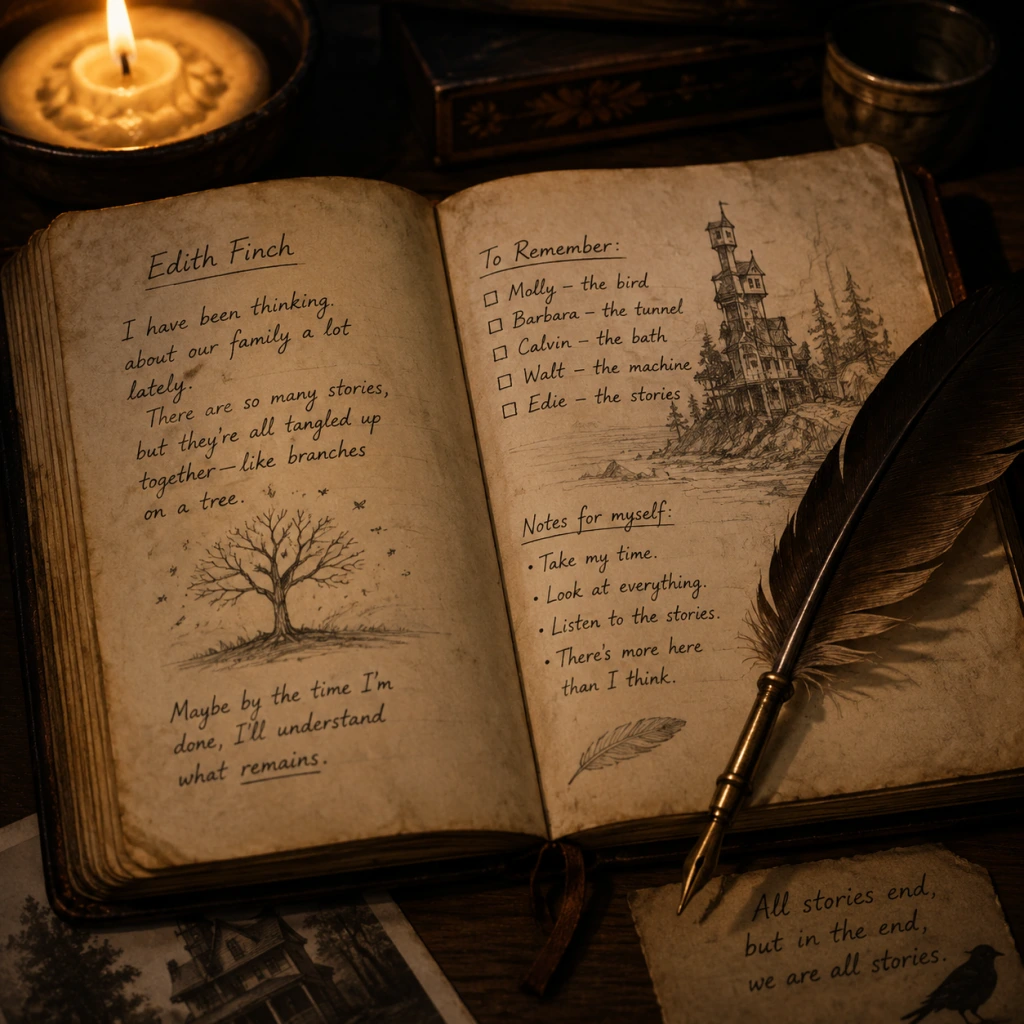
Game Tips
Game Tips for "What Remains of Edith Finch"
Since "What Remains of Edith Finch" is a pure narrative exploration game with no combat, inventory, or fail states, the tips below focus on maximizing story immersion, uncovering hidden details, optimizing performance, earning achievements, and enhancing the overall experience. The guide is divided into categories tailored to the game's unique mechanics.
---
Beginner Tips
1. Take Your Time Everywhere
- Explanation: The game encourages slow, deliberate exploration. Rushing through rooms will cause you to miss subtle environmental storytelling, like letters, photographs, and small objects that flesh out the Finch family history.
- Why it works: Every room in the Finch house is meticulously designed with context clues. Pausing to read a diary page or examine a toy adds emotional weight to the narrative.
- When to use: Always. Especially during the first playthrough.
- Explanation: Interactive objects (journals, keys, door handles, etc.) are highlighted with a soft glow or sparkle. Click or press the interact button on all of them to trigger story sequences.
- Why it works: The game uses a simple visual cue to guide you; missing even one can skip a crucial story beat or a character's anecdote.
- When to use: Anytime you see a glowing object, interact with it before moving on.
- Explanation: The game's audio design is rich—whispering voices, creaking floors, distant sounds of the sea, and subtle musical cues. Headphones let you hear the layered soundscapes clearly.
- Why it works: Many emotional moments are conveyed through sound alone (e.g., the wind during Molly's story). Headphones lock you into Edith's perspective.
- When to use: Highly recommended for the entire game, especially twilight/evening playing sessions.
- Explanation: Scattered throughout the house are handwritten letters, postcards, and journal entries. They provide background on family members not covered in the main stories.
- Why it works: The Finch family tree includes many relatives. These documents explain relationships and tragedies that aren't explicitly shown.
- When to use: Every time you find one—don't skip the text. Some contain clues for achievements.
- Explanation: While the main story is linear, each character's vignette offers small branching areas. Explore corners and alternate routes.
- Why it works: You'll find additional dialogue, hidden objects, and unique animations (e.g., looking out a window from a different angle).
- When to use: In every vignette, after triggering the next objective, take a moment to look around.
- Explanation: After completing the game, you can select specific family stories from the bedroom doors. This lets you revisit any chapter to find missed collectibles or better understand the timeline.
- Why it works: The narrative is non-linear; replaying helps connect dots (e.g., the curse might be linked to a specific pattern of deaths).
- When to use: After finishing the game once, go back to chapters with hidden achievements (e.g., the bathtub boat story).
- Explanation: Many stories use surreal imagery (e.g., Molly becoming animals, Walter's underground life). These are metaphors for their psychological states.
- Why it works: Understanding the metaphors deepens your appreciation of the writing and character arcs. For instance, Molly's transformation represents her starvation for attention.
- When to use: During each vignette, reflect on what the imagery might symbolize.
- Explanation: Edith's camera (provided early on) can be used to take photos. While not required, snapping pictures of meaningful scenes or family portraits adds a personal layer.
- Why it works: The camera is a storytelling tool—it makes you an active photographer in the family's history. Some achievements are tied to taking specific photos.
- When to use: Whenever you see a scene you want to remember, or when the game prompts you (e.g., at the end of a chapter).
- Explanation: In the opening sequence, before entering the house, walk around the yard, the graveyard, and the shoreline. There are a few interactive objects and a great view.
- Why it works: The graveyard contains graves of many Finches, revealing names and dates that you'll encounter later.
- When to use: Only at the very start of the game.
- Explanation: The game has no spoken dialogue during gameplay—only narration. Subtitles can distract from the beautiful animation and screen composition.
- Why it works: Without subtitles, you focus on the character's gestures and the environment. The narration is always clear and well-paced.
- When to use: If you are comfortable with English and want maximal immersion. Turn them back on if you miss details.
- Explanation: In the cannery story (with Sammy), there is a sequence where you can catch a fish. The achievement requires you to successfully reel it in by following the on-screen prompts.
- Why it works: The prompt timing is tight; miss it and the fish escapes. Practice the rhythm on earlier fish.
- When to use: Replay the cannery chapter and focus only on the fishing mini-game.
- Explanation: In Molly's chapter, you can find hidden dream-like images in the environment (e.g., a floating whale, a giant). There are 8 such moments, each tied to an achievement.
- Why it works: They are well-hidden behind objects or only visible from certain angles. Walk slowly and look up/down.
- When to use: Two playthroughs of Molly's story (one blind, one guided).
- Explanation: The game includes a photo mode on PC (via F12 or bound key) and on consoles via share button. Pausing the game lets you free the camera.
- Why it works: You can zoom into textures, handwriting, or distant objects that are normally too small to read. This reveals extra lore (e.g., letters on a desk you could never approach).
- When to use: During any chapter, especially in Dawn's bedroom and the attic.
- Explanation: In Barbara's story, there is a quick-time-event (QTE) section where you control a toy boat in a bathtub. The boat can be steered with mouse/keyboard or controller.
- Why it works: The steering is sensitive. Use gentle inputs and aim for the floating rubber duck to trigger an easter egg.
- When to use: Replay Barbara's chapter and practice the QTE to avoid missing the duck.
- Explanation: While not a speedrun game, completing the story in under 2 hours requires skipping all optional exploration and reading. This can be a personal challenge.
- Why it works: You'll appreciate how well the game paces itself even when rushed, and notice new shortcuts between vignettes.
- When to use: After multiple playthroughs, to see the bare bones of the narrative.
- Explanation: In the library, there is a movable bookshelf that reveals a secret passage to a room with a family tree drawn on the wall. It is missable if you don't interact with the right book.
- Why it works: The room contains a complete timeline of deaths, which is crucial for understanding the curse theory.
- When to use: In the library chapter, look for a book that sticks out slightly—pull it.
- Explanation: On PC, the game can stutter in high-density areas (e.g., the attic with lots of objects). Lower shadow quality and disable motion blur to maintain 60 FPS.
- Why it works: Smoother motion reduces disorientation during quick camera movements in vignettes.
- When to use: Before starting the game, access Settings > Video.
- The game has 8 achievements on Steam/PlayStation/Xbox. Most are story-related, but two are missable:
- Why it works: These require careful attention during specific chapters.
- When to use: After the main story, use chapter select to replay those stories with a guide open.
- Explanation: After finishing the game, you can enter any bedroom door to replay that person's story. Achievements earned in a chapter are saved retroactively.
- Why it works: You don't need to start a new game; just replay the distinct chapter.
- When to use: For any missable achievements.
- Explanation: The game deals with heavy themes of death, loss, and mental illness. Play in sessions of 1–2 hours to avoid emotional fatigue.
- Why it works: The narrative is dense and impactful; consuming too much at once can numb the experience.
- When to use: Plan to play over several days, especially if you are sensitive to the topics.
- Explanation: The smaller screen and close proximity to your face enhances the sense of being in Edith's shoes. The gyro controls (if any) are not used, but the portability allows for cozy gaming spots.
- Why it works: The game's atmosphere benefits from a quiet, personal setting.
- When to use: Play on the sofa, in bed, or on a train.
- Explanation: The DualSense controller's adaptive triggers provide subtle resistance when pulling doors or interacting with objects. This adds a physical layer to exploration.
- Why it works: It transforms simple actions into more deliberate motions, increasing immersion.
- When to use: Always on PS5 version.
- Explanation: The developers released a director's commentary mode (separate download) that plays as you walk through the house. Listen to learn about design choices and hidden meanings.
- Why it works: You'll gain insight into the game's creation and notice details you previously overlooked.
- When to use: After the first playthrough, activate commentary from the main menu.
- Explanation: Each story is distinct and emotionally charged. Stepping away between chapters allows you to process the story before moving on.
- Why it works: The game is meant to be savored, not binged.
- When to use: When you finish a vignette, get up, stretch, reflect, then return.
- Explanation: After finishing, discuss theories on Reddit or forums. The open-ended narrative has many interpretations.
- Why it works: Engaging with the community can reveal perspectives you missed and enrich your understanding.
- When to use: Post-completion.
2. Interact with Everything That Glows
3. Use Headphones for Full Immersion
4. Read All Letters and Notes
5. Don't Be Afraid to Wander Off the Path
---
Intermediate Strategies
6. Replay Vignettes from the Main Menu
7. Pay Attention to Visual Metaphors
8. Use the Camera in Key Moments
9. Explore the Exterior of the House First
10. Turn Off Subtitles for a Richer Experience (Optional)
---
Advanced Optimizations & Hidden Secrets
11. Unlock the "Fish" Achievement
12. Find All 8 Collectible "Dreams" (Molly's story)
13. Use Photo Mode to Capture Hidden Details
14. Mastering the Bathtub Boat Sequence
15. Speedrun the Game (For Fun)
16. Discover the "Hidden Room" Behind the Bookshelf
17. Adjust Graphics Settings for Smooth Performance
---
Achievement/Trophy Hunting Tips
18. Full List of Achievements (with Explanations)
- "Scrimshaw": Complete the cannery story without missing any fish.
- "Museum Curator": Find all 8 hidden dream images in Molly's story.
19. Use Chapter Select to Clean Up
---
Economy & Resources (Nonexistent—But Emotional Resource Management)
20. Manage Your Emotional Energy
---
Platform-Specific Tips
21. Nintendo Switch - Use Handheld Mode for Intimacy
22. PlayStation 5 - Adaptive Triggers Add Depth
---
Final Pro Tips
23. Play Through a Second Time with Commentary
24. Take Breaks Between Chapters
25. Share Your Interpretation Online
---
Summary Table of Tip Categories
| Difficulty Level | Category | Key Tip |
|---|---|---|
| Beginner | Exploration | Interact with all glowing objects |
| Beginner | Immersion | Use headphones |
| Intermediate | Story | Replay vignettes from menu |
| Intermediate | Hidden Details | Use camera at key moments |
| Advanced | Achievements | Replay cannery story for "Scrimshaw" |
| Advanced | Secrets | Find hidden room behind bookshelf |
| All | Emotional | Manage session length |
This guide covers every angle for getting the most out of "What Remains of Edith Finch". Enjoy the journey—it's a masterpiece of storytelling.