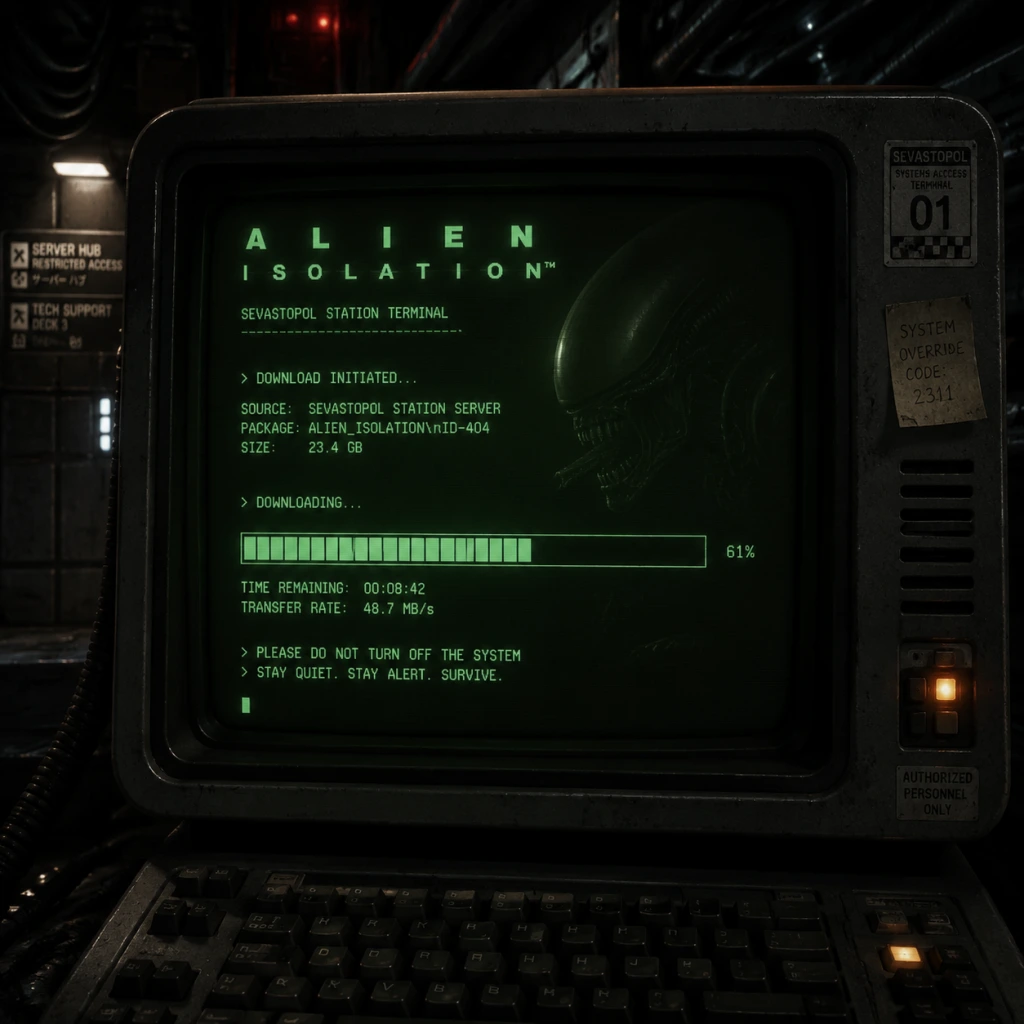
Download & Installation
Introduction
Alien: Isolation is a survival horror game developed by Creative Assembly and published by Sega. It is available on multiple platforms, each with its own download and installation process. This guide covers all legitimate sources, step-by-step installation for each platform, system requirements, storage needs, account prerequisites, first-launch setup, common errors, and post-install verification.
---
Platform Availability & Official Sources
| Platform | Digital Storefront | Physical Media |
|---|---|---|
| PC (Windows) | [Steam](https://store.steampowered.com/app/214490/Alien_Isolation/), [Epic Games Store](https://store.epicgames.com/en-US/p/alien-isolation) | DVD (rare) |
| PlayStation 4 / PS5 (backward compatible) | PlayStation Store | Blu-ray Disc |
| **Xbox One / Xbox Series X | S (backward compatible)** | Microsoft Store |
| Nintendo Switch | Nintendo eShop | Game Card |
---
System Requirements (PC)
Minimum Requirements
- OS: Windows 7 (64-bit)
- CPU: Intel Core 2 Duo 2.4 GHz / AMD Athlon X2 2.7 GHz
- RAM: 4 GB
- GPU: NVIDIA GeForce GTX 260 / AMD Radeon HD 5700 (1 GB VRAM)
- DirectX: Version 11
- Storage: 35 GB available space
- Sound: DirectX 9.0c compatible
- OS: Windows 7, 8, or 10 (64-bit)
- CPU: Intel Core i5-2500K / AMD FX-8350
- RAM: 8 GB
- GPU: NVIDIA GeForce GTX 660 (2 GB) / AMD Radeon HD 7800 (2 GB VRAM)
- DirectX: Version 11
- Storage: 35 GB available space (SSD recommended)
- Sound: DirectX 9.0c compatible
Recommended Requirements
---
Storage Space
| Platform | Install Size | Additional Notes |
|---|---|---|
| PC (Steam/Epic) | ~35 GB | May increase with patches/DLC |
| PlayStation 4/5 | ~25 GB | PS5 version uses same PS4 data via backward compatibility |
| Xbox One/Series X | S | ~34 GB |
| Nintendo Switch | ~8 GB | Lower resolution textures, compressed assets |
Account Requirements
- PC (Steam): Steam account (free, purchase game).
- PC (Epic): Epic Games account (free, purchase game or claim if free).
- PlayStation: PlayStation Network account (free or paid subscription for online features – not required for single-player).
- Xbox: Xbox Live account (free for single-player; Game Pass subscription optional).
- Nintendo Switch: Nintendo Account (free).
---
Step-by-Step Installation
PC (Steam)
1. Create a Steam account at [store.steampowered.com](https://store.steampowered.com) if you don't have one.
2. Purchase the game – either directly from Steam or activate a retail key via Games → Activate a Product on Steam.
3. Download the Steam client from the website and install it.
4. Log in to your Steam account.
5. Go to your Library → find Alien: Isolation → click Install.
6. Choose installation location (ensure >35 GB free).
7. Wait for the download and automatic installation – Steam will handle file extraction.
8. Launch the game from Library or desktop shortcut after installation completes.
PC (Epic Games Store)
1. Create an Epic Games account at [epicgames.com](https://www.epicgames.com).
2. Install the Epic Games Launcher from the website.
3. Log in and go to the Store – search for Alien: Isolation.
4. Purchase or claim the game.
5. Click Get or Buy then Install.
6. Select installation directory (at least 35 GB free).
7. Download and install – the launcher manages files.
8. Launch from Epic Library after completion.
PlayStation 4 / PS5
Digital version:
1. Ensure you have a PlayStation Network account and are signed in.
2. Go to PlayStation Store on your console.
3. Search for Alien: Isolation.
4. Purchase the game if not already owned.
5. Click Download – the console will begin downloading and installing automatically.
6. Once finished, the game appears on your home screen.
Disc version (PS4 disc on PS4 or PS5):
1. Insert the disc into the console.
2. The console will install the game data (may require a large update).
3. Follow on-screen prompts.
4. Keep the disc inserted to play.
Xbox One / Xbox Series X|S
Digital version:
1. Sign in with your Xbox Live account.
2. Open Microsoft Store.
3. Search for Alien: Isolation.
4. Buy or Install if you own it (e.g., via Game Pass).
5. Click Install – the console downloads the appropriate version.
6. Game appears in My Games & Apps.
Disc version:
1. Insert the disc.
2. The console prompts to install – confirm.
3. The game installs from disc; may download patches.
4. Disc required for play.
Nintendo Switch
Digital version:
1. Sign in with your Nintendo Account on the console.
2. Open Nintendo eShop.
3. Search for Alien: Isolation.
4. Purchase the game.
5. Select Download – the game downloads and installs automatically.
6. Access from Home Menu.
Physical game card:
1. Insert the game card into the console.
2. An icon appears on the Home Menu – select it.
3. The game may prompt a quick initial update; confirm.
4. Play from the card (no full install required, but updates increase storage).
---
First Launch Setup
1. Language Selection – Choose from available languages (English, French, German, Spanish, etc.).
2. Graphics Settings (PC only) – The game defaults to auto-detected settings. You can adjust:
- Resolution, V-Sync, Anti-aliasing, Shadow Quality, Texture Quality, etc.
- Main menu → Options → Graphics.
3. Audio Settings – Adjust volume for effects, music, and dialogue. Subtitles can be enabled.
4. Controller Configuration – Console players can remap buttons in the in-game settings. PC supports keyboard/mouse or controller.
5. Begin Game* – Select New Game or Load Game*.
---
Common Installation Errors & Fixes
| Error | Platform | Cause | Solution |
|---|---|---|---|
| Insufficient disk space | All | Not enough free storage. | Free up space (delete temporary files, uninstall other games). Check install size requirements. |
| Corrupted files / “Verify integrity” | PC (Steam) | Download errors or file damage. | Right-click game in Steam Library → Properties → Local Files → Verify integrity of game files. Steam repairs automatically. |
| Corrupted files / “Verify files” | PC (Epic) | Similar cause. | In Epic Launcher, go to Library → click three dots on Alien: Isolation → Verify. |
| Installation stuck at 0% or very slow | PC (Steam/Epic) | Server congestion, antivirus interference, or disk issues. | Pause and resume download; disable real-time antivirus temporarily; run launcher as administrator. |
| Error “Could not load X3DAudio” | PC | Missing DirectX components. | Install/repair DirectX via the game’s redistributable folder (e.g., `_CommonRedist` in Steam directory) or download from Microsoft. |
| Black screen on launch (PC) | PC | Outdated drivers, resolution mismatch. | Update GPU drivers; run game in windowed mode (edit `%LOCALAPPDATA%\Alien Isolation\settings.xml` to set `Fullscreen=false`). |
| Console fails to download | PS4/PS5, Xbox, Switch | Account or store issues. | Restart console; check PSN/Xbox Live/eShop status; re-enter account credentials; clear system cache. |
| Disc read error (console) | PS4, Xbox, Switch | Scratched disc or dirty lens. | Clean disc; try another game to test lens; if fails, contact platform support. |
| Error CE-34878-0 (PS4) | PS4 | Corrupted save or game data. | Rebuild database (Safe Mode option 5); reinstall game. |
| Error 0x80070005 (Windows) | PC | Permission issues. | Run Steam/Epic as administrator; install game on a drive with proper write permissions. |
Post-Installation Verification
1. Check file integrity (on PC) using launcher verification tools as described above.
2. Launch the game – ensure it reaches the main menu without crashes.
3. Test in-game performance (PC):
- Run a benchmark or play the first minutes.
- Monitor FPS using an overlay (e.g., Steam FPS counter or MSI Afterburner).
4. Check for updates – Sometimes a day-one patch is available. On Steam/Epic, updates are automatic if enabled. On consoles, check for game update in system settings.
5. Save a test game – Create a manual save to ensure saving works.
6. Verify achievements / trophies – If desired, check that achievement tracking is functional (PC achievements via Steam/Epic overlay; console via OS).
---
Additional Tips
- Cloud Saves: Supported on Steam, Epic (if enabled), PlayStation Plus (optional), Xbox Live, and Nintendo Switch Online (with subscription). Enable them to back up progress.
- Mods (PC only): Alien: Isolation has a modding community. To install mods, use tools like Fluffy Manager or manually place files in the game directory. Backup original files first.
- DLC: The game includes DLC like Last Survivor, Crew Expendable, and Safe Haven. These are included in the Alien: Isolation – The Collection edition or sold separately. They install automatically with the base game if owned.
---
This guide should cover all legitimate ways to download and install Alien: Isolation. If you encounter issues not listed, consult the official Sega support page or community forums. Happy surviving!