Getting Started
Overview
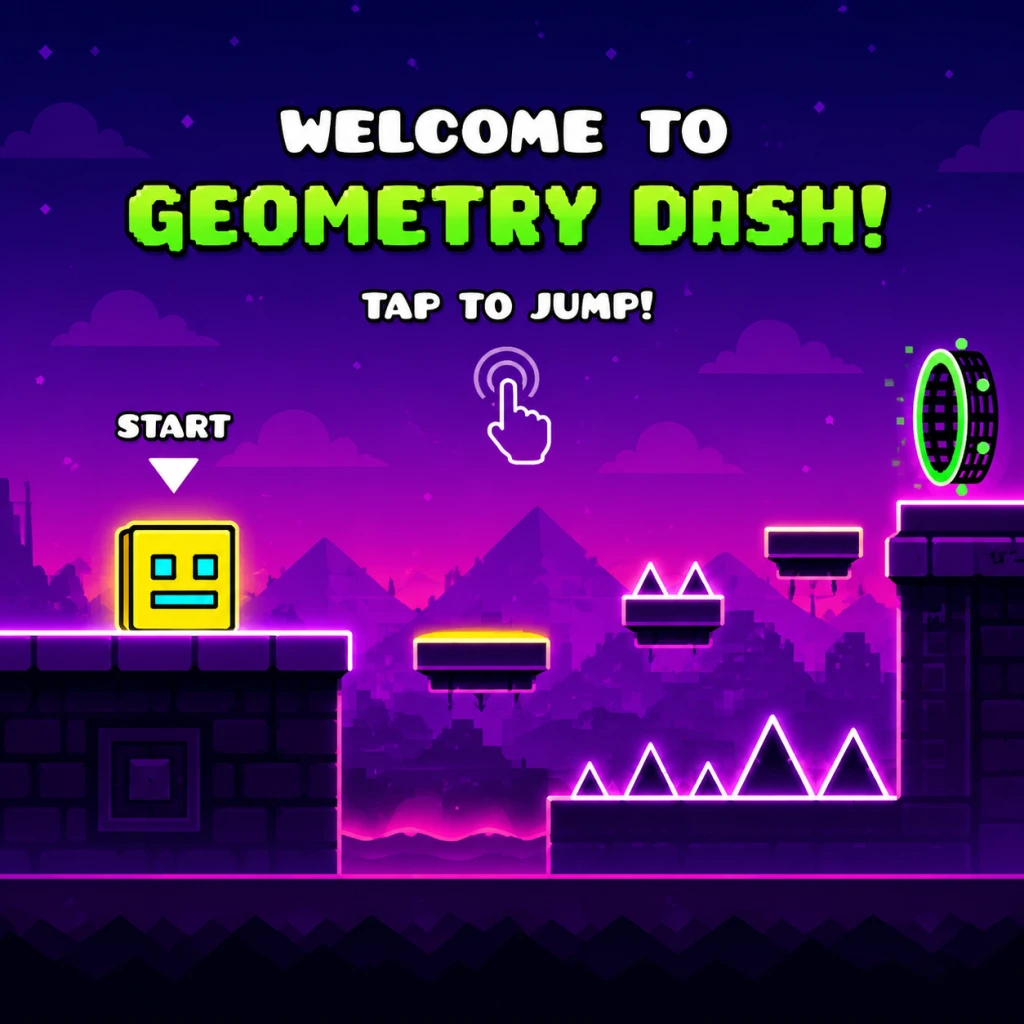
Geometry Dash is a rhythm-based platformer where you guide a square icon through obstacle-filled levels synced to music. Success requires precise timing and memorization. This guide helps brand-new players navigate the first hour, avoid frustration, and build a strong foundation.
First Hour Walkthrough
0–5 Minutes: Launch and Tutorial
- Open the game. On the main menu, tap or click Play. You’ll see a list of levels starting with Stereo Madness.
- Before diving in, go to Options (gear icon) and set Music Volume to 100% and SFX Volume to around 70% so you hear the beat clearly.
- Enter Stereo Madness and tap the screen (or press space/click) to start. The game will auto-play a short demo – watch how the icon jumps and lands. Then the actual attempt begins.
- Stereo Madness is the easiest level. The obstacles are simple pillars spaced with the beat.
- Critical tip: Tap exactly as the icon approaches a pillar. The game is strict – tapping too early or late will cause a crash.
- Expect to fail many times. Use the Practice Mode button (gear icon before entering the level, then select Practice) to place checkpoints and learn sections without restarting from the beginning.
- Your goal is simply to reach the 75% mark in Practice Mode to unlock the next level, Back On Track.
- After unlocking Back On Track, switch to it. It’s slightly faster but similar.
- Start using auto-checkpoints in Practice Mode (tap the flag icon every time you pass a tricky part).
- Try to complete Stereo Madness in Normal Mode. The first complete run gives you a star and unlocks the level’s rewards.
- Every 10 stars you collect (from completing levels and achievements) unlock new icons and colors in the Shop.
- Once you have 10 stars, go to the main menu and select Shop (shopping cart icon). Buy the cheapest icon or color pack that appeals to you.
- Return to Play and try Polargeist (the third level). It introduces obstacles that change size and alternating jump pads – still manageable.
- By now, you should have developed a sense of the game’s timing: press at the start of every beat.
- Icons: Different shapes (cube, ship, ball, etc.) unlocked by collecting stars or completing achievements. Change yours in the Garage (wrench icon).
- Colors: Two slots – Color 1 (main) and Color 2 (secondary). Buy new colors from the Shop for mana orbs.
- Trail: A glowing effect behind your icon. Also purchased in the Shop.
- Tip: Early on, keep the default cube icon – it’s balanced for learning. Don’t spend all mana orbs on cosmetic items; save some for future levels.
- Tap the screen to jump (or hold to perform a short hover if using ship mode). No other buttons.
- Works best with thumbs; keep one thumb hovering over the bottom center of the screen.
- Common issue: Accidental double-taps – tap firmly and release immediately after each jump.
- Spacebar or Left Mouse Button to jump. Ship mode: hold the key/button to fly up, release to fall.
- Many players prefer the keyboard for precise timing.
- Go to Options > Controls to remap (e.g., to Up Arrow or W key).
- Cross/A button to jump. Ship: hold the button to ascend.
- D-pad or stick not used – only the jump button matters.
- Note: Some console versions have slight input lag; try turning off vibration in settings to reduce delay.
- Main Menu:
- Level Select Screen:
- In-Game HUD:
- Spend 5 minutes adjusting audio settings.
- Play Stereo Madness in Practice Mode repeatedly.
- Watch the demo replay to internalize the rhythm.
- Tap to the beat of the music (every eighth note).
- Unlock all four early levels (up to Polargeist) before moving to harder ones.
- Do NOT skip Practice Mode. Jumping into Normal Mode for a new level wastes time.
- Do NOT try hard levels (like “Clubstep” or “TOE2”) until you can comfortably complete Easy levels.
- Do NOT use auto-pilot – never use a cheat or bot; you’ll miss the core gameplay and risk a ban.
- Do NOT ignore the music – if you mute the game, you lose the primary cue for timing.
- Stars: Your main currency for unlocking icons and new levels. Earn them by completing levels in Normal Mode and some achievements.
- Mana Orbs: Collected by completing daily quests, finishing levels, or opening chests. Use orbs to buy colors/trails in the Shop, but prioritize stars for unlocking content.
- Gold Coins: Found in hidden routes in levels (e.g., Stereo Madness has 3). Not essential; they unlock secret shop items later. Ignore them initially.
- Diamonds (reward for completing harder levels): Not relevant in the first hour – focus on stars.
- [ ] Launch the game and set audio: Music = 100%, SFX = 70%.
- [ ] Play Stereo Madness demo (watch entire intro).
- [ ] Complete Stereo Madness in Practice Mode (at least 75%).
- [ ] Unlock Back On Track.
- [ ] Complete Back On Track in Practice Mode (50% or more).
- [ ] Finish Stereo Madness in Normal Mode (even if it takes 100 attempts).
- [ ] Collect first 10 stars (check achievements for easy ones like “First Steps”).
- [ ] Visit Shop and buy an icon or color pack (optional, but rewarding).
- [ ] Try Polargeist in Practice Mode for 15 minutes.
- [ ] Spend 5 minutes customizing your icon in the Garage.
- [ ] End session by doing one Normal Mode run of Stereo Madness (no pressure).
5–20 Minutes: First Real Attempts
20–40 Minutes: Building Rhythm
40–60 Minutes: First Unlocks and Customization
Character Creation / Customization
Geometry Dash has no traditional character creation. Instead, you customize your icon, color, and trail.
Controls
Mobile (iOS/Android)
PC (Windows/Mac)
Console (PS4/PS5, Xbox One/Series)
UI Overview
- Play – Level select and quests.
- Create – Level editor (advanced, not needed early).
- Shop – Buy icons, colors, trails with mana orbs/stars.
- Garage – Equip cosmetics.
- Options – Audio, video, controls.
- Achievements – Unlockable challenges.
- List of levels with difficulty icons (easy = green, harder = red/purple).
- Practice Mode button (gear) before starting.
- Progress bar shows how far you’ve come in Normal Mode.
- Top center: current progress percentage.
- Bottom: coin counter (collectible gold coins early on are optional).
- Pause button (top left) to restart or exit.
Essential Early Objectives
1. Complete Stereo Madness – Requires precise timing; use Practice Mode to memorize the pattern.
2. Collect 10 stars – Unlocks the Shop and first customization options.
3. Unlock Back On Track – Beat 75% of Stereo Madness in any mode.
4. Practice each new level in Practice Mode before attempting Normal Mode.
5. Earn at least one achievement – e.g., “Jump 100 times” (automatically unlocked after a few attempts).
What To Do First and What To Avoid
✅ Do First:
❌ Avoid:
Early Resource Priorities
Common Beginner Mistakes
1. Tapping Too Late – The icon has inertia; you need to press slightly before the obstacle. Practice the timing: tap when the icon is about one icon-width away from a pillar.
2. Holding the Jump Button – In ship mode, holding is required; in cube mode, a single quick tap is needed. Holding causes floating or slow descent (only helpful in ball mode). Mistaking modes is a common cause of death.
3. Ignoring Practice Mode – New players often try Normal Mode repeatedly, getting frustrated. Use Practice Mode to break the level into segments.
4. Overreacting to Obstacles – Calm your tapping; many obstacles are spaced consistently with the beat. Erratic tapping leads to earlier crashes.
5. Changing Icons Too Often – Some icons have different hitbox shapes (e.g., ship’s nose is narrower). Stick with the default cube until you’re comfortable.
Day-One Checklist
That’s your first hour in Geometry Dash. Remember: every death is a lesson. Listen to the beat, use Practice Mode, and soon you’ll be flying through levels with confidence.