Game Tips
Game Tips
Beginner Tips
#### Movement & Physics Basics
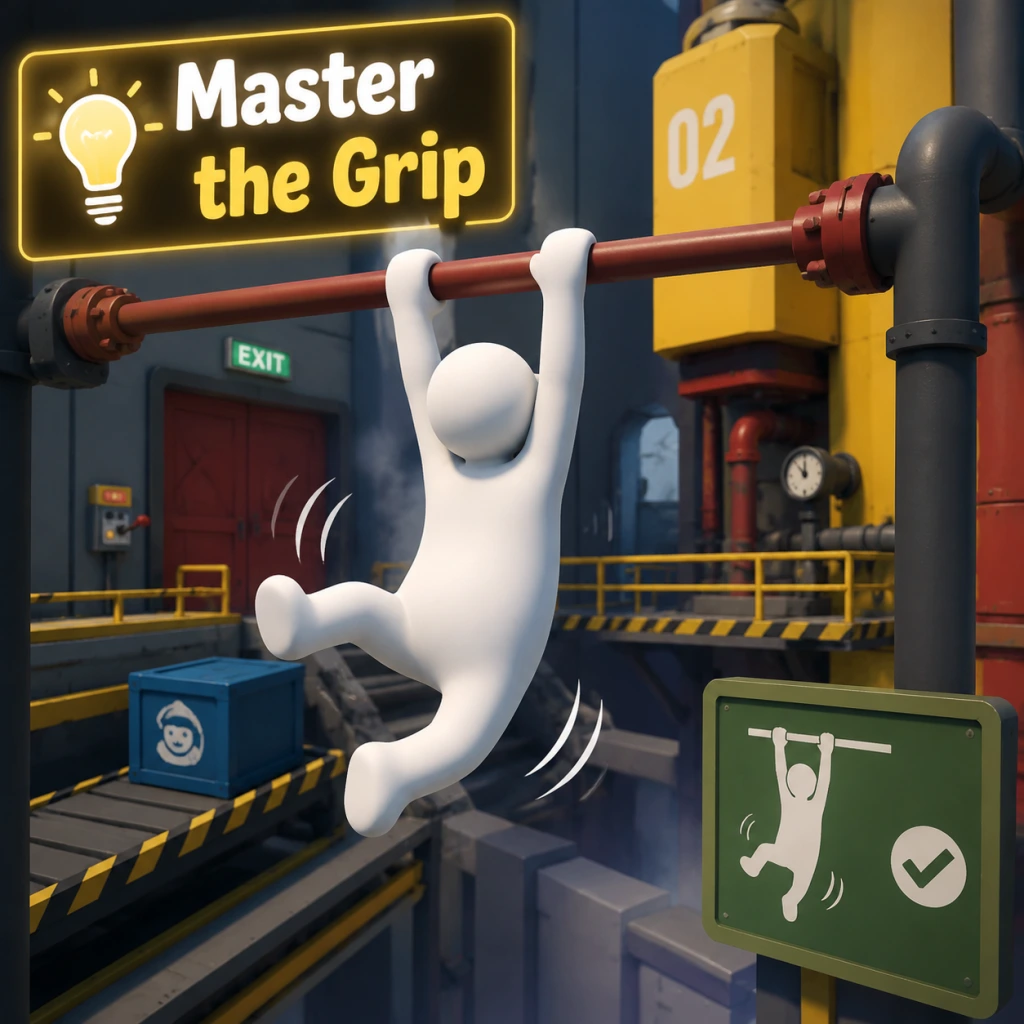
- Master the Grip: Holding the grab button (R2/RT on controller, left mouse button on PC) lets you attach to almost any surface or object. Use it to climb, carry, or swing. Why: Without grip, you can't interact. Practice releasing and regrabbing quickly.
- Walk Before You Run: Use the analog stick gently. Sudden movements cause your character to stumble. When to use: When crossing narrow beams or icy surfaces.
- Crouch for Stability: Press the crouch button (L3 on controller, C on PC) to lower your center of mass. Why: Prevents tipping over on moving platforms or when carrying heavy objects.
- Use the Jump-Dangle: Jump while grabbing a ledge, then release and regrab to climb higher. This is essential for reaching high ledges.
- Look for Color-Coded Clues: Many puzzles have colored buttons or blocks. Matching colors often opens doors or activates mechanisms. Example: In the "Steam" level, red blocks fit into red slots.
- Think with Physics: You can counterweight lifts, create makeshift bridges, or use objects as levers. Why: The game has realistic physics; stacking or shifting weight solves many challenges.
- Experiment with Objects: Throw, push, or roll items. Often a seemingly useless item becomes key later. Tip: If stuck, try using an object in a way it wasn't obviously intended.
- No Permanent Failures: Dying just respawns you at the last stable ground. Why: This encourages trial and error without penalty.
- The Leg Swing: While hanging from a ledge, swing your legs by pressing left/right and releasing grip at the peak. When to use: To jump to far away platforms. Practice timing for consistency.
- Climbing with Arms: To climb a vertical wall, grab high, pull yourself up, then quickly grab higher. Alternate hands: release one hand while keeping the other attached. Why: This lets you scale sheer surfaces.
- Air Control: While in the air, you can slightly adjust your trajectory by moving your arms and legs. Use: To correct mid-air jumps or reach tricky ledges.
- Object Surfing: Stand on a large flat object and move it by shifting your weight. When to use: To cross lava or water without swimming.
- Leverage Two Objects: When you need to press multiple buttons simultaneously, you can place heavy objects on one button while standing on another. Why: Frees your character for other actions.
- Use Your Own Body as Weight: Stand on a pressure plate while carrying an object to activate two plates at once. Example: The "Power Plant" level requires this.
- Stacking Objects Efficiently: To build a tall stack, use the flattest objects as a base and wedge smaller ones on top. Tip: Jump while carrying to place items more accurately.
- Reading the Environment: Observe moving parts, sounds, or visual cues. For instance, water direction hints at where objects will float.
- The Jump Bug: After a fall, if you press jump at the exact moment you hit the ground, you can preserve momentum for a super jump. When to use: To bypass large gaps in levels like "Night" or "City."
- Object Clipping: By forcing objects into walls while holding them, you can sometimes clip through geometry. Why: Used in speedruns to skip sections. Requires precise positioning.
- Multiplayer Glitches: In co-op, one player can hold another player and throw them to reach high areas quickly. Example: The "boat" level can be skipped by throwing a partner to the exit.
- Save State Abuse: On PC, quitting and reloading resets object positions. Use to reset a stuck puzzle element without restarting the level.
- Designate Roles: One player carries, the other solves. Why: Reduces confusion and speeds up complex puzzles.
- Use the Other Player as a Tool: Have one player become a bridge by lying down across gaps. The other walks over. When to use: Levels with water or pits, like "Construction."
- Synchronized Pulling: For heavy doors or mechanisms, both players grab and pull in the same direction. Tip: Count down to pull together.
- Pass Objects Hand-to-Hand: If an object needs to move through tight spaces, form a chain and toss it between players.
- Hidden Areas: Look for out-of-place ledges, vents, or shimmering surfaces. Many levels have collectible hats that require accessing secret rooms. Example: In "Steam," climb the pipes above the start to find a hat.
- Destroyable Walls: Some walls can be broken by throwing objects or dropping from height. Why: Often leads to shortcuts or hidden items.
- Using Water Currents: Swim against currents to reach otherwise inaccessible platforms. When to use: In "Water" level, ride the current to a hidden cave.
- Momentum Jumping: Run off a ledge and jump at the last moment to gain extra distance. Why: This is the standard way to cross large gaps; combine with object surfing for extreme reach.
- Patience is Key: The physics can be frustrating. Slow down, think about weight, leverage, and momentum.
- Learn the Controls: Rebind keys if on PC for comfort. Many players prefer using keyboard for precise direction and mouse for fine grip control.
- Watch Other Players: Check YouTube or community forums for creative solutions. Human: Fall Flat has no single "correct" path; creativity is rewarded.
- Use the Pause Menu: You can restart a checkpoint or the entire level if stuck. No progress is lost.
#### Puzzle Solving Strategies
Intermediate Strategies
#### Advanced Movement Techniques
#### Puzzle Efficiency
Advanced Optimizations
#### Speedrunning & Glitch Exploitation
#### Multiplayer Coordination
Exploration and Secrets
General Wisdom
Conclusion
These tips cover everything from basic movement to advanced tricks. Remember that Human: Fall Flat is about experimentation and laughter. Even if a tip seems advanced, try it—you might discover a new way to play. Happy falling!