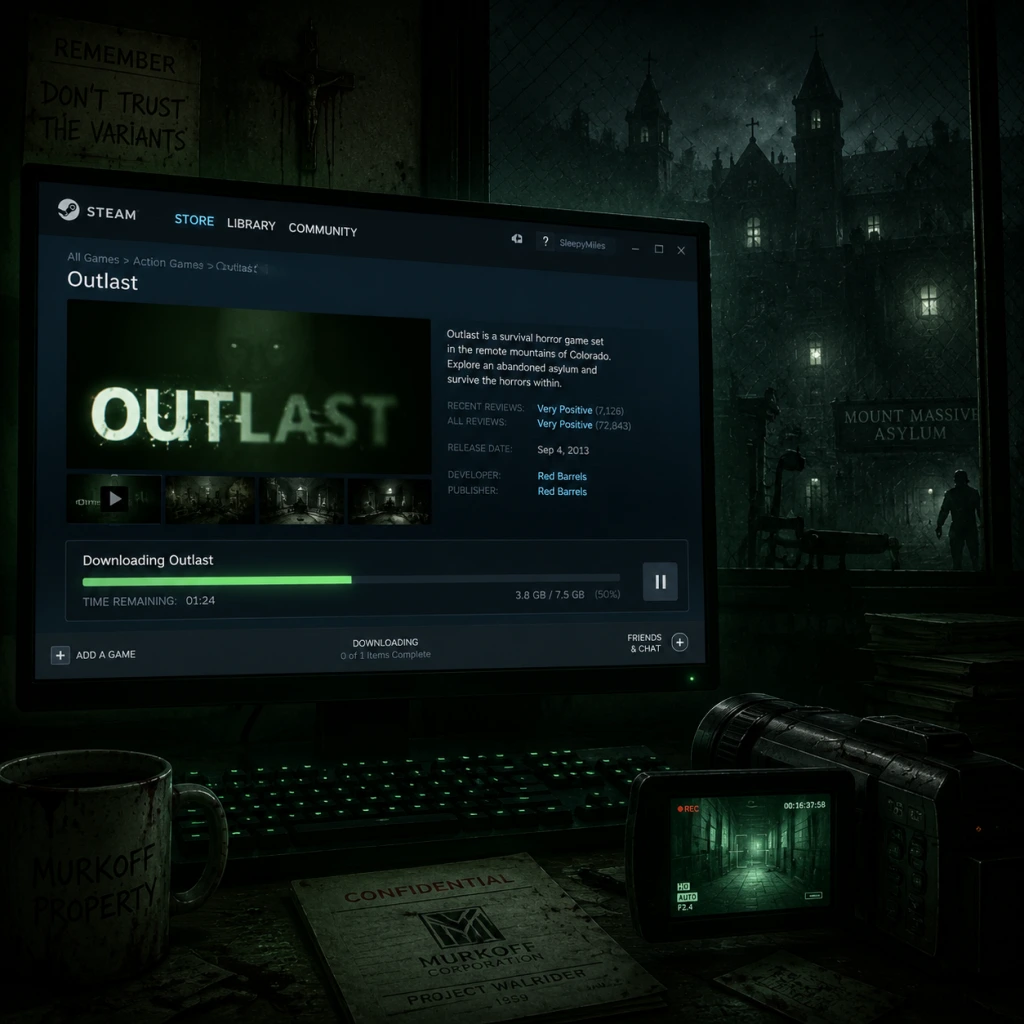
Download & Installation
Outlast Download and Installation Guide
This guide covers every legitimate method to download and install Outlast (the first game) on PC, PlayStation, Xbox, Nintendo Switch, and mobile devices. Follow the steps for your platform.
---
1. Official Sources
| Platform | Official Store | Region Availability |
|---|---|---|
| PC (Steam) | [Steam Store](https://store.steampowered.com/app/238320/Outlast/) | Worldwide |
| PC (Epic Games) | [Epic Games Store](https://store.epicgames.com/en-US/p/outlast) | Worldwide |
| PC (GOG) | [GOG.com](https://www.gog.com/game/outlast) | DRM-free |
| PlayStation | PlayStation Store (PS4, PS5 via backward compatibility) | All regions |
| Xbox | Microsoft Store (Xbox One, Xbox Series X/S) | All regions |
| Nintendo Switch | Nintendo eShop | All regions |
| iOS (iPhone/iPad) | App Store | Most regions |
| Android | Google Play Store | Most regions |
---
2. System Requirements (PC)
#### Minimum Requirements
- OS: Windows Vista / 7 / 8 / 10 (64-bit)
- Processor: 2.2 GHz Dual Core CPU
- Memory: 2 GB RAM
- Graphics: DirectX 10 compatible GPU (e.g., NVIDIA GeForce 8600 GT / AMD Radeon HD 4000 series)
- DirectX: Version 10
- Storage: 2.5 GB available space
- Sound: DirectX compatible sound card
- OS: Windows 7 / 8 / 10 (64-bit)
- Processor: 2.8 GHz Quad Core CPU
- Memory: 4 GB RAM
- Graphics: DirectX 11 compatible GPU (e.g., NVIDIA GeForce GTX 460 / AMD Radeon HD 6000 series)
- DirectX: Version 11
- Storage: 2.5 GB available space
- Steam: Free Steam account
- Epic Games: Free Epic Games account
- GOG: Free GOG account (optional for purchase, but required to download the installer)
- PlayStation: PlayStation Network (PSN) account (free)
- Xbox: Microsoft/Xbox Live account (free for single-player)
- Nintendo Switch: Nintendo Account (free)
- iOS: Apple ID (required for purchase from App Store)
- Android: Google account (required for Google Play)
- Turn on console, sign in to PSN.
- Open PlayStation Store from home screen.
- Search "Outlast".
- Select the game and click Download.
- Installation starts automatically (approx. 2.5 GB).
- Once done, launch from library or home screen.
- Ensure console is connected to internet and signed in to Xbox Live.
- Open Microsoft Store from guide.
- Search "Outlast".
- Select the game, click Install.
- The game downloads and installs automatically.
- Play from My games & apps.
- From HOME menu, open Nintendo eShop.
- Sign in with your Nintendo Account.
- Search "Outlast".
- Purchase if needed, then select Download.
- Game will appear on HOME screen after installation (~2.2 GB).
- Start the game by tapping its icon.
- Open App Store on your Apple device.
- Search "Outlast".
- Tap Get and install via Face ID / Touch ID / password.
- Wait for download (~1.5 GB).
- Tap Open after installation.
- Open Google Play Store.
- Search "Outlast".
- Tap Install (ensure enough free space).
- Wait for download (~1.5 GB).
- Tap Open.
- Language Selection: The game defaults to English. You can change language in the options menu.
- Graphics Settings (PC only): The game auto-detects hardware. You can adjust:
- Audio Settings: Adjust master volume, music, SFX.
- Controls: Keyboard/Mouse or controller. Remap keys if desired.
- Brightness: Calibrate gamma using the in-game test image.
- Camera Orientation: Choose invert Y-axis if needed.
#### Recommended Requirements
Note: The game runs on low-end hardware but benefits from faster CPUs and GPUs for smoother frame rates.
---
3. Account Requirements
---
4. Installation Steps by Platform
#### 4.1 PC (Steam)
1. Install Steam Client from [steampowered.com](https://store.steampowered.com/about/).
2. Launch Steam, log in (or create a free account).
3. Go to Store > search "Outlast".
4. Click Add to Cart and complete purchase.
5. Go to Library > find Outlast in your games list.
6. Click Install and choose installation directory (ensure at least 3 GB free space).
7. Wait for download and installation (approx. 2.5 GB).
8. Once ready, click Play.
#### 4.2 PC (Epic Games)
1. Download and install Epic Games Launcher from [epicgames.com](https://store.epicgames.com/en-US/download).
2. Log in with your Epic account.
3. Go to Store > search "Outlast".
4. Click Get or purchase.
5. Go to Library > locate Outlast.
6. Click Install (choose drive path).
7. After download and install (approx. 2.5 GB), click Launch.
#### 4.3 PC (GOG – DRM-free)
1. Visit [GOG.com](https://www.gog.com/game/outlast).
2. Log in or create a free account.
3. Purchase the game and download the offline installer via GOG Galaxy or direct download link.
4. Run the installer (.exe) and follow setup wizard (choose destination folder).
5. Launch game from Start Menu or desktop shortcut.
#### 4.4 PlayStation (PS4 / PS5)
#### 4.5 Xbox (Xbox One / Series X|S)
#### 4.6 Nintendo Switch
#### 4.7 iOS (iPhone / iPad)
#### 4.8 Android
---
5. First Launch Setup
When you start Outlast for the first time:
- Resolution (match monitor native)
- Texture quality (affects VRAM usage)
- Shadows, anti-aliasing, vsync, etc.
Tip: For the best horror experience, use headphones and play in a dark room.
---
6. Common Installation Errors & Fixes
| Error | Possible Cause | Solution |
|---|---|---|
| "Not enough disk space" | Insufficient free space | Free up at least 3 GB. Check that the selected drive has space. |
| Installation stuck at X% | Corrupted download, network issue | Pause and resume download, restart client, or verify files (Steam/Epic). |
| Missing DLL / runtime errors | Missing Visual C++ redistributables | Install latest VC++ from [Microsoft](https://aka.ms/vs/17/release/vc_redist.x64.exe). |
| Black screen on launch | Outdated GPU drivers | Update graphics drivers (NVIDIA GeForce Experience / AMD Adrenalin). |
| Anti-virus blocking | False positive | Temporarily disable antivirus during install, then add exception for game folder. |
| Purchased but not in library | Regional restrictions or payment issue | Contact store support (Steam/Epic/PSN/Xbox). |
| "Outlast has stopped working" | Corrupted game files | Verify integrity of game files: Steam: Library > Right-click Outlast > Properties > Local Files > Verify. Epic: Click three dots > Manage > Verify Files. |
| Mobile app won't install | Incompatible OS version | Ensure device runs iOS 13+ or Android 7+. Free up storage. |
7. Post-Installation Verification
After installation, confirm everything works:
1. PC (Steam):
- Right-click Outlast in Library > Properties > Local Files > "Verify integrity of game files".
- Launch the game and play the first few minutes (no crashes).
2. PC (Epic Games):
- Click the three dots on Outlast > Manage > Verify Files.
- Launch and test.
3. GOG:
- The offline installer doesn’t have a verify function. Run the game; if it starts normally, it's fine.
4. Consoles:
- Check for any pending updates by pressing Options/Start on the game tile > Check for Updates.
- Launch and ensure the menu loads.
5. Mobile:
- Open the app. If it shows the title screen and allows settings, it's installed correctly.
---
8. Additional Tips
- Steam Cloud: Enable cloud saves for syncing progress across PCs.
- Mods (PC only): The game supports some mods via the Steam Workshop or manual installation. Backup original files first.
- Performance: On low-end PCs, lower resolution and disable shadows to maintain 30+ FPS.
- Offline Play: GOG version is completely offline. Steam can be played offline after initial authentication.
- Reinstallation: If you encounter persistent issues, uninstall completely and re-download from scratch.
- PC Steam: Right-click > Manage > Uninstall.
- PC Epic: Click three dots > Uninstall.
- GOG: Use Windows "Add or Remove Programs" or run uninstaller.
- Consoles: Delete game from storage (but keep license to redownload later).
- Mobile: Long-press app icon > Delete/Remove.
- [x] Game is purchased and downloaded from an official store.
- [x] System requirements met (PC) or enough free space (all).
- [x] Account is active and signed in.
- [x] Game files verified (if option exists).
- [x] Latest game patch installed (usually automatic).
- [x] Audio and display settings configured.
---
9. Uninstallation Guide
---
10. Final Checklist
Before playing, ensure:
Enjoy your terrifying experience in Mount Massive Asylum!
---
Last updated: 2025. This guide is for Outlast (original). For Outlast 2 or Outlast: Whistleblower (DLC), similar steps apply but check individual store pages.