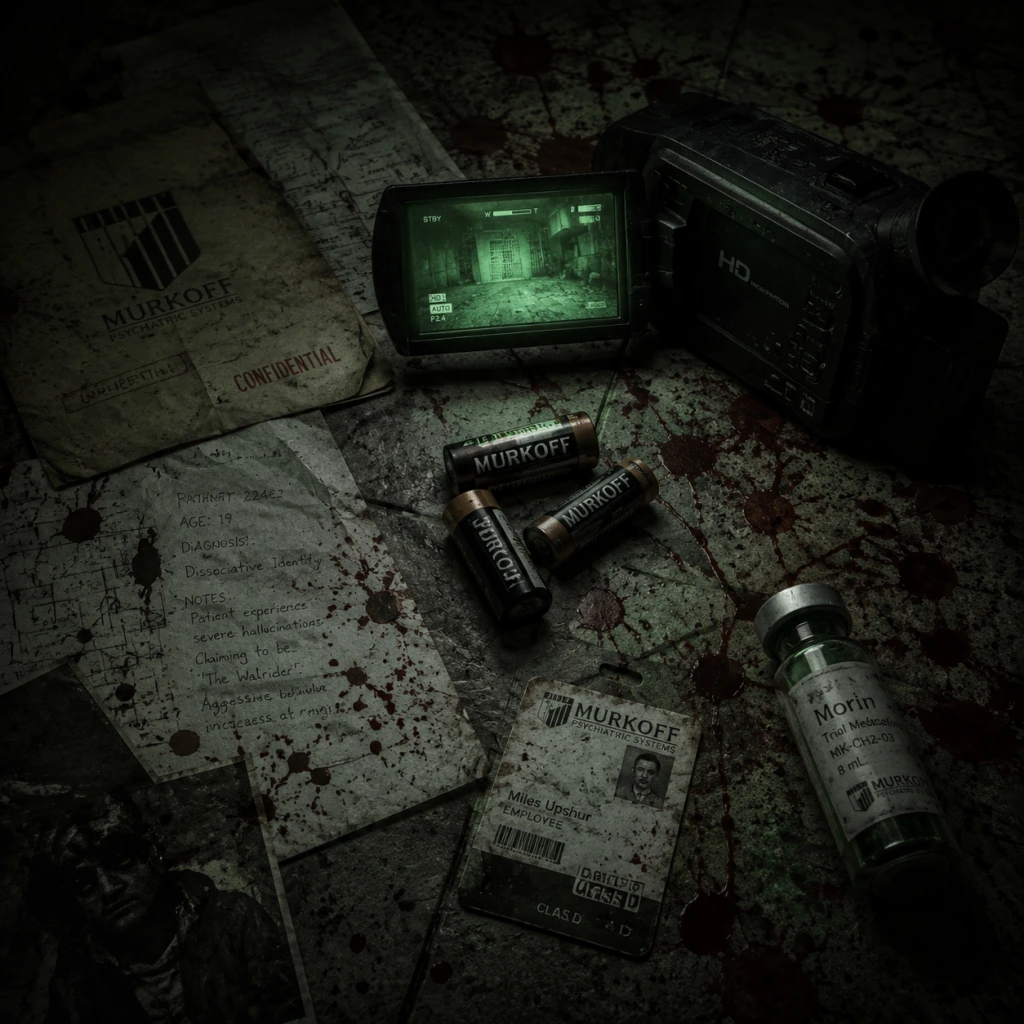
All Game Items
All Game Items in Outlast
Outlast is a survival horror game with no combat, weapons, or armor. Items are limited to essential equipment, consumables, collectibles, and story-related key items. This guide lists every obtainable item, its purpose, acquisition method, and strategic importance.
---
Key Equipment
#### Camcorder
- Description: The protagonist's handheld digital video camera with night vision and optical zoom. The camera is always equipped and cannot be dropped or lost.
- Obtained: Automatically at the start of the game. The camera is already running when the game begins.
- Functions:
- Upgrades: None. The camera functions identically throughout the game.
- Synergies: Night vision is the only way to navigate completely dark areas (e.g., sewers, basements). Battery management is critical to maintain functionality.
- Description: AA batteries that power the camcorder's night vision.
- Appearance: Small cylindrical batteries, typically found on desks, shelves, or inside drawers.
- Effects: Each battery restores a fixed amount of night vision charge. The exact charge varies by difficulty but generally lasts 30–60 seconds of continuous use. The camera shows a battery gauge on its display.
- How to Obtain: Scattered throughout Mount Massive Asylum. Can be found in most rooms, corridors, and hidden areas. Some are in lockers or require opening drawers. Batteries are finite—no infinite sources.
- When to Use: Only when night vision is active and battery is low. Avoid using night vision unnecessarily (e.g., in lit rooms) to conserve batteries for mandatory dark sections.
- Important Notes: There is no way to increase battery capacity or recharge them outside of picking up new ones. Running out of batteries in a dark area effectively blinds you, forcing reliance on sound and memory or leading to death.
- Synergies: Essential for the camcorder's night vision. Always stockpile batteries before entering long, dark areas (e.g., the chapel, prison block).
- Description: Written reports, patient files, emails, and other in-game text that expand the asylum's backstory. Each document is a collectible that contributes to the “Collectibles” achievement/trophy (there are 70 total in the base game).
- Appearance: White paper sheets, sometimes pinned to bulletin boards, lying on desks, or held by corpses. They glow faintly when near.
- How to Obtain: Found in fixed locations throughout all chapters. Many are in plain sight; some are hidden behind furniture or in dark corners. Must be picked up (press interact). Once collected, they appear in the main menu's “Collectibles” gallery.
- Gameplay Value: No mechanical benefit. Their value is purely narrative—they reveal character motivations, the asylum's history, and the events leading to the outbreak. Reading them also unlocks additional lore notes.
- Completion Requirements: To get the “Panic” or “Pacifist” related achievements, you do not need all documents, but there is an achievement for finding all 70 (“Keep ‘em Comin’”).
- Description: Brief handwritten passages, often left by survivors or patients. They serve as smaller narrative snippets.
- Appearance: Yellow notepad paper, sometimes attached to walls or lying on objects.
- How to Obtain: Same as documents—found throughout the environment. Notes are separate from documents but also count toward the collectible count? In Outlast, “documents” is the overarching term; there is no separate “notes” category in the in-game menu. All written collectibles are considered documents. The game distinguishes them by style, but mechanically they are identical.
- Synergies: None.
- Night Vision: Activated by pressing the designated button (e.g., `F` on PC, `RB` on Xbox, `R1` on PlayStation, or `ZR` on Switch). Toggles green-tinted vision in darkness. Dramatically increases visibility but drains battery.
- Zoom: Right-click (PC) or left trigger (console) to zoom in. No battery drain, useful for reading distant documents or observing enemies.
- Recording: The camera records continuously, but recording has no gameplay effect; it is purely narrative.
---
Consumables
#### Batteries
---
Collectibles
#### Documents
#### Notes
---
Key Items (Plot-Progression Items)
Outlast uses key items to unlock doors or activate certain events. These are often one-time-use and cannot be kept after their purpose is fulfilled.
| Item Name | Location / Chapter | Use | Notes |
|---|
Keycard | Briefing level (Security Office desk) | Opens the door to the Administration wing. | Must be picked up after the initial explosion. |
|
Elevator Key | Admin wing, on a table after the first Variant encounter | Activates the elevator in the main hall. | Takes you to the Female Ward. |
|
Fuse | Found in a locker in the Female Ward | Restores power to a locked door. | Required to progress past the electrified floor section. |
|
Wheel Crank | Prison block, on a corpse next to a window | Winds open a spiral staircase gate. | Needed to access the underground tunnels. |
|
Skylight Crank | Underground tunnels, on a desk | Opens a skylight in the chapel area. | Used to escape the chapel after the Chris Walker boss sequence. |
|
Key #?? (varies) | Multiple locations (e.g., lockers, patient rooms) | Unlocks specific doors (e.g., patient cells, security rooms). | These keys are color-coded and labeled. You can carry multiple keys at once. |
- How to Obtain: Each is found in a specific location, often guarded by enemies or after completing a puzzle. Pay attention to environmental clues (e.g., highlighted interact prompts, notes suggesting a key's location).
- When to Use: As soon as you find them. Most are required to progress the story. Some can be skipped if you find alternative routes, but the game generally funnels you through key-item gates.
- Important Notes: Key items appear in your inventory (shown on the camera display) but do not take up physical space. You can always carry multiple keys. Using a key normally consumes it (it disappears from the inventory after unlocking).
- Inventory slots: Outlast does not have a traditional inventory grid. The camera is always equipped. Batteries are automatically used when you pick them up (they are stored as a reserve count shown on the camera). Keys are displayed on-screen but do not occupy slots.
- No item storage: You cannot place items in a container. Everything you pick up is used immediately or stored invisibly.
- Synergies: The only synergy is between batteries and night vision. There are no weapon upgrades, armor, or stat boosts. The game emphasizes resource scarcity and minimal inventory to increase tension.
- Battery Conservation: Use night vision sparingly. In well-lit areas, rely on normal vision. Learn the layout of dark areas so you can dash through without night vision if necessary.
- Collectibles: Documents are missable. If you want the achievement, consult a guide to ensure you collect all 70. Some are in areas that cannot be revisited after a story event.
- Key Items: Pay attention to your objective marker. If you are stuck, it is likely because you missed a key item. Check every drawer, desk, and corpse.
- No Currencies or Materials: There are no in-game shops or crafting. The only "resource" is batteries, which are finite. Use them wisely.
---
Summary of Inventory Management
---
Final Tips
This guide covers all items in Outlast (base game). The DLC Outlast: Whistleblower adds additional items (such as the “Cell Phone” and new key items), but those are not covered here.