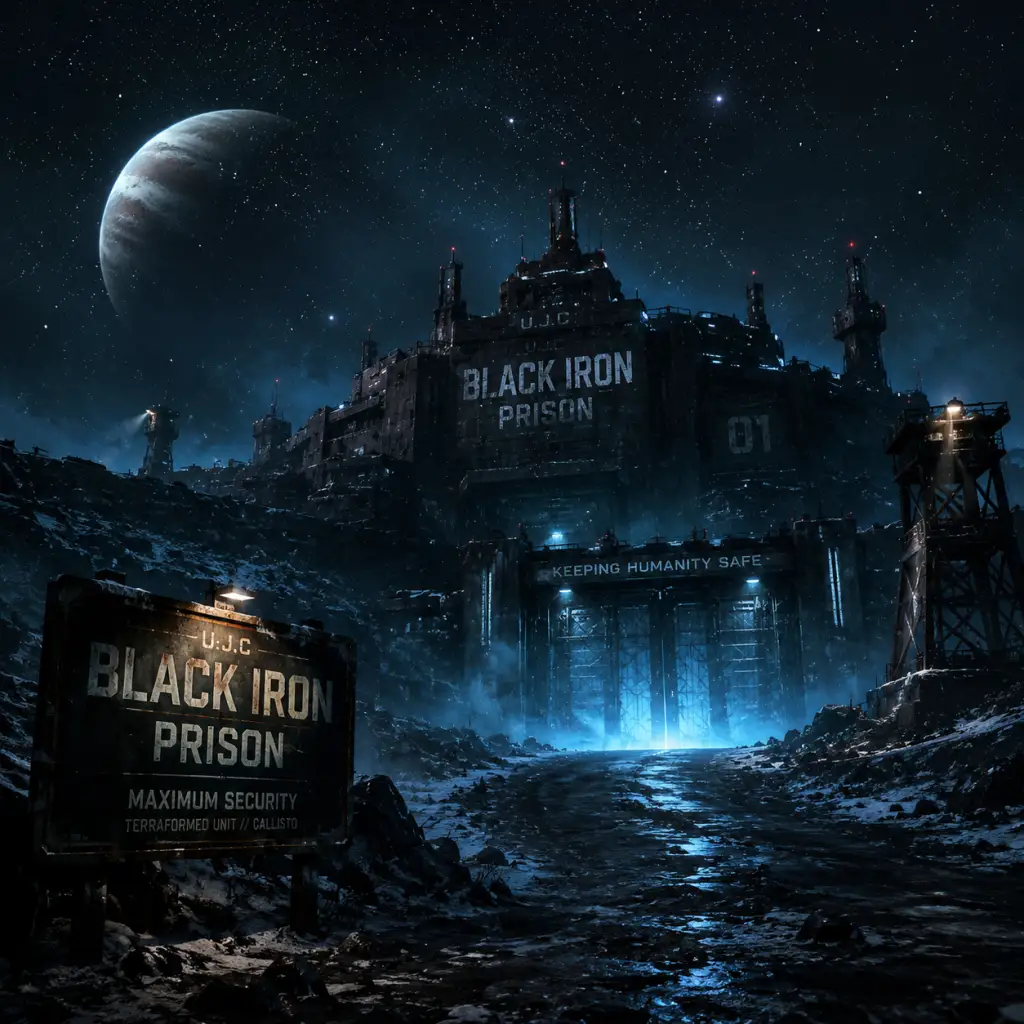
Download & Installation
Download & Installation Guide for The Callisto Protocol
Overview
The Callisto Protocol is a survival horror game developed by Striking Distance Studios and published by Krafton. It is available on PC (Steam, Epic Games Store), PlayStation 4, PlayStation 5, Xbox One, and Xbox Series X|S. It is not available on Nintendo Switch or mobile devices. This guide covers official download sources, step-by-step installation for each platform, system requirements, common errors, and post-installation steps.
---
Platform-Specific Download Sources
PC: Steam
- Store Page: https://store.steampowered.com/app/1544020
- Requires Steam client (free to download).
- Store Page: https://store.epicgames.com/p/the-callisto-protocol
- Requires Epic Games Launcher (free to download).
- PlayStation Store: Search for "The Callisto Protocol" on console or via web (store.playstation.com).
- Requires a PlayStation Network (PSN) account and internet connection.
- Microsoft Store: Search on console or via web (xbox.com).
- Requires an Xbox Live / Microsoft account.
- OS: Windows 10/11 (64-bit)
- CPU: Intel Core i5-8400 / AMD Ryzen 5 2600
- RAM: 8 GB
- GPU: NVIDIA GeForce GTX 1060 (6 GB) / AMD Radeon RX 580 (8 GB)
- DirectX: Version 12
- Storage: 85 GB available space (SSD recommended)
- Additional: DirectX 12 Ultimate compatible GPU required for ray tracing.
- OS: Windows 10/11 (64-bit)
- CPU: Intel Core i7-8700 / AMD Ryzen 5 3600
- RAM: 16 GB
- GPU: NVIDIA GeForce RTX 2070 / AMD Radeon RX 6700 XT
- DirectX: Version 12
- Storage: 85 GB SSD
- Additional: Ray tracing requires RTX 2060 or Radeon RX 6700 XT.
PC: Epic Games Store
PlayStation 4 & PlayStation 5
Xbox One & Xbox Series X|S
Note: Physical disc versions are also available for consoles. Installation from disc requires downloading a mandatory patch (usually 10–20 GB) for the complete game.
---
System Requirements (PC)
Minimum Requirements
Recommended Requirements
---
Step-by-Step Installation
PC (Steam)
1. Install Steam Client if not already installed. Download from store.steampowered.com.
2. Log in to your Steam account. (Create one if needed – free.)
3. Purchase & Add to Library: Navigate to the Store page, click "Add to Cart," complete purchase, then the game appears in Library.
4. Install: Go to Library > The Callisto Protocol > Install. Choose installation directory (ensure at least 85 GB free).
5. Wait for download and install. Steam will automatically verify files after download.
6. Launch from Library after installation completes.
PC (Epic Games Store)
1. Install Epic Games Launcher from epicgames.com.
2. Log in to your Epic Games account.
3. Purchase & Add to Library: Visit the Store page, click "Get" or "Buy," then the game is added to your Library.
4. Install: Open Epic Games Launcher > Library > The Callisto Protocol > Install. Select location (85 GB free).
5. Await download and installation. The launcher handles file verification.
6. Launch from Library.
PlayStation 4 & PlayStation 5
#### Digital Version
1. Ensure your console is connected to the internet.
2. Go to PlayStation Store from the home screen.
3. Search for "The Callisto Protocol."
4. Purchase & Download: Select the game, choose edition, confirm purchase, then select "Download."
5. Wait for download. PS4/PS5 will install automatically after download. PS5 version uses faster SSD.
6. Launch from the home screen once installation is complete.
#### Physical Disc
1. Insert the disc into the console.
2. If prompted, install the game data from the disc (approx. 40 GB).
3. Connect to the internet to download the latest patch (required for stability and performance).
4. Launch after patch installation.
Xbox One & Xbox Series X|S
#### Digital Version
1. Connect to the internet and sign in to your Xbox profile.
2. Open Microsoft Store (or search from dashboard).
3. Search for "The Callisto Protocol."
4. Purchase & Download: Click "Buy" or "Install" if already owned.
5. Monitor download progress in "My games & apps." The game installs automatically.
6. Launch from home or game library.
#### Physical Disc
1. Insert the disc. Console will prompt installation.
2. Install game data from disc (typically 40–50 GB).
3. Download mandatory update (requires internet).
4. Play after update.
---
Storage Space & File Sizes
| Platform | Base Game Size | Patch Size (approx.) | Total Required |
|---|---|---|---|
| PC (Steam/Epic) | 85 GB (no compression) | 0–15 GB | 85–100 GB |
| PlayStation 5 | 75 GB (SSD) | 5–10 GB | 80–85 GB |
| PlayStation 4 | 40 GB (disc) + 15 GB patch | 15 GB | 55 GB |
| Xbox Series X | S | 80 GB (SSD) | 5–10 GB |
| Xbox One | 40 GB (disc) + 15 GB patch | 15 GB | 55 GB |
---
Account Requirements
- Steam: Free Steam account.
- Epic Games Store: Free Epic Games account.
- PlayStation: PSN account (free, but PS Plus required for online multiplayer features; single-player does not require PS Plus).
- Xbox: Microsoft account (free; Xbox Game Pass Core or Ultimate required for online multiplayer; single-player does not need a subscription).
---
First Launch Setup
1. Language Selection: Choose language from menu.
2. Graphics Settings (PC): On first launch, the game will detect your hardware and set default quality. You can adjust later.
3. Audio Settings: Adjust volume, subtitles, and HUD preferences.
4. Controller/Keyboard Binding: Customize controls if needed.
5. Calibrate HDR (if supported): On PC, PS5, Xbox Series X|S, the game may prompt HDR calibration for proper brightness.
6. Begin New Game: Select "New Game" or "Continue." The intro cutscene will play.
Note: On consoles, no additional account linking is required. On PC, no extra launchers (besides Steam/Epic) are needed.
---
Common Installation Errors & Fixes
PC Issues
| Error | Cause | Fix |
|---|---|---|
| "Insufficient disk space" | Not enough free space | Free at least 85 GB; check drive properties. |
| "Microsoft Visual C++ Runtime Error" | Missing redistributables | Install or repair VC++ 2015-2022 from Microsoft. |
| "DirectX 12 not supported" | GPU or driver too old | Update GPU drivers (NVIDIA/AMD). Ensure GPU supports DirectX 12. |
| Crash after splash screen | Corrupted files or driver conflict | Verify game files via Steam/Epic. Update drivers. Disable overlays. |
| Stuttering / low FPS | Below requirements or background tasks | Lower graphics settings. Close other apps. Ensure SSD is used. |
- Steam: Right-click game in Library > Properties > Local Files > Verify integrity of game files.
- Epic: Library > The Callisto Protocol > three dots > Manage > Verify Files.
PlayStation Issues
| Error | Cause | Fix |
|---|---|---|
| Cannot download from Store | Network issue or account region | Restart console. Check PS Store status. Sign out and back in. |
| Installation stuck at 99% | Patch download failing | Pause/resume download. Rebuild database (Safe Mode > Option 5). |
| Disc read error | Dirty or scratched disc | Clean disc. Try offline installation then patch. |
Xbox Issues
| Error | Cause | Fix |
|---|---|---|
| Installation stopped | Network dropout | Restart console and router. Update console. |
| "0x80073CFA" error | Corrupted installation | Clear cache: Settings > System > Storage > Clear local saved games. |
| Game won't launch after disc install | Missing patch | Check for updates in My games & apps > Updates. |
Post-Installation Verification
After installation, confirm the game is fully ready:
1. Check Version: Main menu usually displays version number (e.g., v1.08). Ensure it matches latest patch notes.
2. Test Performance: Run the first 10 minutes of gameplay. Watch for crashes, audio glitches, or frame drops.
3. Achievements/Trophies: Verify that achievement system is active (requires internet for sync).
4. Ray Tracing (PC/Xbox Series/PS5): If enabled, ensure ray tracing options appear in graphics settings.
5. Save Game: Create a manual save and confirm it appears in save slots.
If any issue persists:
- Visit official support: [Striking Distance Support](https://support.strikingdistance.com)
- Check community forums (Steam Discussions, Reddit r/TheCallistoProtocol).
- Update to latest GPU drivers and console firmware.
- SSD Highly Recommended: On PC and older consoles (PS4, Xbox One), an SSD drastically reduces loading times (up to 2-minute waits on HDD).
- Pre-loading: Digital pre-orders often allow pre-loading the game before release. Check store for availability.
- Cross-Platform Saves: No cross-save support between platforms. Saves are platform-specific.
- Required Internet: A one-time internet connection is required to install the day-one patch even for disc versions.
---
Additional Tips
---
End of Guide. For the latest patch notes and troubleshooting, refer to the official website: [www.thecallistoprotocol.com](https://www.thecallistoprotocol.com).