Getting Started
Getting Started in Gears 5: A Beginner’s Guide
Welcome to Gears 5! This guide will get you through your first hour, teach you the basics, and help you avoid common pitfalls. You’ll learn controls, UI navigation, early missions, resource management, and have a clear day-one checklist.
Your First Hour Walkthrough
1. Campaign or Multiplayer? Start with the Campaign. It teaches core mechanics, introduces the story, and is less punishing. Avoid Versus multiplayer until you’re comfortable.
2. Opening Cinematic & Prologue: You begin as Kait Diaz in a flashback. Follow the prompts – move forward, take cover, and shoot a few enemies. This is a tutorial, so experiment with the controls.
3. Select Difficulty: Choose Intermediate if you’re new to shooters; choose Experienced if you’ve played other third-person shooters. You can change it later in the menu.
4. Chapter 1: Into the Wild – You’ll learn roadie run (sprint while crouched), active reload (press Y/▲ at the right time), and using your Lancer rifle (melee with B/○). Kill Swarm enemies, follow Jack (your robot companion), and reach the stranded village.
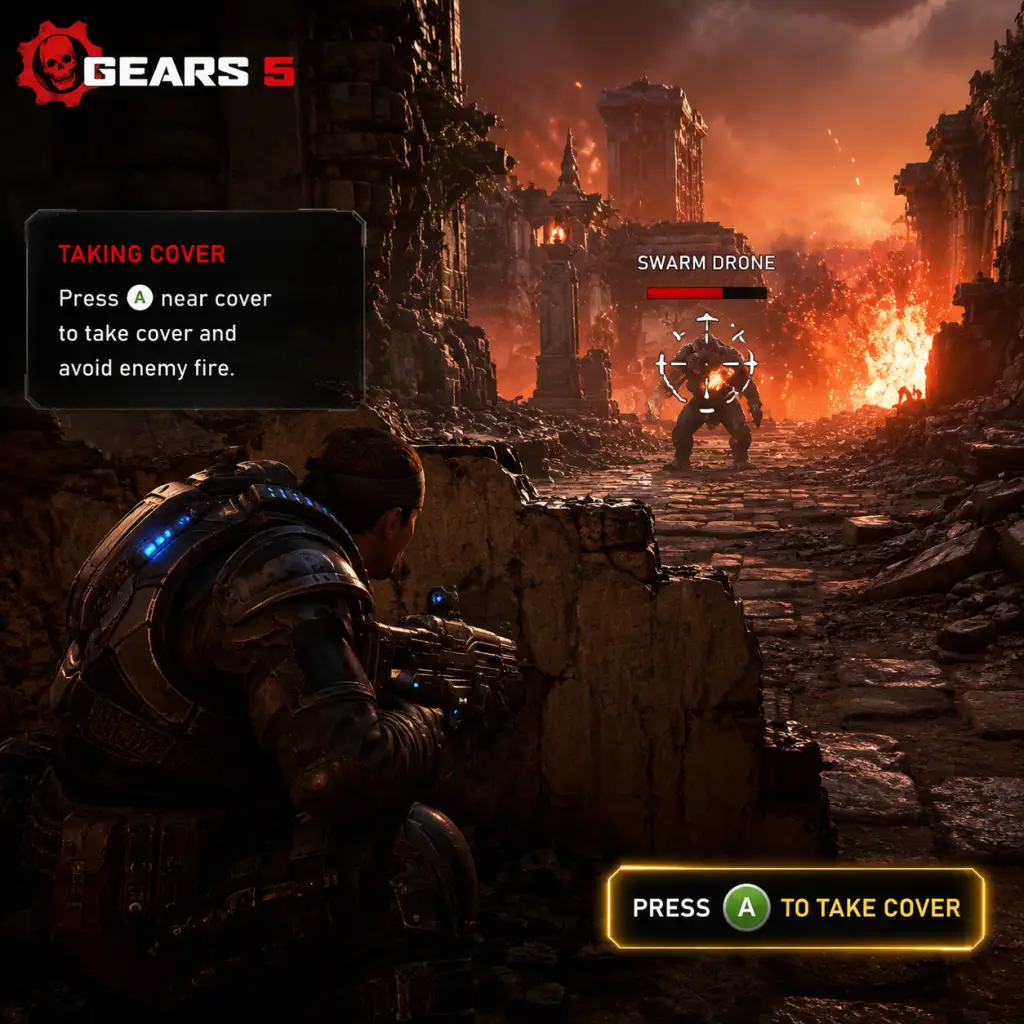
5. Key Mechanics Learned: Cover system (hold A/× near walls), switching weapons (Y/▲), grenade planting, and reviving teammates (hold X/■ when near downed ally).
6. After ~30 minutes: You reach the first Outpost – here you can buy upgrades using components. Don’t spend everything; save for later.
Character Creation
No character creation exists. You play as Kait Diaz in the campaign. In multiplayer modes (Escape, Horde, Versus), you select from predefined characters unlocked via play or purchases. Customization is limited to skins and banners – not stats.
Controls on All Platforms
#### Xbox Controller (Default)
| Action | Button |
|---|---|
| Move | Left stick |
| Look | Right stick |
| Fire | RT |
| Aim down sights | LT |
| Reload / Active Reload | RB (tap) |
| Roadie run (sprint) | LB (hold) + move |
| Take cover / Mantle | A (near wall) |
| Roll / Dodge | X + move direction |
| Melee | B |
| Weapon swap | Y (hold for wheel) |
| Use / Pick up / Interact | X |
| Spot enemy / Tactical | RS (press) |
| Ping | D-pad Up |
| Grenade | D-pad Left |
| Battle cry | D-pad Down (hold) |
| Action | Key |
|---|---|
| Move | WASD |
| Fire | Left mouse |
| Aim | Right mouse |
| Reload | R |
| Active Reload | R + tap at right moment |
| Roadie run | Left Shift (hold) |
| Cover / Mantle | Space (near wall) |
| Roll | C |
| Melee | V |
| Switch weapon | 1,2,3 (or Q for previous) |
| Interact | E |
| Spot | Middle mouse |
| Ping | Left Alt |
| Grenade | G |
| Battle cry | H |
- On PC, go to Settings > Controls to rebind everything.
- On Xbox, use the Controller mapping in the console’s accessories app.
- Health bar: Bottom center – red when low. Covers regenerate over time (orange segment).
- Weapon & Ammo: Bottom right – shows current weapon, ammo count, and active reload indicator.
- Grenades: Bottom left – small icons for frags or other throwables.
- D-pad commands: Center bottom – icon indicates your active ability (e.g., Jack’s cloak or shock trap).
- Compass / Tac-Com: Top center – hold Tac-Com (RS/ Middle Mouse) to see objective markers and enemy locations.
- Jack’s HUD: Bottom right – shows Jack’s health, abilities cooldowns, and upgrade progress.
- Objective marker: Floating beam of light – follow it for story progression.
- Component pickup: Small gear icon appears when near collectible components. Press interact to collect.
- Play the Campaign (at least through Act I).
- Spend your first 10 components on Jack’s Ability Cooldown upgrade – it’s very helpful.
- Rebind controls if they feel awkward (e.g., move crouch to toggle).
- Toggle aim assist to “On” (Settings > Gameplay) if you struggle with aiming.
- Skip tutorials (pop-ups explain advanced mechanics).
- Waste components on cosmetic skins – they don’t help gameplay.
- Stand still while shooting – always move between covers.
- Ignore Jack’s upgrades – he becomes a powerful tool.
- Rushing into combat – use Tac-Com to see enemy positions first.
- [ ] Install Gears 5 (size ~80 GB).
- [ ] Launch Campaign on Intermediate difficulty.
- [ ] Complete Prologue and Act I, Chapter 1.
- [ ] Collect at least 20 components.
- [ ] Purchase Jack’s Ability Cooldown upgrade.
- [ ] Learn active reload by repeating on training dummy (if you see one).
- [ ] Test each Jack ability at least once.
- [ ] Customize controls if needed (e.g., switch melee and roll).
- [ ] Watch a 5-minute “Beginner Tips” video (optional but helpful).
- [ ] Never stand still in combat – always move to cover.
UI Overview
Essential Early Objectives
1. Complete Act I, Chapter 1-3: This unlocks Jack’s mobile forge and upgrades.
2. Pick up all components you see – they’re used for upgrades and are scarce early on.
3. Learn active reload: Timing the reload bar correctly gives a damage bonus. Practice on immobile objects.
4. Use cover constantly: Gears is a cover shooter. Never stand in the open. Snap to cover (A/Space) to shoot safely.
5. Revive downed teammates quickly – hold interact button near them. If you’re downed, crawl to cover and wait.
6. Experiment with Jack’s abilities – he can stun, cloak, or zap enemies. Use Jack’s shock trap for crowd control.
What to Do First and What to Avoid
#### Do First:
#### Avoid:
Early Resource Priorities
Components are the main currency for Jack’s upgrades. They are found in yellow canisters or dropped by enemies. Prioritize in this order:
1. Jack’s Ability Cooldown (reduces wait times) – 20 components.
2. Jack’s Flash Hijack (can temporarily control enemies) – 40 components.
3. Health Boost for Kait (increases max health) – 30 components.
4. Ammo Capacity – 15 components for your primary weapon.
Avoid buying weapon skins or banners until you have all essential upgrades.
Common Beginner Mistakes
1. Not using cover: Gears punishes run-and-gun. Stick to walls, peek out, and shoot.
2. Skipping active reload: You miss out on bonus damage. Even if you miss the timing, the weapon will reload normally.
3. Ignoring Jack: He can be upgraded to stun groups, heal, or revive you. Use his abilities often.
4. Hoarding components: You can always find more. Spend early to ease combat.
5. Leaving allies downed: They can be revived, but if you ignore them, they eventually die – costing a checkpoint restart.
6. Not adjusting difficulty: If you’re struggling, lower difficulty from the pause menu. No shame.
7. Playing on too high a sensitivity: Lower to 3-4 for better aim. Adjust gradually.
Day-One Checklist
By following this guide, you’ll have a solid foundation to enjoy Gears 5 without frustration. Remember: cover is life, and active reload is your best friend. Good luck!