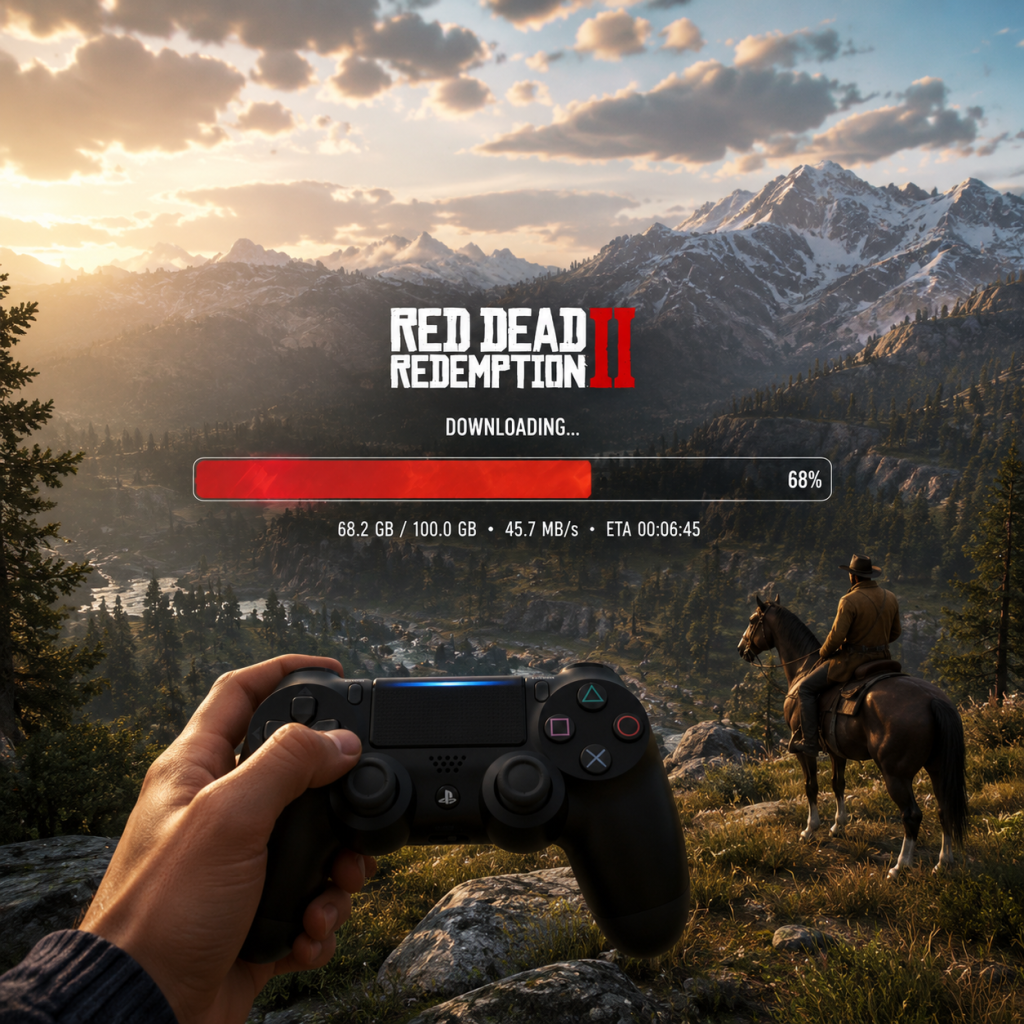
Download & Installation
Red Dead Redemption 2 Download & Installation Guide
This guide covers all major platforms where Red Dead Redemption 2 (RDR2) is officially available: PC (Rockstar Games Launcher, Steam, Epic Games Store), PlayStation 4/5, and Xbox One / Xbox Series X|S. The game is not available on Nintendo Switch or mobile devices.
Platform Overview
| Platform | Store / Source | Notes |
|---|---|---|
| PC | Rockstar Games Launcher (RGL) | Primary launcher; required even if you buy elsewhere. |
| PC | Steam | Purchases require RGL to play. |
| PC | Epic Games Store | Same as Steam; RGL required. |
| PlayStation 4/5 | PlayStation Store (digital) or retail disc | PS5 runs via backward compatibility. |
| **Xbox One / Series X | S** | Microsoft Store (digital) or retail disc |
System Requirements (PC)
Minimum Requirements
- OS: Windows 10 (64-bit, v1803 or later)
- CPU: Intel Core i5-2500K / AMD FX-6300
- RAM: 8 GB
- GPU: NVIDIA GeForce GTX 770 2GB / AMD Radeon R9 280 3GB
- DirectX: Version 11
- Storage: 150 GB available space (SSD recommended)
- Sound Card: DirectX compatible
- OS: Windows 10 (64-bit, v1803 or later)
- CPU: Intel Core i7-4770K / AMD Ryzen 5 1500X
- RAM: 12 GB
- GPU: NVIDIA GeForce GTX 1060 6GB / AMD Radeon RX 480 4GB
- DirectX: Version 11
- Storage: 150 GB SSD
- Sound Card: DirectX compatible
- Rockstar Games Social Club: Required for all PC versions and for online features on all platforms. Free account.
- Steam Account: Only needed if purchasing via Steam.
- Epic Games Account: Only needed if purchasing via Epic Games Store.
- PlayStation Network (PSN): Required for digital store and online play.
- Xbox Live / Microsoft Account: Required for digital store and online play.
- Digital: Purchase from PlayStation Store, then go to Library > Purchased > select RDR2 > Download. Installation happens automatically.
- Disc: Insert disc. Game installs from disc; you may need to download a patch (usually 5–15 GB). Ensure you have enough storage (minimum 100 GB free).
- Digital: Same as PS4; the PS5 version is backward compatible. If you own the PS4 version, you can download the enhanced PS5 version (if you have the PS5 version of the game – note: Rockstar has not released a native PS5 version; it runs via backward compatibility at higher performance).
- Disc: Insert PS4 disc; PS5 will install the game and apply any updates. You may need to keep the disc in the drive to play.
- Digital: Purchase from Microsoft Store. The game appears in your library; select Install. Smart Delivery will automatically give you the best version for your console.
- Disc: Insert disc, follow on-screen prompts to install. Updates download automatically when online.
Recommended Requirements
> Note: For 4K or high-framerate (60+ fps) at Ultra settings, an RTX 2070 Super or better is recommended.
---
Account Requirements
---
Download & Installation Steps
PC – Rockstar Games Launcher
1. Go to [Rockstar Games Launcher website](https://socialclub.rockstargames.com/rockstar-games-launcher) and download the installer.
2. Install the launcher (run as administrator if prompted).
3. Create or log in to your Rockstar Social Club account.
4. Click "Store" > "View All" or find Red Dead Redemption 2.
5. Purchase the game or redeem a code.
6. Click "Download" – the launcher will begin downloading the game files.
7. After download, click "Play" – the game will install additional dependencies (DirectX, Visual C++).
8. Launch and follow first-time setup.
PC – Steam
1. Install the Steam client from [steampowered.com](https://store.steampowered.com).
2. Log in to your Steam account.
3. Browse to Red Dead Redemption 2 and purchase.
4. Click "Install" – Steam will download the game.
5. Upon first launch, Steam will prompt you to install the Rockstar Games Launcher (if not already installed).
6. After Rockstar Launcher installs, you must log in/link your Rockstar account.
7. The game will then launch via Rockstar Launcher and proceed with installation.
8. Wait for all updates and then play.
PC – Epic Games Store
1. Install the Epic Games Launcher from [epicgames.com](https://www.epicgames.com).
2. Log in and purchase RDR2 from the store.
3. Click "Library" > find RDR2 > "Install".
4. The Epic Launcher will download the game.
5. On first launch, you will be prompted to install the Rockstar Games Launcher.
6. Log in to Rockstar Social Club and link accounts if needed.
7. Game will launch after everything is set up.
PlayStation 4
PlayStation 5
Xbox One / Xbox Series X|S
---
First Launch Setup
PC
1. After installation, launch the game.
2. Graphics Configuration: The game will auto-detect your hardware and recommend settings. You can adjust later.
3. Benchmark: You may be prompted to run an initial benchmark to optimize settings.
4. Social Club Login: Ensure you're logged into Rockstar Social Club. If you bought elsewhere, your accounts must be linked.
5. Sign into RDR Online: You can skip this for single-player.
6. Calibration (if using HDR): Follow on-screen HDR setup to adjust brightness and peak brightness.
7. Story Mode/Online: Choose between Story Mode or Red Dead Online.
Consoles
1. On first launch, the game may check for updates (ensure online connection).
2. You'll be prompted to set brightness and display options.
3. For online, sign in to your respective online service (PSN / Xbox Live) and link your Rockstar account if required.
---
Common Installation Errors & Fixes
| Error / Issue | Cause | Solution |
|---|---|---|
| Download stuck at 0% (PC) Server issues / firewall | Restart launcher, disable antivirus temporarily, or use a VPN. Check Rockstar server status. | |
| Rockstar Launcher fails to install | Permissions / corrupt installer | Run installer as Administrator. Clear temp files. Download fresh copy. |
| "Activation limit reached" | Social Club account conflicts | Contact Rockstar Support. Ensure you haven't exceeded the 50 PC activations (rare). |
| Game crashes on launch | Outdated drivers / conflicting software | Update GPU drivers. Disable overlays (Discord, Steam). Run in windowed mode. Verify game files. |
| Insufficient storage space | Game requires 150 GB; more for future updates | Free up space. Ensure drive is formatted as NTFS. |
| DirectX error | Missing runtimes | Install DirectX from the _CommonRedist folder in game directory. Reinstall VC++ 2015-2022 redistributable. |
| Slow download speeds | ISP throttling / server load | Pause/resume download. Switch to wired connection. Use a download manager (Epic/Steam store). |
| PS4/Xbox disc not read | Dirty disc or drive issue | Clean disc. Restart console in safe mode (PS4 rebuild database; Xbox clear cache). |
| Game won't start after update (console) | Corrupted cache | Power cycle console (unplug for 30 seconds). Reinstall game if persists. |
File Verification Steps
- Rockstar Launcher: Go to Settings > Installed Games > RDR2 > Verify Integrity.
- Steam: Right-click game > Properties > Local Files > Verify integrity of game files.
- Epic Games: Click the three dots on RDR2 in Library > Manage > Verify.
- Consoles: No built-in verification; reinstall as last resort.
- SSD strongly recommended – drastically reduces load times, especially in fast travel or entering towns.
- Windows page file: Ensure your system has a proper page file (at least 16 GB) if RAM is 8 GB.
- Console storage: Consider an external USB 3.0 HDD/SSD for faster loading on base PS4/Xbox One.
- Reinstalling: If you uninstall and reinstall later, remember that Rockstar Launcher may retain licenses; simply re-download.
- Mods: PC version supports mods (via offline mode or modding tools), but always back up original files and be careful with online bans.
---
Post-Installation Verification
After installation, do the following to confirm everything is working:
1. Launch the game and get past the initial splash screens.
2. Check version number (menu > Settings > General > Game version). Should match latest patch.
3. Load into Story Mode – ensure no crashes within first 5 minutes.
4. Adjust graphics (PC) or display settings (console) to your preference.
5. Test audio – make sure speech, music, and effects work.
6. Verify save file functionality – create a manual save in Story Mode; load it successfully.
7. For online: Attempt to enter Red Dead Online – verify connection and character loading.
8. Storage usage: After installation, the game folder should be approx. 115–150 GB (PC). On consoles, check system storage.
> Important: Keep your Rockstar Social Club account linked and enable two-factor authentication for security.
---
Additional Tips
---
If you encounter persistent issues, visit the official [Rockstar Support](https://support.rockstargames.com) or the [RDR2 Subreddit](https://reddit.com/r/reddeadredemption) for community help.