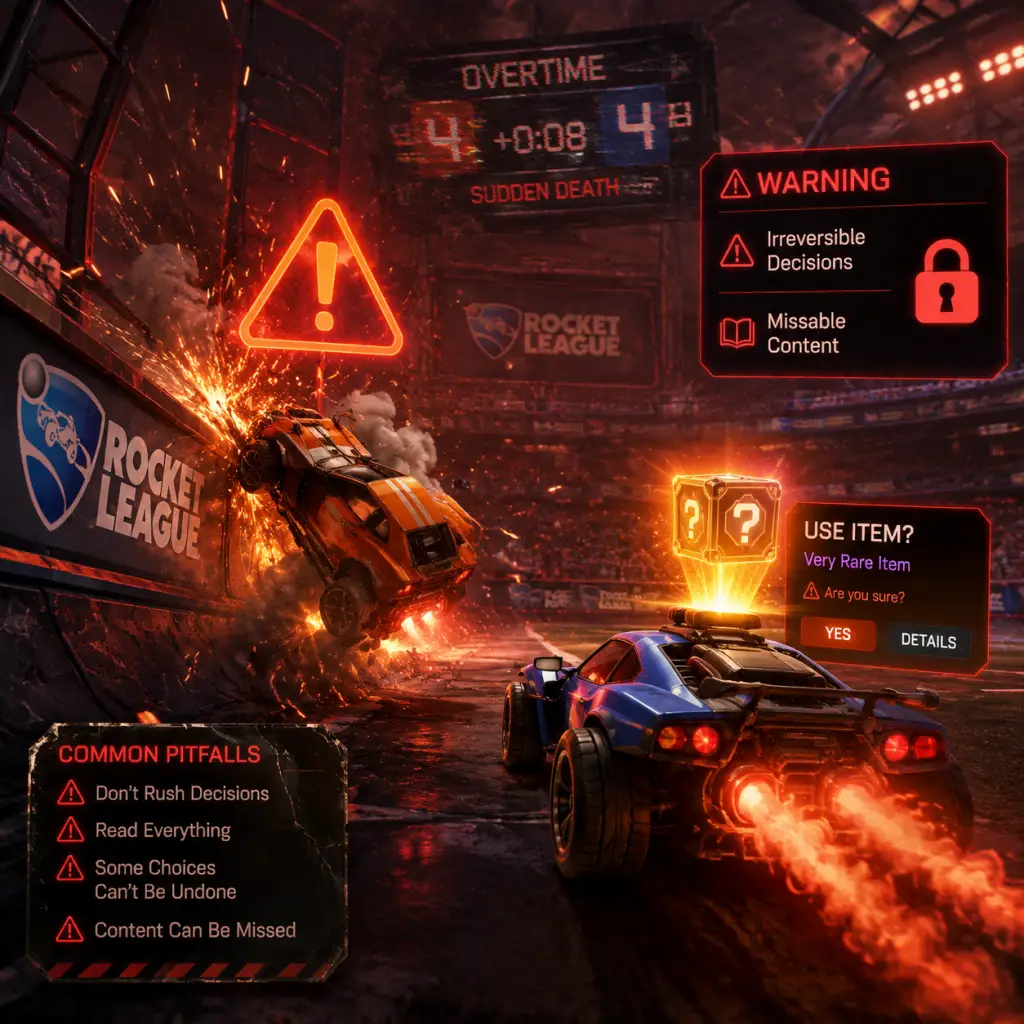
Important Notes
Important Notes
This section consolidates crucial warnings, common pitfalls, irreversible decisions, missable content, difficulty spikes, grinding traps, online etiquette, anti-cheat policies, save management advice, and things players often wish they’d known from the start. Read carefully to avoid wasted time, lost items, or account issues.
Irreversible Choices
- Trading Items: Many item trades are final and irreversible. Once you confirm a trade, you cannot undo it. Double-check every slot before accepting. Scams exist where others offer a rare item then switch it at the last second. Always verify the final trade window.
- Using Blueprints to Build Items: Spending credits to craft a blueprint is permanent. You cannot refund credits or revert the item. Only build items you are certain you want.
- Account Linking (Platform Merges): If you link platforms (e.g., Steam to Epic Games), your progress, items, and Rocket Pass levels from both platforms merge into one Epic Games account. This is irreversible without contacting support, and some items (like platform-exclusive DLC) may be lost. Read the official linking guide carefully before proceeding.
- Renaming Your Club: Club names can be changed, but there is a cooldown and a fee (in credits). Choose wisely if you care about the name.
- Rocket Pass Premium Purchase: Once you buy the Rocket Pass, it cannot be refunded. You also automatically unlock all previous tiers up to your current level. If you buy late in the season, you get those rewards instantly.
- Seasonal Rewards: Competitive season rewards are only obtainable if you reach the required rank by the end of the season (usually 10 wins at that rank). Miss the deadline, and those rewards are gone forever (except for future reskins).
- Limited-Time Events & Items: Events like Frosty Fest, Haunted Hallows, or Neon Nights offer exclusive items in the item shop, rocket pass, or event challenges. These often never return. Check the News tab weekly to avoid missing out.
- Free Rewards in Rocket Pass: The free track of Rocket Pass includes items, drops, and credits. If you don’t play enough during the season, you lose access to those tiers once the season ends. The paid track carries over your tiers if you buy it later, but free track items are gone.
- Tournament Rewards: Tournaments have rotating reward items (e.g., painted versions, goal explosions). If you don’t earn enough tournament credits within a season, you may not be able to buy all items before they rotate out.
- Twitch Drops & Esports Shop: Watch streams to earn exclusive fan rewards. These are time-limited and often change weekly. The Esports shop also rotates team decals; older ones may disappear.
- The First 50 Hours: Rocket League has a notoriously steep learning curve. Basic car control (dodging, aerial hits) takes many hours to get comfortable. Don’t get discouraged; most players experience a plateau around Gold/Platinum.
- Aerial Play: Expect a major difficulty spike around Platinum rank when aerial hits become essential. Practice in Free Play and use custom training packs regularly.
- Mechanics like Flip Resets, Ceiling Shots, and Musty Flicks: These are high-level mechanics that can take hundreds of hours to master. Do not rush into them; focus on fundamentals first.
- Rank Resets: Every new season, your ranked MMR soft-resets. You may be placed lower or higher than expected, leading to unbalanced matches for a few weeks.
- Buying Loot Boxes (Crates): Crates are now replaced by Blueprints. Do not spend real money gambling on random items via third party sites – it’s against ToS and often a scam. Blueprints themselves are free to get; only spend credits if you truly want that specific item.
- Grinding for Every Item: Most items are purely cosmetic. Do not sink hours into trading or farming just to complete a collection unless you enjoy it. The gameplay experience is unaffected by cosmetics.
- Unnecessary Rocket Pass Grind: If you don’t finish the Rocket Pass, you don’t lose anything but future potential. The paid pass often gives enough credits back to buy the next one. Don’t burn out trying to reach Tier 100+ if you don’t have time.
- Overplaying in Competitive: Playing too many ranked games while tilted or tired can drop your rank significantly and reinforce bad habits. Take breaks and play casual or training instead.
- Chasing “Pro” Settings: Don’t blindly copy pro players’ camera, deadzone, or controller bindings. Find settings that feel comfortable for you. Pro settings are often extreme and may hinder your growth.
- Quick Chat Etiquette: Use quick chats positively. Excessive spamming of “What a save!” or “Okay.” is toxic. Avoid using quick chat to flame teammates. Report abusive behavior through the menu.
- Reporting Players: You can report players for harassment, cheating, or griefing (own-goaling, throwing). Psyonix reviews reports. False reporting can get you banned. Use the report option after a match or during.
- Anti-Cheat (BattlEye): Rocket League uses BattlEye anti-cheat on PC. Do not run macros, aimbots, or any third-party software that interacts with the game. Violations result in permanent bans with no appeal. Even using a script to auto-press keys multiple times can trigger detection.
- Smurfing: Creating new accounts to play against lower-ranked players is frowned upon and can lead to bans if detected. Psyonix has taken steps to limit smurfing via phone verification and rank restrictions in parties.
- Leaving Matches: Leaving a ranked match early gives you a temporary ban (15 minutes to 24 hours for repeat offenses). In casual, leaving has no penalty, but frequent leavers may be matched with other leavers.
- Voice Chat: In-game voice chat is available. Be respectful; use it for quick callouts (defending, rotating). Harassment via voice chat can be reported.
- Bind Your Account to Epic Games: Rocket League requires an Epic Games account on all platforms. This is your master account. Enable Two-Factor Authentication (2FA) on your Epic Games account to prevent theft. Lost accounts are very hard to recover without proof.
- Cloud Saves (PC): Your progress, settings, and replays are saved to the cloud via Steam or Epic Games Launcher. However, trained data (training progress, custom training routines) is saved locally in `%USERPROFILE%\Documents\My Games\Rocket League\TAGame\TrainedFiles`. Back up this folder regularly if you use custom training.
- Replay Files: Replays are stored locally (same folder as above). They are not backed up to the cloud by default. If you want to keep replays, manually copy them to an external drive or cloud storage. The game will delete old replays if the folder gets too large (over ~500 MB).
- Trading Inventory: Items are stored on Psyonix servers. Do not delete or sell rare items accidentally. There is no “trash bin” or undo. Be careful when using the “Sell Duplicates” feature in trading.
- Keyboard/Controller Profiles: You can save multiple control profiles in settings. Export them to a file for backup if you switch computers.
- Turn Off Camera Shake & Vertical Sync: Camera shake adds unnecessary visual noise. Disable it in Settings > Camera. Vertical Sync (VSync) increases input lag; disable it unless you have screen tearing issues.
- Bind “Air Roll Left/Right” and “Powerslide” Separately: Default controls bind all air rolls to one button plus stick. Many players later wish they mapped Air Roll Left to L1 (LB) and Air Roll Right to R1 (RB) from the start. This makes half-flips, wavedashing, and directional aerials easier.
- Increase Camera Distance & FOV: Default camera is too close. Most pros use FOV 110, Distance 260-280, Height 100-110, Angle -3 to -5. Adjust gradually.
- Use Free Play for 5 Minutes Before Each Session: Warm up in Free Play or a training pack. It drastically improves consistency over time.
- Learn Rotations Before Aerial Mechanics: Team rotation (positioning, spreading the field) is more important than flashy mechanics. Watch a Rotation guide on YouTube early.
- Custom Training Packs Are Free and Essential: There are thousands of packs created by the community. Use code “F4E0-4B36-0AB3-0AB3” for a basic aerial pack. Search for “Rocket League training packs” online.
- Boost Management: Don’t hold down boost all the time. Learn to “boost tap” for small adjustments. Collect small boost pads (12 pads) on the field instead of always going for 100 boosts.
- Avoid “Ball Chasing”: Constantly chasing the ball leaves your goal wide open. Learn when to rotate backpost defensively.
- Watch Your Replays: After a loss, watch your replay from your teammate’s perspective or opponent’s to see positioning mistakes. This accelerates improvement.
- Keep an Eye on Your Boost: The game shows your boost level. Learn to glance at it quickly. Use sound cues (low boost sounds different).
- Don’t Skip Tutorials: The built-in tutorials (especially Aerial, Striker, and Goalkeeper) teach fundamentals. New players often skip them and struggle later.
- Rocket League Is Not Pay-to-Win: All cosmetics are purely visual. Do not feel pressured to buy anything. The game is fully playable without spending a cent.
- Phishing Scams: Never give your Epic Games or Steam credentials to anyone promising free items, ranks, or credits. Official support will NEVER ask for your password. Only trade through the in-game trade window.
- Third-Party Websites: Sites that offer “free credits” or “item generators” are scams. They will steal your account. No legitimate method exists outside of official purchases.
- Account Sharing: Sharing accounts violates the Terms of Service. If your account is banned due to misconduct by another user, you lose all progress permanently.
- Esports Betting: Avoid third-party betting sites; they are not affiliated with Psyonix and can lead to account compromise.
Missable Content
Difficulty Spikes & Learning Curve
Grinding Traps (What to Avoid)
Online Etiquette & Anti-Cheat Notes
Save Management & Account Security
Things Players Commonly Regret Not Knowing Earlier
Final Warnings
By heeding these notes, you will save time, avoid frustration, and secure your progress. Remember: the journey in Rocket League is long but rewarding. Play smart, not just hard.