Important Notes
Important Notes for Kerbal Space Program
Warnings & Initial Advice
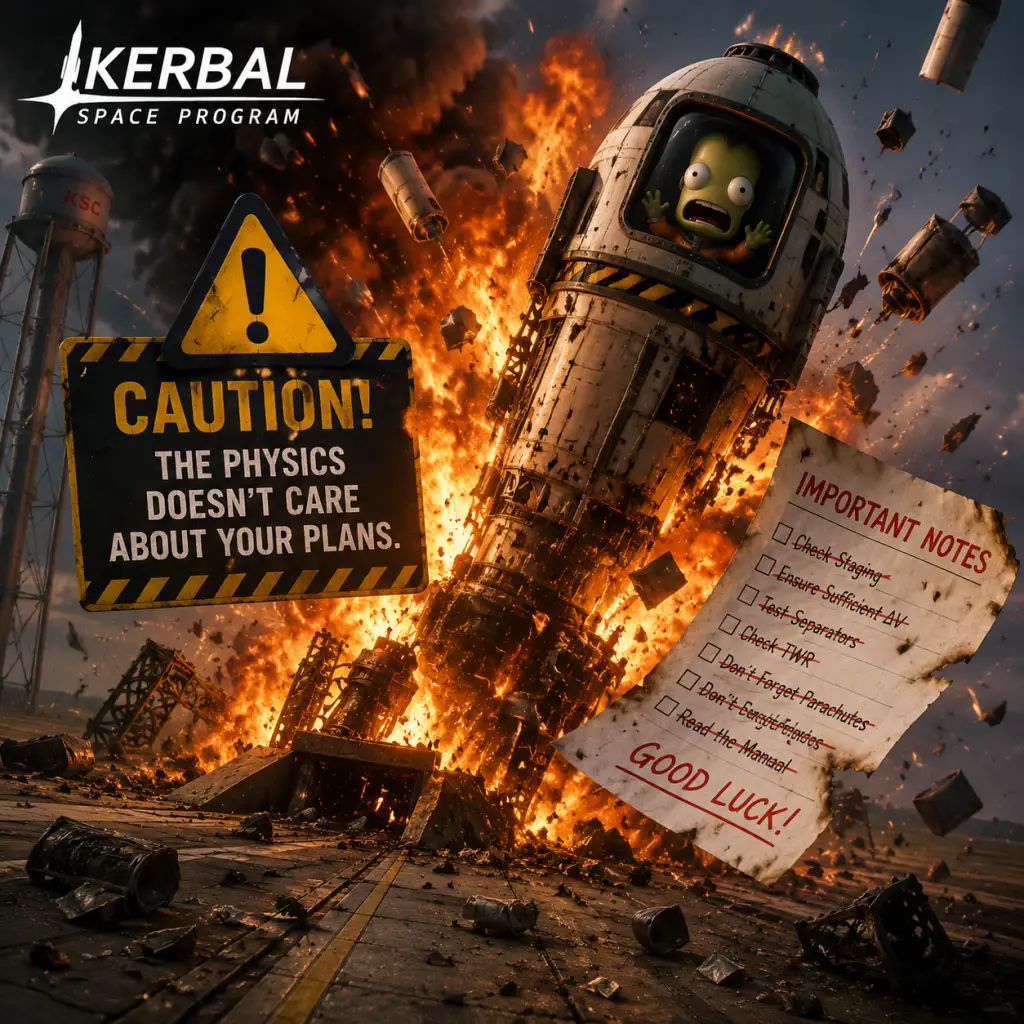
- Physics is unforgiving: KSP uses realistic orbital mechanics. A small mistake in delta-v planning or staging can lead to catastrophic failure. Always quicksave (F5 with default controls) before critical maneuvers.
- Quicksave is your best friend: Press F5 to quicksave, F9 to quickload. But note: quicksave overwrites automatically, so use named saves for major missions.
- The Kraken is real: The term "Kraken" refers to physics glitches that can violently explode your craft. Common triggers: high time warp near celestial bodies (especially Jool), very large ships with many parts, or docking with extreme forces. Avoid time warp above 1000x near planets, and keep part counts reasonable.
- Beware of the Debug Menu: Press Alt+F12 to open the debug console. It can be tempting to cheat, but overusing it ruins the sense of achievement. Use only to recover from bugs.
- Ignoring the VAB/SPH building limits: Each building has a level (upgradeable for funds). Low-level buildings restrict part count, weight, and size. Build accordingly until upgraded.
- Forgetting to add solar panels or batteries: Without electric charge, control surfaces, reaction wheels, and probe cores stop working. On unmanned missions, you'll lose control. Always check electric charge budget.
- Non-optimal staging: Heavy stages that are discarded too late (or too early) waste delta-v. Use the Delta-v maps and the Kerbal Engineer Redux mod to plan.
- Not unlocking the right tech first: In Career mode, prioritize basic rocketry, stability (fins, reaction wheels), and solar panels. Avoid rushing to high-tier engines without enough fuel tank tech.
- Overheating: Reentry from high velocities (e.g., Mun return) or flying inside atmospheres without a heat shield can destroy parts. Always point the heat shield retrograde and control descent speed.
- Losing kerbals permanently: In Career mode if you have permadeath enabled (default), dead kerbals are gone. Revert flights (Alt+ F12 or abort) before disaster.
- Building upgrades are permanent and cost many funds: Once you upgrade a building (e.g., VAB to level 2), you can't downgrade. Choose wisely; rush the most needed upgrades (Mission Control, Tracking Station, VAB/SPH).
- Contract selection: Accepting a contract that you later cannot complete wastes reputation. You can cancel contracts, but with a reputation penalty. Only accept what you're certain to achieve.
- Tech tree choices: You cannot revert tech nodes. If you unlock a dead-end node early, you may lack crucial parts for early contracts. Look up a recommended tech tree order online.
- Kerbals on EVA can drift away: If a kerbal runs out of EVA propellant while in orbit, they are stranded forever unless you rescue them. Keep extra fuel or limit EVA distances.
- Mission log completion: Some historical missions (like first Mun landing) are only rewarded once per save. If you revert flight, the contract resets, but the milestone might be missed if you load a save that already passed it. Usually safe, but be careful.
- The first orbit: Getting a rocket above 70 km is straightforward, but circularizing requires understanding of prograde burns and throttle management. Many new players either don't burn long enough or burn at the wrong time.
- The Mun landing: Asymmetric fuel consumption, no atmosphere for braking, and low gravity make it easy to tip over. Use wide landing legs, low center of mass, and manual suicide burns.
- Docking: Mastering rendezvous and docking is one of KSP's hardest skills. Use the chase camera, set your target, and practice with the built-in docking tutorial. Expect many failures.
- Interplanetary transfers: Beyond Duna, you need precise launch windows and node planning. Use external tools (like Transfer Window Planner mod) or the game's maneuver nodes to set up efficient burns.
- Aerobraking at Jool or Laythe: The atmosphere is dense; too deep and you burn up or overshoot. Use heatshields and brake gradually.
- Career mode early grind: Doing only the first few contracts (fly by, reach altitude) can be tedious. Alternate with part testing contracts that offer big payouts. Use the Strategy system (Administration building) to convert reputation to funds.
- Science farming: You don't need to do fully biome-complete science on Kerbin. A few missions to Mun and Minmus give more than enough science to unlock the whole tech tree. Avoid spending hours driving a rover around the KSC.
- Overbuilding: Building gigantic rockets to compensate for inefficiency wastes time and funds. Smaller, well-designed rockets are cheaper and easier to pilot.
- Manual flying for hours: Use MechJeb (mod) or the game's SAS and maneuver nodes to automate burns. But relying entirely on autopilot can prevent learning.
- Part testing contracts that require specific conditions (e.g., 'Test part X while splashed down at Kerbin at 10000 m altitude 300 m/s'): These are often impossible or require cheats. Ignore contradictory contracts unless you exploit a bug.
- KSP is a single-player game with no built-in online multiplayer. There is no anti-cheat system. Mods are widely allowed and encouraged.
- If you play in multiplayer mods (Luna Multiplayer, DMP, etc.): Follow server rules—no griefing (e.g., crashing ships into others), no exploiting physics glitches, and be respectful. Voice chat may not be present, but text chat etiquette still applies.
- Sharing craft files on KerbalX or similar: Always credit original creators if using their designs. Don't claim others' work as your own.
- No official leaderboard or competitive ranking exists, so cheating in single-player only ruins your own experience.
- Use multiple save slots: Avoid overwriting your main Career mode save. Create a separate Science or Sandbox save for testing crazy designs.
- Back up your saves: The save files are located at `%USERPROFILE%\AppData\LocalLow\Squad\Kerbal Space Program\saves\` on Windows, `~/Library/Application Support/ Squad/Kerbal Space Program/saves/` on Mac, and `~/.config/unity3d/Squad/Kerbal Space Program/saves/` on Linux. Periodically copy the entire save folder to avoid losing progress from corruption.
- Persistent.sfs vs. quicksave.sfs: The main save is `persistent.sfs`. The `quicksave.sfs` is overwritten every quicksave. You can manually copy persistent.sfs to backup before risky missions.
- Modding caution: Installing or removing mods mid-career can corrupt your save. Always back up before adding mods, and read mod compatibility notes.
- The "Revert Flight" feature (available in difficulty settings) lets you go back to VAB/SPH or launchpad. If you have it disabled, you lose that safety net. Recommend enabling it for beginners.
- The 'M' key opens the map where you can set maneuver nodes and see your orbit. Many new players don't realize they can plan burns in map view.
- SAS (Stability Assist System) can be toggled with T and can point to prograde, retrograde, normal, etc., but only if you have a pilot or a sufficiently upgraded probe core. Without it, controlling a rocket is much harder.
- Action groups (default 1-9) let you activate multiple parts (e.g., solar panels, lights, ladders) with a single key. Use them to simplify complex ships.
- The 'Alt' key toggles fine control mode (snap to 5° increments) when building or rotating parts. Also, holding 'Alt' while clicking a part in the parts list adds multiple.
- You can recover funds from vessels landed at KSC (or splashed down near shore) by opening the tracking station, selecting that vessel, and clicking 'Recover'. This gives back most of the vessel's cost.
- The tracking station can be used to see all your active vessels and also to warp time while waiting for a transfer window planet alignment. Don't waste time on the launch pad.
- Reentry heating can be reduced by taking a shallow reentry angle (aerobraking several times) rather than plunging straight in. Aim for periapsis around 30-40 km for Kerbin.
- You can rename vessels and kerbals in the Tracking Station or Astronaut Complex. Renaming helps keep track of mission purpose.
- The 'F3' key brings up a flight log after a crash or explosion, showing what exactly broke. Useful for debugging structural failures.
- Alt+Left click on a part in the editor to duplicate it along with its children (symmetry mode). Speeds up building.
- Kerbal Experience (stars) affects abilities. Pilots gain better SAS options; scientists unlock experiments; engineers repack parachutes and repair wheels. After leveling up (via flights), they become invaluable.
- Don't be discouraged by failures. Every explosion teaches you something. Watch tutorials from Scott Manley, Matt Lowne, or KSP YouTubers.
- Use mods wisely. Essential quality-of-life mods: Kerbal Engineer Redux (delta-v info), MechJeb (optional automation), and Community Resource Pack for life support mods (if you want more challenge).
- Have fun and embrace the chaos. KSP's charm is in its emergent stories: the stranded kerbal on Minmus, the accidental Mun slingshot that became a solar orbit, the Kraken attack that sent your space station spinning. These become your best memories.
Pitfalls & Common Mistakes
Irreversible Choices & Missable Content
Difficulty Spikes
Grinding Traps & Time Wasters
Online Etiquette & Anti-Cheat Notes
Save Management Advice
Things Players Commonly Regret Not Knowing Earlier
Final Advice
This guide condenses lessons from thousands of hours of KSP failure and success. Apply this knowledge and you'll avoid many common pitfalls.